auxiliary battery location FORD EXPLORER 2020 Owners Manual
[x] Cancel search | Manufacturer: FORD, Model Year: 2020, Model line: EXPLORER, Model: FORD EXPLORER 2020Pages: 555, PDF Size: 8.16 MB
Page 170 of 555
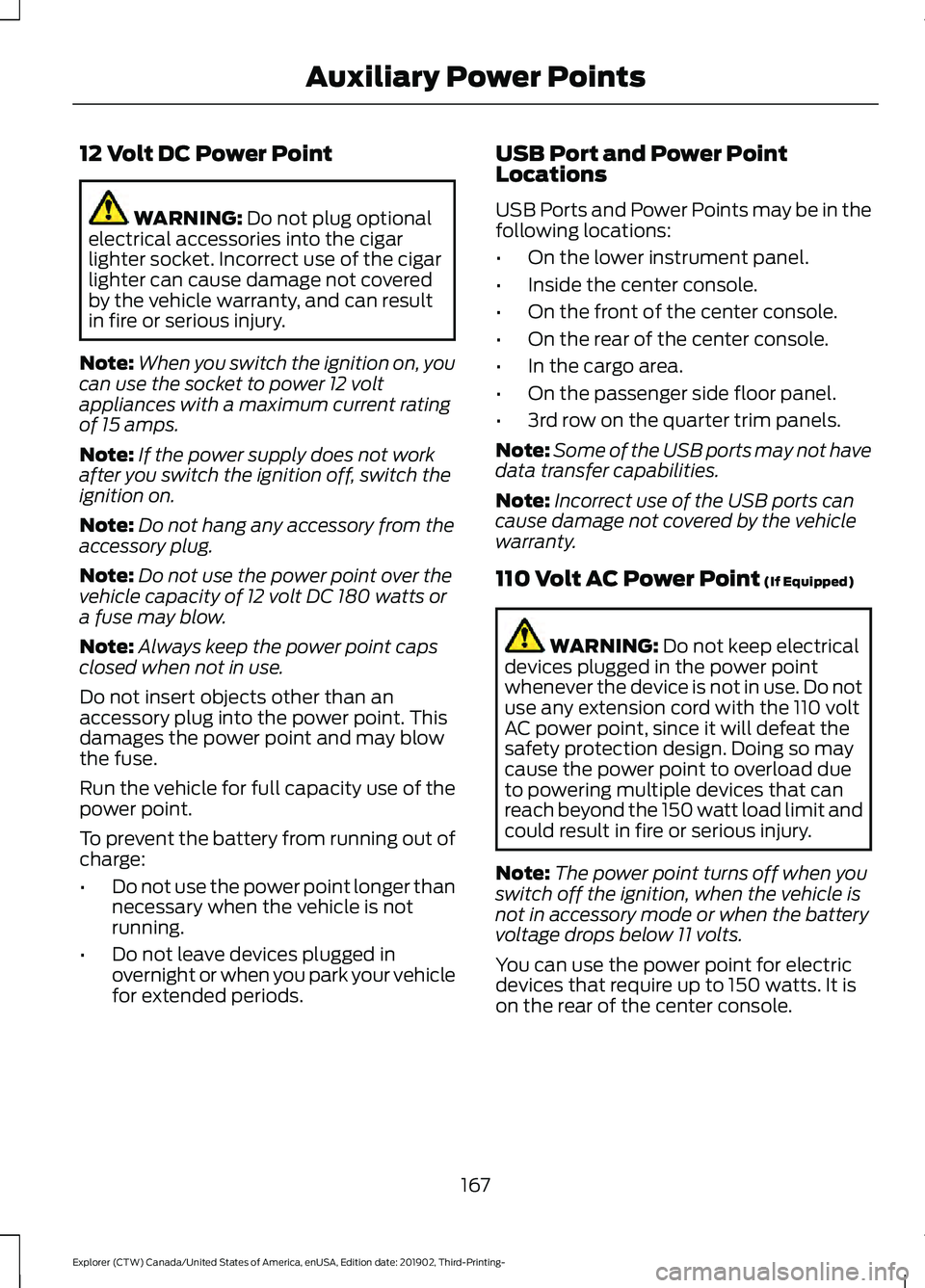
12 Volt DC Power Point
WARNING: Do not plug optional
electrical accessories into the cigar
lighter socket. Incorrect use of the cigar
lighter can cause damage not covered
by the vehicle warranty, and can result
in fire or serious injury.
Note: When you switch the ignition on, you
can use the socket to power 12 volt
appliances with a maximum current rating
of 15 amps.
Note: If the power supply does not work
after you switch the ignition off, switch the
ignition on.
Note: Do not hang any accessory from the
accessory plug.
Note: Do not use the power point over the
vehicle capacity of 12 volt DC 180 watts or
a fuse may blow.
Note: Always keep the power point caps
closed when not in use.
Do not insert objects other than an
accessory plug into the power point. This
damages the power point and may blow
the fuse.
Run the vehicle for full capacity use of the
power point.
To prevent the battery from running out of
charge:
• Do not use the power point longer than
necessary when the vehicle is not
running.
• Do not leave devices plugged in
overnight or when you park your vehicle
for extended periods. USB Port and Power Point
Locations
USB Ports and Power Points may be in the
following locations:
•
On the lower instrument panel.
• Inside the center console.
• On the front of the center console.
• On the rear of the center console.
• In the cargo area.
• On the passenger side floor panel.
• 3rd row on the quarter trim panels.
Note: Some of the USB ports may not have
data transfer capabilities.
Note: Incorrect use of the USB ports can
cause damage not covered by the vehicle
warranty.
110 Volt AC Power Point
(If Equipped) WARNING:
Do not keep electrical
devices plugged in the power point
whenever the device is not in use. Do not
use any extension cord with the 110 volt
AC power point, since it will defeat the
safety protection design. Doing so may
cause the power point to overload due
to powering multiple devices that can
reach beyond the 150 watt load limit and
could result in fire or serious injury.
Note: The power point turns off when you
switch off the ignition, when the vehicle is
not in accessory mode or when the battery
voltage drops below 11 volts.
You can use the power point for electric
devices that require up to 150 watts. It is
on the rear of the center console.
167
Explorer (CTW) Canada/United States of America, enUSA, Edition date: 201902, Third-Printing- Auxiliary Power Points
Page 541 of 555
Changing the Color..............................................
94
Switching Ambient Lighting Off..................... 94
Switching Ambient Lighting On...................... 93
Ambient Lighting - Vehicles With: 8 Inch Information and Entertainment Display
Screen.............................................................93
Adjusting the Brightness................................... 93
Changing the Color.............................................. 93
Switching Ambient Lighting Off..................... 93
Switching Ambient Lighting On...................... 93
Anti-Theft Alarm............................................78 Arming the Alarm................................................. 79
Disarming the Alarm........................................... 79
Appendices...................................................506
Apps.................................................................466 SiriusXM Traffic and Travel Link.................. 468
Using Apps on an Android Device...............467
Using Apps on an iOS Device........................ 467
Using Mobile Navigation on an Android Device................................................................ 467
At a Glance.......................................................20
At a Glance - ST.............................................20
Audible Warnings and Indicators..............111
Headlamps On Warning Chime...................... 111
Key in Ignition Warning Chime......................... 111
Keyless Warning Alert......................................... 111
Parking Brake On Warning Chime.................. 111
Audio Control...................................................82 You can operate the following functions
with the control:............................................... 82
Audio System
...............................................430
General Information......................................... 430
Audio Unit
......................................................430
Adjusting the Volume........................................ 431
Changing Radio Stations................................. 431
Switching the Audio Unit On and Off.........431
Using Seek, Fast Forward and Reverse.............................................................. 431
Auto Hold
.........................................................218
Auto Hold Indicator............................................ 218
Switching Auto Hold On and Off.................. 218
Using Auto Hold.................................................. 218
Autolamps........................................................89 Windshield Wiper Activated
Headlamps........................................................ 89
Automatic Climate Control
.......................137
Accessing Rear Climate Controls.................. 137Accessing the Air Distribution
Controls.............................................................. 137
Accessing the Menu........................................... 137
Setting the Blower Motor Speed................... 137
Setting the Temperature................................. 138
Switching Auto Mode On and Off................138
Switching Maximum Air Conditioning On and Off............................................................... 139
Switching Maximum Defrost On and Off....................................................................... 139
Switching Recirculated Air On and Off....................................................................... 139
Switching the Air Conditioning On and Off....................................................................... 139
Switching the Climate Control On and Off....................................................................... 139
Automatic High Beam Control.................95
Automatic High Beam Control Indicators.......................................................95
Automatic Transmission
...........................202
Automatic Return to Park............................... 203
If Your Vehicle Gets Stuck in Mud or Snow.................................................................. 207
Manual Park Release (MPR)......................... 205
SelectShift Automatic ™
Transmission.................................................. 205
Stay in Neutral Mode....................................... 204
Tow Mode ............................................................ 204
Understanding Your Transmission Selector Positions.......................................................... 202
Automatic Transmission Fluid Check............................................................336
Auto-Start-Stop...........................................180 Disabling Auto-Start-Stop.............................. 181
Enabling Auto-Start-Stop.............................. 180
Autowipers.......................................................85 Autowipers Settings........................................... 86
Auxiliary Power Points
................................167
110 Volt AC Power Point.................................... 167
12 Volt DC Power Point...................................... 167
USB Port and Power Point Locations.........167
B
Battery See: Changing the 12V Battery..................... 338
538
Explorer (CTW) Canada/United States of America, enUSA, Edition date: 201902, Third-Printing- Index