start stop button FORD F-150 2021 Owner's Manual
[x] Cancel search | Manufacturer: FORD, Model Year: 2021, Model line: F-150, Model: FORD F-150 2021Pages: 796, PDF Size: 13.89 MB
Page 256 of 796
WHAT IS AUTO-START-STOP
The system is designed to help reduce fuel
consumption and CO
2 emissions by
stopping the engine when it is idling, for
example at traffic lights.
AUTO-START-STOP
PRECAUTIONS WARNING: Apply the parking
brake, shift into park (P), switch the
ignition off and remove the key before
you leave your vehicle. Failure to follow
this instruction could result in personal
injury or death. WARNING:
Apply the parking
brake, shift into park (P), switch the
ignition off and remove the key before
you open the hood or have any service
or repair work completed. If you do not
switch the ignition off, the engine could
restart at any time. Failure to follow this
instruction could result in personal injury
or death.
SWITCHING AUTO-START-
STOP ON AND OFF
The system turns on when you switch the
ignition on. Press the button to switch the
system off.
Note: OFF
illuminates in the switch.
Note: Deactivating the system using the
button lasts only one key cycle.
Press the button again to switch the
system back on. Note:
The system turns off if it detects a
malfunction. If the system malfunctions,
have your vehicle checked as soon as
possible.
STOPPING THE ENGINE
Stop your vehicle, keep your foot on the
brake pedal and the transmission in drive
(D).
Note: Power assist steering turns off when
the engine stops.
RESTARTING THE ENGINE
Release the brake pedal or press the
accelerator pedal.
A message appears in the information
display if the system requires you to take
action.
AUTO-START-STOP
INDICATORS WARNING:
The system may
require the engine to automatically
restart when the auto-start-stop
indicator illuminates green or flashes
amber. Failure to follow this instruction
could result in personal injury. The Auto-Start-Stop indicator
illuminates green when the
engine stops. It flashes amber
and a message appears when you need to
take action. The Auto-Start-Stop indicator
illuminates gray with a
strikethrough when the system
is not available.
252
F-150 (TFD) Canada/United States of America, enUSA, Edition date: 202104, Second-Printing Auto-Start-Stop
(If Equipped) E146361
Page 290 of 796
ENTERING TEMPORARY
NEUTRAL MODE
1. Power your vehicle on.
2. Bring your vehicle to a complete stop.
3. Press and hold the brake pedal.
4. Shift into neutral (N).
Note:
An instructional message appears.
5. Press the manual (M) button.
Note: A confirmation message appears
when your vehicle enters the mode.
6. Release the brake pedal.
Note: Your vehicle is free to roll.
7. Switch your vehicle off.
Note: Do not tow your vehicle in this mode.
Note: The neutral (N) indicator on the
transmission selector may flash in this
mode.
EXITING TEMPORARY NEUTRAL
MODE
1. Press the brake pedal.
2. Shift into park (P), or power your vehicle on and shift into drive (D) or
reverse (R).
USING PROGRESSIVE RANGE
SELECTION
Progressive range selection gives you the
ability to lock out gears from the automatic
shifting range. This could provide you with
an improved driving experience by reducing
transmission shifts, for example, in slippery
conditions or steep slopes.
With the transmission in drive (D), press
the - button to begin to switch the feature
on. Press the - button again to continue locking
out higher gears. Beginning with the highest
gear, the instrument cluster will indicate
the current gear and highest gear available.
For example, press the - button twice to
lock out 10th and 9th gears.
Note:
The instrument cluster will indicate
the current gear and highest gear available.
Press the + button to unlock gears to allow
the transmission to shift to higher gears.
Note: The transmission automatically
shifts within the gear range you select.
AUTOMATIC RETURN TO
PARK (P)
WHAT IS AUTOMATIC RETURN TO
PARK (P)
Your vehicle shifts into park (P) if you
attempt to exit your vehicle without the
transmission in park (P).
HOW DOES AUTOMATIC RETURN
TO PARK (P) WORK
Your vehicle shifts into park (P) when your
vehicle is stationary and any of the
following occur:
• You switch the vehicle off.
• You open the driver door with your
seatbelt unlatched.
• You unlatch the driver seatbelt when
the driver door is open.
Note: Do not use automatic return to park
(P) when your vehicle is moving, except in
an emergency. See Starting and Stopping
the Engine (page 236).
286
F-150 (TFD) Canada/United States of America, enUSA, Edition date: 202104, Second-Printing Automatic Transmission
Page 336 of 796
ELECTRIC POWER STEERING
ELECTRIC POWER STEERING
PRECAUTIONS
WARNING: The electric power
steering system has diagnostic checks
that continuously monitor the system. If
a fault is detected, a message displays
in the information display. Stop your
vehicle as soon as it is safe to do so.
Switch the vehicle off. After at least 10
seconds, switch the vehicle on and
watch the information display for a
steering system warning message. If a
steering system warning message
returns, have the system checked as
soon as possible. WARNING:
If the system detects
an error, you may not feel a difference in
the steering, however a serious condition
may exist. Have your vehicle checked as
soon as possible. Failure to do so may
result in loss of steering control.
Adapt your speed and driving behavior
according to reduced steering assist.
Extreme continuous steering may increase
the effort to steer. This occurs to prevent
internal overheating and damage to the
steering system. If this occurs, you will not
lose the ability to steer your vehicle
manually nor will it cause damage to the
system. Normal steering and driving allows
the system to cool down and steering
assist returns to normal.
Note: There is no fluid reservoir to check or
fill. ELECTRIC POWER STEERING
ADAPTIVE STEERING
(If Equipped)
The adaptive steering system changes the
steering ratio with changes to vehicle
speed, optimizing the steering response in
all conditions. The system also changes
when you switch on the transmission
tow/haul feature. When you select the
tow/haul button, the adaptive steering
system reduces vehicle sensitivity to
steering inputs at higher vehicle speeds,
while maintaining the ease of parking and
maneuverability at low speeds.
Note: The adaptive steering system
continuously monitors for faults. If the
system detects a fault, a message appears
in the information display. If a red warning
message displays, stop your vehicle as soon
as it is safe to do so. The message could
clear if the fault is no longer present. If an
adaptive steering system warning message
appears each time you start your vehicle,
have the system checked as soon as
possible.
Note: The system has a locking device. It
remains mechanically locked at a fixed
steering ratio with the lock engaged. You
may notice a click when you turn your
vehicle on or off.
Note: If your vehicle loses electrical power
or detects a fault when you are driving, the
system shuts down and you retain a normal
steering function with a fixed steering ratio.
During this time, it is possible that the
steering wheel could not be straight when
the vehicle is driving straight ahead. In
addition, you could notice that the steering
wheel angle required to steer your vehicle
could be different.
332
F-150 (TFD) Canada/United States of America, enUSA, Edition date: 202104, Second-Printing Steering
Page 491 of 796
Removing the Jumper Cables
Remove the jumper cables in the reverse
order that they were connected.
Note:
Do not switch the headlamps on
when disconnecting the cables. The peak
voltage could blow the bulbs.
POST-CRASH ALERT SYSTEM
WHAT IS THE POST-CRASH
ALERT SYSTEM
The system helps draw attention to your
vehicle in the event of a serious impact.
HOW DOES THE POST-CRASH
ALERT SYSTEM WORK
The system is designed to turn the hazard
flashers on and to intermittently sound the
horn in the event of a serious impact that
deploys an airbag or the seatbelt
pretensioners.
POST-CRASH ALERT SYSTEM
LIMITATIONS
Depending on applicable laws in the
country your vehicle was built for, the horn
does not sound in the event of a serious
impact.
SWITCHING THE POST-CRASH
ALERT SYSTEM OFF
Press the hazard flasher switch or the
unlock button on the remote control to
switch the system off.
Note: The alert turns off when the vehicle
battery runs out of charge. AUTOMATIC CRASH SHUTOFF
WHAT IS AUTOMATIC CRASH
SHUTOFF
The automatic crash shutoff is designed
to stop the fuel going to the engine in the
event of a moderate or severe crash.
Note:
Not every impact causes a shutoff.
AUTOMATIC CRASH SHUTOFF
PRECAUTIONS WARNING: If your vehicle has been
involved in a crash, have the fuel system
checked. Failure to follow this instruction
could result in fire, personal injury or
death.
RE-ENABLING YOUR VEHICLE
1. Switch the ignition off.
2. Attempt to start your vehicle.
3. Switch the ignition off.
4. Attempt to start your vehicle.
Note: If your vehicle does not start after the
third attempt, have your vehicle checked as
soon as possible.
487
F-150 (TFD) Canada/United States of America, enUSA, Edition date: 202104, Second-Printing Crash and Breakdown Information
Page 773 of 796
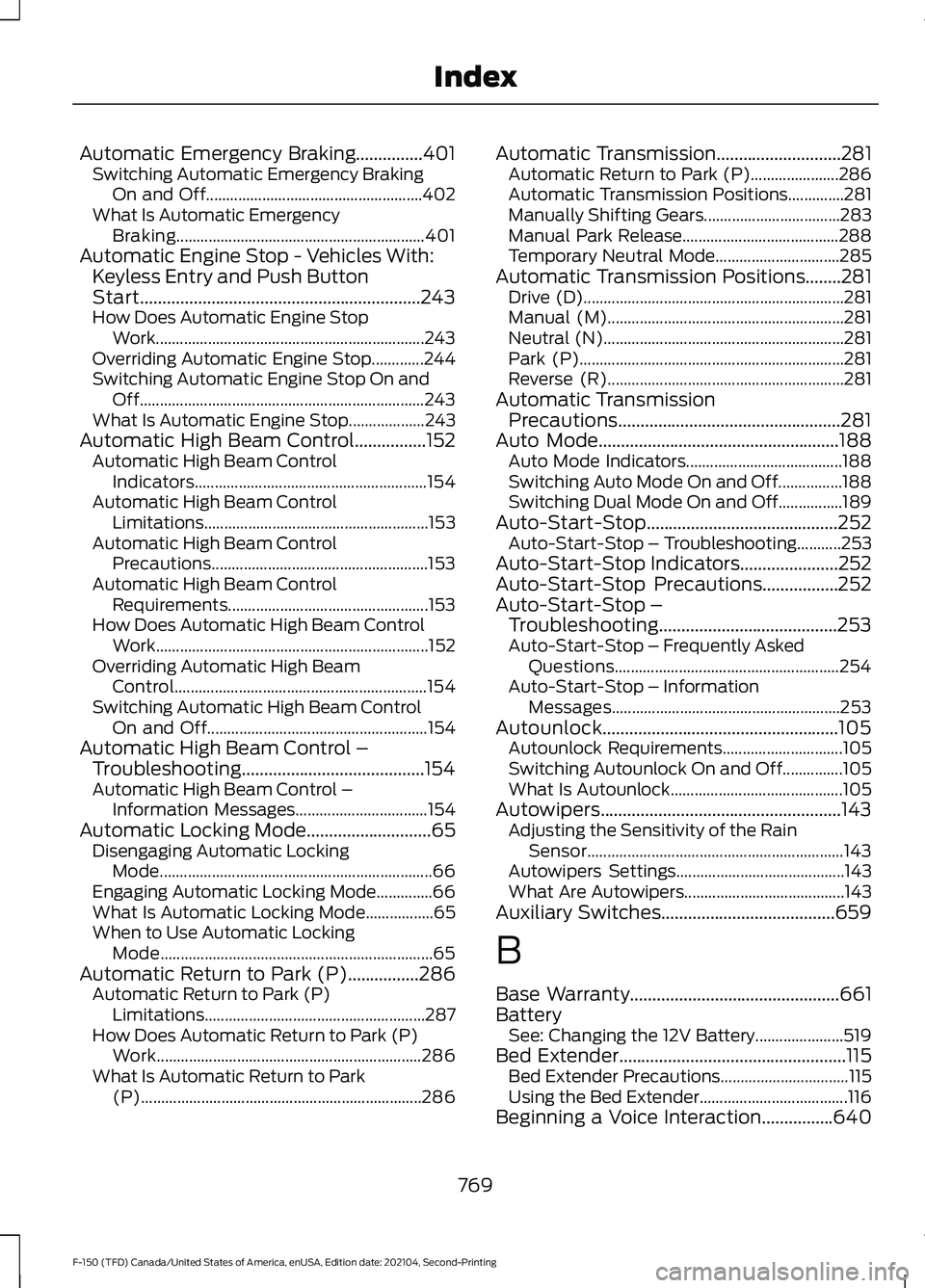
Automatic Emergency Braking...............401
Switching Automatic Emergency Braking
On and Off...................................................... 402
What Is Automatic Emergency Braking.............................................................. 401
Automatic Engine Stop - Vehicles With: Keyless Entry and Push Button
Start...............................................................243
How Does Automatic Engine Stop Work................................................................... 243
Overriding Automatic Engine Stop.............244
Switching Automatic Engine Stop On and Off....................................................................... 243
What Is Automatic Engine Stop...................243
Automatic High Beam Control................152 Automatic High Beam Control
Indicators.......................................................... 154
Automatic High Beam Control Limitations........................................................ 153
Automatic High Beam Control Precautions...................................................... 153
Automatic High Beam Control Requirements.................................................. 153
How Does Automatic High Beam Control Work.................................................................... 152
Overriding Automatic High Beam Control............................................................... 154
Switching Automatic High Beam Control On and Off....................................................... 154
Automatic High Beam Control – Troubleshooting.........................................154
Automatic High Beam Control – Information Messages................................. 154
Automatic Locking Mode............................65 Disengaging Automatic Locking
Mode.................................................................... 66
Engaging Automatic Locking Mode..............66
What Is Automatic Locking Mode.................65
When to Use Automatic Locking Mode.................................................................... 65
Automatic Return to Park (P)................286 Automatic Return to Park (P)
Limitations....................................................... 287
How Does Automatic Return to Park (P) Work.................................................................. 286
What Is Automatic Return to Park (P)...................................................................... 286Automatic Transmission............................281
Automatic Return to Park (P)......................286
Automatic Transmission Positions..............281
Manually Shifting Gears.................................. 283
Manual Park Release....................................... 288
Temporary Neutral Mode............................... 285
Automatic Transmission Positions
........281
Drive (D)................................................................. 281
Manual (M)........................................................... 281
Neutral (N)............................................................ 281
Park (P).................................................................. 281
Reverse (R)........................................................... 281
Automatic Transmission Precautions..................................................281
Auto Mode
......................................................188
Auto Mode Indicators....................................... 188
Switching Auto Mode On and Off................188
Switching Dual Mode On and Off................189
Auto-Start-Stop...........................................252 Auto-Start-Stop – Troubleshooting...........253
Auto-Start-Stop Indicators
......................252
Auto-Start-Stop Precautions.................252
Auto-Start-Stop – Troubleshooting........................................253
Auto-Start-Stop – Frequently Asked Questions........................................................ 254
Auto-Start-Stop – Information Messages......................................................... 253
Autounlock.....................................................105 Autounlock Requirements.............................. 105
Switching Autounlock On and Off...............105
What Is Autounlock........................................... 105
Autowipers......................................................143 Adjusting the Sensitivity of the Rain
Sensor
................................................................ 143
Autowipers Settings.......................................... 143
What Are Autowipers........................................ 143
Auxiliary Switches.......................................659
B
Base Warranty
...............................................661
Battery See: Changing the 12V Battery...................... 519
Bed Extender...................................................115 Bed Extender Precautions................................ 115
Using the Bed Extender..................................... 116
Beginning a Voice Interaction................640
769
F-150 (TFD) Canada/United States of America, enUSA, Edition date: 202104, Second-Printing Index
Page 790 of 796
Setting the Adaptive Cruise Control
Speed............................................................355
Setting the Blower Motor Speed............187
Setting the Clock and Date.....................628
Setting the Cruise Control Speed.........350
Setting the Hill Descent Speed..............330
Setting the Speed Sign Recognition Speed Tolerance
........................................410
Setting the Speed Sign Recognition Speed Warning..........................................410
Setting the Temperature............................187
Setting the Trail Control Speed - Raptor...........................................................324
Setting the Wake Word
............................640
Setting Up the Trailer Backup Assistance for a Conventional Trailer......................446
Applying the Trailer Reversing Aid Sticker............................................................... 448
Calibrating the System................................... 449
Configuring the Trailer..................................... 446
Trailer Sensor Installation.............................. 448
Setting Up Trailer Reverse Guidance for a Conventional Trailer.............................459
Applying the Trailer Reverse Aid Sticker................................................................ 461
Calibrating the System.................................... 462
Configuring the Trailer..................................... 459
Trailer Sensor Installation............................... 461
Shifting Your Vehicle Into Gear - Police Responder...................................................283
Shifting Your Vehicle Into Gear - Raptor...........................................................282
Shifting Your Vehicle Into Gear...............282
Side Parking Aid...........................................336 Locating the Side Parking Aid
Sensors............................................................. 337
Side Parking Aid Audible Warnings.............337
Side Parking Aid Limitations......................... 336
What is the Side Parking Aid......................... 336
Sitting in the Correct Position
..................195
Smart Hitch Limitations............................442
Smart Hitch
...................................................442
Snow Plowing Precautions......................479
Snow Plowing...............................................479
Snowplow Mode................................................ 481
Snowplow Mode
..........................................481
Switching Snowplow Mode On and
Off....................................................................... 481What Is Snowplow Mode................................
481
Sounding the Panic Alarm
...........................91
Special Operating Conditions Scheduled Maintenance - Diesel..............................670
Special Operating Conditions Scheduled Maintenance - Gasoline.........................675
Special Operating Conditions Scheduled Maintenance - Raptor
.............................678
Speed Control See: Cruise Control........................................... 350
Speedometer...................................................171
Speed Sign Recognition Indicators....................................................409
Speed Sign Recognition Limitations.................................................409
Speed Sign Recognition Precautions................................................409
Speed Sign Recognition...........................409 Speed Sign Recognition –
Troubleshooting............................................. 410
Speed Sign Recognition – Troubleshooting
........................................410
Speed Sign Recognition – Frequently Asked
Questions.......................................................... 411
Speed Sign Recognition – Information Messages.......................................................... 410
Stability Control Indicator........................323
Stability Control
............................................321
Starter Switch See: Ignition Switch.......................................... 236
Starting and Stopping the Engine – Precautions.................................................236
Starting and Stopping the Engine.........236 Automatic Engine Stop - Vehicles With:
Keyless Entry and Push Button
Start................................................................... 243
Engine Block Heater......................................... 240
Police Engine Idle - Police Responder....................................................... 242
Starting and Stopping the Engine – Troubleshooting............................................ 244
Starting the Engine............................................ 237
Stopping the Engine.......................................... 241
Starting and Stopping the Engine – Troubleshooting........................................244
Starting and Stopping the Engine – Frequently Asked Questions....................246
786
F-150 (TFD) Canada/United States of America, enUSA, Edition date: 202104, Second-Printing Index