warning FORD F-550 2022 Owners Manual
[x] Cancel search | Manufacturer: FORD, Model Year: 2022, Model line: F-550, Model: FORD F-550 2022Pages: 740, PDF Size: 12.6 MB
Page 600 of 740
CENTER DISPLAY
PRECAUTIONS
WARNING: Driving while distracted
can result in loss of vehicle control, crash
and injury. We strongly recommend that
you use extreme caution when using any
device that may take your focus off the
road. Your primary responsibility is the
safe operation of your vehicle. We
recommend against the use of any
hand-held device while driving and
encourage the use of voice-operated
systems when possible. Make sure you
are aware of all applicable local laws
that may affect the use of electronic
devices while driving.
CENTER DISPLAY
LIMITATIONS
Speed-restricted Features
For your safety, some features are not
available while the vehicle is in motion at
or above 6 mph (10 km/h). Settings that
are not critical while driving your vehicle
will be shown as restricted on your display.
See below for examples:
• System Updates.
• Personal Profiles Setup.
• Valet Mode Setup.
• Driver Assistance Settings.
• Auto-Start-Stop Speed Threshold.
Vehicle Settings
• 30 Minute Max Idle.
• MyKey Setup.
• Door Keypad Code Setup.
• Backup Start Passcode Setup. These restricted features will become
available when your vehicle is no longer in
motion.
STATUS BAR
The bar is on top of the display and
indicates the status of your vehicle's
features.
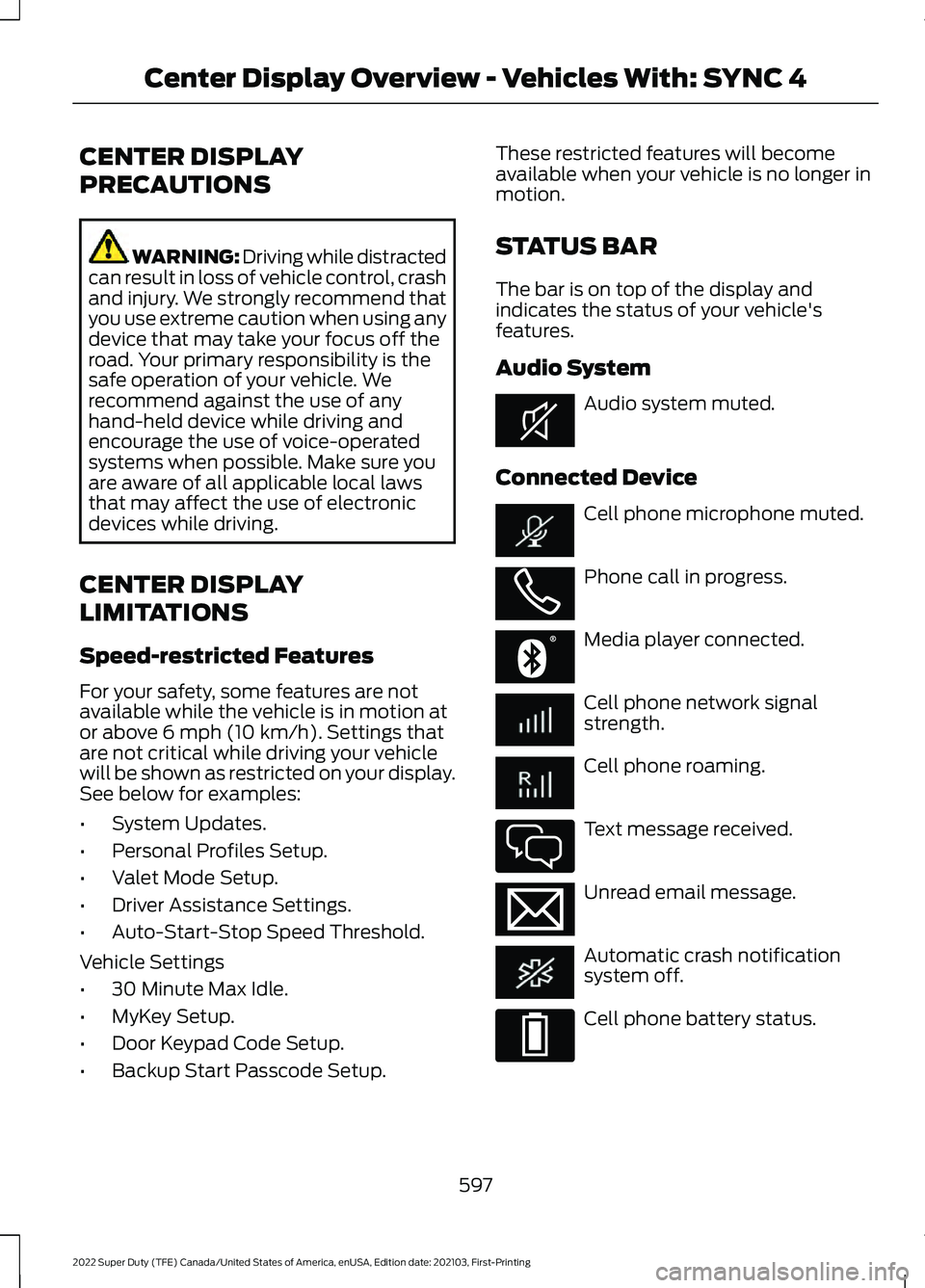
Audio System
Audio system muted.
Connected Device Cell phone microphone muted.
Phone call in progress.
Media player connected.
Cell phone network signal
strength.
Cell phone roaming.
Text message received.
Unread email message.
Automatic crash notification
system off.
Cell phone battery status.
597
2022 Super Duty (TFE) Canada/United States of America, enUSA, Edition date: 202103, First-Printing Center Display Overview - Vehicles With: SYNC 4E353221 E353213 E353208 E335295 E353216 E335293
Page 605 of 740
PHONE PRECAUTIONS
WARNING: Driving while distracted
can result in loss of vehicle control, crash
and injury. We strongly recommend that
you use extreme caution when using any
device that may take your focus off the
road. Your primary responsibility is the
safe operation of your vehicle. We
recommend against the use of any
hand-held device while driving and
encourage the use of voice-operated
systems when possible. Make sure you
are aware of all applicable local laws
that may affect the use of electronic
devices while driving.
CONNECTING YOUR PHONE
Go to the settings menu on your device and
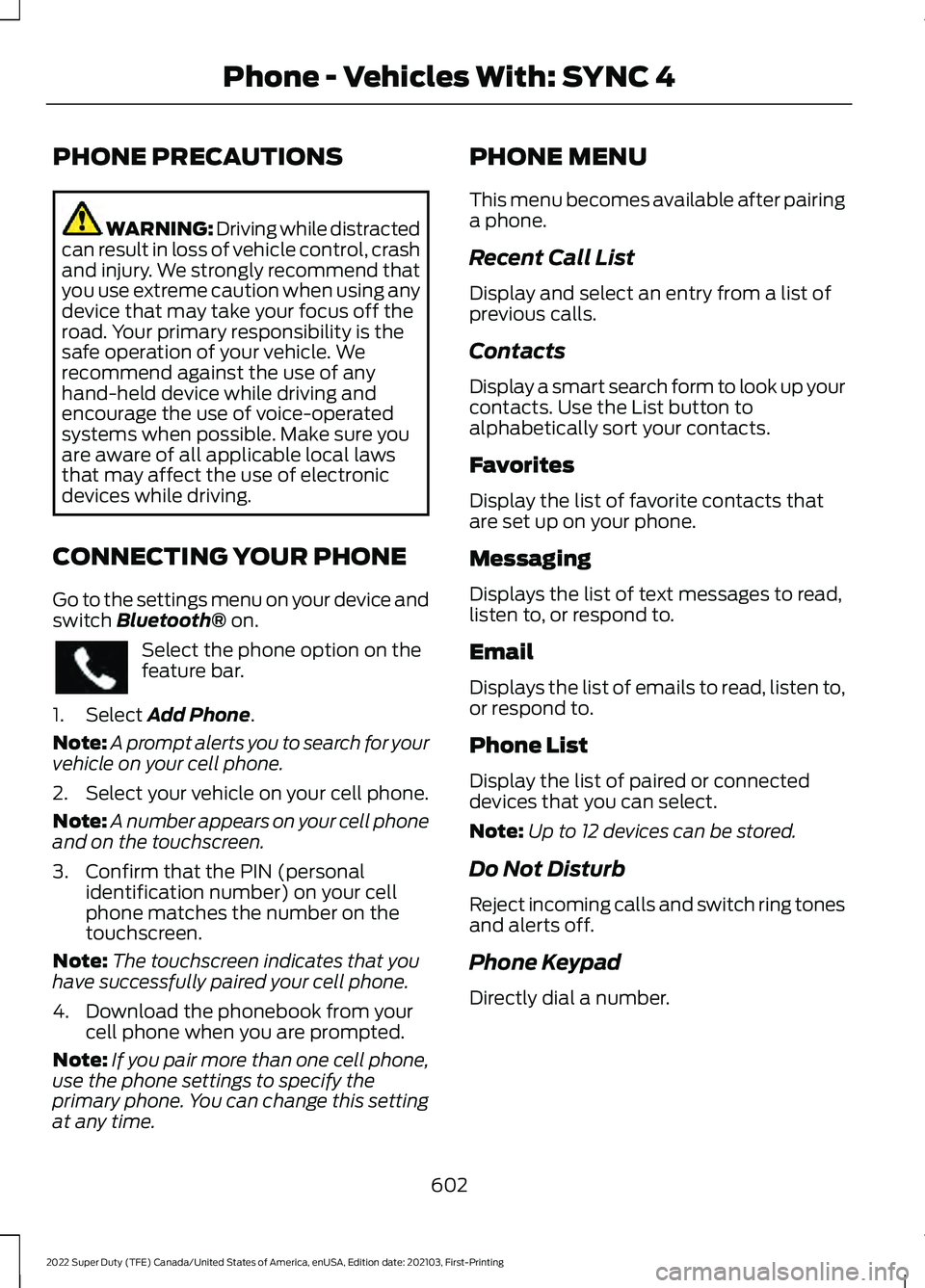
switch Bluetooth® on. Select the phone option on the
feature bar.
1. Select
Add Phone.
Note: A prompt alerts you to search for your
vehicle on your cell phone.
2. Select your vehicle on your cell phone.
Note: A number appears on your cell phone
and on the touchscreen.
3. Confirm that the PIN (personal identification number) on your cell
phone matches the number on the
touchscreen.
Note: The touchscreen indicates that you
have successfully paired your cell phone.
4. Download the phonebook from your cell phone when you are prompted.
Note: If you pair more than one cell phone,
use the phone settings to specify the
primary phone. You can change this setting
at any time. PHONE MENU
This menu becomes available after pairing
a phone.
Recent Call List
Display and select an entry from a list of
previous calls.
Contacts
Display a smart search form to look up your
contacts. Use the List button to
alphabetically sort your contacts.
Favorites
Display the list of favorite contacts that
are set up on your phone.
Messaging
Displays the list of text messages to read,
listen to, or respond to.
Email
Displays the list of emails to read, listen to,
or respond to.
Phone List
Display the list of paired or connected
devices that you can select.
Note:
Up to 12 devices can be stored.
Do Not Disturb
Reject incoming calls and switch ring tones
and alerts off.
Phone Keypad
Directly dial a number.
602
2022 Super Duty (TFE) Canada/United States of America, enUSA, Edition date: 202103, First-Printing Phone - Vehicles With: SYNC 4
Page 610 of 740
CONNECTING A BLUETOOTH®
DEVICE
1. Make sure Bluetooth® is enabled on
your device.
2. Press
Settings on the touchscreen.
3. Press
Connectivity.
4. Press
Bluetooth.
5. Press
Add a Bluetooth Device.
Note: A prompt alerts you to search for your
vehicle on your device.
6. Select your vehicle on your device.
Note: A number appears on your device and
on the touchscreen.
7. Confirm that the number on your device matches the number on the
touchscreen.
Note: The touchscreen indicates that you
have successfully paired your device.
The Bluetooth® word mark and logos are
registered trademarks owned by Bluetooth
SIG, Inc.
and any use of such marks by
Ford Motor Company is under license.
Other trademarks and trade names are
those of their respective owners.
PLAYING MEDIA USING
BLUETOOTH® WARNING: Driving while distracted
can result in loss of vehicle control, crash
and injury. We strongly recommend that
you use extreme caution when using any
device that may take your focus off the
road. Your primary responsibility is the
safe operation of your vehicle. We
recommend against the use of any hand-held device while driving and
encourage the use of voice-operated
systems when possible. Make sure you
are aware of all applicable local laws
that may affect the use of electronic
devices while driving.
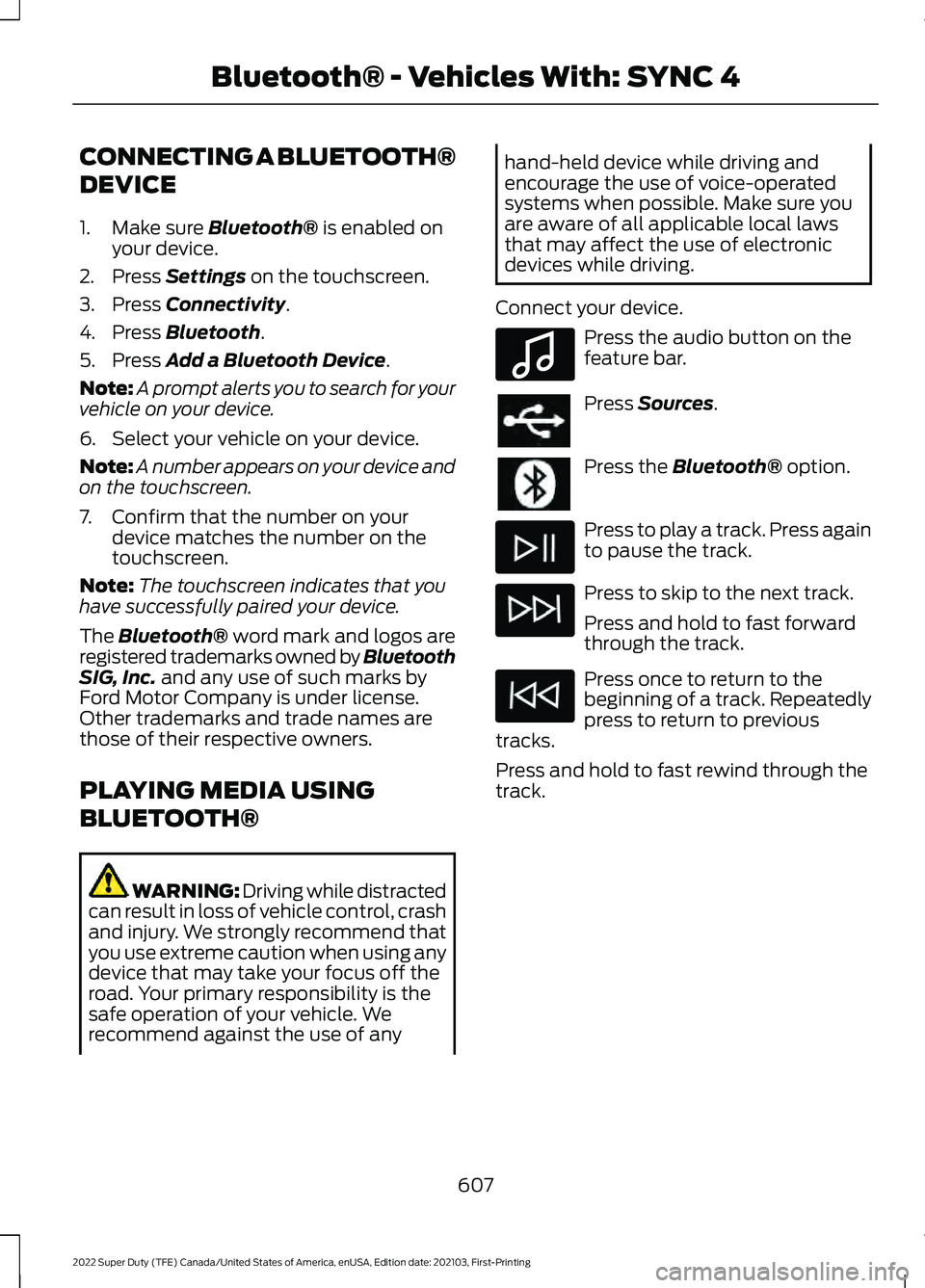
Connect your device. Press the audio button on the
feature bar.
Press
Sources.
Press the
Bluetooth® option.
Press to play a track. Press again
to pause the track.
Press to skip to the next track.
Press and hold to fast forward
through the track.
Press once to return to the
beginning of a track. Repeatedly
press to return to previous
tracks.
Press and hold to fast rewind through the
track.
607
2022 Super Duty (TFE) Canada/United States of America, enUSA, Edition date: 202103, First-Printing Bluetooth® - Vehicles With: SYNC 4E100027
Page 611 of 740
APP PRECAUTIONS
WARNING: Driving while distracted
can result in loss of vehicle control, crash
and injury. We strongly recommend that
you use extreme caution when using any
device that may take your focus off the
road. Your primary responsibility is the
safe operation of your vehicle. We
recommend against the use of any
hand-held device while driving and
encourage the use of voice-operated
systems when possible. Make sure you
are aware of all applicable local laws
that may affect the use of electronic
devices while driving.
APP REQUIREMENTS
When you start an app through the system
for the first time, you could be asked to
grant certain permissions. You can review
and change the permissions that you have
granted at any time when your vehicle is
not moving. We recommend that you
check your data plan before using your
apps through the system. Using them
could result in additional charges. We also
recommend that you check the app
provider's terms and conditions and
privacy policy before using their app. Make
sure that you have an active account for
apps that you want to use through the
system. Some apps will work with no
setup. Others require you to configure
some personal settings before you can use
them.
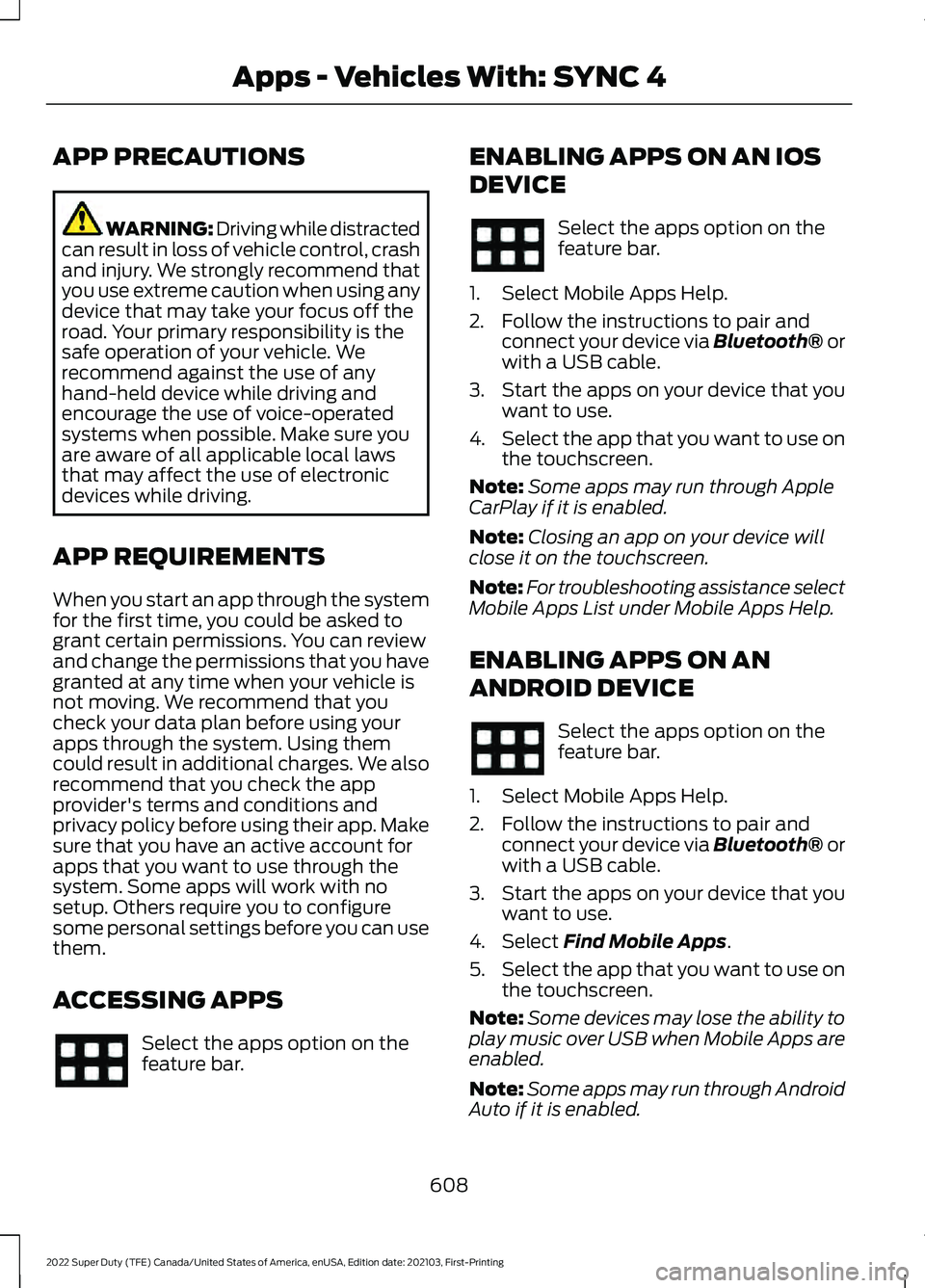
ACCESSING APPS Select the apps option on the
feature bar. ENABLING APPS ON AN IOS
DEVICE Select the apps option on the
feature bar.
1. Select Mobile Apps Help.
2. Follow the instructions to pair and connect your device via Bluetooth® or
with a USB cable.
3. Start the apps on your device that you want to use.
4. Select the app that you want to use on
the touchscreen.
Note: Some apps may run through Apple
CarPlay if it is enabled.
Note: Closing an app on your device will
close it on the touchscreen.
Note: For troubleshooting assistance select
Mobile Apps List under Mobile Apps Help.
ENABLING APPS ON AN
ANDROID DEVICE Select the apps option on the
feature bar.
1. Select Mobile Apps Help.
2. Follow the instructions to pair and connect your device via Bluetooth® or
with a USB cable.
3. Start the apps on your device that you want to use.
4. Select Find Mobile Apps.
5. Select the app that you want to use on
the touchscreen.
Note: Some devices may lose the ability to
play music over USB when Mobile Apps are
enabled.
Note: Some apps may run through Android
Auto if it is enabled.
608
2022 Super Duty (TFE) Canada/United States of America, enUSA, Edition date: 202103, First-Printing Apps - Vehicles With: SYNC 4
Page 617 of 740
Note:
If your vehicle is plugged in, charging
will stop during an update and resume when
the update is complete.
Over-the-Air Update Requirements
If these requirements are not met during a
scheduled update the update will be
postponed. You can update your schedule
if you want to retry the update sooner.
• Your vehicle is not running.
• Your vehicle is stopped.
• Your vehicle is parked.
• The hazard indicators are switched off.
• The alarm is not sounding.
• The doors are closed.
• The parking lights are switched off.
• You are not pressing the brake pedal.
• An emergency call is not in progress.
• The Stop Safely lamp is not
illuminated. See Instrument Cluster
Warning Lamps (page 137).
Viewing Update Information
If an update is successful, the touchscreen
will provide additional details or statuses
about the update. You can also access this
information under the System Update tile.
If an update is not successful, follow the
prompt that appears on the touchscreen.
PERFORMING A MASTER
RESET Press the settings option on the
feature bar.
1. Press the
Reset tile.
2. Press
Master Reset.
3. Follow the prompts on the screen to complete the reset.
614
2022 Super Duty (TFE) Canada/United States of America, enUSA, Edition date: 202103, First-Printing Vehicle System Updates - Vehicles With: SYNC 4E280315
Page 627 of 740
Check Every Six Months
The battery connections. Clean if necessary.
The body and door drain holes for obstructions. Clean if necessary. The cooling system fluid level and the coolant system strength. The door weatherstrips for wear. Lubricate if necessary.
The hinges, latches and outside locks for proper operation. Lubricate if necessary. The parking brake for proper operation.
The seatbelts and seat latches for wear and function.
Safety warning lamps, brake, ABS, airbag and seatbelt for operation.
The washer spray and wiper operation. Clean or replace blades as necessary.
Multi-Point Inspection
It is important to have the systems on your
vehicle regularly checked. This can help
identify potential issues and prevent major
problems. We recommend having the
following multi-point inspection performed
at every scheduled maintenance interval
to help make sure your vehicle keeps
running great. Multi-Point Inspection
Hazard warning system operation
Accessory drive belt or belts
Horn operation
Battery performance
Radiator, cooler, heater and air conditioninghoses
Engine air filter
Suspension components for leaks ordamage
Exhaust system
Steering and linkage
Exterior lamps operation
Tires including the spare for wear andproper pressure 2
Fluid levels 1
; fill if necessary
624
2022 Super Duty (TFE) Canada/United States of America, enUSA, Edition date: 202103, First-Printing Scheduled Maintenance
Page 643 of 740
ROLLOVER WARNING
WARNING: Utility vehicles have a
significantly higher rollover rate than
other types of vehicles. WARNING:
Vehicles with a higher
center of gravity (utility and four-wheel
drive vehicles) handle differently than
vehicles with a lower center of gravity
(passenger cars). Avoid sharp turns,
excessive speed and abrupt steering in
these vehicles. Failure to drive cautiously
increases the risk of losing control of your
vehicle, vehicle rollover, personal injury
and death. WARNING:
In a rollover crash, an
unbelted person is significantly more
likely to die than a person wearing a
seatbelt. WARNING:
Do not become
overconfident in the ability of four-wheel
drive vehicles. Although a four-wheel
drive vehicle may accelerate better than
a two-wheel drive vehicle in low traction
situations, it won't stop any faster than
two-wheel drive vehicles. Always drive
at a safe speed.
Utility vehicles and trucks handle
differently than passenger cars in the
various driving conditions that are
encountered on streets, highways and
off-road. Utility vehicles and trucks are not
designed for cornering at speeds as high
as passenger cars any more than low-slung
sports cars are designed to perform
satisfactorily under off-road conditions. OUR SUSTAINABILITY
REPORT
You should play your part in protecting the
environment. Correct vehicle usage and
the authorized disposal of waste, cleaning
and lubrication materials are significant
steps toward this aim.
For additional information about our
sustainability progress and initiatives, visit
www .sus t ainabilit y .f or d . c om .
THE BETTER BUSINESS
BUREAU AUTO LINE
PROGRAM - UNITED STATES
OF AMERICA
Your satisfaction is important to Ford
Motor Company and to your dealer. If a
warranty concern has not been resolved
using the three-step procedure outlined
earlier in this chapter in the Getting the
Services you need section, you may be
eligible to participate in the BBB AUTO
LINE program.
The BBB AUTO LINE program consists of
two parts – mediation and arbitration.
During mediation, a representative of the
BBB will contact both you and Ford Motor
Company to explore options for settlement
of the claim. If an agreement is not reached
during mediation or you do not want to
participate in mediation, and if your claim
is eligible, you may participate in the
arbitration process. An arbitration hearing
will be scheduled so that you can present
your case in an informal setting before an
impartial person. The arbitrator considers
the testimony provided and makes a
decision after the hearing.
640
2022 Super Duty (TFE) Canada/United States of America, enUSA, Edition date: 202103, First-Printing Customer Information
Page 654 of 740
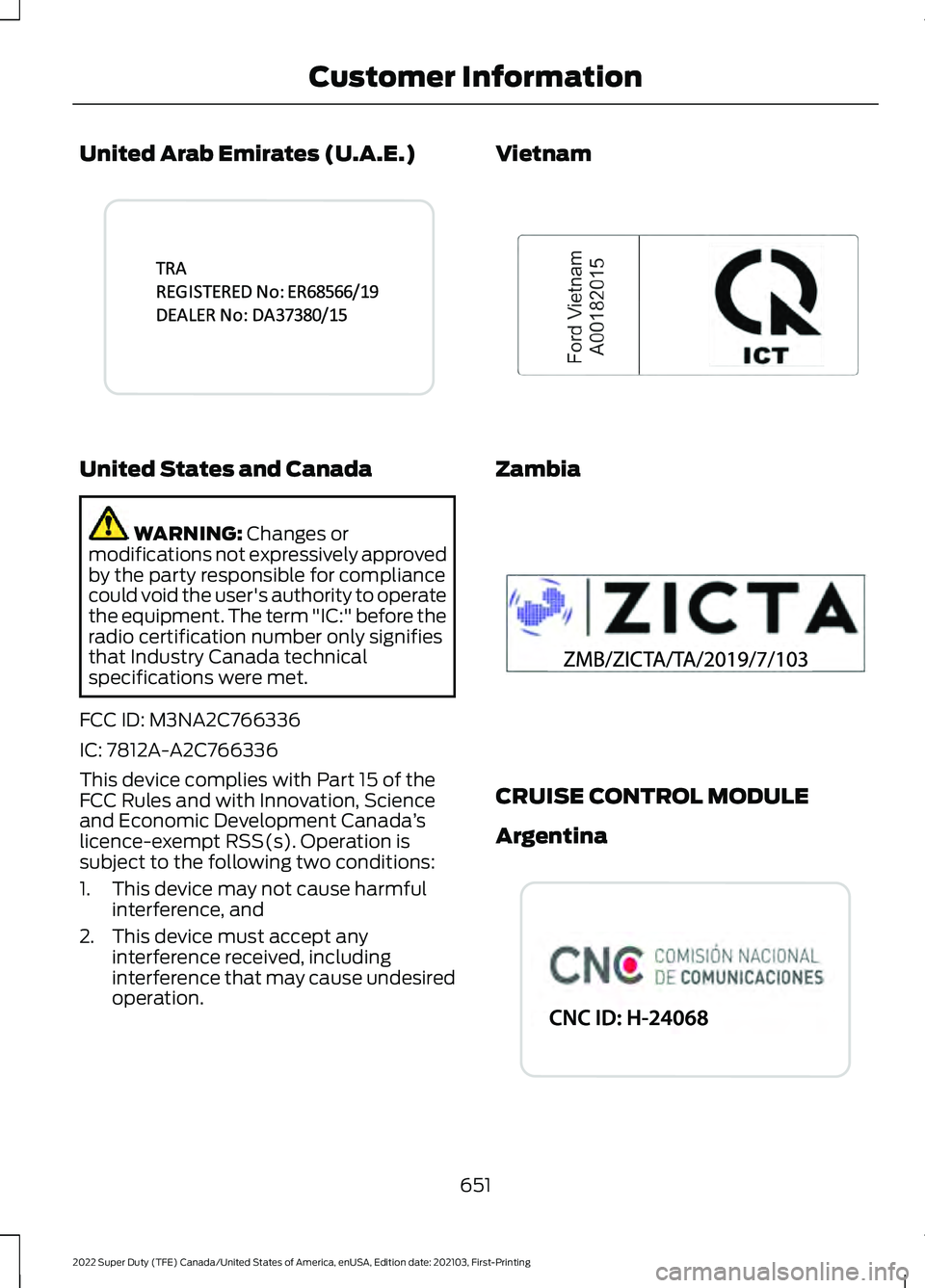
United Arab Emirates (U.A.E.)
United States and Canada
WARNING: Changes or
modifications not expressively approved
by the party responsible for compliance
could void the user's authority to operate
the equipment. The term "IC:" before the
radio certification number only signifies
that Industry Canada technical
specifications were met.
FCC ID: M3NA2C766336
IC: 7812A-A2C766336
This device complies with Part 15 of the
FCC Rules and with Innovation, Science
and Economic Development Canada ’s
licence-exempt RSS(s). Operation is
subject to the following two conditions:
1. This device may not cause harmful interference, and
2. This device must accept any interference received, including
interference that may cause undesired
operation. Vietnam
Zambia
CRUISE CONTROL MODULE
Argentina
651
2022 Super Duty (TFE) Canada/United States of America, enUSA, Edition date: 202103, First-Printing Customer InformationE341432 E278262 E340511 E340805
Page 657 of 740
South Korea
KCC-CRI-DPH-L20051TR
Syria
Taiwan Ukraine
United Arab Emirates (U.A.E.)
United States and Canada
WARNING: Changes or
modifications not expressively approved
by the party responsible for compliance
could void the user's authority to operate
the equipment. The term "IC:" before the
radio certification number only signifies
that Industry Canada technical
specifications were met.
FCC ID: L2C0051TR
IC: 3432A-0051TR
654
2022 Super Duty (TFE) Canada/United States of America, enUSA, Edition date: 202103, First-Printing Customer InformationE339675 E340815 E340816 E269682 E340817
Page 662 of 740
United States and Canada
WARNING: Changes or
modifications not expressively approved
by the party responsible for compliance
could void the user's authority to operate
the equipment. The term "IC:" before the
radio certification number only signifies
that Industry Canada technical
specifications were met.
FCC ID: M3N-A2C931426
FCC ID: M3N-A2C931423
IC: 7812A-A2C931426
IC: 7812A-A2C913423
This device complies with Part 15 of the
FCC Rules and with Innovation, Science
and Economic Development Canada ’s
licence-exempt RSS(s). Operation is
subject to the following two conditions:
1. This device may not cause harmful interference, and
2. This device must accept any interference received, including
interference that may cause undesired
operation.
Vietnam Zambia
PASSIVE ANTI-THEFT SYSTEM
Argentina
659
2022 Super Duty (TFE) Canada/United States of America, enUSA, Edition date: 202103, First-Printing Customer InformationE278262 E340315 E343026 E339818