fuel FORD F150 2009 12.G Owners Manual
[x] Cancel search | Manufacturer: FORD, Model Year: 2009, Model line: F150, Model: FORD F150 2009 12.GPages: 405, PDF Size: 2.82 MB
Page 3 of 405
Customer Assistance 335
Reporting safety defects (U.S. only) 341
Reporting safety defects (Canada only) 342
Cleaning 343
Maintenance and Specifications 352
Engine compartment 354
Engine oil 357
Battery 360
Engine coolant 362
Fuel information 368
Air filter(s) 386
Part numbers 389
Maintenance product specifications and capacities 390
Engine data 394
Accessories 397
Index 399
All rights reserved. Reproduction by any means, electronic or mechanical
including photocopying, recording or by any information storage and retrieval
system or translation in whole or part is not permitted without written
authorization from Ford Motor Company. Ford may change the contents without
notice and without incurring obligation.
Copyright © 2008 Ford Motor Company
Table of Contents
3
2009 F-150(f12)
Owners Guide, 1st Printing
USA(fus)
Page 10 of 405
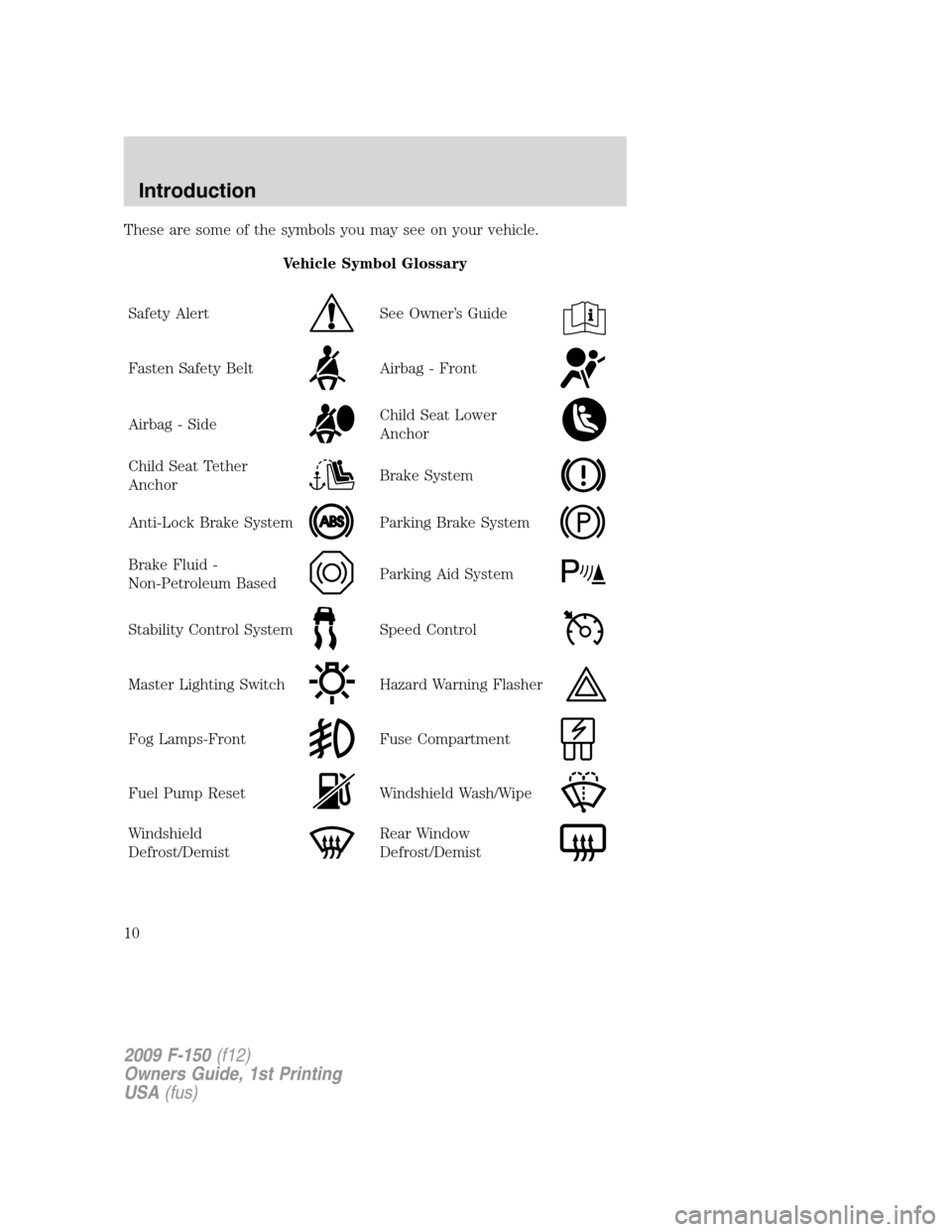
These are some of the symbols you may see on your vehicle.
Vehicle Symbol Glossary
Safety Alert
See Owner’s Guide
Fasten Safety BeltAirbag - Front
Airbag - SideChild Seat Lower
Anchor
Child Seat Tether
AnchorBrake System
Anti-Lock Brake SystemParking Brake System
Brake Fluid -
Non-Petroleum BasedParking Aid System
Stability Control SystemSpeed Control
Master Lighting SwitchHazard Warning Flasher
Fog Lamps-FrontFuse Compartment
Fuel Pump ResetWindshield Wash/Wipe
Windshield
Defrost/DemistRear Window
Defrost/Demist
2009 F-150(f12)
Owners Guide, 1st Printing
USA(fus)
Introduction
10
Page 11 of 405
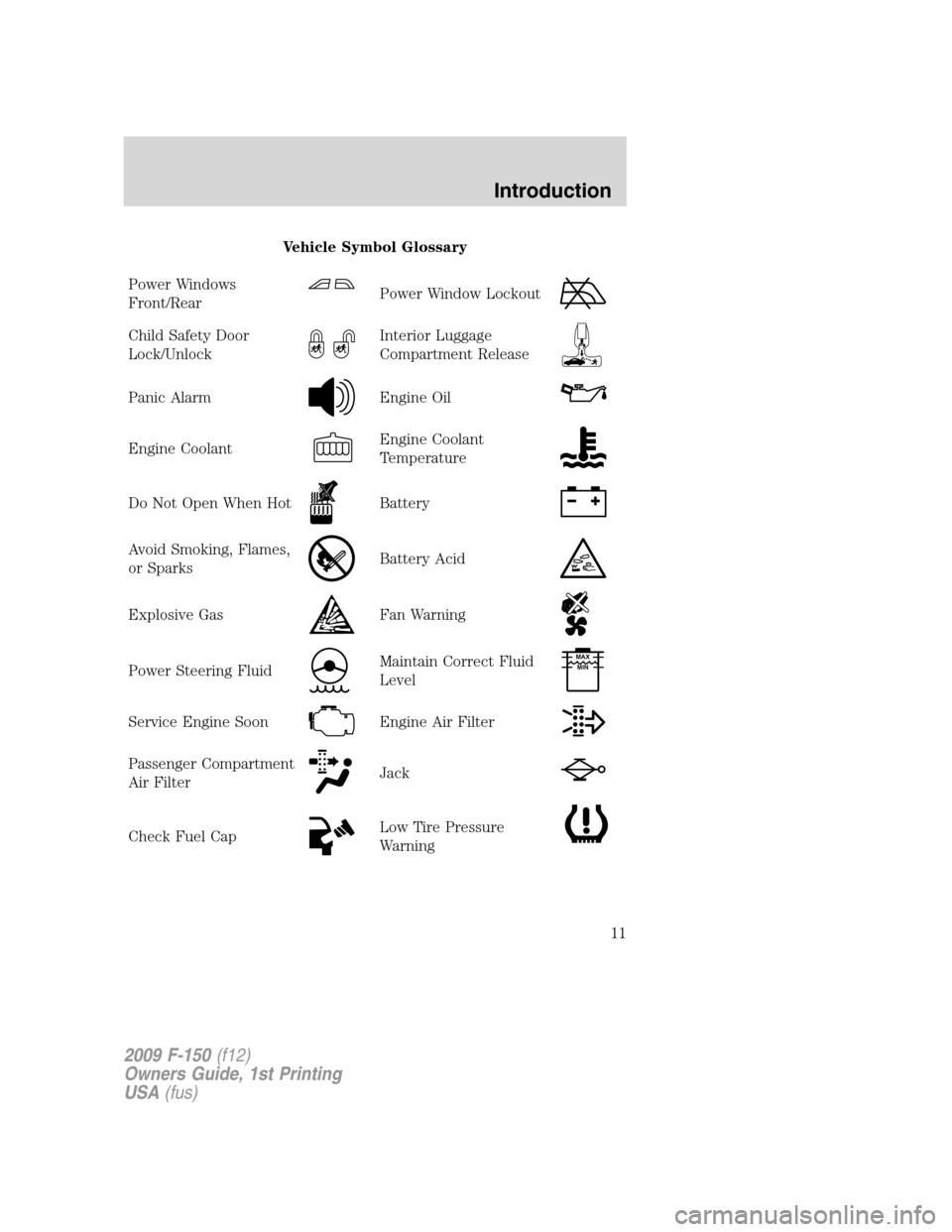
Vehicle Symbol Glossary
Power Windows
Front/Rear
Power Window Lockout
Child Safety Door
Lock/UnlockInterior Luggage
Compartment Release
Panic AlarmEngine Oil
Engine CoolantEngine Coolant
Temperature
Do Not Open When HotBattery
Avoid Smoking, Flames,
or SparksBattery Acid
Explosive GasFan Warning
Power Steering FluidMaintain Correct Fluid
LevelMAX
MIN
Service Engine SoonEngine Air Filter
Passenger Compartment
Air FilterJack
Check Fuel CapLow Tire Pressure
Warning
2009 F-150(f12)
Owners Guide, 1st Printing
USA(fus)
Introduction
11
Page 13 of 405
bulb works. If any light remains on after starting the vehicle, refer to the
respective system warning light for additional information.
Note:Some warning lights are reconfigurable telltale (RTT) indicator
lights and will illuminate in the Message Center Display and function the
same as the warning light.
Service engine soon:The service
engine soon indicator light
illuminates when the ignition is first
turned to the on position to check
the bulb and to indicate whether the vehicle is ready for
Inspection/Maintenance (I/M) testing. Normally, the service engine soon
light will stay on until the engine is cranked, then turn itself off if no
malfunctions are present. However, if after 15 seconds the service engine
soon light blinks eight times, it means that the vehicle is not ready for
I/M testing. See theReadiness for Inspection/Maintenance (I/M)
testingin theMaintenance and Specificationschapter.
Solid illumination after the engine is started indicates the On Board
Diagnostics System (OBD-II) has detected a malfunction. Refer toOn
board diagnostics (OBD-II)in theMaintenance and Specifications
chapter. If the light is blinking, engine misfire is occurring which could
damage your catalytic converter. Drive in a moderate fashion (avoid
heavy acceleration and deceleration) and have your vehicle serviced
immediately by your authorized dealer.
WARNING:Under engine misfire conditions, excessive exhaust
temperatures could damage the catalytic converter, the fuel
system, interior floor coverings or other vehicle components, possibly
causing a fire.
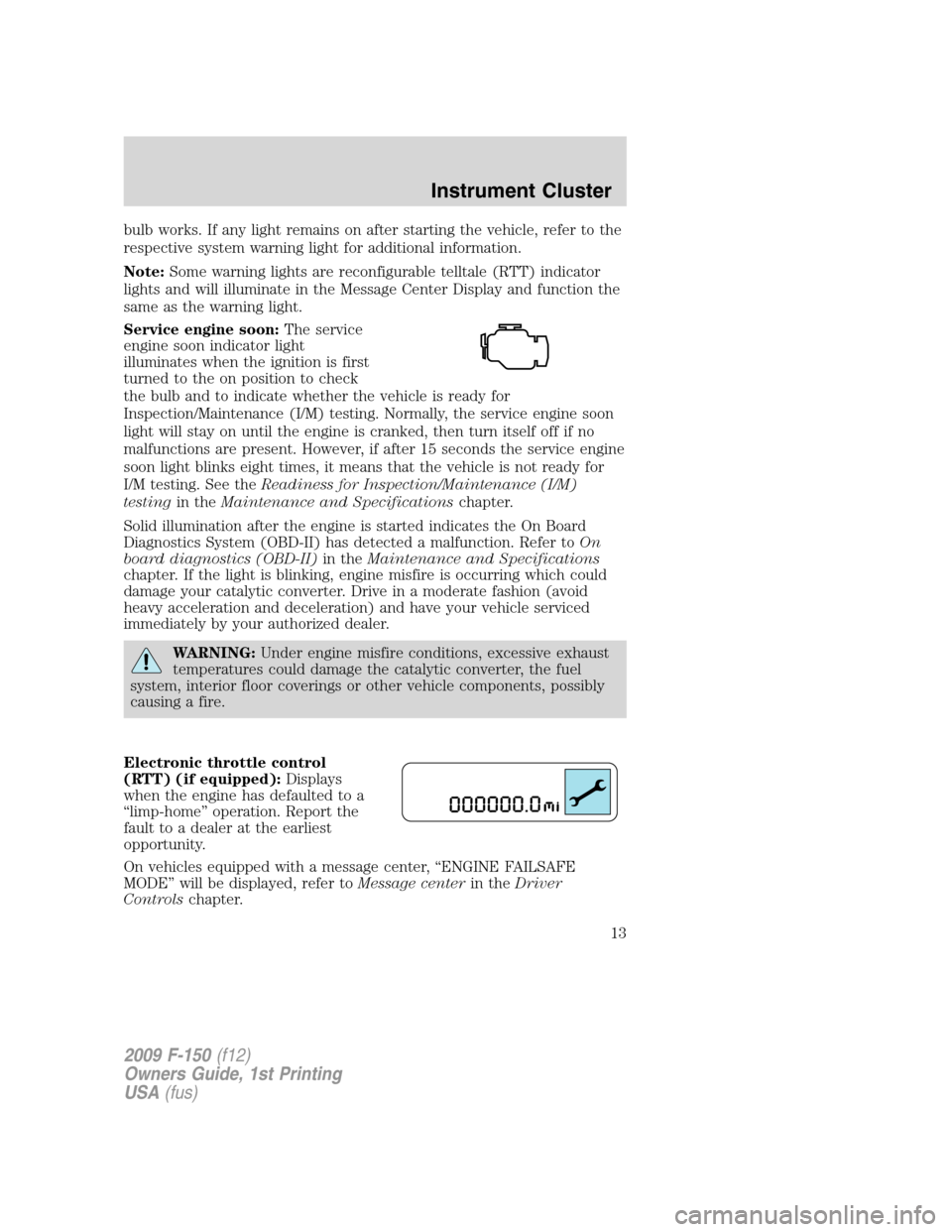
Electronic throttle control
(RTT) (if equipped):Displays
when the engine has defaulted to a
“limp-home” operation. Report the
fault to a dealer at the earliest
opportunity.
On vehicles equipped with a message center, “ENGINE FAILSAFE
MODE” will be displayed, refer toMessage centerin theDriver
Controlschapter.
2009 F-150(f12)
Owners Guide, 1st Printing
USA(fus)
Instrument Cluster
13
Page 20 of 405
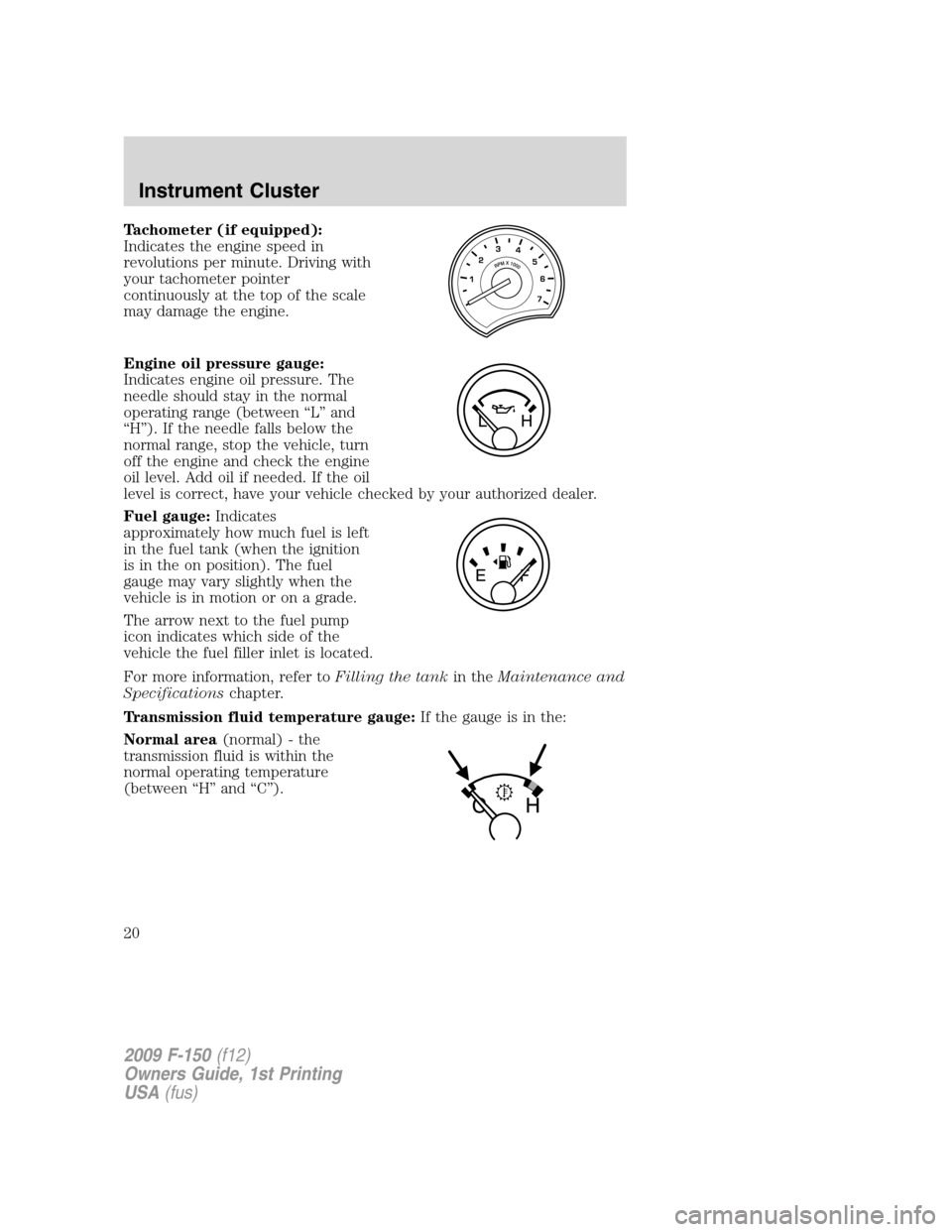
Tachometer (if equipped):
Indicates the engine speed in
revolutions per minute. Driving with
your tachometer pointer
continuously at the top of the scale
may damage the engine.
Engine oil pressure gauge:
Indicates engine oil pressure. The
needle should stay in the normal
operating range (between “L” and
“H”). If the needle falls below the
normal range, stop the vehicle, turn
off the engine and check the engine
oil level. Add oil if needed. If the oil
level is correct, have your vehicle checked by your authorized dealer.
Fuel gauge:Indicates
approximately how much fuel is left
in the fuel tank (when the ignition
is in the on position). The fuel
gauge may vary slightly when the
vehicle is in motion or on a grade.
The arrow next to the fuel pump
icon indicates which side of the
vehicle the fuel filler inlet is located.
For more information, refer toFilling the tankin theMaintenance and
Specificationschapter.
Transmission fluid temperature gauge:If the gauge is in the:
Normal area(normal) - the
transmission fluid is within the
normal operating temperature
(between “H” and “C”).
2009 F-150(f12)
Owners Guide, 1st Printing
USA(fus)
Instrument Cluster
20
Page 75 of 405
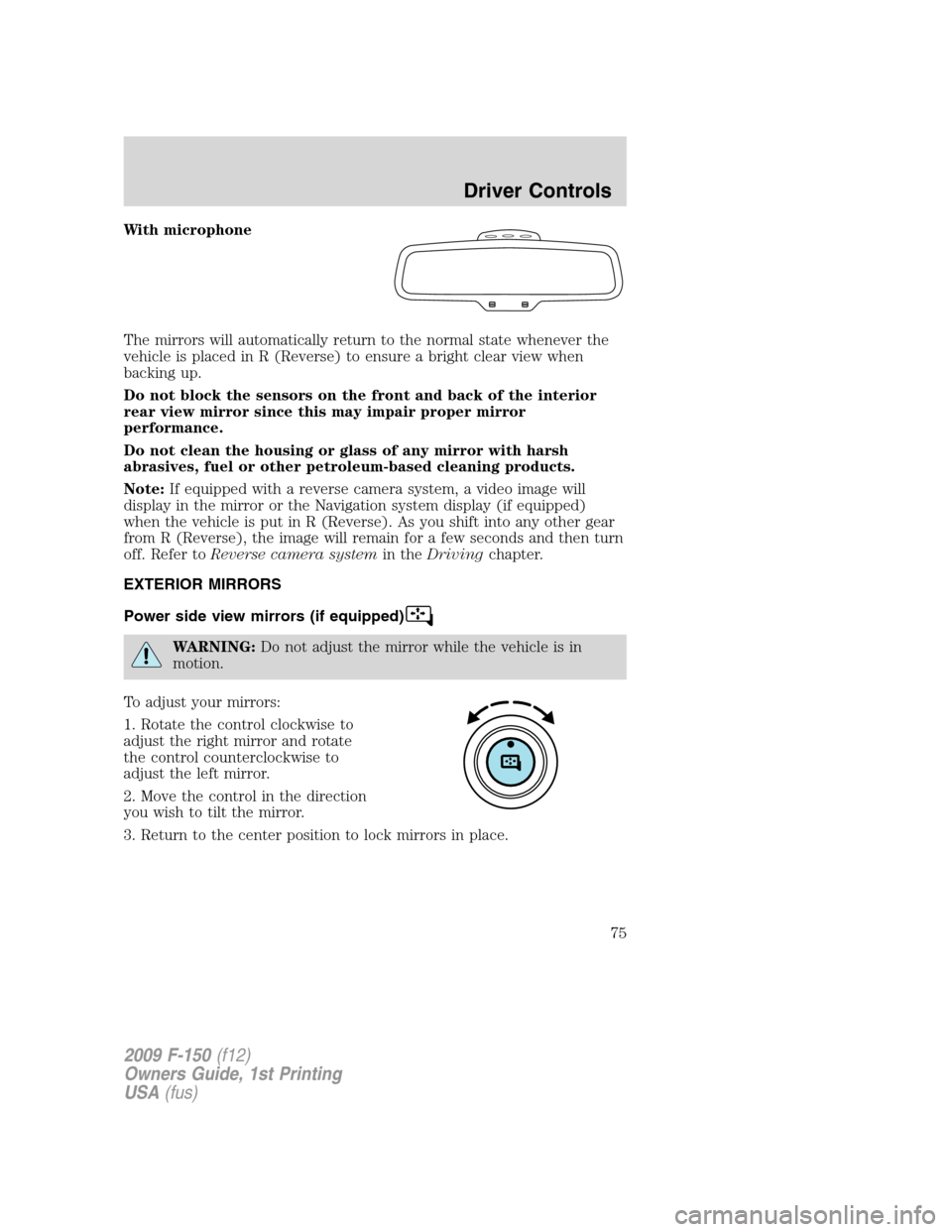
With microphone
The mirrors will automatically return to the normal state whenever the
vehicle is placed in R (Reverse) to ensure a bright clear view when
backing up.
Do not block the sensors on the front and back of the interior
rear view mirror since this may impair proper mirror
performance.
Do not clean the housing or glass of any mirror with harsh
abrasives, fuel or other petroleum-based cleaning products.
Note:If equipped with a reverse camera system, a video image will
display in the mirror or the Navigation system display (if equipped)
when the vehicle is put in R (Reverse). As you shift into any other gear
from R (Reverse), the image will remain for a few seconds and then turn
off. Refer toReverse camera systemin theDrivingchapter.
EXTERIOR MIRRORS
Power side view mirrors (if equipped)
WARNING:Do not adjust the mirror while the vehicle is in
motion.
To adjust your mirrors:
1. Rotate the control clockwise to
adjust the right mirror and rotate
the control counterclockwise to
adjust the left mirror.
2. Move the control in the direction
you wish to tilt the mirror.
3. Return to the center position to lock mirrors in place.
2009 F-150(f12)
Owners Guide, 1st Printing
USA(fus)
Driver Controls
75
Page 77 of 405
Note:10 or more switch activations within one minute, or repeated
folding/unfolding of the mirrors while holding the switch rearward during
full travel, may cause the system to disable the fold/unfold function to
protect motors from overheating. Should this occur, wait approximately
three minutes with the vehicle running and up to 10 minutes with the
vehicle off, for the system to reset and for function to return to normal.
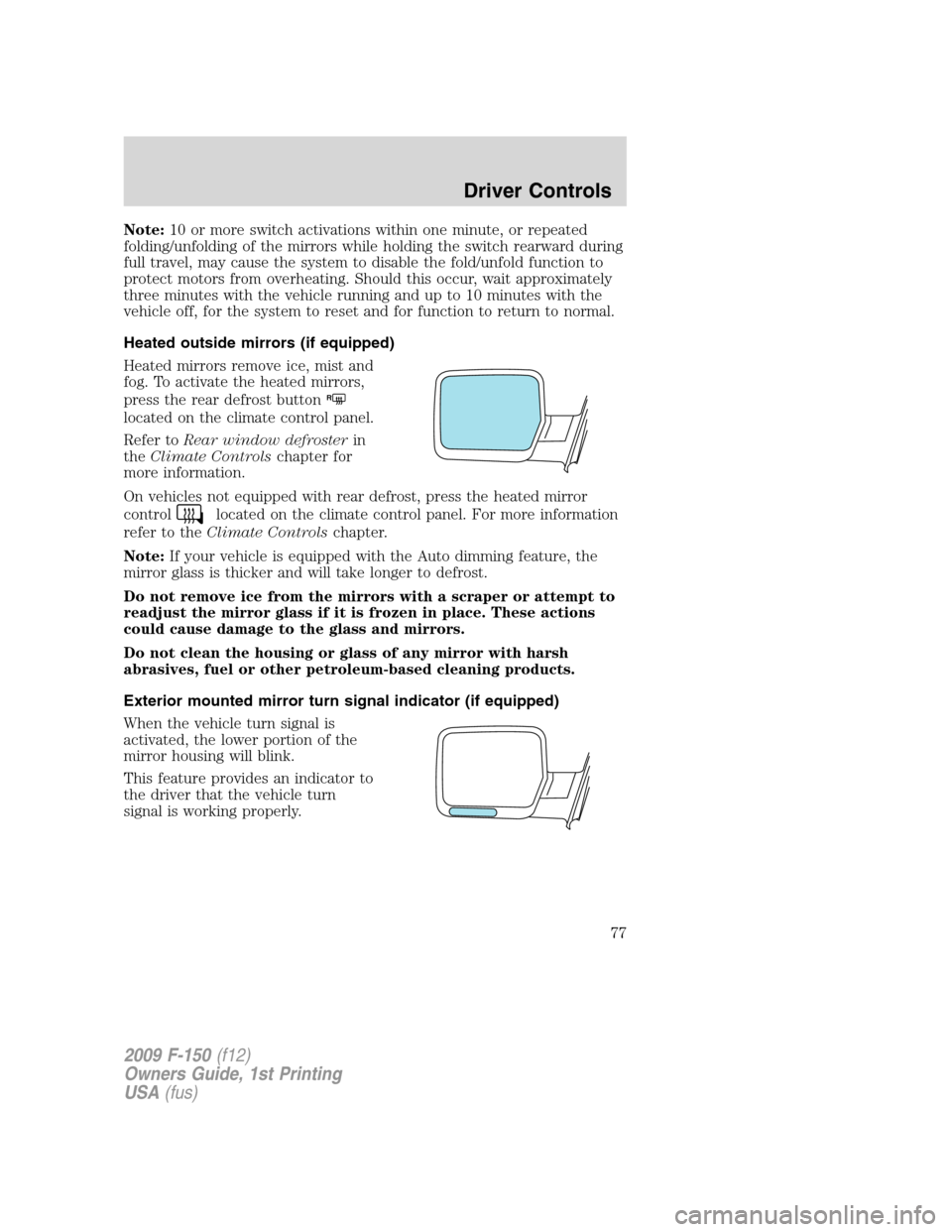
Heated outside mirrors (if equipped)
Heated mirrors remove ice, mist and
fog. To activate the heated mirrors,
press the rear defrost button
R
located on the climate control panel.
Refer toRear window defrosterin
theClimate Controlschapter for
more information.
On vehicles not equipped with rear defrost, press the heated mirror
control
located on the climate control panel. For more information
refer to theClimate Controlschapter.
Note:If your vehicle is equipped with the Auto dimming feature, the
mirror glass is thicker and will take longer to defrost.
Do not remove ice from the mirrors with a scraper or attempt to
readjust the mirror glass if it is frozen in place. These actions
could cause damage to the glass and mirrors.
Do not clean the housing or glass of any mirror with harsh
abrasives, fuel or other petroleum-based cleaning products.
Exterior mounted mirror turn signal indicator (if equipped)
When the vehicle turn signal is
activated, the lower portion of the
mirror housing will blink.
This feature provides an indicator to
the driver that the vehicle turn
signal is working properly.
2009 F-150(f12)
Owners Guide, 1st Printing
USA(fus)
Driver Controls
77
Page 89 of 405
STANDARD MESSAGE CENTER (IF EQUIPPED)
With the ignition in the on position, the message center, located on your
instrument cluster, displays important vehicle informationthrough a
constant monitor of vehicle systems.You may select display features on
the message center for a display of status preceded by a brief indicator
chime. The system will also notify you of potential vehicle problems with a
display of system warnings followed by a long indicator chime. If equipped
with an outside temperature display, it will display in the instrument
cluster all the time, except when a warning message is present.
Selectable features
Press and release the SELECT/RESET stem, located in the speedometer, to
scroll and reset the following functions. Select or reset the function by
pressing and holding the SELECT/RESET stem for more than two seconds.
Info menu
This menu displays the following:
•Odometer/Trip Odometer (Trip A and Trip B)
•Distance to Empty
•Average Fuel Economy
•Instantaneous Fuel Economy
•Hold Reset for Setup Menu
•Hold Reset for System check
•Blank
Odometer/Trip odometer
Refer toGaugesin theInstrument Clusterchapter.
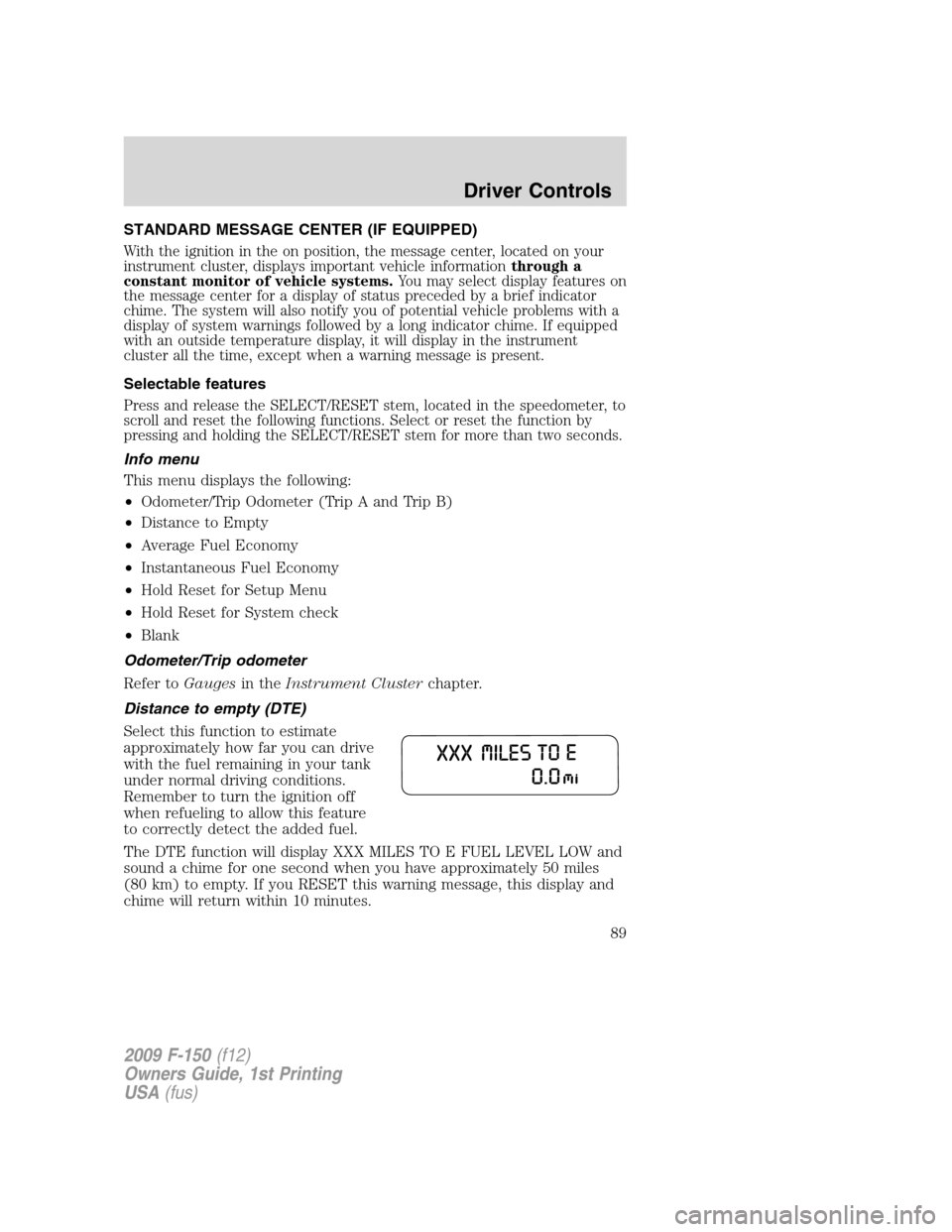
Distance to empty (DTE)
Select this function to estimate
approximately how far you can drive
with the fuel remaining in your tank
under normal driving conditions.
Remember to turn the ignition off
when refueling to allow this feature
to correctly detect the added fuel.
The DTE function will display XXX MILES TO E FUEL LEVEL LOW and
sound a chime for one second when you have approximately 50 miles
(80 km) to empty. If you RESET this warning message, this display and
chime will return within 10 minutes.
2009 F-150(f12)
Owners Guide, 1st Printing
USA(fus)
Driver Controls
89
Page 90 of 405
DTE is calculated using a running average fuel economy, which is based
on your recent driving history of 500 miles (800 km). This value is not
the same as the average fuel economy display. The running average fuel
economy is re-initialized to a factory default value if the battery is
disconnected.
Average fuel economy (AFE)
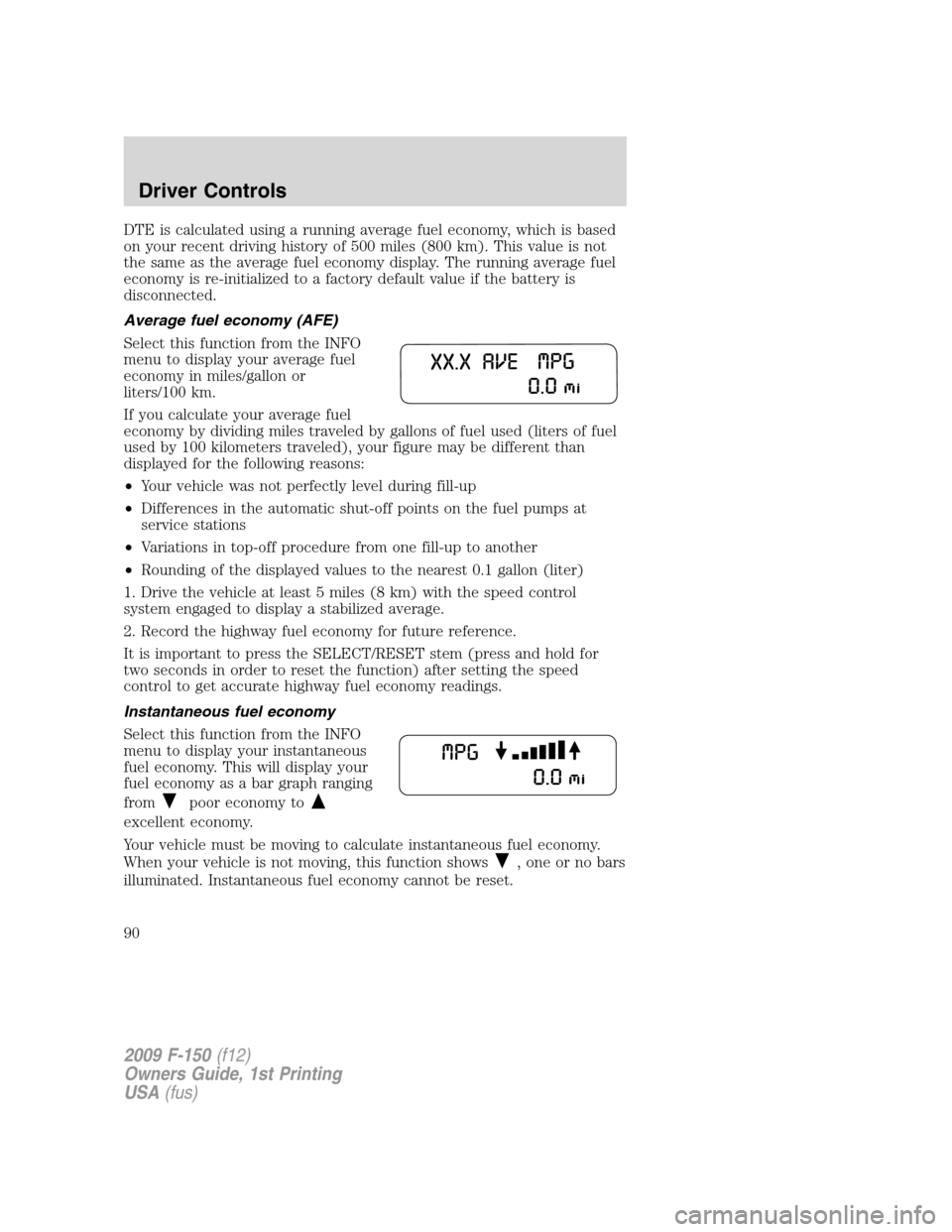
Select this function from the INFO
menu to display your average fuel
economy in miles/gallon or
liters/100 km.
If you calculate your average fuel
economy by dividing miles traveled by gallons of fuel used (liters of fuel
used by 100 kilometers traveled), your figure may be different than
displayed for the following reasons:
•Your vehicle was not perfectly level during fill-up
•Differences in the automatic shut-off points on the fuel pumps at
service stations
•Variations in top-off procedure from one fill-up to another
•Rounding of the displayed values to the nearest 0.1 gallon (liter)
1. Drive the vehicle at least 5 miles (8 km) with the speed control
system engaged to display a stabilized average.
2. Record the highway fuel economy for future reference.
It is important to press the SELECT/RESET stem (press and hold for
two seconds in order to reset the function) after setting the speed
control to get accurate highway fuel economy readings.
Instantaneous fuel economy
Select this function from the INFO
menu to display your instantaneous
fuel economy. This will display your
fuel economy as a bar graph ranging
from
poor economy to
excellent economy.
Your vehicle must be moving to calculate instantaneous fuel economy.
When your vehicle is not moving, this function shows
, one or no bars
illuminated. Instantaneous fuel economy cannot be reset.
2009 F-150(f12)
Owners Guide, 1st Printing
USA(fus)
Driver Controls
90
Page 95 of 405
3. DOOR STATUS
4. BRAKE FLUID LEVEL
5. XX MILES TO E FUEL LEVEL XXX
6. TBC GAIN = XX.X
NO TRAILER (if equipped and no trailer connected)
7. TBC GAIN = XX.X
OUTPUT = ////// (if equipped and trailer connected)
System warnings
System warnings alert you to possible problems or malfunctions in your
vehicle’s operating systems.
In the event of a multiple warning situation, the message center will
cycle the display to show all warnings by displaying each one for four
seconds.
The message center will display the last selected feature if there are no
more warning messages. This allows you to use the full functionality of
the message center after you acknowledge the warning by pressing the
SELECT/RESET stem and clearing the warning message.
Warning messages can be divided into three categories:
•Cannot be cleared until the condition is corrected.
•Reappears 10 minutes after resetting it.
•Reappears if the condition clears, then reoccurs within the same
ignition on/off cycle.
Warning display Status
Driver door ajar The warning can return after the
ignition key is turned from off to on if
the condition still exists. Passenger door ajar
Rear left door ajar
Rear right door ajar
2009 F-150(f12)
Owners Guide, 1st Printing
USA(fus)
Driver Controls
95