reset FORD F150 2010 12.G User Guide
[x] Cancel search | Manufacturer: FORD, Model Year: 2010, Model line: F150, Model: FORD F150 2010 12.GPages: 419, PDF Size: 3.17 MB
Page 32 of 419
For more information refer toEssentials of good fuel economyin the
Maintenance and Specificationschapter.
MPG (L/km)
This displays instantaneous fuel economy as a bar graph ranging from↓
poor economy to↑excellent economy.
Your vehicle must be moving to calculate instantaneous fuel economy.
When your vehicle is not moving, this function shows↓, one or no bars
illuminated. Instantaneous fuel economy cannot be reset.
TIMER
Timer displays the trip elapsed drive time.
To operate, do the following:
1. Press and release RESET in order to start the timer.
2. Press and release RESET to pause the timer.
3. Press and hold RESET until the timer resets.
System check and vehicle feature customization
Press the SETUP button repeatedly
to cycle the message center through
the following features:
RESET FOR SYSTEM CHECK
When this message appears, press the RESET button and the message
center will begin to cycle through the following systems and provide a
status of the item if needed.
Note:Some systems show a message only if a condition is present.
1. XXX% OIL LIFE
2. CHARGING SYSTEM
3. DOOR STATUS
4. BRAKE SYSTEM
5. XX MILES TO E FUEL LEVEL XXX
6. TBC GAIN = XX.X
NO TRAILER (if equipped and no trailer connected)
7. TBC GAIN = XX.X
OUTPUT = ////// (if equipped and trailer connected)
8. MYKEY DISTANCE (if programmed)
Instrument Cluster
32
2010 F-150(f12)
Owners Guide, 1st Printing
USA(fus)
Page 33 of 419
9. MYKEY(S) PROGRAMMED
10. ADMIN KEYS PROGRAMMED
OIL LIFE
This displays the remaining oil life.
An oil change is required whenever indicated by the message center and
according to the recommended maintenance schedule. USE ONLY
RECOMMENDED ENGINE OILS.
To reset the oil monitoring system to 100% after each oil change
(approximately 7,500 miles [12,000 km] or 12 months) perform the
following:
1. Press and release the SETUP button to display “OIL LIFE XXX%
HOLD RESET = NEW”.
2. Press and hold the RESET button for two seconds and release to reset
the oil life to 100%.
Note:To change oil life 100% miles value from 7,500 miles (12,000 km)
or 12 months to another value, proceed to Step 3.
3. Once “OIL LIFE SET TO XXX%” is displayed, release and press the
RESET button to change the Oil Life Start Value. Each release and press
will reduce the value by 10%.
Note:Oil life start value of 100% equals 7,500 miles (12,000 km) or
12 months. For example, setting oil life start value to 60% sets the oil
life start value to 4,500 miles (7,200 km) and 219 days.
UNITS
Displays the current units in English or Metric.
Press the RESET button to change from English to Metric.
AUTOLAMP (SEC)
This feature keeps your headlights on for up to three minutes after the
ignition is switched off.
Press the RESET button to select the new autolamp delay values of 0,
10, 20, 30, 60, 90, 120 or 180 seconds.
AUTOLOCK
This feature automatically locks all vehicle doors when the vehicle is
shifted into any gear, putting the vehicle in motion.
Press the RESET button to turn autolock on or off.
Instrument Cluster
33
2010 F-150(f12)
Owners Guide, 1st Printing
USA(fus)
Page 34 of 419
AUTOUNLOCK
This feature automatically unlocks all vehicle doors when the driver’s
door is opened within 10 minutes of the ignition being turned off.
Press the RESET button to turn autounlock on or off.
RUNNING BOARDS (if equipped)
This feature automatically deploys the side running boards for easy
entry/exit from the vehicle or for cleaning.
1. To disable/enable the power running board feature with the vehicle in
P (Park), select this function from the SETUP button for the current
display mode.
2. Press the RESET button to select the running boards setting as
follows:
•AUTO: the running boards will automatically deploy when a door is
opened and automatically retract when the door is closed,
•OUT: the running boards will remain deployed regardless of the doors
being open/closed. This setting can be used when washing the vehicle, or
accessing the roof rack. The running boards will stow and enter AUTO
mode when the vehicle speed exceeds 5 mph (8 km/h),
•OFF: the running boards will remain IN regardless of the doors being
open/closed.
EASY ENTRY
This feature automatically moves the driver’s seat backwards for easy
exit/entry from the vehicle.
Press the RESET button to turn the easy entry/exit seat on or off.
REAR PARK AID (if equipped)
This feature sounds a warning tone to warn the driver of obstacles near
the rear bumper, and functions only when R (Reverse) gear is selected.
Press the RESET button to turn the rear park assist on or off.
TRAILER SWAY (if equipped)
This feature uses the electronic stability control to mitigate trailer sway,
Press the RESET button to turn trailer sway on or off.
CREATE MYKEY / MYKEY SETUP / CLEAR MYKEY
For more information refer toMyKey™in theLocks and Security
chapter.
LANGUAGE = ENGLISH / SPANISH / FRENCH
Allows you to choose which language the message center will display in.
Selectable languages are English, Spanish, or French.
Instrument Cluster
34
2010 F-150(f12)
Owners Guide, 1st Printing
USA(fus)
Page 35 of 419
Waiting four seconds or pressing the RESET button cycles the message
center through each of the language choices.
Press the RESET button to set the language choice.
System warnings
System warnings alert you to possible problems or malfunctions in your
vehicle’s operating systems.
In the event of a multiple warning situation, the message center will
cycle the display to show all warnings by displaying each one for four
seconds.
The message center will display the last selected feature if there are no
more warning messages.
Types of messages and warnings:
•Some messages will appear briefly to inform you of something you
may need to take action on or be informed of.
•Some messages will appear once and then again when the vehicle is
restarted.
•Some messages will reappear after clearing or being reset if a problem
or condition is still present and needs your attention.
•Some messages can be acknowledged and reset by pressing RESET.
This allows you to use the full message center functionality by clearing
the message.
DRIVER DOOR AJAR— Displayed when the driver door is not
completely closed.
PASSENGER DOOR AJAR— Displayed when the passenger door is
not completely closed.
REAR LEFT DOOR AJAR— Displayed when the rear left door is not
completely closed.
REAR RIGHT DOOR AJAR— Displayed when the rear right door is
not completely closed.
XXX MILES TO E FUEL LEVEL LOW— Displayed as an early
reminder of a low fuel condition.
PARK BRAKE ENGAGED— Displayed when the parking brake is set,
the engine is running and the vehicle is driven more than 3 mph
(5 km/h). If the warning stays on after the parking brake is released,
contact your authorized dealer as soon as possible.
CHECK BRAKE SYSTEM— Displayed when a fault has been detected
by the ABS module.
Instrument Cluster
35
2010 F-150(f12)
Owners Guide, 1st Printing
USA(fus)
Page 37 of 419
WIRING FAULT ON TRAILER (if equipped)— Displayed if there are
certain faults in the vehicle wiring and trailer wiring/brake system. Refer
toTrailer towingin theTires, Wheels and Loadingchapter for more
information.
CHECK PARK AID (if equipped)— Displayed when the transmission
is in R (Reverse) and the reverse sensing system (park aid) is disabled.
TRAILER DISCONNECTED (if equipped)— Displayed when a trailer
connection becomes disconnected, either intentionally or unintentionally,
and has been sensed during a given ignition cycle. Refer toTrailer
towingin theTires, Wheels and Loadingchapter for more information.
TRAILER SWAY REDUCE SPEED (if equipped)— Displayed when
the trailer sway control has detected trailer sway. For more information,
refer to theDrivingchapter for more information.
4X4 SHIFT IN PROGRESS— Displayed when the 4X4 system is
making a shift. For further information, refer toFour-wheel drive
(4WD) operationin theDrivingchapter.
FOR 4X4 LOW SLOW TO 3 MPH (if equipped)— Displayed when
4X4 LOW is selected while the vehicle is moving. For more information,
refer toFour-wheel drive (4WD) operationin theDrivingchapter.
FOR 4X4 LOW SHIFT TO N (if equipped)— Displayed when 4X4
LOW is selected and the vehicle is stopped. For more information, refer
toFour-wheel drive (4WD) operationin theDrivingchapter.
TO EXIT 4X4 LOW SLOW TO 3 MPH (if equipped)— Displayed
when 2WD is selected while the vehicle is operating in 4X4 LOW. For
more information, refer toFour-wheel drive (4WD) operationin the
Drivingchapter.
TO EXIT 4X4 LOW SHIFT TO N (if equipped)— Displayed when
2WD is selected while the vehicle has been stopped in 4X4 LOW. For
more information, refer toFour-wheel drive (4WD) operationin the
Drivingchapter.
SHIFT DELAYED PULL FORWARD (if equipped)— May display
when shifting to or from 4X4 LOW. For more information, refer to
Four-wheel drive (4WD) operationin theDrivingchapter.
TRAILER CONNECTED (if equipped)— Displayed when a correct
trailer connection (a trailer with electric trailer brakes) is sensed during
a given ignition cycle. Refer toTrailer towingin theTires, Wheels and
Loadingchapter for more information.
TRAIN LEFT FRONT TIRE (if equipped)— Displayed when training
the TPMS system. Refer toTPMS reset procedurein theTires, Wheels
and Loadingchapter for more information.
Instrument Cluster
37
2010 F-150(f12)
Owners Guide, 1st Printing
USA(fus)
Page 38 of 419
TRAIN RIGHT FRONT TIRE (if equipped)— Displayed when
training the TPMS system. Refer toTPMS reset procedurein theTires,
Wheels and Loadingchapter for more information.
TRAIN RIGHT REAR TIRE (if equipped)— Displayed when training
the TPMS system. Refer toTPMS reset procedurein theTires, Wheels
and Loadingchapter for more information.
TRAIN LEFT REAR TIRE (if equipped)— Displayed when training
the TPMS system. Refer toTPMS reset procedurein theTires, Wheels
and Loadingchapter for more information.
TIRES NOT TRAINED – REPEAT (if equipped)— Displayed when
an error occurs while training the TPMS system. Refer toTPMS reset
procedurein theTires, Wheels and Loadingchapter for more
information.
TRAINING COMPLETE (if equipped)— Displayed when training of
the TPMS system is complete. Refer toTPMS reset procedurein the
Tires, Wheels and Loadingchapter for more information.
MY KEY ACTIVE DRIVE SAFELY— Displayed at startup when
MyKey™ is in use. Refer toMyKey™in theLocks and Securitychapter
for more information.
KEY COULD NOT PROGRAM— Displayed when an attempt is made
to program a spare key using two existing MyKeys. Refer toMyKey™in
theLocks and Securitychapter for more information.
VEHICLE SPEED 80 MPH MAX— Displayed when a MyKey™ is in
use and the Admin has enabled the MyKey speed limit and the vehicle
speed is 80 mph (130 km/h). Refer toMyKey™in theLocks and
Securitychapter for more information.
SPEED LIMITED TO 80 MPH— Displayed when starting the vehicle
and MyKey™ is in use and the MyKey speed limit is on. Refer to
MyKey™in theLocks and Securitychapter for more information.
CHECK SPEED DRIVE SAFELY— Displayed when a MyKey™ is in
use and the optional setting is on and the vehicle exceeds a preselected
speed. Refer toMyKey™in theLocks and Securitychapter for more
information.
VEHICLE NEAR TOP SPEED— Displayed when a MyKey™ is in use
and the MyKey speed limit is on and the vehicle speed is approaching
80 mph (130 km/h). Refer toMyKey™in theLocks and Security
chapter for more information.
TOP SPEED MY KEY SETTING— Displayed when a MyKey™ is in
use and the MyKey speed limit is on and the vehicle speed is 80 mph
(130 km/h). Refer toMyKey™in theLocks and Securitychapter for
more information.
Instrument Cluster
38
2010 F-150(f12)
Owners Guide, 1st Printing
USA(fus)
Page 41 of 419
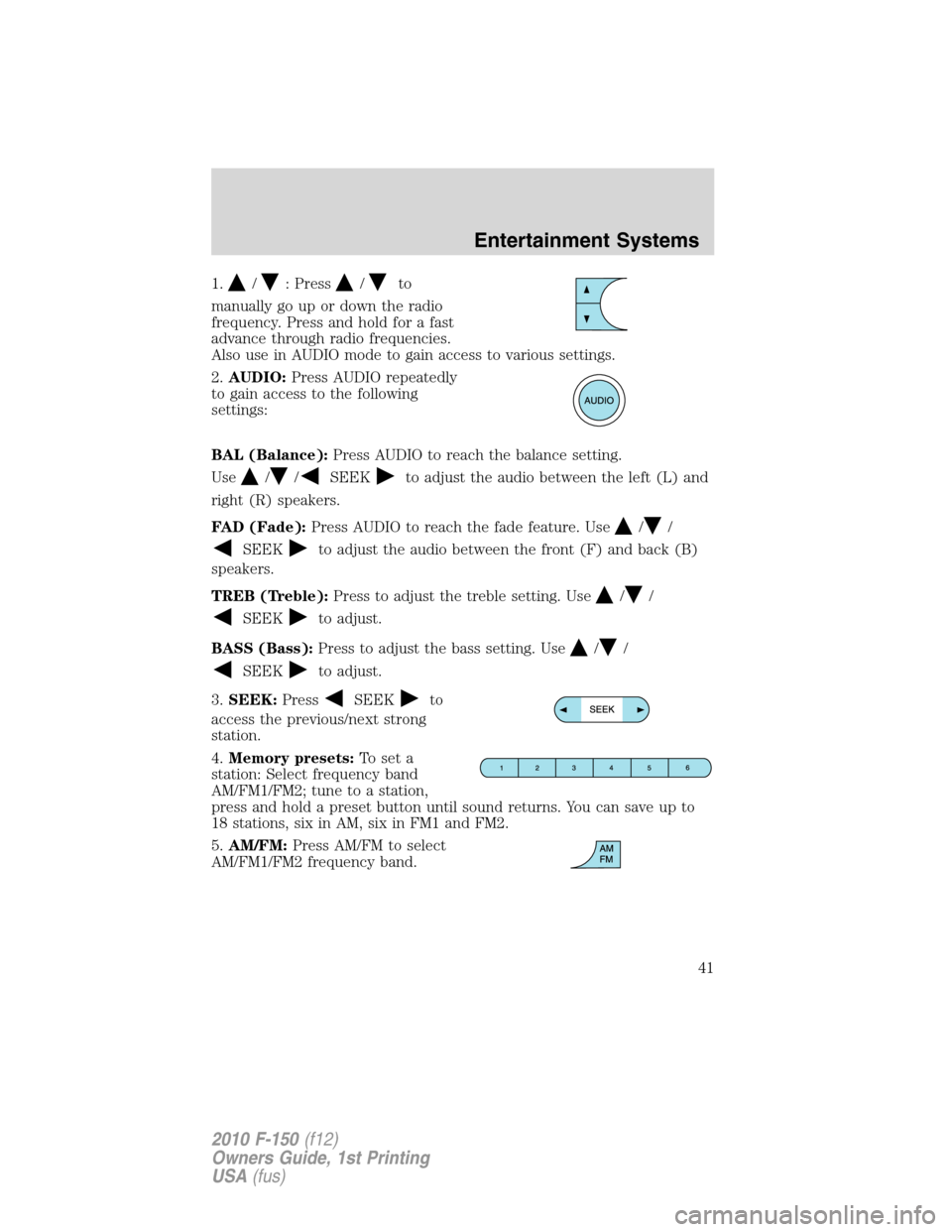
1./: Press/to
manually go up or down the radio
frequency. Press and hold for a fast
advance through radio frequencies.
Also use in AUDIO mode to gain access to various settings.
2.AUDIO:Press AUDIO repeatedly
to gain access to the following
settings:
BAL (Balance):Press AUDIO to reach the balance setting.
Use
//SEEKto adjust the audio between the left (L) and
right (R) speakers.
FAD (Fade):Press AUDIO to reach the fade feature. Use
//
SEEKto adjust the audio between the front (F) and back (B)
speakers.
TREB (Treble):Press to adjust the treble setting. Use
//
SEEKto adjust.
BASS (Bass):Press to adjust the bass setting. Use
//
SEEKto adjust.
3.SEEK:Press
SEEKto
access the previous/next strong
station.
4.Memory presets:To set a
station: Select frequency band
AM/FM1/FM2; tune to a station,
press and hold a preset button until sound returns. You can save up to
18 stations, six in AM, six in FM1 and FM2.
5.AM/FM:Press AM/FM to select
AM/FM1/FM2 frequency band.
Entertainment Systems
41
2010 F-150(f12)
Owners Guide, 1st Printing
USA(fus)
Page 43 of 419
WARNING:Driving while distracted can result in loss of vehicle
control, accident and injury. Ford strongly recommends that
drivers use extreme caution when using any device that may take their
focus off the road. The driver’s primary responsibility is the safe
operation of their vehicle. Only use cell phones and other devices not
essential to the driving task when it is safe to do so.
Accessory delay:Your vehicle is equipped with accessory delay. With
this feature, the radio and other electrical accessories may be used for
up to ten minutes after the ignition is turned off or until either front
door is opened.
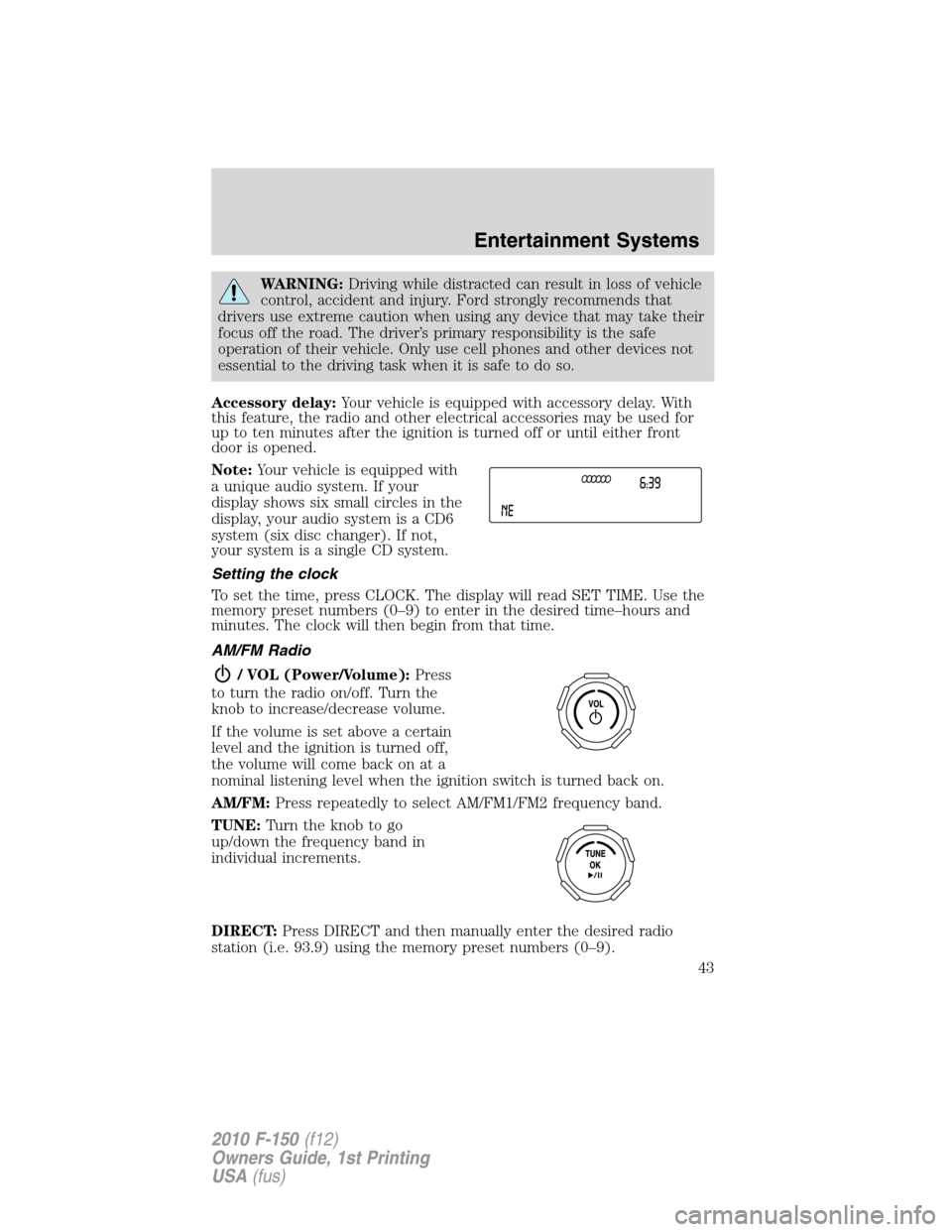
Note:Your vehicle is equipped with
a unique audio system. If your
display shows six small circles in the
display, your audio system is a CD6
system (six disc changer). If not,
your system is a single CD system.
Setting the clock
To set the time, press CLOCK. The display will read SET TIME. Use the
memory preset numbers (0–9) to enter in the desired time–hours and
minutes. The clock will then begin from that time.
AM/FM Radio
/ VOL (Power/Volume):Press
to turn the radio on/off. Turn the
knob to increase/decrease volume.
If the volume is set above a certain
level and the ignition is turned off,
the volume will come back on at a
nominal listening level when the ignition switch is turned back on.
AM/FM:Press repeatedly to select AM/FM1/FM2 frequency band.
TUNE:Turn the knob to go
up/down the frequency band in
individual increments.
DIRECT:Press DIRECT and then manually enter the desired radio
station (i.e. 93.9) using the memory preset numbers (0–9).
Entertainment Systems
43
2010 F-150(f12)
Owners Guide, 1st Printing
USA(fus)
Page 44 of 419
SEEK:PressSEEKto access the previous/next strong radio
station.
SCAN:Press for a brief sampling of all strong radio stations.
0–9 (MEMORY PRESETS):When
tuned to any station, press and hold
a preset button until sound returns
and PRESET # SAVED appears in the display. You can save up to 30
stations, 10 in AM, 10 in FM1 and FM2.
Saving presets automatically:Autoset allows you to set the strongest
local radio stations without losing your original manually set preset
stations for AM/FM1/FM2.
To activate the autoset feature:Press MENU repeatedly until AUTO
PRESET ON/OFF appears in the display. Use
SEEKto toggle
AUTO PRESET to ON, and either wait five seconds for the search to
initiate or press OK to immediately initiate the search. If you press
another control within those five seconds, the search will not initiate.
The 10 strongest stations will be filled and the station stored in preset 1
will begin playing.
If there are fewer than 10 strong stations, the system will store the last
one in the remaining presets.
RDBS Radio
Available only in FM mode. This feature allows you to search
RDBS-equipped stations for a certain category of music format:
CLASSIC, COUNTRY, JAZZ/RB, ROCK, etc.
To activate:Press MENU repeatedly until RDBS (ON/OFF) appears in
the display. Use
SEEKto toggle RDBS ON/OFF. When RDBS is
off, you will not be able to search for RDBS equipped stations or view
the station name or type.
CAT/FOLD (Category/Folder):This feature allows you to select from
various music categories.
To change RDBS categories:Press MENU repeatedly until RDBS
ON/OFF appears in the display. Use
SEEKto toggle RDBS
between ON/OFF. Press CAT. PRESS UP OR DOWN TO CHANGE RDBS
CATEGORY will appear in the display.
Press
to scroll through all possible categories. When the desired
category appears in the display, press
SEEKto find the next
station playing that selection or press SCAN for a brief sampling of all
stations playing that category of music.
Entertainment Systems
44
2010 F-150(f12)
Owners Guide, 1st Printing
USA(fus)
Page 45 of 419
CD/MP3 Player
CD:Press to enter CD/MP3 mode. If a disc is already loaded into the
system, CD/MP3 play will begin where it ended last. If no CD is loaded,
NO DISC will appear in the display.
LOAD:
For a single CD system–This control is not operational. To load a CD,
simply insert the disc, label side up, into the CD slot.
For a CD6 system–Press LOAD. When the display reads SELECT
SLOT, choose the desired slot number using memory presets 1–6. When
the display reads LOAD CD #, load the desired disc, label side up. If you
do not choose a slot within five seconds, the system will choose for you.
Once loaded, the first track will begin to play.
To auto load up to six discs–Press and hold LOAD until the display
reads AUTOLOAD #. Load the desired disc, label side up. The system
will prompt you to load discs for the remaining available slots. Insert the
discs, one at a time, label side up, when prompted. Once loaded, the disc
in preset #1 will begin to play.
Press the number preset buttons (1–6) to choose the disc you want to
play.
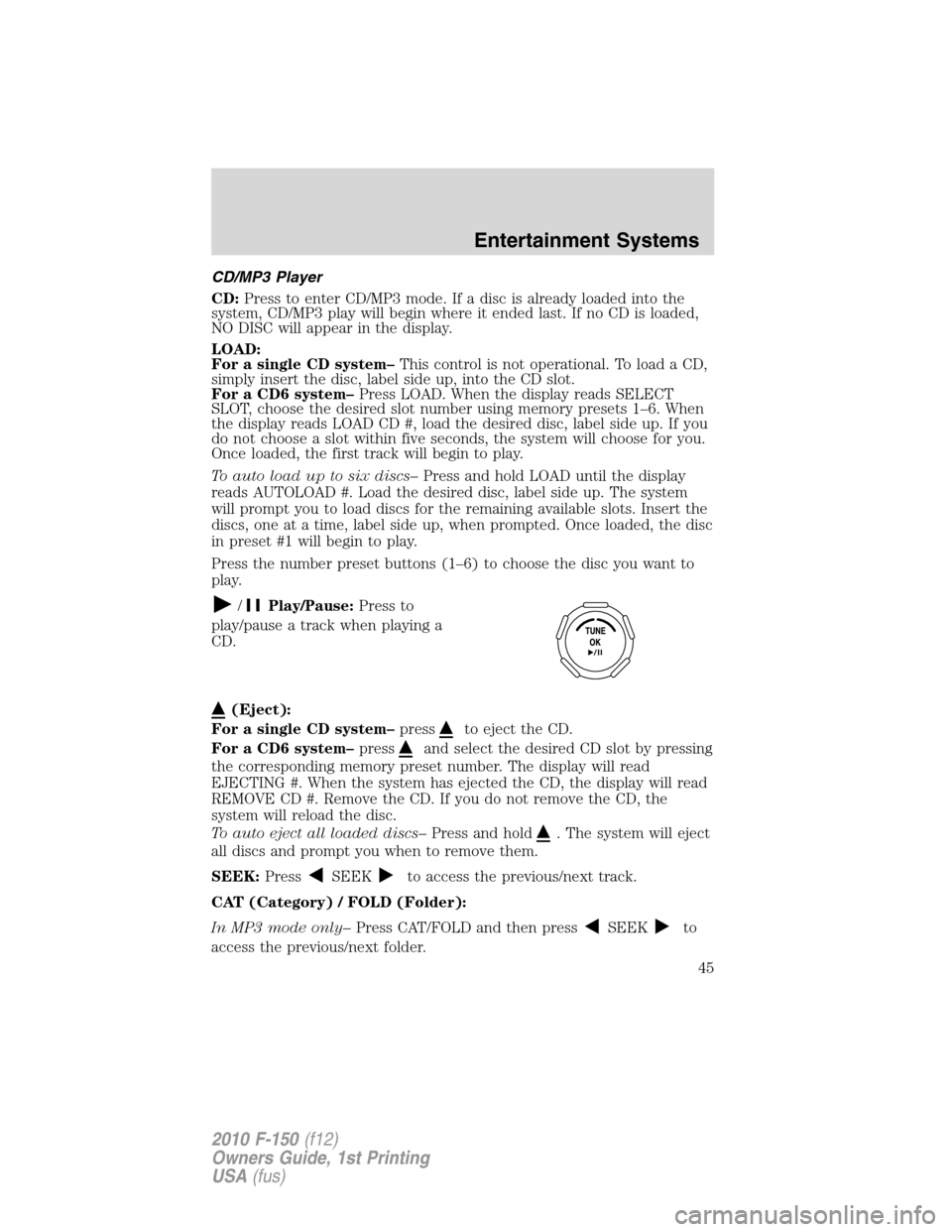
/Play/Pause:Press to
play/pause a track when playing a
CD.
(Eject):
For a single CD system–press
to eject the CD.
For a CD6 system–press
and select the desired CD slot by pressing
the corresponding memory preset number. The display will read
EJECTING #. When the system has ejected the CD, the display will read
REMOVE CD #. Remove the CD. If you do not remove the CD, the
system will reload the disc.
To auto eject all loaded discs–Press and hold
. The system will eject
all discs and prompt you when to remove them.
SEEK:Press
SEEKto access the previous/next track.
CAT (Category) / FOLD (Folder):
In MP3 mode only–Press CAT/FOLD and then press
SEEKto
access the previous/next folder.
Entertainment Systems
45
2010 F-150(f12)
Owners Guide, 1st Printing
USA(fus)