air dam FORD F150 2023 Repair Manual
[x] Cancel search | Manufacturer: FORD, Model Year: 2023, Model line: F150, Model: FORD F150 2023Pages: 786, PDF Size: 23.15 MB
Page 682 of 786
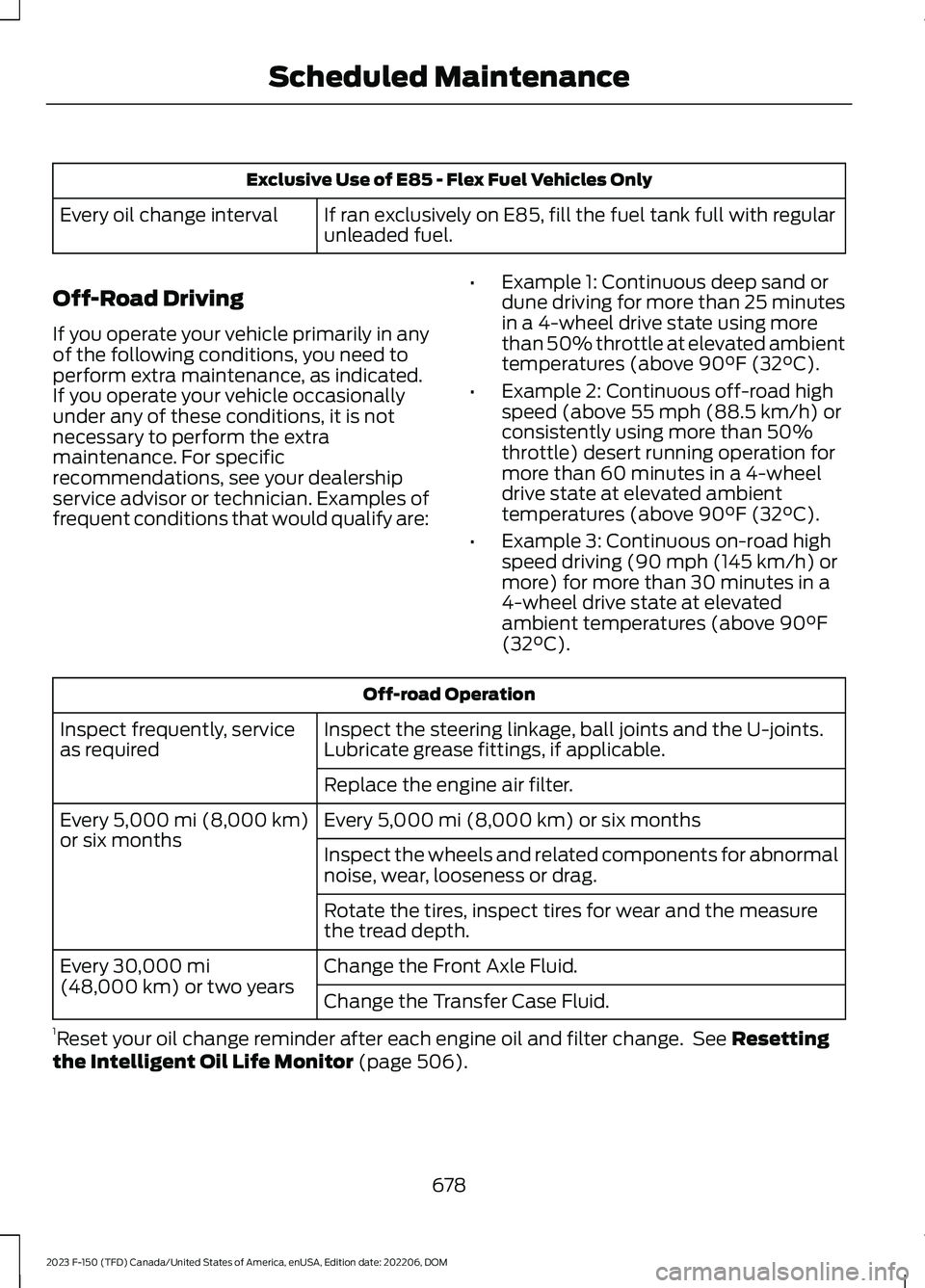
Exclusive Use of E85 - Flex Fuel Vehicles Only
If ran exclusively on E85, fill the fuel tank full with regularunleaded fuel.Every oil change interval
Off-Road Driving
If you operate your vehicle primarily in anyof the following conditions, you need toperform extra maintenance, as indicated.If you operate your vehicle occasionallyunder any of these conditions, it is notnecessary to perform the extramaintenance. For specificrecommendations, see your dealershipservice advisor or technician. Examples offrequent conditions that would qualify are:
•Example 1: Continuous deep sand ordune driving for more than 25 minutesin a 4-wheel drive state using morethan 50% throttle at elevated ambienttemperatures (above 90°F (32°C).
•Example 2: Continuous off-road highspeed (above 55 mph (88.5 km/h) orconsistently using more than 50%throttle) desert running operation formore than 60 minutes in a 4-wheeldrive state at elevated ambienttemperatures (above 90°F (32°C).
•Example 3: Continuous on-road highspeed driving (90 mph (145 km/h) ormore) for more than 30 minutes in a4-wheel drive state at elevatedambient temperatures (above 90°F(32°C).
Off-road Operation
Inspect the steering linkage, ball joints and the U-joints.Lubricate grease fittings, if applicable.Inspect frequently, serviceas required
Replace the engine air filter.
Every 5,000 mi (8,000 km) or six monthsEvery 5,000 mi (8,000 km)or six monthsInspect the wheels and related components for abnormalnoise, wear, looseness or drag.
Rotate the tires, inspect tires for wear and the measurethe tread depth.
Change the Front Axle Fluid.Every 30,000 mi(48,000 km) or two yearsChange the Transfer Case Fluid.
1Reset your oil change reminder after each engine oil and filter change. See Resettingthe Intelligent Oil Life Monitor (page 506).
678
2023 F-150 (TFD) Canada/United States of America, enUSA, Edition date: 202206, DOMScheduled Maintenance
Page 684 of 786
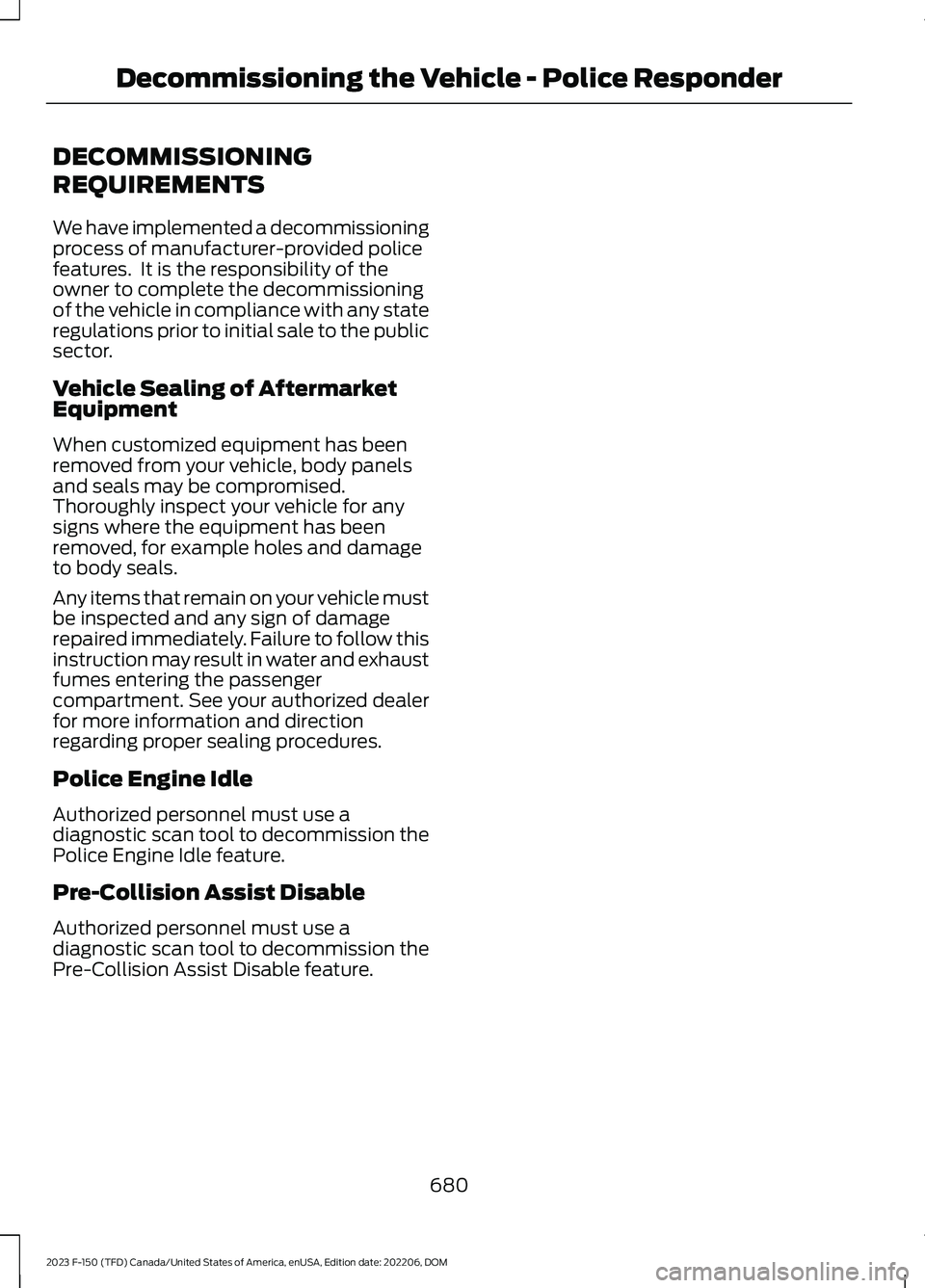
DECOMMISSIONING
REQUIREMENTS
We have implemented a decommissioningprocess of manufacturer-provided policefeatures. It is the responsibility of theowner to complete the decommissioningof the vehicle in compliance with any stateregulations prior to initial sale to the publicsector.
Vehicle Sealing of AftermarketEquipment
When customized equipment has beenremoved from your vehicle, body panelsand seals may be compromised.Thoroughly inspect your vehicle for anysigns where the equipment has beenremoved, for example holes and damageto body seals.
Any items that remain on your vehicle mustbe inspected and any sign of damagerepaired immediately. Failure to follow thisinstruction may result in water and exhaustfumes entering the passengercompartment. See your authorized dealerfor more information and directionregarding proper sealing procedures.
Police Engine Idle
Authorized personnel must use adiagnostic scan tool to decommission thePolice Engine Idle feature.
Pre-Collision Assist Disable
Authorized personnel must use adiagnostic scan tool to decommission thePre-Collision Assist Disable feature.
680
2023 F-150 (TFD) Canada/United States of America, enUSA, Edition date: 202206, DOMDecommissioning the Vehicle - Police Responder
Page 726 of 786
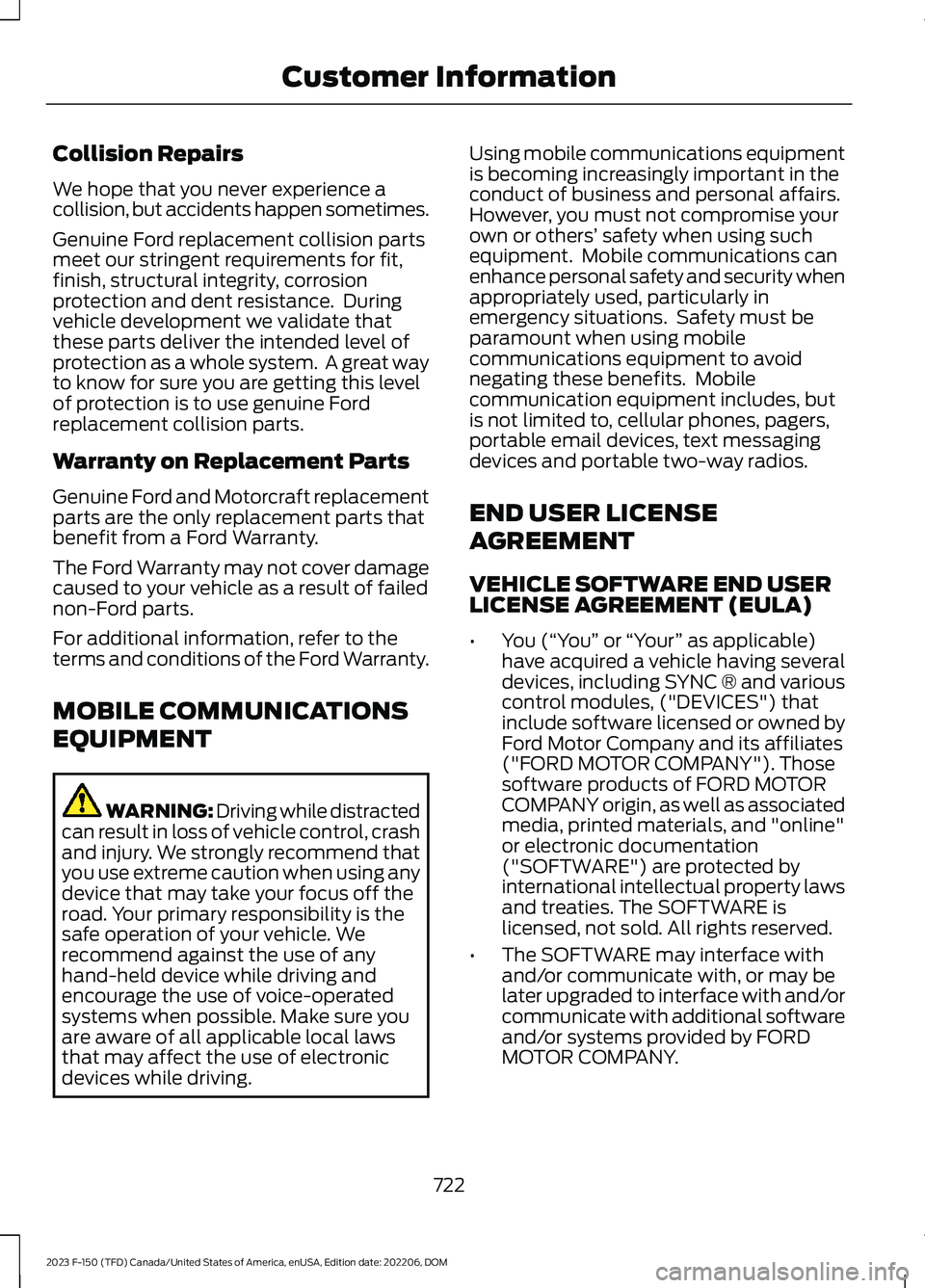
Collision Repairs
We hope that you never experience acollision, but accidents happen sometimes.
Genuine Ford replacement collision partsmeet our stringent requirements for fit,finish, structural integrity, corrosionprotection and dent resistance. Duringvehicle development we validate thatthese parts deliver the intended level ofprotection as a whole system. A great wayto know for sure you are getting this levelof protection is to use genuine Fordreplacement collision parts.
Warranty on Replacement Parts
Genuine Ford and Motorcraft replacementparts are the only replacement parts thatbenefit from a Ford Warranty.
The Ford Warranty may not cover damagecaused to your vehicle as a result of failednon-Ford parts.
For additional information, refer to theterms and conditions of the Ford Warranty.
MOBILE COMMUNICATIONS
EQUIPMENT
WARNING: Driving while distractedcan result in loss of vehicle control, crashand injury. We strongly recommend thatyou use extreme caution when using anydevice that may take your focus off theroad. Your primary responsibility is thesafe operation of your vehicle. Werecommend against the use of anyhand-held device while driving andencourage the use of voice-operatedsystems when possible. Make sure youare aware of all applicable local lawsthat may affect the use of electronicdevices while driving.
Using mobile communications equipmentis becoming increasingly important in theconduct of business and personal affairs.However, you must not compromise yourown or others’ safety when using suchequipment. Mobile communications canenhance personal safety and security whenappropriately used, particularly inemergency situations. Safety must beparamount when using mobilecommunications equipment to avoidnegating these benefits. Mobilecommunication equipment includes, butis not limited to, cellular phones, pagers,portable email devices, text messagingdevices and portable two-way radios.
END USER LICENSE
AGREEMENT
VEHICLE SOFTWARE END USERLICENSE AGREEMENT (EULA)
•You (“You” or “Your” as applicable)have acquired a vehicle having severaldevices, including SYNC ® and variouscontrol modules, ("DEVICES") thatinclude software licensed or owned byFord Motor Company and its affiliates("FORD MOTOR COMPANY"). Thosesoftware products of FORD MOTORCOMPANY origin, as well as associatedmedia, printed materials, and "online"or electronic documentation("SOFTWARE") are protected byinternational intellectual property lawsand treaties. The SOFTWARE islicensed, not sold. All rights reserved.
•The SOFTWARE may interface withand/or communicate with, or may belater upgraded to interface with and/orcommunicate with additional softwareand/or systems provided by FORDMOTOR COMPANY.
722
2023 F-150 (TFD) Canada/United States of America, enUSA, Edition date: 202206, DOMCustomer Information
Page 747 of 786
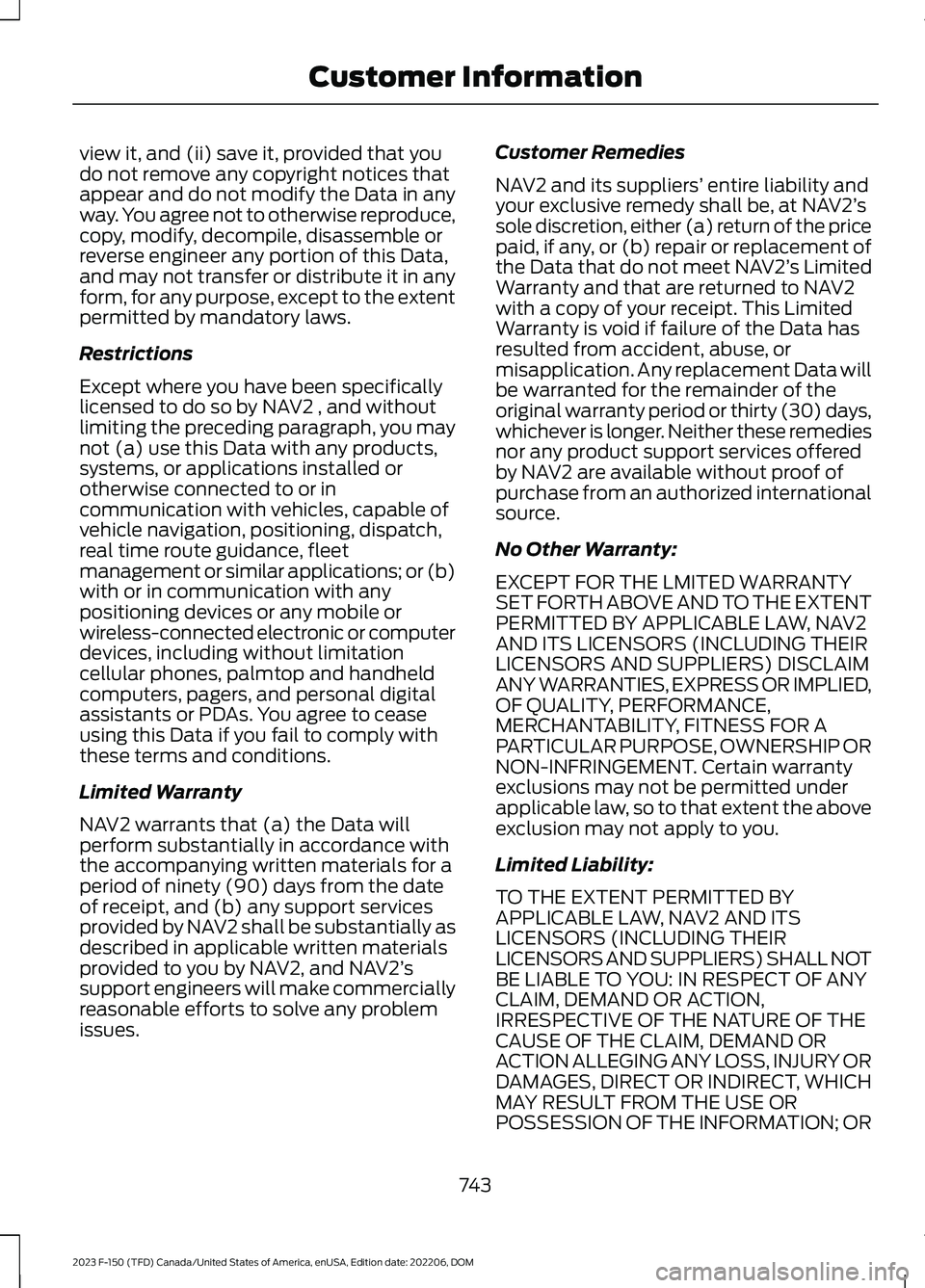
view it, and (ii) save it, provided that youdo not remove any copyright notices thatappear and do not modify the Data in anyway. You agree not to otherwise reproduce,copy, modify, decompile, disassemble orreverse engineer any portion of this Data,and may not transfer or distribute it in anyform, for any purpose, except to the extentpermitted by mandatory laws.
Restrictions
Except where you have been specificallylicensed to do so by NAV2 , and withoutlimiting the preceding paragraph, you maynot (a) use this Data with any products,systems, or applications installed orotherwise connected to or incommunication with vehicles, capable ofvehicle navigation, positioning, dispatch,real time route guidance, fleetmanagement or similar applications; or (b)with or in communication with anypositioning devices or any mobile orwireless-connected electronic or computerdevices, including without limitationcellular phones, palmtop and handheldcomputers, pagers, and personal digitalassistants or PDAs. You agree to ceaseusing this Data if you fail to comply withthese terms and conditions.
Limited Warranty
NAV2 warrants that (a) the Data willperform substantially in accordance withthe accompanying written materials for aperiod of ninety (90) days from the dateof receipt, and (b) any support servicesprovided by NAV2 shall be substantially asdescribed in applicable written materialsprovided to you by NAV2, and NAV2’ssupport engineers will make commerciallyreasonable efforts to solve any problemissues.
Customer Remedies
NAV2 and its suppliers’ entire liability andyour exclusive remedy shall be, at NAV2’ssole discretion, either (a) return of the pricepaid, if any, or (b) repair or replacement ofthe Data that do not meet NAV2’s LimitedWarranty and that are returned to NAV2with a copy of your receipt. This LimitedWarranty is void if failure of the Data hasresulted from accident, abuse, ormisapplication. Any replacement Data willbe warranted for the remainder of theoriginal warranty period or thirty (30) days,whichever is longer. Neither these remediesnor any product support services offeredby NAV2 are available without proof ofpurchase from an authorized internationalsource.
No Other Warranty:
EXCEPT FOR THE LMITED WARRANTYSET FORTH ABOVE AND TO THE EXTENTPERMITTED BY APPLICABLE LAW, NAV2AND ITS LICENSORS (INCLUDING THEIRLICENSORS AND SUPPLIERS) DISCLAIMANY WARRANTIES, EXPRESS OR IMPLIED,OF QUALITY, PERFORMANCE,MERCHANTABILITY, FITNESS FOR APARTICULAR PURPOSE, OWNERSHIP ORNON-INFRINGEMENT. Certain warrantyexclusions may not be permitted underapplicable law, so to that extent the aboveexclusion may not apply to you.
Limited Liability:
TO THE EXTENT PERMITTED BYAPPLICABLE LAW, NAV2 AND ITSLICENSORS (INCLUDING THEIRLICENSORS AND SUPPLIERS) SHALL NOTBE LIABLE TO YOU: IN RESPECT OF ANYCLAIM, DEMAND OR ACTION,IRRESPECTIVE OF THE NATURE OF THECAUSE OF THE CLAIM, DEMAND ORACTION ALLEGING ANY LOSS, INJURY ORDAMAGES, DIRECT OR INDIRECT, WHICHMAY RESULT FROM THE USE ORPOSSESSION OF THE INFORMATION; OR
743
2023 F-150 (TFD) Canada/United States of America, enUSA, Edition date: 202206, DOMCustomer Information
Page 770 of 786
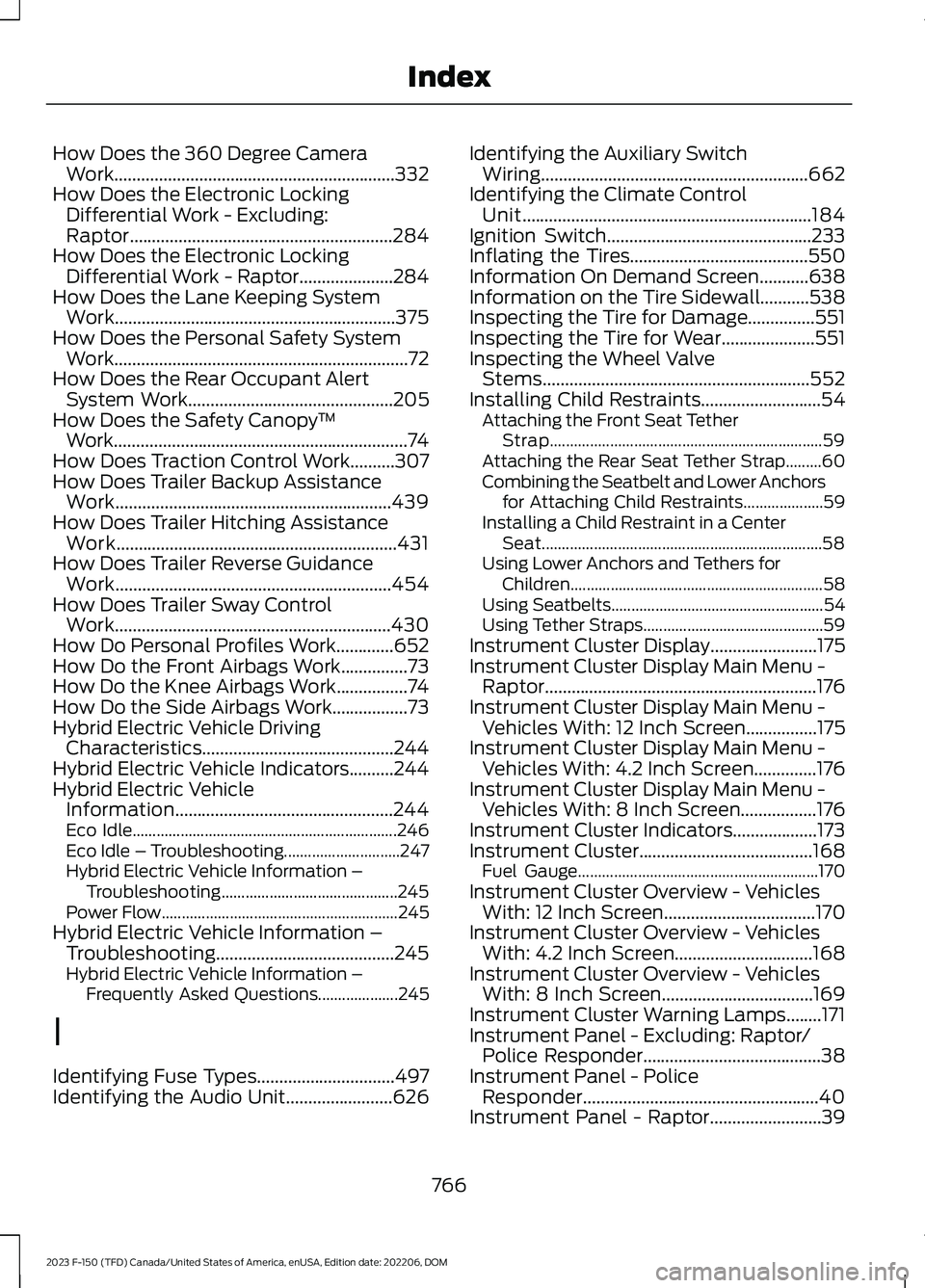
How Does the 360 Degree CameraWork...............................................................332How Does the Electronic LockingDifferential Work - Excluding:Raptor...........................................................284How Does the Electronic LockingDifferential Work - Raptor.....................284How Does the Lane Keeping SystemWork...............................................................375How Does the Personal Safety SystemWork..................................................................72How Does the Rear Occupant AlertSystem Work..............................................205How Does the Safety Canopy™Work..................................................................74How Does Traction Control Work..........307How Does Trailer Backup AssistanceWork..............................................................439How Does Trailer Hitching AssistanceWork...............................................................431How Does Trailer Reverse GuidanceWork..............................................................454How Does Trailer Sway ControlWork..............................................................430How Do Personal Profiles Work.............652How Do the Front Airbags Work...............73How Do the Knee Airbags Work................74How Do the Side Airbags Work.................73Hybrid Electric Vehicle DrivingCharacteristics...........................................244Hybrid Electric Vehicle Indicators..........244Hybrid Electric VehicleInformation.................................................244Eco Idle..................................................................246Eco Idle – Troubleshooting.............................247Hybrid Electric Vehicle Information –Troubleshooting............................................245Power Flow...........................................................245Hybrid Electric Vehicle Information –Troubleshooting........................................245Hybrid Electric Vehicle Information –Frequently Asked Questions....................245
I
Identifying Fuse Types...............................497Identifying the Audio Unit........................626
Identifying the Auxiliary SwitchWiring............................................................662Identifying the Climate ControlUnit.................................................................184Ignition Switch..............................................233Inflating the Tires........................................550Information On Demand Screen...........638Information on the Tire Sidewall...........538Inspecting the Tire for Damage...............551Inspecting the Tire for Wear.....................551Inspecting the Wheel ValveStems............................................................552Installing Child Restraints...........................54Attaching the Front Seat TetherStrap....................................................................59Attaching the Rear Seat Tether Strap.........60Combining the Seatbelt and Lower Anchorsfor Attaching Child Restraints....................59Installing a Child Restraint in a CenterSeat......................................................................58Using Lower Anchors and Tethers forChildren...............................................................58Using Seatbelts.....................................................54Using Tether Straps.............................................59Instrument Cluster Display........................175Instrument Cluster Display Main Menu -Raptor.............................................................176Instrument Cluster Display Main Menu -Vehicles With: 12 Inch Screen................175Instrument Cluster Display Main Menu -Vehicles With: 4.2 Inch Screen..............176Instrument Cluster Display Main Menu -Vehicles With: 8 Inch Screen.................176Instrument Cluster Indicators...................173Instrument Cluster.......................................168Fuel Gauge............................................................170Instrument Cluster Overview - VehiclesWith: 12 Inch Screen..................................170Instrument Cluster Overview - VehiclesWith: 4.2 Inch Screen...............................168Instrument Cluster Overview - VehiclesWith: 8 Inch Screen..................................169Instrument Cluster Warning Lamps........171Instrument Panel - Excluding: Raptor/Police Responder........................................38Instrument Panel - PoliceResponder.....................................................40Instrument Panel - Raptor.........................39
766
2023 F-150 (TFD) Canada/United States of America, enUSA, Edition date: 202206, DOMIndex
Page 776 of 786
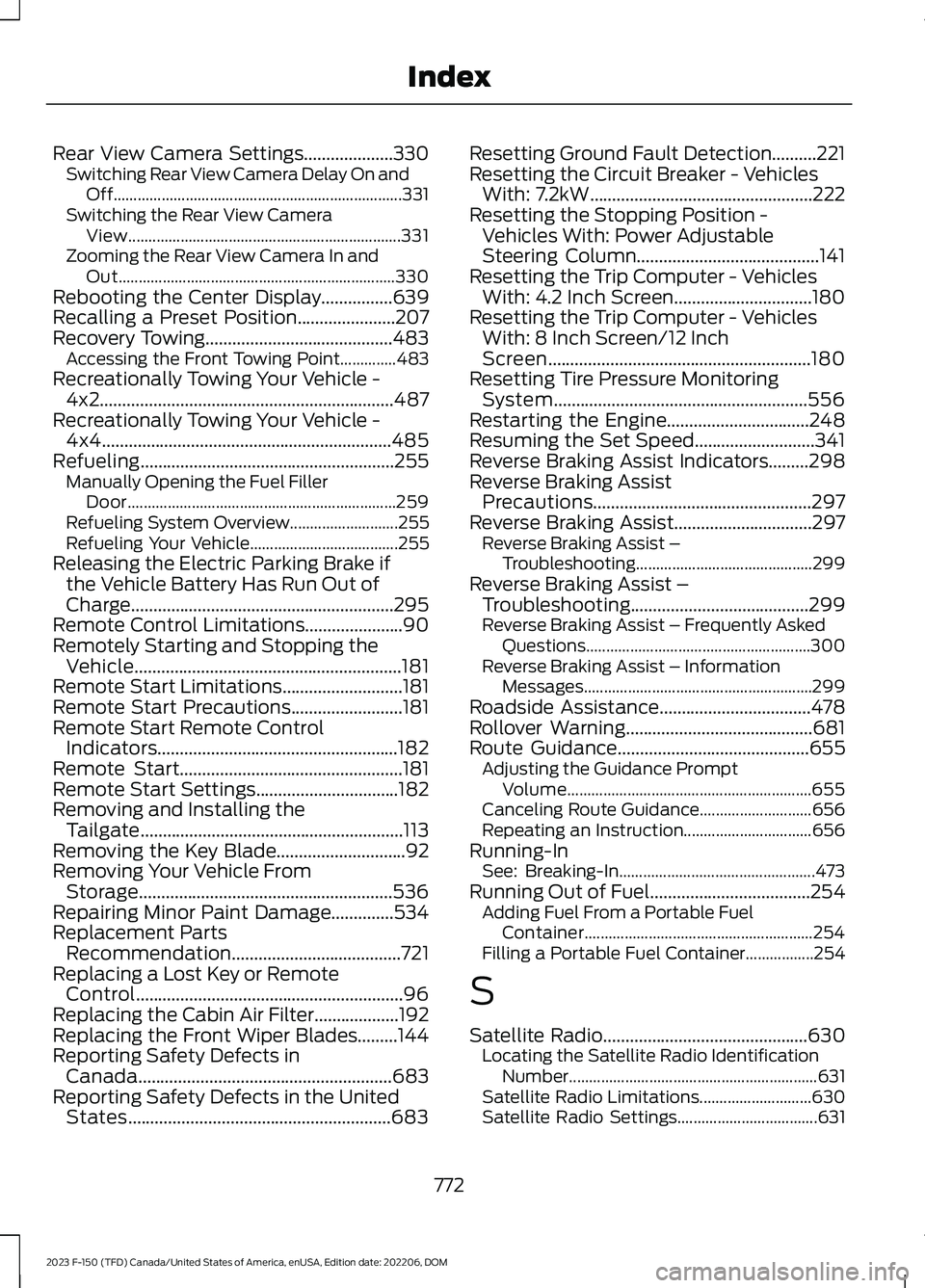
Rear View Camera Settings....................330Switching Rear View Camera Delay On andOff........................................................................331Switching the Rear View CameraView....................................................................331Zooming the Rear View Camera In andOut.....................................................................330Rebooting the Center Display................639Recalling a Preset Position......................207Recovery Towing..........................................483Accessing the Front Towing Point..............483Recreationally Towing Your Vehicle -4x2..................................................................487Recreationally Towing Your Vehicle -4x4.................................................................485Refueling.........................................................255Manually Opening the Fuel FillerDoor...................................................................259Refueling System Overview...........................255Refueling Your Vehicle.....................................255Releasing the Electric Parking Brake ifthe Vehicle Battery Has Run Out ofCharge...........................................................295Remote Control Limitations......................90Remotely Starting and Stopping theVehicle............................................................181Remote Start Limitations...........................181Remote Start Precautions.........................181Remote Start Remote ControlIndicators......................................................182Remote Start..................................................181Remote Start Settings................................182Removing and Installing theTailgate...........................................................113Removing the Key Blade.............................92Removing Your Vehicle FromStorage.........................................................536Repairing Minor Paint Damage..............534Replacement PartsRecommendation......................................721Replacing a Lost Key or RemoteControl............................................................96Replacing the Cabin Air Filter...................192Replacing the Front Wiper Blades.........144Reporting Safety Defects inCanada.........................................................683Reporting Safety Defects in the UnitedStates...........................................................683
Resetting Ground Fault Detection..........221Resetting the Circuit Breaker - VehiclesWith: 7.2kW..................................................222Resetting the Stopping Position -Vehicles With: Power AdjustableSteering Column.........................................141Resetting the Trip Computer - VehiclesWith: 4.2 Inch Screen...............................180Resetting the Trip Computer - VehiclesWith: 8 Inch Screen/12 InchScreen...........................................................180Resetting Tire Pressure MonitoringSystem.........................................................556Restarting the Engine................................248Resuming the Set Speed...........................341Reverse Braking Assist Indicators.........298Reverse Braking AssistPrecautions.................................................297Reverse Braking Assist...............................297Reverse Braking Assist –Troubleshooting............................................299Reverse Braking Assist –Troubleshooting........................................299Reverse Braking Assist – Frequently AskedQuestions........................................................300Reverse Braking Assist – InformationMessages.........................................................299Roadside Assistance..................................478Rollover Warning..........................................681Route Guidance...........................................655Adjusting the Guidance PromptVolume.............................................................655Canceling Route Guidance............................656Repeating an Instruction................................656Running-InSee: Breaking-In.................................................473Running Out of Fuel....................................254Adding Fuel From a Portable FuelContainer.........................................................254Filling a Portable Fuel Container.................254
S
Satellite Radio..............................................630Locating the Satellite Radio IdentificationNumber..............................................................631Satellite Radio Limitations............................630Satellite Radio Settings...................................631
772
2023 F-150 (TFD) Canada/United States of America, enUSA, Edition date: 202206, DOMIndex