ignition FORD F250 1998 User Guide
[x] Cancel search | Manufacturer: FORD, Model Year: 1998, Model line: F250, Model: FORD F250 1998Pages: 219, PDF Size: 1.65 MB
Page 18 of 219
The Daytime Running
Light (DRL) system will
not illuminate the tail lamps and
parking lamps. Turn on your
headlamps at dusk. Failure to do
so may result in a collision.
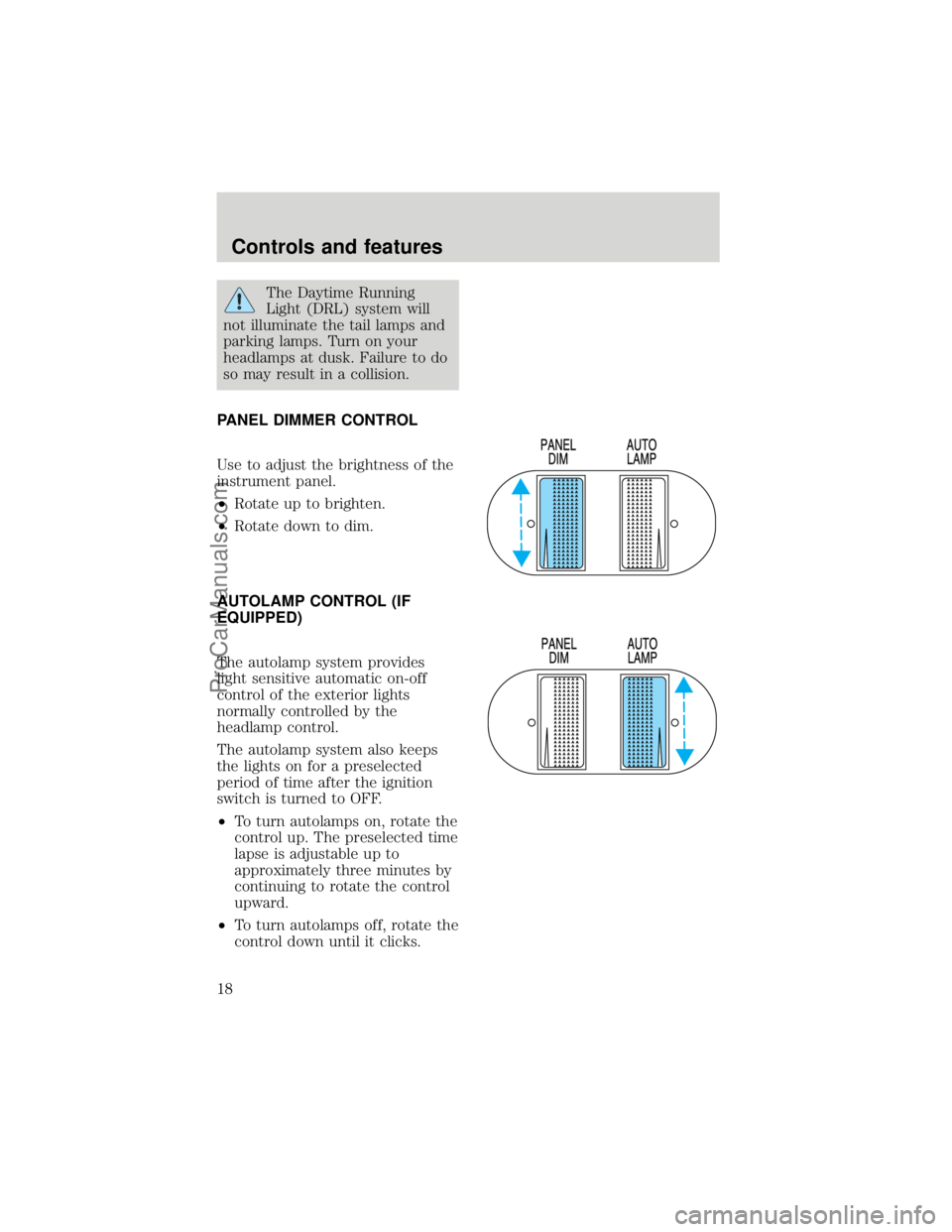
PANEL DIMMER CONTROL
Use to adjust the brightness of the
instrument panel.
²Rotate up to brighten.
²Rotate down to dim.
AUTOLAMP CONTROL (IF
EQUIPPED)
The autolamp system provides
light sensitive automatic on-off
control of the exterior lights
normally controlled by the
headlamp control.
The autolamp system also keeps
the lights on for a preselected
period of time after the ignition
switch is turned to OFF.
²To turn autolamps on, rotate the
control up. The preselected time
lapse is adjustable up to
approximately three minutes by
continuing to rotate the control
upward.
²To turn autolamps off, rotate the
control down until it clicks.
Controls and features
18
ProCarManuals.com
Page 27 of 219
reduce your ability to see
through your windshield. Also,
avoid placing small objects on
top of your instrument panel.
These objects can fall down into
the defroster outlets and block
airflow and possibly damage
your climate control system.
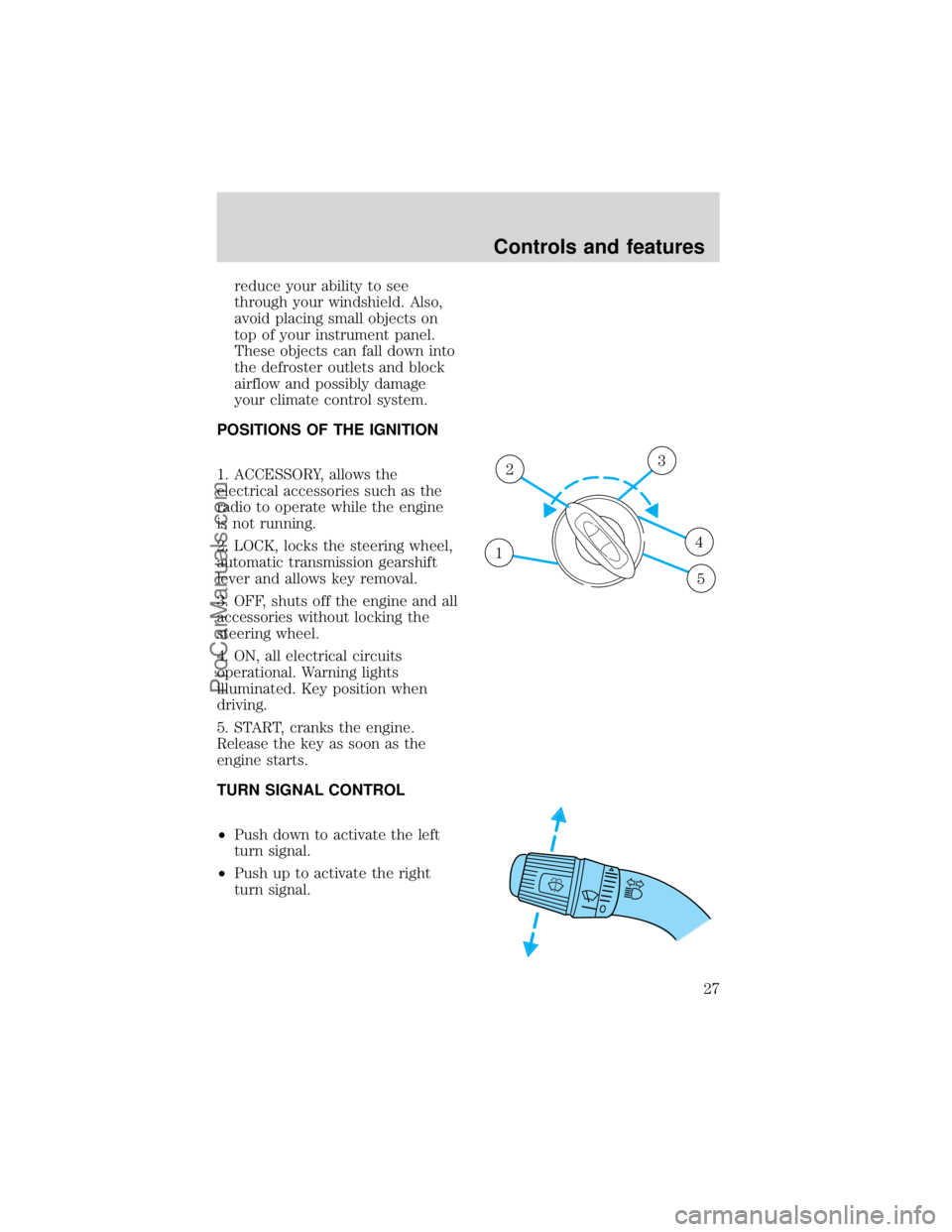
POSITIONS OF THE IGNITION
1. ACCESSORY, allows the
electrical accessories such as the
radio to operate while the engine
is not running.
2. LOCK, locks the steering wheel,
automatic transmission gearshift
lever and allows key removal.
3. OFF, shuts off the engine and all
accessories without locking the
steering wheel.
4. ON, all electrical circuits
operational. Warning lights
illuminated. Key position when
driving.
5. START, cranks the engine.
Release the key as soon as the
engine starts.
TURN SIGNAL CONTROL
²Push down to activate the left
turn signal.
²Push up to activate the right
turn signal.
1
23
4
5
Controls and features
27
ProCarManuals.com
Page 28 of 219
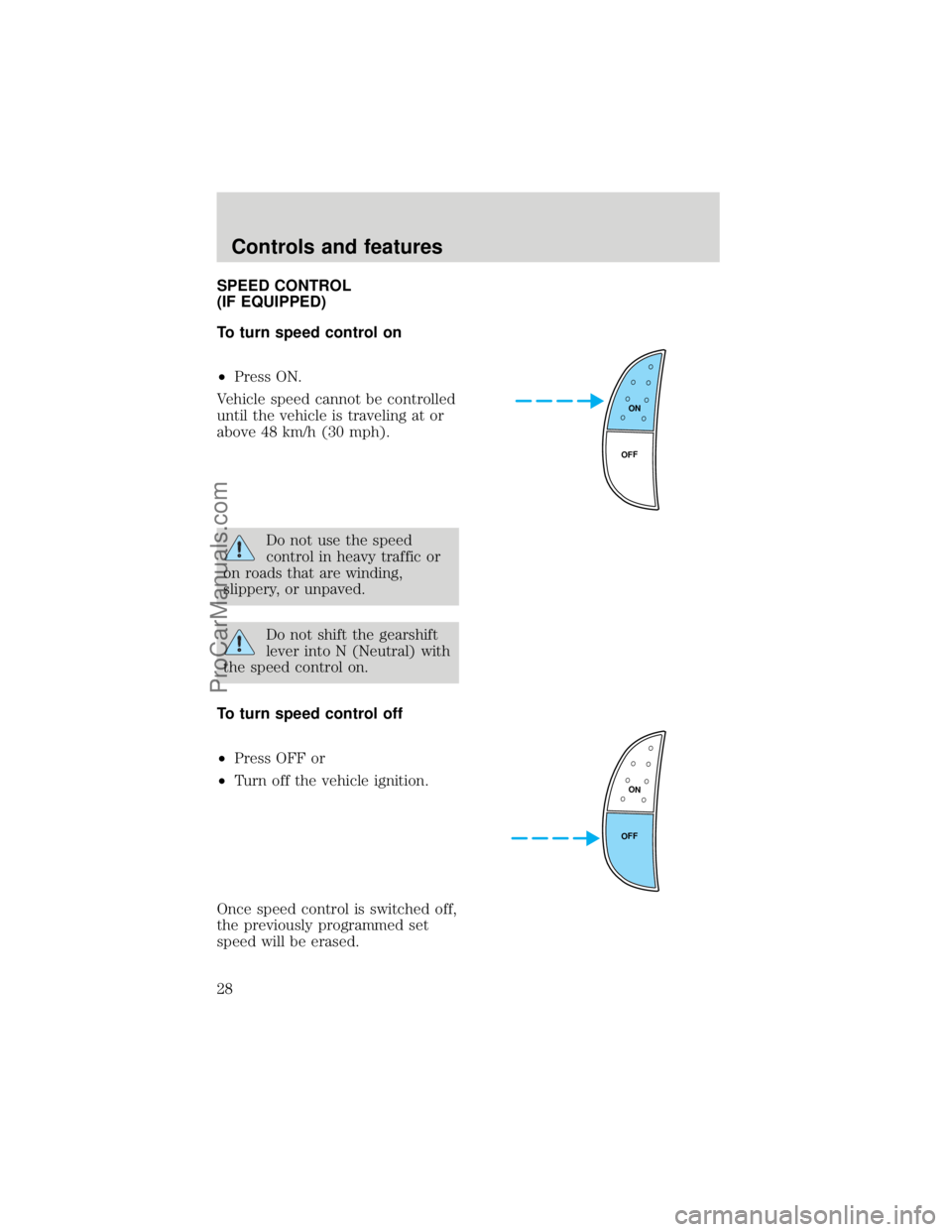
SPEED CONTROL
(IF EQUIPPED)
To turn speed control on
²Press ON.
Vehicle speed cannot be controlled
until the vehicle is traveling at or
above 48 km/h (30 mph).
Do not use the speed
control in heavy traffic or
on roads that are winding,
slippery, or unpaved.
Do not shift the gearshift
lever into N (Neutral) with
the speed control on.
To turn speed control off
²Press OFF or
²Turn off the vehicle ignition.
Once speed control is switched off,
the previously programmed set
speed will be erased.
ON
OFF
ON
OFF
Controls and features
28
ProCarManuals.com
Page 34 of 219
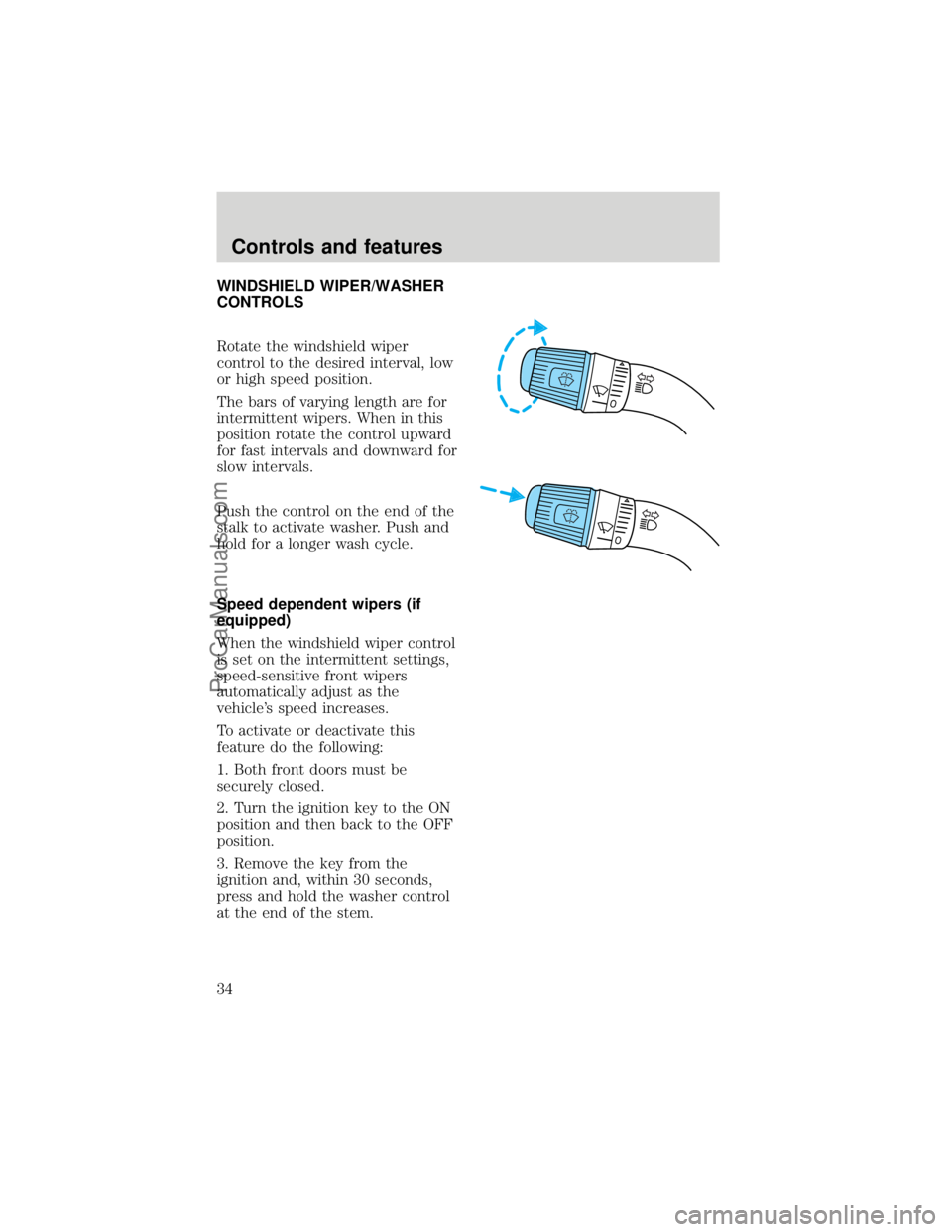
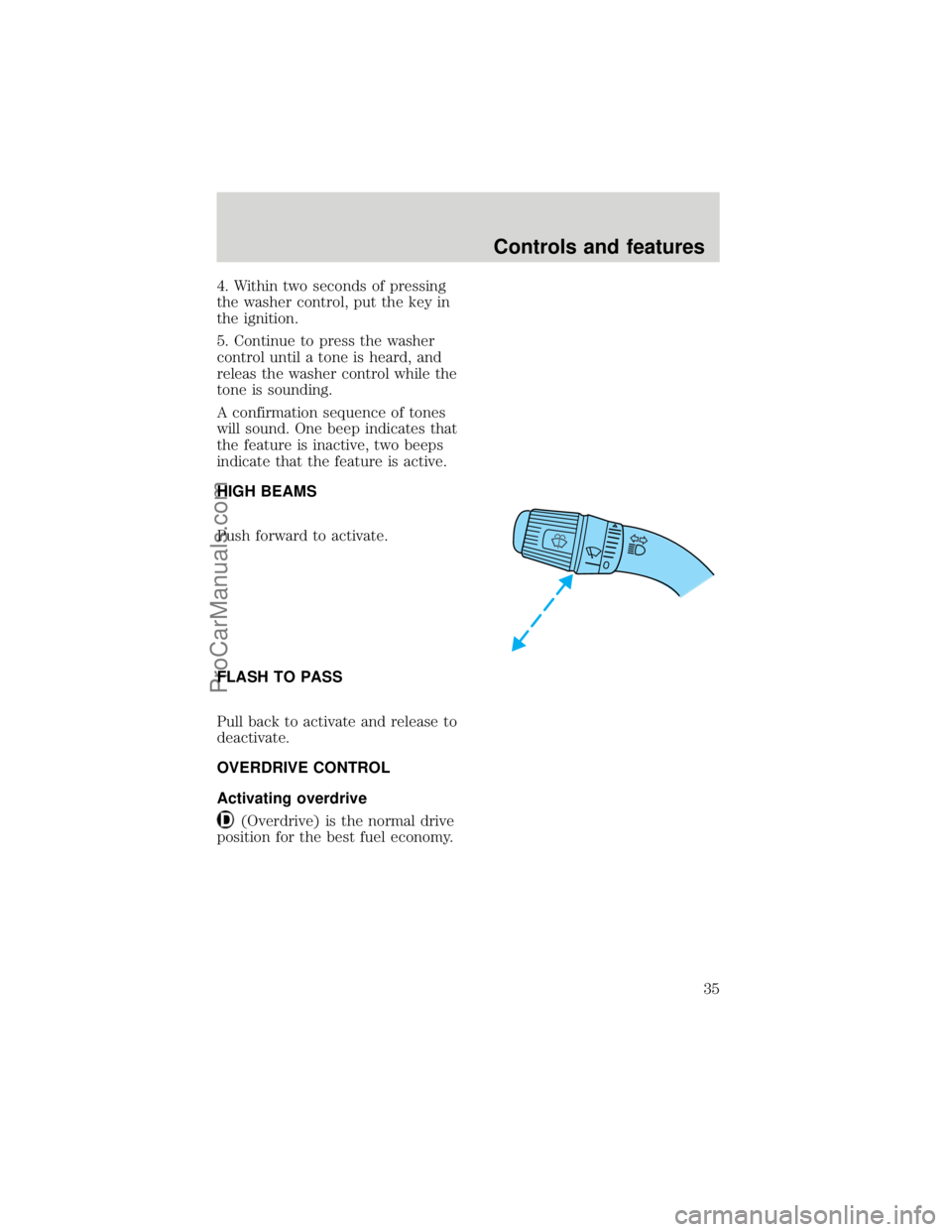
WINDSHIELD WIPER/WASHER
CONTROLS
Rotate the windshield wiper
control to the desired interval, low
or high speed position.
The bars of varying length are for
intermittent wipers. When in this
position rotate the control upward
for fast intervals and downward for
slow intervals.
Push the control on the end of the
stalk to activate washer. Push and
hold for a longer wash cycle.
Speed dependent wipers (if
equipped)
When the windshield wiper control
is set on the intermittent settings,
speed-sensitive front wipers
automatically adjust as the
vehicle's speed increases.
To activate or deactivate this
feature do the following:
1. Both front doors must be
securely closed.
2. Turn the ignition key to the ON
position and then back to the OFF
position.
3. Remove the key from the
ignition and, within 30 seconds,
press and hold the washer control
at the end of the stem.
Controls and features
34
ProCarManuals.com
Page 35 of 219
4. Within two seconds of pressing
the washer control, put the key in
the ignition.
5. Continue to press the washer
control until a tone is heard, and
releas the washer control while the
tone is sounding.
A confirmation sequence of tones
will sound. One beep indicates that
the feature is inactive, two beeps
indicate that the feature is active.
HIGH BEAMS
Push forward to activate.
FLASH TO PASS
Pull back to activate and release to
deactivate.
OVERDRIVE CONTROL
Activating overdrive
(Overdrive) is the normal drive
position for the best fuel economy.
Controls and features
35
ProCarManuals.com
Page 38 of 219
Accessory delay
With accessory delay, the window
switches may be used for up to ten
minutes after the ignition switch is
turned to the OFF position or until
either door is opened.
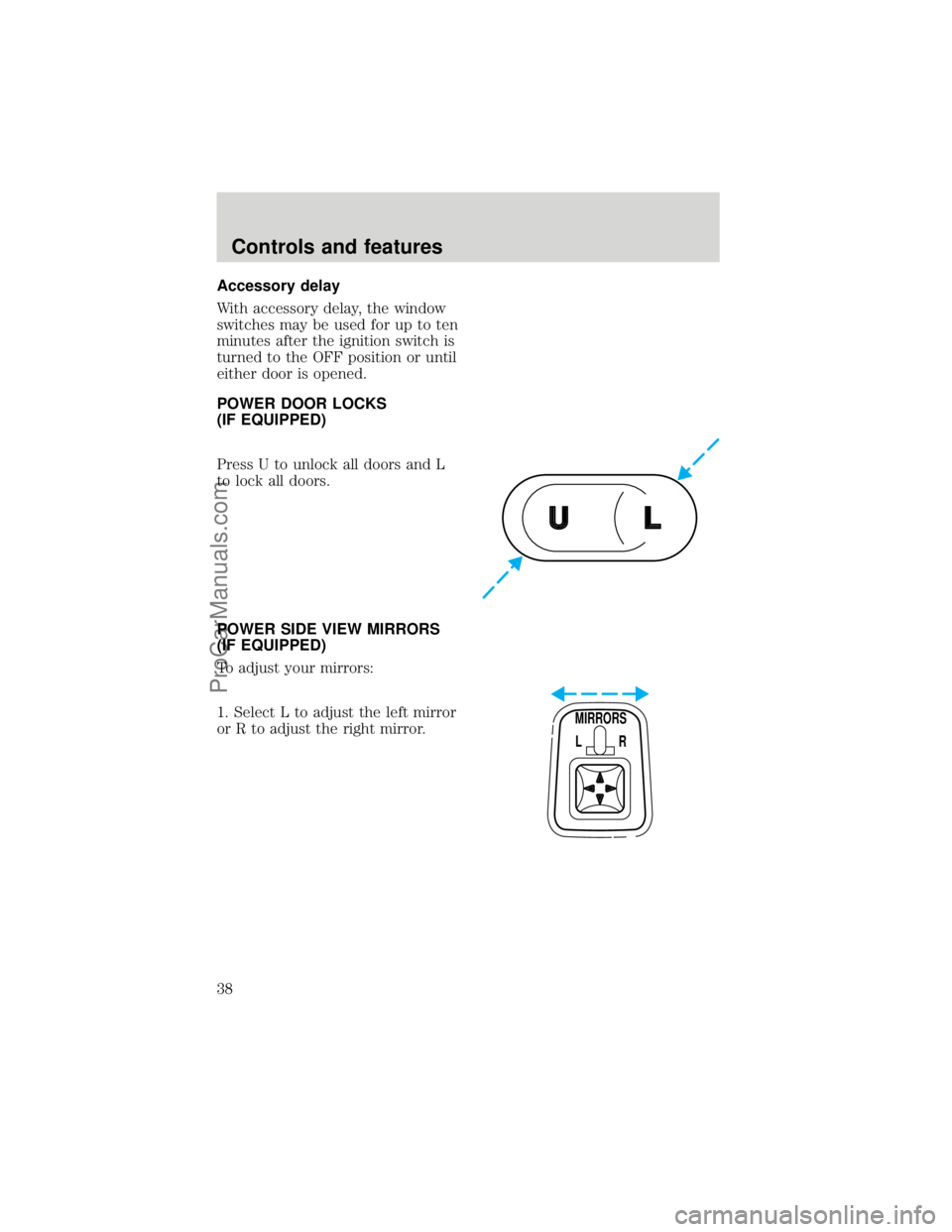
POWER DOOR LOCKS
(IF EQUIPPED)
Press U to unlock all doors and L
to lock all doors.
POWER SIDE VIEW MIRRORS
(IF EQUIPPED)
To adjust your mirrors:
1. Select L to adjust the left mirror
or R to adjust the right mirror.
UL
MIRRORS
L R
Controls and features
38
ProCarManuals.com
Page 39 of 219
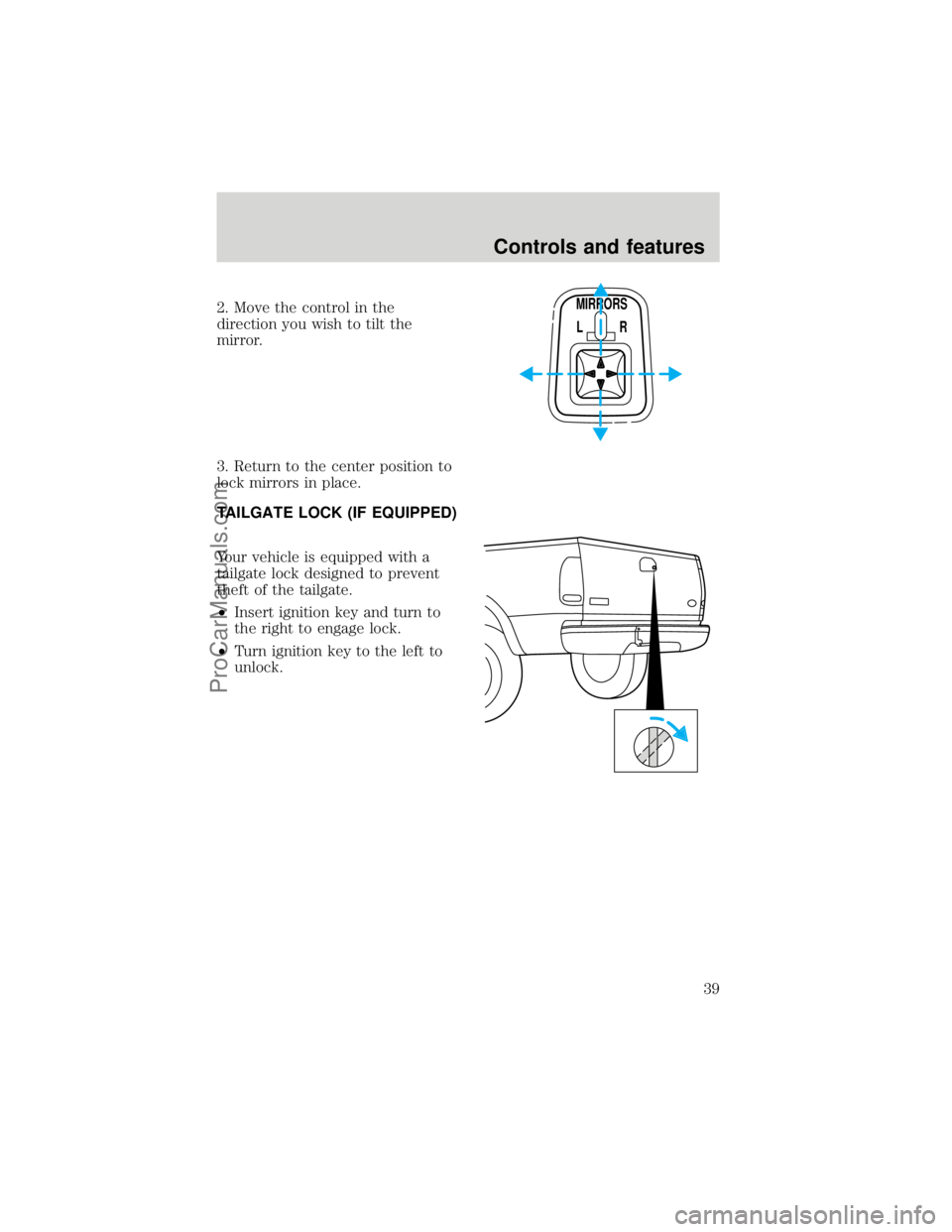
2. Move the control in the
direction you wish to tilt the
mirror.
3. Return to the center position to
lock mirrors in place.
TAILGATE LOCK (IF EQUIPPED)
Your vehicle is equipped with a
tailgate lock designed to prevent
theft of the tailgate.
²Insert ignition key and turn to
the right to engage lock.
²Turn ignition key to the left to
unlock.MIRRORS
L R
Controls and features
39
ProCarManuals.com
Page 40 of 219
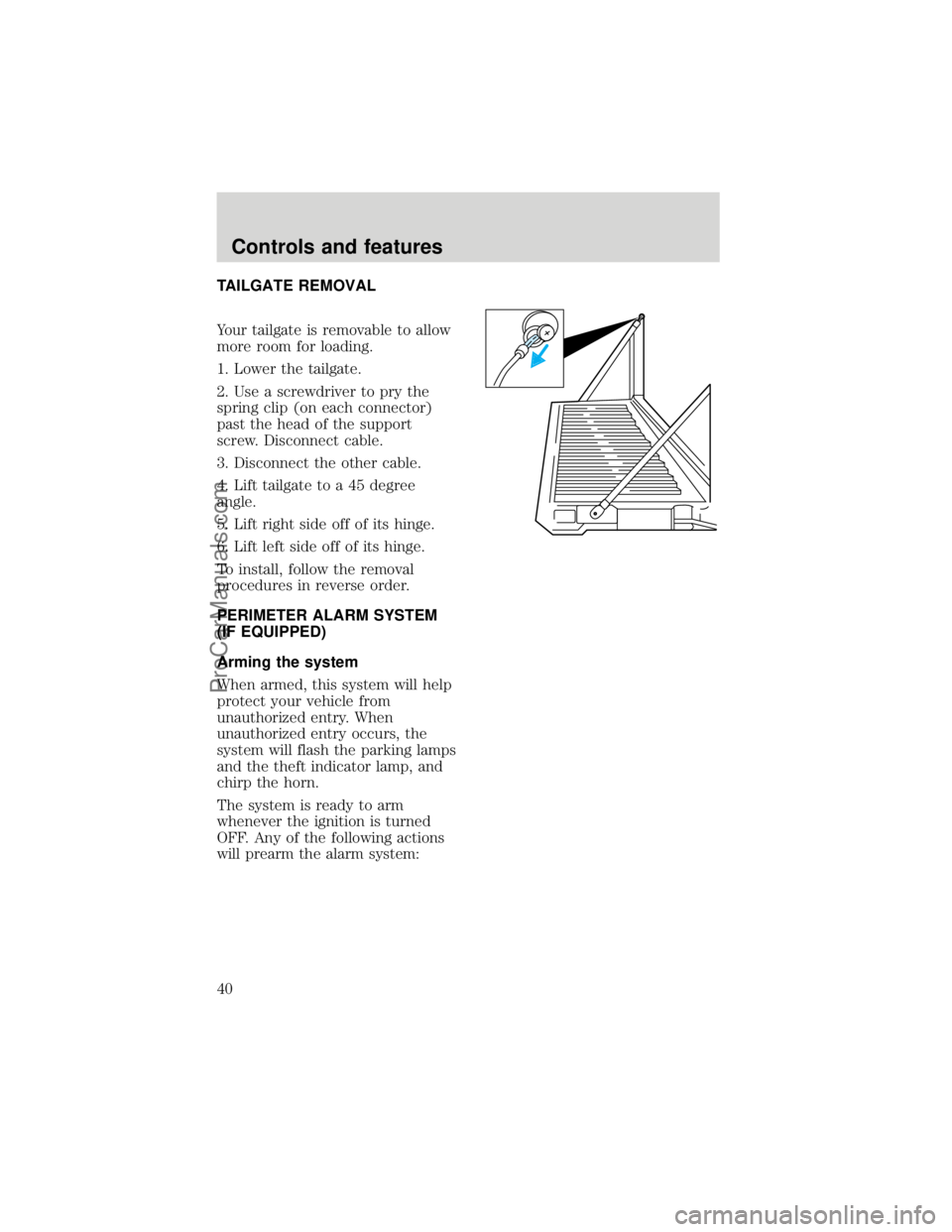
TAILGATE REMOVAL
Your tailgate is removable to allow
more room for loading.
1. Lower the tailgate.
2. Use a screwdriver to pry the
spring clip (on each connector)
past the head of the support
screw. Disconnect cable.
3. Disconnect the other cable.
4. Lift tailgate to a 45 degree
angle.
5. Lift right side off of its hinge.
6. Lift left side off of its hinge.
To install, follow the removal
procedures in reverse order.
PERIMETER ALARM SYSTEM
(IF EQUIPPED)
Arming the system
When armed, this system will help
protect your vehicle from
unauthorized entry. When
unauthorized entry occurs, the
system will flash the parking lamps
and the theft indicator lamp, and
chirp the horn.
The system is ready to arm
whenever the ignition is turned
OFF. Any of the following actions
will prearm the alarm system:
Controls and features
40
ProCarManuals.com
Page 42 of 219

²Unlock the doors by using your
remote entry transmitter.
²Unlock the doors with a key.
Turn the key full travel (toward
the front of the vehicle) to make
sure the alarm disarms.
²Turn ignition to ACC or ON.
²Press the panic control on the
remote entry transmitter. This
will disarm the system only if
the alarm is sounding.
REMOTE ENTRY SYSTEM
(IF EQUIPPED)
The remote entry system allows
you to lock or unlock all vehicle
doors without a key.
The remote entry features only
operate with the ignition in the
OFF position.
Controls and features
42
ProCarManuals.com
Page 43 of 219

Unlocking the doors
Press this control to unlock the
driver door. The interior lamps will
illuminate.
Press the control a second time
within five seconds to unlock all
doors.
Locking the doors
Press this control to lock all doors.
To confirm all doors are closed and
locked, press the control a second
time within five seconds. The
doors will lock again, the horn will
chirp and the lamps will flash.
If any of the doors are ajar, the
horn will make two quick chirps,
reminding you to properly close all
doors.
Sounding a panic alarm
Press this control to activate the
alarm.
To deactivate the alarm, press the
control again or turn the ignition
to ACC or ON.
This device complies with part 15
of the FCC rules and with RS-210
of Industry Canada. Operation is
subject to the following two
conditions: (1) This device may
not cause harmful interference,
Controls and features
43
ProCarManuals.com