engine FORD F250 1998 Owner's Manual
[x] Cancel search | Manufacturer: FORD, Model Year: 1998, Model line: F250, Model: FORD F250 1998Pages: 219, PDF Size: 1.65 MB
Page 89 of 219
is possible that a fuse has blown
and the vehicle's brakelamps may
not be operating properly. Refer to
Fuses and relaysin theRoadside
emergencieschapter.
Do not drive your vehicle
until you verify that the
brakelamps are working.
If your vehicle gets stuck in mud
or snow it may be rocked out by
shifting from forward and reverse
gears in a steady pattern. Press
lightly on the accelerator in each
gear.
Do not rock the vehicle for
more than a few minutes. The
transmission and tires may be
damaged or the engine may
overheat.
Always set the parking
brake fully and make sure
the gearshift is latched in P
(Park). Turn off the ignition
whenever you leave your vehicle.
Driving with a 4±speed
automatic transmission
Understanding gearshift
positions
Pull the gearshift lever towards
you and downward to move the
automatic gearshift.
Driving
89
ProCarManuals.com
Page 91 of 219
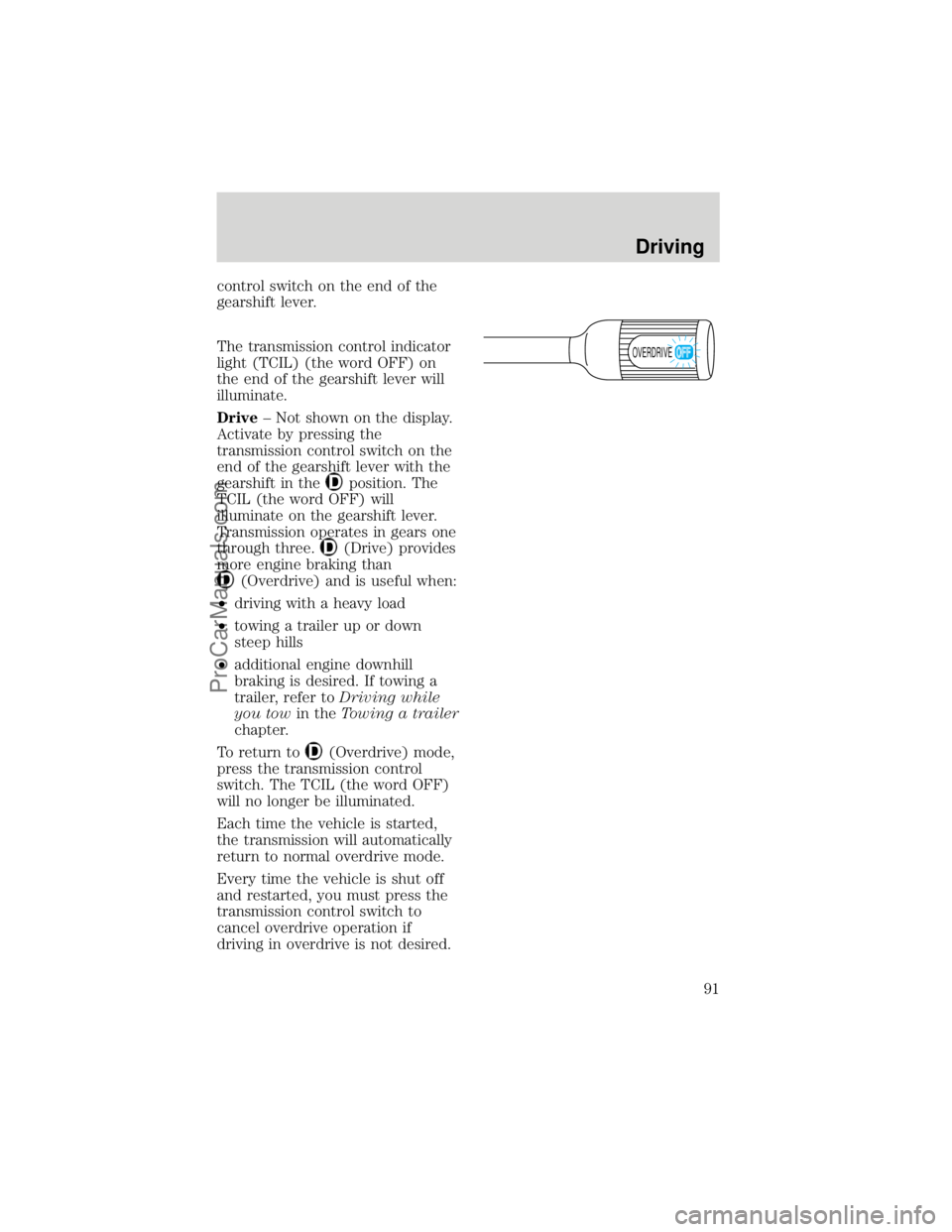
control switch on the end of the
gearshift lever.
The transmission control indicator
light (TCIL) (the word OFF) on
the end of the gearshift lever will
illuminate.
Drive± Not shown on the display.
Activate by pressing the
transmission control switch on the
end of the gearshift lever with the
gearshift in the
position. The
TCIL (the word OFF) will
illuminate on the gearshift lever.
Transmission operates in gears one
through three.
(Drive) provides
more engine braking than
(Overdrive) and is useful when:
²driving with a heavy load
²towing a trailer up or down
steep hills
²additional engine downhill
braking is desired. If towing a
trailer, refer toDriving while
you towin theTowing a trailer
chapter.
To return to
(Overdrive) mode,
press the transmission control
switch. The TCIL (the word OFF)
will no longer be illuminated.
Each time the vehicle is started,
the transmission will automatically
return to normal overdrive mode.
Every time the vehicle is shut off
and restarted, you must press the
transmission control switch to
cancel overdrive operation if
driving in overdrive is not desired.
OVERDRIVE
Driving
91
ProCarManuals.com
Page 92 of 219
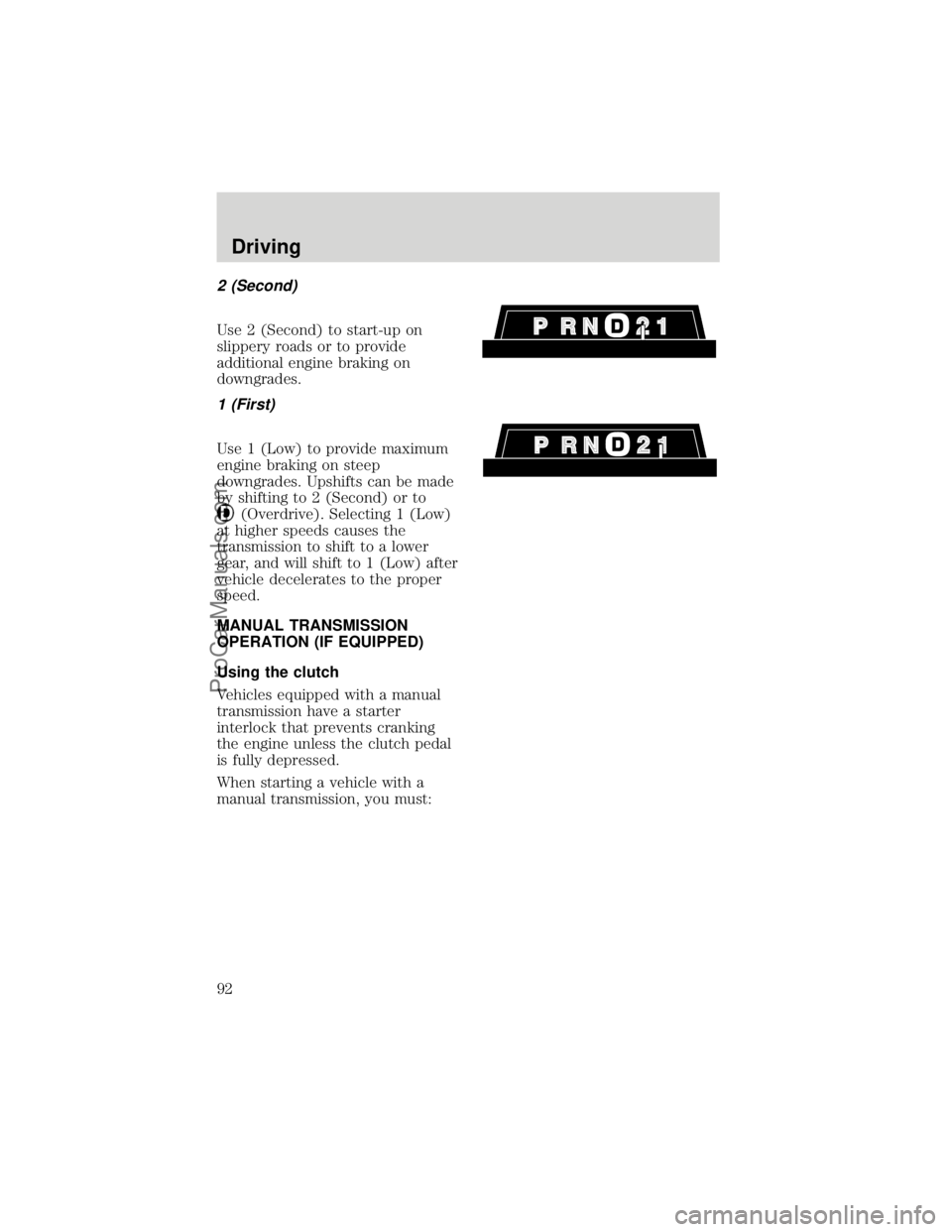
2 (Second)
Use 2 (Second) to start-up on
slippery roads or to provide
additional engine braking on
downgrades.
1 (First)
Use 1 (Low) to provide maximum
engine braking on steep
downgrades. Upshifts can be made
by shifting to 2 (Second) or to
(Overdrive). Selecting 1 (Low)
at higher speeds causes the
transmission to shift to a lower
gear, and will shift to 1 (Low) after
vehicle decelerates to the proper
speed.
MANUAL TRANSMISSION
OPERATION (IF EQUIPPED)
Using the clutch
Vehicles equipped with a manual
transmission have a starter
interlock that prevents cranking
the engine unless the clutch pedal
is fully depressed.
When starting a vehicle with a
manual transmission, you must:
Driving
92
ProCarManuals.com
Page 94 of 219
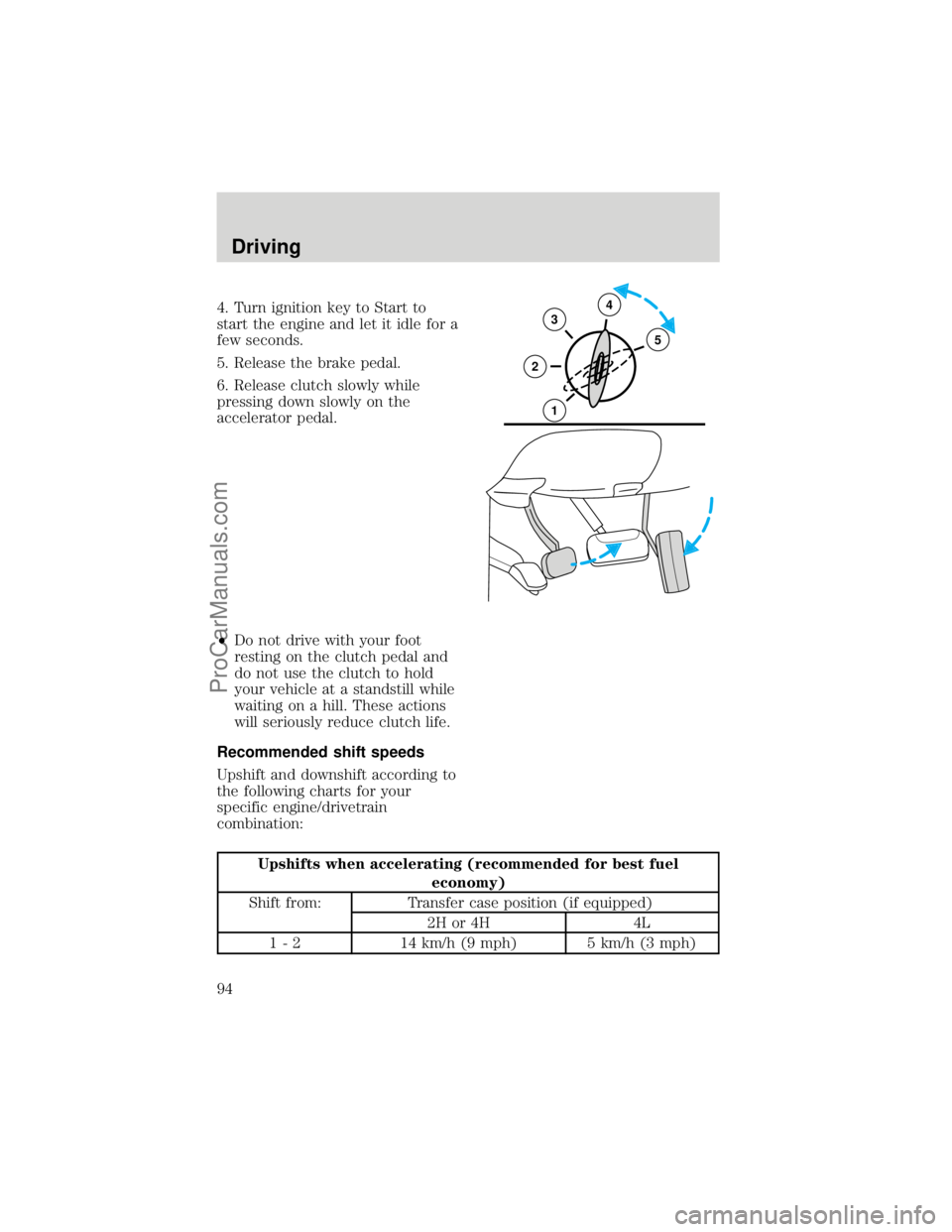
4. Turn ignition key to Start to
start the engine and let it idle for a
few seconds.
5. Release the brake pedal.
6. Release clutch slowly while
pressing down slowly on the
accelerator pedal.
²Do not drive with your foot
resting on the clutch pedal and
do not use the clutch to hold
your vehicle at a standstill while
waiting on a hill. These actions
will seriously reduce clutch life.
Recommended shift speeds
Upshift and downshift according to
the following charts for your
specific engine/drivetrain
combination:
Upshifts when accelerating (recommended for best fuel
economy)
Shift from: Transfer case position (if equipped)
2H or 4H 4L
1 - 2 14 km/h (9 mph) 5 km/h (3 mph)
34
5
2
1
Driving
94
ProCarManuals.com
Page 105 of 219
If your vehicle gets stuck
If the vehicle is stuck, shift the
transmission in a steady motion
between forward and reverse
gears. Allow the transmission to
engage, then press lightly on the
accelerator.
DO NOT rock the vehicle
for more than a few
minutes. The transmission and
tires may be damaged or the
engine can overheat.
Do not spin the wheels at
over 35 mph (55 km/h).
The tires may fail and injure a
passenger or bystander.
Sand
When driving over sand, try to
keep all four wheels on the most
solid area of the trail. Do not
reduce the tire pressures but shift
to a lower gear and drive steadily
through the terrain. Apply the
accelerator slowly and avoid
spinning the wheels.
Mud and water
If you must drive through high
water, drive slowly. Traction or
brake capability may be limited.
When driving through water,
determine the depth; avoid water
higher than the bottom of the hubs
(if possible) and proceed slowly. If
the ignition system gets wet, the
vehicle may stall.
Driving
105
ProCarManuals.com
Page 107 of 219

hill before driving over the crest.
When climbing a steep hill, start in
a lower gear rather than
downshifting to a lower gear from
a higher gear once the ascent has
started. This reduces strain on the
engine and the possibility of
stalling.
When descending a steep hill,
avoid sudden braking. Rapid
pumping of the brake pedal will
help slow the vehicle and still
maintain steering control.
When speed control is on and you
are driving uphill, your vehicle
speed may drop considerably,
especially if you are carrying a
heavy load.
If vehicle speed drops more than
15±25 km/h (8±14 mph), the speed
control will cancel automatically.
Resume speed with accelerator
pedal.
If speed control cancels after
climbing the hill, reset speed by
pressing and holding the SET
ACCEL button (to resume speeds
over 50 km/h (30 mph).
Automatic transmission may shift
frequently while driving up steep
grades. Eliminate frequent shifting
by shifting out of
D(Overdrive)
into D (Drive).
Driving on snow and ice
A 4WD vehicle has advantages
over 2WD vehicles in snow and ice
but can skid like any other vehicle.
Driving
107
ProCarManuals.com
Page 109 of 219

vehicle and is listed on the
Safety Compliance Label on the
driver's door pillar.
²GAWR (Gross Axle Weight
Rating): Carrying capacity for
each axle system. The GAWR is
specific to each vehicle and is
listed on the Safety Compliance
Label on the driver's door pillar.
²GCWR (Gross Combined
Weight Rating): Maximum
combined weight of towing
vehicle (including passengers
and cargo) and the trailer. The
GCWR indicates the maximum
loaded weight that the vehicle is
allowed to tow.
²Maximum Trailer Weight
Rating: Maximum weight of a
trailer the vehicle is permitted
to tow. The maximum trailer
weight rating equals the vehicle
curb weight for each
engine/transmission
combination, any required
option weight for trailer towing
and the weight of the driver
from the GCWR for the towing
vehicle.
²Maximum Trailer Weight:
maximum weight of a trailer the
loaded vehicle (including
passengers and cargo) is
permitted to tow. It is
determined by subtracting the
weight of the loaded trailer
towing vehicle from the GCWR
for the towing vehicle.
²Trailer Weight Range:
Specified weight range that the
Driving
109
ProCarManuals.com
Page 110 of 219
trailer must fall within that
ranges from zero to the
maximum trailer weight rating.
Remember to figure in the tongue
load of your loaded trailer when
figuring the total weight.
Do not exceed the GVWR
or the GAWR specified on
the Safety Compliance
Certification Label.
Do not use replacement tires with
lower weight capacities than the
originals because they may lower
the vehicle's GVWR and GAWR
limitations. Replacement tires with
a higher weight limit than the
originals do not increase the
GVWR and GAWR limitations.
Calculating the load your
vehicle can carry/tow
1. Use the Safety Compliance
Certification Label to find the axle
code number and engine type for
your vehicle.
2. Use the appropriate maximum
gross combined weight rating
(GCWR) chart to find the
maximum GCWR for your type
engine and rear axle ratio.
3. Weigh your vehicle as you
customarily operate the vehicle
without cargo. To obtain correct
weights, try taking your vehicle to
a shipping company or an
inspection station for trucks.
4. Subtract your loaded vehicle
weight from the maximum GCWR
Driving
110
ProCarManuals.com
Page 111 of 219

on the following charts. This is the
maximum trailer weight your
vehicle can tow and must fall
below the maximum shown under
maximum trailer weight on the
chart.
DRIVING THROUGH WATER
Do not drive quickly through
standing water, especially if the
depth is unknown. Traction or
brake capability may be limited
and if the ignition system gets wet,
your engine may stall. Water may
also enter your engine's air intake
and severely damage your engine.
If driving through deep or standing
water is unavoidable, proceed very
slowly. Never drive through water
that is higher than the bottom of
the hubs (truck)/wheel rims (car).
Once through the water, always try
the brakes. Wet brakes do not stop
the vehicle as effectively as dry
brakes. Drying can be improved by
moving your vehicle slowly while
applying light pressure on the
brake pedal.
Driving
111
ProCarManuals.com
Page 112 of 219
TOWING A TRAILER
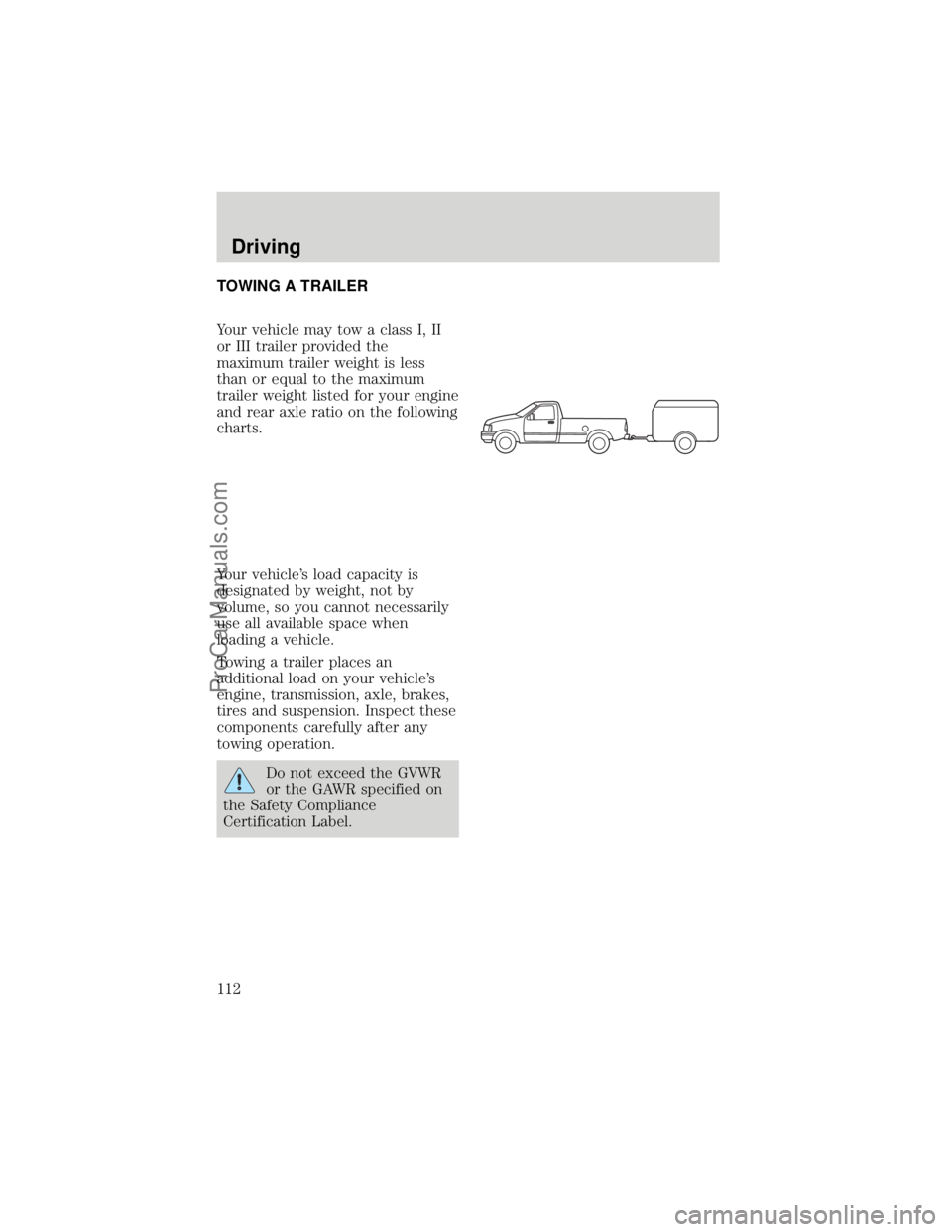
Your vehicle may tow a class I, II
or III trailer provided the
maximum trailer weight is less
than or equal to the maximum
trailer weight listed for your engine
and rear axle ratio on the following
charts.
Your vehicle's load capacity is
designated by weight, not by
volume, so you cannot necessarily
use all available space when
loading a vehicle.
Towing a trailer places an
additional load on your vehicle's
engine, transmission, axle, brakes,
tires and suspension. Inspect these
components carefully after any
towing operation.
Do not exceed the GVWR
or the GAWR specified on
the Safety Compliance
Certification Label.
Driving
112
ProCarManuals.com