clock FORD F450 SUPER DUTY 2016 Owner's Manual
[x] Cancel search | Manufacturer: FORD, Model Year: 2016, Model line: F450 SUPER DUTY, Model: FORD F450 SUPER DUTY 2016Pages: 507, PDF Size: 8.13 MB
Page 303 of 507
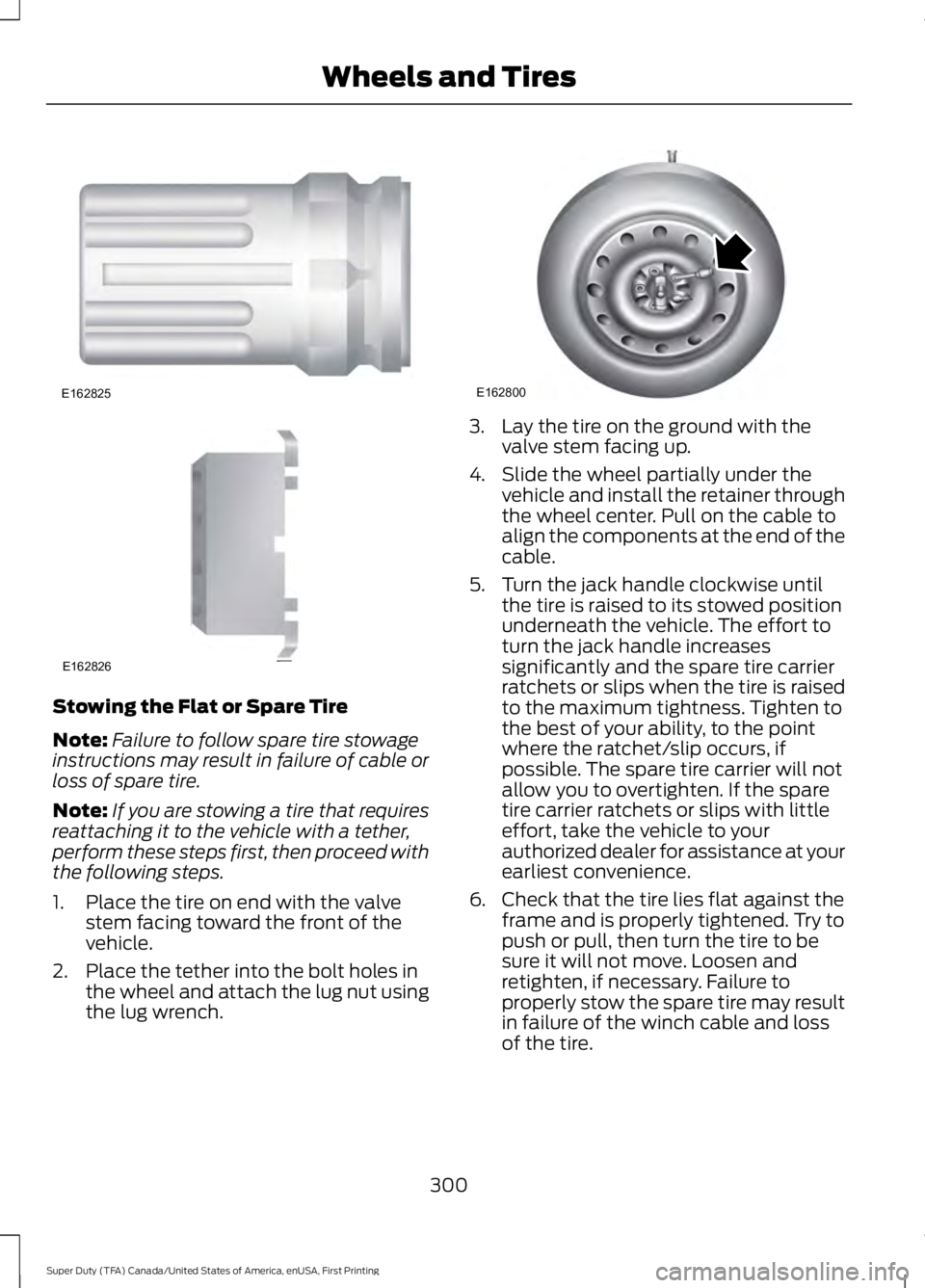
Stowing the Flat or Spare Tire
Note:Failure to follow spare tire stowageinstructions may result in failure of cable orloss of spare tire.
Note:If you are stowing a tire that requiresreattaching it to the vehicle with a tether,perform these steps first, then proceed withthe following steps.
1. Place the tire on end with the valvestem facing toward the front of thevehicle.
2. Place the tether into the bolt holes inthe wheel and attach the lug nut usingthe lug wrench.
3. Lay the tire on the ground with thevalve stem facing up.
4. Slide the wheel partially under thevehicle and install the retainer throughthe wheel center. Pull on the cable toalign the components at the end of thecable.
5. Turn the jack handle clockwise untilthe tire is raised to its stowed positionunderneath the vehicle. The effort toturn the jack handle increasessignificantly and the spare tire carrierratchets or slips when the tire is raisedto the maximum tightness. Tighten tothe best of your ability, to the pointwhere the ratchet/slip occurs, ifpossible. The spare tire carrier will notallow you to overtighten. If the sparetire carrier ratchets or slips with littleeffort, take the vehicle to yourauthorized dealer for assistance at yourearliest convenience.
6. Check that the tire lies flat against theframe and is properly tightened. Try topush or pull, then turn the tire to besure it will not move. Loosen andretighten, if necessary. Failure toproperly stow the spare tire may resultin failure of the winch cable and lossof the tire.
300
Super Duty (TFA) Canada/United States of America, enUSA, First Printing
Wheels and TiresE162825 E162826 E162800
Page 322 of 507
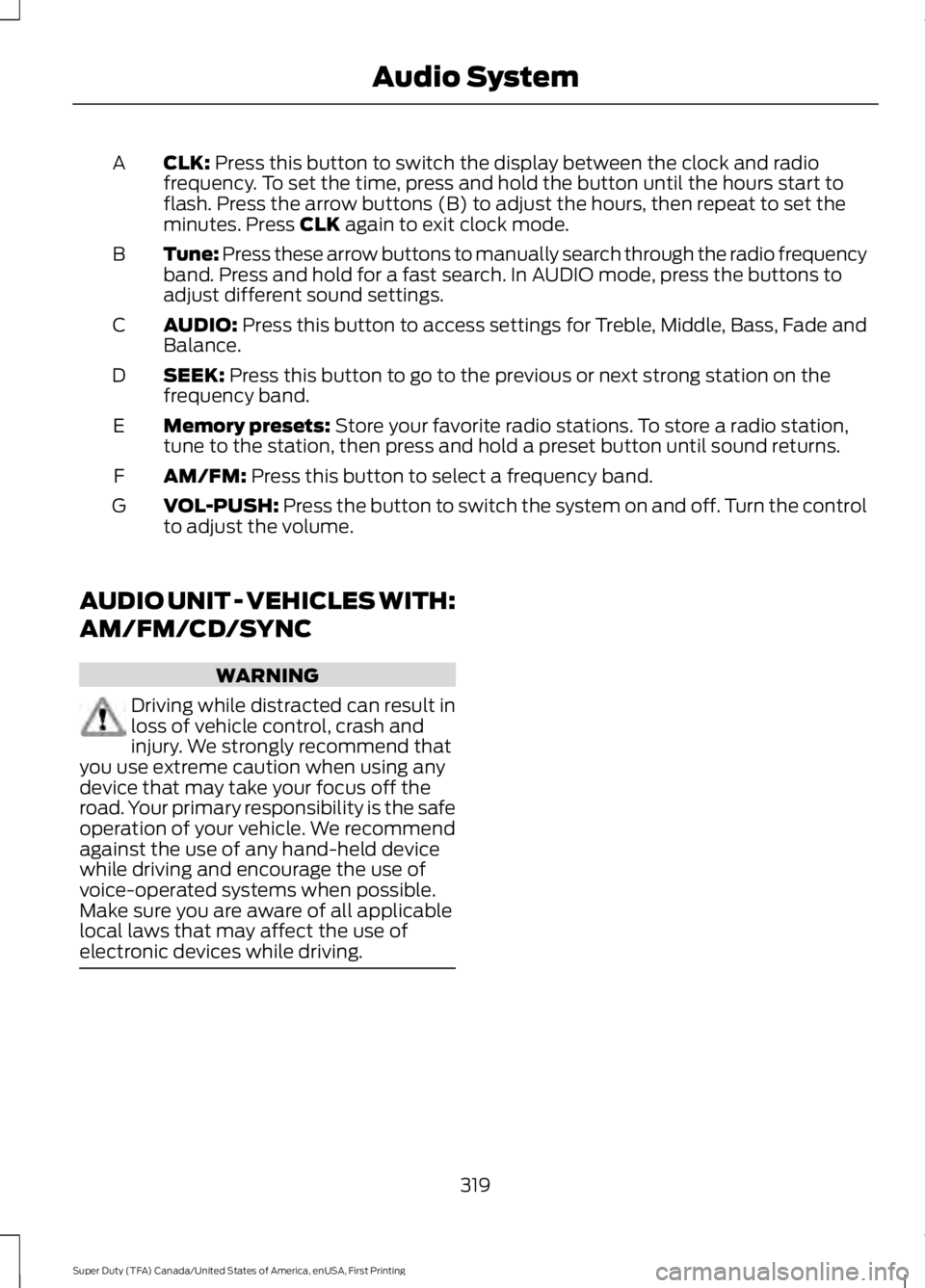
CLK: Press this button to switch the display between the clock and radiofrequency. To set the time, press and hold the button until the hours start toflash. Press the arrow buttons (B) to adjust the hours, then repeat to set theminutes. Press CLK again to exit clock mode.
A
Tune: Press these arrow buttons to manually search through the radio frequencyband. Press and hold for a fast search. In AUDIO mode, press the buttons toadjust different sound settings.
B
AUDIO: Press this button to access settings for Treble, Middle, Bass, Fade andBalance.C
SEEK: Press this button to go to the previous or next strong station on thefrequency band.D
Memory presets: Store your favorite radio stations. To store a radio station,tune to the station, then press and hold a preset button until sound returns.E
AM/FM: Press this button to select a frequency band.F
VOL-PUSH: Press the button to switch the system on and off. Turn the controlto adjust the volume.G
AUDIO UNIT - VEHICLES WITH:
AM/FM/CD/SYNC
WARNING
Driving while distracted can result inloss of vehicle control, crash andinjury. We strongly recommend thatyou use extreme caution when using anydevice that may take your focus off theroad. Your primary responsibility is the safeoperation of your vehicle. We recommendagainst the use of any hand-held devicewhile driving and encourage the use ofvoice-operated systems when possible.Make sure you are aware of all applicablelocal laws that may affect the use ofelectronic devices while driving.
319
Super Duty (TFA) Canada/United States of America, enUSA, First Printing
Audio System
Page 378 of 507
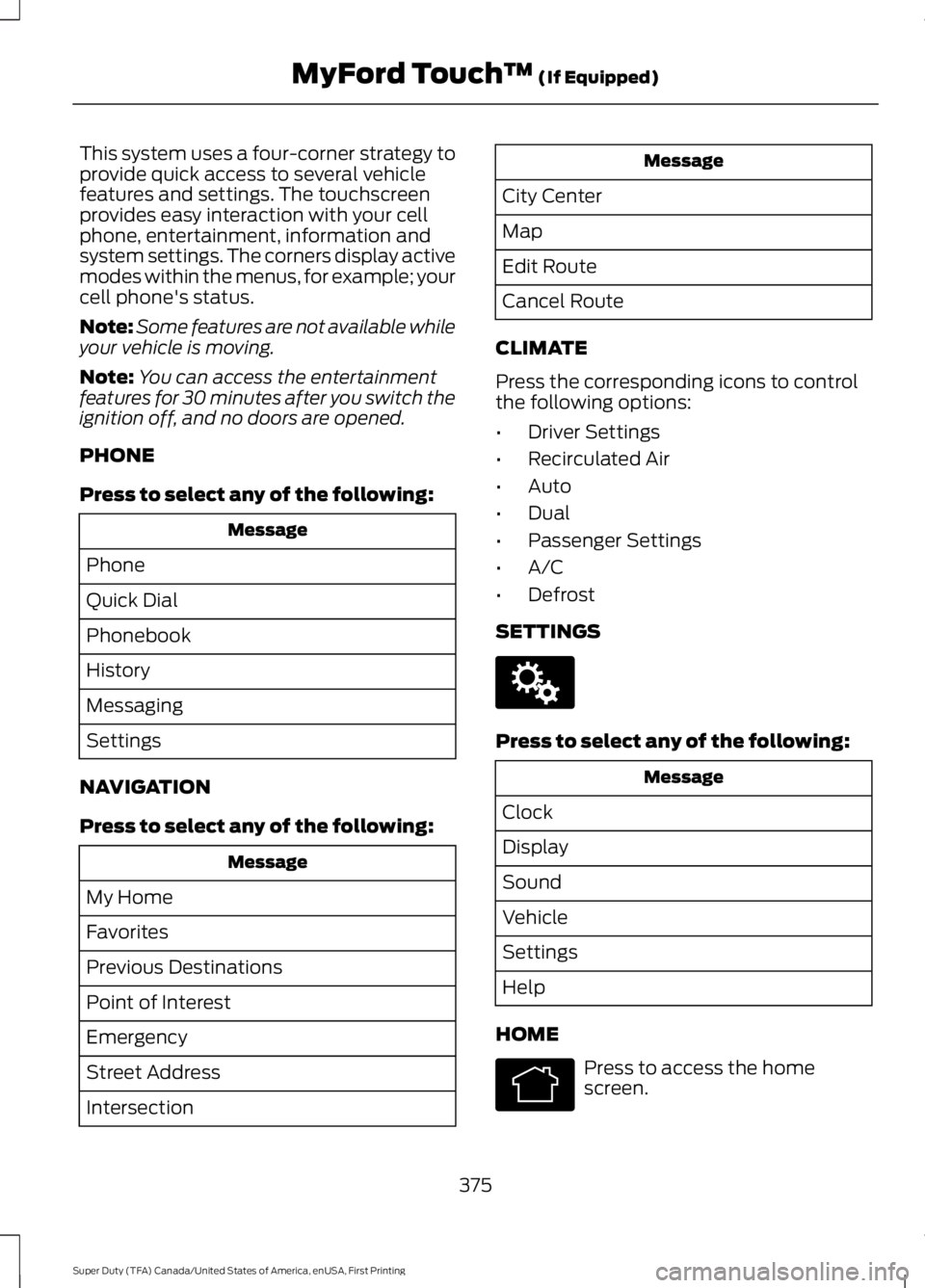
This system uses a four-corner strategy toprovide quick access to several vehiclefeatures and settings. The touchscreenprovides easy interaction with your cellphone, entertainment, information andsystem settings. The corners display activemodes within the menus, for example; yourcell phone's status.
Note:Some features are not available whileyour vehicle is moving.
Note:You can access the entertainmentfeatures for 30 minutes after you switch theignition off, and no doors are opened.
PHONE
Press to select any of the following:
Message
Phone
Quick Dial
Phonebook
History
Messaging
Settings
NAVIGATION
Press to select any of the following:
Message
My Home
Favorites
Previous Destinations
Point of Interest
Emergency
Street Address
Intersection
Message
City Center
Map
Edit Route
Cancel Route
CLIMATE
Press the corresponding icons to controlthe following options:
•Driver Settings
•Recirculated Air
•Auto
•Dual
•Passenger Settings
•A/C
•Defrost
SETTINGS
Press to select any of the following:
Message
Clock
Display
Sound
Vehicle
Settings
Help
HOME
Press to access the homescreen.
375
Super Duty (TFA) Canada/United States of America, enUSA, First Printing
MyFord Touch™ (If Equipped)E142607 E142613
Page 385 of 507
SETTINGS
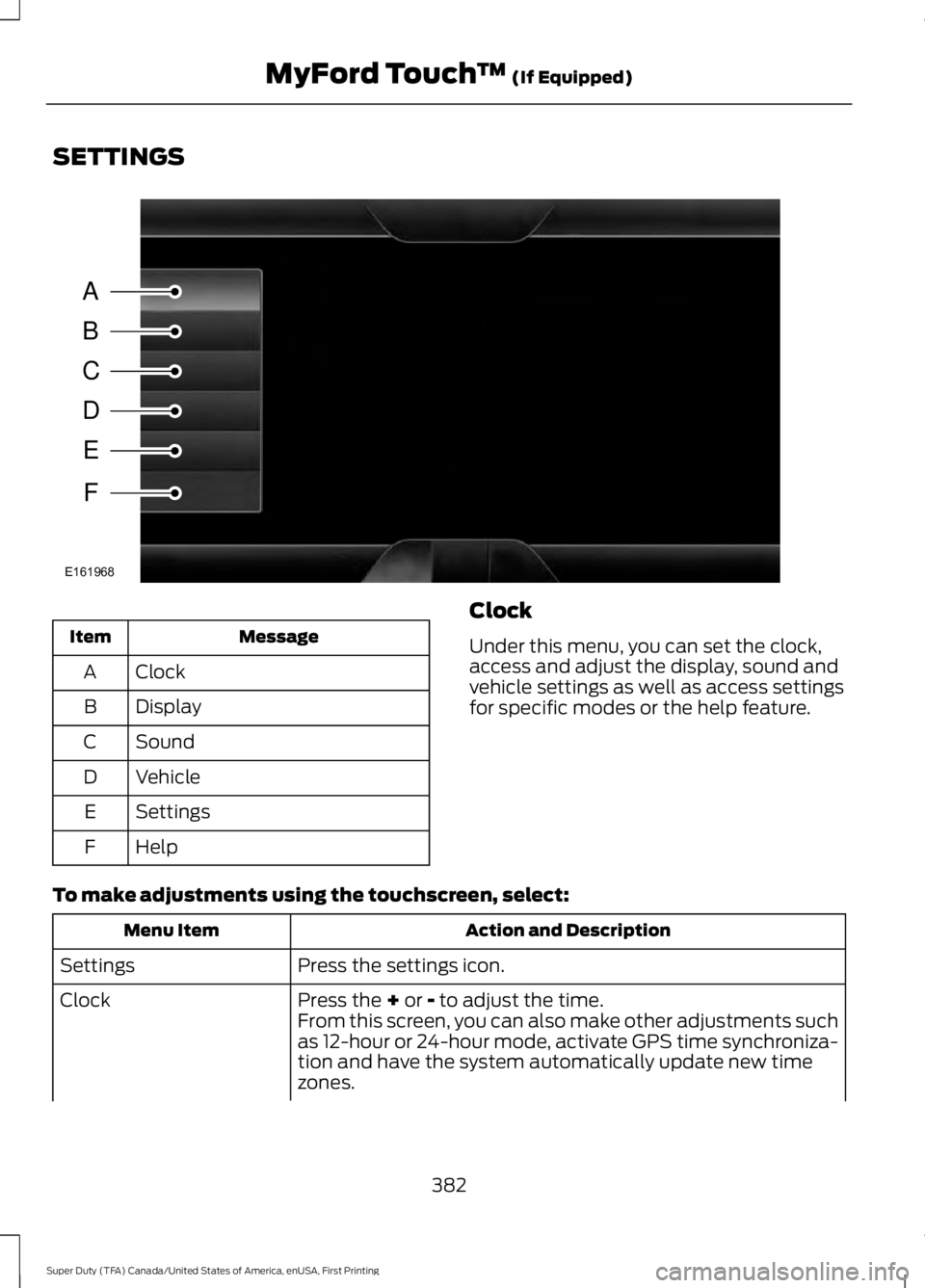
MessageItem
ClockA
DisplayB
SoundC
VehicleD
SettingsE
HelpF
Clock
Under this menu, you can set the clock,access and adjust the display, sound andvehicle settings as well as access settingsfor specific modes or the help feature.
To make adjustments using the touchscreen, select:
Action and DescriptionMenu Item
Press the settings icon.Settings
Press the + or - to adjust the time.ClockFrom this screen, you can also make other adjustments suchas 12-hour or 24-hour mode, activate GPS time synchroniza-tion and have the system automatically update new timezones.
382
Super Duty (TFA) Canada/United States of America, enUSA, First Printing
MyFord Touch™ (If Equipped)A
B
C
D
E
F
E161968
Page 386 of 507
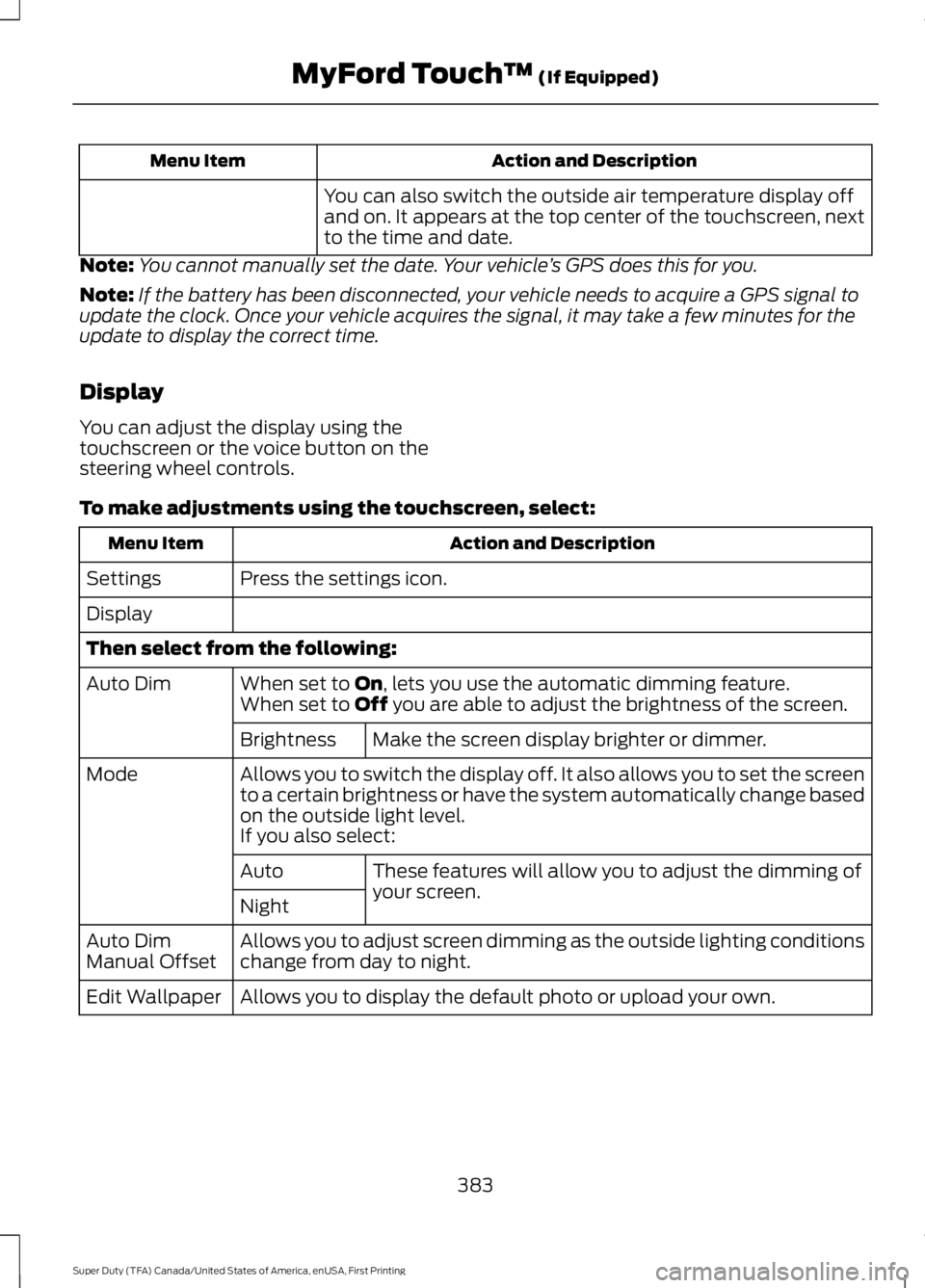
Action and DescriptionMenu Item
You can also switch the outside air temperature display offand on. It appears at the top center of the touchscreen, nextto the time and date.
Note:You cannot manually set the date. Your vehicle’s GPS does this for you.
Note:If the battery has been disconnected, your vehicle needs to acquire a GPS signal toupdate the clock. Once your vehicle acquires the signal, it may take a few minutes for theupdate to display the correct time.
Display
You can adjust the display using thetouchscreen or the voice button on thesteering wheel controls.
To make adjustments using the touchscreen, select:
Action and DescriptionMenu Item
Press the settings icon.Settings
Display
Then select from the following:
When set to On, lets you use the automatic dimming feature.Auto DimWhen set to Off you are able to adjust the brightness of the screen.
Make the screen display brighter or dimmer.Brightness
Allows you to switch the display off. It also allows you to set the screento a certain brightness or have the system automatically change basedon the outside light level.
Mode
If you also select:
These features will allow you to adjust the dimming ofyour screen.Auto
Night
Allows you to adjust screen dimming as the outside lighting conditionschange from day to night.Auto DimManual Offset
Allows you to display the default photo or upload your own.Edit Wallpaper
383
Super Duty (TFA) Canada/United States of America, enUSA, First Printing
MyFord Touch™ (If Equipped)
Page 434 of 507
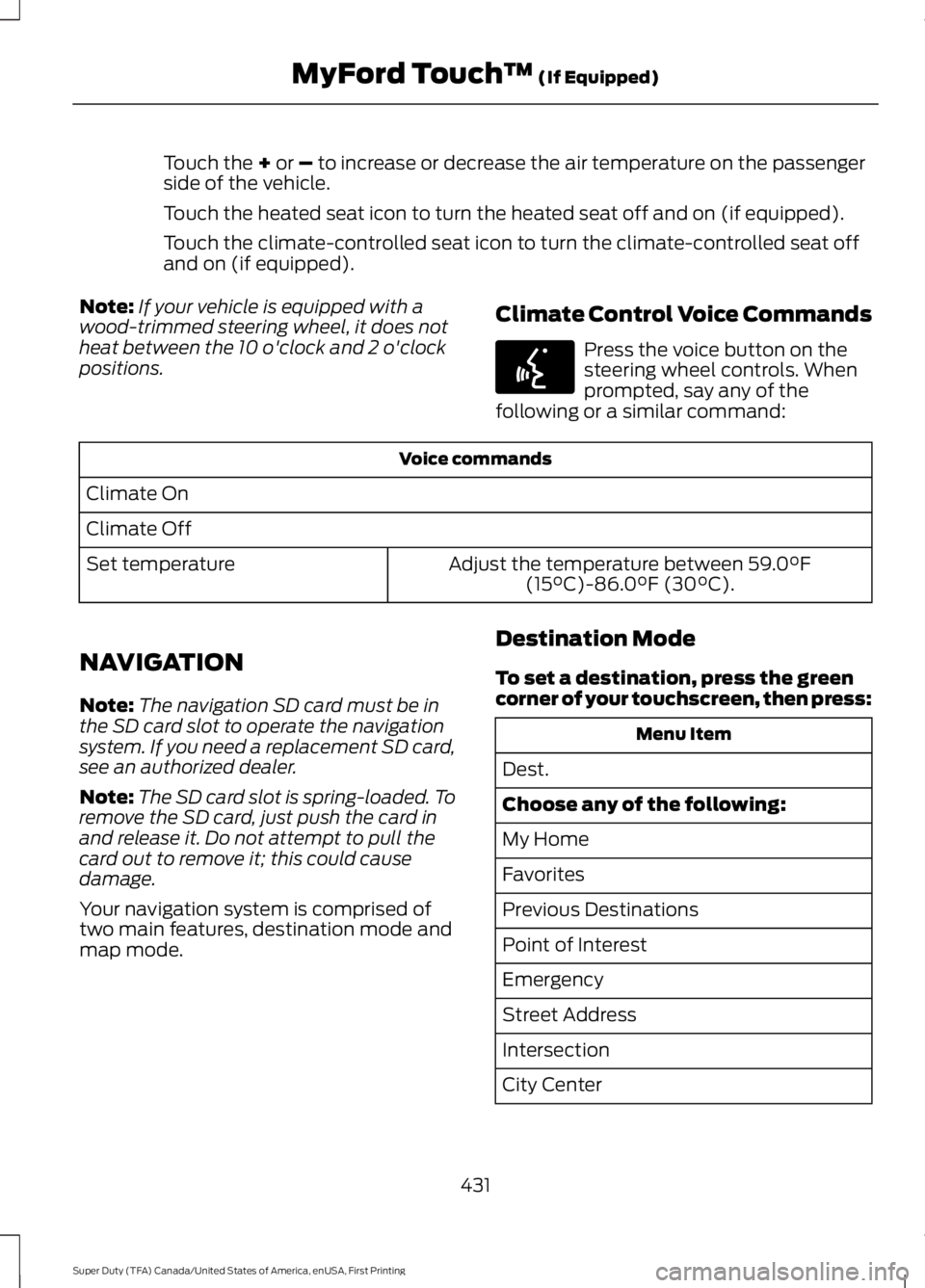
Touch the + or – to increase or decrease the air temperature on the passengerside of the vehicle.
Touch the heated seat icon to turn the heated seat off and on (if equipped).
Touch the climate-controlled seat icon to turn the climate-controlled seat offand on (if equipped).
Note:If your vehicle is equipped with awood-trimmed steering wheel, it does notheat between the 10 o'clock and 2 o'clockpositions.
Climate Control Voice Commands
Press the voice button on thesteering wheel controls. Whenprompted, say any of thefollowing or a similar command:
Voice commands
Climate On
Climate Off
Adjust the temperature between 59.0°F(15°C)-86.0°F (30°C).Set temperature
NAVIGATION
Note:The navigation SD card must be inthe SD card slot to operate the navigationsystem. If you need a replacement SD card,see an authorized dealer.
Note:The SD card slot is spring-loaded. Toremove the SD card, just push the card inand release it. Do not attempt to pull thecard out to remove it; this could causedamage.
Your navigation system is comprised oftwo main features, destination mode andmap mode.
Destination Mode
To set a destination, press the greencorner of your touchscreen, then press:
Menu Item
Dest.
Choose any of the following:
My Home
Favorites
Previous Destinations
Point of Interest
Emergency
Street Address
Intersection
City Center
431
Super Duty (TFA) Canada/United States of America, enUSA, First Printing
MyFord Touch™ (If Equipped)E142599
Page 504 of 507
Rear Seats........................................................122Folding the Rear Seat Back (Crew Cab)...............................................................................122Folding up the Rear Seat Cushion................122Rear Under Seat Storage (Crew Cab).........123Returning the Seat to the SeatingPosition..............................................................122Rear View Camera.......................................180Using the Rear View Camera System........180Rear View CameraSee: Rear View Camera...................................180Recommended Towing Weights............193Calculating the Maximum Loaded TrailerWeight for Your Vehicle...............................196Refueling..........................................................146Fuel Filler Cap.......................................................147Remote Control...............................................47Car Finder................................................................48Integrated Keyhead Transmitters ..................47Memory Feature...................................................48Remote Start ........................................................48Replacing the Battery.........................................47Sounding a Panic Alarm....................................48Remote Start..................................................116Automatic Settings.............................................116Removing a Headlamp..............................249Removing the Tailgate.................................60Repairing Minor Paint Damage...............261Replacement PartsRecommendation.........................................11Collision Repairs.....................................................11Scheduled Maintenance and MechanicalRepairs...................................................................11Warranty on Replacement Parts.....................12Replacing a Lost Key or RemoteControl............................................................50Reporting Safety Defects (CanadaOnly)..............................................................222Reporting Safety Defects (U.S.Only)...............................................................221
Roadside Assistance...................................212Vehicles Sold in Canada: Getting RoadsideAssistance.........................................................212Vehicles Sold in Canada: Using RoadsideAssistance.........................................................212Vehicles Sold in the United States: GettingRoadside Assistance....................................212Vehicles Sold in the United States: UsingRoadside Assistance....................................212Roadside Emergencies...............................212Running-InSee: Breaking-In.................................................207Running Out of Fuel....................................146
S
Safety Belt Height Adjustment.................33Safety Belt Minder.........................................34Belt-Minder™........................................................34Safety Belts......................................................29Principle of Operation........................................29Safety Belt Warning Lamp and IndicatorChime...............................................................33Conditions of operation.....................................34Safety Canopy™............................................44Safety Precautions......................................144Satellite Radio..............................................325Satellite Radio Electronic Serial Number(ESN)................................................................326Satellite Radio Reception Factors...............326SIRIUS® Satellite Radio Service..................326Troubleshooting..................................................327Scheduled Maintenance Record...........462Scheduled Maintenance...........................453Seats...................................................................117Security..............................................................64Settings...........................................................382Clock.......................................................................382Display...................................................................383Settings.................................................................386Sound....................................................................384Vehicle...................................................................384Side Airbags.....................................................43Sitting in the Correct Position....................117Sliding Windows.............................................79Power Sliding Back Window............................79Snow ChainsSee: Using Snow Chains.................................284
501
Super Duty (TFA) Canada/United States of America, enUSA, First Printing
Index