airbag off FORD FIESTA 2014 6.G User Guide
[x] Cancel search | Manufacturer: FORD, Model Year: 2014, Model line: FIESTA, Model: FORD FIESTA 2014 6.GPages: 396, PDF Size: 5.58 MB
Page 209 of 396
•
If grease or tar is present on the
material, spot-clean the area first with
Motorcraft Spot and Stain Remover. In
Canada, use Motorcraft Multi-Purpose
Cleaner.
• If a ring forms on the fabric after spot
cleaning, clean the entire area
immediately (but do not oversaturate)
or the ring will set.
• Do not use household cleaning
products or glass cleaners, which can
stain and discolor the fabric and affect
the flame retardant abilities of the seat
materials.
REPAIRING MINOR PAINT
DAMAGE
You should repair paintwork damage
caused by stones from the road or minor
scratches as soon as possible. A choice of
products are available from an authorized
dealer.
Remove particles such as bird droppings,
tree sap, insect deposits, tar spots, road
salt and industrial fallout before repairing
paint chips.
Always read and follow the manufacturer ’s
instructions before using the products.
CLEANING THE INSTRUMENT
PANEL AND INSTRUMENT
CLUSTER LENS WARNING
Do not use chemical solvents or
strong detergents when cleaning the
steering wheel or instrument panel
to avoid contamination of the airbag
system. Clean the instrument panel and cluster
lens with a clean, damp, white cotton
cloth, then use a clean and dry white
cotton cloth to dry these areas.
•
Avoid cleaners or polishes that increase
the gloss of the upper portion of the
instrument panel. The dull finish in this
area helps protect you from
undesirable windshield reflection.
• Be certain to wash or wipe your hands
clean if you have been in contact with
certain products such as insect
repellent and suntan lotion in order to
avoid possible damage to the interior
painted surfaces.
• Do not use household or glass cleaners
as these may damage the finish of the
instrument panel, interior trim and
cluster lens.
• Do not allow air fresheners and hand
sanitizers to spill onto interior surfaces.
If a spill occurs, wipe off immediately.
Damage may not be covered by your
warranty.
If a staining liquid like coffee or juice has
been spilled on the instrument panel or on
interior trim surfaces, clean as follows:
1. Wipe up spilled liquid using a clean, white, cotton cloth.
2. Wipe the surface with a damp, clean, white cotton cloth. For more thorough
cleaning, use a mild soap and water
solution. If the spot cannot be
completely cleaned by this method,
the area may be cleaned using a
commercially available cleaning
product designed for automotive
interiors.
3. If necessary, apply more soap and water solution or cleaning product to
a clean, white, cotton cloth and press
the cloth onto the soiled area. Allow
this to set at room temperature for 30
minutes.
206
Fiesta (CCT) Vehicle Care
Page 276 of 396
![FORD FIESTA 2014 6.G User Guide If a crash deploys an airbag (excluding
knee airbags and rear inflatable safety
belts [if equipped]) or activates the fuel
pump shut-off, your SYNC-equipped
vehicle may be able to contact emergency
se](/img/11/5089/w960_5089-275.png "FORD FIESTA 2014 6.G User Guide If a crash deploys an airbag (excluding
knee airbags and rear inflatable safety
belts [if equipped]) or activates the fuel
pump shut-off, your SYNC-equipped
vehicle may be able to contact emergency
se")
If a crash deploys an airbag (excluding
knee airbags and rear inflatable safety
belts [if equipped]) or activates the fuel
pump shut-off, your SYNC-equipped
vehicle may be able to contact emergency
services by dialing 911 through a paired and
connected Bluetooth-enabled phone. You
can learn more about the 911 Assist
feature, visit www.SYNCMyRide.com,
www.SYNCMyRide.ca or
www.syncmaroute.ca.
See Supplementary Restraints System
(page 34). Important information about
airbag deployment is in this chapter.
See
Roadside Emergencies (page 166).
Important information about the fuel pump
shut-off is in this chapter.
Setting 911 Assist On
1. Press the phone button to enter the phone menu.
2. Scroll to select 911 Assist.
3. Press
OK to confirm and enter the 911
Assist menu.
4. Scroll to select between On and Off.
5. Press
OK when the desired option
appears in the radio display. Set On or
Set Off
appears in the display as
confirmation.
Off selections include:
• Off with reminder: Provides a display
and voice reminder at phone
connection at vehicle start.
• Off without reminder: Provides a
display reminder only without a voice
reminder at phone connection.
To make sure that 911 Assist works
properly:
• SYNC must be powered and working
properly at the time of the incident and
throughout feature activation and use.
• The 911 Assist feature must be set on
before the incident. •
You must pair and connect a
Bluetooth-enabled and compatible
cell phone to SYNC.
• A connected Bluetooth-enabled phone
must have the ability to make and
maintain an outgoing call at the time
of the incident.
• A connected Bluetooth-enabled phone
must have adequate network coverage,
battery power and signal strength.
• The vehicle must have battery power
and be located in the U.S., Canada or
in a territory in which 911 is the
emergency number.
In the Event of a Crash
Not all crashes will deploy an airbag or
activate the fuel pump shut-off (the
triggers for 911 Assist). If a connected cell
phone sustains damage or loses its
connection to SYNC during a crash, SYNC
will search for and try to connect to a
previously paired cell phone; SYNC will
then attempt to call the emergency
services.
Before making the call:
• SYNC provides a short window of time
(about 10 seconds) to cancel the call.
If you fail to cancel the call, SYNC
attempts to dial 911.
• SYNC says the following, or a similar
message: "SYNC will attempt to call
911, to cancel the call, press Cancel on
your screen or press and hold the
phone button on your steering wheel."
If you do not cancel the call, and SYNC
makes a successful call, a pre-recorded
message plays for the 911 operator, and
then the occupant(s) in your vehicle is able
to talk with the operator. Be prepared to
provide your name, phone number and
location immediately, because not all 911
systems are capable of receiving this
information electronically.
273
Fiesta (CCT) SYNC™
Page 277 of 396
911 Assist May Not Work If
•
Your cellular phone or 911 Assist
hardware sustains damage in a crash.
• The vehicle's battery or the SYNC
system has no power.
• The phone(s) thrown from your vehicle
are the ones paired and connected to
the system.
911 Assist Privacy Notice
When you turn on 911 Assist, it may
disclose to emergency services that your
vehicle has been in a crash involving the
deployment of an airbag or activation of
the fuel pump shut-off. Certain versions or
updates to 911 Assist may also be capable
of electronically or verbally disclosing to
911 operators your vehicle location or other
details about your vehicle or crash to assist
911 operators to provide the most
appropriate emergency services. If you do
not want to disclose this information, do
not turn the feature on.
Vehicle Health Report WARNING
Always follow scheduled
maintenance instructions, regularly
inspect your vehicle, and seek repair
for any damage or problem you suspect.
Vehicle Health Report supplements, but
cannot replace, normal maintenance and
vehicle inspection. Vehicle Health Report
only monitors certain systems
electronically monitored by your vehicle
and will not monitor or report the status
of any other system, (such as brake lining
wear). Failure to perform scheduled
maintenance and regularly inspect your
vehicle may result in vehicle damage and
serious injury. Note:
This feature is only available in the
United States. Note:
Your Vehicle Health Report feature
requires activation before use. Visit
www.SYNCMyRide.com to register. There
is no fee or subscription associated with
Vehicle Health Report, but you must register
to use this feature.
Note: This feature may not function
properly if you have enabled caller ID
blocking on your cellular phone. Before
running a report, review the Vehicle Health
Report Privacy Notice.
Note: In order to allow a break-in period for
your vehicle, you may not be able to create
a Vehicle Health Report until your vehicle
odometer has reached 200 miles.
Note: Cellular phone and SMS charges may
apply when making a report.
Register for Vehicle Health Report and set
your report preferences at
www.SYNCMyRide.com. After registering,
you can request a Vehicle Health Report
(inside your vehicle). Return to your
account at www.SYNCMyRide.com to view
your report. You can also choose for SYNC
to remind you automatically to run reports
at specific mileage intervals.
The system allows you to check your
vehicle's overall health in the form of a
diagnostic report card. The vehicle health
report contains valuable information such
as:
• Vehicle diagnostic information
• Scheduled maintenance
• Open recalls and Field Service Actions
• Items noted during vehicle inspections
by an authorized dealer that still need
servicing.
You can run a report (after your vehicle has
been running a minimum of 60 seconds)
by pressing the voice button and saying
"Vehicle health report", or pressing the
phone button.
To run a report using the phone button:
274
Fiesta (CCT) SYNC™
Page 344 of 396
Note:
Before setting this feature on, make
sure that you read the 911 Assist Privacy
Notice later in this section for important
information.
Note: If any user turns 911 Assist on or off,
that setting applies for all paired phones. If
911 Assist is turned off, either a voice
message plays or a display message (or
icon) comes on (or both) when your vehicle
is started after a previously paired phone
connects.
Note: Every phone operates differently.
While SYNC 911 Assist works with most
cellular phones, some may have trouble
using this feature.
If a crash deploys an airbag (excludes knee
airbags and rear inflatable safety belts [if
equipped]) or activates the fuel pump
shut-off, your SYNC-equipped vehicle may
be able to contact emergency services by
dialing 911 through a paired and connected
Bluetooth-enabled phone. You can learn
more about the 911 Assist feature, visit
www.SYNCMyRide.com,
www.SYNCMyRide.ca or
www.syncmaroute.ca.
See Supplementary Restraints System
(page 34). Important information
regarding airbag deployment is in this
chapter.
See
Roadside Emergencies (page 166).
Important information regarding the fuel
pump shut-off is in this chapter.
Setting 911 Assist On If your vehicle is equipped with
Navigation, touch the i
(Information) button to access
these features. If your vehicle is not
equipped with Navigation, touch the corner
of the touchscreen with the green tab.
Touch
Apps > 911 Assist, then select On. You can also access 911 Assist
by:
• Pressing the Settings icon >
Settings
> Phone > 911 Assist, or
• Pressing the Settings icon > Help > 911
Assist
.
To make sure that 911 Assist works
properly:
• SYNC must be powered and working
properly at the time of the incident and
throughout feature activation and use.
• The 911 Assist feature must be set on
prior to the incident.
• You must pair and connect a
Bluetooth-enabled and compatible
phone to SYNC.
• A connected Bluetooth-enabled phone
must have the ability to make and
maintain an outgoing call at the time
of the incident.
• A connected Bluetooth-enabled phone
must have adequate network coverage,
battery power and signal strength.
• The vehicle must have battery power
and be located in the United States,
Canada or in a territory in which 911 is
the emergency number.
In the Event of a Crash
Not all crashes deploy an airbag or activate
the fuel pump shut-off (which would
trigger 911 Assist); however, SYNC tries to
contact emergency services if 911 Assist
triggers. If a connected phone sustains
damage or loses connection to SYNC,
SYNC searches for, and tries to connect
to, any available previously paired phone
and tries to make the call to 911.
341
Fiesta (CCT) MyFord Touch
™
(If Equipped)E142608 E142607
Page 345 of 396
Before making the call:
•
SYNC provides a short window of time
(about 10 seconds) to cancel the call.
If you fail to cancel the call, SYNC
attempts to dial 911.
• SYNC says the following, or a similar
message: "SYNC will attempt to call
911, to cancel the call, press Cancel on
your screen or press and hold the
phone button on your steering wheel."
If you do not cancel the call, and SYNC
makes a successful call, a pre-recorded
message plays for the 911 operator, and
then the occupant(s) in your vehicle is able
to talk with the operator. Be prepared to
provide your name, phone number and
location immediately, because not all 911
systems are capable of receiving this
information electronically.
911 Assist May Not Work If
• Your cellular phone or 911 Assist
hardware sustains damage in a crash.
• The vehicle's battery or the SYNC
system has no power.
• The phone(s) thrown from your vehicle
are the ones paired and connected to
the system.
911 Assist Privacy Notice
When you turn on 911 Assist, it may
disclose to emergency services that your
vehicle has been in a crash involving the
deployment of an airbag or activation of
the fuel pump shut-off. Certain versions or
updates to 911 Assist may also be capable
of electronically or verbally disclosing to
911 operators your vehicle location or other
details about your vehicle or crash to assist
911 operators to provide the most
appropriate emergency services. If you do
not want to disclose this information, do
not turn the feature on. Vehicle Health Report (If Equipped) WARNING
Always follow scheduled
maintenance instructions, regularly
inspect your vehicle, and seek repair
for any damage or problem you suspect.
Vehicle Health Report supplements, but
cannot replace, normal maintenance and
vehicle inspection. Vehicle Health Report
only monitors certain systems
electronically monitored by your vehicle
and will not monitor or report the status
of any other system, (such as brake lining
wear). Failure to perform scheduled
maintenance and regularly inspect your
vehicle may result in vehicle damage and
serious injury. Note:
This feature is only available in the
United States.
Note: Your Vehicle Health Report feature
requires activation prior to use. Visit
www.SYNCMyRide.com to register. There
is no fee or subscription associated with
Vehicle Health Report, but you must register
to use this feature.
Note: This feature may not function
properly if you have enabled caller ID
blocking on your cellular phone. Before
running a report, review the Vehicle Health
Report Privacy Notice.
Note: In order to allow a break-in period for
your vehicle, you may not be able to create
a Vehicle Health Report until your vehicle
odometer has reached 200 miles.
Note: Cellular phone and SMS charges may
apply when making a report.
342
Fiesta (CCT) MyFord Touch
™
(If Equipped)
Page 389 of 396
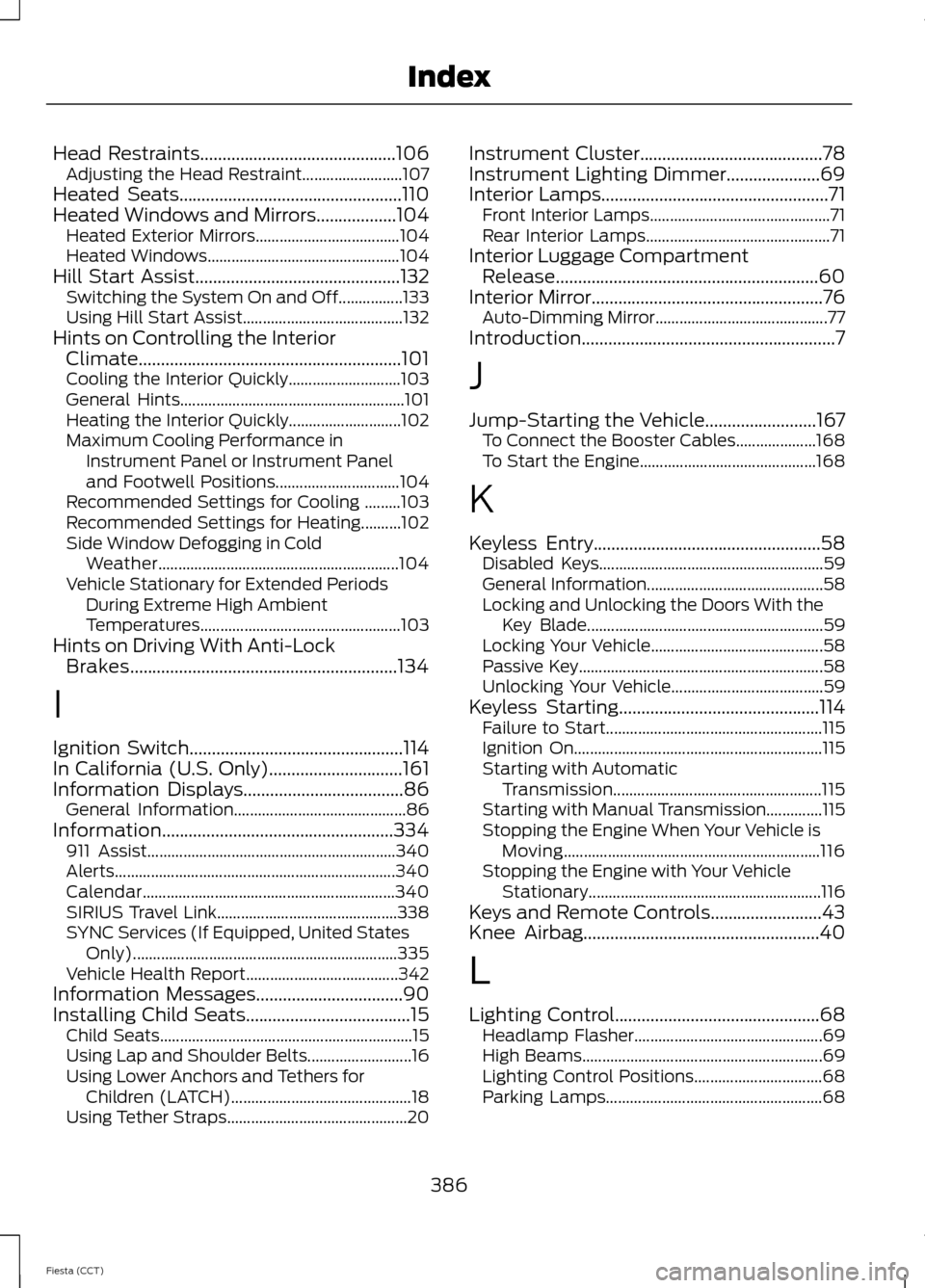
Head Restraints............................................106
Adjusting the Head Restraint......................... 107
Heated Seats..................................................110
Heated Windows and Mirrors..................104 Heated Exterior Mirrors.................................... 104
Heated Windows................................................ 104
Hill Start Assist..............................................132 Switching the System On and Off................133
Using Hill Start Assist........................................ 132
Hints on Controlling the Interior Climate...........................................................101
Cooling the Interior Quickly............................ 103
General Hints........................................................ 101
Heating the Interior Quickly............................ 102
Maximum Cooling Performance in Instrument Panel or Instrument Panel
and Footwell Positions............................... 104
Recommended Settings for Cooling .........103
Recommended Settings for Heating..........102
Side Window Defogging in Cold Weather............................................................ 104
Vehicle Stationary for Extended Periods During Extreme High Ambient
Temperatures.................................................. 103
Hints on Driving With Anti-Lock Brakes............................................................134
I
Ignition Switch................................................114
In California (U.S. Only)..............................161
Information Displays
....................................86
General Information........................................... 86
Information....................................................334 911 Assist.............................................................. 340
Alerts...................................................................... 340
Calendar............................................................... 340
SIRIUS Travel Link............................................. 338
SYNC Services (If Equipped, United States Only).................................................................. 335
Vehicle Health Report...................................... 342
Information Messages
.................................90
Installing Child Seats.....................................15 Child Seats............................................................... 15
Using Lap and Shoulder Belts.......................... 16
Using Lower Anchors and Tethers for Children (LATCH)............................................. 18
Using Tether Straps............................................. 20Instrument Cluster.........................................78
Instrument Lighting Dimmer
.....................69
Interior Lamps...................................................71 Front Interior Lamps............................................. 71
Rear Interior Lamps.............................................. 71
Interior Luggage Compartment Release...........................................................60
Interior Mirror....................................................76 Auto-Dimming Mirror........................................... 77
Introduction.........................................................7
J
Jump-Starting the Vehicle
.........................167
To Connect the Booster Cables.................... 168
To Start the Engine............................................ 168
K
Keyless Entry
...................................................58
Disabled Keys........................................................ 59
General Information............................................ 58
Locking and Unlocking the Doors With the Key Blade........................................................... 59
Locking Your Vehicle........................................... 58
Passive Key............................................................. 58
Unlocking Your Vehicle...................................... 59
Keyless Starting.............................................114 Failure to Start...................................................... 115
Ignition On.............................................................. 115
Starting with Automatic Transmission.................................................... 115
Starting with Manual Transmission..............115
Stopping the Engine When Your Vehicle is Moving................................................................ 116
Stopping the Engine with Your Vehicle Stationary.......................................................... 116
Keys and Remote Controls.........................43
Knee Airbag.....................................................40
L
Lighting Control..............................................68 Headlamp Flasher............................................... 69
High Beams............................................................ 69
Lighting Control Positions................................ 68
Parking Lamps...................................................... 68
386
Fiesta (CCT) Index
Page 392 of 396
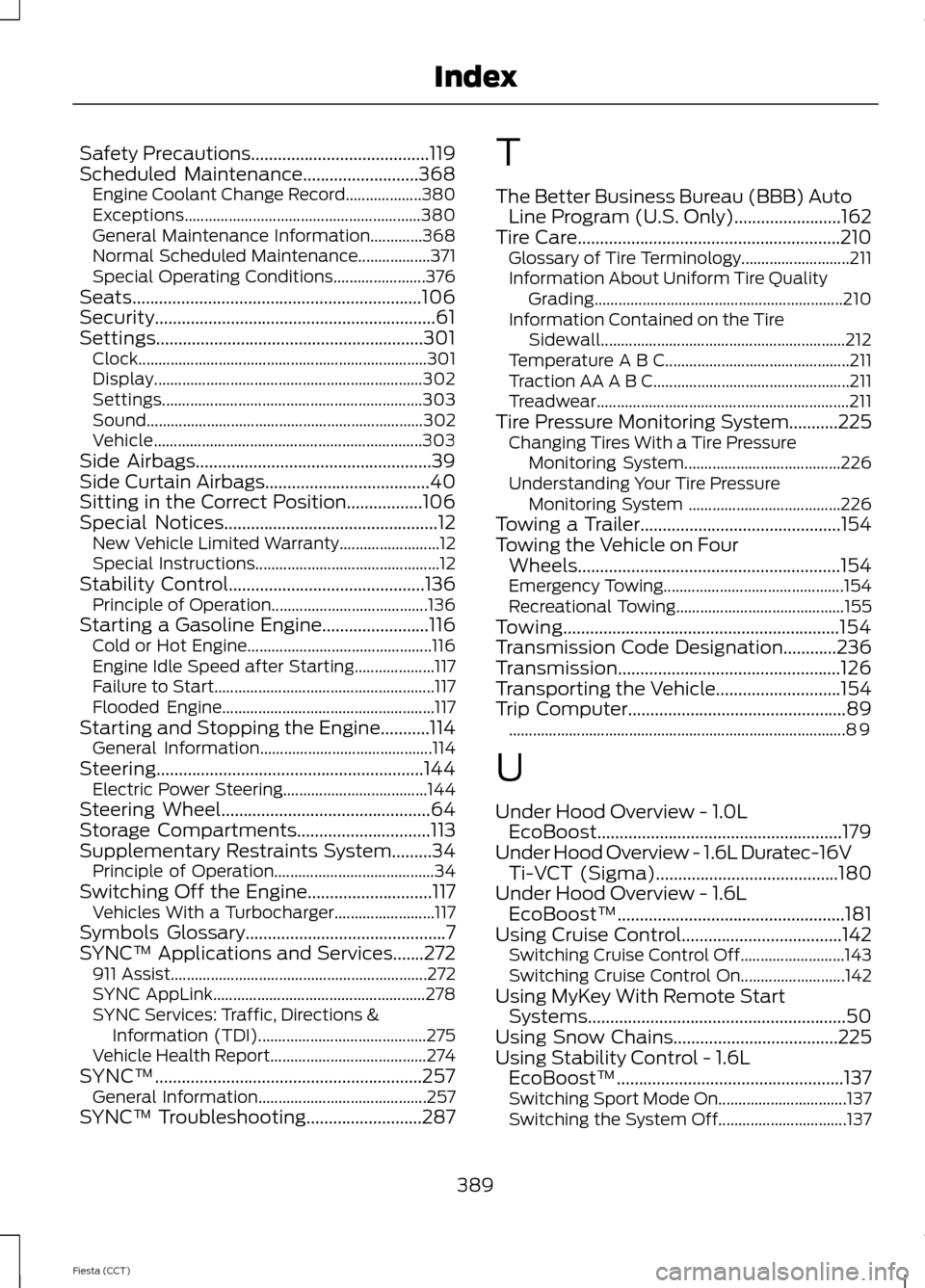
Safety Precautions........................................119
Scheduled Maintenance..........................368 Engine Coolant Change Record................... 380
Exceptions........................................................... 380
General Maintenance Information.............368
Normal Scheduled Maintenance.................. 371
Special Operating Conditions....................... 376
Seats.................................................................106
Security...............................................................61
Settings............................................................301 Clock........................................................................\
301
Display................................................................... 302
Settings................................................................. 303
Sound..................................................................... 302
Vehicle................................................................... 303
Side Airbags.....................................................39
Side Curtain Airbags
.....................................40
Sitting in the Correct Position.................106
Special Notices................................................12 New Vehicle Limited Warranty......................... 12
Special Instructions.............................................. 12
Stability Control
............................................136
Principle of Operation....................................... 136
Starting a Gasoline Engine........................116 Cold or Hot Engine.............................................. 116
Engine Idle Speed after Starting.................... 117
Failure to Start....................................................... 117
Flooded Engine..................................................... 117
Starting and Stopping the Engine...........114 General Information........................................... 114
Steering............................................................144 Electric Power Steering.................................... 144
Steering Wheel
...............................................64
Storage Compartments..............................113
Supplementary Restraints System.........34 Principle of Operation........................................ 34
Switching Off the Engine............................117 Vehicles With a Turbocharger......................... 117
Symbols Glossary
.............................................7
SYNC™ Applications and Services.......272 911 Assist................................................................ 272
SYNC AppLink..................................................... 278
SYNC Services: Traffic, Directions & Information (TDI).......................................... 275
Vehicle Health Report....................................... 274
SYNC™............................................................257 General Information.......................................... 257
SYNC™ Troubleshooting..........................287 T
The Better Business Bureau (BBB) Auto
Line Program (U.S. Only)........................162
Tire Care...........................................................210 Glossary of Tire Terminology........................... 211
Information About Uniform Tire Quality Grading.............................................................. 210
Information Contained on the Tire Sidewall............................................................. 212
Temperature A B C.............................................. 211
Traction AA A B C................................................. 211
Treadwear............................................................... 211
Tire Pressure Monitoring System...........225 Changing Tires With a Tire Pressure
Monitoring System....................................... 226
Understanding Your Tire Pressure Monitoring System ...................................... 226
Towing a Trailer
.............................................154
Towing the Vehicle on Four Wheels...........................................................154
Emergency Towing............................................. 154
Recreational Towing.......................................... 155
Towing..............................................................154
Transmission Code Designation............236
Transmission..................................................126
Transporting the Vehicle............................154
Trip Computer
.................................................89
........................................................................\
............ 89
U
Under Hood Overview - 1.0L EcoBoost.......................................................179
Under Hood Overview - 1.6L Duratec-16V Ti-VCT (Sigma).........................................180
Under Hood Overview - 1.6L EcoBoost™...................................................181
Using Cruise Control....................................142 Switching Cruise Control Off.......................... 143
Switching Cruise Control On.......................... 142
Using MyKey With Remote Start Systems..........................................................50
Using Snow Chains.....................................225
Using Stability Control - 1.6L EcoBoost™...................................................137
Switching Sport Mode On................................ 137
Switching the System Off................................ 137
389
Fiesta (CCT) Index