stop start FORD FIESTA 2015 Owner's Manual
[x] Cancel search | Manufacturer: FORD, Model Year: 2015, Model line: FIESTA, Model: FORD FIESTA 2015Pages: 423, PDF Size: 5.5 MB
Page 233 of 423
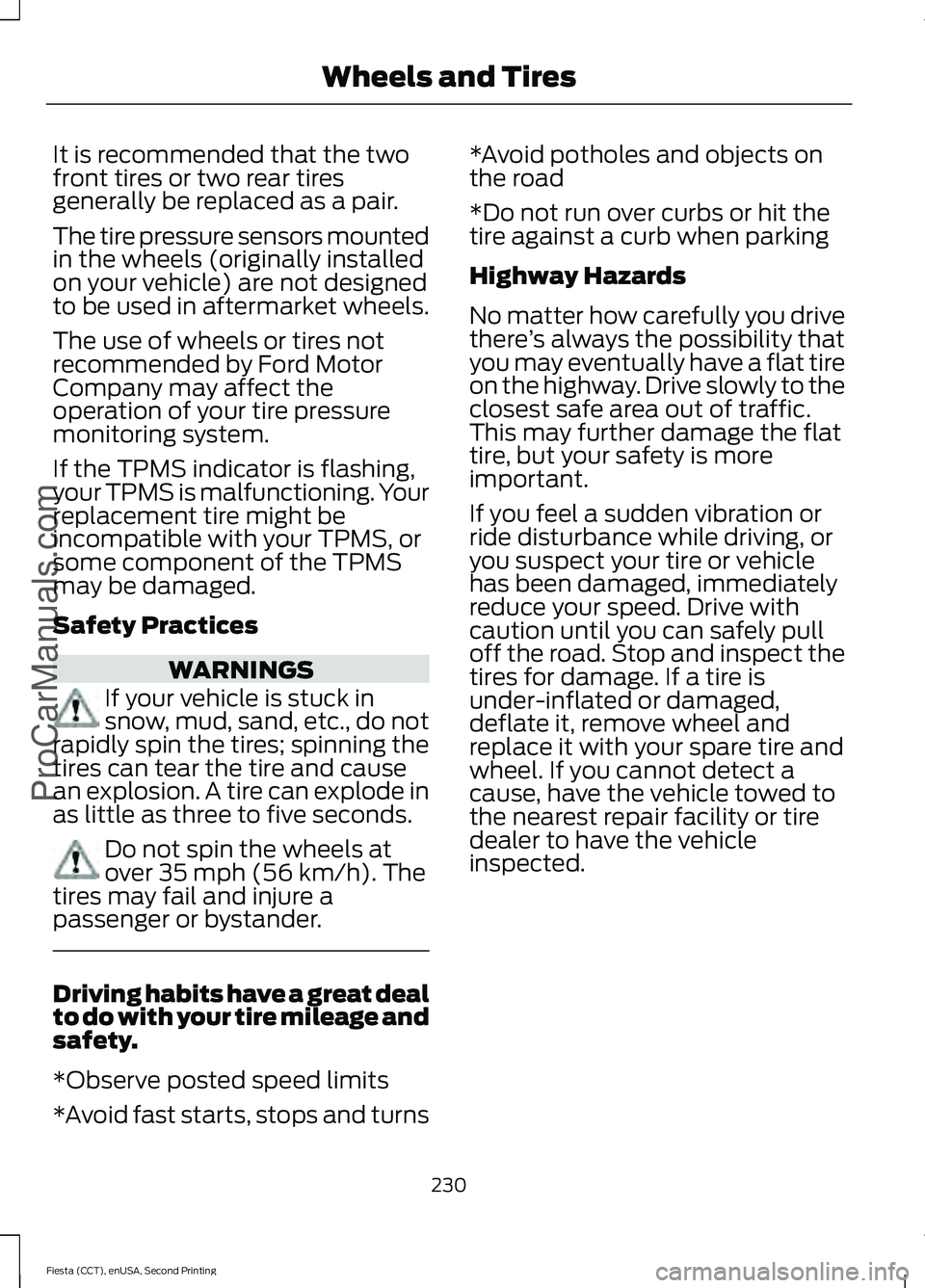
It is recommended that the two
front tires or two rear tires
generally be replaced as a pair.
The tire pressure sensors mounted
in the wheels (originally installed
on your vehicle) are not designed
to be used in aftermarket wheels.
The use of wheels or tires not
recommended by Ford Motor
Company may affect the
operation of your tire pressure
monitoring system.
If the TPMS indicator is flashing,
your TPMS is malfunctioning. Your
replacement tire might be
incompatible with your TPMS, or
some component of the TPMS
may be damaged.
Safety Practices
WARNINGS
If your vehicle is stuck in
snow, mud, sand, etc., do not
rapidly spin the tires; spinning the
tires can tear the tire and cause
an explosion. A tire can explode in
as little as three to five seconds. Do not spin the wheels at
over 35 mph (56 km/h). The
tires may fail and injure a
passenger or bystander. Driving habits have a great deal
to do with your tire mileage and
safety.
*Observe posted speed limits
*Avoid fast starts, stops and turns *Avoid potholes and objects on
the road
*Do not run over curbs or hit the
tire against a curb when parking
Highway Hazards
No matter how carefully you drive
there
’s always the possibility that
you may eventually have a flat tire
on the highway. Drive slowly to the
closest safe area out of traffic.
This may further damage the flat
tire, but your safety is more
important.
If you feel a sudden vibration or
ride disturbance while driving, or
you suspect your tire or vehicle
has been damaged, immediately
reduce your speed. Drive with
caution until you can safely pull
off the road. Stop and inspect the
tires for damage. If a tire is
under-inflated or damaged,
deflate it, remove wheel and
replace it with your spare tire and
wheel. If you cannot detect a
cause, have the vehicle towed to
the nearest repair facility or tire
dealer to have the vehicle
inspected.
230
Fiesta (CCT), enUSA, Second Printing Wheels and TiresProCarManuals.com
Page 306 of 423
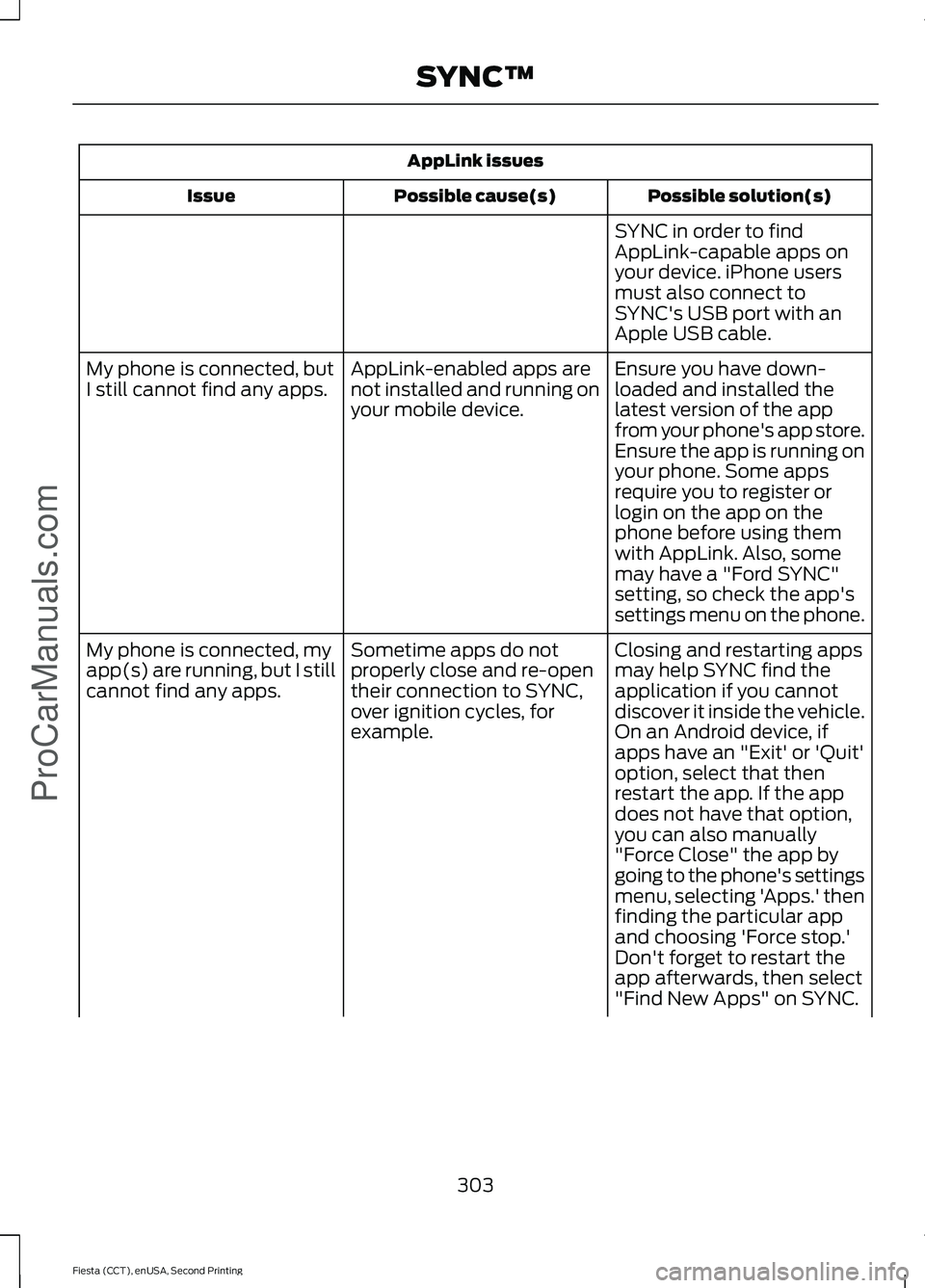
AppLink issues
Possible solution(s)
Possible cause(s)
Issue
SYNC in order to find
AppLink-capable apps on
your device. iPhone users
must also connect to
SYNC's USB port with an
Apple USB cable.
Ensure you have down-
loaded and installed the
latest version of the app
from your phone's app store.
Ensure the app is running on
your phone. Some apps
AppLink-enabled apps are
not installed and running on
your mobile device.
My phone is connected, but
I still cannot find any apps.
require you to register or
login on the app on the
phone before using them
with AppLink. Also, some
may have a "Ford SYNC"
setting, so check the app's
settings menu on the phone.
Closing and restarting apps
may help SYNC find the
application if you cannot
discover it inside the vehicle.
On an Android device, if
apps have an "Exit' or 'Quit'
Sometime apps do not
properly close and re-open
their connection to SYNC,
over ignition cycles, for
example.
My phone is connected, my
app(s) are running, but I still
cannot find any apps.
option, select that then
restart the app. If the app
does not have that option,
you can also manually
"Force Close" the app by
going to the phone's settings
menu, selecting 'Apps.' then
finding the particular app
and choosing 'Force stop.'
Don't forget to restart the
app afterwards, then select
"Find New Apps" on SYNC.
303
Fiesta (CCT), enUSA, Second Printing SYNC™ProCarManuals.com
Page 344 of 423
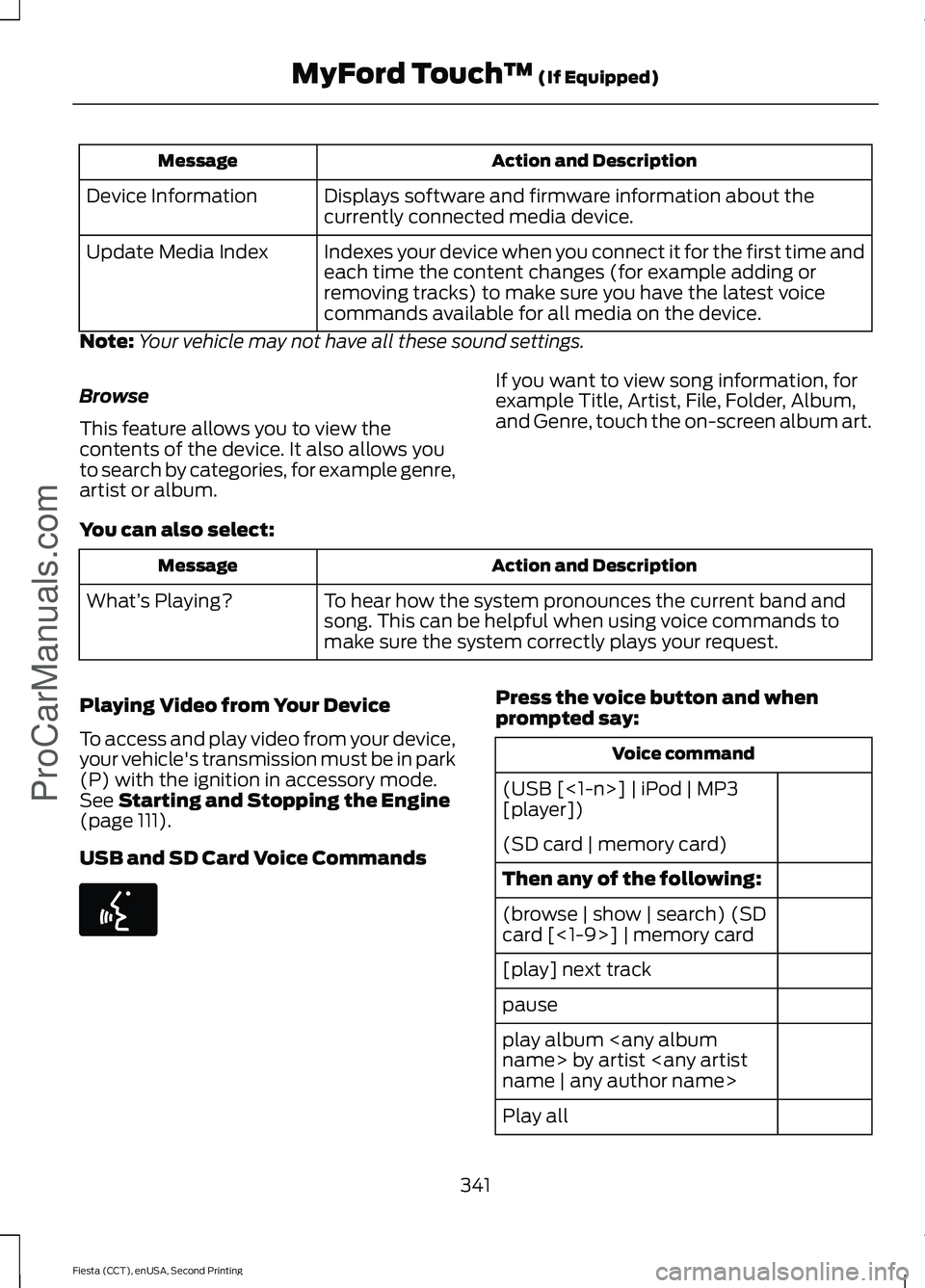
Action and Description
Message
Displays software and firmware information about the
currently connected media device.
Device Information
Indexes your device when you connect it for the first time and
each time the content changes (for example adding or
removing tracks) to make sure you have the latest voice
commands available for all media on the device.
Update Media Index
Note: Your vehicle may not have all these sound settings.
Browse
This feature allows you to view the
contents of the device. It also allows you
to search by categories, for example genre,
artist or album. If you want to view song information, for
example Title, Artist, File, Folder, Album,
and Genre, touch the on-screen album art.
You can also select: Action and Description
Message
To hear how the system pronounces the current band and
song. This can be helpful when using voice commands to
make sure the system correctly plays your request.
What’
s Playing?
Playing Video from Your Device
To access and play video from your device,
your vehicle's transmission must be in park
(P) with the ignition in accessory mode.
See Starting and Stopping the Engine
(page 111).
USB and SD Card Voice Commands Press the voice button and when
prompted say:
Voice command
(USB [<1-n>] | iPod | MP3
[player])
(SD card | memory card)
Then any of the following:
(browse | show | search) (SD
card [<1-9>] | memory card
[play] next track
pause
play album
Play all
341
Fiesta (CCT), enUSA, Second Printing MyFord Touch
™
(If Equipped)
ProCarManuals.comE142599
Page 418 of 423
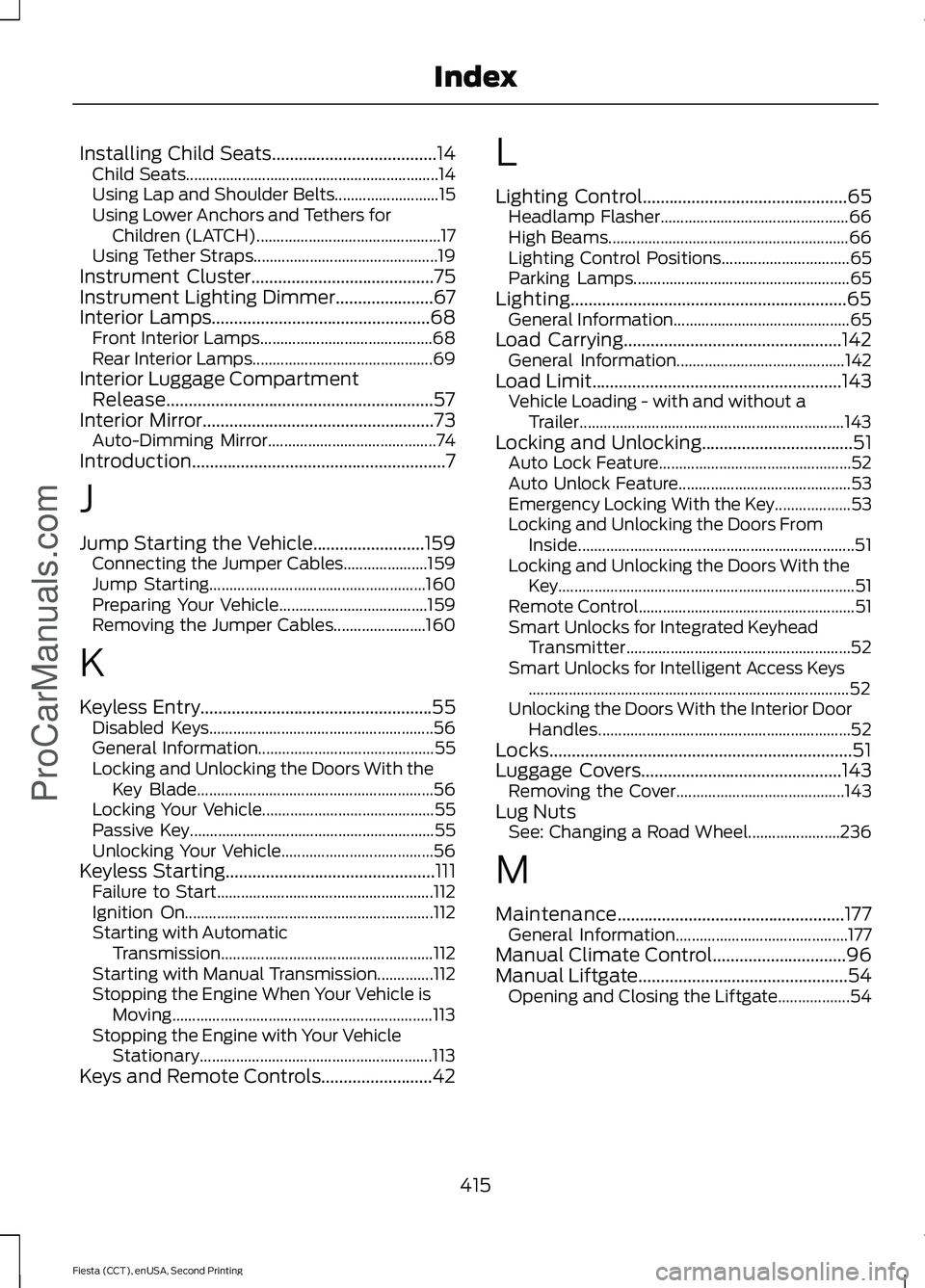
Installing Child Seats.....................................14
Child Seats............................................................... 14
Using Lap and Shoulder Belts.......................... 15
Using Lower Anchors and Tethers for Children (LATCH).............................................. 17
Using Tether Straps.............................................. 19
Instrument Cluster.........................................75
Instrument Lighting Dimmer......................67
Interior Lamps.................................................68 Front Interior Lamps........................................... 68
Rear Interior Lamps............................................. 69
Interior Luggage Compartment Release............................................................57
Interior Mirror....................................................73
Auto-Dimming Mirror.......................................... 74
Introduction.........................................................7
J
Jump Starting the Vehicle.........................159 Connecting the Jumper Cables..................... 159
Jump Starting...................................................... 160
Preparing Your Vehicle..................................... 159
Removing the Jumper Cables....................... 160
K
Keyless Entry....................................................55 Disabled Keys........................................................ 56
General Information............................................ 55
Locking and Unlocking the Doors With the Key Blade........................................................... 56
Locking Your Vehicle........................................... 55
Passive Key............................................................. 55
Unlocking Your Vehicle...................................... 56
Keyless Starting
...............................................111
Failure to Start...................................................... 112
Ignition On.............................................................. 112
Starting with Automatic Transmission..................................................... 112
Starting with Manual Transmission..............112
Stopping the Engine When Your Vehicle is Moving................................................................. 113
Stopping the Engine with Your Vehicle Stationary.......................................................... 113
Keys and Remote Controls
.........................42 L
Lighting Control..............................................65
Headlamp Flasher............................................... 66
High Beams............................................................ 66
Lighting Control Positions................................ 65
Parking Lamps...................................................... 65
Lighting..............................................................65 General Information............................................ 65
Load Carrying.................................................142 General Information.......................................... 142
Load Limit
........................................................143
Vehicle Loading - with and without a
Trailer.................................................................. 143
Locking and Unlocking
..................................51
Auto Lock Feature................................................ 52
Auto Unlock Feature........................................... 53
Emergency Locking With the Key................... 53
Locking and Unlocking the Doors From Inside..................................................................... 51
Locking and Unlocking the Doors With the Key........................................................................\
.. 51
Remote Control...................................................... 51
Smart Unlocks for Integrated Keyhead Transmitter........................................................ 52
Smart Unlocks for Intelligent Access Keys ........................................................................\
........ 52
Unlocking the Doors With the Interior Door Handles............................................................... 52
Locks....................................................................51
Luggage Covers
.............................................143
Removing the Cover.......................................... 143
Lug Nuts See: Changing a Road Wheel....................... 236
M
Maintenance
...................................................177
General Information........................................... 177
Manual Climate Control..............................96
Manual Liftgate
...............................................54
Opening and Closing the Liftgate.................. 54
415
Fiesta (CCT), enUSA, Second Printing Index
ProCarManuals.com
Page 421 of 423
Satellite Radio..............................................259
Satellite Radio Electronic Serial Number
(ESN)................................................................ 260
Satellite Radio Reception Factors..............260
SIRIUS® Satellite Radio Service.................260
Troubleshooting.................................................. 261
Scheduled Maintenance Record...........404
Scheduled Maintenance..........................396
Seats.................................................................103
Security..............................................................58
Settings............................................................314 Clock........................................................................\
315
Display.................................................................... 315
Settings.................................................................. 318
Sound...................................................................... 316
Vehicle..................................................................... 317
Side Airbags
.....................................................38
Side Curtain Airbags.....................................39
Sitting in the Correct Position..................103
Snow Chains See: Using Snow Chains.................................. 232
Special Notices................................................12 New Vehicle Limited Warranty......................... 12
Special Instructions.............................................. 12
Special Operating Conditions Scheduled Maintenance..............................................402
Exceptions........................................................... 403
Speed Control See: Cruise Control............................................ 139
Stability Control............................................133 Principle of Operation....................................... 133
Starter Switch See: Ignition Switch............................................. 111
Starting a Gasoline Engine.........................113 Cold or Hot Engine............................................... 113
Engine Idle Speed after Starting.................... 114
Failure to Start...................................................... 114
Flooded Engine..................................................... 114
Starting and Stopping the Engine............111 General Information............................................ 111
Steering
.............................................................141
Electric Power Steering..................................... 141
Steering Wheel................................................61
Storage Compartments
..............................110
Sunroof See: Moonroof....................................................... 74
Supplementary Restraints System.........34 Principle of Operation........................................ 34Switching Off the Engine............................114
Vehicles With a Turbocharger......................... 114
Symbols Glossary
.............................................7
SYNC™ Applications and Services.......279
911 Assist............................................................... 279
SYNC AppLink.................................................... 285
SYNC Services: Traffic, Directions & Information (TDI) (If Equipped, Unites
States Only).................................................... 282
Vehicle Health Report....................................... 281
SYNC™...........................................................264 General Information......................................... 264
SYNC™ Troubleshooting
.........................296
T
Tailgate See: Manual Liftgate........................................... 54
Technical Specifications - 1.0L EcoBoost™................................................200
Capacities............................................................ 200
Specifications...................................................... 201
Technical Specifications - 1.6L Duratec-16V Ti-VCT (Sigma)..............206
Capacities............................................................ 206
Specifications...................................................... 207
Technical Specifications - 1.6L EcoBoost™.................................................203
Capacities............................................................. 203
Specifications..................................................... 204
Technical Specifications See: Capacities and Specifications.............241
The Better Business Bureau (BBB) Auto Line Program (U.S. Only)
.......................164
Tire Care............................................................217 Glossary of Tire Terminology.......................... 219
Information About Uniform Tire Quality Grading............................................................... 217
Information Contained on the Tire Sidewall........................................................... 220
Temperature A B C............................................. 218
Traction AA A B C................................................ 218
Treadwear............................................................. 218
Tire Pressure Monitoring System...........232 Changing Tires With a Tire Pressure
Monitoring System....................................... 233
Understanding Your Tire Pressure Monitoring System ...................................... 233
418
Fiesta (CCT), enUSA, Second Printing Index
ProCarManuals.com