reset FORD FLEX 2009 1.G Owner's Manual
[x] Cancel search | Manufacturer: FORD, Model Year: 2009, Model line: FLEX, Model: FORD FLEX 2009 1.GPages: 374
Page 113 of 374
Blank display
Select this function from the INFO menu to turn display off.
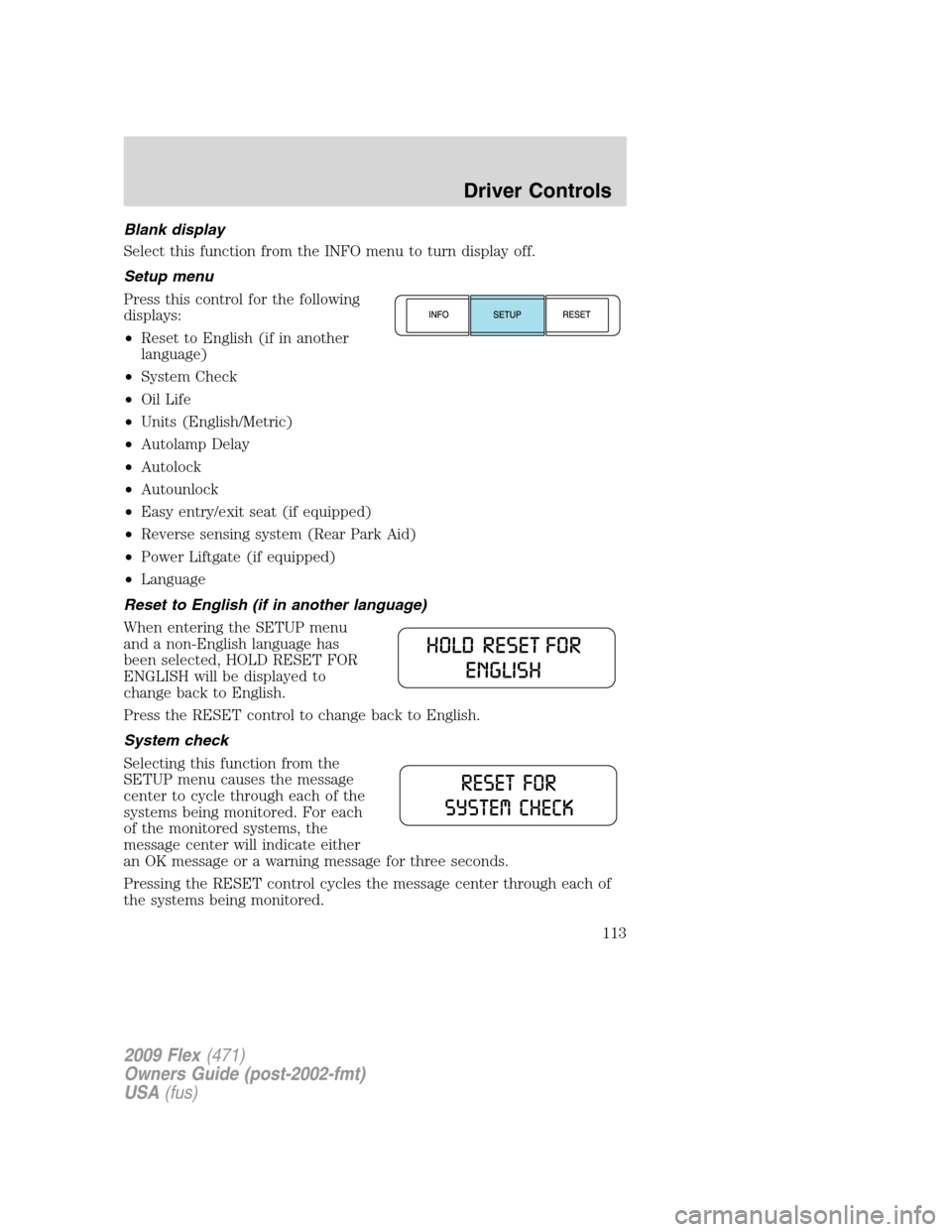
Setup menu
Press this control for the following
displays:
•Reset to English (if in another
language)
•System Check
•Oil Life
•Units (English/Metric)
•Autolamp Delay
•Autolock
•Autounlock
•Easy entry/exit seat (if equipped)
•Reverse sensing system (Rear Park Aid)
•Power Liftgate (if equipped)
•Language
Reset to English (if in another language)
When entering the SETUP menu
and a non-English language has
been selected, HOLD RESET FOR
ENGLISH will be displayed to
change back to English.
Press the RESET control to change back to English.
System check
Selecting this function from the
SETUP menu causes the message
center to cycle through each of the
systems being monitored. For each
of the monitored systems, the
message center will indicate either
an OK message or a warning message for three seconds.
Pressing the RESET control cycles the message center through each of
the systems being monitored.
2009 Flex(471)
Owners Guide (post-2002-fmt)
USA(fus)
Driver Controls
113
Page 114 of 374
The sequence of the system check report is as follows:
1. OIL LIFE
2. CHARGING SYSTEM
3. WASHER FLUID LEVEL
4. DOOR AJAR STATUS
5. BRAKE SYSTEM
6. DISTANCE TO EMPTY (DTE)
Oil life
An oil change is required whenever indicated by the message center.
USE ONLY RECOMMENDED ENGINE OILS.
To reset the oil monitoring system to 100% after each oil change
(approximately 7,500 miles [12,000 km] or six months) perform the
following:
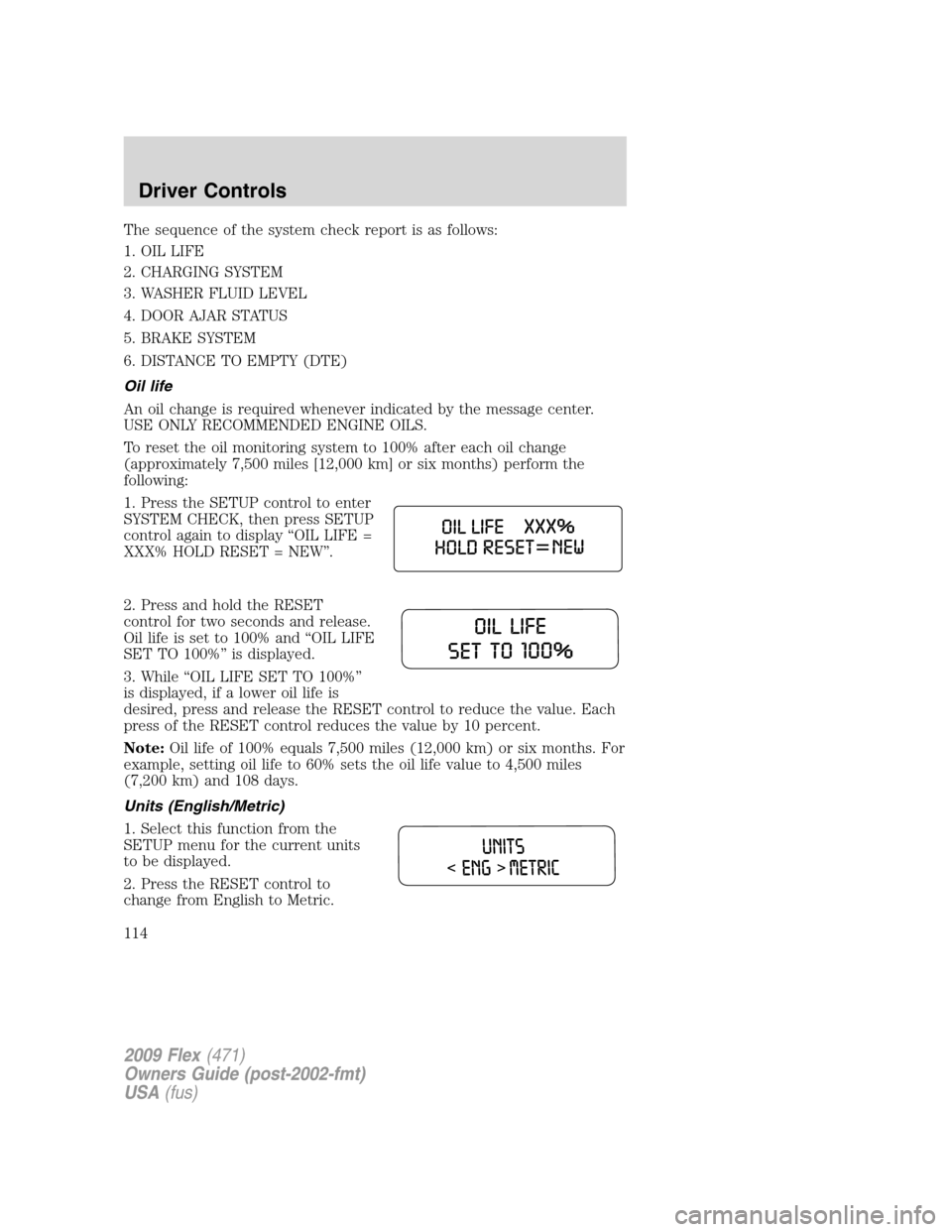
1. Press the SETUP control to enter
SYSTEM CHECK, then press SETUP
control again to display “OIL LIFE =
XXX% HOLD RESET = NEW”.
2. Press and hold the RESET
control for two seconds and release.
Oil life is set to 100% and “OIL LIFE
SET TO 100%” is displayed.
3. While “OIL LIFE SET TO 100%”
is displayed, if a lower oil life is
desired, press and release the RESET control to reduce the value. Each
press of the RESET control reduces the value by 10 percent.
Note:Oil life of 100% equals 7,500 miles (12,000 km) or six months. For
example, setting oil life to 60% sets the oil life value to 4,500 miles
(7,200 km) and 108 days.
Units (English/Metric)
1. Select this function from the
SETUP menu for the current units
to be displayed.
2. Press the RESET control to
change from English to Metric.
2009 Flex(471)
Owners Guide (post-2002-fmt)
USA(fus)
Driver Controls
114
Page 115 of 374
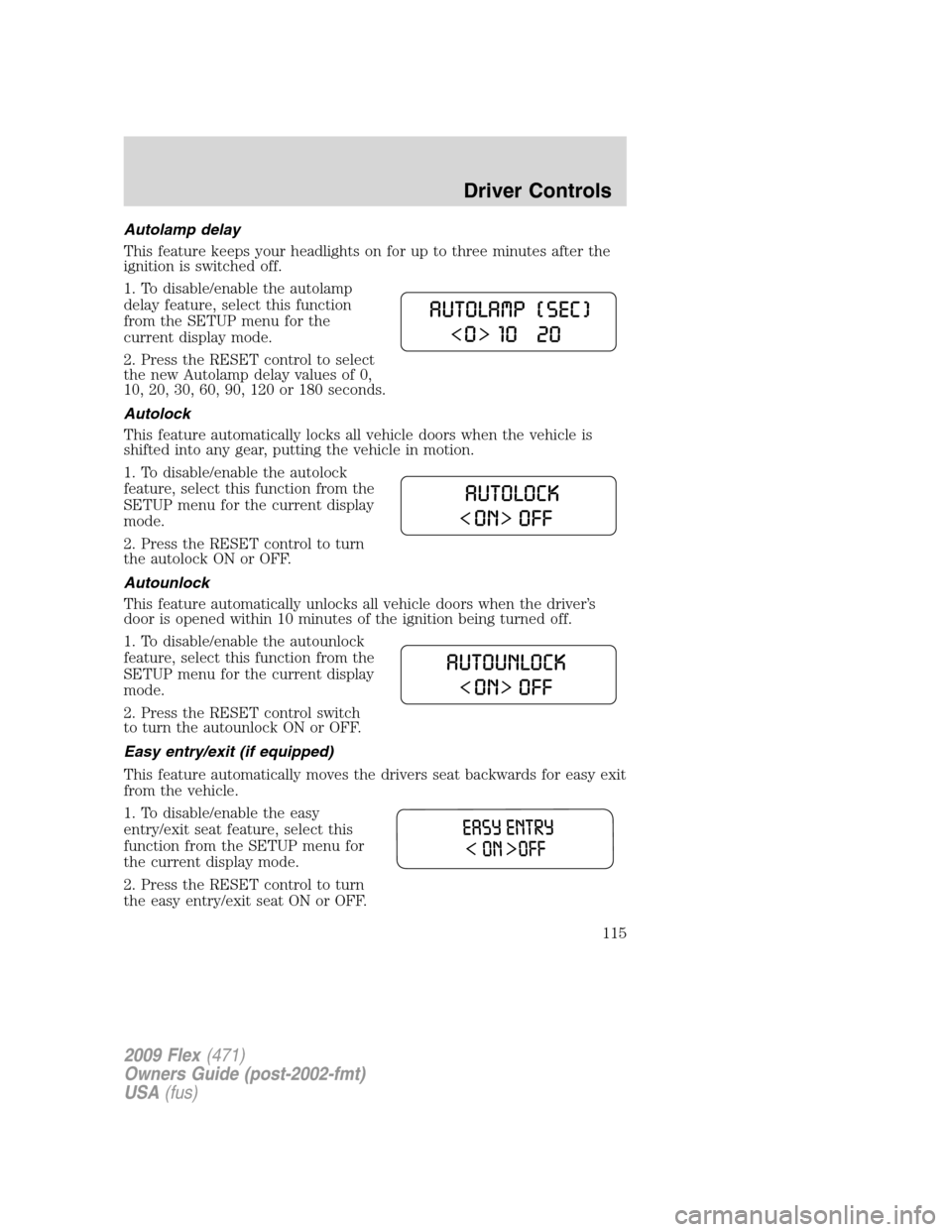
Autolamp delay
This feature keeps your headlights on for up to three minutes after the
ignition is switched off.
1. To disable/enable the autolamp
delay feature, select this function
from the SETUP menu for the
current display mode.
2. Press the RESET control to select
the new Autolamp delay values of 0,
10, 20, 30, 60, 90, 120 or 180 seconds.
Autolock
This feature automatically locks all vehicle doors when the vehicle is
shifted into any gear, putting the vehicle in motion.
1. To disable/enable the autolock
feature, select this function from the
SETUP menu for the current display
mode.
2. Press the RESET control to turn
the autolock ON or OFF.
Autounlock
This feature automatically unlocks all vehicle doors when the driver’s
door is opened within 10 minutes of the ignition being turned off.
1. To disable/enable the autounlock
feature, select this function from the
SETUP menu for the current display
mode.
2. Press the RESET control switch
to turn the autounlock ON or OFF.
Easy entry/exit (if equipped)
This feature automatically moves the drivers seat backwards for easy exit
from the vehicle.
1. To disable/enable the easy
entry/exit seat feature, select this
function from the SETUP menu for
the current display mode.
2. Press the RESET control to turn
the easy entry/exit seat ON or OFF.
2009 Flex(471)
Owners Guide (post-2002-fmt)
USA(fus)
Driver Controls
115
Page 116 of 374
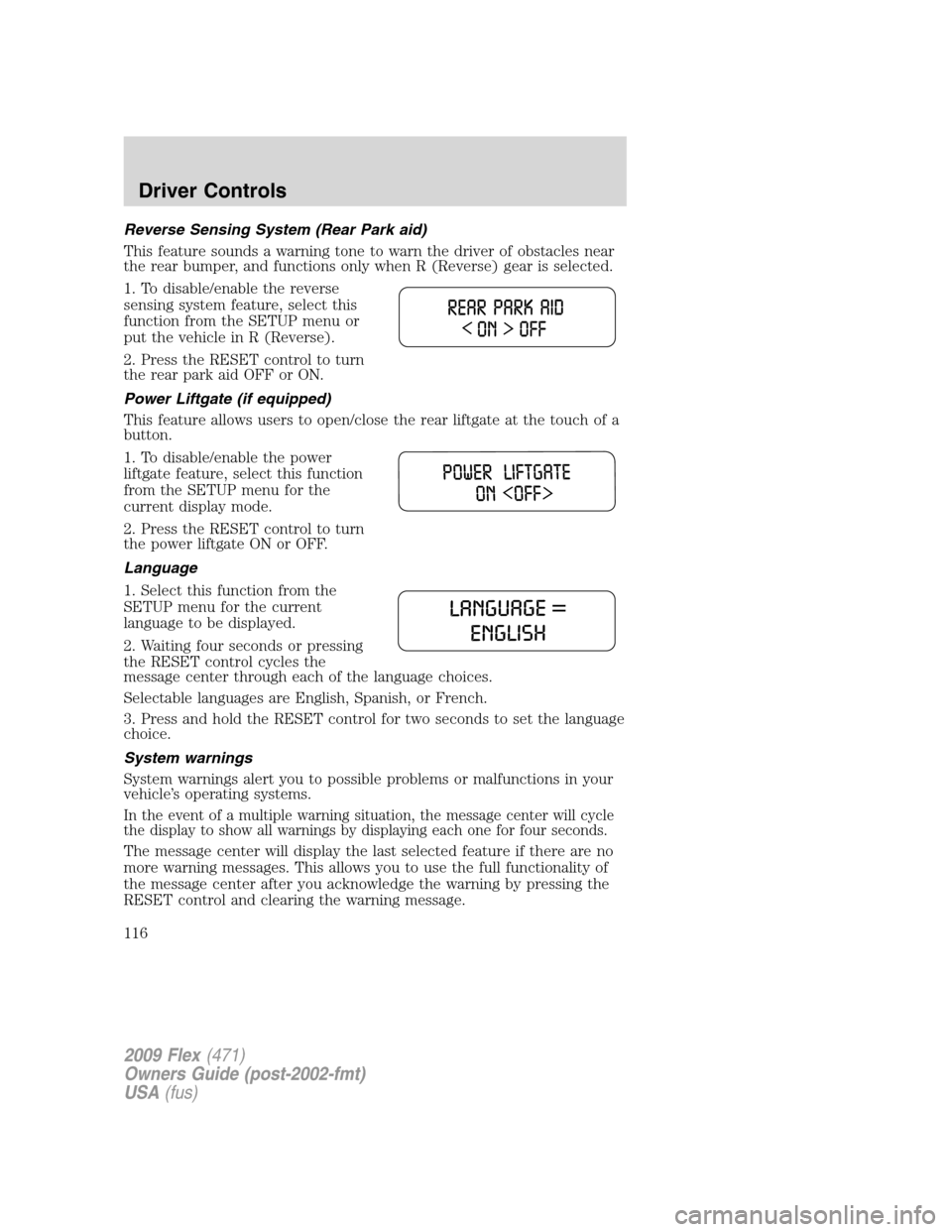
Reverse Sensing System (Rear Park aid)
This feature sounds a warning tone to warn the driver of obstacles near
the rear bumper, and functions only when R (Reverse) gear is selected.
1. To disable/enable the reverse
sensing system feature, select this
function from the SETUP menu or
put the vehicle in R (Reverse).
2. Press the RESET control to turn
the rear park aid OFF or ON.
Power Liftgate (if equipped)
This feature allows users to open/close the rear liftgate at the touch of a
button.
1. To disable/enable the power
liftgate feature, select this function
from the SETUP menu for the
current display mode.
2. Press the RESET control to turn
the power liftgate ON or OFF.
Language
1. Select this function from the
SETUP menu for the current
language to be displayed.
2. Waiting four seconds or pressing
the RESET control cycles the
message center through each of the language choices.
Selectable languages are English, Spanish, or French.
3. Press and hold the RESET control for two seconds to set the language
choice.
System warnings
System warnings alert you to possible problems or malfunctions in your
vehicle’s operating systems.
In the event of a multiple warning situation, the message center will cycle
the display to show all warnings by displaying each one for four seconds.
The message center will display the last selected feature if there are no
more warning messages. This allows you to use the full functionality of
the message center after you acknowledge the warning by pressing the
RESET control and clearing the warning message.
2009 Flex(471)
Owners Guide (post-2002-fmt)
USA(fus)
Driver Controls
116
Page 117 of 374
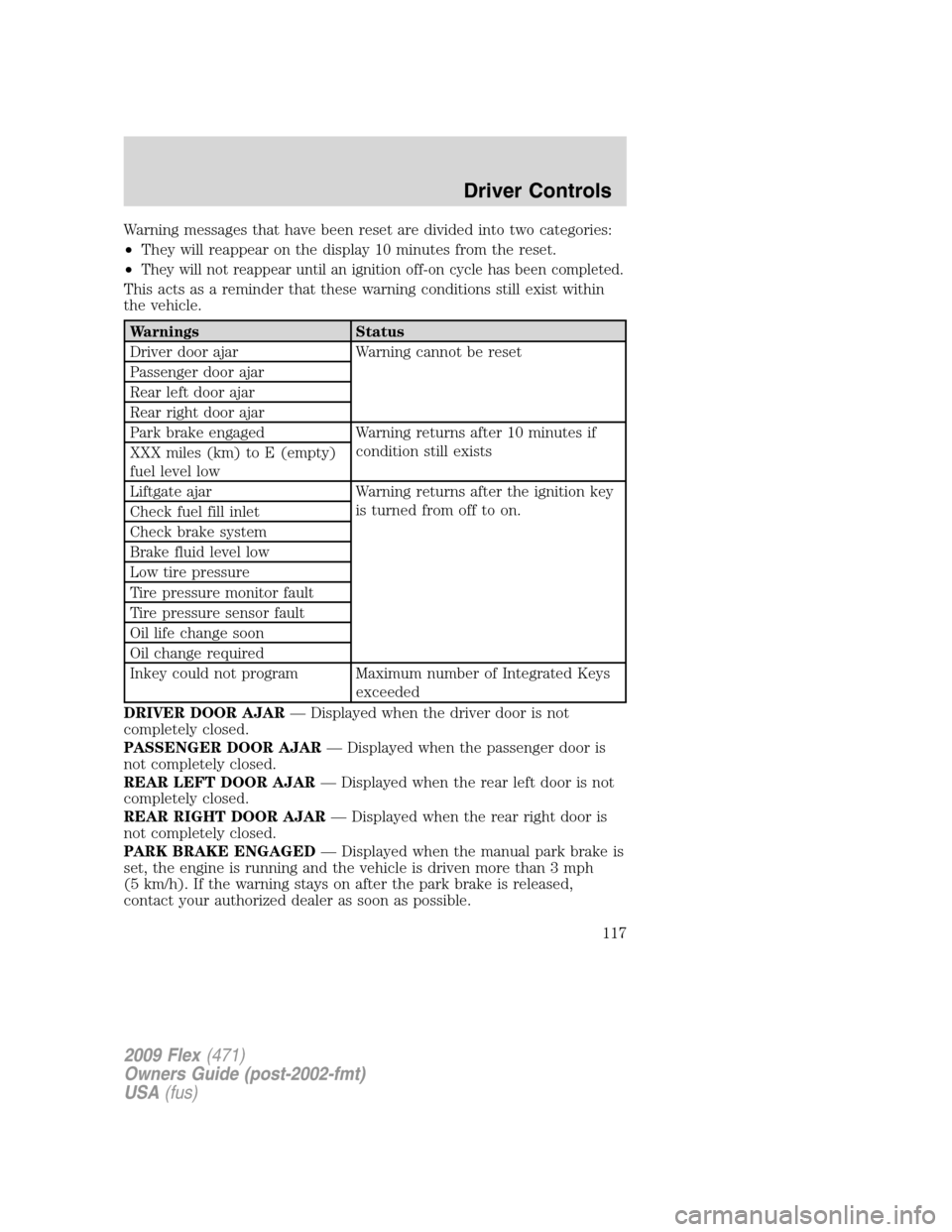
Warning messages that have been reset are divided into two categories:
•They will reappear on the display 10 minutes from the reset.
•
They will not reappear until an ignition off-on cycle has been completed.
This acts as a reminder that these warning conditions still exist within
the vehicle.
Warnings Status
Driver door ajar Warning cannot be reset
Passenger door ajar
Rear left door ajar
Rear right door ajar
Park brake engaged Warning returns after 10 minutes if
condition still exists
XXX miles (km) to E (empty)
fuel level low
Liftgate ajar Warning returns after the ignition key
is turned from off to on.
Check fuel fill inlet
Check brake system
Brake fluid level low
Low tire pressure
Tire pressure monitor fault
Tire pressure sensor fault
Oil life change soon
Oil change required
Inkey could not program Maximum number of Integrated Keys
exceeded
DRIVER DOOR AJAR— Displayed when the driver door is not
completely closed.
PASSENGER DOOR AJAR— Displayed when the passenger door is
not completely closed.
REAR LEFT DOOR AJAR— Displayed when the rear left door is not
completely closed.
REAR RIGHT DOOR AJAR— Displayed when the rear right door is
not completely closed.
PARK BRAKE ENGAGED— Displayed when the manual park brake is
set, the engine is running and the vehicle is driven more than 3 mph
(5 km/h). If the warning stays on after the park brake is released,
contact your authorized dealer as soon as possible.
2009 Flex(471)
Owners Guide (post-2002-fmt)
USA(fus)
Driver Controls
117
Page 118 of 374
XXX MILES TO E FUEL LEVEL LOW— Displayed as an early
reminder of a low fuel condition.
LIFTGATE AJAR— Displayed when the liftgate is not completely
closed. Press RESET to reset display.
CHECK FUEL FILL INLET— Displayed when the fuel fill inlet may
not be properly closed. Refer toEasy Fuel™ “no cap” fuel systemin
theMaintenance and Specificationschapter.
CHECK BRAKE SYSTEM— Displayed when the braking system is not
operating properly. If the warning stays on or continues to come on,
contact your authorized dealer as soon as possible.
BRAKE FLUID LEVEL LOW— Indicates the brake fluid level is low
and the brake system should be inspected immediately. Refer toBrake
fluidin theMaintenance and Specificationschapter.
LOW TIRE PRESSURE— Displayed when one or more tires on your
vehicle have low tire pressure. Refer toInflating your tiresin theTires,
Wheels and Loadingchapter.
TIRE PRESSURE MONITOR FAULT— Displayed when the Tire
Pressure Monitoring System is malfunctioning. If the warning stays on or
continues to come on, have the system inspected by your authorized
dealer.
TIRE PRESSURE SENSOR FAULT— Displayed when a tire pressure
sensor is malfunctioning, or your spare tire is in use. For more
information on how the system operates under these conditions, refer to
Tire Pressure Monitoring System (TPMS)in theTires, Wheels and
Loadingchapter. If the warning stays on or continues to come on, have
the system inspected by your authorized dealer
OIL LIFE CHANGE SOON— Displayed when the engine oil life
remaining is 10% or less. When oil life left is between 10% and 0%, the
XX% OIL LIFE CHANGE SOON message will be displayed.
OIL CHANGE REQUIRED— Displayed when the oil life left reaches
0%, the OIL CHANGE REQUIRED message will be displayed.
INTKEY COULD NOT PROGRAM— Displayed when an attempt is
made to program a fifth Integrated Key to the Remote Key Entry
System. For more information on Integrated Key, refer toLocks and
Securitychapter in this manual.
2009 Flex(471)
Owners Guide (post-2002-fmt)
USA(fus)
Driver Controls
118
Page 123 of 374
Resetting the power liftgate:
The power liftgate may not operate properly and may need to be reset if
any of these conditions occur:
•a low voltage or dead battery
•disconnected battery
•the liftgate is manually closed and left ajar (unlatched)
To reset the power liftgate:
1. Disconnect the battery for 20 seconds then, reconnect the battery.
2. Manually close and fully latch the liftgate.
3. Power open the liftgate by using the integrated keyhead transmitter,
or the instrument panel control button.
Note:If the power liftgate system is turned off in the message center,
the system cannot be activated with the outside release handle or rear
cargo area control button. The system will need to be turned on to
resume operation with the outside release handle or rear cargo area
control button. The power liftgate is still operational through the use of
the remote entry transmitter and instrument panel button when the
power liftgate is turned off in the message center.
CARGO AREA FEATURES
Cargo net (if equipped)
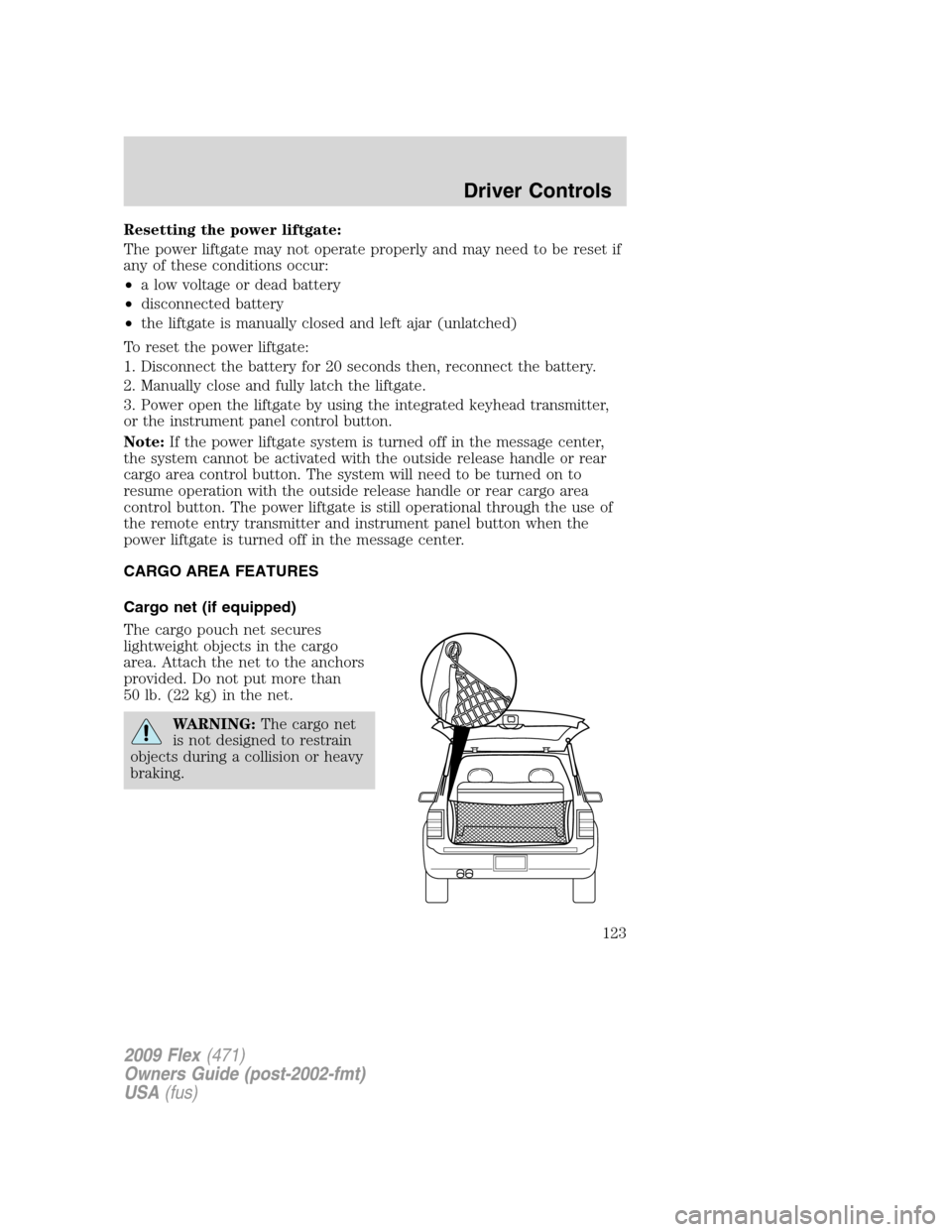
The cargo pouch net secures
lightweight objects in the cargo
area. Attach the net to the anchors
provided. Do not put more than
50 lb. (22 kg) in the net.
WARNING:The cargo net
is not designed to restrain
objects during a collision or heavy
braking.
2009 Flex(471)
Owners Guide (post-2002-fmt)
USA(fus)
Driver Controls
123
Page 134 of 374
2. Pressand release again within three seconds to unlock all the
doors.
The remote entry system activates the illuminated entry feature; this
feature turns on the lamps for 25 seconds or until the ignition is turned
to the on position.
The inside lights will not turn off if:
•they have been turned on using the dimmer control or
•any door is open.
The battery saver feature will turn off the interior lamps 10 minutes after
the ignition is turned to the off position.
Two stage unlocking may be disabled or re-enabled by simultaneously
pressing the
andcontrols on the IKT for four seconds (disabling
two stage unlock allows all vehicle doors to unlock simultaneously). The
turn lamps will flash twice to indicate that two-stage unlock was enabled
or disabled.
Locking the doors
1. Pressand release to lock all the doors. The turn lamps will flash.
2. Press
and release again within three seconds to confirm that all
the doors are closed.Note:The doors will lock again, the horn will chirp
and the turn lamps will flash once if all the doors and liftgate are closed.
Note:If any door or the liftgate is not closed, the horn will chirp twice
and the lamps will not flash.
Opening the power liftgate (if equipped)
Presstwice within three seconds to fully unlatch and open the
liftgate.
WARNING:Make sure all persons are clear of the liftgate area
before using power liftgate control.
In order to fully lower and latch the liftgate, press the control twice.
If the liftgate stops mid travel, it may have detected an obstacle, Check
to ensure the liftgate swing zone is free from obstruction and reset the
power assist by manually closing the liftgate. Normal operation can then
be resumed.
2009 Flex(471)
Owners Guide (post-2002-fmt)
USA(fus)
Locks and Security
134
Page 338 of 374
Because your vehicle’s engine is electronically controlled by a computer,
some control conditions are maintained by power from the battery. When
the battery is disconnected or a new battery is installed, the engine must
relearn its idle and fuel trim strategy for optimum driveability and
performance. To begin this process:
1. With the vehicle at a complete stop, set the parking brake.
2. Put the gearshift in P (Park), turn off all accessories and start the
engine.
3. Run the engine until it reaches normal operating temperature.
4. Allow the engine to idle for at least one minute.
5. Turn the A/C on and allow the engine to idle for at least one minute.
6. Release the parking brake. With your foot on the brake pedal and with
the A/C on, put the vehicle in D (Drive) and allow the engine to idle for
at least one minute.
7. Drive the vehicle to complete the relearning process.
•The vehicle may need to be driven 10 miles (16 km) or more to
relearn the idle and fuel trim strategy.
•If you do not allow the engine to relearn its idle trim, the idle
quality of your vehicle may be adversely affected until the idle
trim is eventually relearned.
If the battery has been disconnected or a new battery has been installed,
the clock and radio settings must be reset once the battery is
reconnected.
•Always dispose of automotive
batteries in a responsible manner.
Follow your local authorized
standards for disposal. Call your
local authorized recycling center
to find out more about recycling
automotive batteries.
LEAD
RETURN
RECYCLE
2009 Flex(471)
Owners Guide (post-2002-fmt)
USA(fus)
Maintenance and Specifications
338
Page 343 of 374
If you drive in extremely hot climates:
•It is still necessary to maintain the coolant concentration
above 40%.
•NEVER decrease the coolant concentration below 40%.
•Decreased engine coolant concentrations below 40% will
decrease the corrosion protection characteristics of the engine
coolant and may cause engine damage.
•Decreased engine coolant concentrations below 40% will
decrease the freeze protection characteristics of the engine
coolant and may cause engine damage.
•Refer to the chart on the coolant container to ensure the
coolant concentration in your vehicle will provide adequate
protection at the temperatures in which you drive.
Vehicles driven year-round in non-extreme climates should use a 50/50
mixture of engine coolant and distilled water for optimum cooling system
and engine protection.
What you should know about fail-safe cooling
If the engine coolant supply is depleted, this feature allows the vehicle to
be driven temporarily before incremental component damage is incurred.
The “fail-safe” distance depends on ambient temperatures, vehicle load
and terrain.
How fail-safe cooling works
If the engine begins to overheat:
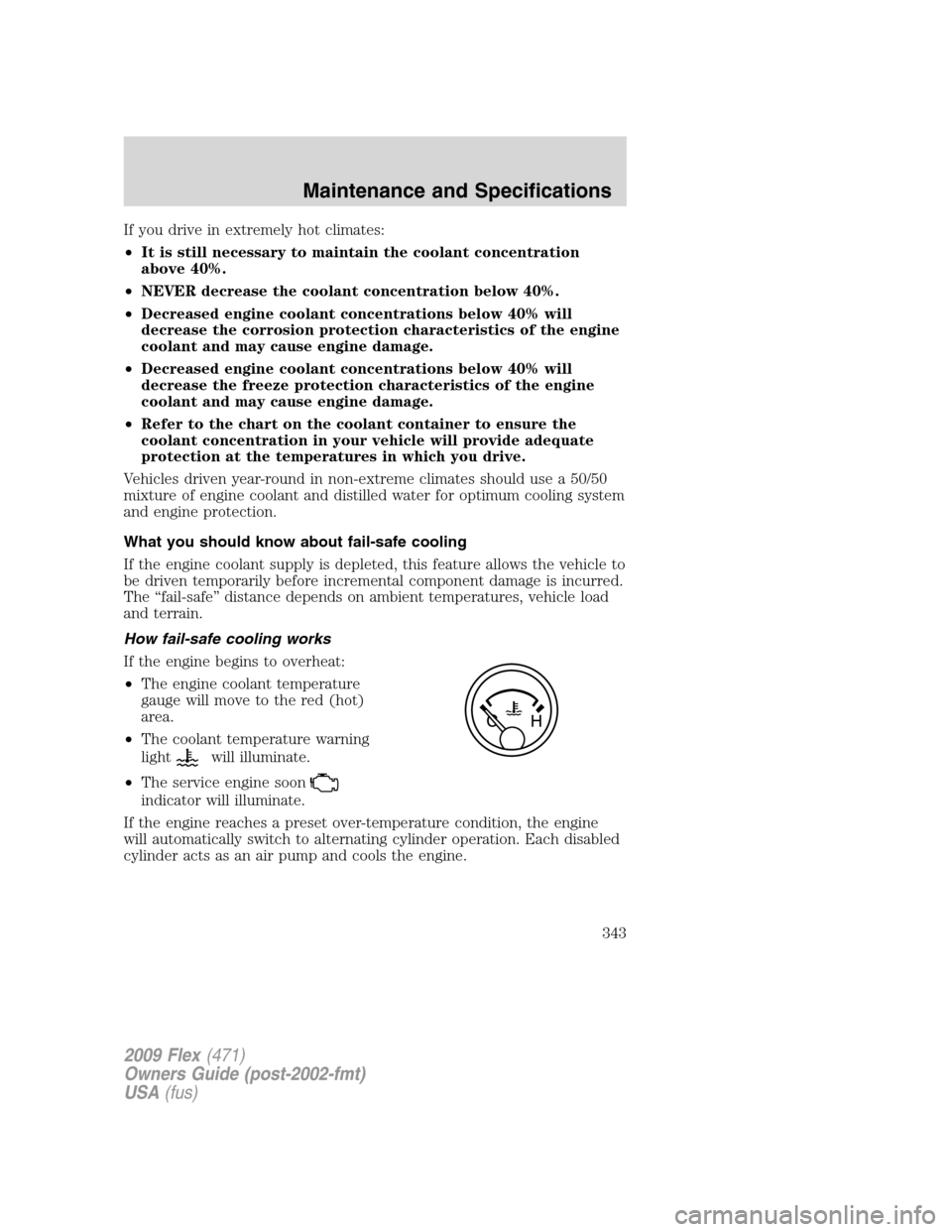
•The engine coolant temperature
gauge will move to the red (hot)
area.
•The coolant temperature warning
light
will illuminate.
•The service engine soon
indicator will illuminate.
If the engine reaches a preset over-temperature condition, the engine
will automatically switch to alternating cylinder operation. Each disabled
cylinder acts as an air pump and cools the engine.
2009 Flex(471)
Owners Guide (post-2002-fmt)
USA(fus)
Maintenance and Specifications
343