remote control FORD FLEX 2012 1.G User Guide
[x] Cancel search | Manufacturer: FORD, Model Year: 2012, Model line: FLEX, Model: FORD FLEX 2012 1.GPages: 405, PDF Size: 2.75 MB
Page 59 of 405
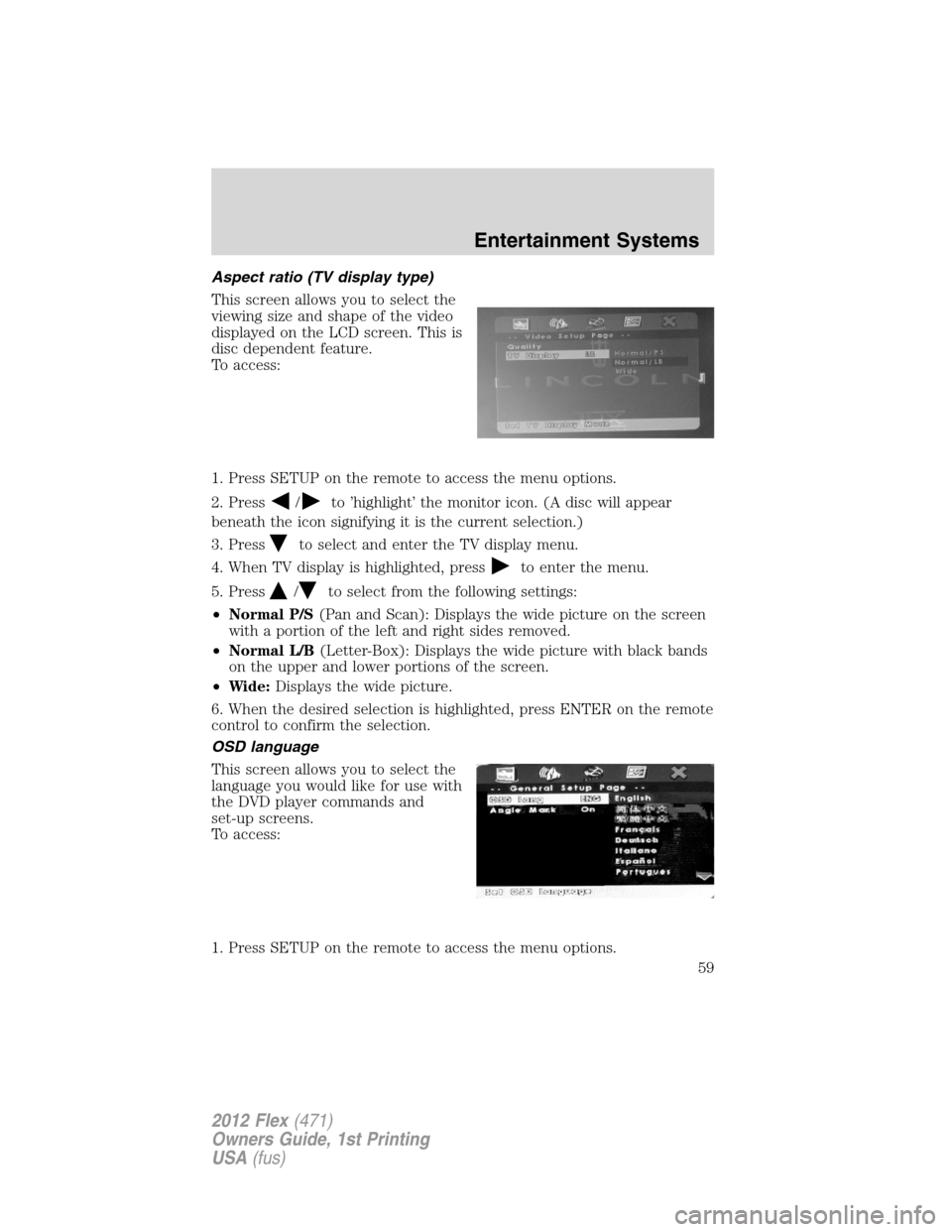
Aspect ratio (TV display type)
This screen allows you to select the
viewing size and shape of the video
displayed on the LCD screen. This is
disc dependent feature.
To access:
1. Press SETUP on the remote to access the menu options.
2. Press
/to ’highlight’ the monitor icon. (A disc will appear
beneath the icon signifying it is the current selection.)
3. Press
to select and enter the TV display menu.
4. When TV display is highlighted, press
to enter the menu.
5. Press
/to select from the following settings:
•Normal P/S(Pan and Scan): Displays the wide picture on the screen
with a portion of the left and right sides removed.
•Normal L/B(Letter-Box): Displays the wide picture with black bands
on the upper and lower portions of the screen.
•Wide:Displays the wide picture.
6. When the desired selection is highlighted, press ENTER on the remote
control to confirm the selection.
OSD language
This screen allows you to select the
language you would like for use with
the DVD player commands and
set-up screens.
To access:
1. Press SETUP on the remote to access the menu options.
Entertainment Systems
59
2012 Flex(471)
Owners Guide, 1st Printing
USA(fus)
Page 62 of 405
4. Press/to choose from Sharpness, Brightness, Contrast, Gamma
(Color), Hue, Saturation and Luma-Delay.
General setup — screen exit
To exit the setup screen:
1. Press
/to ’highlight’ the
“X” icon. (A disc will appear
beneath the icon signifying it is the
current selection.)
2. Press ENTER on the remote
control.
Parental control for the DVD system
Your family entertainment system (FES) allows you to have control over
the rear seat controls in a few different ways. The DVD system is
automatically activated when the vehicle ignition is on, which allows the
rear seat passengers to use the DVD system.
There are two levels of control of the FES buttons. The states are FULL
(enabled), or LOCKED (disabled). To change the level of control, press
the memory preset controls 3 and 5 simultaneously on the front audio
controls. The control level will cycle each time the buttons are pressed
simultaneously. The three states are described as:
FULL(enabled): The FES has control over the primary (speaker) and
secondary (headphone) audio sources.
LOCKED(disabled): The FES buttons are locked and all FES button
presses are ignored by the radio and the FES except for load.
When the DVD system is ON, you can then press the memory preset
controls 2 and 4 simultaneously to toggle between Single Play and Dual
Play. In Single Play mode, all speakers listen to the same media. In Dual
Play mode, rear seat passengers can use the infrared wireless, or wired
(not included) headphones to listen to a different playing media than the
front seat passengers.
Entertainment Systems
62
2012 Flex(471)
Owners Guide, 1st Printing
USA(fus)
Page 64 of 405
Safety information
WARNING:Driving while distracted can result in loss of vehicle
control, accident and injury. Ford strongly recommends that
drivers use extreme caution when using any device or feature that may
take their focus off the road. Your primary responsibility is the safe
operation of the vehicle. We recommend against the use of any
handheld device while driving, encourage the use of voice-operated
systems when possible and that you become aware of applicable state
and local laws that may affect the use of electronic devices while
driving.
Read all of the safety and operating instructions before operating the
system and retain for future reference.
Do not attempt to service, repair or modify the Family Entertainment
System (FES). See your dealer.
Do not insert foreign objects into the DVD compartment.
WARNING:Do not leave children unattended in the vehicle and
do not let children operate the system while unsupervised. If
wired headphones or auxiliary systems are used, children may become
entangled in the cords and seriously injure themselves.
WARNING:The front glass on the liquid crystal display (LCD)
flip-down screen may break when hit with a hard surface. If the
glass breaks, do not touch the liquid crystalline material. In case of
contact with skin, wash immediately with soap and water.
WARNING:The driver should not attempt to operate any
function of the DVD system while the vehicle is in motion. Give
full attention to driving and to the road. Pull off the road in a safe
place before inserting or extracting DVDs from the system. A remote
control is included in the system to allow the rear seat occupants to
operate the FES functions without distracting the driver.
Do not expose the liquid crystal display (LCD) flip-down screen
to direct sunlight or intensive ultraviolet rays for extensive
periods of time. Ultraviolet rays deteriorate the liquid crystal.
Be sure to review User Manuals for video games and video game
equipment when used as auxiliary inputs for your Family Entertainment
System (FES).
Entertainment Systems
64
2012 Flex(471)
Owners Guide, 1st Printing
USA(fus)
Page 84 of 405
TURN SIGNAL CONTROL
•Push down to activate the left
turn signal.
•Push up to activate the right turn
signal.
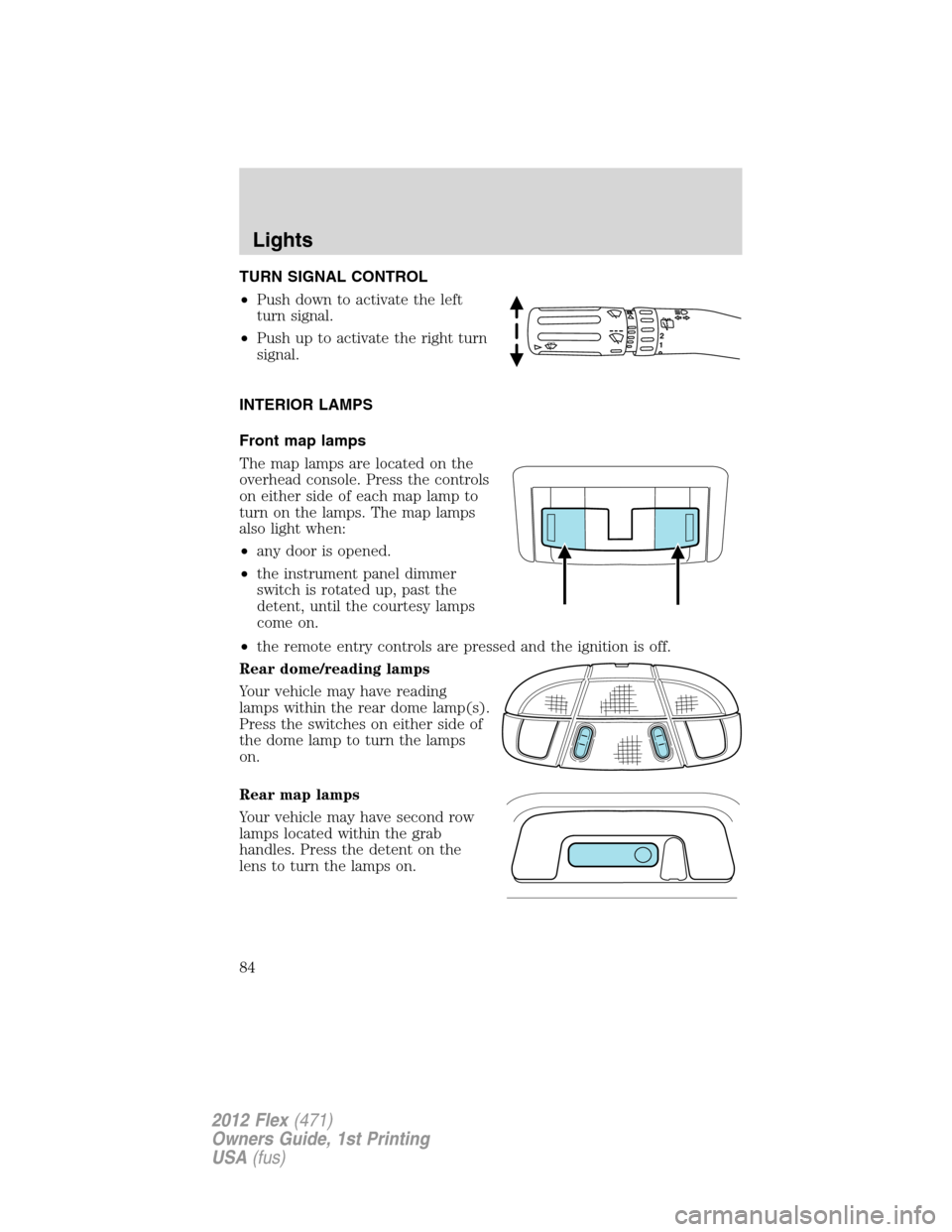
INTERIOR LAMPS
Front map lamps
The map lamps are located on the
overhead console. Press the controls
on either side of each map lamp to
turn on the lamps. The map lamps
also light when:
•any door is opened.
•the instrument panel dimmer
switch is rotated up, past the
detent, until the courtesy lamps
come on.
•the remote entry controls are pressed and the ignition is off.
Rear dome/reading lamps
Your vehicle may have reading
lamps within the rear dome lamp(s).
Press the switches on either side of
the dome lamp to turn the lamps
on.
Rear map lamps
Your vehicle may have second row
lamps located within the grab
handles. Press the detent on the
lens to turn the lamps on.
12
Lights
84
2012 Flex(471)
Owners Guide, 1st Printing
USA(fus)
Page 102 of 405
Note:A rear center passenger and/or raised rear center headrest (if
equipped) may also block the light from reaching the sensor.
Do not clean the housing or glass of any mirror with harsh
abrasives, fuel or other petroleum-based cleaning products.
EXTERIOR MIRRORS
Power side view mirrors
WARNING:Do not adjust the mirror while the vehicle is in
motion.
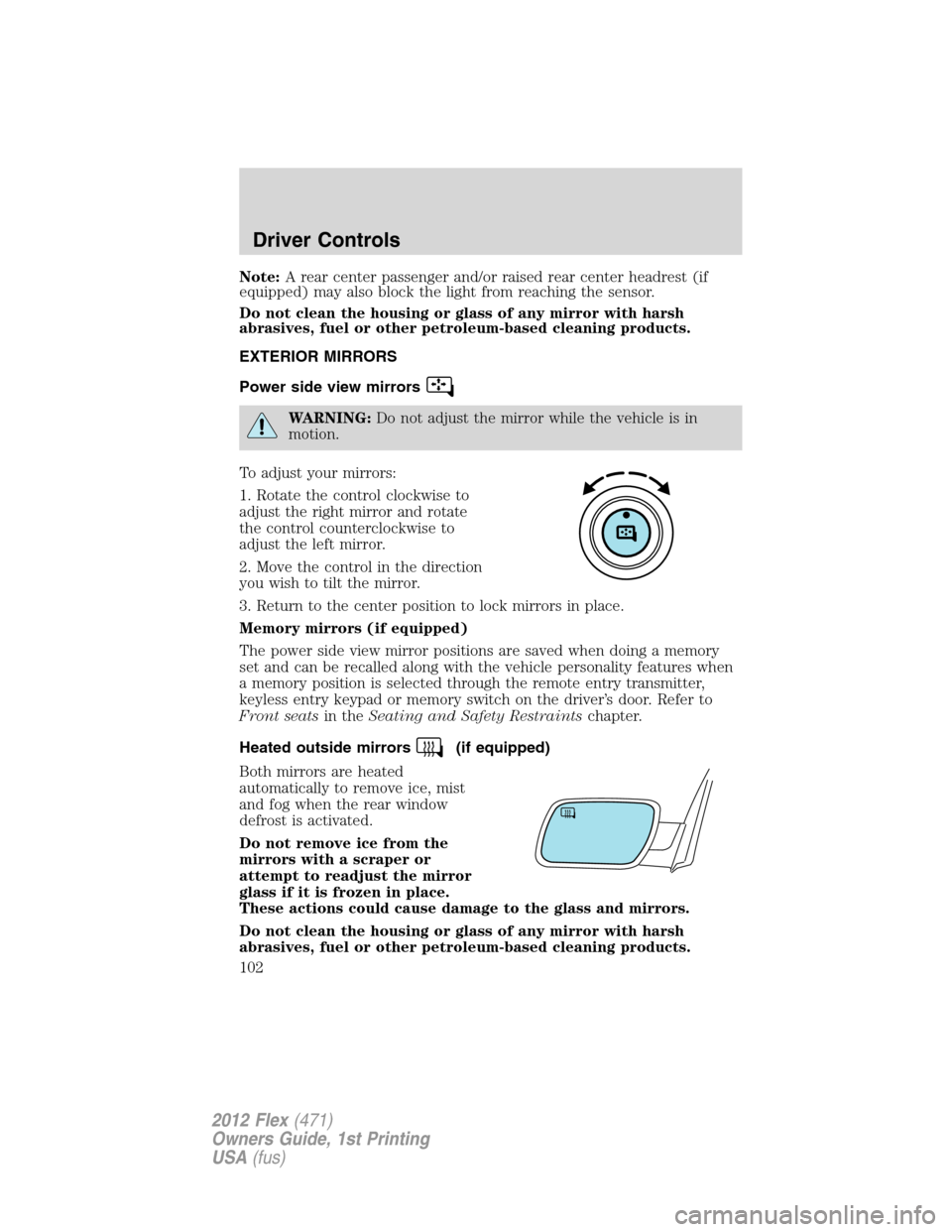
To adjust your mirrors:
1. Rotate the control clockwise to
adjust the right mirror and rotate
the control counterclockwise to
adjust the left mirror.
2. Move the control in the direction
you wish to tilt the mirror.
3. Return to the center position to lock mirrors in place.
Memory mirrors (if equipped)
The power side view mirror positions are saved when doing a memory
set and can be recalled along with the vehicle personality features when
a memory position is selected through the remote entry transmitter,
keyless entry keypad or memory switch on the driver’s door. Refer to
Front seatsin theSeating and Safety Restraintschapter.
Heated outside mirrors
(if equipped)
Both mirrors are heated
automatically to remove ice, mist
and fog when the rear window
defrost is activated.
Do not remove ice from the
mirrors with a scraper or
attempt to readjust the mirror
glass if it is frozen in place.
These actions could cause damage to the glass and mirrors.
Do not clean the housing or glass of any mirror with harsh
abrasives, fuel or other petroleum-based cleaning products.
Driver Controls
102
2012 Flex(471)
Owners Guide, 1st Printing
USA(fus)
Page 103 of 405
POWER ADJUSTABLE FOOT PEDALS (IF EQUIPPED)
The accelerator and brake pedal
should only be adjusted when the
vehicle is stopped and the gearshift
lever is in the P (Park) position.
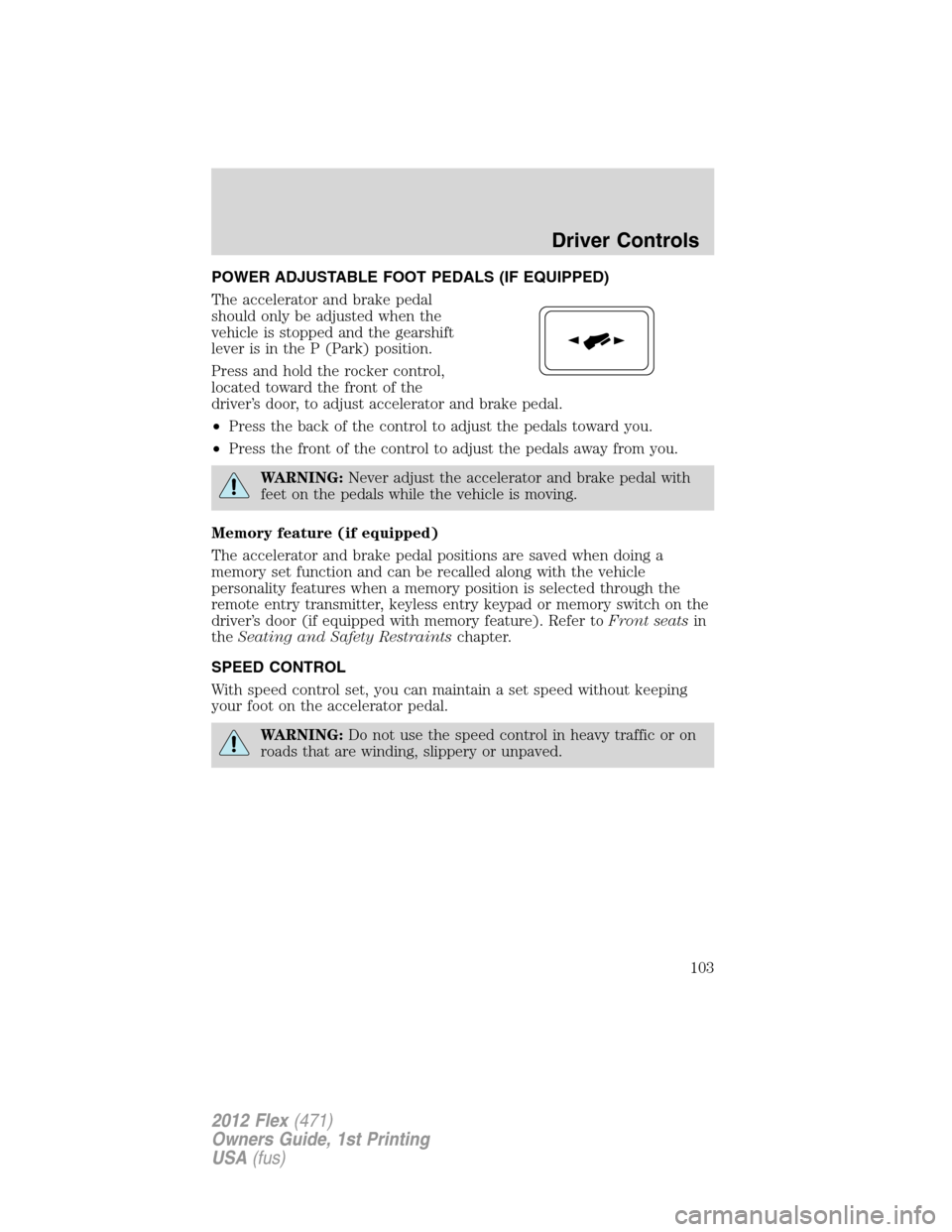
Press and hold the rocker control,
located toward the front of the
driver’s door, to adjust accelerator and brake pedal.
•Press the back of the control to adjust the pedals toward you.
•Press the front of the control to adjust the pedals away from you.
WARNING:Never adjust the accelerator and brake pedal with
feet on the pedals while the vehicle is moving.
Memory feature (if equipped)
The accelerator and brake pedal positions are saved when doing a
memory set function and can be recalled along with the vehicle
personality features when a memory position is selected through the
remote entry transmitter, keyless entry keypad or memory switch on the
driver’s door (if equipped with memory feature). Refer toFront seatsin
theSeating and Safety Restraintschapter.
SPEED CONTROL
With speed control set, you can maintain a set speed without keeping
your foot on the accelerator pedal.
WARNING:Do not use the speed control in heavy traffic or on
roads that are winding, slippery or unpaved.
Driver Controls
103
2012 Flex(471)
Owners Guide, 1st Printing
USA(fus)
Page 115 of 405
The power liftgate feature can be enabled or disabled using the message
center. With the control in the OFF position, power operation is disabled
from the liftgate handle button and from the rear cargo area button. The
integrated keyhead transmitter and instrument panel switch will still
continue to operate the liftgate regardless of the position state of the
message center. Refer toMessage centerin theInstrument Cluster
chapter.
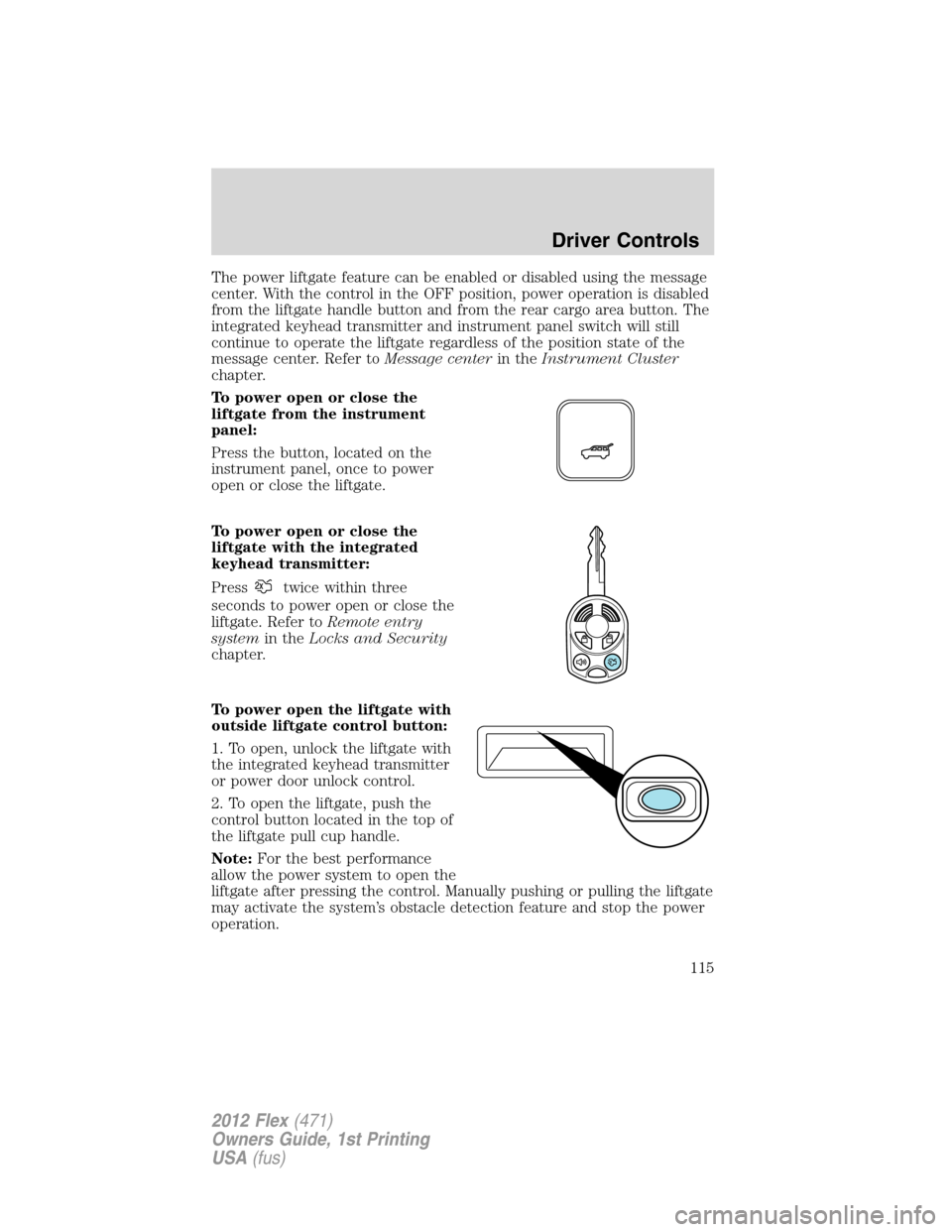
To power open or close the
liftgate from the instrument
panel:
Press the button, located on the
instrument panel, once to power
open or close the liftgate.
To power open or close the
liftgate with the integrated
keyhead transmitter:
Press
twice within three
seconds to power open or close the
liftgate. Refer toRemote entry
systemin theLocks and Security
chapter.
To power open the liftgate with
outside liftgate control button:
1. To open, unlock the liftgate with
the integrated keyhead transmitter
or power door unlock control.
2. To open the liftgate, push the
control button located in the top of
the liftgate pull cup handle.
Note:For the best performance
allow the power system to open the
liftgate after pressing the control. Manually pushing or pulling the liftgate
may activate the system’s obstacle detection feature and stop the power
operation.
Driver Controls
115
2012 Flex(471)
Owners Guide, 1st Printing
USA(fus)
Page 117 of 405
Resetting the power liftgate:
The power liftgate may not operate properly and may need to be reset if
any of these conditions occur:
•A low voltage or dead battery
•Disconnected battery
•The liftgate is manually closed and left ajar (unlatched)
To reset the power liftgate:
1. Disconnect the battery for 20 seconds then, reconnect the battery.
2. Manually close and fully latch the liftgate.
3. Power open the liftgate by using the integrated keyhead transmitter,
or the instrument panel control button.
Note:If the power liftgate system is turned off in the message center,
the system cannot be activated with the outside release handle or rear
cargo area control button. The system will need to be turned on to
resume operation with the outside release handle or rear cargo area
control button. The power liftgate is still operational through the use of
the remote entry transmitter and instrument panel button when the
power liftgate is turned off in the message center.
CARGO AREA FEATURES
Cargo net (if equipped)
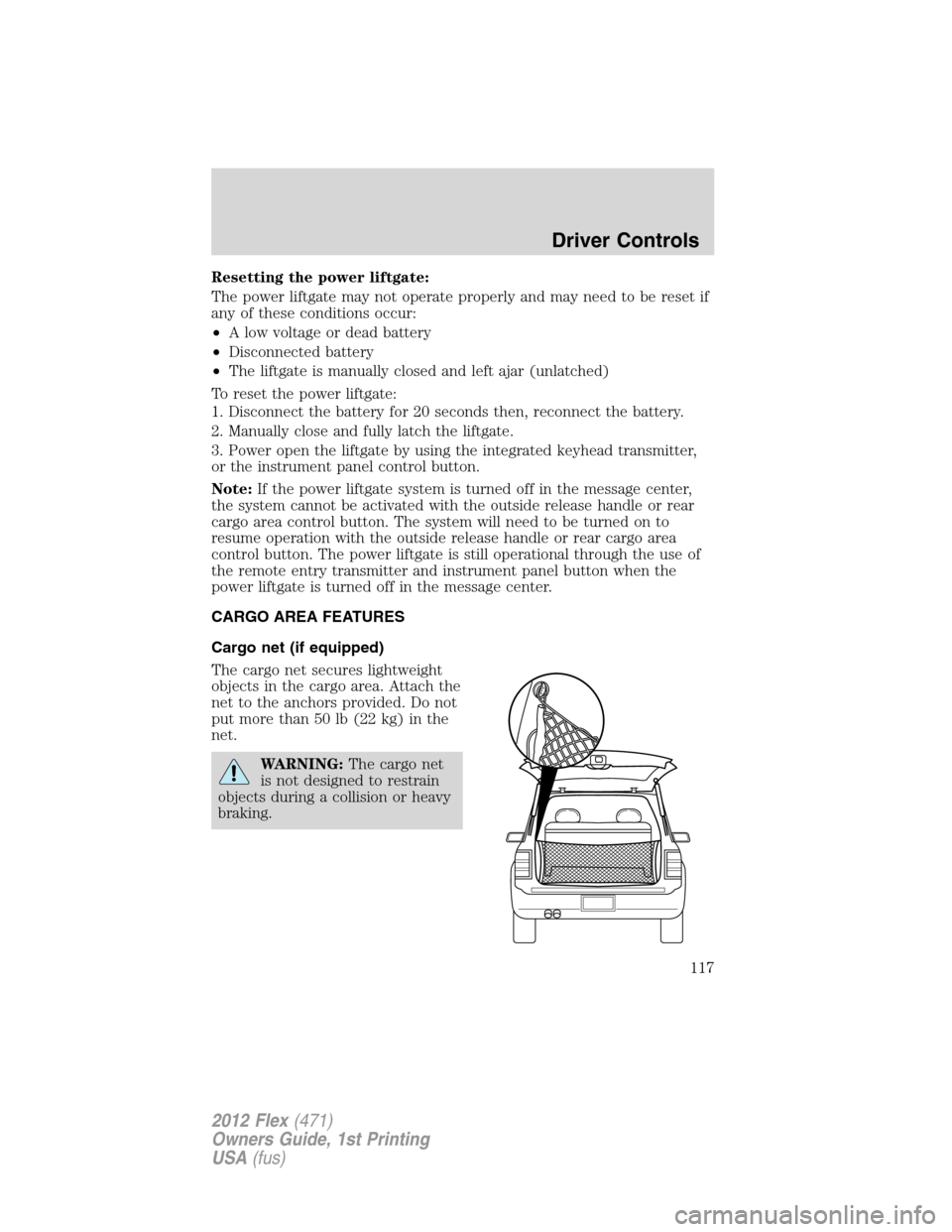
The cargo net secures lightweight
objects in the cargo area. Attach the
net to the anchors provided. Do not
put more than 50 lb (22 kg) in the
net.
WARNING:The cargo net
is not designed to restrain
objects during a collision or heavy
braking.
Driver Controls
117
2012 Flex(471)
Owners Guide, 1st Printing
USA(fus)
Page 125 of 405
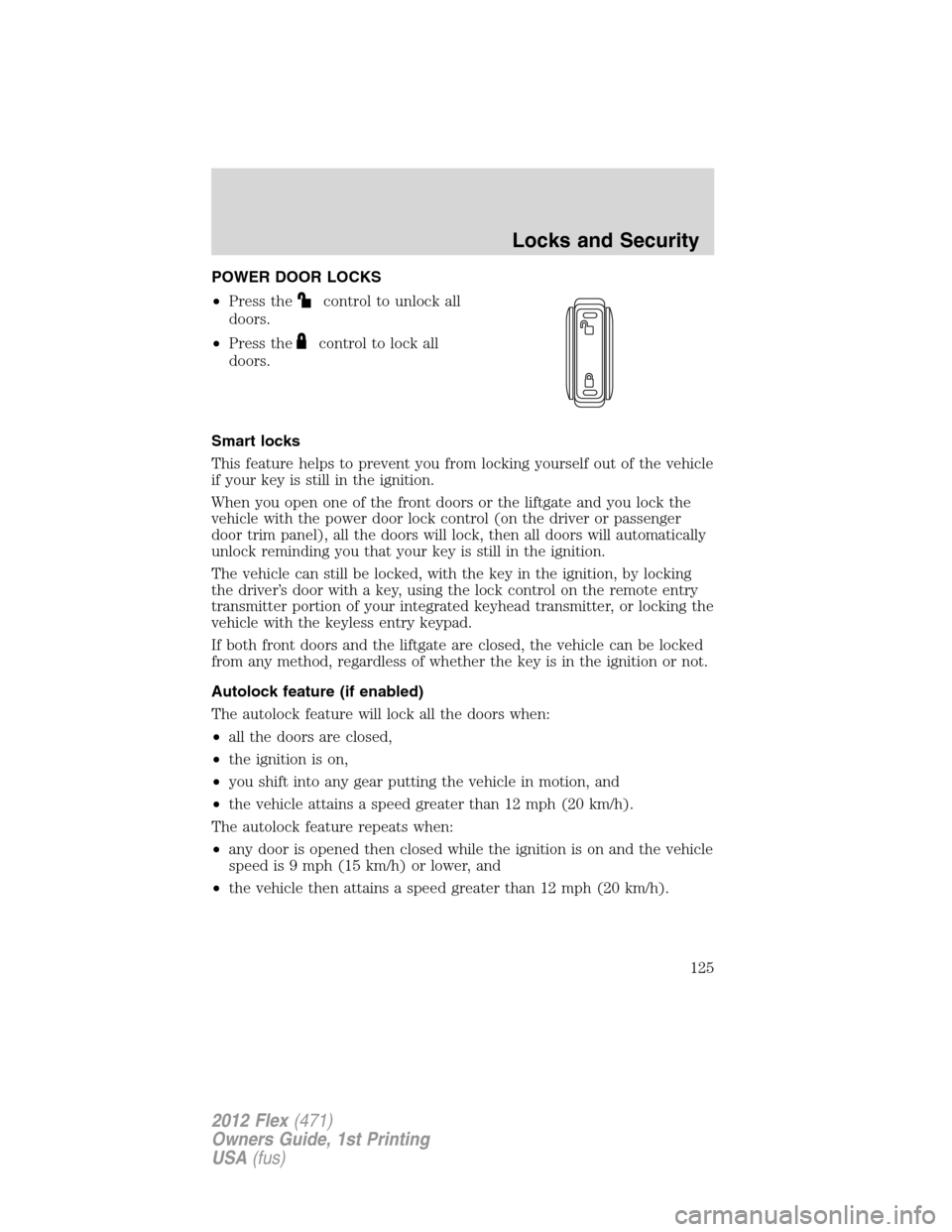
POWER DOOR LOCKS
•Press the
control to unlock all
doors.
•Press the
control to lock all
doors.
Smart locks
This feature helps to prevent you from locking yourself out of the vehicle
if your key is still in the ignition.
When you open one of the front doors or the liftgate and you lock the
vehicle with the power door lock control (on the driver or passenger
door trim panel), all the doors will lock, then all doors will automatically
unlock reminding you that your key is still in the ignition.
The vehicle can still be locked, with the key in the ignition, by locking
the driver’s door with a key, using the lock control on the remote entry
transmitter portion of your integrated keyhead transmitter, or locking the
vehicle with the keyless entry keypad.
If both front doors and the liftgate are closed, the vehicle can be locked
from any method, regardless of whether the key is in the ignition or not.
Autolock feature (if enabled)
The autolock feature will lock all the doors when:
•all the doors are closed,
•the ignition is on,
•you shift into any gear putting the vehicle in motion, and
•the vehicle attains a speed greater than 12 mph (20 km/h).
The autolock feature repeats when:
•any door is opened then closed while the ignition is on and the vehicle
speed is 9 mph (15 km/h) or lower, and
•the vehicle then attains a speed greater than 12 mph (20 km/h).
Locks and Security
125
2012 Flex(471)
Owners Guide, 1st Printing
USA(fus)
Page 130 of 405
Unlocking the doors/two stage unlock
1. Pressand release to unlock the driver’s door.Note:The interior
lamps and parking lamps will illuminate.
2. Press
and release again within three seconds to unlock all the
doors.
The remote entry system activates the illuminated entry feature; this
feature turns on the lamps for 25 seconds or until the ignition is turned
to the on position.
The battery saver feature will turn off the lamps 10 minutes after the
ignition is turned to the off position.
Two stage unlocking may be disabled or re-enabled by simultaneously
pressing the
andcontrols on the IKT for four seconds (disabling
two stage unlock allows all vehicle doors to unlock simultaneously). The
parking lamps will flash twice to indicate that two-stage unlock was
enabled or disabled.
Locking the doors
1. Pressand release to lock all the doors. The parking lamps will
illuminate.
2. Press
and release again within three seconds to confirm that all
the doors are closed.Note:The doors will lock again, the horn will chirp
and the turn lamps will illuminate if all the doors and liftgate are closed.
Note:If any door or the liftgate is not closed, the horn will chirp twice
and the lamps will not flash.
Car finder
Press
twice within three seconds. The horn will chirp and the turn
lamps will flash. It is recommended that this method be used to locate
your vehicle, rather than using the panic alarm.
Sounding a panic alarm
Press
to activate the alarm. The horn will sound and the turn lamps
will flash for a maximum of three minutes. Press again or turn the
ignition to the on position to deactivate, or wait for the alarm to time out
in three minutes.
Note:The panic alarm will only operate when the ignition is in the off
position.
Locks and Security
130
2012 Flex(471)
Owners Guide, 1st Printing
USA(fus)