ECO mode FORD FLEX 2013 1.G Workshop Manual
[x] Cancel search | Manufacturer: FORD, Model Year: 2013, Model line: FLEX, Model: FORD FLEX 2013 1.GPages: 558, PDF Size: 6.28 MB
Page 519 of 558
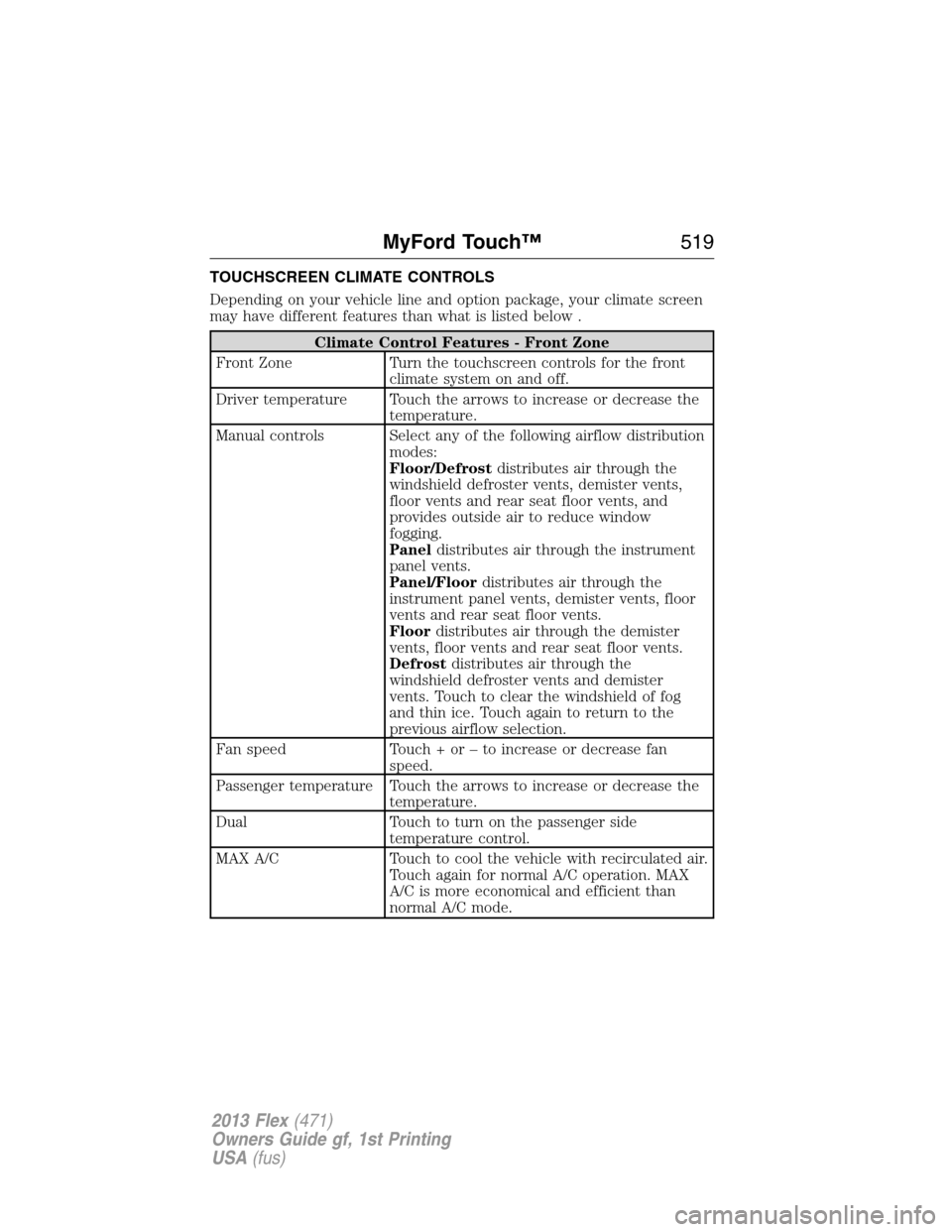
TOUCHSCREEN CLIMATE CONTROLS
Depending on your vehicle line and option package, your climate screen
may have different features than what is listed below .
Climate Control Features - Front Zone
Front Zone Turn the touchscreen controls for the front
climate system on and off.
Driver temperature Touch the arrows to increase or decrease the
temperature.
Manual controls Select any of the following airflow distribution
modes:
Floor/Defrostdistributes air through the
windshield defroster vents, demister vents,
floor vents and rear seat floor vents, and
provides outside air to reduce window
fogging.
Paneldistributes air through the instrument
panel vents.
Panel/Floordistributes air through the
instrument panel vents, demister vents, floor
vents and rear seat floor vents.
Floordistributes air through the demister
vents, floor vents and rear seat floor vents.
Defrostdistributes air through the
windshield defroster vents and demister
vents. Touch to clear the windshield of fog
and thin ice. Touch again to return to the
previous airflow selection.
Fan speed Touch + or – to increase or decrease fan
speed.
Passenger temperature Touch the arrows to increase or decrease the
temperature.
Dual Touch to turn on the passenger side
temperature control.
MAX A/C Touch to cool the vehicle with recirculated air.
Touch again for normal A/C operation. MAX
A/C is more economical and efficient than
normal A/C mode.
MyFord Touch™519
2013 Flex(471)
Owners Guide gf, 1st Printing
USA(fus)
Page 527 of 558
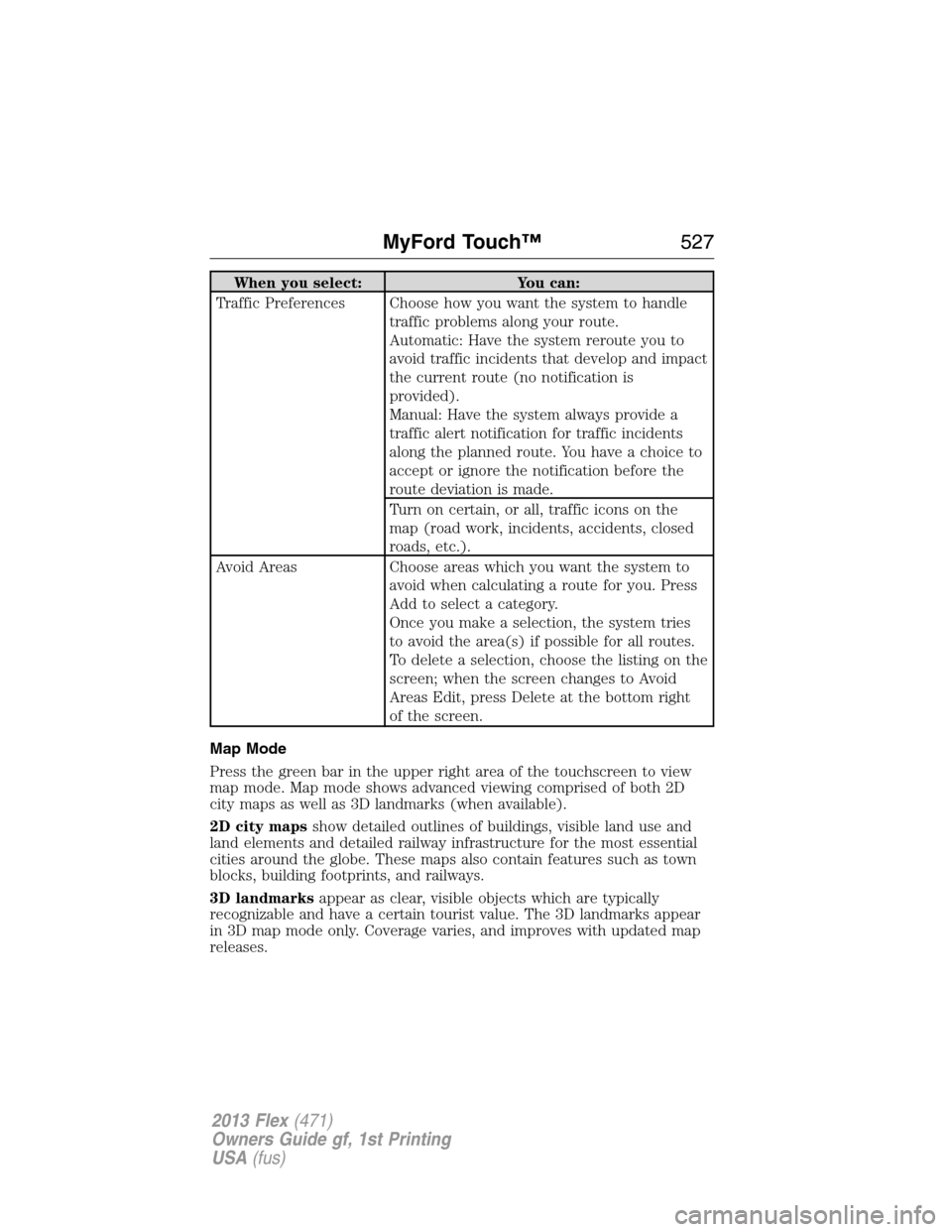
When you select: You can:
Traffic Preferences Choose how you want the system to handle
traffic problems along your route.
Automatic: Have the system reroute you to
avoid traffic incidents that develop and impact
the current route (no notification is
provided).
Manual: Have the system always provide a
traffic alert notification for traffic incidents
along the planned route. You have a choice to
accept or ignore the notification before the
route deviation is made.
Turn on certain, or all, traffic icons on the
map (road work, incidents, accidents, closed
roads, etc.).
Avoid Areas Choose areas which you want the system to
avoid when calculating a route for you. Press
Add to select a category.
Once you make a selection, the system tries
to avoid the area(s) if possible for all routes.
To delete a selection, choose the listing on the
screen; when the screen changes to Avoid
Areas Edit, press Delete at the bottom right
of the screen.
Map Mode
Press the green bar in the upper right area of the touchscreen to view
map mode. Map mode shows advanced viewing comprised of both 2D
city maps as well as 3D landmarks (when available).
2D city mapsshow detailed outlines of buildings, visible land use and
land elements and detailed railway infrastructure for the most essential
cities around the globe. These maps also contain features such as town
blocks, building footprints, and railways.
3D landmarksappear as clear, visible objects which are typically
recognizable and have a certain tourist value. The 3D landmarks appear
in 3D map mode only. Coverage varies, and improves with updated map
releases.
MyFord Touch™527
2013 Flex(471)
Owners Guide gf, 1st Printing
USA(fus)
Page 558 of 558
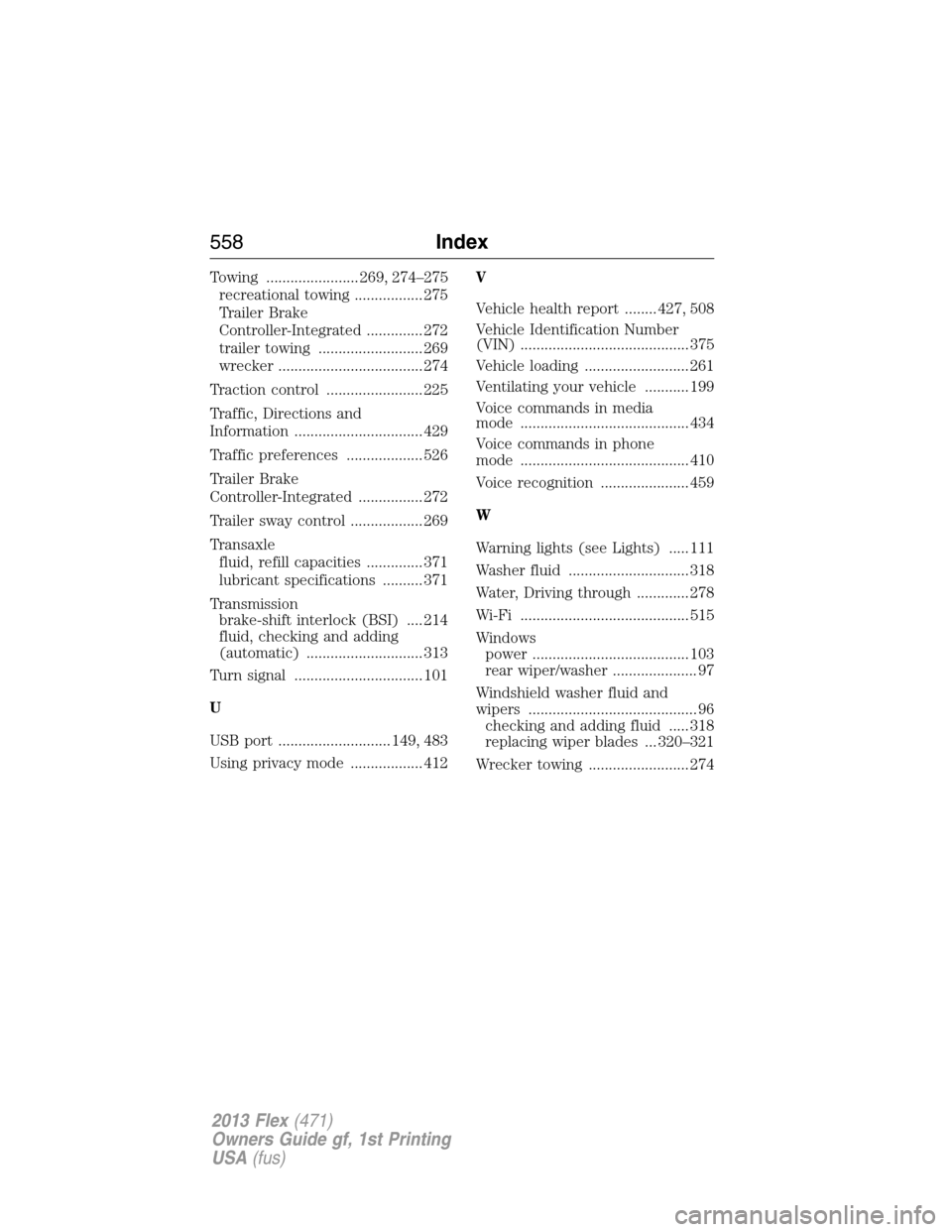
Towing ....................... 269, 274–275
recreational towing ................. 275
Trailer Brake
Controller-Integrated .............. 272
trailer towing .......................... 269
wrecker .................................... 274
Traction control ........................ 225
Traffic, Directions and
Information ................................ 429
Traffic preferences ................... 526
Trailer Brake
Controller-Integrated ................ 272
Trailer sway control .................. 269
Transaxle
fluid, refill capacities .............. 371
lubricant specifications .......... 371
Transmission
brake-shift interlock (BSI) .... 214
fluid, checking and adding
(automatic) ............................. 313
Turn signal ................................ 101
U
USB port ............................ 149, 483
Using privacy mode .................. 412V
Vehicle health report ........ 427, 508
Vehicle Identification Number
(VIN) .......................................... 375
Vehicle loading .......................... 261
Ventilating your vehicle ........... 199
Voice commands in media
mode .......................................... 434
Voice commands in phone
mode .......................................... 410
Voice recognition ...................... 459
W
Warning lights (see Lights) ..... 111
Washer fluid .............................. 318
Water, Driving through ............. 278
Wi-Fi .......................................... 515
Windows
power ....................................... 103
rear wiper/washer ..................... 97
Windshield washer fluid and
wipers .......................................... 96
checking and adding fluid ..... 318
replacing wiper blades ... 320–321
Wrecker towing ......................... 274
558Index
2013 Flex(471)
Owners Guide gf, 1st Printing
USA(fus)