transmission FORD FLEX 2014 1.G User Guide
[x] Cancel search | Manufacturer: FORD, Model Year: 2014, Model line: FLEX, Model: FORD FLEX 2014 1.GPages: 554, PDF Size: 8.04 MB
Page 123 of 554
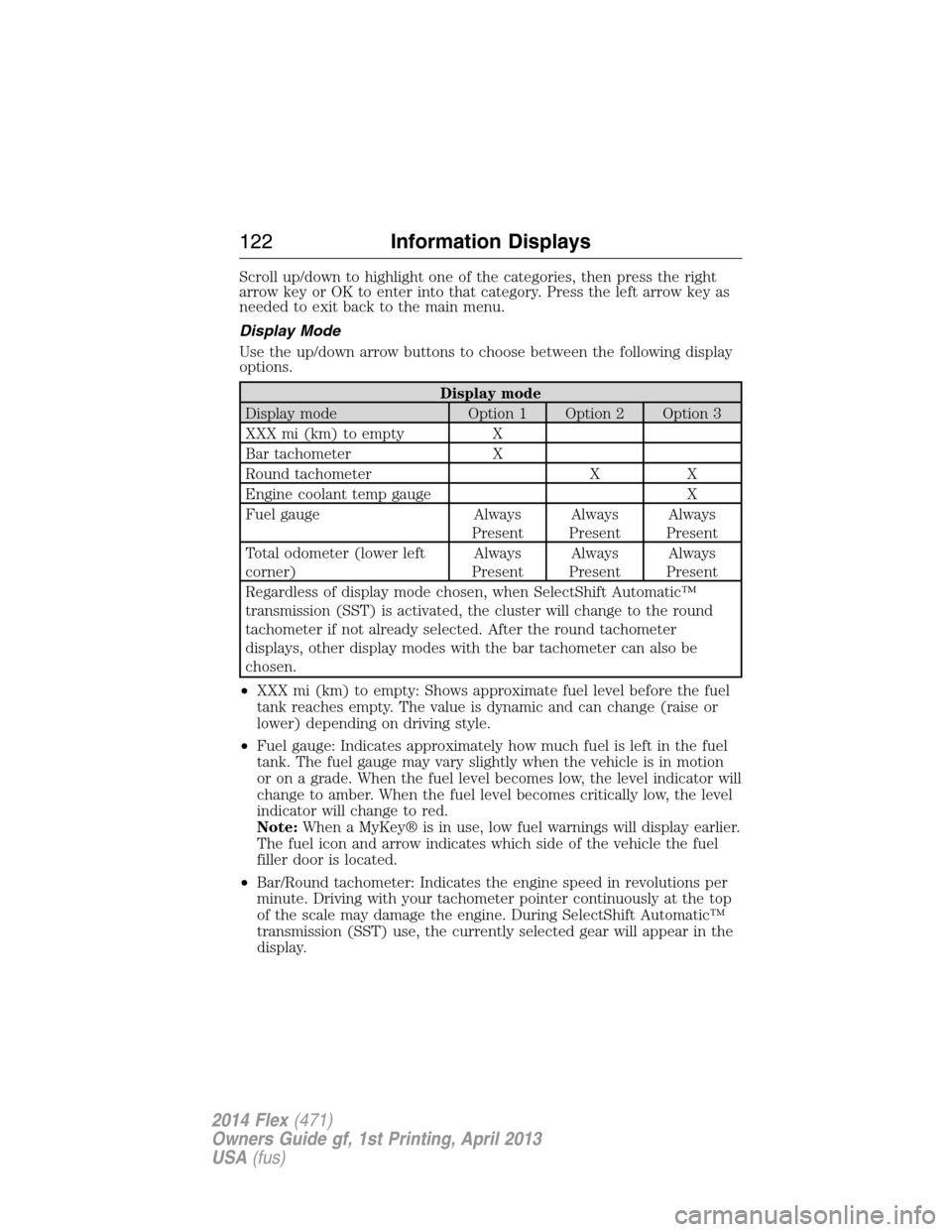
Scroll up/down to highlight one of the categories, then press the right
arrow key or OK to enter into that category. Press the left arrow key as
needed to exit back to the main menu.
Display Mode
Use the up/down arrow buttons to choose between the following display
options.
Display mode
Display mode Option 1 Option 2 Option 3
XXX mi (km) to empty X
Bar tachometer X
Round tachometer X X
Engine coolant temp gauge X
Fuel gauge Always
PresentAlways
PresentAlways
Present
Total odometer (lower left
corner)Always
PresentAlways
PresentAlways
Present
Regardless of display mode chosen, when SelectShift Automatic™
transmission (SST) is activated, the cluster will change to the round
tachometer if not already selected. After the round tachometer
displays, other display modes with the bar tachometer can also be
chosen.
•XXX mi (km) to empty: Shows approximate fuel level before the fuel
tank reaches empty. The value is dynamic and can change (raise or
lower) depending on driving style.
•Fuel gauge: Indicates approximately how much fuel is left in the fuel
tank. The fuel gauge may vary slightly when the vehicle is in motion
or on a grade. When the fuel level becomes low, the level indicator will
change to amber. When the fuel level becomes critically low, the level
indicator will change to red.
Note:When a MyKey® is in use, low fuel warnings will display earlier.
The fuel icon and arrow indicates which side of the vehicle the fuel
filler door is located.
•Bar/Round tachometer: Indicates the engine speed in revolutions per
minute. Driving with your tachometer pointer continuously at the top
of the scale may damage the engine. During SelectShift Automatic™
transmission (SST) use, the currently selected gear will appear in the
display.
122Information Displays
2014 Flex(471)
Owners Guide gf, 1st Printing, April 2013
USA(fus)
Page 129 of 554
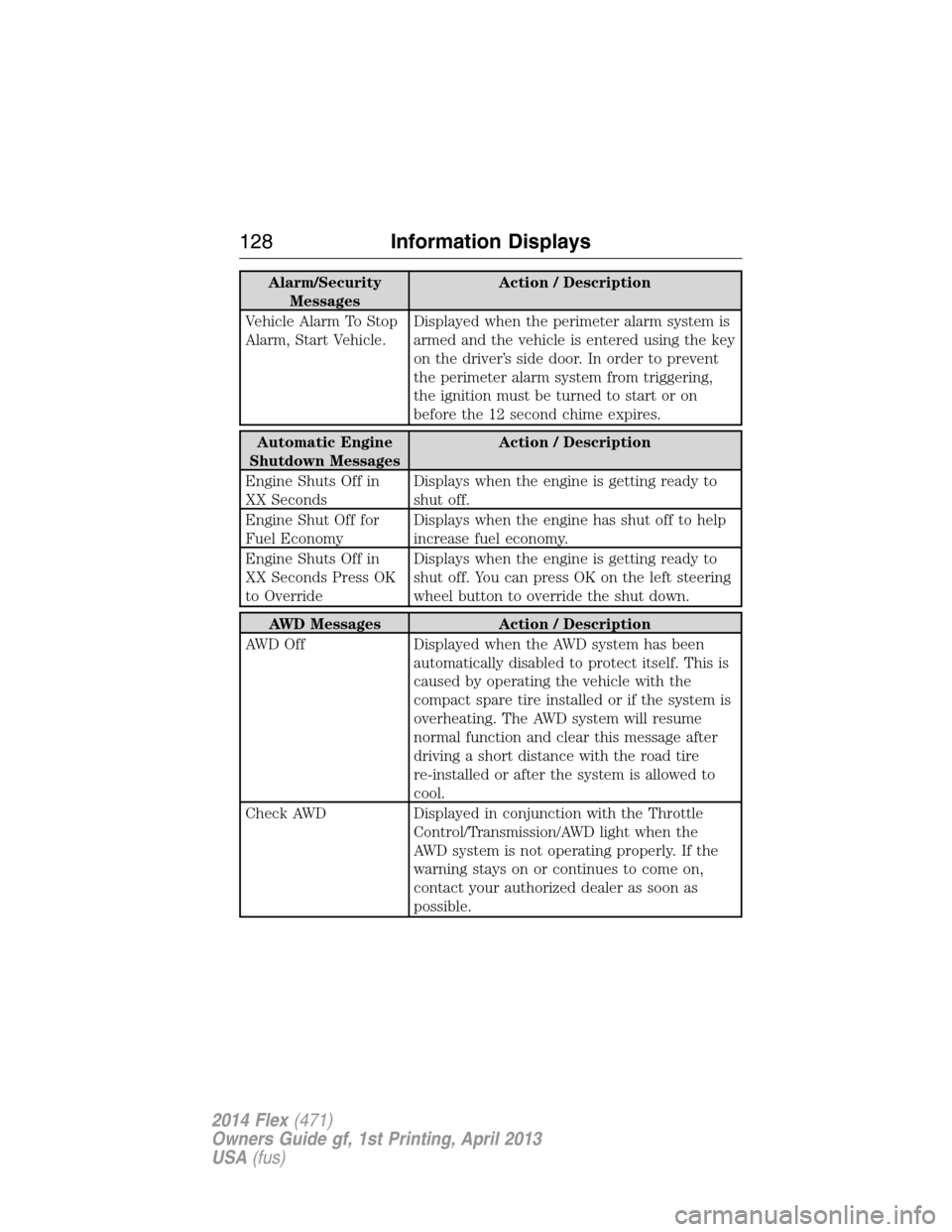
Alarm/Security
MessagesAction / Description
Vehicle Alarm To Stop
Alarm, Start Vehicle.Displayed when the perimeter alarm system is
armed and the vehicle is entered using the key
on the driver’s side door. In order to prevent
the perimeter alarm system from triggering,
the ignition must be turned to start or on
before the 12 second chime expires.
Automatic Engine
Shutdown MessagesAction / Description
Engine Shuts Off in
XX SecondsDisplays when the engine is getting ready to
shut off.
Engine Shut Off for
Fuel EconomyDisplays when the engine has shut off to help
increase fuel economy.
Engine Shuts Off in
XX Seconds Press OK
to OverrideDisplays when the engine is getting ready to
shut off. You can press OK on the left steering
wheel button to override the shut down.
AWD Messages Action / Description
AWD Off Displayed when the AWD system has been
automatically disabled to protect itself. This is
caused by operating the vehicle with the
compact spare tire installed or if the system is
overheating. The AWD system will resume
normal function and clear this message after
driving a short distance with the road tire
re-installed or after the system is allowed to
cool.
Check AWD Displayed in conjunction with the Throttle
Control/Transmission/AWD light when the
AWD system is not operating properly. If the
warning stays on or continues to come on,
contact your authorized dealer as soon as
possible.
128Information Displays
2014 Flex(471)
Owners Guide gf, 1st Printing, April 2013
USA(fus)
Page 134 of 554
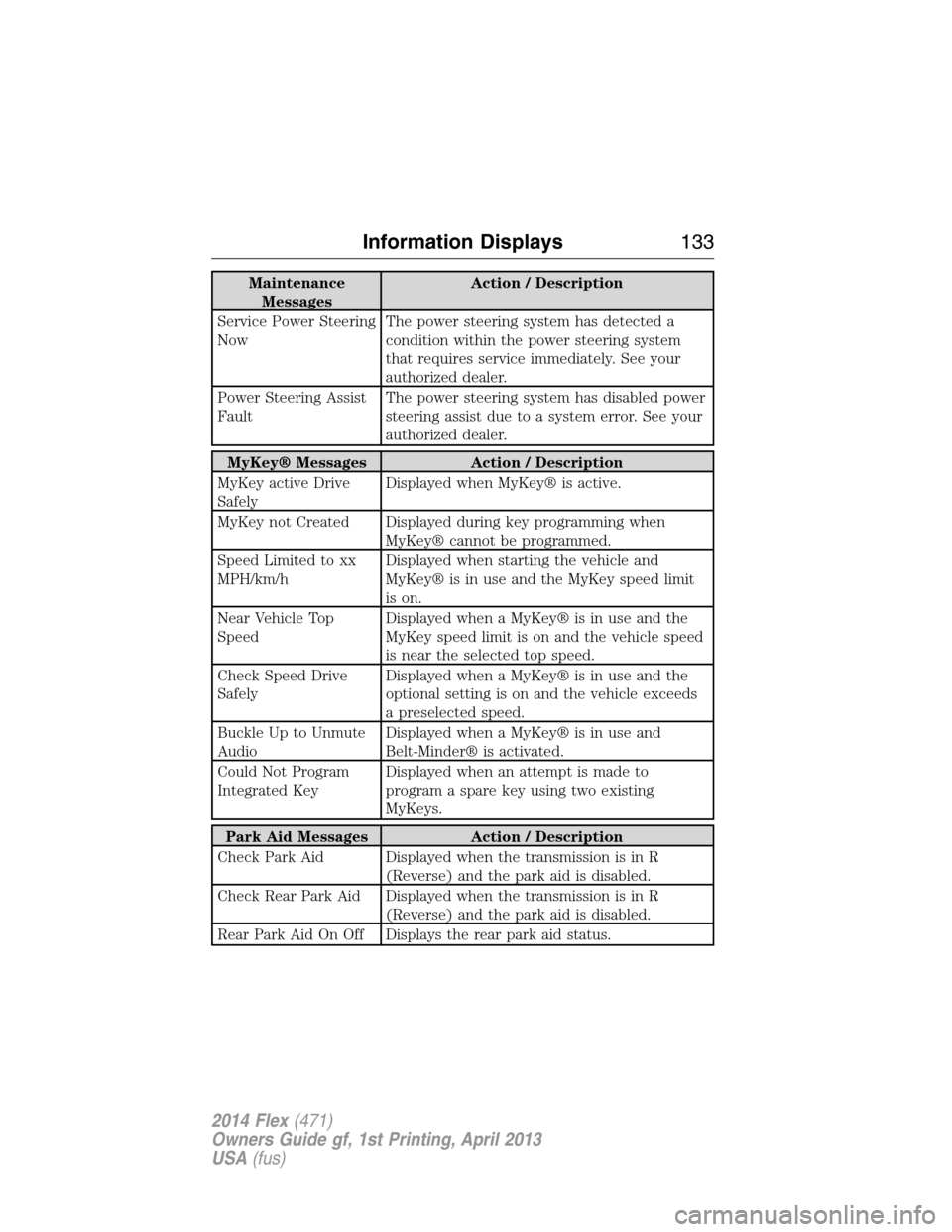
Maintenance
MessagesAction / Description
Service Power Steering
NowThe power steering system has detected a
condition within the power steering system
that requires service immediately. See your
authorized dealer.
Power Steering Assist
FaultThe power steering system has disabled power
steering assist due to a system error. See your
authorized dealer.
MyKey® Messages Action / Description
MyKey active Drive
SafelyDisplayed when MyKey® is active.
MyKey not Created Displayed during key programming when
MyKey® cannot be programmed.
Speed Limited to xx
MPH/km/hDisplayed when starting the vehicle and
MyKey® is in use and the MyKey speed limit
is on.
Near Vehicle Top
SpeedDisplayed when a MyKey® is in use and the
MyKey speed limit is on and the vehicle speed
is near the selected top speed.
Check Speed Drive
SafelyDisplayed when a MyKey® is in use and the
optional setting is on and the vehicle exceeds
a preselected speed.
Buckle Up to Unmute
AudioDisplayed when a MyKey® is in use and
Belt-Minder® is activated.
Could Not Program
Integrated KeyDisplayed when an attempt is made to
program a spare key using two existing
MyKeys.
Park Aid Messages Action / Description
Check Park Aid Displayed when the transmission is in R
(Reverse) and the park aid is disabled.
Check Rear Park Aid Displayed when the transmission is in R
(Reverse) and the park aid is disabled.
Rear Park Aid On Off Displays the rear park aid status.
Information Displays133
2014 Flex(471)
Owners Guide gf, 1st Printing, April 2013
USA(fus)
Page 142 of 554
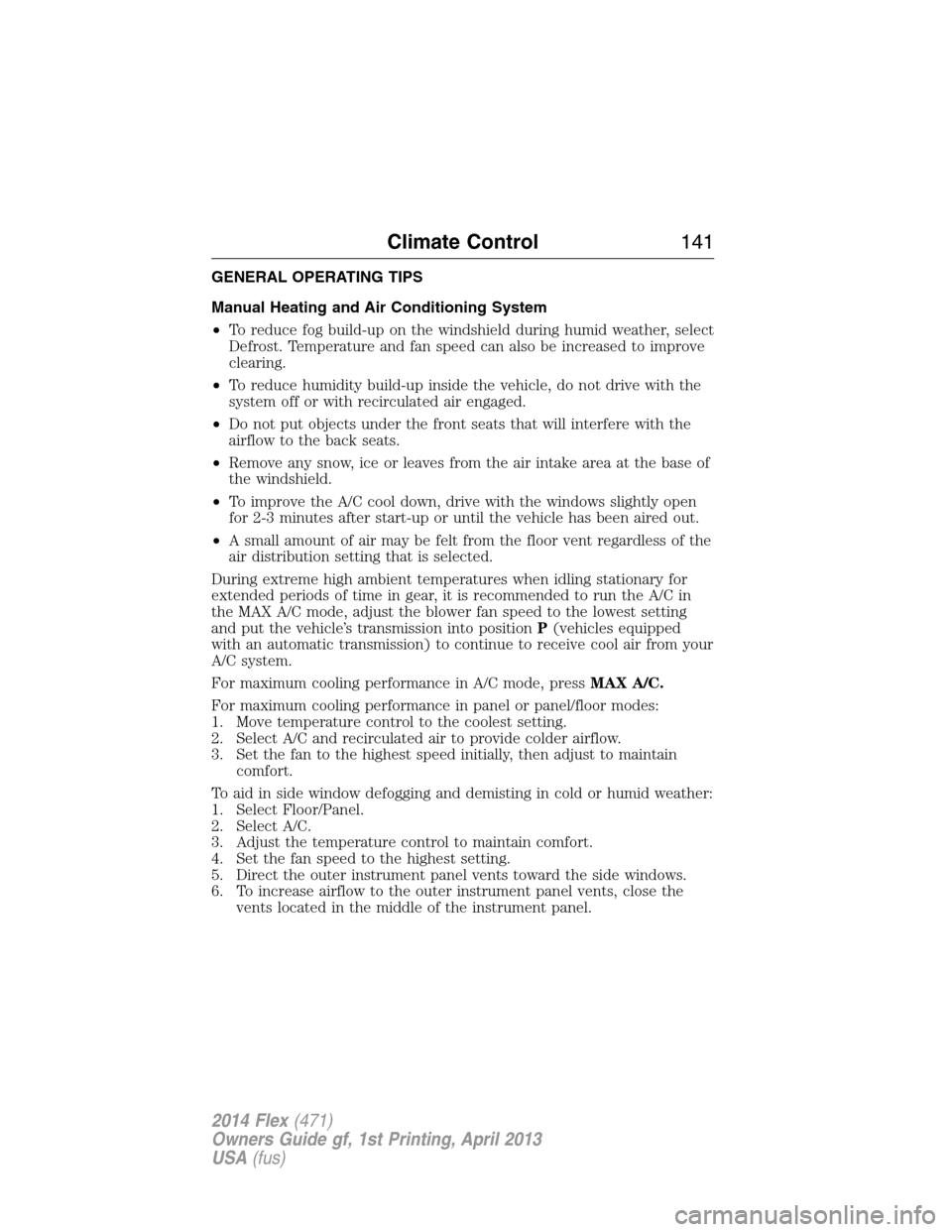
GENERAL OPERATING TIPS
Manual Heating and Air Conditioning System
•To reduce fog build-up on the windshield during humid weather, select
Defrost. Temperature and fan speed can also be increased to improve
clearing.
•To reduce humidity build-up inside the vehicle, do not drive with the
system off or with recirculated air engaged.
•Do not put objects under the front seats that will interfere with the
airflow to the back seats.
•Remove any snow, ice or leaves from the air intake area at the base of
the windshield.
•To improve the A/C cool down, drive with the windows slightly open
for 2-3 minutes after start-up or until the vehicle has been aired out.
•A small amount of air may be felt from the floor vent regardless of the
air distribution setting that is selected.
During extreme high ambient temperatures when idling stationary for
extended periods of time in gear, it is recommended to run the A/C in
the MAX A/C mode, adjust the blower fan speed to the lowest setting
and put the vehicle’s transmission into positionP(vehicles equipped
with an automatic transmission) to continue to receive cool air from your
A/C system.
For maximum cooling performance in A/C mode, pressMAX A/C.
For maximum cooling performance in panel or panel/floor modes:
1. Move temperature control to the coolest setting.
2. Select A/C and recirculated air to provide colder airflow.
3. Set the fan to the highest speed initially, then adjust to maintain
comfort.
To aid in side window defogging and demisting in cold or humid weather:
1. Select Floor/Panel.
2. Select A/C.
3. Adjust the temperature control to maintain comfort.
4. Set the fan speed to the highest setting.
5. Direct the outer instrument panel vents toward the side windows.
6. To increase airflow to the outer instrument panel vents, close the
vents located in the middle of the instrument panel.
Climate Control141
2014 Flex(471)
Owners Guide gf, 1st Printing, April 2013
USA(fus)
Page 143 of 554
Dual Zone Automatic Temperature Control
•To reduce fog build-up on the windshield during humid weather, select
Defrost. Temperature and fan speed can also be increased to improve
clearing.
•To reduce humidity build-up inside the vehicle, do not drive with the
system off or with recirculated air engaged.
•Do not put objects under the front seats that will interfere with the
airflow to the back seats.
•Remove any snow, ice or leaves from the air intake area at the base of
the windshield.
•To improve the A/C cool down, drive with the windows slightly open
for 2-3 minutes after start-up or until the vehicle has been aired out.
•A small amount of air may be felt from the floor vent regardless of the
air distribution setting that is selected.
During extreme high ambient temperatures when idling stationary for
extended periods of time in gear, it is recommended to run the A/C in
the MAX A/C mode, adjust the blower fan speed to the lowest setting
and put the vehicle’s transmission into positionP(vehicles equipped
with an automatic transmission) to continue to receive cool air from your
A/C system.
For maximum cooling performance in AUTO mode, pressMAX A/C.
For maximum cooling performance in manual override control:
1. Choose Panel, A/C, and recirc controls.
2. Set the temperature to LO.
3. Set the fan to the highest blower setting.
To aid in side window defogging and demisting in cold or humid weather:
1. Select Floor/Panel.
2. Select A/C.
3. Adjust the temperature control to maintain comfort.
4. Set the fan speed to the highest setting.
5. Direct the outer instrument panel vents toward the side windows.
6. To increase airflow to the outer instrument panel vents, close the
vents located in the middle of the instrument panel.
142Climate Control
2014 Flex(471)
Owners Guide gf, 1st Printing, April 2013
USA(fus)
Page 153 of 554
Recalling a memory position
You can recall a programmed memory position:
•in any gearshift position if the ignition is not on.
•only in positionPorNif the ignition is on.
Press the desired memory control to recall a memory position.
Recalling memory positions with the remote control
You can recall the memory positions when you press unlock on your
remote control (if the transmitter is programmed to a memory position)
or, when you enter a valid personal entry code that is programmed to a
memory position. If you enable the easy entry feature, the seat will first
move to the easy entry position. The seat will move to the final position
when the key is in the ignition or when the push button start system (if
equipped) is put in accessory mode or started.
To program the memory feature to a remote control, see theKeys and
Remote Controlchapter.
Easy Entry and Exit Feature (If Equipped)
This feature can move the seat rearward and the steering column up and
forward to allow extra room to exit the vehicle.
This occurs when:
•the transmission selector lever is in positionNorP
•the key is removed from the ignition or the push button start system
is switched off.
The seat and steering wheel will move to their original positions when:
•the transmission selector lever is in positionNorP
•the key is placed in the ignition or when the push button start system
is put in accessory mode or started.
Turn the easy entry feature off or on through the information display.
See theInformation Displayschapter.
152Seats
2014 Flex(471)
Owners Guide gf, 1st Printing, April 2013
USA(fus)
Page 166 of 554
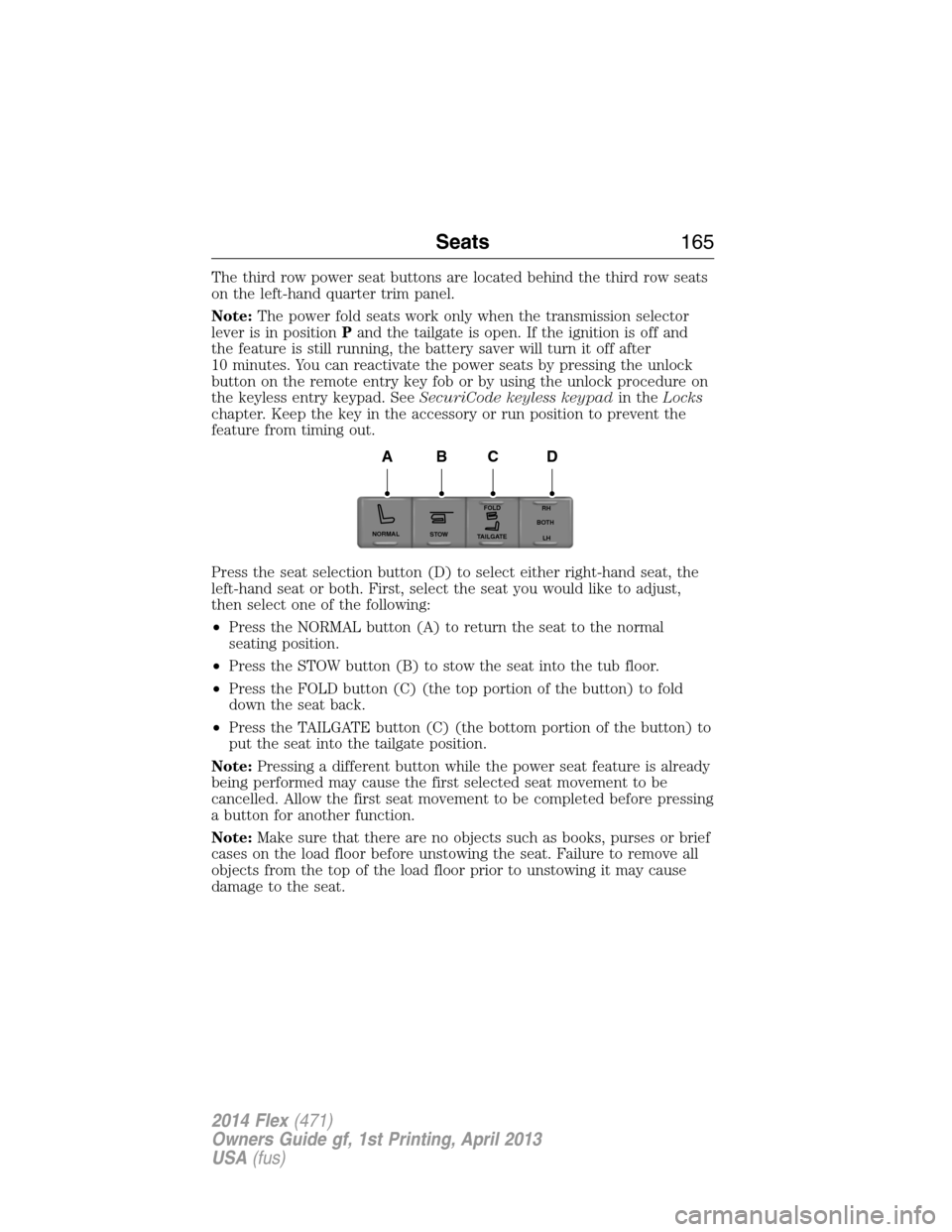
The third row power seat buttons are located behind the third row seats
on the left-hand quarter trim panel.
Note:The power fold seats work only when the transmission selector
lever is in positionPand the tailgate is open. If the ignition is off and
the feature is still running, the battery saver will turn it off after
10 minutes. You can reactivate the power seats by pressing the unlock
button on the remote entry key fob or by using the unlock procedure on
the keyless entry keypad. SeeSecuriCode keyless keypadin theLocks
chapter. Keep the key in the accessory or run position to prevent the
feature from timing out.
Press the seat selection button (D) to select either right-hand seat, the
left-hand seat or both. First, select the seat you would like to adjust,
then select one of the following:
•Press the NORMAL button (A) to return the seat to the normal
seating position.
•Press the STOW button (B) to stow the seat into the tub floor.
•Press the FOLD button (C) (the top portion of the button) to fold
down the seat back.
•Press the TAILGATE button (C) (the bottom portion of the button) to
put the seat into the tailgate position.
Note:Pressing a different button while the power seat feature is already
being performed may cause the first selected seat movement to be
cancelled. Allow the first seat movement to be completed before pressing
a button for another function.
Note:Make sure that there are no objects such as books, purses or brief
cases on the load floor before unstowing the seat. Failure to remove all
objects from the top of the load floor prior to unstowing it may cause
damage to the seat.
NORMAL
STOWRH
BOTH
LH
FOLD
TA I L G AT E
ABCD
Seats165
2014 Flex(471)
Owners Guide gf, 1st Printing, April 2013
USA(fus)
Page 168 of 554
HOMELINK® WIRELESS CONTROL SYSTEM (IF EQUIPPED)
WARNING:Make sure that the garage door and security device
are free from obstruction when you are programming. Do not
program the system with the vehicle in the garage.
WARNING:Do not use the system with any garage door opener
that does not have the safety stop and reverse feature as
required by U.S. Federal Safety Standards (this includes any garage
door opener manufactured before April 1, 1982).
Note:Make sure you keep the original remote control transmitter for
use in other vehicles as well as for future system programming.
Note:We recommend that upon the sale or lease termination of your
vehicle, you erase the programmed function buttons for security reasons.
SeeErasing the function button codeslater in this section.
Note:You can program a maximum of three devices. To change or
replace any of the three devices after it has been initially programmed,
you must first erase the current settings. SeeErasing the function
button codeslater in this section.
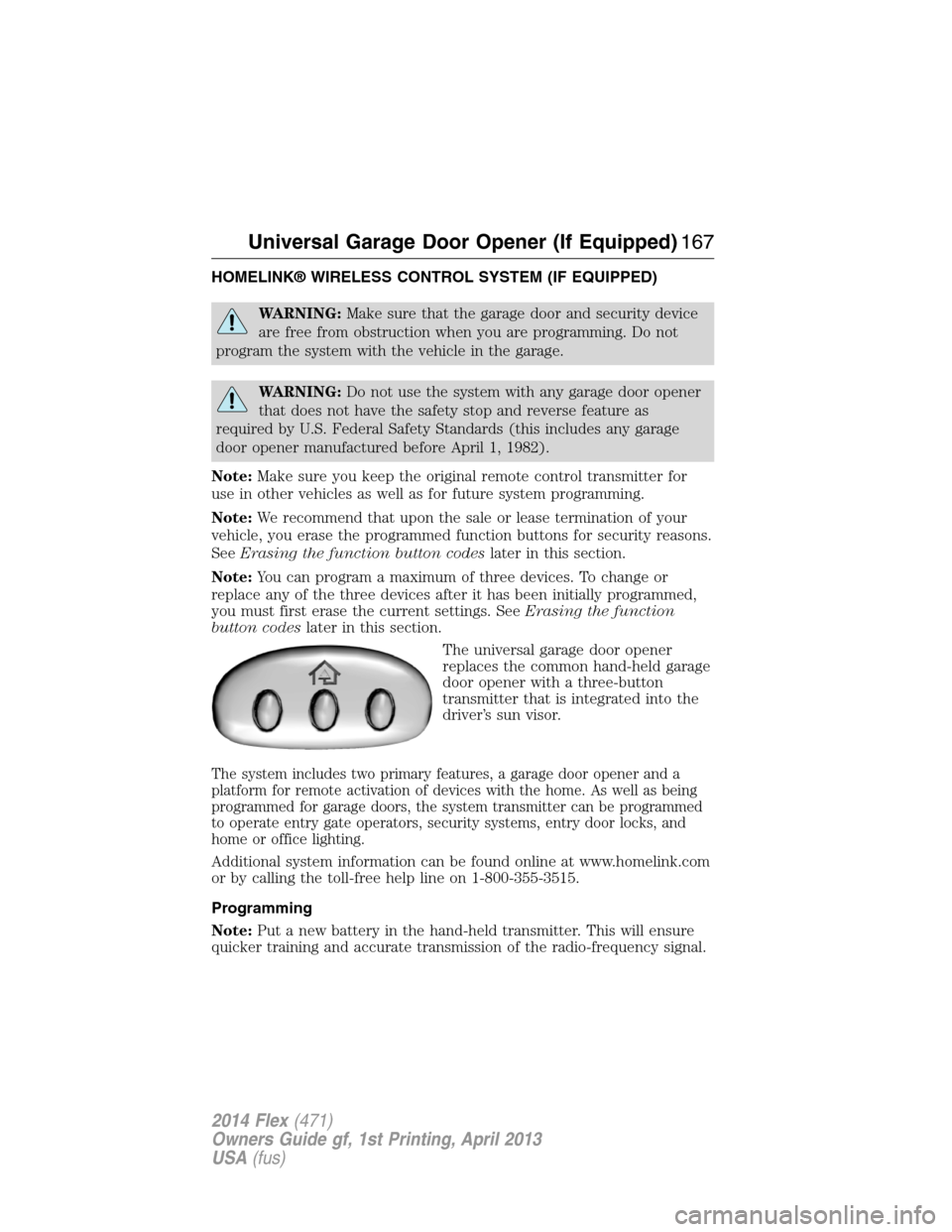
The universal garage door opener
replaces the common hand-held garage
door opener with a three-button
transmitter that is integrated into the
driver’s sun visor.
The system includes two primary features, a garage door opener and a
platform for remote activation of devices with the home. As well as being
programmed for garage doors, the system transmitter can be programmed
to operate entry gate operators, security systems, entry door locks, and
home or office lighting.
Additional system information can be found online at www.homelink.com
or by calling the toll-free help line on 1-800-355-3515.
Programming
Note:Put a new battery in the hand-held transmitter. This will ensure
quicker training and accurate transmission of the radio-frequency signal.
Universal Garage Door Opener (If Equipped)167
2014 Flex(471)
Owners Guide gf, 1st Printing, April 2013
USA(fus)
Page 184 of 554
Stopping the Engine When Your Vehicle is Stationary
1. Move the transmission selector lever to positionP.
2. If your vehicle has an ignition key, turn the key to the off position.
If your vehicle has a keyless start system, press the button once.
3. Apply the parking brake.
Note:This switches off the ignition, all electrical circuits, warning lamps
and indicators.
Note:If the engine is idling for 30 minutes, the ignition and engine
automatically shut down.
Stopping the Engine When Your Vehicle is Moving
WARNING:Switching off the engine when the vehicle is still
moving will result in a loss of brake and steering assistance.
The steering will not lock, but higher effort will be required. When the
ignition is switched off, some electrical circuits, warning lamps and
indicators may also be off.
1.If your vehicle has an ignition key,move the transmission
selector lever to positionNand use the brakes to bring your vehicle
to a safe stop. When your vehicle has stopped, move the transmission
selector lever to positionPand turn the key to the off position.
2.If your vehicle has a keyless start system,press and hold the
button for one second, or press it three times within two seconds.
Move the transmission selector lever to positionNand use the brakes
to bring your vehicle to a safe stop. When your vehicle has stopped,
move the transmission selector lever to positionPand switch the
ignition off.
3. Apply the parking brake.
Your vehicle may have remote start capability. Refer toRemote startin
theKeys and Remote Controlchapter.
Guarding Against Exhaust Fumes
WARNING:If you smell exhaust fumes inside your vehicle, have
this checked immediately. Do not drive your vehicle if you smell
exhaust fumes. Carbon monoxide is present in exhaust fumes. Take
precautions to avoid its dangerous effects.
Starting and Stopping the Engine183
2014 Flex(471)
Owners Guide gf, 1st Printing, April 2013
USA(fus)
Page 194 of 554
Do not make any unauthorized changes to your vehicle or engine. By
law, vehicle owners and anyone who manufactures, repairs, services,
sells, leases, trades vehicles, or supervises a fleet of vehicles are not
permitted to intentionally remove an emission control device or prevent
it from working. Information about your vehicle’s emission system is on
the Vehicle Emission Control Information Decal located on or near the
engine. This decal also lists engine displacement.
Please consult your warranty information for complete emission warranty
information.
On-board Diagnostics (OBD-II)
Your vehicle is equipped with a computer that monitors the engine’s
emission control system. This system is commonly known as the
on-board diagnostics system (OBD-II). The OBD-II system protects the
environment by ensuring that your vehicle continues to meet
government emission standards. The OBD-II system also assists your
authorized dealer in properly servicing your vehicle.
When the service engine soon indicator illuminates, the OBD-II
system has detected a malfunction. Temporary malfunctions
may cause the service engine soon indicator to illuminate.
Examples are:
1. The vehicle has run out of fuel—the engine may misfire or run poorly.
2. Poor fuel quality or water in the fuel—the engine may misfire or run
poorly.
3. The fuel fill inlet may not have been properly closed. SeeEasy Fuel®
No Cap Fuel Systemin this chapter.
4. Driving through deep water—the electrical system may be wet.
These temporary malfunctions can be corrected by filling the fuel tank
with good quality fuel, properly closing the fuel fill inlet or letting the
electrical system dry out. After three driving cycles without these or any
other temporary malfunctions present, the service engine soon indicator
should stay off the next time the engine is started. A driving cycle
consists of a cold engine start-up followed by mixed city or highway
driving. No additional vehicle service is required.
If the service engine soon indicator remains on, have your vehicle
serviced at the first available opportunity. Although some malfunctions
detected by the OBD-II may not have symptoms that are apparent,
continued driving with the service engine soon indicator on can result in
increased emissions, lower fuel economy, reduced engine and
transmission smoothness, and can lead to more costly repairs.
Fuel and Refueling193
2014 Flex(471)
Owners Guide gf, 1st Printing, April 2013
USA(fus)