ignition FORD FLEX 2015 1.G Repair Manual
[x] Cancel search | Manufacturer: FORD, Model Year: 2015, Model line: FLEX, Model: FORD FLEX 2015 1.GPages: 571, PDF Size: 5.52 MB
Page 208 of 571
Sand
When driving over sand, try to keep all four wheels on the most solid
area of the trail. Avoid reducing the tire pressures but shift to a lower
gear and drive steadily through the terrain. Apply the accelerator slowly
and avoid excessive wheel slip.
Do not drive your vehicle in deep sand for an extended period of time.
This could cause the AWD system to overheat and default to front-wheel
drive. If this occurs AWD Off will be displayed in the Information Display.
To resume normal AWD function as soon as possible, stop the vehicle in
a safe location and stop the engine for at least 10 minutes. After the
engine has been restarted and the AWD system has adequately cooled,
the AWD Off message will turn off and normal AWD function will return.
In the event the engine is not stopped, the AWD Off message will turn
off when the system cools and normal AWD function returns.
When driving at slow speeds in deep sand under high outside
temperatures, use L (Low) gear when possible. L (Low) gear operation
will maximize the engine and transmission cooling capability.
Under severe operating conditions, the A/C may cycle on and off to
protect overheating of the engine.
Avoid driving at excessive speeds, this causes vehicle momentum to work
against you and your vehicle could become stuck to the point that
assistance may be required from another vehicle. Remember, you may be
able to back out the way you came if you proceed with caution.
Mud and Water
If you must drive through high water, drive slowly. Traction or brake
capability may be limited.
When driving through water, determine the depth; avoid water higher
than the bottom of the wheel rims (for cars) or the bottom of the hubs
(for trucks) (if possible) and proceed slowly. If the ignition system gets
wet, the vehicle may stall.
Once through water, always try the brakes. Wet brakes do not stop the
vehicle as effectively as dry brakes. Drying can be improved by moving
your vehicle slowly while applying light pressure on the brake pedal.
Be cautious of sudden changes in vehicle speed or direction when you
are driving in mud. Even AWD vehicles can lose traction in slick mud. As
when you are driving over sand, apply the accelerator slowly and avoid
spinning your wheels. If the vehicle does slide, steer in the direction of
the slide until you regain control of the vehicle.
All-Wheel Drive (If Equipped)207
2015 Flex(471)
Owners Guide gf, 1st Printing, October 2014
USA(fus)
Page 213 of 571
Anti-Lock Brake System
This system helps you maintain steering control during emergency stops
by keeping the brakes from locking.
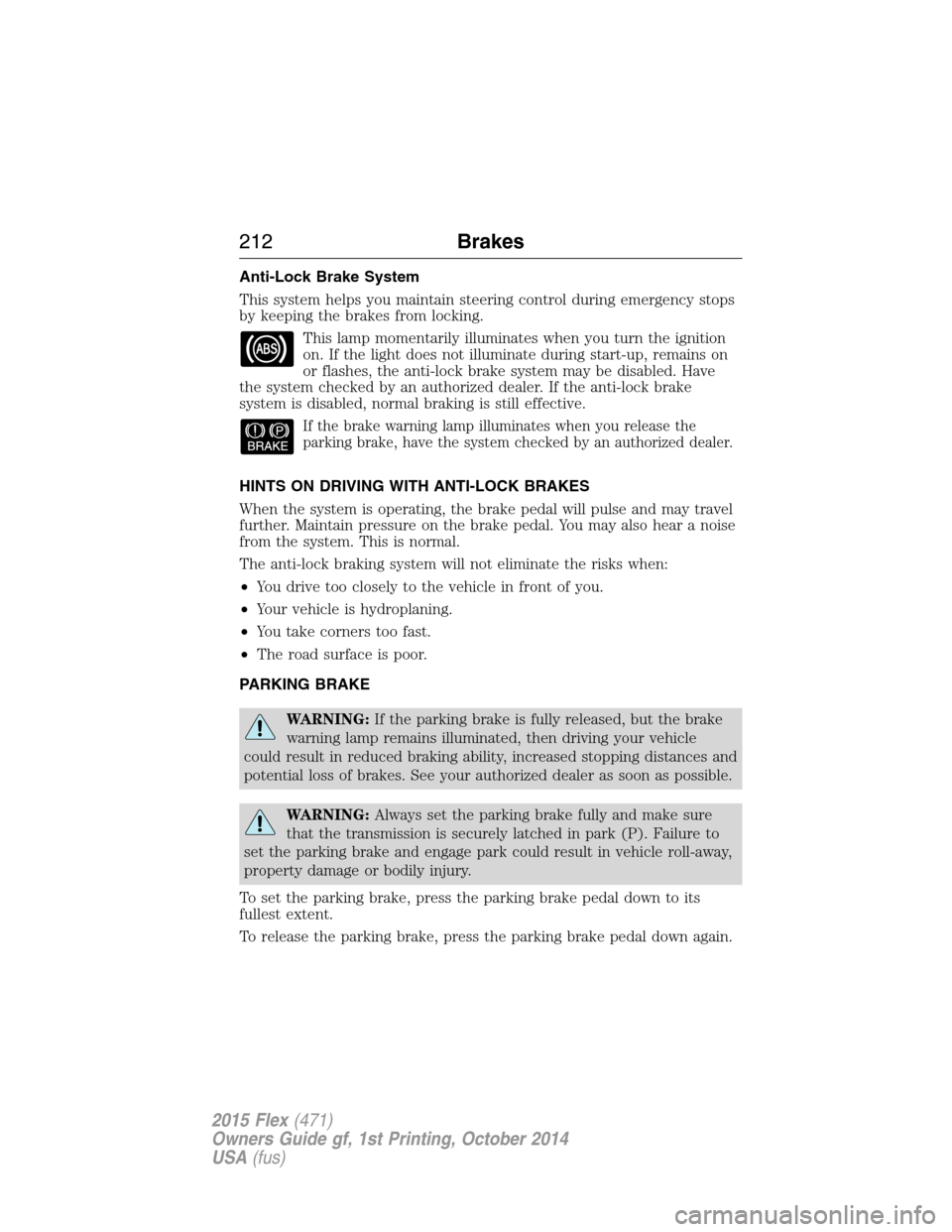
This lamp momentarily illuminates when you turn the ignition
on. If the light does not illuminate during start-up, remains on
or flashes, the anti-lock brake system may be disabled. Have
the system checked by an authorized dealer. If the anti-lock brake
system is disabled, normal braking is still effective.
If the brake warning lamp illuminates when you release the
parking brake, have the system checked by an authorized dealer.
HINTS ON DRIVING WITH ANTI-LOCK BRAKES
When the system is operating, the brake pedal will pulse and may travel
further. Maintain pressure on the brake pedal. You may also hear a noise
from the system. This is normal.
The anti-lock braking system will not eliminate the risks when:
•You drive too closely to the vehicle in front of you.
•Your vehicle is hydroplaning.
•You take corners too fast.
•The road surface is poor.
PARKING BRAKE
WARNING:If the parking brake is fully released, but the brake
warning lamp remains illuminated, then driving your vehicle
could result in reduced braking ability, increased stopping distances and
potential loss of brakes. See your authorized dealer as soon as possible.
WARNING:Always set the parking brake fully and make sure
that the transmission is securely latched in park (P). Failure to
set the parking brake and engage park could result in vehicle roll-away,
property damage or bodily injury.
To set the parking brake, press the parking brake pedal down to its
fullest extent.
To release the parking brake, press the parking brake pedal down again.
212Brakes
2015 Flex(471)
Owners Guide gf, 1st Printing, October 2014
USA(fus)
Page 217 of 571
SENSING SYSTEM (IF EQUIPPED)
WARNING:To help avoid personal injury, please read and
understand the limitations of the system as contained in this
section. Sensing is only an aid for some (generally large and fixed)
objects when moving in reverse on a flat surface at parking speeds.
Traffic control systems, inclement weather, air brakes, and external
motors and fans may also affect the function of the sensing system; this
may include reduced performance or a false activation.
WARNING:To help avoid personal injury, always use caution
when in R (Reverse) and when using the sensing system.
WARNING:This system is not designed to prevent contact with
small or moving objects. The system is designed to provide a
warning to assist the driver in detecting large stationary objects to
avoid damaging the vehicle. The system may not detect smaller objects,
particularly those close to the ground.
WARNING:Certain add-on devices such as large trailer hitches,
bike or surfboard racks and any device that may block the normal
detection zone of the system, may create false beeps.
Note:Keep the sensors (located on the bumper/fascia) free from snow,
ice and large accumulations of dirt. If the sensors are covered, the
system’s accuracy can be affected. Do not clean the sensors with sharp
objects.
Note:If your vehicle sustains damage to the bumper/fascia, leaving it
misaligned or bent, the sensing zone may be altered causing inaccurate
measurement of obstacles or false alarms.
The sensing system warns the driver of obstacles within a certain range
of the bumper area. The system turns on automatically whenever the
ignition is switched on.
When receiving a detection warning, the radio volume is reduced to a
predetermined level. After the warning goes away, the radio volume
returns to the previous level.
216Parking Aids
2015 Flex(471)
Owners Guide gf, 1st Printing, October 2014
USA(fus)
Page 229 of 571
Changing the Set Speed
Note:If you accelerate by pressing the accelerator pedal, the set speed
will not change. When you release the accelerator pedal, you will return
to the speed that you previously set.
•PressSETup or down and hold to increase or decrease the set speed.
Release the control when you reach the desired speed.
•PressSETup or down and release. The set speed will change in
approximately 1 mph (2 km/h) increments.
•Press the accelerator pedal or brake pedal until you reach the desired
speed. PressSETup and release.
Canceling the Set Speed
PressCNCLor tap the brake pedal. The set speed will not be erased.
Resuming the Set Speed
Press and releaseRES.
Switching Cruise Control Off
Note:The set speed is erased when you switch off cruise control.
Press theOFFcontrol down and release or turn off the ignition.
USING ADAPTIVE CRUISE CONTROL (IF EQUIPPED)
WARNING:Always pay close attention to changing road
conditions, especially when using adaptive cruise control.
Adaptive cruise control cannot replace attentive driving. Failing to
follow any of the warnings below or failing to pay attention to the road
may result in a collision, serious injury or death.
WARNING:Adaptive cruise control is not a collision warning or
avoidance system. Additionally, adaptive cruise control will not
detect:
•stationary or slow moving vehicles below 6 mph (10 km/h)
•pedestrians or objects in the roadway
•oncoming vehicles in the same lane.
228Cruise Control
2015 Flex(471)
Owners Guide gf, 1st Printing, October 2014
USA(fus)
Page 234 of 571
•Increase or decrease the speed in increments of 1 mph (2 km/h) by
briefly pressingSETupward or downward.
The system may apply the brakes to slow your vehicle down to the new
set speed. The set speed will display continuously in the information
display while the system is active.
Resuming the Set Speed
Note:Resume should only be used if you are aware of the set speed and
intend to return to it.
Press and releaseRES. Your vehicle will return to the previously set
speed. The set speed will display continuously in the information display
while the system is active.
Low Speed Automatic Cancellation
The system is not functional at vehicle speeds below 16 mph (26 km/h).
An audible alarm sounds and the automatic braking released if your
vehicle drops below this speed.
Hilly Condition Usage
Note:An audible alarm sounds and the system shuts down if it is
applying brakes for an extended period of time. This allows the brakes to
cool down. The system will function normally again when the brakes
have cooled down.
You should select a lower gear position when the system is active in
situations such as prolonged downhill driving on steep grades, for
example driving in mountainous areas. Your vehicle needs additional
engine braking in these situations to reduce the load on the vehicle’s
regular brake system to prevent them from overheating.
Switching Off Adaptive Cruise Control
Note:The set speed memory will erase when you switch the system off.
Press and releaseOFFor turn off the ignition.
Cruise Control233
2015 Flex(471)
Owners Guide gf, 1st Printing, October 2014
USA(fus)
Page 241 of 571
If the system detects a degraded performance condition, a blocked
sensor warning or low visibility warning will appear in the information
display and the alert indicator illuminates in the appropriate mirror(s).
The information display warning can be cleared but the alert indicator
remains illuminated.
When the blockage is removed, the system can be reset in two ways: 1)
when at least two objects are detected while driving, or 2) turn the
ignition key from on to off, then back on. If the blockage is still present
after the key cycle, the system senses again that it is blocked after
driving in traffic.
Reasons for messages being displayed
The radar surface is
dirty or obstructedClean the fascia area in front of the radar or
remove the obstruction.
The radar surface is
not dirty or obstructedDrive normally in traffic for a few minutes to
allow the radar to detect passing vehicles so it
can clear the blocked state.
Heavy rainfall/snowfall
interferes with the
radar signalsNo action required. The system automatically
resets to an unblocked state once the
rainfall/snowfall rate decreases or stops. Do
not use BLIS® and/or CTA in these conditions.
System Limitations
The BLIS® and CTA systems do have their limitations; situations such as
severe weather conditions or debris build-up on the sensor area may
limit vehicle detection.
The following are other situations that may limit the BLIS®:
•Certain maneuvering of vehicles entering and exiting the blind zone.
•Vehicles passing through the blind zone at very fast rates.
•When several vehicles forming a convoy pass through the blind zone.
The following are other situations that may limit the CTA system:
•Adjacently parked vehicles or objects obstructing the sensors.
•Approaching vehicles passing at speeds greater than 15 mph
(24 km/h).
•Driving in reverse faster than 3 mph (5 km/h).
•Backing out of an angled parking spot.
240Driving Aids
2015 Flex(471)
Owners Guide gf, 1st Printing, October 2014
USA(fus)
Page 242 of 571
False Alerts
Note:If you connected a trailer to your vehicle the BLIS® system may
detect the trailer causing a false alert. To avoid false alerts you may want
to turn the BLIS off manually.
There may be certain instances when either the BLIS® or CTA systems
illuminate the alert indicator with no vehicle in the coverage zone; this is
known as a false alert. Some amount of false alerts are normal; they are
temporary and self-correct.
System Errors
If either system senses a problem with the left or right sensor, the
BLIS® indicator in the information display will illuminate and remain on.
Also,BLIND SPOT SYSTEM FAULTorCROSS TRAFFIC SYSTEM
FAULTmessage will appear. When problems that may cause the left or
right indicator not to illuminate, only the information display message
faults appear.
Switching the Systems Off and On
One or both systems can be switched off temporarily by using the
information display control; refer to theInformation Displaychapter.
When you switch off the Blind Spot Information System, you will not
receive alerts and the information display will display a system off
message. The yellow alert indicator in the outside mirror will also flash
twice. The system switches back on whenever you switch the ignition on.
You can also have one or both systems switched off permanently at an
authorized dealer. Once switched off, the system can only be switched
back on at an authorized dealer.
COLLISION WARNING SYSTEM (IF EQUIPPED)
WARNING:This system is designed to be a supplementary
driving aid. It is not intended to replace the driver’s attention,
and judgment, or the need to apply the brakes. This system does NOT
activate the brakes automatically. Failure to press the brake pedal to
activate the brakes may result in a collision.
WARNING:The collision warning system with brake support
cannot help prevent all collisions. Do not rely on this system to
replace driver judgment and the need to maintain distance and speed.
Driving Aids241
2015 Flex(471)
Owners Guide gf, 1st Printing, October 2014
USA(fus)
Page 246 of 571
STEERING
Electric Power Steering
WARNING:The electric power steering system has diagnostic
checks that continuously monitor the system to ensure proper
operation. When a system error is detected a steering message will
appear in the information display.
WARNING:The electric power steering system has diagnostic
checks that continuously monitor the system to ensure proper
operation of the electronic system. When an electronic error is
detected, a message will be displayed in the information display. If this
happens, stop the vehicle in a safe place, and turn off the engine. After
at least 10 seconds, reset the system by restarting the engine, and
watch the information display for a steering message. If a steering
message returns, or returns while driving, take the vehicle to your
dealer to have it checked.
WARNING:Obtain immediate service if a system error is
detected. You may not notice any difference in the feel of your
steering, but a serious condition may exist. Failure to do so may result
in loss of steering control.
Your vehicle is equipped with an electric power-assisted steering system.
There is no fluid reservoir to check or fill.
If your vehicle loses electrical power while you are driving (or if the
ignition is turned off), you can steer the vehicle manually, but it takes
more effort. Extreme continuous steering may increase the effort it takes
for you to steer. This occurs to prevent internal overheating and
permanent damage to your steering system. If this should occur, you will
neither lose the ability to steer the vehicle manually nor will it cause
permanent damage. Typical steering and driving maneuvers will allow the
system to cool and steering assist will return to normal.
When a steering system error is detected, steering messages may appear
in the information display.
Driving Aids245
2015 Flex(471)
Owners Guide gf, 1st Printing, October 2014
USA(fus)
Page 273 of 571
HAZARD WARNING FLASHERS
The hazard flasher control is located on the instrument panel
by the radio. Use it when your vehicle is disabled and is
creating a safety hazard for other motorists.
•Press the flasher control and all front and rear direction signals will
flash.
•Press the flasher control again to turn them off.
Note:With extended use, the flashers may run down your 12–volt
battery.
FUEL SHUTOFF
WARNING:Failure to inspect and if necessary repair fuel leaks
after a collision may increase the risk of fire and serious injury.
Ford Motor Company recommends that the fuel system be inspected by
an authorized dealer after any collision.
In the event of a moderate to severe collision, this vehicle is equipped
with a fuel pump shut-off feature that stops the flow of fuel to the
engine. Not every impact will cause a shut-off.
Should your vehicle shut off after a collision, you may restart your
vehicle by doing the following:
1. Switch the ignition off and wait approximately 10 seconds.
2. Switch the ignition on.
3. Repeat Steps 1 and 2 to re-enable the fuel pump.
Note:When you try to restart your vehicle after a fuel shutoff, the
vehicle makes sure that various systems are safe to restart. Once our
vehicle determines that the systems are safe, then the vehicle will allow
you to restart.
Note:In the event that your vehicle does not restart after your third
attempt, contact an authorized dealer.
272Roadside Emergencies
2015 Flex(471)
Owners Guide gf, 1st Printing, October 2014
USA(fus)
Page 289 of 571
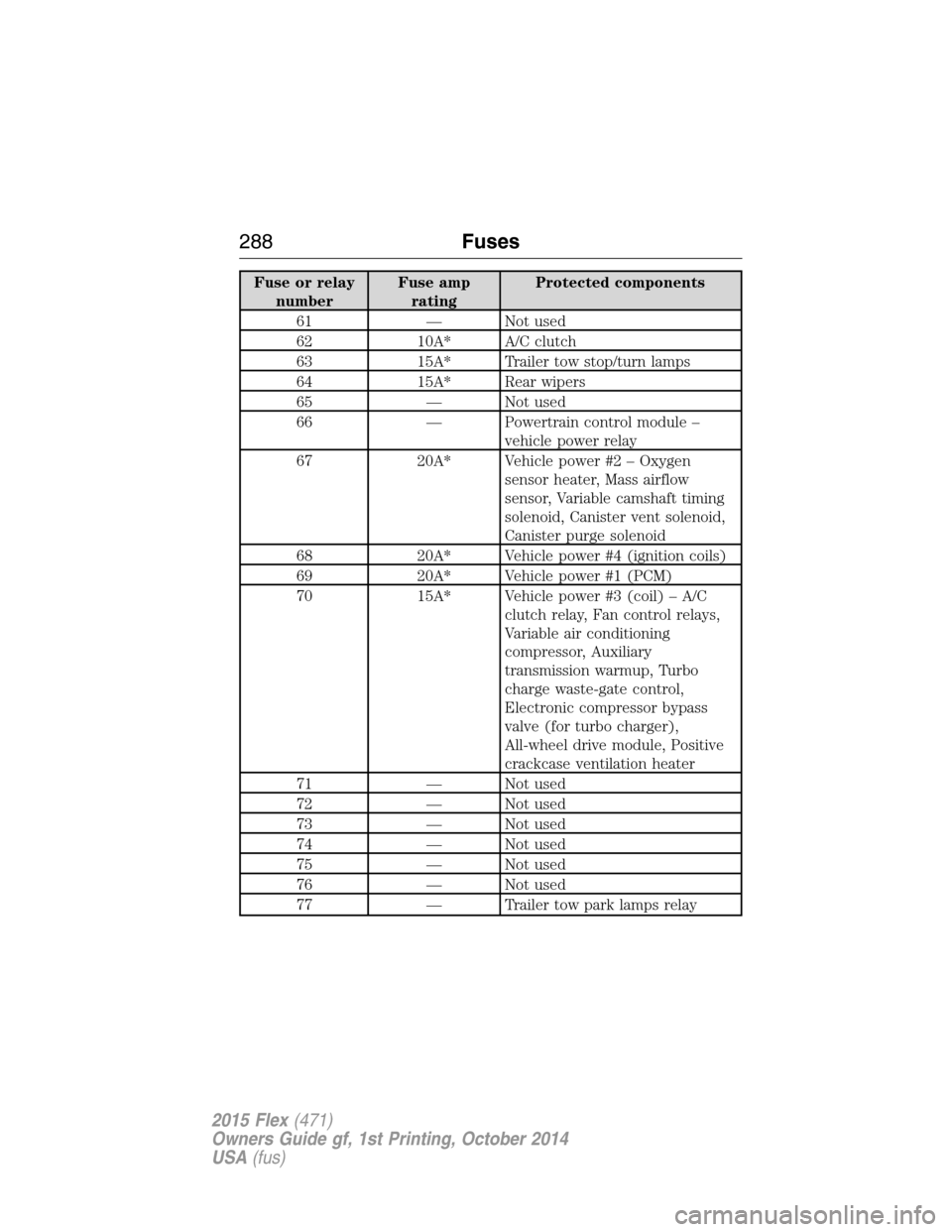
Fuse or relay
numberFuse amp
ratingProtected components
61 — Not used
62 10A* A/C clutch
63 15A* Trailer tow stop/turn lamps
64 15A* Rear wipers
65 — Not used
66 — Powertrain control module –
vehicle power relay
67 20A* Vehicle power #2 – Oxygen
sensor heater, Mass airflow
sensor, Variable camshaft timing
solenoid, Canister vent solenoid,
Canister purge solenoid
68 20A* Vehicle power #4 (ignition coils)
69 20A* Vehicle power #1 (PCM)
70 15A* Vehicle power #3 (coil) – A/C
clutch relay, Fan control relays,
Variable air conditioning
compressor, Auxiliary
transmission warmup, Turbo
charge waste-gate control,
Electronic compressor bypass
valve (for turbo charger),
All-wheel drive module, Positive
crackcase ventilation heater
71 — Not used
72 — Not used
73 — Not used
74 — Not used
75 — Not used
76 — Not used
77 — Trailer tow park lamps relay
288Fuses
2015 Flex(471)
Owners Guide gf, 1st Printing, October 2014
USA(fus)