heating FORD FLEX 2015 1.G Owners Manual
[x] Cancel search | Manufacturer: FORD, Model Year: 2015, Model line: FLEX, Model: FORD FLEX 2015 1.GPages: 571, PDF Size: 5.52 MB
Page 5 of 571
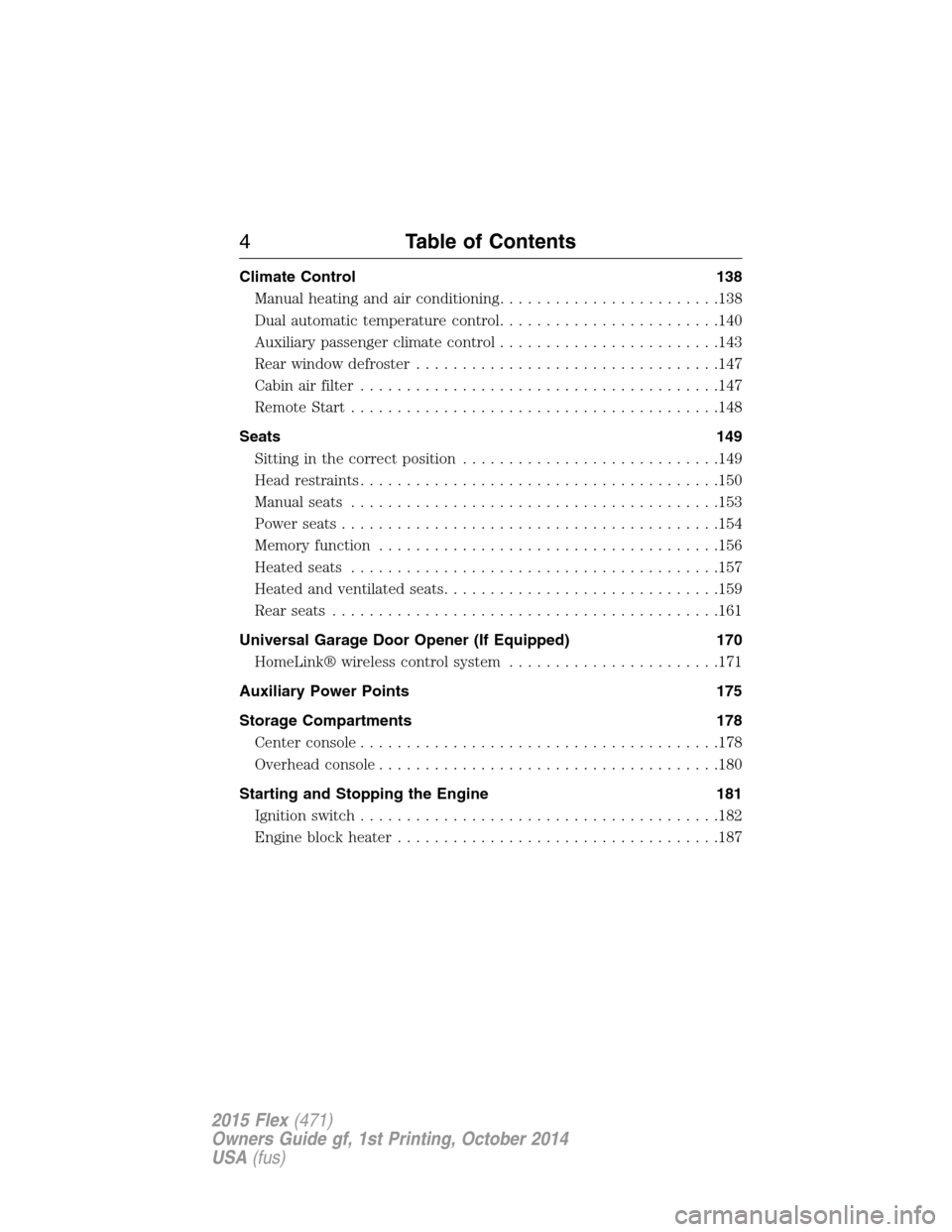
Climate Control 138
Manual heating and air conditioning........................138
Dual automatic temperature control........................140
Auxiliary passenger climate control........................143
Rear window defroster.................................147
Cabin air filter.......................................147
Remote Start........................................148
Seats 149
Sitting in the correct position............................149
Head restraints.......................................150
Manual seats........................................153
Power seats.........................................154
Memory function.....................................156
Heated seats........................................157
Heated and ventilated seats..............................159
Rear seats..........................................161
Universal Garage Door Opener (If Equipped) 170
HomeLink® wireless control system.......................171
Auxiliary Power Points 175
Storage Compartments 178
Center console.......................................178
Overhead console.....................................180
Starting and Stopping the Engine 181
Ignition switch.......................................182
Engine block heater...................................187
4Table of Contents
2015 Flex(471)
Owners Guide gf, 1st Printing, October 2014
USA(fus)
Page 108 of 571
Power-Folding Mirrors (If Equipped)
Note:Using the mirrors 10 or more times within one minute, or
repeated folding and unfolding of the mirrors while holding the control
down during full travel, may disable the system to protect motors from
overheating. Wait approximately three minutes with your vehicle running,
and up to 10 minutes with your vehicle off, for the system to reset and
for function to return to normal.
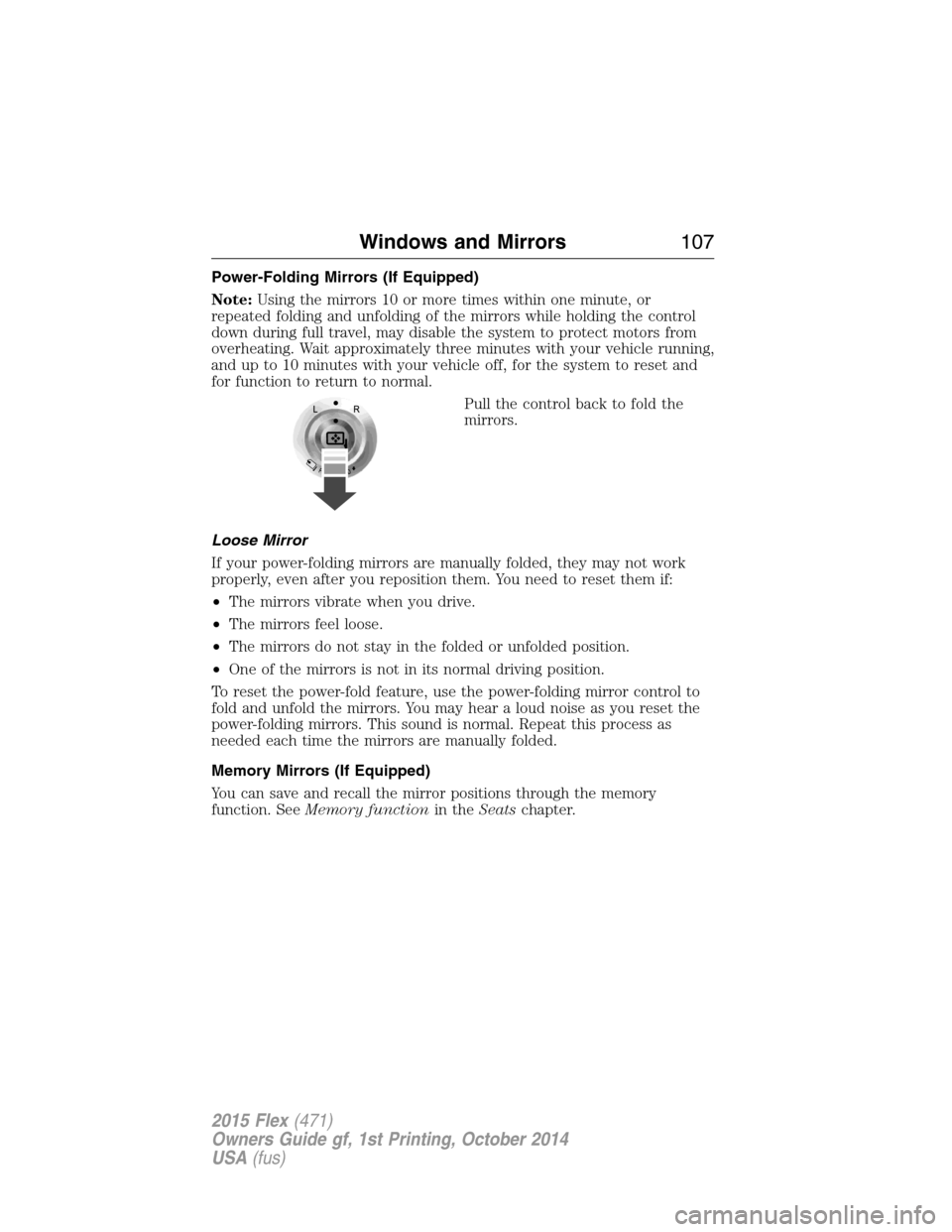
Pull the control back to fold the
mirrors.
Loose Mirror
If your power-folding mirrors are manually folded, they may not work
properly, even after you reposition them. You need to reset them if:
•The mirrors vibrate when you drive.
•The mirrors feel loose.
•The mirrors do not stay in the folded or unfolded position.
•One of the mirrors is not in its normal driving position.
To reset the power-fold feature, use the power-folding mirror control to
fold and unfold the mirrors. You may hear a loud noise as you reset the
power-folding mirrors. This sound is normal. Repeat this process as
needed each time the mirrors are manually folded.
Memory Mirrors (If Equipped)
You can save and recall the mirror positions through the memory
function. SeeMemory functionin theSeatschapter.
Windows and Mirrors107
2015 Flex(471)
Owners Guide gf, 1st Printing, October 2014
USA(fus)
Page 132 of 571
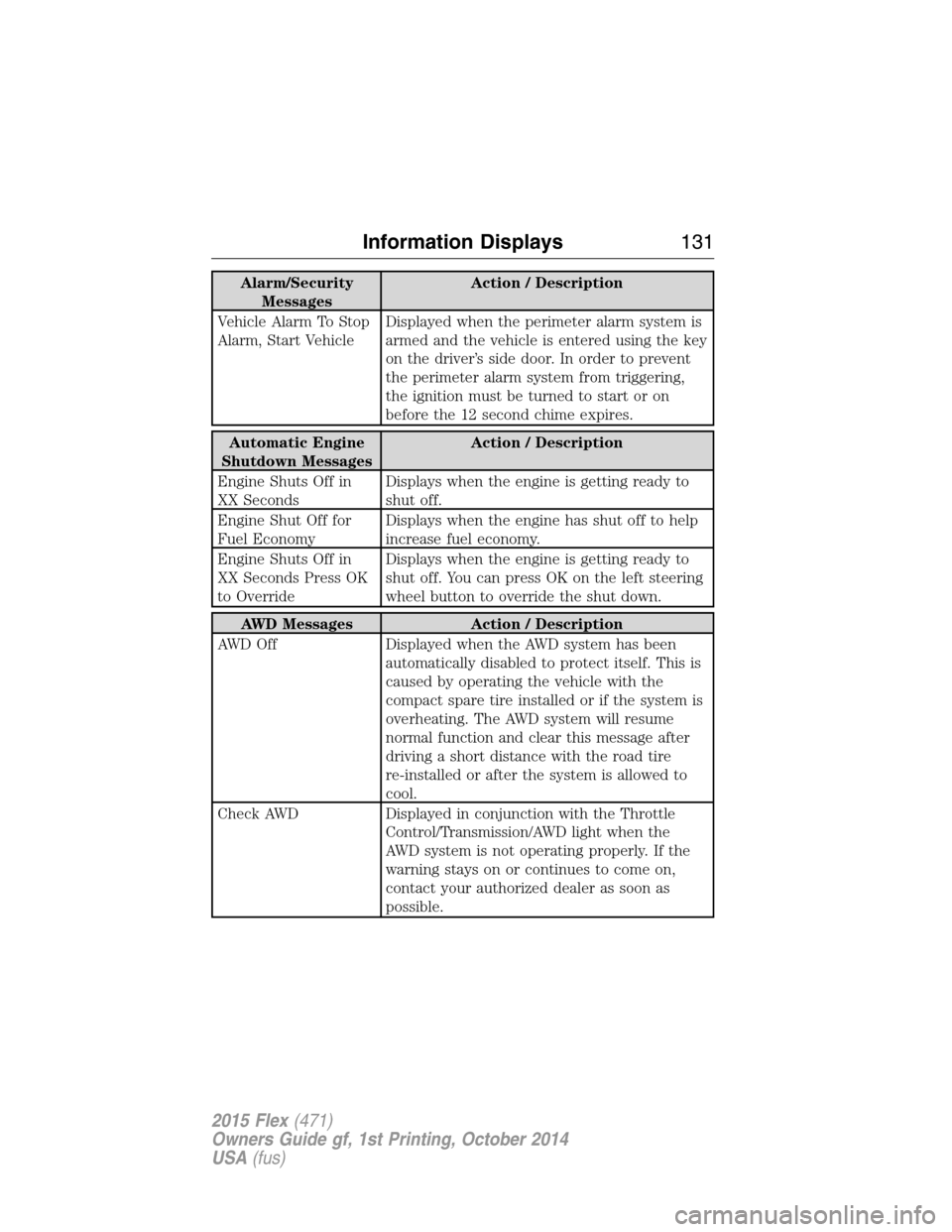
Alarm/Security
MessagesAction / Description
Vehicle Alarm To Stop
Alarm, Start VehicleDisplayed when the perimeter alarm system is
armed and the vehicle is entered using the key
on the driver’s side door. In order to prevent
the perimeter alarm system from triggering,
the ignition must be turned to start or on
before the 12 second chime expires.
Automatic Engine
Shutdown MessagesAction / Description
Engine Shuts Off in
XX SecondsDisplays when the engine is getting ready to
shut off.
Engine Shut Off for
Fuel EconomyDisplays when the engine has shut off to help
increase fuel economy.
Engine Shuts Off in
XX Seconds Press OK
to OverrideDisplays when the engine is getting ready to
shut off. You can press OK on the left steering
wheel button to override the shut down.
AWD Messages Action / Description
AWD Off Displayed when the AWD system has been
automatically disabled to protect itself. This is
caused by operating the vehicle with the
compact spare tire installed or if the system is
overheating. The AWD system will resume
normal function and clear this message after
driving a short distance with the road tire
re-installed or after the system is allowed to
cool.
Check AWD Displayed in conjunction with the Throttle
Control/Transmission/AWD light when the
AWD system is not operating properly. If the
warning stays on or continues to come on,
contact your authorized dealer as soon as
possible.
Information Displays131
2015 Flex(471)
Owners Guide gf, 1st Printing, October 2014
USA(fus)
Page 146 of 571
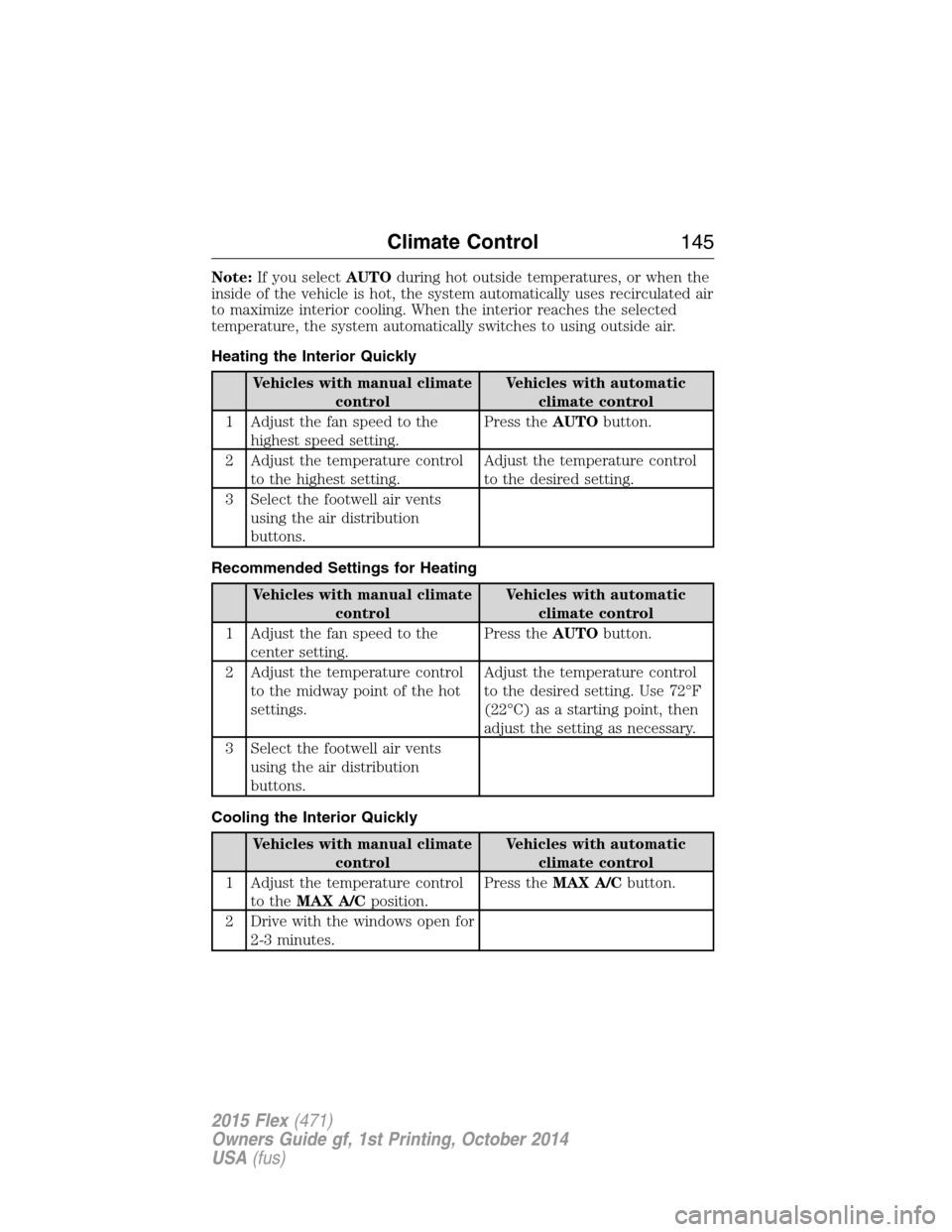
Note:If you selectAUTOduring hot outside temperatures, or when the
inside of the vehicle is hot, the system automatically uses recirculated air
to maximize interior cooling. When the interior reaches the selected
temperature, the system automatically switches to using outside air.
Heating the Interior Quickly
Vehicles with manual climate
controlVehicles with automatic
climate control
1 Adjust the fan speed to the
highest speed setting.Press theAUTObutton.
2 Adjust the temperature control
to the highest setting.Adjust the temperature control
to the desired setting.
3 Select the footwell air vents
using the air distribution
buttons.
Recommended Settings for Heating
Vehicles with manual climate
controlVehicles with automatic
climate control
1 Adjust the fan speed to the
center setting.Press theAUTObutton.
2 Adjust the temperature control
to the midway point of the hot
settings.Adjust the temperature control
to the desired setting. Use 72°F
(22°C) as a starting point, then
adjust the setting as necessary.
3 Select the footwell air vents
using the air distribution
buttons.
Cooling the Interior Quickly
Vehicles with manual climate
controlVehicles with automatic
climate control
1 Adjust the temperature control
to theMAX A/Cposition.Press theMAX A/Cbutton.
2 Drive with the windows open for
2-3 minutes.
Climate Control145
2015 Flex(471)
Owners Guide gf, 1st Printing, October 2014
USA(fus)
Page 158 of 571
•You switch the keyless ignition off or take the key out of the ignition
switch.
The seat and steering wheel will move to their original positions when:
•You place the transmission in neutral (N) or park (P).
•You switch the keyless ignition on or put the key in the ignition
switch.
Switch the Easy Entry/Exit feature on or off through the information
display settings menu. See theInformation Displayschapter.
HEATED SEATS (IF EQUIPPED)
WARNING:Persons who are unable to feel pain to the skin
because of advanced age, chronic illness, diabetes, spinal cord
injury, medication, alcohol use, exhaustion, or other physical conditions,
must exercise care when using the seat heater. The seat heater may
cause burns even at low temperatures, especially if used for long
periods of time. Do not place anything on the seat that insulates against
heat, such as a blanket or cushion, because this may cause the seat
heater to overheat. Do not puncture the seat with pins, needles, or
other pointed objects because this may damage the heating element
which may cause the seat heater to overheat. An overheated seat may
cause serious personal injury.
The heated seats will only function when the ignition is in the on
position.
Note:Do not do the following:
•Place heavy objects on the seat
•Operate the seat heater if water or any other liquid is spilled on the
seat. Allow the seat to dry thoroughly.
To operate the heated seats:
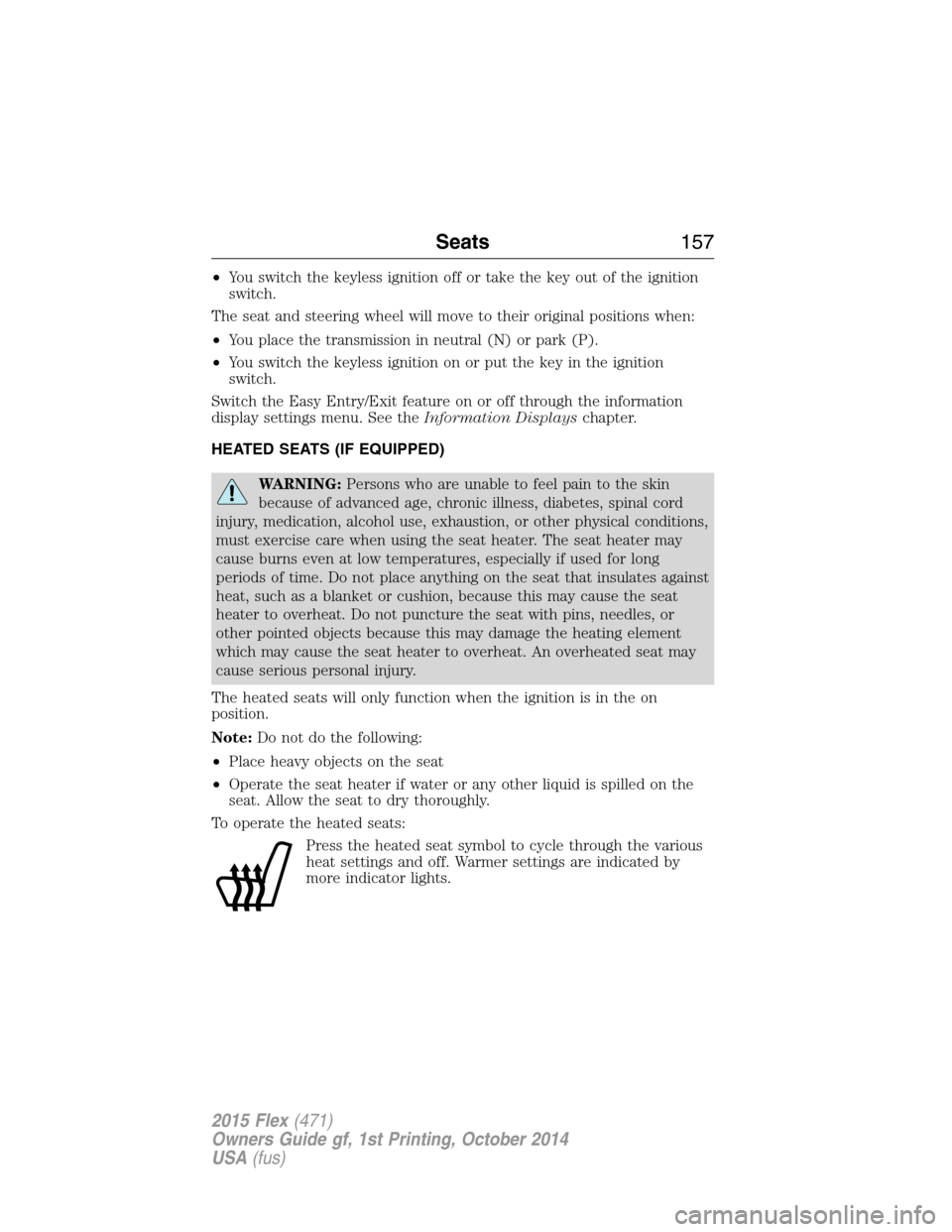
Press the heated seat symbol to cycle through the various
heat settings and off. Warmer settings are indicated by
more indicator lights.
Seats157
2015 Flex(471)
Owners Guide gf, 1st Printing, October 2014
USA(fus)
Page 159 of 571
Second-Row Heated Seats (If Equipped)
WARNING:Persons who are unable to feel pain to the skin
because of advanced age, chronic illness, diabetes, spinal cord
injury, medication, alcohol use, exhaustion, or other physical conditions,
must exercise care when using the seat heater. The seat heater may
cause burns even at low temperatures, especially if used for long
periods of time. Do not place anything on the seat that insulates against
heat, such as a blanket or cushion, because this may cause the seat
heater to overheat. Do not puncture the seat with pins, needles, or
other pointed objects because this may damage the heating element
which may cause the seat heater to overheat. An overheated seat may
cause serious personal injury.
Note:Do not do the following:
•Place heavy objects on the seat
•Operate the seat heater if water or any other liquid is spilled on the
seat. Allow the seat to dry thoroughly.
To operate the heated seats:
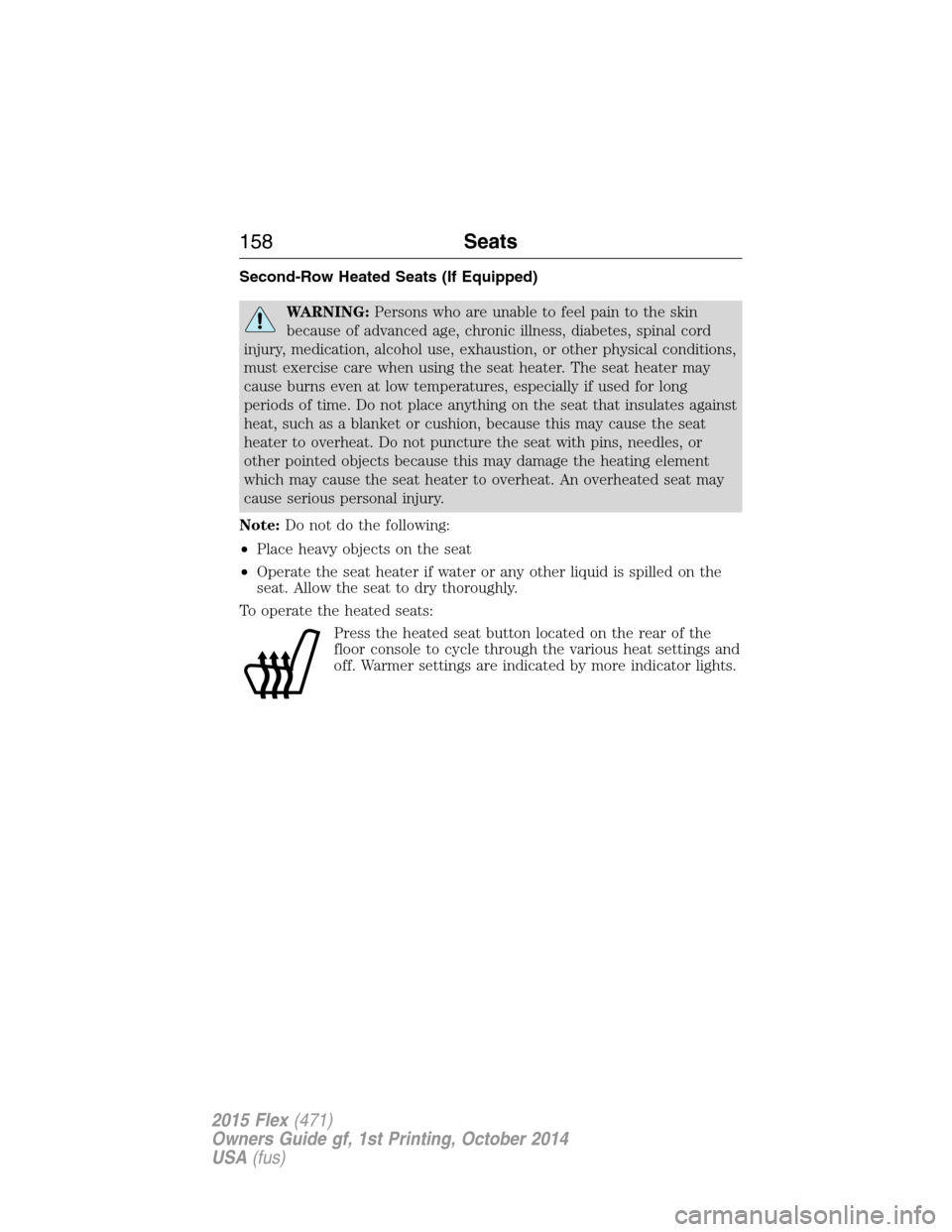
Press the heated seat button located on the rear of the
floor console to cycle through the various heat settings and
off. Warmer settings are indicated by more indicator lights.
158Seats
2015 Flex(471)
Owners Guide gf, 1st Printing, October 2014
USA(fus)
Page 160 of 571
CLIMATE CONTROLLED SEATS (IF EQUIPPED)
Heated Seats
WARNING:Persons who are unable to feel pain to the skin
because of advanced age, chronic illness, diabetes, spinal cord
injury, medication, alcohol use, exhaustion, or other physical conditions,
must exercise care when using the seat heater. The seat heater may
cause burns even at low temperatures, especially if used for long
periods of time. Do not place anything on the seat that insulates against
heat, such as a blanket or cushion, because this may cause the seat
heater to overheat. Do not puncture the seat with pins, needles, or
other pointed objects because this may damage the heating element
which may cause the seat heater to overheat. An overheated seat may
cause serious personal injury.
The heated seats will only function when the engine is running.
Note:Do not do the following:
•Place heavy objects on the seat
•Operate the seat heater if water or any other liquid is spilled on the
seat. Allow the seat to dry thoroughly.
To operate the heated seats:
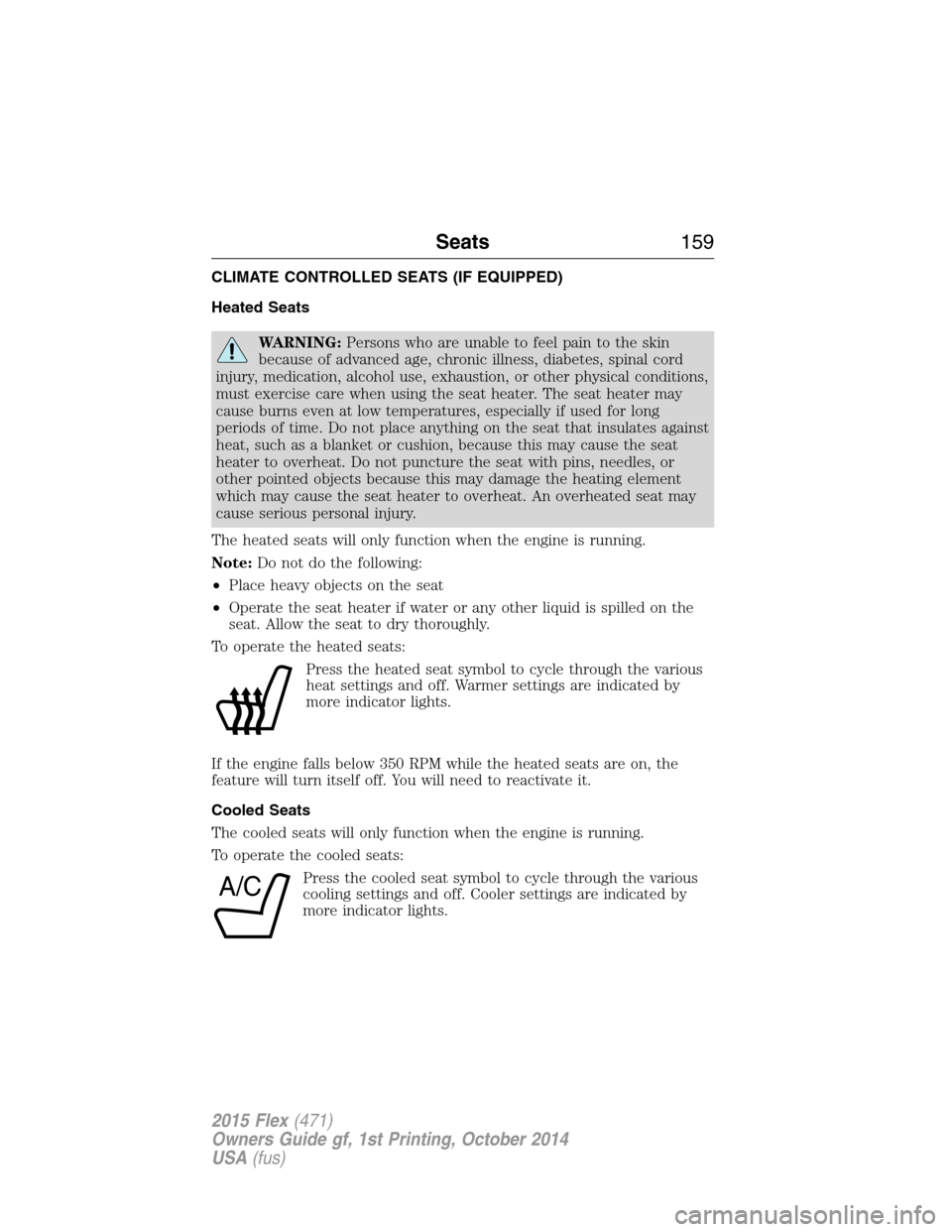
Press the heated seat symbol to cycle through the various
heat settings and off. Warmer settings are indicated by
more indicator lights.
If the engine falls below 350 RPM while the heated seats are on, the
feature will turn itself off. You will need to reactivate it.
Cooled Seats
The cooled seats will only function when the engine is running.
To operate the cooled seats:
Press the cooled seat symbol to cycle through the various
cooling settings and off. Cooler settings are indicated by
more indicator lights.
A/C
Seats159
2015 Flex(471)
Owners Guide gf, 1st Printing, October 2014
USA(fus)
Page 178 of 571
The power point can switch to a fault mode when it is overloaded,
overheated or shorted. Unplug your device and turn the ignition off then
on for overloading and shorting conditions. Let the system cool off, then
turn the ignition off then on for an overheating condition.
The power point can provide power whenever the ignition is on and the
indicator light is on. The indicator light is located in the top left corner
of the power point.
When the indicator light is:
•on — power point is ready to supply power
•off — power point power supply is off; ignition is not on
•blinking — power point is in fault mode
Auxiliary Power Points177
2015 Flex(471)
Owners Guide gf, 1st Printing, October 2014
USA(fus)
Page 206 of 571
Driving In Special Conditions With All-Wheel Drive (AWD)
AWD vehicles are equipped for driving on sand, snow, mud and rough
roads and have operating characteristics that are somewhat different
from conventional vehicles, both on and off the highway.
When driving at slow speeds in deep sand under high outside
temperatures, use a low gear when possible. Lower gear operation will
maximize the engine and transmission cooling capability.
Under severe operating conditions, the A/C may cycle on and off to
protect overheating of the engine.
Basic operating principles in special conditions
•Drive slower in strong crosswinds which can affect the normal steering
characteristics of your vehicle.
•Be extremely careful when driving on pavement made slippery by
loose sand, water, gravel, snow or ice.
If Your Vehicle Goes Off the Edge of the Pavement
•If your vehicle goes off the edge of the pavement, slow down, but
avoid severe brake application, ease the vehicle back onto the
pavement only after reducing your speed. Do not turn the steering
wheel too sharply while returning to the road surface.
•It may be safer to stay on the apron or shoulder of the road and slow
down gradually before returning to the pavement. You may lose
control if you do not slow down or if you turn the steering wheel too
sharply or abruptly.
•It often may be less risky to strike small objects, such as highway
reflectors, with minor damage to your vehicle rather than attempt a
sudden return to the pavement which could cause the vehicle to slide
sideways out of control or rollover. Remember, your safety and the
safety of others should be your primary concern.
If Your Vehicle Gets Stuck
WARNING:Always set the parking brake fully and make sure
the gearshift is latched in P (Park). Turn the ignition to the lock
position and remove the key whenever you leave your vehicle.
All-Wheel Drive (If Equipped)205
2015 Flex(471)
Owners Guide gf, 1st Printing, October 2014
USA(fus)
Page 208 of 571
Sand
When driving over sand, try to keep all four wheels on the most solid
area of the trail. Avoid reducing the tire pressures but shift to a lower
gear and drive steadily through the terrain. Apply the accelerator slowly
and avoid excessive wheel slip.
Do not drive your vehicle in deep sand for an extended period of time.
This could cause the AWD system to overheat and default to front-wheel
drive. If this occurs AWD Off will be displayed in the Information Display.
To resume normal AWD function as soon as possible, stop the vehicle in
a safe location and stop the engine for at least 10 minutes. After the
engine has been restarted and the AWD system has adequately cooled,
the AWD Off message will turn off and normal AWD function will return.
In the event the engine is not stopped, the AWD Off message will turn
off when the system cools and normal AWD function returns.
When driving at slow speeds in deep sand under high outside
temperatures, use L (Low) gear when possible. L (Low) gear operation
will maximize the engine and transmission cooling capability.
Under severe operating conditions, the A/C may cycle on and off to
protect overheating of the engine.
Avoid driving at excessive speeds, this causes vehicle momentum to work
against you and your vehicle could become stuck to the point that
assistance may be required from another vehicle. Remember, you may be
able to back out the way you came if you proceed with caution.
Mud and Water
If you must drive through high water, drive slowly. Traction or brake
capability may be limited.
When driving through water, determine the depth; avoid water higher
than the bottom of the wheel rims (for cars) or the bottom of the hubs
(for trucks) (if possible) and proceed slowly. If the ignition system gets
wet, the vehicle may stall.
Once through water, always try the brakes. Wet brakes do not stop the
vehicle as effectively as dry brakes. Drying can be improved by moving
your vehicle slowly while applying light pressure on the brake pedal.
Be cautious of sudden changes in vehicle speed or direction when you
are driving in mud. Even AWD vehicles can lose traction in slick mud. As
when you are driving over sand, apply the accelerator slowly and avoid
spinning your wheels. If the vehicle does slide, steer in the direction of
the slide until you regain control of the vehicle.
All-Wheel Drive (If Equipped)207
2015 Flex(471)
Owners Guide gf, 1st Printing, October 2014
USA(fus)