tire type FORD FLEX 2017 1.G User Guide
[x] Cancel search | Manufacturer: FORD, Model Year: 2017, Model line: FLEX, Model: FORD FLEX 2017 1.GPages: 496, PDF Size: 5.92 MB
Page 297 of 496
1.
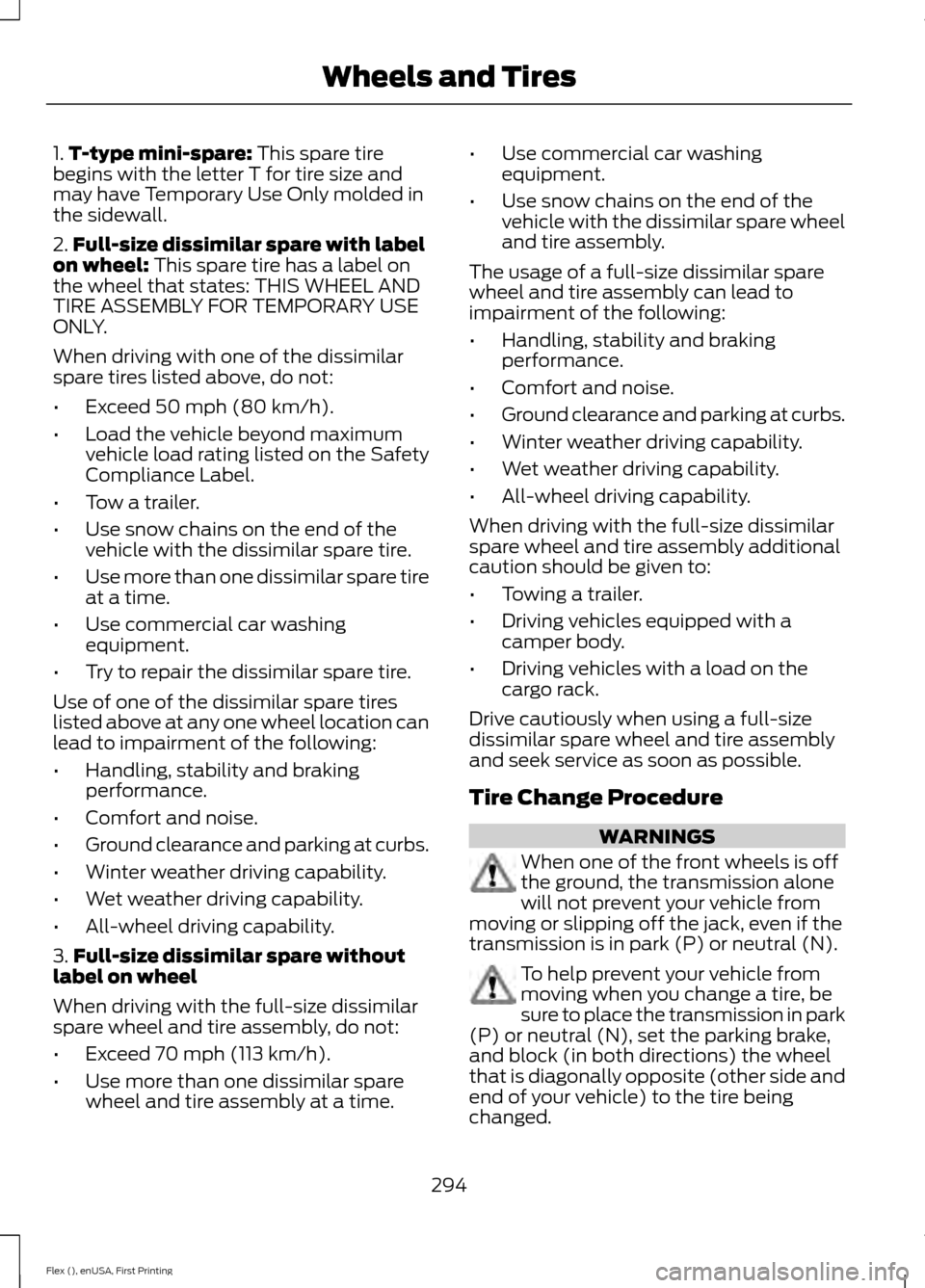
T-type mini-spare: This spare tire
begins with the letter T for tire size and
may have Temporary Use Only molded in
the sidewall.
2. Full-size dissimilar spare with label
on wheel:
This spare tire has a label on
the wheel that states: THIS WHEEL AND
TIRE ASSEMBLY FOR TEMPORARY USE
ONLY.
When driving with one of the dissimilar
spare tires listed above, do not:
• Exceed
50 mph (80 km/h).
• Load the vehicle beyond maximum
vehicle load rating listed on the Safety
Compliance Label.
• Tow a trailer.
• Use snow chains on the end of the
vehicle with the dissimilar spare tire.
• Use more than one dissimilar spare tire
at a time.
• Use commercial car washing
equipment.
• Try to repair the dissimilar spare tire.
Use of one of the dissimilar spare tires
listed above at any one wheel location can
lead to impairment of the following:
• Handling, stability and braking
performance.
• Comfort and noise.
• Ground clearance and parking at curbs.
• Winter weather driving capability.
• Wet weather driving capability.
• All-wheel driving capability.
3. Full-size dissimilar spare without
label on wheel
When driving with the full-size dissimilar
spare wheel and tire assembly, do not:
• Exceed
70 mph (113 km/h).
• Use more than one dissimilar spare
wheel and tire assembly at a time. •
Use commercial car washing
equipment.
• Use snow chains on the end of the
vehicle with the dissimilar spare wheel
and tire assembly.
The usage of a full-size dissimilar spare
wheel and tire assembly can lead to
impairment of the following:
• Handling, stability and braking
performance.
• Comfort and noise.
• Ground clearance and parking at curbs.
• Winter weather driving capability.
• Wet weather driving capability.
• All-wheel driving capability.
When driving with the full-size dissimilar
spare wheel and tire assembly additional
caution should be given to:
• Towing a trailer.
• Driving vehicles equipped with a
camper body.
• Driving vehicles with a load on the
cargo rack.
Drive cautiously when using a full-size
dissimilar spare wheel and tire assembly
and seek service as soon as possible.
Tire Change Procedure WARNINGS
When one of the front wheels is off
the ground, the transmission alone
will not prevent your vehicle from
moving or slipping off the jack, even if the
transmission is in park (P) or neutral (N). To help prevent your vehicle from
moving when you change a tire, be
sure to place the transmission in park
(P) or neutral (N), set the parking brake,
and block (in both directions) the wheel
that is diagonally opposite (other side and
end of your vehicle) to the tire being
changed.
294
Flex (), enUSA, First Printing Wheels and Tires
Page 403 of 496
3D city models are complete 3D models
of entire city areas including navigable
roads, parks, rivers and rendered buildings.
3D landmarks and city models appear in
3D map mode only. Coverage of these
varies and improves with updated map
releases.
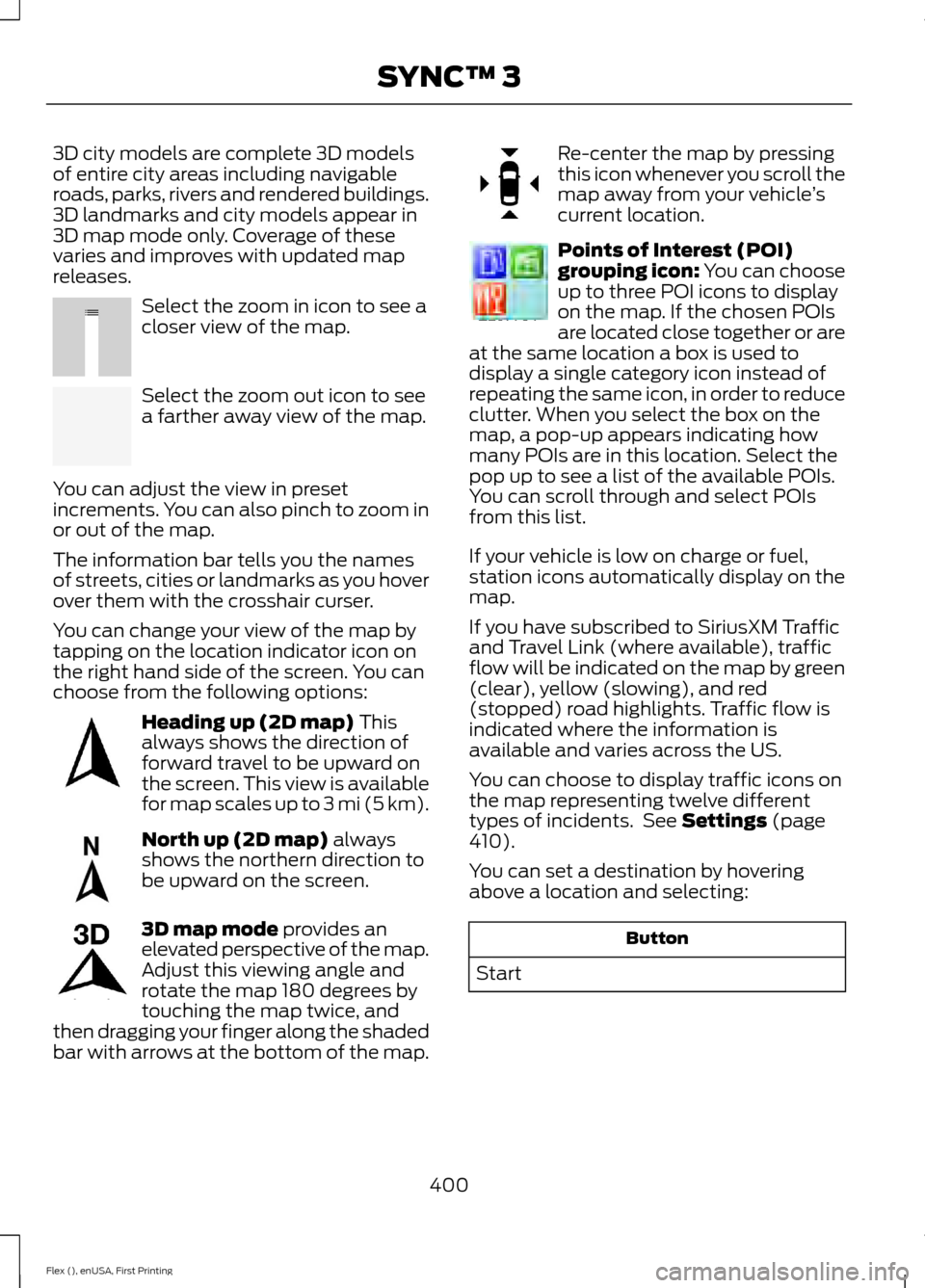
Select the zoom in icon to see a
closer view of the map.
Select the zoom out icon to see
a farther away view of the map.
You can adjust the view in preset
increments. You can also pinch to zoom in
or out of the map.
The information bar tells you the names
of streets, cities or landmarks as you hover
over them with the crosshair curser.
You can change your view of the map by
tapping on the location indicator icon on
the right hand side of the screen. You can
choose from the following options: Heading up (2D map) This
always shows the direction of
forward travel to be upward on
the screen. This view is available
for map scales up to
3 mi (5 km). North up (2D map)
always
shows the northern direction to
be upward on the screen. 3D map mode
provides an
elevated perspective of the map.
Adjust this viewing angle and
rotate the map 180 degrees by
touching the map twice, and
then dragging your finger along the shaded
bar with arrows at the bottom of the map. Re-center the map by pressing
this icon whenever you scroll the
map away from your vehicle
’s
current location. Points of Interest (POI)
grouping icon: You can choose
up to three POI icons to display
on the map. If the chosen POIs
are located close together or are
at the same location a box is used to
display a single category icon instead of
repeating the same icon, in order to reduce
clutter. When you select the box on the
map, a pop-up appears indicating how
many POIs are in this location. Select the
pop up to see a list of the available POIs.
You can scroll through and select POIs
from this list.
If your vehicle is low on charge or fuel,
station icons automatically display on the
map.
If you have subscribed to SiriusXM Traffic
and Travel Link (where available), traffic
flow will be indicated on the map by green
(clear), yellow (slowing), and red
(stopped) road highlights. Traffic flow is
indicated where the information is
available and varies across the US.
You can choose to display traffic icons on
the map representing twelve different
types of incidents. See
Settings (page
410).
You can set a destination by hovering
above a location and selecting: Button
Start
400
Flex (), enUSA, First Printing SYNC™ 3E207752 E207753 E207750 E207749 E207748 E207751 E207754
Page 487 of 496
Checking the Transmission Fluid
Level................................................................... 254
Autowipers........................................................79
Auxiliary Power Points................................145 110 Volt AC Power Point................................... 145
12 Volt DC Power Point..................................... 145
Locations............................................................... 145
AWD See: All-Wheel Drive......................................... 168
B
Battery See: Changing the 12V Battery..................... 256
Blind Spot Information System..............195
Switching the System Off and On...............196
System Errors....................................................... 196
System Limitations............................................ 196
Using the System............................................... 195
Bonnet Lock See: Opening and Closing the Hood..........244
Booster Seats..................................................28 Types of Booster Seats...................................... 29
Brake Fluid Check........................................255
Brakes................................................................175 General Information........................................... 175
Breaking-In......................................................217
Bulb Specification Chart...........................263
C
Cabin Air Filter................................................124
California Proposition 65..............................11
Capacities and Specifications - 3.5L Duratec.........................................................304
Alternative Engine Oil for Extremely Cold Climates........................................................... 307
Specifications..................................................... 304
Capacities and Specifications - 3.5L Ecoboost™.................................................308
Alternative Engine Oil for Extremely Cold Climates............................................................ 312
Specifications..................................................... 309
Capacities and Specifications................299
Cargo Nets
.....................................................203
Car Wash See: Cleaning the Exterior.............................. 266Center Console
..............................................147
Console Refrigerator and Freezer.................147
Second Row Center Console.......................... 147
Changing a Bulb..........................................260 Brake and Rear Lamps, Rear Direction
Indicator and Reversing Lamp.................262
Front Direction Indicator and Front Parking Lamp.................................................................. 261
Front Fog Lamp.................................................. 262
Headlamp.............................................................. 261
Headlamp Low Beam and Headlamp High Beam.................................................................. 261
LED Lamps........................................................... 263
License Plate Lamp.......................................... 263
Changing a Fuse...........................................242 Fuses....................................................................... 242
Changing a Road Wheel
...........................293
Dissimilar Spare Wheel and Tire Assembly
Information..................................................... 293
Tire Change Procedure.................................... 294
Changing the 12V Battery.........................256
Changing the Engine Air Filter................265
Changing the Wiper Blades
.....................258
Front Wiper Blades........................................... 258
Rear Window Wiper Blade............................. 259
Checking MyKey System Status..............60
Checking the Wiper Blades
.....................258
Child Restraint and Seatbelt Maintenance..................................................41
Child Restraint Positioning
.........................30
Child Safety.......................................................18
General Information............................................. 18
Child Safety Locks..........................................32 Left-Hand Side...................................................... 33
Right-Hand Side................................................... 33
Cleaning Leather Seats
.............................270
Cleaning Products.......................................266 Materials............................................................... 266
Cleaning the Engine
...................................268
Cleaning the Exterior..................................266 Exterior Chrome Parts...................................... 267
Exterior Plastic Parts......................................... 267
Stripes or Graphics............................................ 267
Underbody............................................................ 267
Under Hood.......................................................... 267
Cleaning the Instrument Panel and Instrument Cluster Lens........................269
Cleaning the Interior
...................................269
484
Flex (), enUSA, First Printing Index