interior lights FORD FLEX 2018 Owners Manual
[x] Cancel search | Manufacturer: FORD, Model Year: 2018, Model line: FLEX, Model: FORD FLEX 2018Pages: 508, PDF Size: 6.31 MB
Page 87 of 508
INSTRUMENT LIGHTING
DIMMER
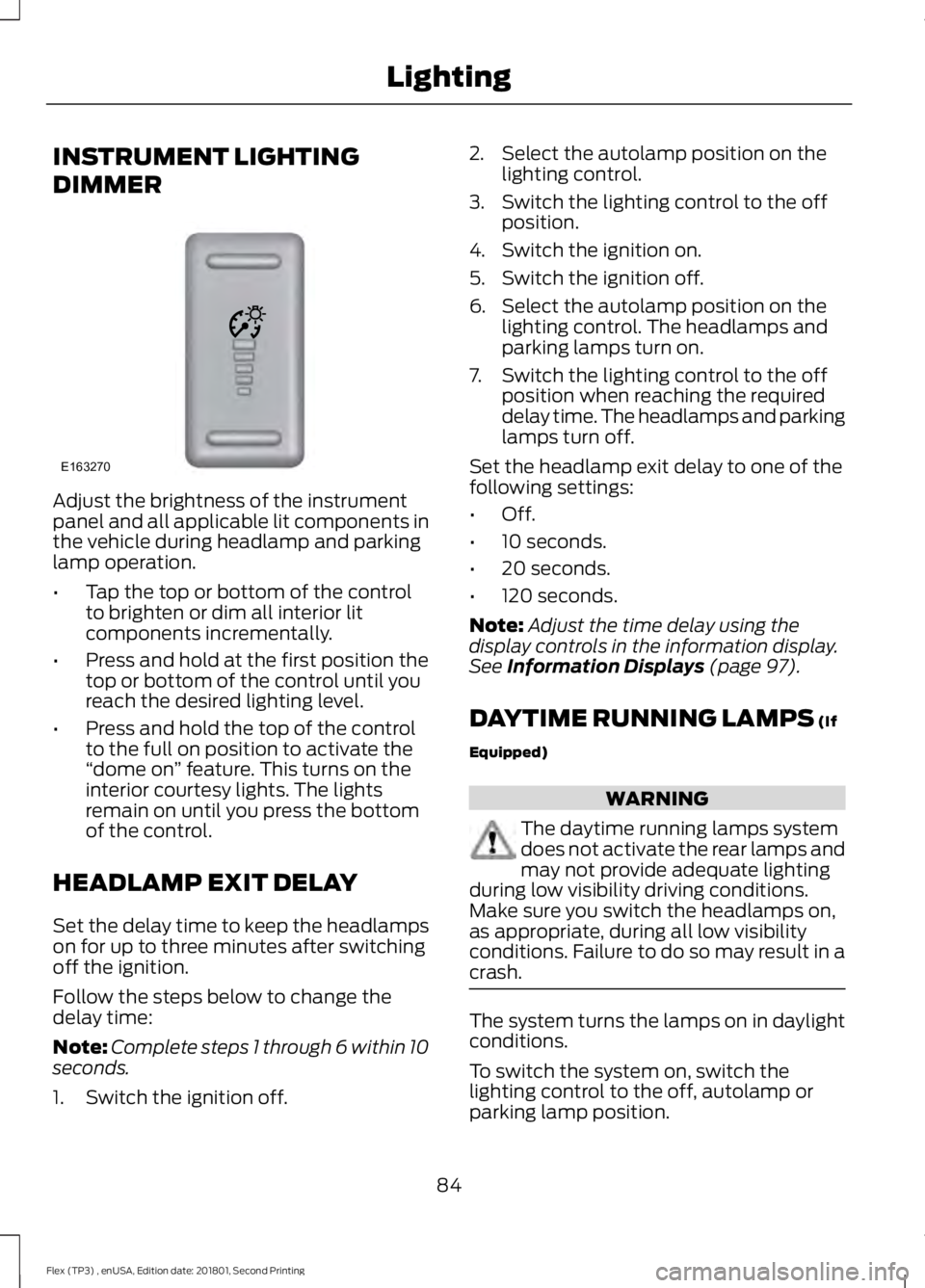
Adjust the brightness of the instrument
panel and all applicable lit components in
the vehicle during headlamp and parking
lamp operation.
•
Tap the top or bottom of the control
to brighten or dim all interior lit
components incrementally.
• Press and hold at the first position the
top or bottom of the control until you
reach the desired lighting level.
• Press and hold the top of the control
to the full on position to activate the
“dome on ” feature. This turns on the
interior courtesy lights. The lights
remain on until you press the bottom
of the control.
HEADLAMP EXIT DELAY
Set the delay time to keep the headlamps
on for up to three minutes after switching
off the ignition.
Follow the steps below to change the
delay time:
Note: Complete steps 1 through 6 within 10
seconds.
1. Switch the ignition off. 2. Select the autolamp position on the
lighting control.
3. Switch the lighting control to the off position.
4. Switch the ignition on.
5. Switch the ignition off.
6. Select the autolamp position on the lighting control. The headlamps and
parking lamps turn on.
7. Switch the lighting control to the off position when reaching the required
delay time. The headlamps and parking
lamps turn off.
Set the headlamp exit delay to one of the
following settings:
• Off.
• 10 seconds.
• 20 seconds.
• 120 seconds.
Note: Adjust the time delay using the
display controls in the information display.
See Information Displays (page 97).
DAYTIME RUNNING LAMPS
(If
Equipped) WARNING
The daytime running lamps system
does not activate the rear lamps and
may not provide adequate lighting
during low visibility driving conditions.
Make sure you switch the headlamps on,
as appropriate, during all low visibility
conditions. Failure to do so may result in a
crash. The system turns the lamps on in daylight
conditions.
To switch the system on, switch the
lighting control to the off, autolamp or
parking lamp position.
84
Flex (TP3) , enUSA, Edition date: 201801, Second Printing LightingE163270
Page 93 of 508
INTERIOR MIRROR
WARNING
Do not adjust the mirror when your
vehicle is moving.
Note:
Do not clean the housing or glass of
any mirror with harsh abrasives, fuel or other
petroleum or ammonia-based cleaning
products.
You can adjust the interior mirror to your
preference. Some mirrors also have a
second pivot point. This lets you move the
mirror head up or down and from side to
side.
Auto-Dimming Mirror
Note: Do not block the sensors on the front
and back of the mirror. Mirror performance
may be affected. A rear center passenger or
raised rear center head restraint may also
block light from reaching the sensor.
The mirror will dim automatically to reduce
glare when bright lights are detected from
behind your vehicle. It will automatically
return to normal reflection when you select
reverse gear to make sure you have a clear
view when backing up.
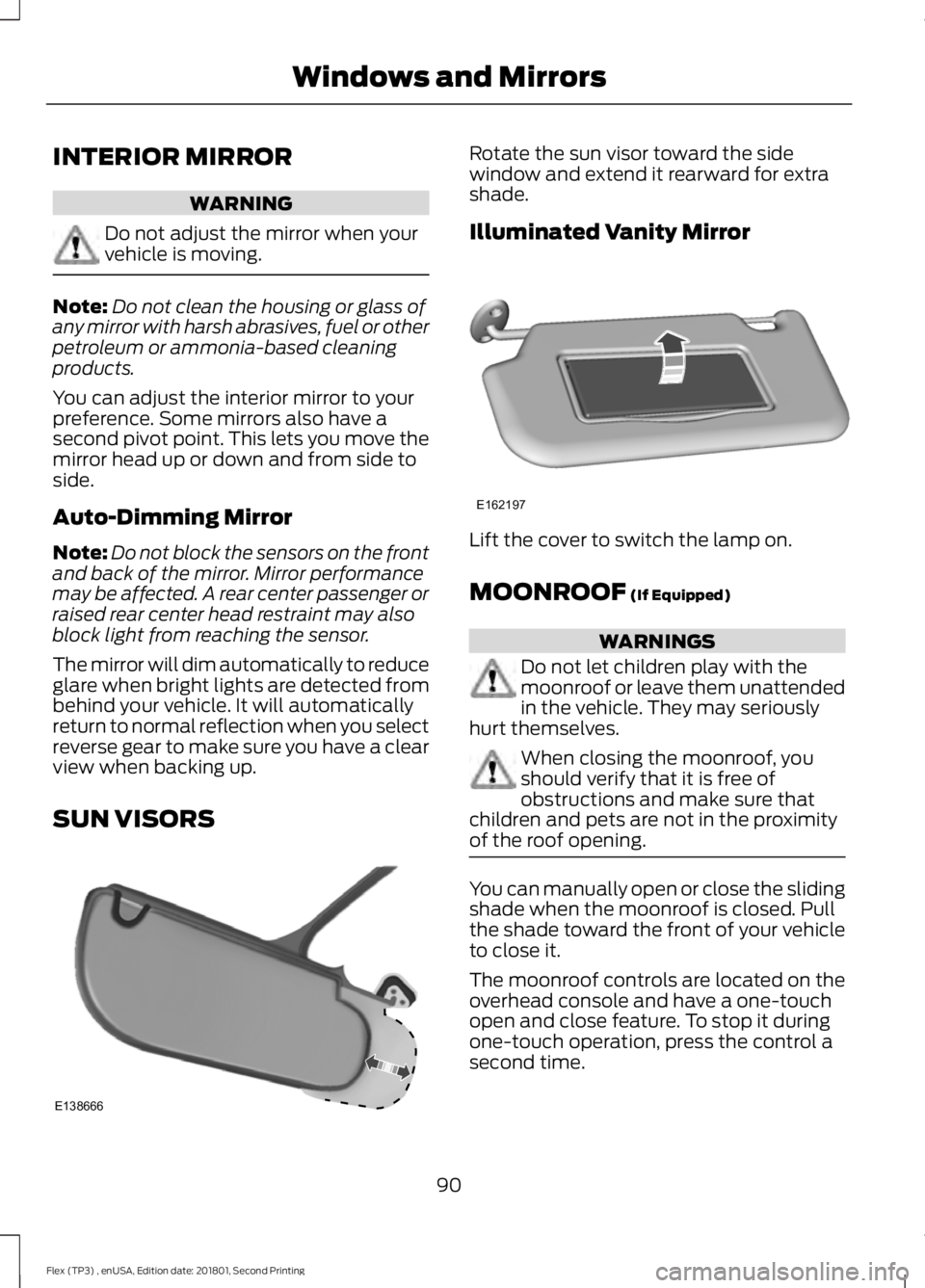
SUN VISORS Rotate the sun visor toward the side
window and extend it rearward for extra
shade.
Illuminated Vanity Mirror
Lift the cover to switch the lamp on.
MOONROOF (If Equipped)
WARNINGS
Do not let children play with the
moonroof or leave them unattended
in the vehicle. They may seriously
hurt themselves. When closing the moonroof, you
should verify that it is free of
obstructions and make sure that
children and pets are not in the proximity
of the roof opening. You can manually open or close the sliding
shade when the moonroof is closed. Pull
the shade toward the front of your vehicle
to close it.
The moonroof controls are located on the
overhead console and have a one-touch
open and close feature. To stop it during
one-touch operation, press the control a
second time.
90
Flex (TP3) , enUSA, Edition date: 201801, Second Printing Windows and MirrorsE138666 E162197
Page 199 of 508
BLIND SPOT INFORMATION
SYSTEM (If Equipped)
WARNING
Never
use the Blind Spot
Information System as a
replacement for using the interior
and exterior mirrors or looking over your
shoulder before changing lanes. The Blind
Spot Information System is not a
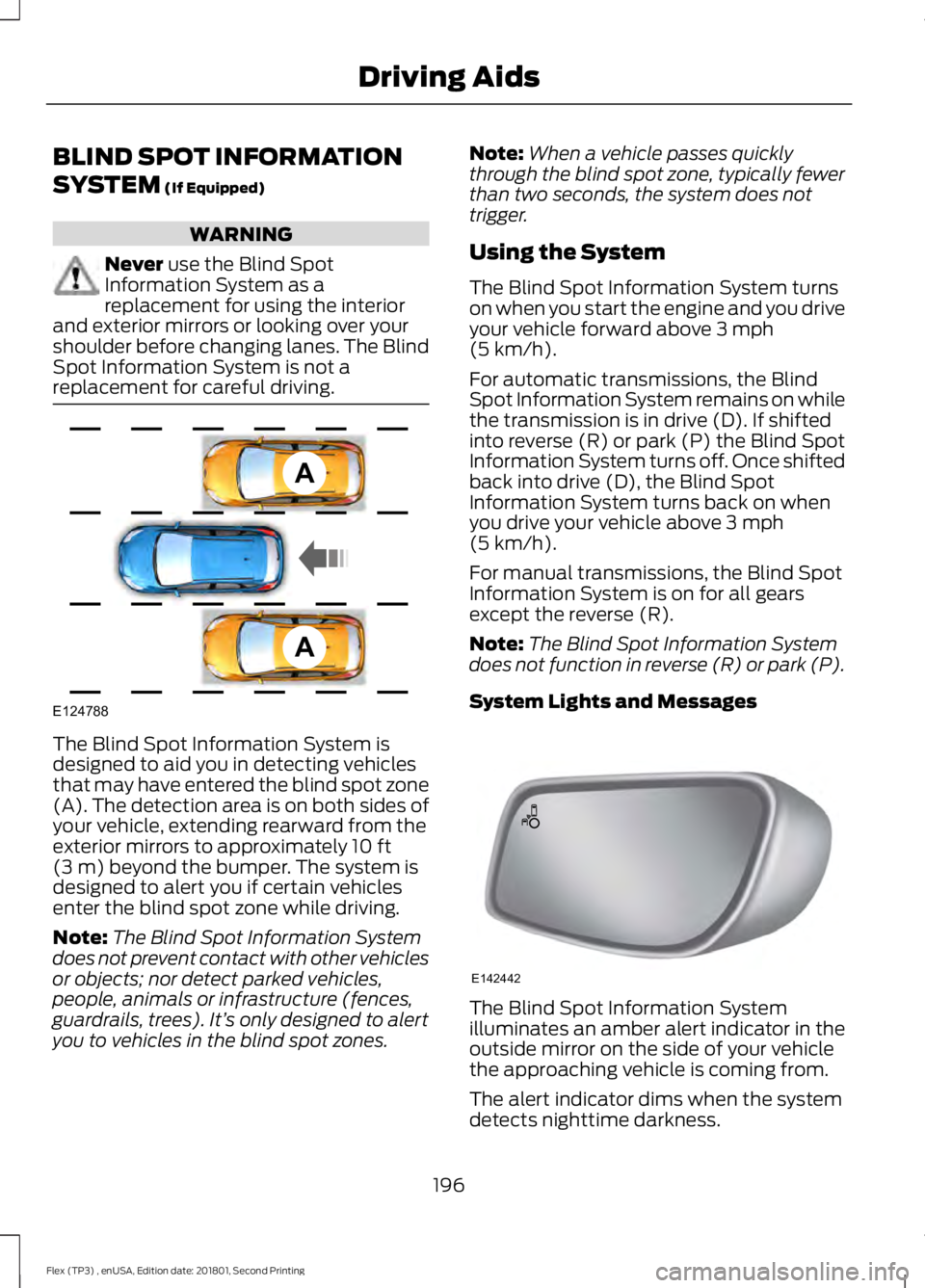
replacement for careful driving. The Blind Spot Information System is
designed to aid you in detecting vehicles
that may have entered the blind spot zone
(A). The detection area is on both sides of
your vehicle, extending rearward from the
exterior mirrors to approximately
10 ft
(3 m) beyond the bumper. The system is
designed to alert you if certain vehicles
enter the blind spot zone while driving.
Note: The Blind Spot Information System
does not prevent contact with other vehicles
or objects; nor detect parked vehicles,
people, animals or infrastructure (fences,
guardrails, trees). It’ s only designed to alert
you to vehicles in the blind spot zones. Note:
When a vehicle passes quickly
through the blind spot zone, typically fewer
than two seconds, the system does not
trigger.
Using the System
The Blind Spot Information System turns
on when you start the engine and you drive
your vehicle forward above
3 mph
(5 km/h).
For automatic transmissions, the Blind
Spot Information System remains on while
the transmission is in drive (D). If shifted
into reverse (R) or park (P) the Blind Spot
Information System turns off. Once shifted
back into drive (D), the Blind Spot
Information System turns back on when
you drive your vehicle above
3 mph
(5 km/h).
For manual transmissions, the Blind Spot
Information System is on for all gears
except the reverse (R).
Note: The Blind Spot Information System
does not function in reverse (R) or park (P).
System Lights and Messages The Blind Spot Information System
illuminates an amber alert indicator in the
outside mirror on the side of your vehicle
the approaching vehicle is coming from.
The alert indicator dims when the system
detects nighttime darkness.
196
Flex (TP3) , enUSA, Edition date: 201801, Second Printing Driving AidsA
A
E124788 E142442
Page 452 of 508
Check Every Month
Engine oil level.
Function of all interior and exterior lights.
Tires (including spare) for wear and proper pressure. Windshield washer fluid level.
Fuel and water separator. Drain if necessary (or if indicated by the information display). Holes and slots in the tail pipe to make sure they are functional and clear of debris. Check Every Six Months
Battery connections. Clean if necessary.
Body and door drain holes for obstructions. Clean if necessary. Cooling system fluid level and coolant strength.
Door weatherstrips for wear. Lubricate if necessary.
Hinges, latches and outside locks for proper operation. Lubricate if necessary. Parking brake for proper operation.
Safety belts and seat latches for wear and function.
Safety warning lamps (brake, ABS, airbag and safety belt) for operation.
Washer spray and wiper operation. Clean or replace blades as necessary.
Multi-Point Inspection
In order to keep your vehicle running right,
it is important to have the systems on your
vehicle checked regularly. This can help
identify potential issues and prevent major
problems. We recommend having the
following multi-point inspection performed
at every scheduled maintenance interval
to help make sure your vehicle keeps
running great.
449
Flex (TP3) , enUSA, Edition date: 201801, Second Printing Scheduled Maintenance
Page 500 of 508
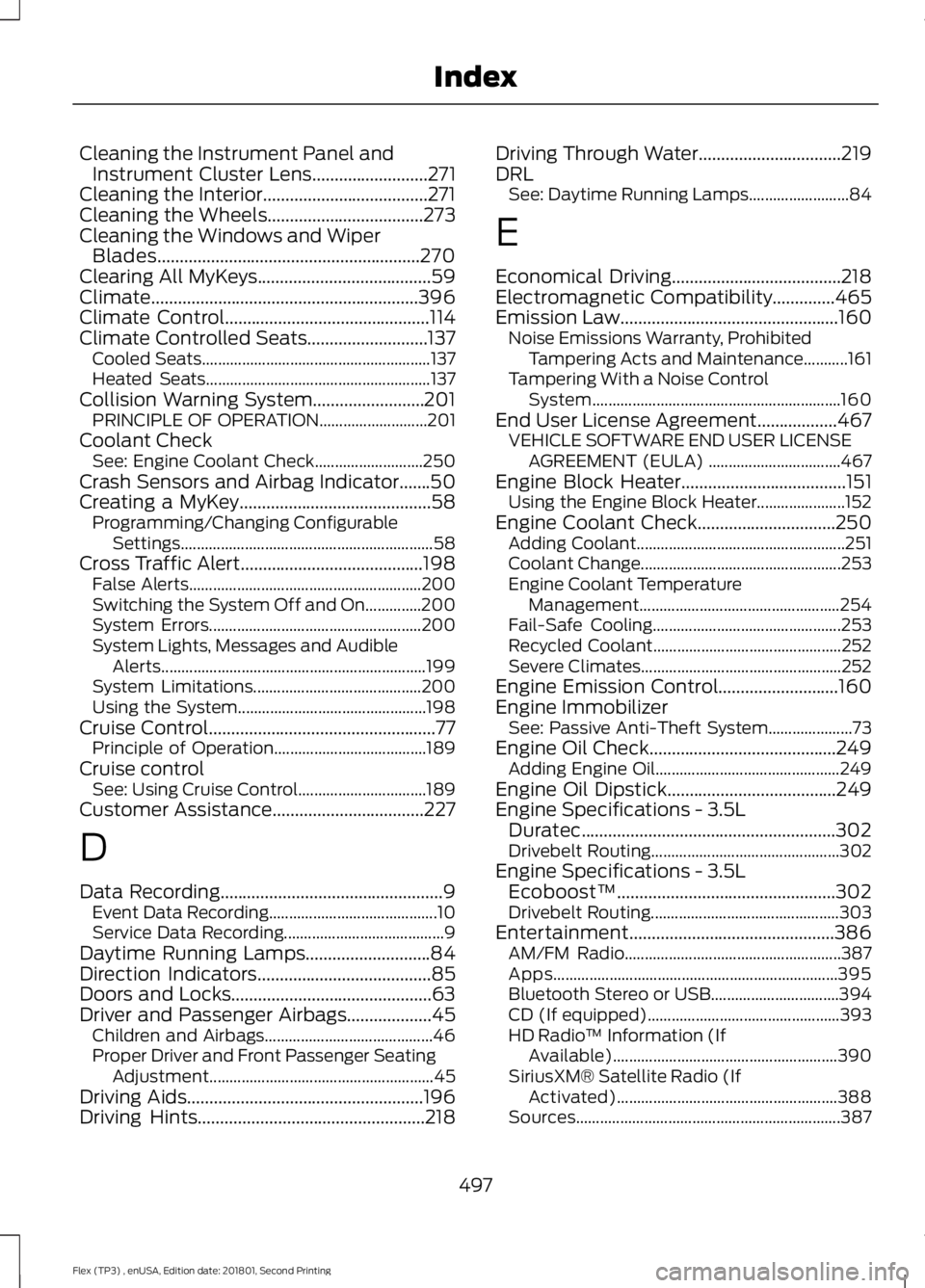
Cleaning the Instrument Panel and
Instrument Cluster Lens..........................271
Cleaning the Interior.....................................271
Cleaning the Wheels
...................................273
Cleaning the Windows and Wiper Blades...........................................................270
Clearing All MyKeys
.......................................59
Climate............................................................396
Climate Control
..............................................114
Climate Controlled Seats...........................137 Cooled Seats......................................................... 137
Heated Seats........................................................ 137
Collision Warning System.........................201 PRINCIPLE OF OPERATION........................... 201
Coolant Check See: Engine Coolant Check........................... 250
Crash Sensors and Airbag Indicator
.......50
Creating a MyKey...........................................58
Programming/Changing Configurable
Settings............................................................... 58
Cross Traffic Alert.........................................198 False Alerts.......................................................... 200
Switching the System Off and On..............200
System Errors..................................................... 200
System Lights, Messages and Audible Alerts.................................................................. 199
System Limitations.......................................... 200
Using the System............................................... 198
Cruise Control
...................................................77
Principle of Operation...................................... 189
Cruise control See: Using Cruise Control................................ 189
Customer Assistance
..................................227
D
Data Recording
..................................................9
Event Data Recording.......................................... 10
Service Data Recording........................................ 9
Daytime Running Lamps............................84
Direction Indicators
.......................................85
Doors and Locks.............................................63
Driver and Passenger Airbags...................45 Children and Airbags.......................................... 46
Proper Driver and Front Passenger Seating Adjustment........................................................ 45
Driving Aids
.....................................................196
Driving Hints...................................................218 Driving Through Water
................................219
DRL See: Daytime Running Lamps......................... 84
E
Economical Driving
......................................218
Electromagnetic Compatibility..............465
Emission Law.................................................160 Noise Emissions Warranty, Prohibited
Tampering Acts and Maintenance...........161
Tampering With a Noise Control System.............................................................. 160
End User License Agreement..................467 VEHICLE SOFTWARE END USER LICENSE
AGREEMENT (EULA) ................................. 467
Engine Block Heater
.....................................151
Using the Engine Block Heater...................... 152
Engine Coolant Check...............................250 Adding Coolant.................................................... 251
Coolant Change.................................................. 253
Engine Coolant Temperature Management.................................................. 254
Fail-Safe Cooling............................................... 253
Recycled Coolant............................................... 252
Severe Climates.................................................. 252
Engine Emission Control...........................160
Engine Immobilizer See: Passive Anti-Theft System..................... 73
Engine Oil Check..........................................249 Adding Engine Oil.............................................. 249
Engine Oil Dipstick
......................................249
Engine Specifications - 3.5L Duratec
.........................................................302
Drivebelt Routing............................................... 302
Engine Specifications - 3.5L Ecoboost™.................................................302
Drivebelt Routing............................................... 303
Entertainment..............................................386 AM/FM Radio...................................................... 387
Apps....................................................................... 395
Bluetooth Stereo or USB................................ 394
CD (If equipped)................................................ 393
HD Radio ™ Information (If
Available)........................................................ 390
SiriusXM® Satellite Radio (If Activated)....................................................... 388
Sources.................................................................. 387
497
Flex (TP3) , enUSA, Edition date: 201801, Second Printing Index