airbag FORD FLEX 2019 Owner's Guide
[x] Cancel search | Manufacturer: FORD, Model Year: 2019, Model line: FLEX, Model: FORD FLEX 2019Pages: 513, PDF Size: 39.3 MB
Page 372 of 513
![FORD FLEX 2019 Owners Guide If a crash deploys an airbag (excluding
knee airbags and rear inflatable safety
belts [if equipped]) or activates the fuel
pump shut-off, your SYNC-equipped
vehicle may be able to contact emergency
se](/img/11/40710/w960_40710-371.png "FORD FLEX 2019 Owners Guide If a crash deploys an airbag (excluding
knee airbags and rear inflatable safety
belts [if equipped]) or activates the fuel
pump shut-off, your SYNC-equipped
vehicle may be able to contact emergency
se")
If a crash deploys an airbag (excluding
knee airbags and rear inflatable safety
belts [if equipped]) or activates the fuel
pump shut-off, your SYNC-equipped
vehicle may be able to contact emergency
services by dialing 911 through a paired and
connected Bluetooth enabled phone. You
can learn more about the 911 Assist
feature, by visiting:
Website
www.owner.ford.com
www.syncmyride.ca
www.syncmaroute.ca
For important information about airbag
deployment and the fuel pump shut-off
please see the Supplementary Restrains
and Roadside Emergencies sections of
your owner manual.
To switch 911 Assist on and off please view
the settings information. See Settings
(page 411).
To make sure that 911 Assist works
correctly:
• SYNC must be powered and working
properly at the time of the incident and
throughout feature activation and use.
• The 911 Assist feature must be set on
before the incident.
• You must pair and connect a Bluetooth
enabled and compatible cell phone to
SYNC.
• A connected Bluetooth enabled phone
must have the ability to make and
maintain an outgoing call at the time
of the incident.
• A connected Bluetooth enabled phone
must have adequate network coverage,
battery power and signal strength.
• The vehicle must have battery power
and be located in the U.S., Canada or
in a territory in which 911 is the
emergency number. In the Event of a Crash
Not all crashes will deploy an airbag or
activate the fuel pump shut-off (the
triggers for 911 Assist). If a connected cell
phone sustains damage or loses its
connection to SYNC during a crash, SYNC
will search for and try to connect to a
previously paired cell phone; SYNC will
then attempt to call the emergency
services.
Before making the call:
•
SYNC provides a short window of time
(about 10 seconds) to cancel the call.
If you fail to cancel the call, SYNC
attempts to dial 911.
• SYNC says the following, or a similar
message: "SYNC will attempt to call
911, to cancel the call, press Cancel on
your screen or press and hold the
phone button on your steering wheel."
If you do not cancel the call, and SYNC
makes a successful call, a pre-recorded
message plays for the 911 operator, and
then the occupant(s) in your vehicle is able
to talk with the operator. Be prepared to
provide your name, phone number and
location immediately, because not all 911
systems are capable of receiving this
information electronically.
911 Assist May Not Work If
• Your cellular phone or 911 Assist
hardware sustains damage in a crash.
• The vehicle's battery or the SYNC
system has no power.
• The phone(s) thrown from your vehicle
are the ones paired and connected to
the system.
369
Flex (TP3) , enUSA, Edition date: 201803, Second-Printing SYNC™ 3
Page 373 of 513
911 Assist Privacy Notice
When you switch on 911 Assist, it may
disclose to emergency services that your
vehicle has been in a crash involving the
deployment of an airbag or activation of
the fuel pump shut-off. Certain versions or
updates to 911 Assist may also be capable
of electronically or verbally disclosing to
911 operators your vehicle location or other
details about your vehicle or crash to assist
911 operators to provide the most
appropriate emergency services. If you do
not want to disclose this information, do
not switch the feature on.
Safety Information
WARNING: Driving while distracted
can result in loss of vehicle control, crash
and injury. We strongly recommend that
you use extreme caution when using any
device that may take your focus off the
road. Your primary responsibility is the safe
operation of your vehicle. We recommend
against the use of any hand-held device
while driving and encourage the use of
voice-operated systems when possible.
Make sure you are aware of all applicable
local laws that may affect the use of
electronic devices while driving.
• Do not attempt to service or repair the
system. Have an authorized dealer
check your vehicle.
• Do not operate playing devices if the
power cords or cables are broken, split
or damaged. Place cords and cables
out of the way, so they do not interfere
with the operation of pedals, seats,
compartments or safe driving abilities. •
Do not leave playing devices in your
vehicle during extreme conditions as it
could cause them damage. See your
device's user guide for further
information.
• For your safety, some SYNC 3 functions
are speed-dependent. Their use is
limited to when your vehicle is traveling
at speeds under 3 mph (5 km/h). Make
sure that you review your device's
manual before using it with SYNC 3.
Speed-restricted Features
Some features of this system may be too
difficult to use while your vehicle is moving
so they are restricted from use unless your
vehicle is stationary.
• Screens crowded with information,
such as Point of Interest reviews and
ratings, SiriusXM Traffic and Travel Link
sports scores, movie times or ski
conditions.
• Any action that requires you to use a
keyboard is restricted, such as entering
a navigation destination or editing
information.
• All lists are limited so the user can view
fewer entries (such as phone contacts
or recent phone call entries).
See the following table for more specific
examples.
370
Flex (TP3) , enUSA, Edition date: 201803, Second-Printing SYNC™ 3
Page 447 of 513
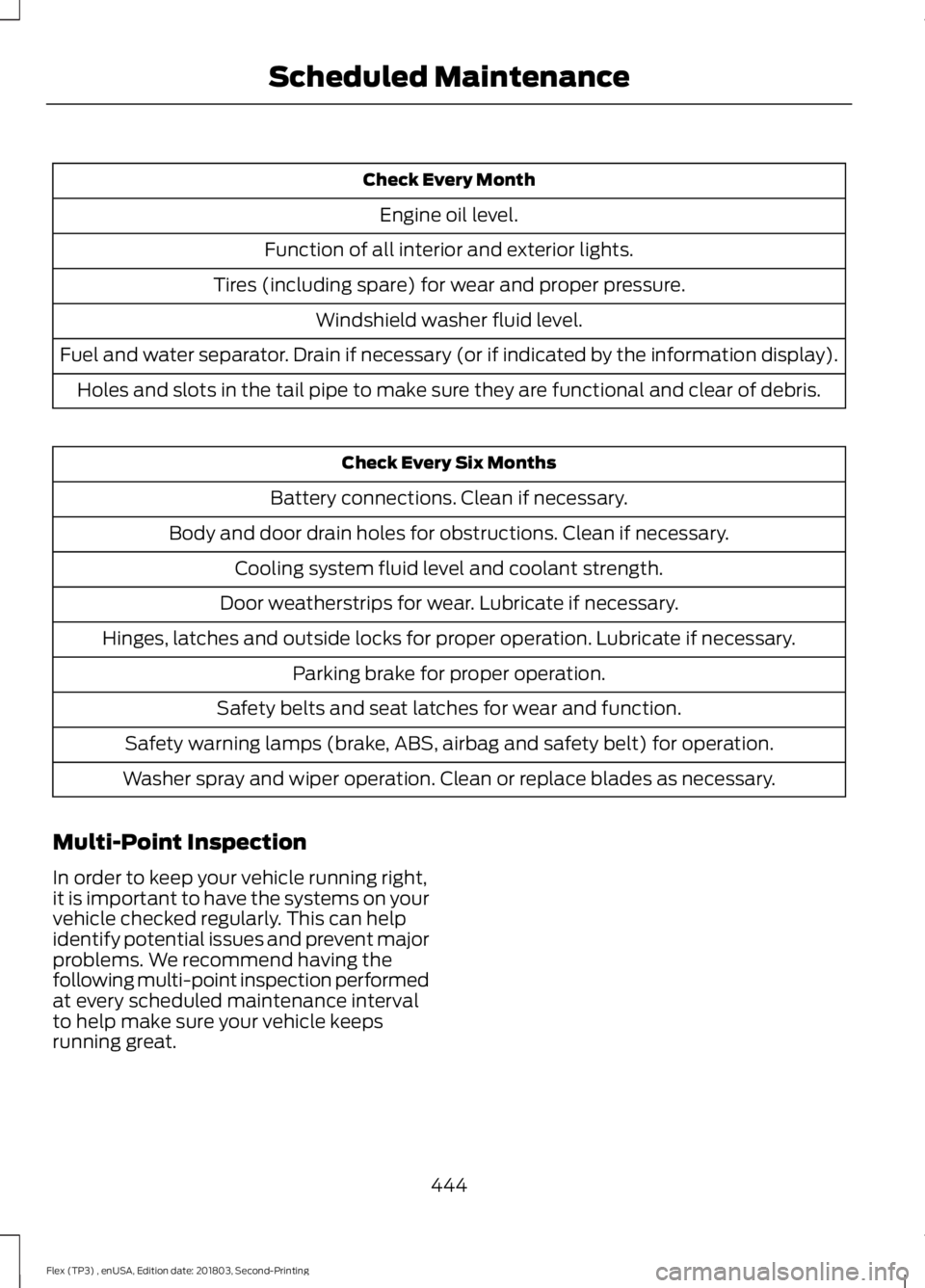
Check Every Month
Engine oil level.
Function of all interior and exterior lights.
Tires (including spare) for wear and proper pressure. Windshield washer fluid level.
Fuel and water separator. Drain if necessary (or if indicated by the information display). Holes and slots in the tail pipe to make sure they are functional and clear of debris. Check Every Six Months
Battery connections. Clean if necessary.
Body and door drain holes for obstructions. Clean if necessary. Cooling system fluid level and coolant strength.
Door weatherstrips for wear. Lubricate if necessary.
Hinges, latches and outside locks for proper operation. Lubricate if necessary. Parking brake for proper operation.
Safety belts and seat latches for wear and function.
Safety warning lamps (brake, ABS, airbag and safety belt) for operation.
Washer spray and wiper operation. Clean or replace blades as necessary.
Multi-Point Inspection
In order to keep your vehicle running right,
it is important to have the systems on your
vehicle checked regularly. This can help
identify potential issues and prevent major
problems. We recommend having the
following multi-point inspection performed
at every scheduled maintenance interval
to help make sure your vehicle keeps
running great.
444
Flex (TP3) , enUSA, Edition date: 201803, Second-Printing Scheduled Maintenance
Page 463 of 513
ELECTROMAGNETIC
COMPATIBILITY
WARNING: Do not place objects or
mount equipment on or near the airbag
cover, on the side of the seatbacks (of the
front seats), or in front seat areas that may
come into contact with a deploying airbag.
Failure to follow these instructions may
increase the risk of personal injury in the
event of a crash. WARNING:
Do not fasten antenna
cables to original vehicle wiring, fuel pipes
and brake pipes. WARNING:
Keep antenna and power
cables at least 4 in (10 cm) from any
electronic modules and airbags.
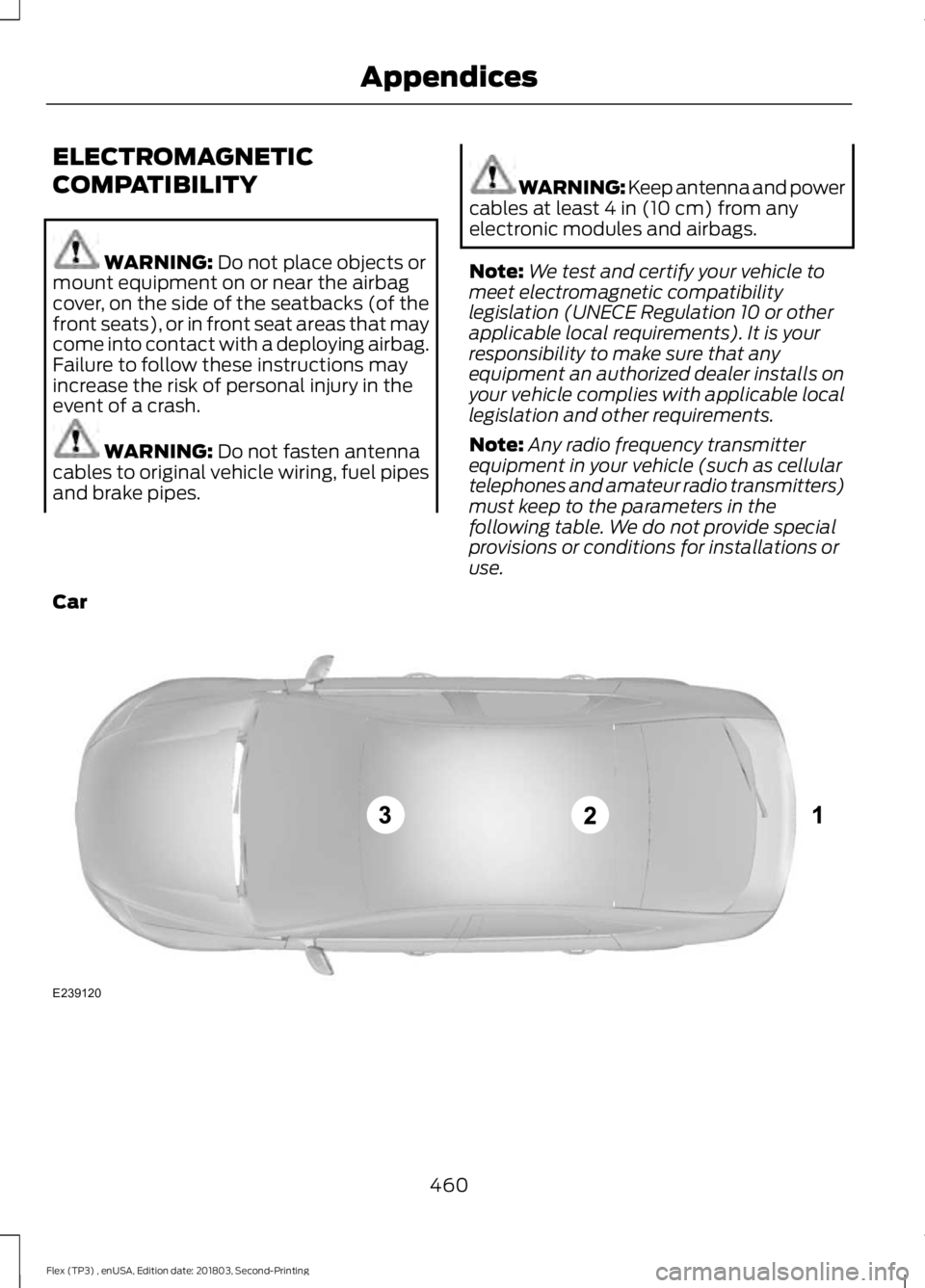
Note: We test and certify your vehicle to
meet electromagnetic compatibility
legislation (UNECE Regulation 10 or other
applicable local requirements). It is your
responsibility to make sure that any
equipment an authorized dealer installs on
your vehicle complies with applicable local
legislation and other requirements.
Note: Any radio frequency transmitter
equipment in your vehicle (such as cellular
telephones and amateur radio transmitters)
must keep to the parameters in the
following table. We do not provide special
provisions or conditions for installations or
use.
Car 460
Flex (TP3) , enUSA, Edition date: 201803, Second-Printing AppendicesE239120
Page 473 of 513
filing, AAA, and arbitrator
’s fees and
expenses. It will not seek its attorney ’s
fees or expenses from you in any
arbitration. Fees and expenses are not
counted in determining how much a
dispute involves.
(h) Claims or disputes must be filed
within one year. To the extent permitted
by law, any claim or dispute under this
EULA to which this Section applies must
be filed within one year in small claims
court (Section c) or in arbitration (Section
d). The one-year period begins when the
claim or dispute first could be filed. If such
a claim or dispute is not filed within one
year, it is permanently barred.
(I) Severability. If the class action waiver
(Section e) is found to be illegal or
unenforceable as to all or some parts of a
dispute, then that portion of Section e will
not apply to those parts. Instead, those
parts will be severed and proceed in a court
of law, with the remaining parts proceeding
in arbitration. If any other provision of that
portion Section e is found to be illegal or
unenforceable, that provision will be
severed with the remainder of Section e
remaining in full force and effect.
Telenav Software End User License
Agreement
Please read these terms and conditions
carefully before you use the TeleNav
Software. Your use of the TeleNav
Software indicates that you accept these
terms and conditions. If you do not accept
these terms and conditions, do not break
the seal of the package, launch, or
otherwise use the TeleNav Software.
TeleNav may revise this Agreement and
the privacy policy at any time, with or
without notice to you. You agree to visit
http://www.telenav.com from time to time
to review the then current version of this
Agreement and of the privacy policy. 1. Safe and Lawful Use
You acknowledge that devoting attention
to the TeleNav Software may pose a risk
of injury or death to you and others in
situations that otherwise require your
undivided attention, and you therefore
agree to comply with the following when
using the TeleNav Software:
(a) observe all traffic laws and otherwise
drive safely;
(b) use your own personal judgment while
driving. If you feel that a route suggested
by the TeleNav Software instructs you to
perform an unsafe or illegal maneuver,
places you in an unsafe situation, or directs
you into an area that you consider to be
unsafe, do not follow such instructions;
(c) do not input destinations, or otherwise
manipulate the TeleNav Software, unless
your vehicle is stationary and parked;
(d) do not use the TeleNav Software for
any illegal, unauthorized, unintended,
unsafe, hazardous, or unlawful purposes,
or in any manner inconsistent with this
Agreement;
(e) arrange all GPS and wireless devices
and cables necessary for use of the
TeleNav Software in a secure manner in
your vehicle so that they will not interfere
with your driving and will not prevent the
operation of any safety device (such as an
airbag).
You agree to indemnify and hold TeleNav
harmless against all claims resulting from
any dangerous or otherwise inappropriate
use of the TeleNav Software in any moving
vehicle, including as a result of your failure
to comply with the directions above.
470
Flex (TP3) , enUSA, Edition date: 201803, Second-Printing Appendices
Page 502 of 513
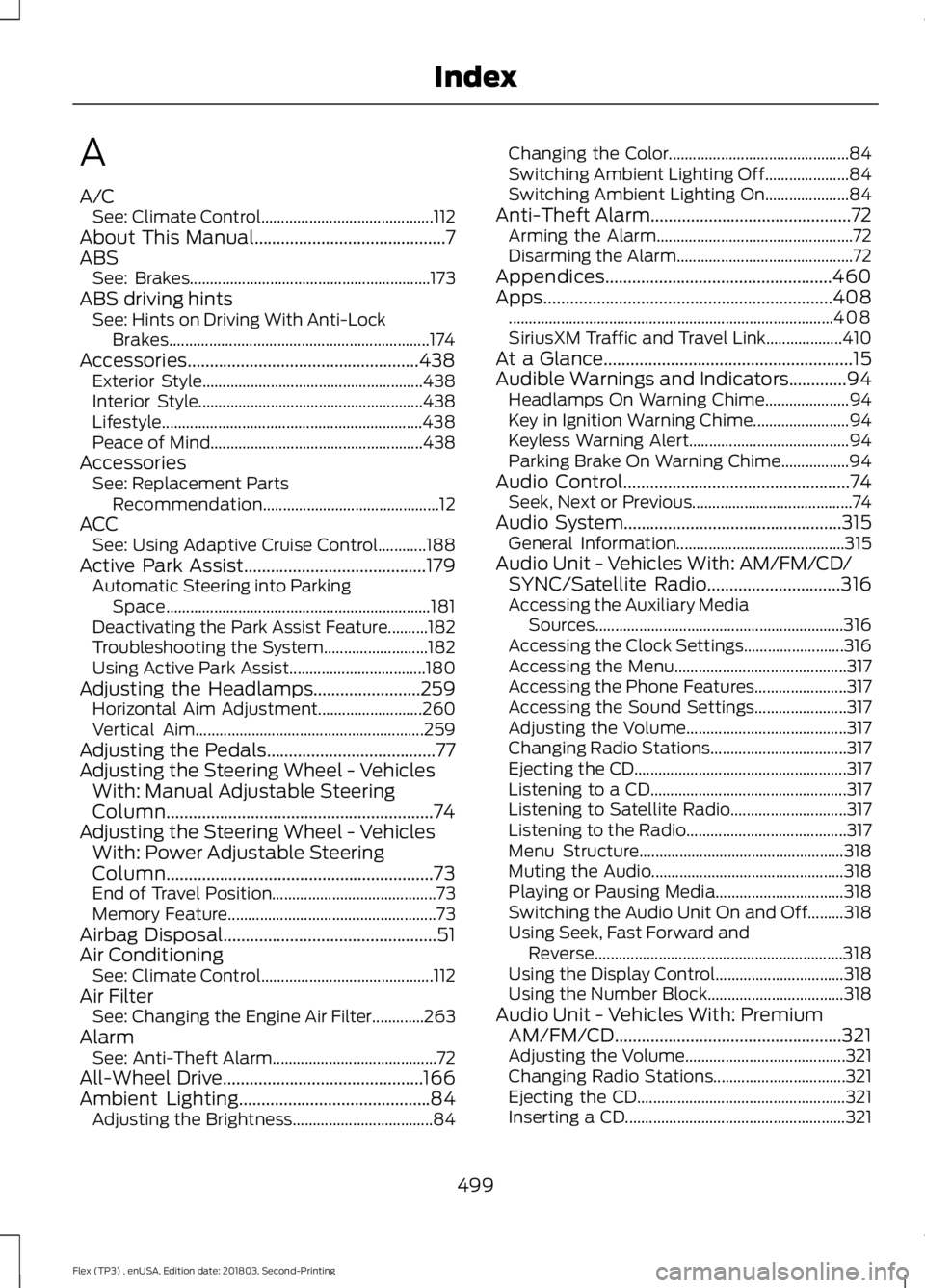
A
A/C
See: Climate Control........................................... 112
About This Manual...........................................7
ABS See: Brakes............................................................ 173
ABS driving hints See: Hints on Driving With Anti-Lock
Brakes................................................................. 174
Accessories....................................................438 Exterior Style....................................................... 438
Interior Style........................................................ 438
Lifestyle................................................................. 438
Peace of Mind..................................................... 438
Accessories See: Replacement Parts
Recommendation............................................ 12
ACC See: Using Adaptive Cruise Control............188
Active Park Assist.........................................179 Automatic Steering into Parking
Space.................................................................. 181
Deactivating the Park Assist Feature..........182
Troubleshooting the System.......................... 182
Using Active Park Assist.................................. 180
Adjusting the Headlamps
........................259
Horizontal Aim Adjustment.......................... 260
Vertical Aim......................................................... 259
Adjusting the Pedals......................................77
Adjusting the Steering Wheel - Vehicles With: Manual Adjustable Steering
Column............................................................74
Adjusting the Steering Wheel - Vehicles With: Power Adjustable Steering
Column............................................................73
End of Travel Position......................................... 73
Memory Feature.................................................... 73
Airbag Disposal................................................51
Air Conditioning See: Climate Control........................................... 112
Air Filter See: Changing the Engine Air Filter.............263
Alarm See: Anti-Theft Alarm......................................... 72
All-Wheel Drive.............................................166
Ambient Lighting...........................................84 Adjusting the Brightness................................... 84Changing the Color.............................................
84
Switching Ambient Lighting Off..................... 84
Switching Ambient Lighting On..................... 84
Anti-Theft Alarm
.............................................72
Arming the Alarm................................................. 72
Disarming the Alarm............................................ 72
Appendices...................................................460
Apps.................................................................408 ........................................................................\
......... 408
SiriusXM Traffic and Travel Link................... 410
At a Glance........................................................15
Audible Warnings and Indicators
.............94
Headlamps On Warning Chime..................... 94
Key in Ignition Warning Chime........................ 94
Keyless Warning Alert........................................ 94
Parking Brake On Warning Chime.................94
Audio Control
...................................................74
Seek, Next or Previous........................................ 74
Audio System
.................................................315
General Information.......................................... 315
Audio Unit - Vehicles With: AM/FM/CD/ SYNC/Satellite Radio
..............................316
Accessing the Auxiliary Media
Sources.............................................................. 316
Accessing the Clock Settings......................... 316
Accessing the Menu........................................... 317
Accessing the Phone Features....................... 317
Accessing the Sound Settings....................... 317
Adjusting the Volume........................................ 317
Changing Radio Stations.................................. 317
Ejecting the CD..................................................... 317
Listening to a CD................................................. 317
Listening to Satellite Radio............................. 317
Listening to the Radio........................................ 317
Menu Structure................................................... 318
Muting the Audio................................................ 318
Playing or Pausing Media................................ 318
Switching the Audio Unit On and Off.........318
Using Seek, Fast Forward and Reverse.............................................................. 318
Using the Display Control................................ 318
Using the Number Block.................................. 318
Audio Unit - Vehicles With: Premium AM/FM/CD...................................................321
Adjusting the Volume........................................ 321
Changing Radio Stations................................. 321
Ejecting the CD.................................................... 321
Inserting a CD....................................................... 321
499
Flex (TP3) , enUSA, Edition date: 201803, Second-Printing Index
Page 504 of 513
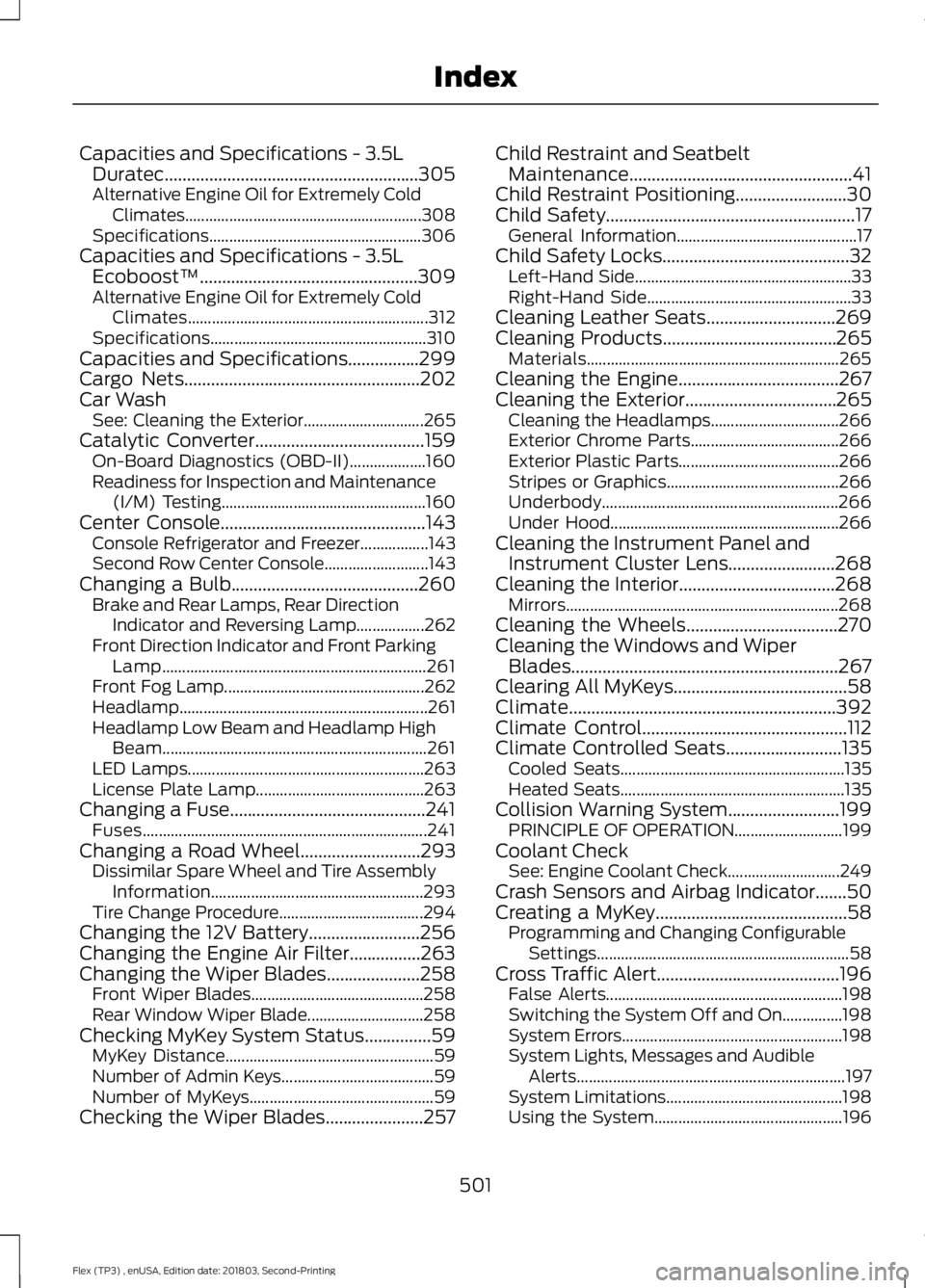
Capacities and Specifications - 3.5L
Duratec.........................................................305
Alternative Engine Oil for Extremely Cold Climates........................................................... 308
Specifications..................................................... 306
Capacities and Specifications - 3.5L Ecoboost™.................................................309
Alternative Engine Oil for Extremely Cold Climates............................................................ 312
Specifications...................................................... 310
Capacities and Specifications................299
Cargo Nets.....................................................202
Car Wash See: Cleaning the Exterior.............................. 265
Catalytic Converter
......................................159
On-Board Diagnostics (OBD-II)................... 160
Readiness for Inspection and Maintenance (I/M) Testing................................................... 160
Center Console
..............................................143
Console Refrigerator and Freezer.................143
Second Row Center Console.......................... 143
Changing a Bulb..........................................260 Brake and Rear Lamps, Rear Direction
Indicator and Reversing Lamp.................262
Front Direction Indicator and Front Parking Lamp.................................................................. 261
Front Fog Lamp.................................................. 262
Headlamp.............................................................. 261
Headlamp Low Beam and Headlamp High Beam.................................................................. 261
LED Lamps........................................................... 263
License Plate Lamp.......................................... 263
Changing a Fuse............................................241 Fuses....................................................................... 241
Changing a Road Wheel
...........................293
Dissimilar Spare Wheel and Tire Assembly
Information..................................................... 293
Tire Change Procedure.................................... 294
Changing the 12V Battery.........................256
Changing the Engine Air Filter................263
Changing the Wiper Blades
.....................258
Front Wiper Blades........................................... 258
Rear Window Wiper Blade............................. 258
Checking MyKey System Status...............59 MyKey Distance.................................................... 59
Number of Admin Keys...................................... 59
Number of MyKeys.............................................. 59
Checking the Wiper Blades......................257 Child Restraint and Seatbelt
Maintenance..................................................41
Child Restraint Positioning
.........................30
Child Safety........................................................17
General Information............................................. 17
Child Safety Locks..........................................32 Left-Hand Side...................................................... 33
Right-Hand Side................................................... 33
Cleaning Leather Seats
.............................269
Cleaning Products.......................................265 Materials............................................................... 265
Cleaning the Engine....................................267
Cleaning the Exterior..................................265 Cleaning the Headlamps................................ 266
Exterior Chrome Parts..................................... 266
Exterior Plastic Parts........................................ 266
Stripes or Graphics........................................... 266
Underbody........................................................... 266
Under Hood......................................................... 266
Cleaning the Instrument Panel and Instrument Cluster Lens........................268
Cleaning the Interior...................................268 Mirrors.................................................................... 268
Cleaning the Wheels
..................................270
Cleaning the Windows and Wiper Blades............................................................267
Clearing All MyKeys
.......................................58
Climate............................................................392
Climate Control
..............................................112
Climate Controlled Seats..........................135
Cooled Seats........................................................ 135
Heated Seats........................................................ 135
Collision Warning System.........................199 PRINCIPLE OF OPERATION........................... 199
Coolant Check See: Engine Coolant Check............................ 249
Crash Sensors and Airbag Indicator
.......50
Creating a MyKey...........................................58
Programming and Changing Configurable
Settings............................................................... 58
Cross Traffic Alert.........................................196 False Alerts........................................................... 198
Switching the System Off and On...............198
System Errors....................................................... 198
System Lights, Messages and Audible Alerts................................................................... 197
System Limitations............................................ 198
Using the System............................................... 196
501
Flex (TP3) , enUSA, Edition date: 201803, Second-Printing Index
Page 505 of 513
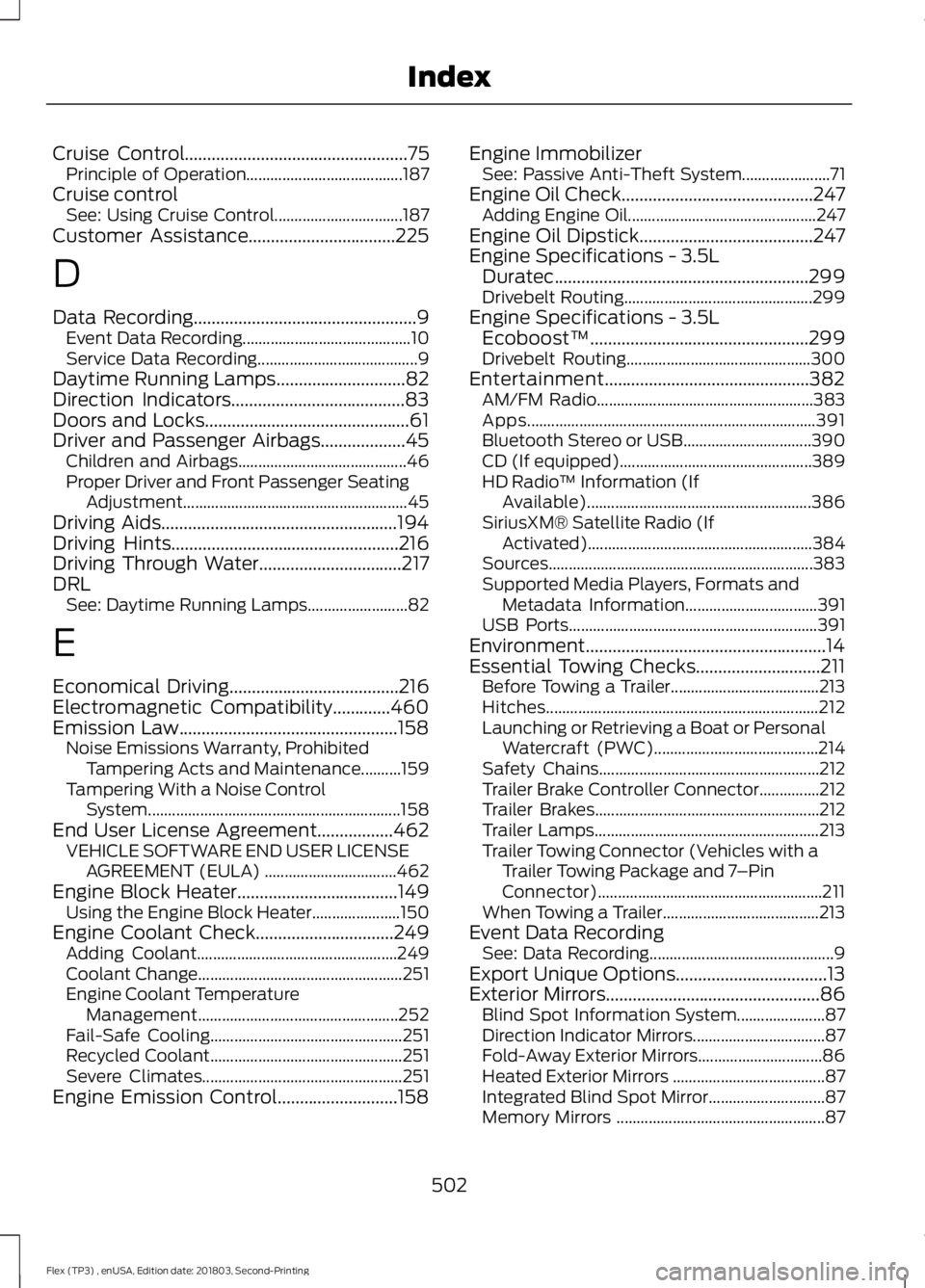
Cruise Control..................................................75
Principle of Operation....................................... 187
Cruise control See: Using Cruise Control................................ 187
Customer Assistance.................................225
D
Data Recording
..................................................9
Event Data Recording.......................................... 10
Service Data Recording........................................ 9
Daytime Running Lamps
.............................82
Direction Indicators.......................................83
Doors and Locks
..............................................61
Driver and Passenger Airbags...................45 Children and Airbags.......................................... 46
Proper Driver and Front Passenger Seating Adjustment........................................................ 45
Driving Aids.....................................................194
Driving Hints
...................................................216
Driving Through Water................................217
DRL See: Daytime Running Lamps......................... 82
E
Economical Driving
......................................216
Electromagnetic Compatibility.............460
Emission Law.................................................158 Noise Emissions Warranty, Prohibited
Tampering Acts and Maintenance..........159
Tampering With a Noise Control System............................................................... 158
End User License Agreement.................462 VEHICLE SOFTWARE END USER LICENSE
AGREEMENT (EULA) ................................. 462
Engine Block Heater
....................................149
Using the Engine Block Heater...................... 150
Engine Coolant Check...............................249 Adding Coolant.................................................. 249
Coolant Change................................................... 251
Engine Coolant Temperature Management.................................................. 252
Fail-Safe Cooling................................................ 251
Recycled Coolant................................................ 251
Severe Climates.................................................. 251
Engine Emission Control...........................158 Engine Immobilizer
See: Passive Anti-Theft System...................... 71
Engine Oil Check
...........................................247
Adding Engine Oil............................................... 247
Engine Oil Dipstick.......................................247
Engine Specifications - 3.5L Duratec
.........................................................299
Drivebelt Routing............................................... 299
Engine Specifications - 3.5L Ecoboost™
.................................................299
Drivebelt Routing.............................................. 300
Entertainment..............................................382 AM/FM Radio...................................................... 383
Apps........................................................................\
391
Bluetooth Stereo or USB................................ 390
CD (If equipped)................................................ 389
HD Radio ™ Information (If
Available)........................................................ 386
SiriusXM® Satellite Radio (If Activated)........................................................ 384
Sources.................................................................. 383
Supported Media Players, Formats and Metadata Information................................. 391
USB Ports.............................................................. 391
Environment......................................................14
Essential Towing Checks............................211 Before Towing a Trailer..................................... 213
Hitches.................................................................... 212
Launching or Retrieving a Boat or Personal Watercraft (PWC)......................................... 214
Safety Chains....................................................... 212
Trailer Brake Controller Connector...............212
Trailer Brakes........................................................ 212
Trailer Lamps........................................................ 213
Trailer Towing Connector (Vehicles with a Trailer Towing Package and 7 –Pin
Connector)........................................................ 211
When Towing a Trailer....................................... 213
Event Data Recording See: Data Recording.............................................. 9
Export Unique Options..................................13
Exterior Mirrors................................................86 Blind Spot Information System...................... 87
Direction Indicator Mirrors................................. 87
Fold-Away Exterior Mirrors............................... 86
Heated Exterior Mirrors ......................................87
Integrated Blind Spot Mirror............................. 87
Memory Mirrors .................................................... 87
502
Flex (TP3) , enUSA, Edition date: 201803, Second-Printing Index
Page 510 of 513
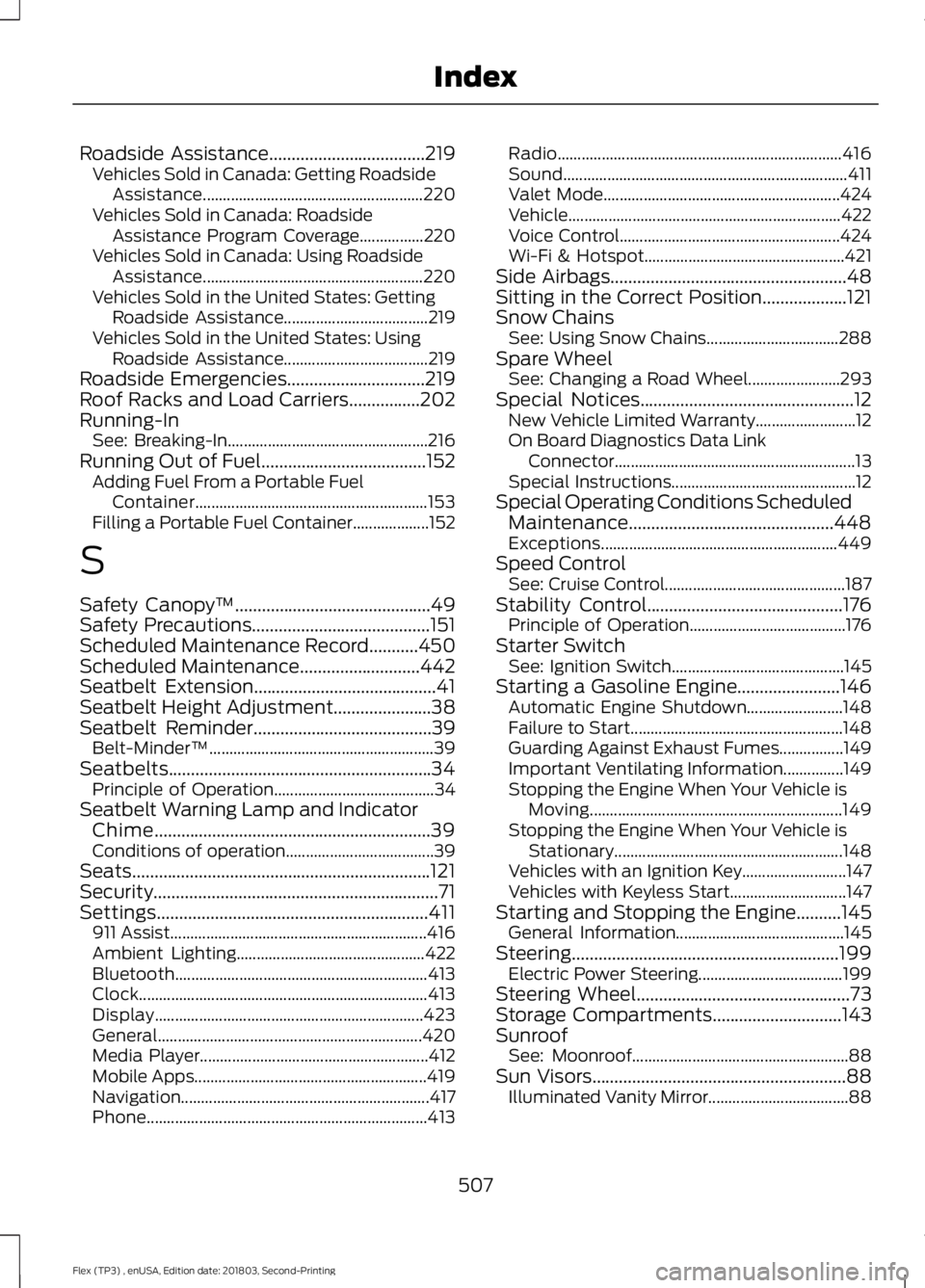
Roadside Assistance...................................219
Vehicles Sold in Canada: Getting Roadside
Assistance....................................................... 220
Vehicles Sold in Canada: Roadside Assistance Program Coverage................220
Vehicles Sold in Canada: Using Roadside Assistance....................................................... 220
Vehicles Sold in the United States: Getting Roadside Assistance.................................... 219
Vehicles Sold in the United States: Using Roadside Assistance.................................... 219
Roadside Emergencies...............................219
Roof Racks and Load Carriers................202
Running-In See: Breaking-In.................................................. 216
Running Out of Fuel.....................................152 Adding Fuel From a Portable Fuel
Container.......................................................... 153
Filling a Portable Fuel Container................... 152
S
Safety Canopy ™
............................................49
Safety Precautions........................................151
Scheduled Maintenance Record
...........450
Scheduled Maintenance...........................442
Seatbelt Extension.........................................41
Seatbelt Height Adjustment
......................38
Seatbelt Reminder........................................39 Belt-Minder™........................................................ 39
Seatbelts...........................................................34 Principle of Operation........................................ 34
Seatbelt Warning Lamp and Indicator Chime
..............................................................39
Conditions of operation..................................... 39
Seats...................................................................121
Security
................................................................71
Settings.............................................................411 911 Assist................................................................ 416
Ambient Lighting............................................... 422
Bluetooth............................................................... 413
Clock........................................................................\
413
Display................................................................... 423
General.................................................................. 420
Media Player......................................................... 412
Mobile Apps.......................................................... 419
Navigation.............................................................. 417
Phone...................................................................... 413Radio.......................................................................
416
Sound....................................................................... 411
Valet Mode........................................................... 424
Vehicle.................................................................... 422
Voice Control....................................................... 424
Wi-Fi & Hotspot.................................................. 421
Side Airbags
.....................................................48
Sitting in the Correct Position...................121
Snow Chains See: Using Snow Chains................................. 288
Spare Wheel See: Changing a Road Wheel....................... 293
Special Notices................................................12 New Vehicle Limited Warranty......................... 12
On Board Diagnostics Data Link Connector............................................................ 13
Special Instructions.............................................. 12
Special Operating Conditions Scheduled Maintenance..............................................448
Exceptions........................................................... 449
Speed Control See: Cruise Control............................................. 187
Stability Control
............................................176
Principle of Operation....................................... 176
Starter Switch See: Ignition Switch........................................... 145
Starting a Gasoline Engine.......................146 Automatic Engine Shutdown........................ 148
Failure to Start..................................................... 148
Guarding Against Exhaust Fumes................149
Important Ventilating Information...............149
Stopping the Engine When Your Vehicle is Moving............................................................... 149
Stopping the Engine When Your Vehicle is Stationary......................................................... 148
Vehicles with an Ignition Key.......................... 147
Vehicles with Keyless Start............................. 147
Starting and Stopping the Engine..........145 General Information.......................................... 145
Steering............................................................199 Electric Power Steering.................................... 199
Steering Wheel................................................73
Storage Compartments
.............................143
Sunroof See: Moonroof...................................................... 88
Sun Visors.........................................................88 Illuminated Vanity Mirror................................... 88
507
Flex (TP3) , enUSA, Edition date: 201803, Second-Printing Index
Page 512 of 513
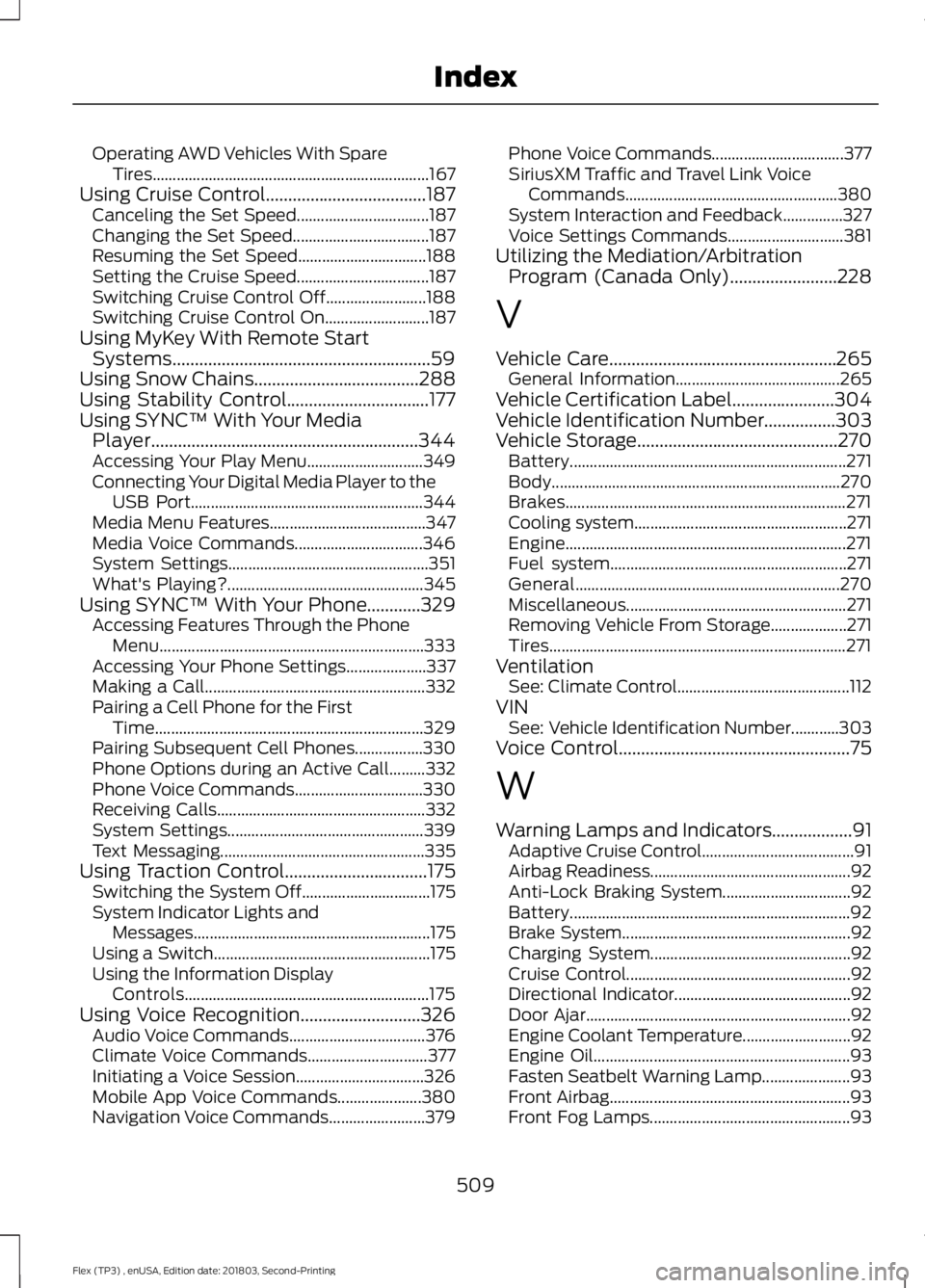
Operating AWD Vehicles With Spare
Tires..................................................................... 167
Using Cruise Control....................................187 Canceling the Set Speed................................. 187
Changing the Set Speed.................................. 187
Resuming the Set Speed................................ 188
Setting the Cruise Speed................................. 187
Switching Cruise Control Off......................... 188
Switching Cruise Control On.......................... 187
Using MyKey With Remote Start Systems..........................................................59
Using Snow Chains.....................................288
Using Stability Control................................177
Using SYNC™ With Your Media Player............................................................344
Accessing Your Play Menu............................. 349
Connecting Your Digital Media Player to the USB Port.......................................................... 344
Media Menu Features....................................... 347
Media Voice Commands................................ 346
System Settings.................................................. 351
What's Playing?................................................. 345
Using SYNC™ With Your Phone
............329
Accessing Features Through the Phone
Menu.................................................................. 333
Accessing Your Phone Settings.................... 337
Making a Call....................................................... 332
Pairing a Cell Phone for the First Time................................................................... 329
Pairing Subsequent Cell Phones.................330
Phone Options during an Active Call.........332
Phone Voice Commands................................ 330
Receiving Calls.................................................... 332
System Settings................................................. 339
Text Messaging................................................... 335
Using Traction Control................................175 Switching the System Off................................ 175
System Indicator Lights and Messages........................................................... 175
Using a Switch...................................................... 175
Using the Information Display Controls............................................................. 175
Using Voice Recognition...........................326 Audio Voice Commands.................................. 376
Climate Voice Commands.............................. 377
Initiating a Voice Session................................ 326
Mobile App Voice Commands..................... 380
Navigation Voice Commands........................ 379Phone Voice Commands.................................
377
SiriusXM Traffic and Travel Link Voice Commands..................................................... 380
System Interaction and Feedback...............327
Voice Settings Commands............................. 381
Utilizing the Mediation/Arbitration Program (Canada Only)
........................228
V
Vehicle Care...................................................265 General Information......................................... 265
Vehicle Certification Label.......................304
Vehicle Identification Number................303
Vehicle Storage.............................................270 Battery..................................................................... 271
Body........................................................................\
270
Brakes...................................................................... 271
Cooling system..................................................... 271
Engine...................................................................... 271
Fuel system........................................................... 271
General.................................................................. 270
Miscellaneous....................................................... 271
Removing Vehicle From Storage................... 271
Tires........................................................................\
.. 271
Ventilation See: Climate Control........................................... 112
VIN See: Vehicle Identification Number............303
Voice Control....................................................75
W
Warning Lamps and Indicators..................91 Adaptive Cruise Control...................................... 91
Airbag Readiness.................................................. 92
Anti-Lock Braking System................................ 92
Battery...................................................................... 92
Brake System......................................................... 92
Charging System.................................................. 92
Cruise Control........................................................ 92
Directional Indicator............................................ 92
Door Ajar.................................................................. 92
Engine Coolant Temperature........................... 92
Engine Oil................................................................ 93
Fasten Seatbelt Warning Lamp...................... 93
Front Airbag............................................................ 93
Front Fog Lamps.................................................. 93
509
Flex (TP3) , enUSA, Edition date: 201803, Second-Printing Index