display FORD FOCUS 2004 1.G User Guide
[x] Cancel search | Manufacturer: FORD, Model Year: 2004, Model line: FOCUS, Model: FORD FOCUS 2004 1.GPages: 232, PDF Size: 5.06 MB
Page 29 of 232
broadcasting a particular program type. Select AUDIO and press ENTER.
Select PTY to view the broadcast information or PTY SEARCH to search
for stations broadcasting a particular program type. There are 30
different possible program types, some being: News, Inform, Sports, Talk,
Rock, Country, Jazz, etc. If no station is found broadcasting the selected
program type, NO PTY will appear in the display at the end of the
search.
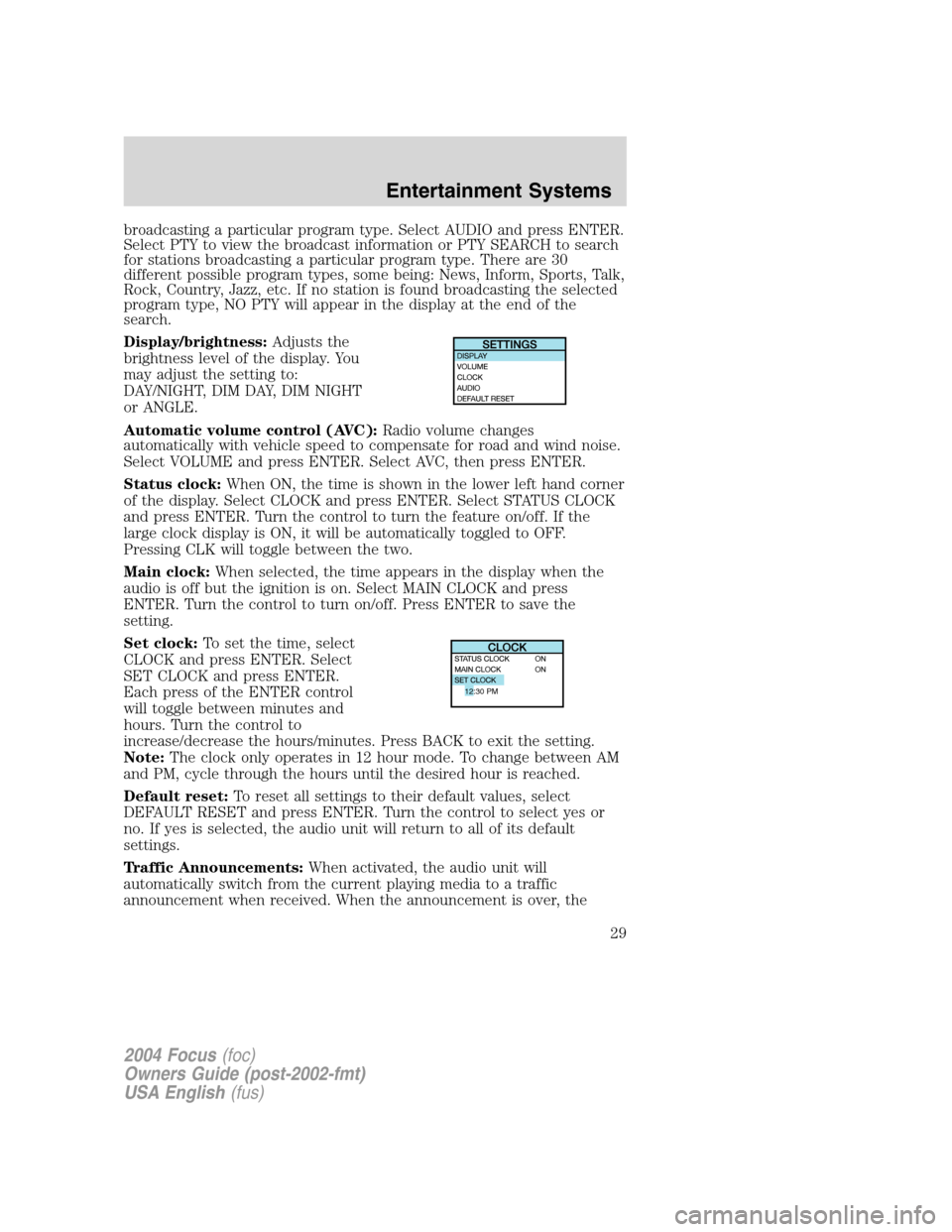
Display/brightness:Adjusts the
brightness level of the display. You
may adjust the setting to:
DAY/NIGHT, DIM DAY, DIM NIGHT
or ANGLE.
Automatic volume control (AVC): Radio volume changes
automatically with vehicle speed to compensate for road and wind noise.
Select VOLUME and press ENTER. Select AVC, then press ENTER.
Status clock: When ON, the time is shown in the lower left hand corner
of the display. Select CLOCK and press ENTER. Select STATUS CLOCK
and press ENTER. Turn the control to turn the feature on/off. If the
large clock display is ON, it will be automatically toggled to OFF.
Pressing CLK will toggle between the two.
Main clock: When selected, the time appears in the display when the
audio is off but the ignition is on. Select MAIN CLOCK and press
ENTER. Turn the control to turn on/off. Press ENTER to save the
setting.
Set clock: To set the time, select
CLOCK and press ENTER. Select
SET CLOCK and press ENTER.
Each press of the ENTER control
will toggle between minutes and
hours. Turn the control to
increase/decrease the hours/minutes. Press BACK to exit the setting.
Note: The clock only operates in 12 hour mode. To change between AM
and PM, cycle through the hours until the desired hour is reached.
Default reset: To reset all settings to their default values, select
DEFAULT RESET and press ENTER. Turn the control to select yes or
no. If yes is selected, the audio unit will return to all of its default
settings.
Traffic Announcements: When activated, the audio unit will
automatically switch from the current playing media to a traffic
announcement when received. When the announcement is over, the
12:30 PM
2004 Focus (foc)
Owners Guide (post-2002-fmt)
USA English (fus)
Entertainment Systems
29
Page 30 of 232
system will return to the current playing media. Select AUDIO and press
ENTER. Select TRAF ANNOU and press ENTER. Turn the rotary control
to turn on/off. Press BACK to save the setting.Traffic announcements
not available in most U.S. markets.
Loudness: This function boosts the bass frequencies. Select VOLUME
and press ENTER. Select LOUDNESS and press ENTER. Turn the
control to increase/decrease the levels. Press BACK to save the setting.
11. CDC: Press to access the CD
changer. Press the desired soft key
to select from the CDs in the CD
changer. During playback, press to
repeat the current track.
12. CD/MP3: Press to play a
CD/MP3 that is already loaded in
the system. NO CD will appear in
the display and a beep will sound if
there are not any CDs loaded into the system.
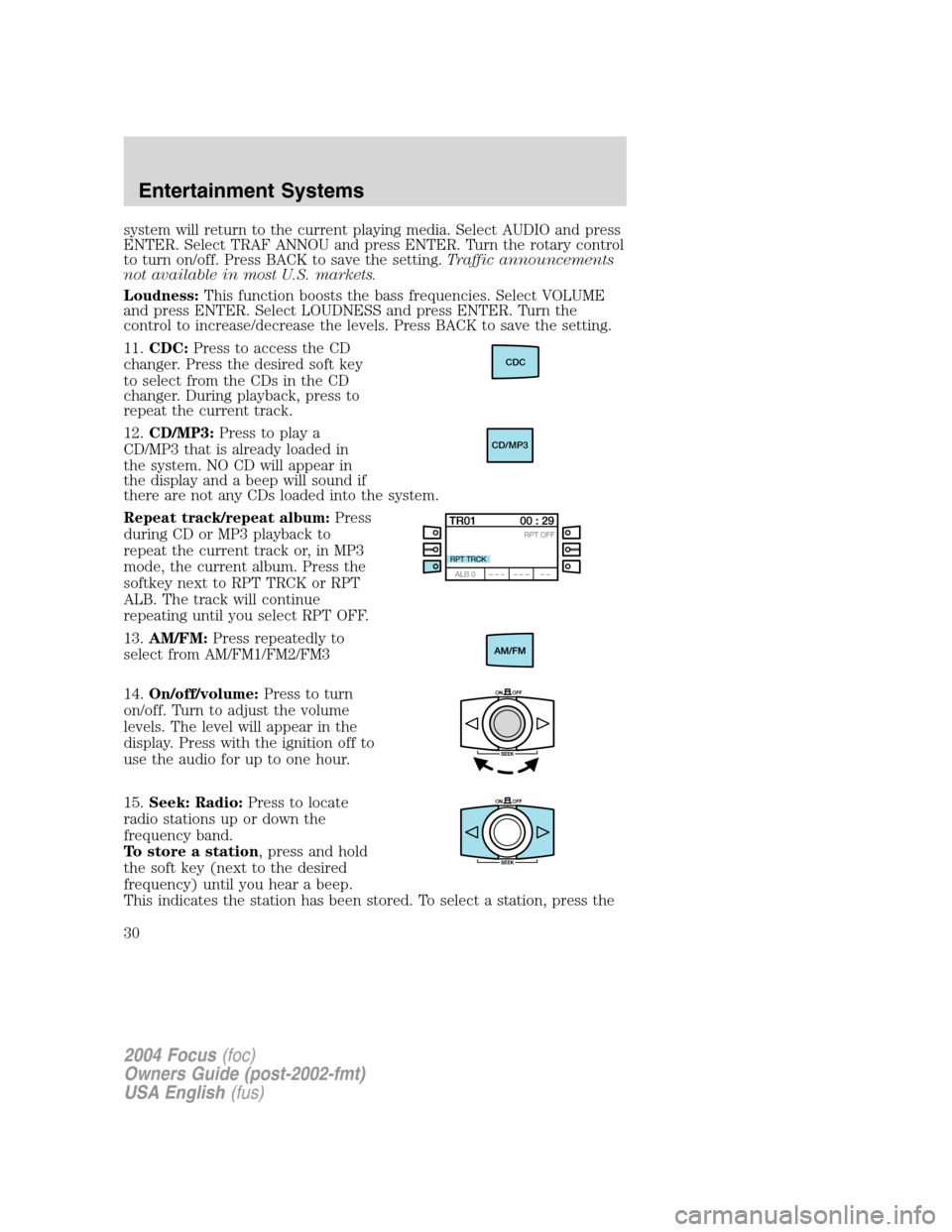
Repeat track/repeat album: Press
during CD or MP3 playback to
repeat the current track or, in MP3
mode, the current album. Press the
softkey next to RPT TRCK or RPT
ALB. The track will continue
repeating until you select RPT OFF.
13. AM/FM: Press repeatedly to
select from AM/FM1/FM2/FM3
14. On/off/volume: Press to turn
on/off. Turn to adjust the volume
levels. The level will appear in the
display. Press with the ignition off to
use the audio for up to one hour.
15. Seek: Radio: Press to locate
radio stations up or down the
frequency band.
To store a station , press and hold
the soft key (next to the desired
frequency) until you hear a beep.
This indicates the station has been stored. To select a station, press the
CDC
CD/MP3
2004 Focus (foc)
Owners Guide (post-2002-fmt)
USA English (fus)
Entertainment Systems
30
Page 31 of 232
soft key next to the desired frequency.
CD/MP3:Press to select the previous/next track of the current CD/MP3.
16. Fade: Press FADE and turn the
right control knob (ENTER) to shift
sound to the rear/front speakers.
The display will indicate the level selected.
17. Balance: Press BAL then turn
the right control knob (ENTER) to
adjust the audio between the left
and right speakers. The selected level will appear in the display.
18. Bass: Press to adjust the bass
levels. Turn the right control knob
(ENTER) to increase/decrease
levels. The selected level will appear in the display.
19. Treble: Press to adjust the
treble levels. Turn the right control
knob (ENTER) to increase/decrease
levels. The selected level will appear in the display.
20. Eq: Press to activate the
equalizer. There are seven choices
in this mode: EQ-OFF, ROCK, POP,
DISCO, JAZZ, CLASSIC, VOCAL.
21. Eject: Press to eject the
CD/MP3.
22. RDS (Radio Data System):
The system is equipped with a
decoder that receives special signals
transmitted on the FM frequency. The station’s name and information
will show in the display. Press RDS repeatedly to turn the feature on/off.
The preset locations will not save the RDS name, only the frequency.
MP3 INFORMATION
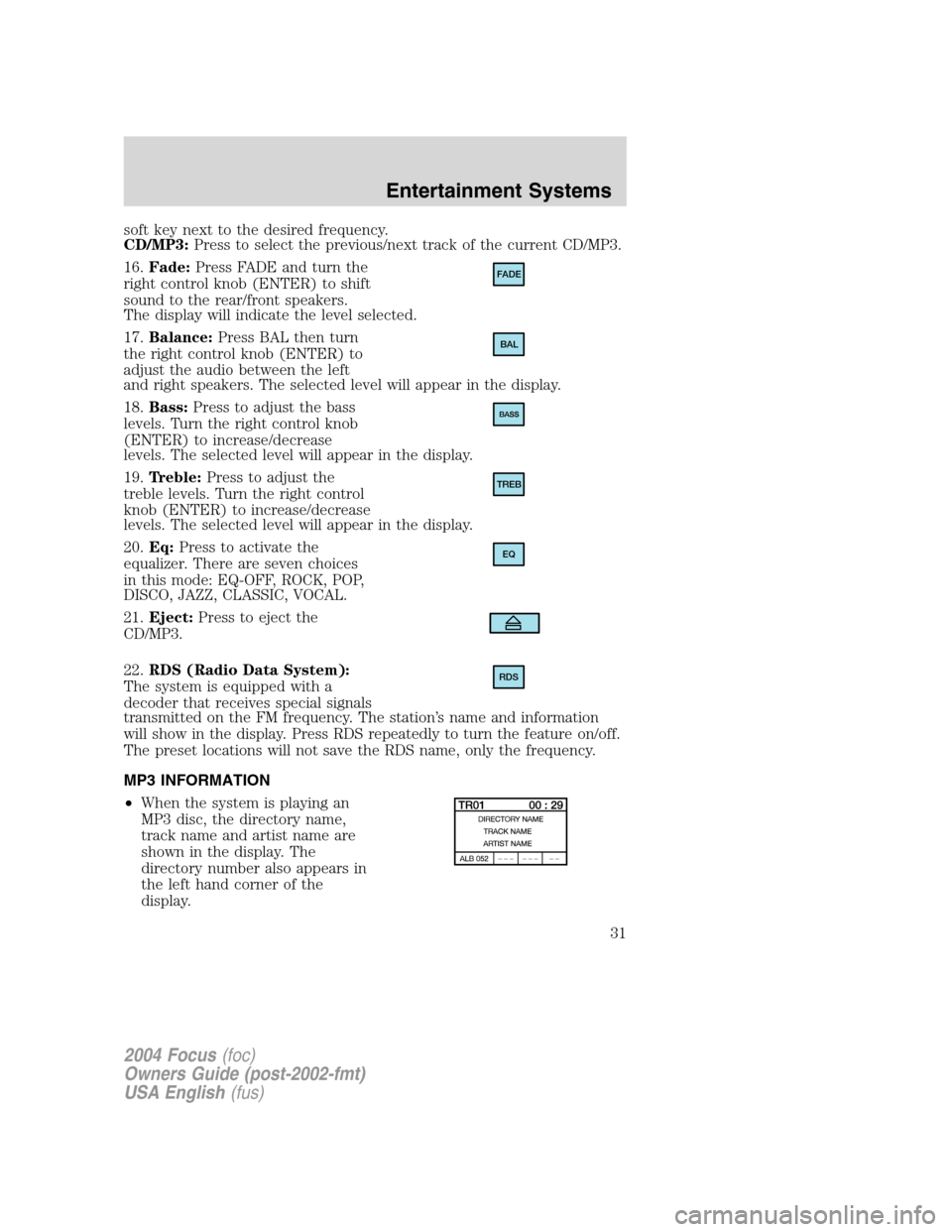
• When the system is playing an
MP3 disc, the directory name,
track name and artist name are
shown in the display. The
directory number also appears in
the left hand corner of the
display.
FADE
BAL
TREB
EQ
RDS
2004 Focus (foc)
Owners Guide (post-2002-fmt)
USA English (fus)
Entertainment Systems
31
Page 32 of 232
•A maximum of 20 directories is recommended as additional directories
will increase the access time.
• Each directory can contain a maximum of 254 tracks and
sub-directories.
• Avoid special characters when naming directories and files.
• MAIN will appear in the display when files are not stored in
directories.
• CD-R media is supported, but CD-RW is not.
• If more than one session is written to the CD, only the first session
will be detected.
RADIO FREQUENCIES
AM and FM frequencies are established by the Federal Communications
Commission (FCC) and the Canadian Radio and Telecommunications
Commission (CRTC). Those frequencies are:
AM - 530, 540 –1700, 1710 kHz
FM- 87.7, 87.9 –107.7, 107.9 MHz
RADIO RECEPTION FACTORS
There are three factors that can affect radio reception:
• Distance/strength: The further you travel from an FM station, the
weaker the signal and the weaker the reception.
• Terrain: Hills, mountains, tall buildings, power lines, electric fences,
traffic lights and thunderstorms can interfere with your reception.
• Station overload: When you pass a broadcast tower, a stronger signal
may overtake a weaker one and play while the weak station frequency
is displayed.
CASSETTE/PLAYER CARE
Do:
• Use only cassettes that are 90 minutes long or less.
• Tighten very loose tapes by inserting a finger or pencil into the hole
and turning the hub.
• Remove loose labels before inserting tapes.
• Allow tapes which have been subjected to extreme heat, humidity or
cold to reach a moderate temperature before playing.
• Clean the cassette player head with a cassette cleaning cartridge after
10 –12 hours of play to maintain good sound/operation.
2004 Focus (foc)
Owners Guide (post-2002-fmt)
USA English (fus)
Entertainment Systems
32