ESP FORD FOCUS 2004 1.G Owners Manual
[x] Cancel search | Manufacturer: FORD, Model Year: 2004, Model line: FOCUS, Model: FORD FOCUS 2004 1.GPages: 232, PDF Size: 5.06 MB
Page 5 of 232
SAFETY AND ENVIRONMENT PROTECTION
Warning symbols in this guide
How can you reduce the risk of personal injury and prevent possible
damage to others, your vehicle and its equipment? In this guide, answers
to such questions are contained in comments highlighted by the warning
triangle symbol. These comments should be read and observed.
Warning symbols on your vehicle
When you see this symbol, it is
imperative that you consult the
relevant section of this guide before
touching or attempting adjustment
of any kind.
Protecting the environment
We must all play our part in
protecting the environment. Correct
vehicle usage and the authorized
disposal of waste, cleaning and
lubrication materials are significant
steps towards this aim. Information in this respect is highlighted in this
guide with the tree symbol.
BREAKING-IN YOUR VEHICLE
Your vehicle does not need an extensive break-in. Try not to drive
continuously at the same speed for the first 1,600 km (1,000 miles) of
new vehicle operation. Vary your speed to allow parts to adjust
themselves to other parts.
Do not add friction modifier compounds or special break-in oils during
the first few thousand kilometers (miles) of operation, since these
additives may prevent piston ring seating. SeeEngine oilin the
Maintenance and Specificationschapter for more information on oil
usage.
SPECIAL NOTICES
Emission warranty
The New Vehicle Limited Warranty includes Bumper-to-Bumper
Coverage, Safety Restraint Coverage, Corrosion Coverage, and 6.0L
Power Stroke Diesel Engine Coverage. In addition, your vehicle is eligible
2004 Focus(foc)
Owners Guide (post-2002-fmt)
USA English(fus)
Introduction
5
Page 11 of 232
Many lights will illuminate when you start your vehicle to make sure the
bulb works. If any light remains on after starting the vehicle, have the
respective system inspected immediately.
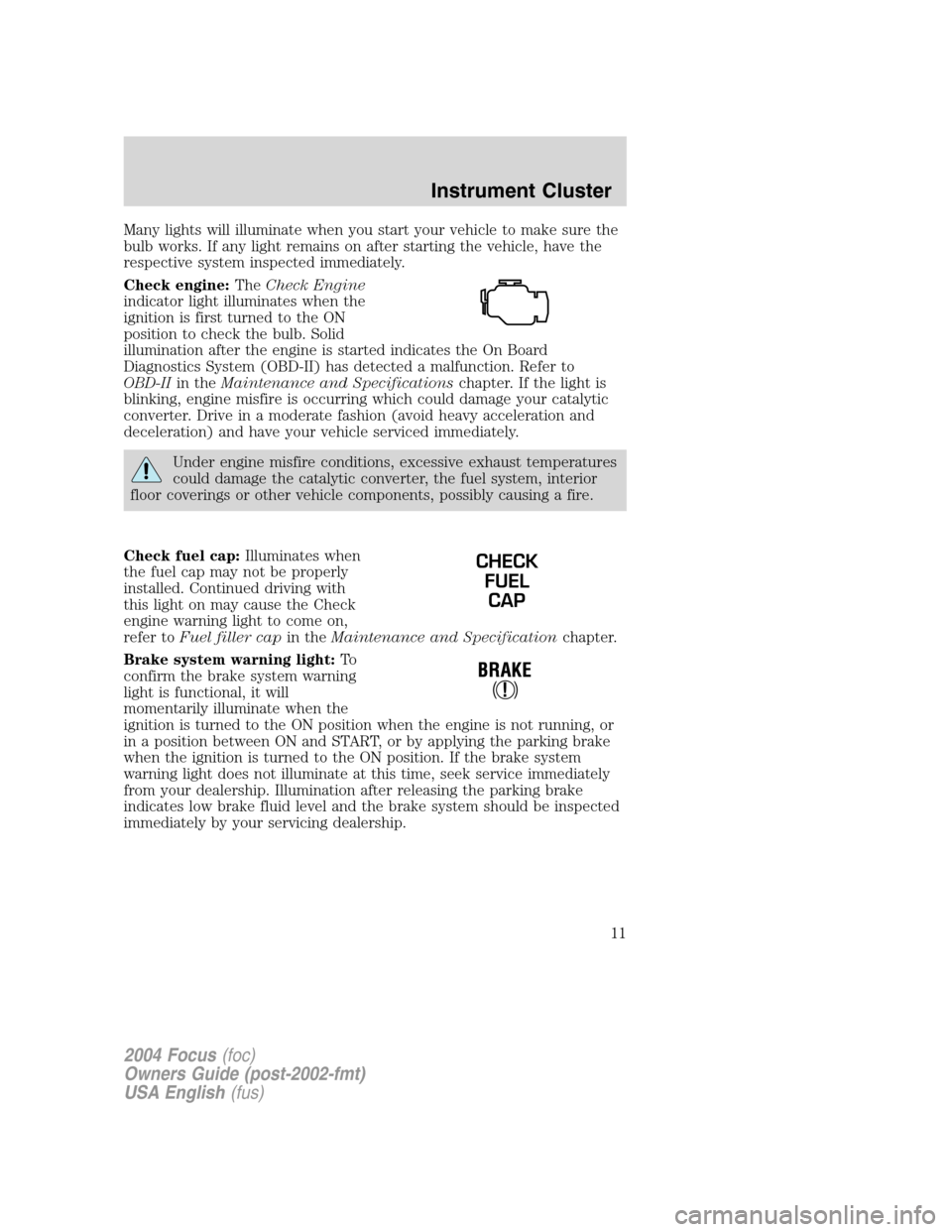
Check engine:TheCheck Engine
indicator light illuminates when the
ignition is first turned to the ON
position to check the bulb. Solid
illumination after the engine is started indicates the On Board
Diagnostics System (OBD-II) has detected a malfunction. Refer to
OBD-IIin theMaintenance and Specificationschapter. If the light is
blinking, engine misfire is occurring which could damage your catalytic
converter. Drive in a moderate fashion (avoid heavy acceleration and
deceleration) and have your vehicle serviced immediately.
Under engine misfire conditions, excessive exhaust temperatures
could damage the catalytic converter, the fuel system, interior
floor coverings or other vehicle components, possibly causing a fire.
Check fuel cap:Illuminates when
the fuel cap may not be properly
installed. Continued driving with
this light on may cause the Check
engine warning light to come on,
refer toFuel filler capin theMaintenance and Specificationchapter.
Brake system warning light:To
confirm the brake system warning
light is functional, it will
momentarily illuminate when the
ignition is turned to the ON position when the engine is not running, or
in a position between ON and START, or by applying the parking brake
when the ignition is turned to the ON position. If the brake system
warning light does not illuminate at this time, seek service immediately
from your dealership. Illumination after releasing the parking brake
indicates low brake fluid level and the brake system should be inspected
immediately by your servicing dealership.
CHECK
FUEL
CAP
2004 Focus(foc)
Owners Guide (post-2002-fmt)
USA English(fus)
Instrument Cluster
11
Page 20 of 232
Audio distortion reduction (CLIP):Press and hold MENU until the
display changes. Then, press MENU until the CLIP menu displays. Press
SEEK to engage/disengage the feature. The feature automatically detects
sound distortions and reduces the volume level until the distortion has
been eliminated.
Automatic volume control (AVC):With this feature, radio volume
changes automatically with vehicle speed to compensate for road and
wind noise. Press MENU until AVC is displayed, then use the
SEEK
/control to adjust the volume.
5.Seek(reverse/fast forward):
Press and release SEEK
/for
previous (reverse)/next (fast
forward) strong station or CD track.
6.Memory presets:To set a
station: Select frequency band
AM/FM; tune to a station, press and
hold a preset button until sound returns. With a CD, press the preset
control that corresponds to the desired disc.
AutoStore:AutoStore allows you to set strong radio stations on the FM
band without losing your original manually set preset stations. Press and
hold AM/FM to activate. AST will flash in the display. When the six
strongest stations are filled, the sound will be restored.
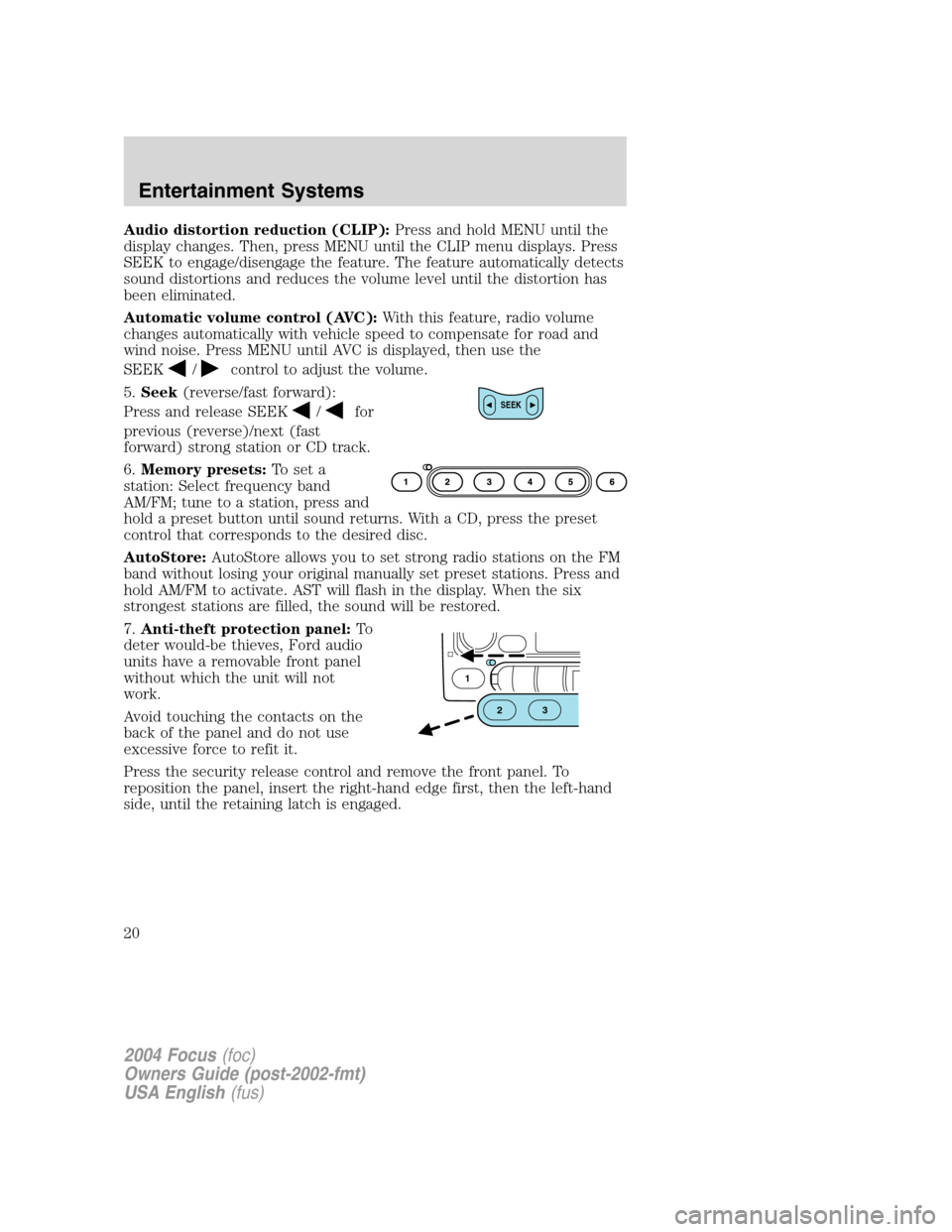
7.Anti-theft protection panel:To
deter would-be thieves, Ford audio
units have a removable front panel
without which the unit will not
work.
Avoid touching the contacts on the
back of the panel and do not use
excessive force to refit it.
Press the security release control and remove the front panel. To
reposition the panel, insert the right-hand edge first, then the left-hand
side, until the retaining latch is engaged.SEEK
1
23
2004 Focus(foc)
Owners Guide (post-2002-fmt)
USA English(fus)
Entertainment Systems
20
Page 24 of 232
CD eject during playback:Press the eject control during CD playback
to eject the CD. Press again to cancel the eject process. To eject another
disc, press the preset control that corresponds to the desired disc then
press EJ. EJECT CD will appear in the display. REMOVE will appear as
the disc is held ready to be removed. If not removed, the audio system
will the disc in again and playback will begin. INSERT is displayed briefly
to allow a new disc to be inserted if desired.
5.AM/FM:Press to toggle between
AM/FM1/FM2 frequency bands and
or press to stop CD play.
6.Memory presets:To set a
station: Select frequency band
AM/FM; tune to a station, press and
hold a preset button until sound returns. With a CD, press the preset
control that corresponds to the desired disc. CD 1–01. CD 3–01, NO
DISC or NO DISCS will be displayed depending on what preset button
was selected.
AutoStore:AutoStore allows you to set strong radio stations on the FM
band without losing your original manually set preset stations. Press and
hold AM/FM to activate. AST will flash in the display. When the six
strongest stations are filled, the sound will be restored.
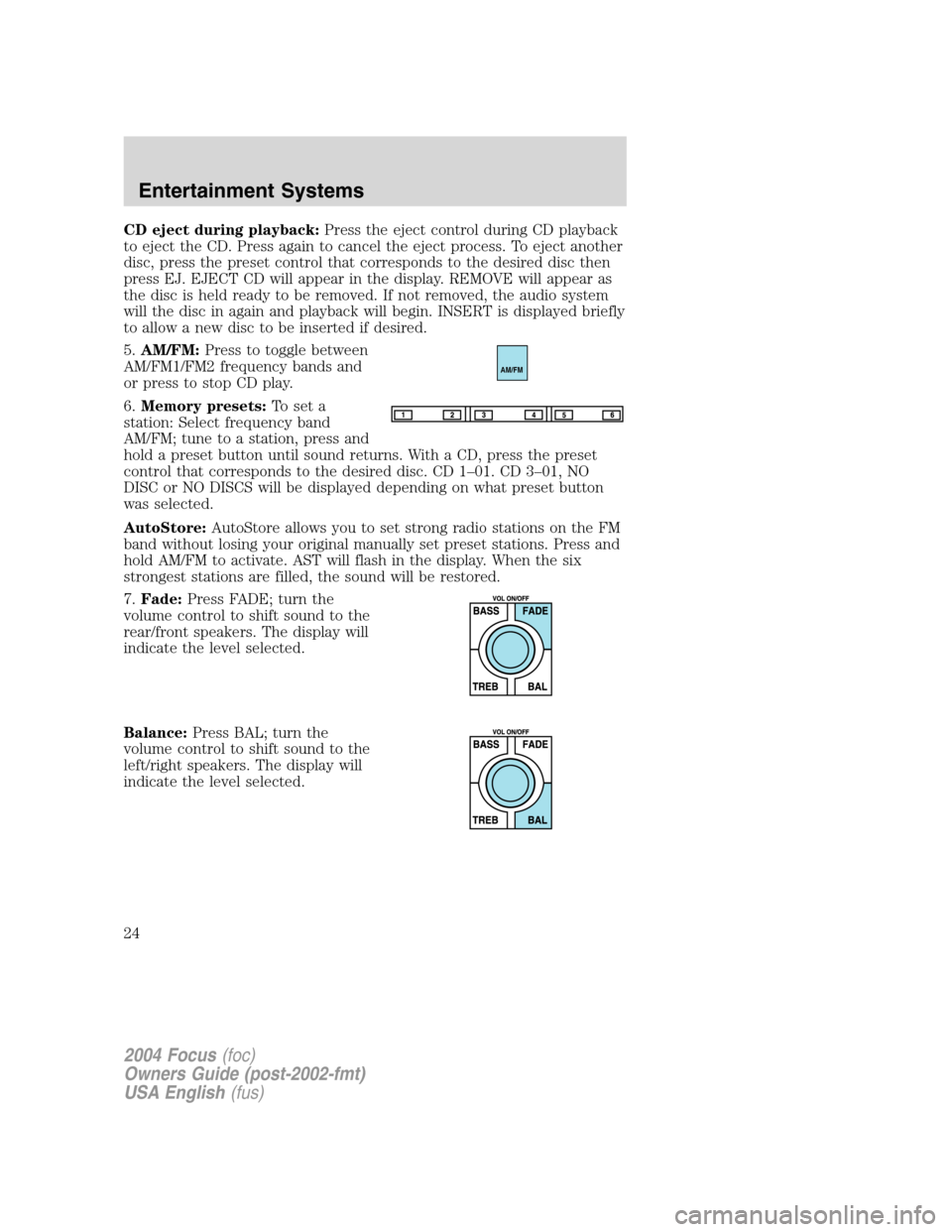
7.Fade:Press FADE; turn the
volume control to shift sound to the
rear/front speakers. The display will
indicate the level selected.
Balance:Press BAL; turn the
volume control to shift sound to the
left/right speakers. The display will
indicate the level selected.
AM/FM
2004 Focus(foc)
Owners Guide (post-2002-fmt)
USA English(fus)
Entertainment Systems
24
Page 59 of 232
and security when appropriately used, particularly in emergency
situations. Safety must be paramount when using mobile communications
equipment to avoid negating these benefits.
Mobile Communication Equipment includes, but is not limited to cellular
phones, pagers, portable email devices, in vehicle communications
systems, telematics devices and portable two-way radios.
A driver’s first responsibility is the safe operation of the vehicle.
The most important thing you can do to prevent a crash is to
avoid distractions and pay attention to the road. Wait until it is safe to
operate Mobile Communications Equipment.
POSITIVE RETENTION FLOOR MAT
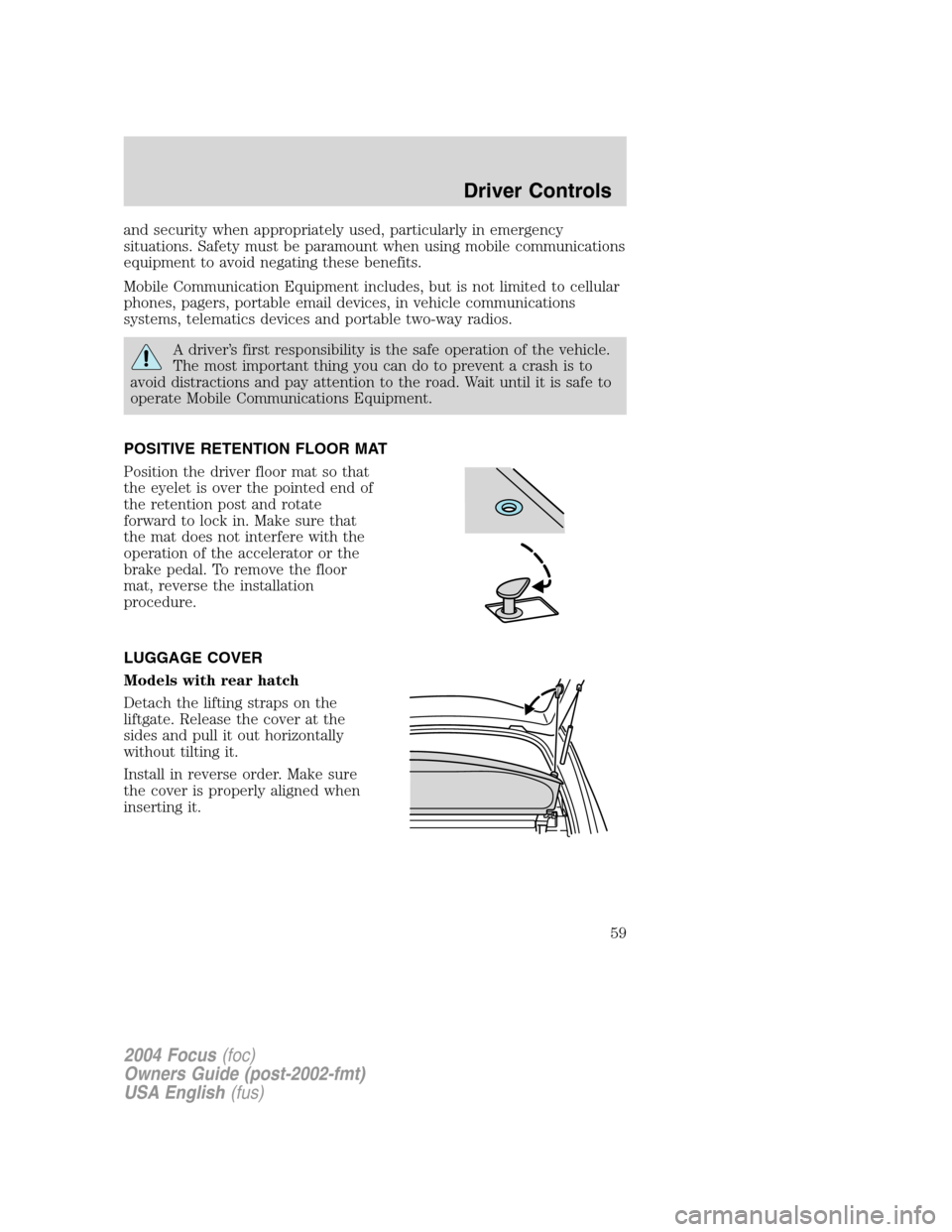
Position the driver floor mat so that
the eyelet is over the pointed end of
the retention post and rotate
forward to lock in. Make sure that
the mat does not interfere with the
operation of the accelerator or the
brake pedal. To remove the floor
mat, reverse the installation
procedure.
LUGGAGE COVER
Models with rear hatch
Detach the lifting straps on the
liftgate. Release the cover at the
sides and pull it out horizontally
without tilting it.
Install in reverse order. Make sure
the cover is properly aligned when
inserting it.
2004 Focus(foc)
Owners Guide (post-2002-fmt)
USA English(fus)
Driver Controls
59
Page 64 of 232
REMOTE ENTRY SYSTEM (IF EQUIPPED)
This device complies with part 15 of the FCC rules and with RS-210 of
Industry Canada. Operation is subject to the following two conditions:
(1) This device may not cause harmful interference, and (2) This device
must accept any interference received, including interference that may
cause undesired operation.
Changes or modifications not expressly approved by the party
responsible for compliance could void the user’s authority to
operate the equipment.
The typical operating range for your remote entry transmitter is
approximately 10 meters (33 feet). A decrease in operating range could
be caused by:
•weather conditions,
•nearby radio towers,
•structures around the vehicle, or
•other vehicles parked next to your vehicle.
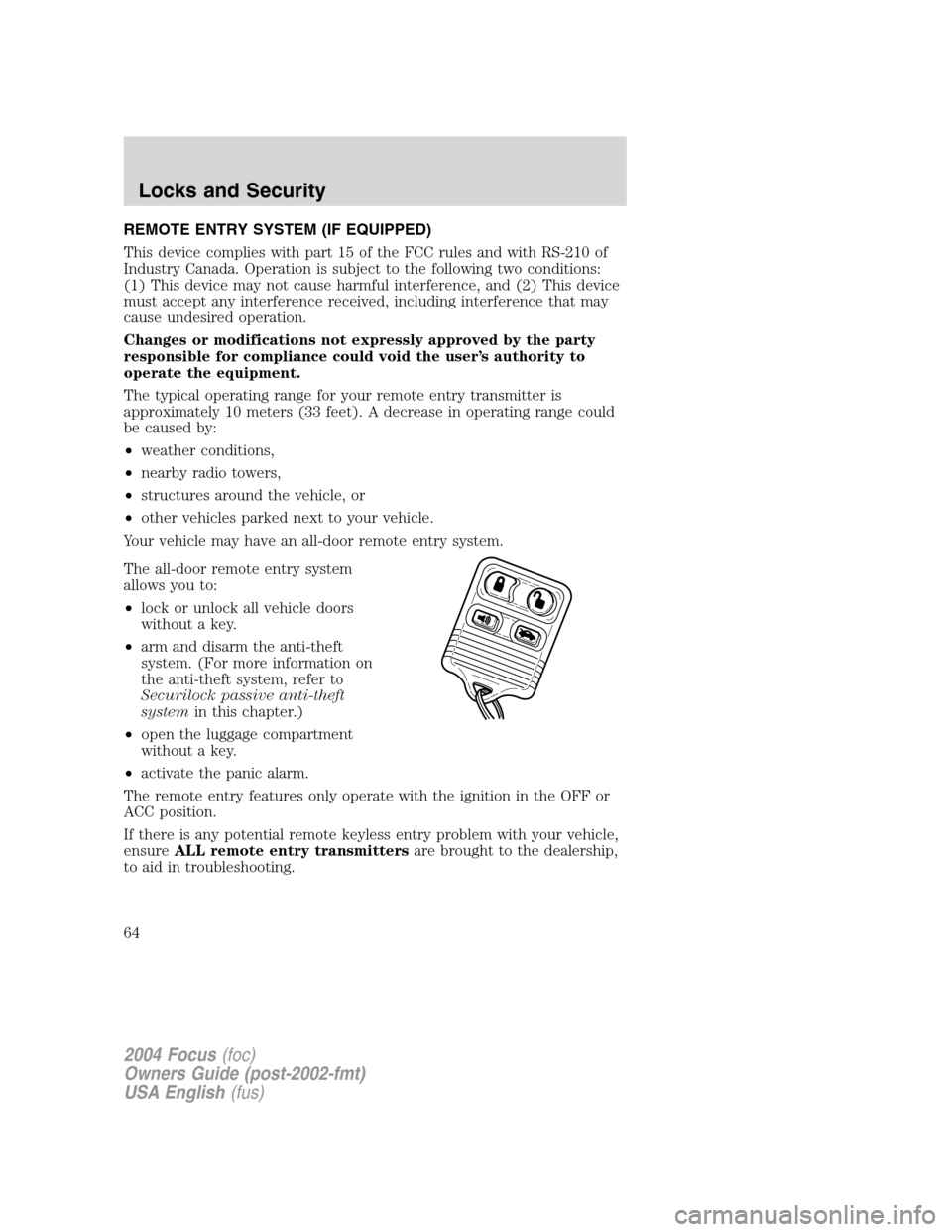
Your vehicle may have an all-door remote entry system.
The all-door remote entry system
allows you to:
•lock or unlock all vehicle doors
without a key.
•arm and disarm the anti-theft
system. (For more information on
the anti-theft system, refer to
Securilock passive anti-theft
systemin this chapter.)
•open the luggage compartment
without a key.
•activate the panic alarm.
The remote entry features only operate with the ignition in the OFF or
ACC position.
If there is any potential remote keyless entry problem with your vehicle,
ensureALL remote entry transmittersare brought to the dealership,
to aid in troubleshooting.
2004 Focus(foc)
Owners Guide (post-2002-fmt)
USA English(fus)
Locks and Security
64
Page 70 of 232
PERIMETER ALARM SYSTEM (IF EQUIPPED)
The perimeter anti-theft system will warn you in the event of an
unauthorized entry to your vehicle.
If there is any potential perimeter anti-theft problem with your vehicle,
ensureALL remote entry transmittersare taken to the dealership to
aid in troubleshooting.
Arming the system
When armed, this system will respond if unauthorized entry is
attempted. When unauthorized entry occurs, the system will flash the
parking lamps and will sound the horn.
The system is ready to arm whenever key is removed from the ignition.
Either of the following actions will prearm the alarm system:
•Press the
control on the remote entry transmitter.
•Lock the doors with the key in the key cylinder.
•Open a door and press the power door lock control to lock all the
doors, and then close the door.
Disarming the system
You can disarm the system by any of the following actions:
•Unlock the doors by pressing the
control on your remote entry
transmitter.
•Unlock the doors with a key. Turn the key full travel (toward the front
of the vehicle) to ensure the alarm disarms.
Triggering the anti-theft system
The armed system will be triggered if any door, liftgate/trunk or the hood
is opened without using the key or the remote entry transmitter.
2004 Focus(foc)
Owners Guide (post-2002-fmt)
USA English(fus)
Locks and Security
70
Page 76 of 232
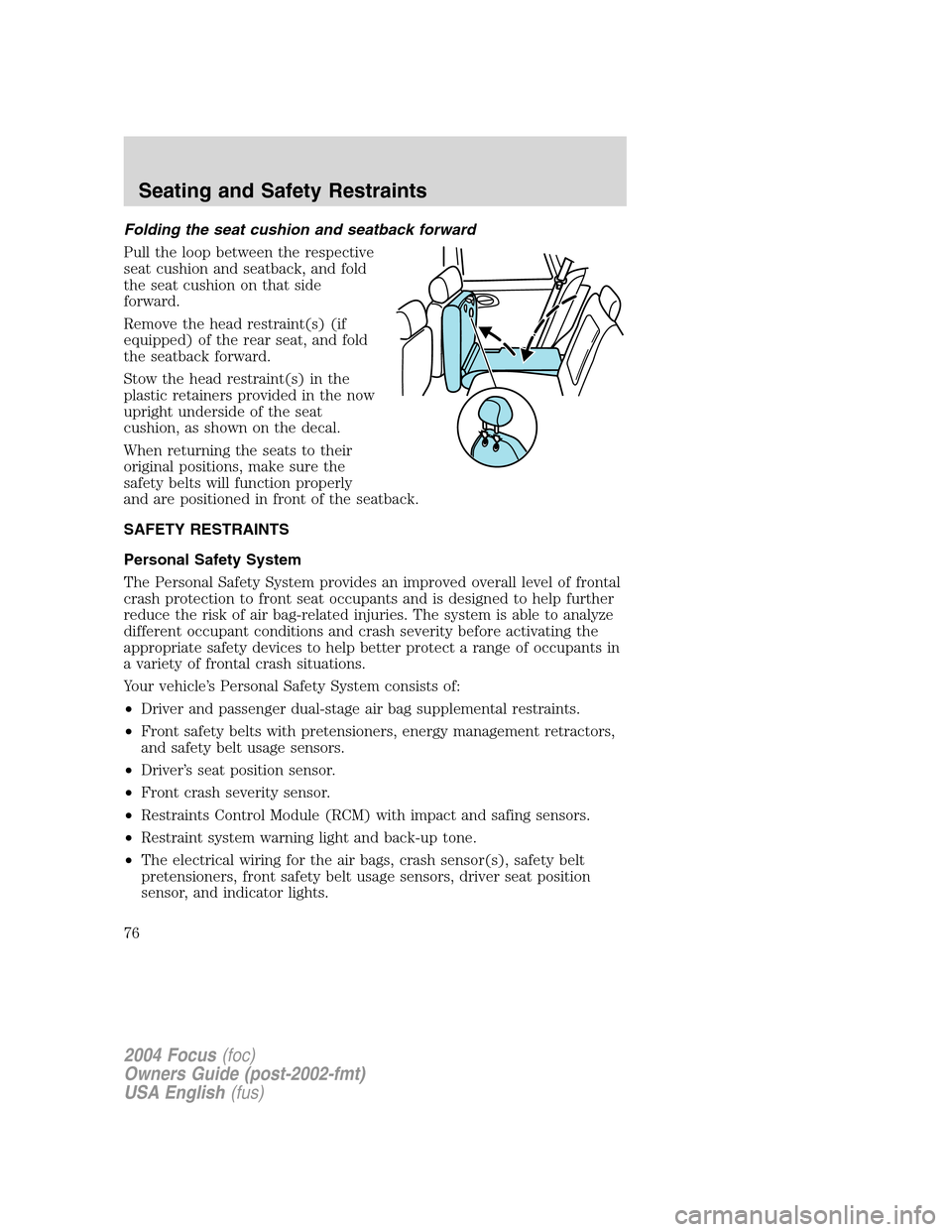
Folding the seat cushion and seatback forward
Pull the loop between the respective
seat cushion and seatback, and fold
the seat cushion on that side
forward.
Remove the head restraint(s) (if
equipped) of the rear seat, and fold
the seatback forward.
Stow the head restraint(s) in the
plastic retainers provided in the now
upright underside of the seat
cushion, as shown on the decal.
When returning the seats to their
original positions, make sure the
safety belts will function properly
and are positioned in front of the seatback.
SAFETY RESTRAINTS
Personal Safety System
The Personal Safety System provides an improved overall level of frontal
crash protection to front seat occupants and is designed to help further
reduce the risk of air bag-related injuries. The system is able to analyze
different occupant conditions and crash severity before activating the
appropriate safety devices to help better protect a range of occupants in
a variety of frontal crash situations.
Your vehicle’s Personal Safety System consists of:
•Driver and passenger dual-stage air bag supplemental restraints.
•Front safety belts with pretensioners, energy management retractors,
and safety belt usage sensors.
•Driver’s seat position sensor.
•Front crash severity sensor.
•Restraints Control Module (RCM) with impact and safing sensors.
•Restraint system warning light and back-up tone.
•The electrical wiring for the air bags, crash sensor(s), safety belt
pretensioners, front safety belt usage sensors, driver seat position
sensor, and indicator lights.
2004 Focus(foc)
Owners Guide (post-2002-fmt)
USA English(fus)
Seating and Safety Restraints
76
Page 78 of 232
Front safety belt pretensioners
The safety belt pretensioners are designed to tighten the safety belts
firmly against the occupant’s body during a collision. This maximizes the
effectiveness of the safety belts and helps properly position the occupant
relative to the air bag to improve protection. The safety belt
pretensioners can be either activated alone or, if the collision is of
sufficient severity, together with the air bags.
Front safety belt energy management retractors
The front safety belt energy management retractors allow webbing to be
pulled out of the retractor in a gradual and controlled manner in
response to the occupant’s forward momentum. This helps reduce the
risk of force-related injuries to the occupant’s chest by limiting the load
on the occupant. Refer toSafety Beltsection in this chapter.
Determining if the Personal Safety System is operational
The Personal Safety System uses a warning light in the instrument
cluster or a back-up tone to indicate the condition of the system. Refer
to theWarning Lightsection in theInstrument Clusterchapter.
Routine maintenance of the Personal Safety System is not required.
The Restraints Control Module (RCM) monitors its own internal circuits
and the circuits for the air bag supplemental restraints, crash sensor(s),
safety belt pretensioners, front safety belt buckle sensors, and the driver
seat position sensor. In addition, the RCM also monitors the restraints
warning light in the instrument cluster. A difficulty with the system is
indicated by one or more of the following.
•The warning light will either flash or stay lit.
•The warning light will not illuminate immediately after ignition is
turned on.
•A series of five beeps will be heard. The tone pattern will repeat
periodically until the problem and warning light are repaired.
If any of these things happen, even intermittently, have the Personal
Safety System serviced at your dealership or by a qualified technician
immediately. Unless serviced, the system may not function properly in
the event of a collision.
2004 Focus(foc)
Owners Guide (post-2002-fmt)
USA English(fus)
Seating and Safety Restraints
78
Page 81 of 232
BELT AND RETRACTOR ASSEMBLY MUST BE REPLACED if
the seat belt assembly“automatic locking retractor”feature or
any other seat belt function is not operating properly when checked
according to the procedures in Workshop Manual.
Failure to replace the belt and retractor assembly could increase
the risk of injury in collisions.
The front outboard and rear safety restraints in the vehicle are
combination lap and shoulder belts. The front passenger and rear seat
safety belts have two types of locking modes.
Vehicle sensitive mode
The vehicle sensitive mode is the normal retractor mode, allowing free
shoulder belt length adjustment to your movements and locking in
response to vehicle movement. For example, if the driver brakes
suddenly or turns a corner sharply, or the vehicle receives an impact of
approximately 8 km/h (5 mph) or more, the combination safety belts will
lock to help reduce forward movement of the driver and passengers.
Automatic locking mode
The automatic locking mode is not available on the driver safety belt.
When to use the automatic locking mode
In this mode, the shoulder belt is automatically pre-locked. The belt will
still retract to remove any slack in the shoulder belt. The automatic
locking mode is not available on the driver safety belt.
This mode should be usedany timea child safety seat is installed in a
passenger front or outboard rear seating position (if equipped). Children
12 years old and under should be properly restrained in the rear seat
whenever possible. Refer toSafety restraints for childrenorSafety
seats for childrenlater in this chapter.
2004 Focus(foc)
Owners Guide (post-2002-fmt)
USA English(fus)
Seating and Safety Restraints
81