instrument FORD FOCUS 2008 2.G User Guide
[x] Cancel search | Manufacturer: FORD, Model Year: 2008, Model line: FOCUS, Model: FORD FOCUS 2008 2.GPages: 256, PDF Size: 2.13 MB
Page 34 of 256
For maximum cooling performance in MAX A/C mode:
1. Select MAX A/C.
2. Move temperature control selector to the coolest setting.
3. Set the fan to the highest speed initially, then adjust to maintain
comfort.
To aid in side window defogging/demisting in cold weather:
1. Select
.
2. Select A/C.
3. Adjust the temperature control to maintain comfort.
4. Set the fan speed to the highest setting.
5. Direct the outer instrument panel vents towards the side windows.
To increase airflow to the outer instrument panel vents, close the vents
located in the middle of the instrument panel.
Do not place objects on top of the instrument panel as these
objects may become projectiles in a collision or sudden stop.
REAR WINDOW DEFROSTER
R
The rear defroster control is located on the climate control panel and
works to clear the rear window of fog and thin ice.
The engine must be running to operate the rear window defroster.
Press
Rto turn the rear window defroster on. An indicator light on
the button will illuminate when active. The rear window defroster turns
off automatically after a predetermined amount of time, if a low battery
condition is detected or when the ignition is turned to the 1 (LOCK) or
2 (ACC) position. To manually turn off the rear window defroster at any
time, press the control again.
If your vehicle is equipped with both rear defroster and heated mirrors,
the same button will activate both. Refer toHeated outside mirrorsin
theDriver Controlschapter.
Do not use razor blades or other sharp objects to clean the inside
of the rear window or to remove decals from the inside or the
rear window. This may cause damage to the heated grid lines and
will not be covered by your warranty.
2008 Focus(foc)
Owners Guide (post-2002-fmt)
USA(fus)
Climate Controls
34
Page 35 of 256
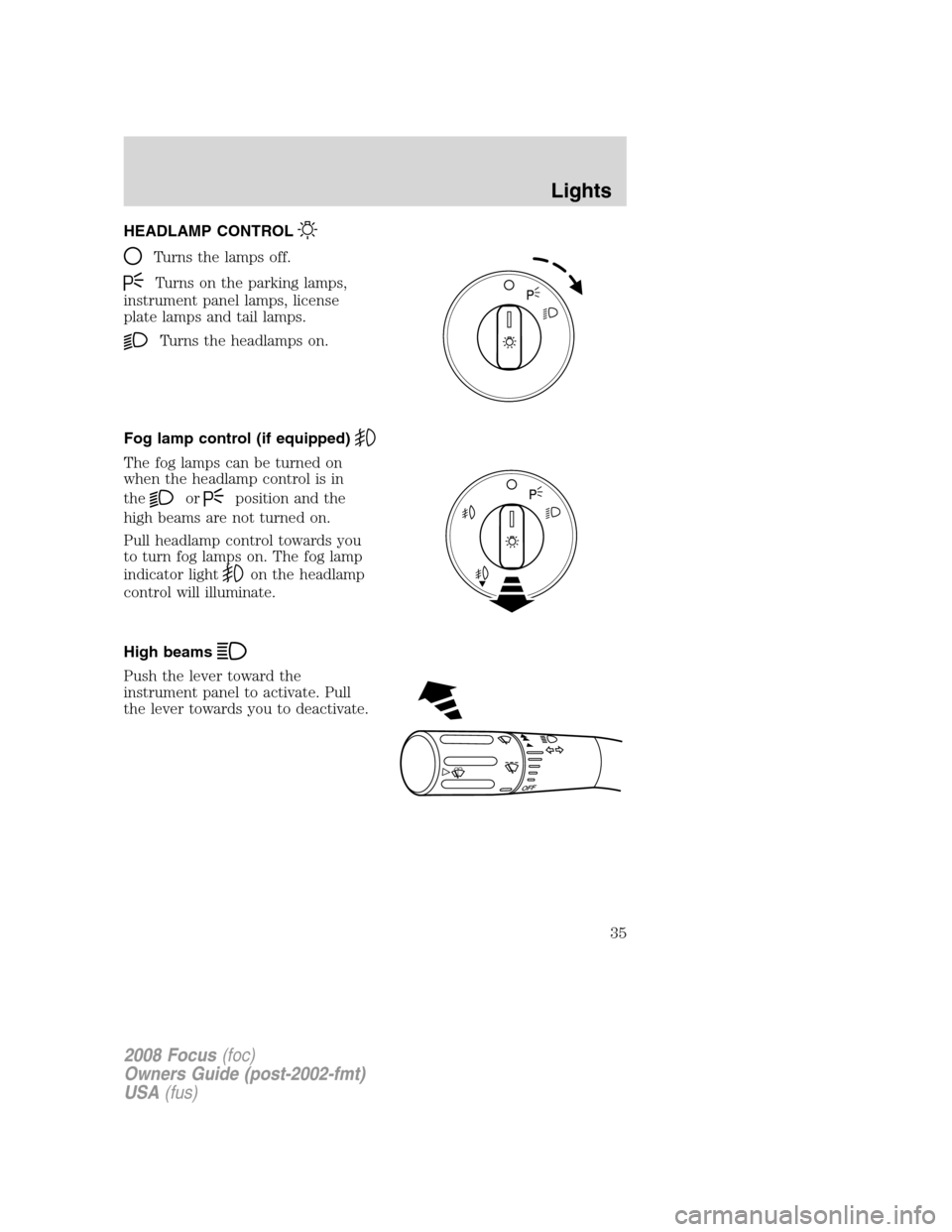
HEADLAMP CONTROL
Turns the lamps off.
Turns on the parking lamps,
instrument panel lamps, license
plate lamps and tail lamps.
Turns the headlamps on.
Fog lamp control (if equipped)
The fog lamps can be turned on
when the headlamp control is in
the
orposition and the
high beams are not turned on.
Pull headlamp control towards you
to turn fog lamps on. The fog lamp
indicator light
on the headlamp
control will illuminate.
High beams
Push the lever toward the
instrument panel to activate. Pull
the lever towards you to deactivate.
OFF
2008 Focus(foc)
Owners Guide (post-2002-fmt)
USA(fus)
Lights
35
Page 36 of 256
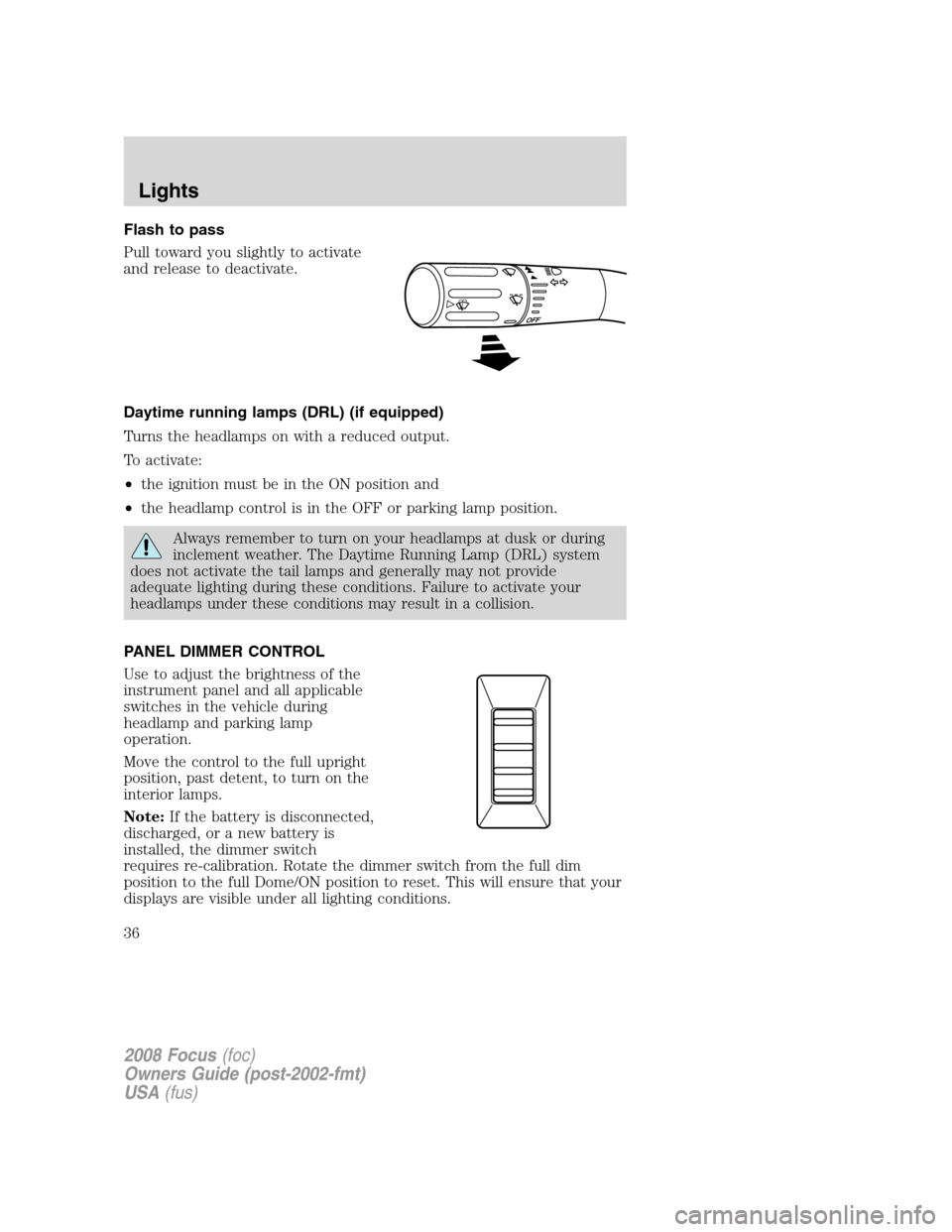
Flash to pass
Pull toward you slightly to activate
and release to deactivate.
Daytime running lamps (DRL) (if equipped)
Turns the headlamps on with a reduced output.
To activate:
•the ignition must be in the ON position and
•the headlamp control is in the OFF or parking lamp position.
Always remember to turn on your headlamps at dusk or during
inclement weather. The Daytime Running Lamp (DRL) system
does not activate the tail lamps and generally may not provide
adequate lighting during these conditions. Failure to activate your
headlamps under these conditions may result in a collision.
PANEL DIMMER CONTROL
Use to adjust the brightness of the
instrument panel and all applicable
switches in the vehicle during
headlamp and parking lamp
operation.
Move the control to the full upright
position, past detent, to turn on the
interior lamps.
Note:If the battery is disconnected,
discharged, or a new battery is
installed, the dimmer switch
requires re-calibration. Rotate the dimmer switch from the full dim
position to the full Dome/ON position to reset. This will ensure that your
displays are visible under all lighting conditions.
2008 Focus(foc)
Owners Guide (post-2002-fmt)
USA(fus)
Lights
36
Page 39 of 256
Illuminates 4 footwells and 3
cupholders with a choice of 7 colors.
The ambient lighting control switch
is located on the instrument panel.
To activate, press and release the
control switch to cycle through the
7 color choices plus the OFF state.
The lights come on whenever the
headlamps/parklamps are turned on via the headlamp switch.Note:The
ambient lights will stay on as long as the headlamp switch is ON (same
as parklamps), even after the car is turned off/keys removed.
BULB REPLACEMENT
Headlamp Condensation
The headlamps are vented to equalize pressure. When moist air enters
the headlamp(s) through the vents, there is a possibility that
condensation can occur. This condensation is normal and will clear
within 45 minutes of headlamp operation.
Using the right bulbs
Replacement bulbs are specified in the chart below. Headlamp bulbs
must be marked with an authorized “D.O.T.” for North America to ensure
lamp performance, light brightness and pattern and safe visibility. The
correct bulbs will not damage the lamp assembly or void the lamp
assembly warranty and will provide quality bulb burn time.
Function Trade number
Headlamps H13
Park and turn lamp (front) 3457 NAK
Side marker lamp (front) 168
Fog lamps (if equipped) H11 LL
Stop/turn and tail lamps 3057K
Backup lamp 921
License plate lamp C5W L
* High-mount brake lamp LED
* To replace these lamps - see your authorized dealer.
To replace all instrument panel lights - see your authorized dealer
2008 Focus(foc)
Owners Guide (post-2002-fmt)
USA(fus)
Lights
39
Page 45 of 256
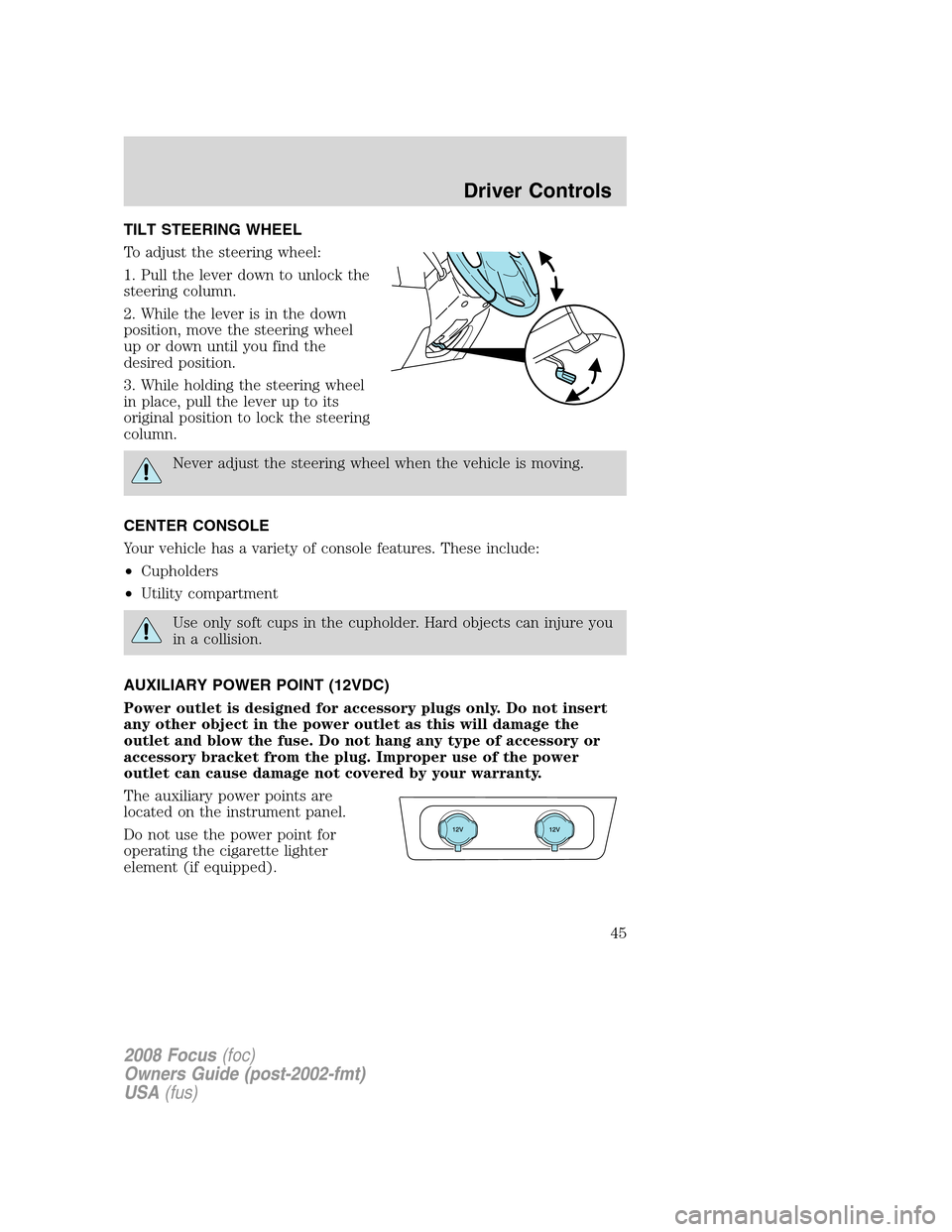
TILT STEERING WHEEL
To adjust the steering wheel:
1. Pull the lever down to unlock the
steering column.
2. While the lever is in the down
position, move the steering wheel
up or down until you find the
desired position.
3. While holding the steering wheel
in place, pull the lever up to its
original position to lock the steering
column.
Never adjust the steering wheel when the vehicle is moving.
CENTER CONSOLE
Your vehicle has a variety of console features. These include:
•Cupholders
•Utility compartment
Use only soft cups in the cupholder. Hard objects can injure you
in a collision.
AUXILIARY POWER POINT (12VDC)
Power outlet is designed for accessory plugs only. Do not insert
any other object in the power outlet as this will damage the
outlet and blow the fuse. Do not hang any type of accessory or
accessory bracket from the plug. Improper use of the power
outlet can cause damage not covered by your warranty.
The auxiliary power points are
located on the instrument panel.
Do not use the power point for
operating the cigarette lighter
element (if equipped).
2008 Focus(foc)
Owners Guide (post-2002-fmt)
USA(fus)
Driver Controls
45
Page 49 of 256
Heated mirrors (if equipped)
Both mirrors are heated
automatically to remove ice, mist
and fog when the rear window
defrost is activated.
Do not remove ice from the
mirrors with a scraper or
attempt to readjust the mirror
glass if it is frozen in place.
These actions could cause damage to the glass and mirrors.
SPEED CONTROL (IF EQUIPPED)
With speed control set, you can maintain a set speed without keeping
your foot on the accelerator pedal.
Do not use the speed control in heavy traffic or on roads that
are winding, slippery or unpaved.
Setting speed control
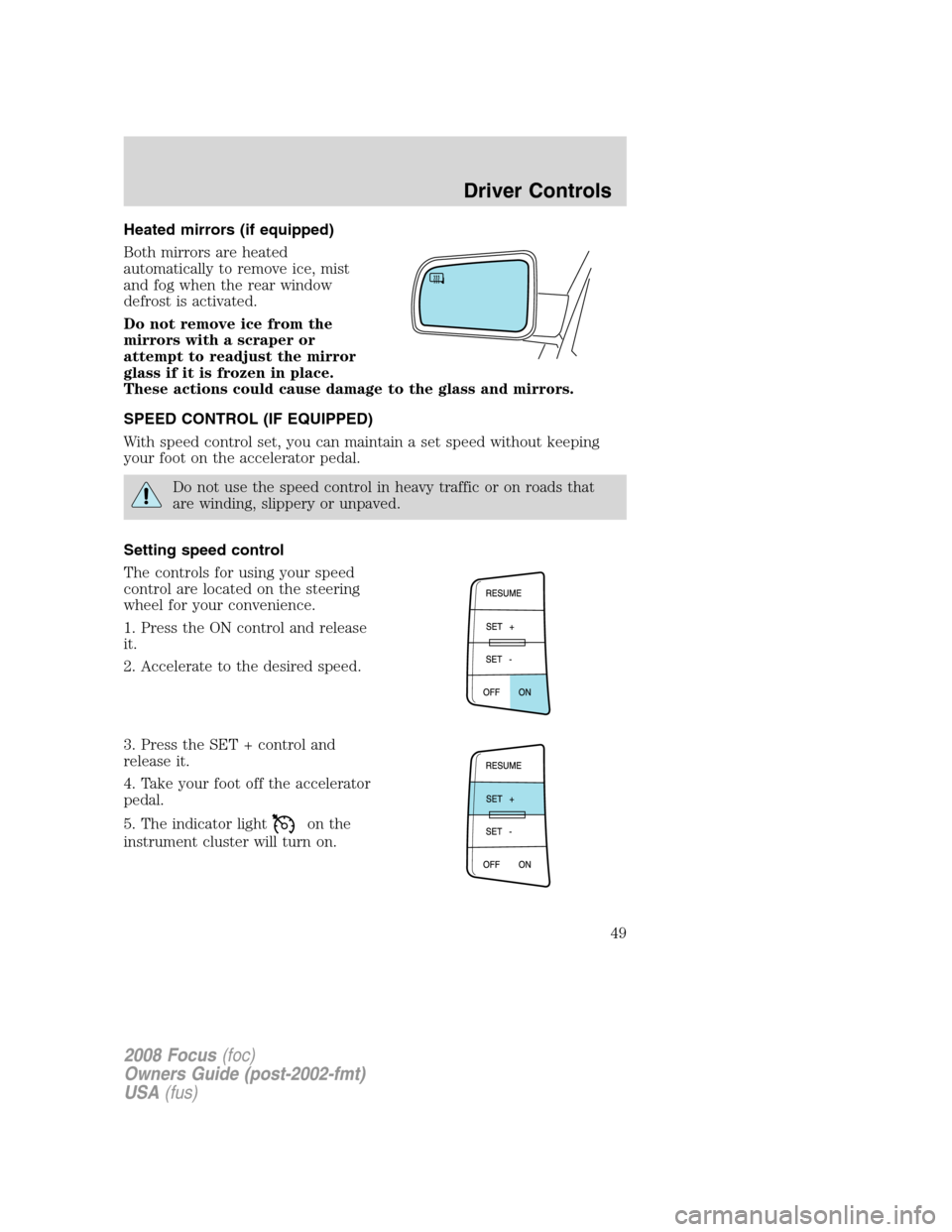
The controls for using your speed
control are located on the steering
wheel for your convenience.
1. Press the ON control and release
it.
2. Accelerate to the desired speed.
3. Press the SET + control and
release it.
4. Take your foot off the accelerator
pedal.
5. The indicator light
on the
instrument cluster will turn on.
2008 Focus(foc)
Owners Guide (post-2002-fmt)
USA(fus)
Driver Controls
49
Page 55 of 256
Do not let children play with the moon roof or leave children
unattended in the vehicle. They may seriously hurt themselves.
Relearning function:In case the moon roof does not close properly
anymore, follow this relearning procedure.
•Tilt the moon roof into the vent position as far as possible. Release the
switch.
•Press and hold the same switch again for 30 seconds until you see the
moon roof move.
•Release the switch and immediately press and hold it again. The moon
roof will close, open fully and then close again. Do not release the
switch before the moon roof has reached the closed position for the
second time.
Safety mode:If the system detects a malfunction, it enters a safety
mode. The moon roof will move about 0.5 seconds at a time and then
stop again. Press the switch repeatedly until the moon roof is closed.
Have the system checked by your authorized dealer immediately.
MESSAGE CENTER (IF EQUIPPED)
With the ignition in the RUN
position, the message center,
located on your instrument cluster,
displays important vehicle
informationthrough a constant
monitor of vehicle systems.Yo u
may select display features on the message center for a display of status.
The system will also notify you of potential vehicle problems with a
display of system warnings followed by a long indicator chime.
Selectable features
Reset
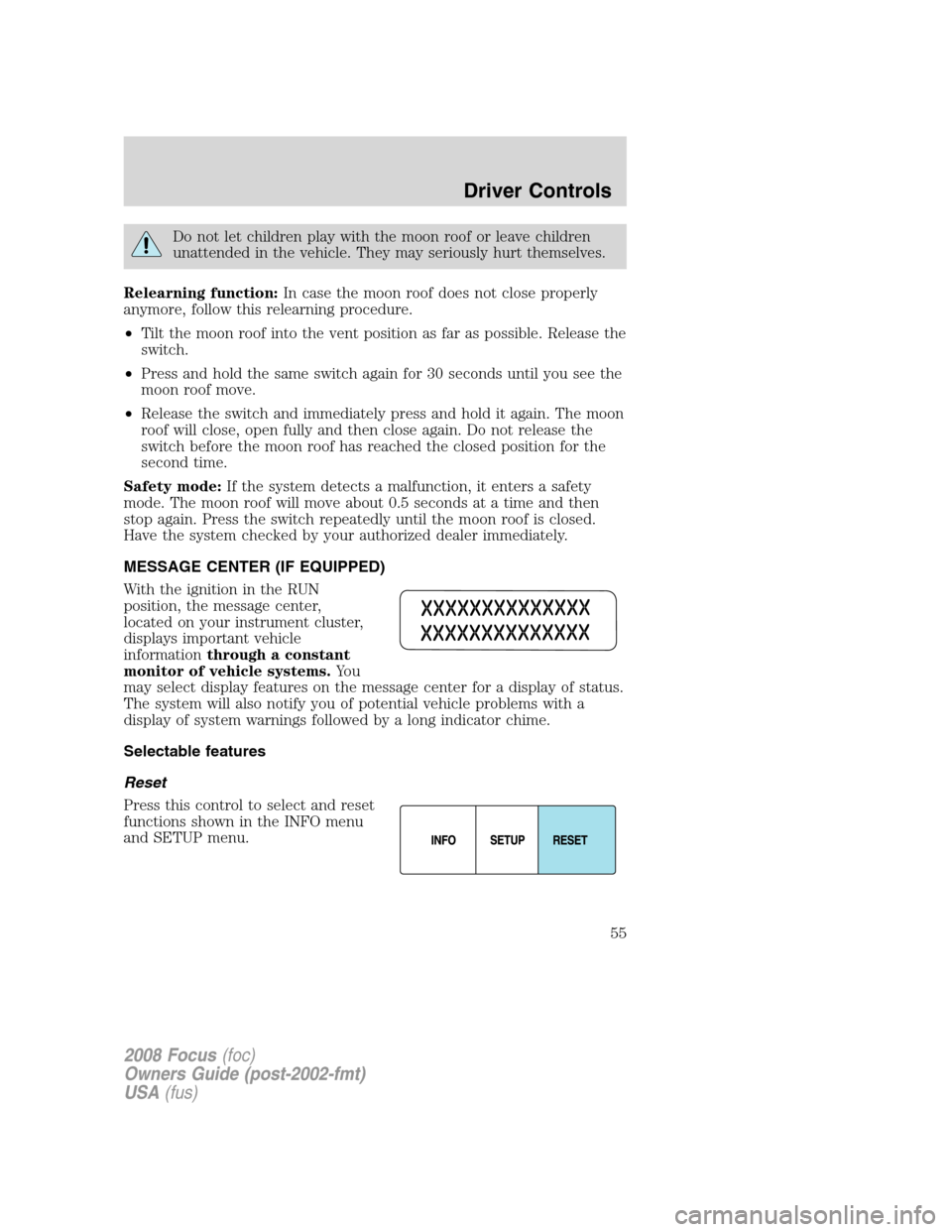
Press this control to select and reset
functions shown in the INFO menu
and SETUP menu.
2008 Focus(foc)
Owners Guide (post-2002-fmt)
USA(fus)
Driver Controls
55
Page 56 of 256
Info menu
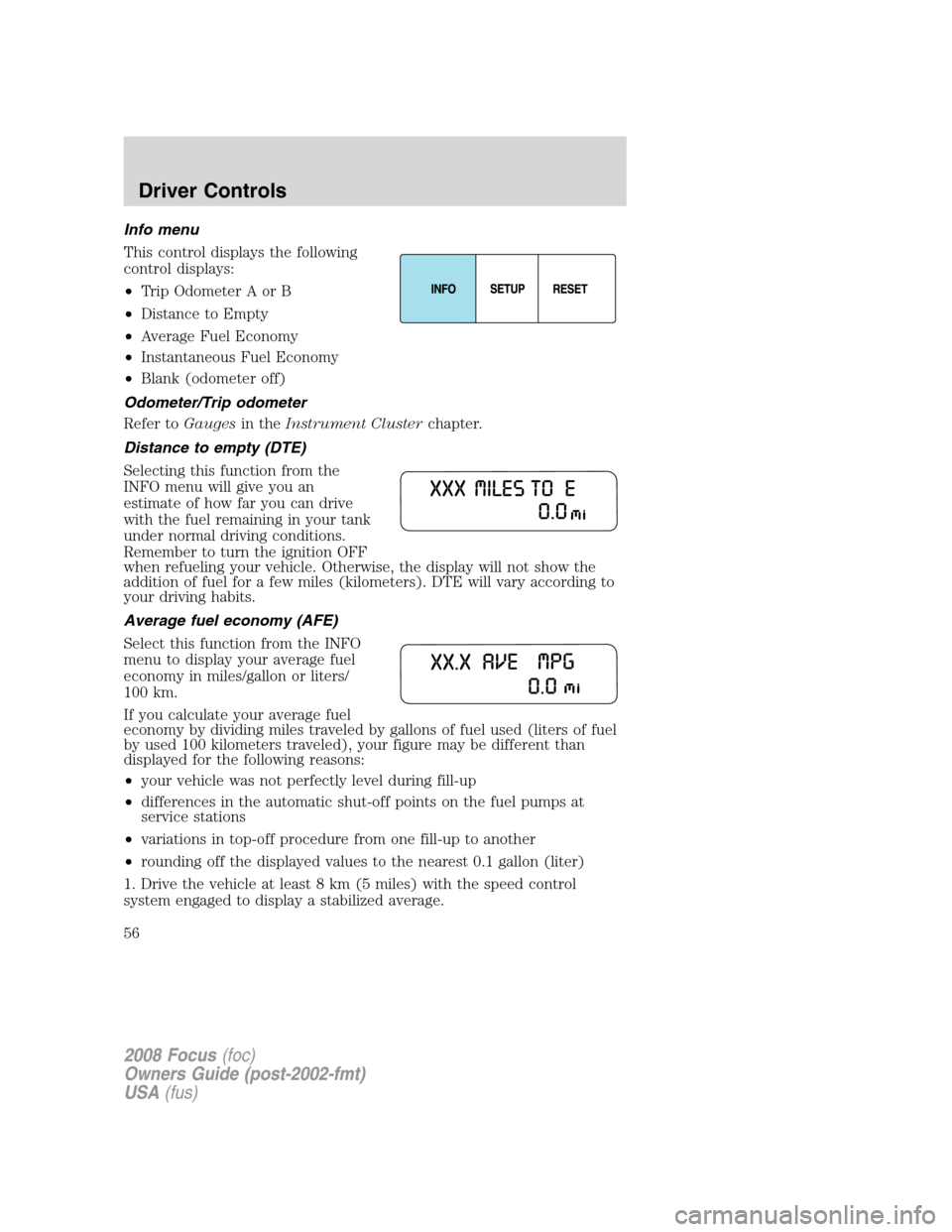
This control displays the following
control displays:
•Trip Odometer A or B
•Distance to Empty
•Average Fuel Economy
•Instantaneous Fuel Economy
•Blank (odometer off)
Odometer/Trip odometer
Refer toGaugesin theInstrument Clusterchapter.
Distance to empty (DTE)
Selecting this function from the
INFO menu will give you an
estimate of how far you can drive
with the fuel remaining in your tank
under normal driving conditions.
Remember to turn the ignition OFF
when refueling your vehicle. Otherwise, the display will not show the
addition of fuel for a few miles (kilometers). DTE will vary according to
your driving habits.
Average fuel economy (AFE)
Select this function from the INFO
menu to display your average fuel
economy in miles/gallon or liters/
100 km.
If you calculate your average fuel
economy by dividing miles traveled by gallons of fuel used (liters of fuel
by used 100 kilometers traveled), your figure may be different than
displayed for the following reasons:
•your vehicle was not perfectly level during fill-up
•differences in the automatic shut-off points on the fuel pumps at
service stations
•variations in top-off procedure from one fill-up to another
•rounding off the displayed values to the nearest 0.1 gallon (liter)
1. Drive the vehicle at least 8 km (5 miles) with the speed control
system engaged to display a stabilized average.
2008 Focus(foc)
Owners Guide (post-2002-fmt)
USA(fus)
Driver Controls
56
Page 64 of 256
7. Turn the ignition to the 1 (LOCK) position. The horn will chirp once
to confirm the procedure is complete.
Autounlock feature (if equipped)
The autounlock feature will unlock all the doors when:
•the ignition is in the 3 (RUN) position, all the doors are closed, and
the vehicle has been in motion at a speed greater than 12 mph
(20 km/h);
•the vehicle has then come to a stop and the ignition is turned to the 1
(LOCK) or 2 (ACC) position; and
•the driver door is opened within 10 minutes of the ignition being
transitioned to the 1 (LOCK) or 2 (ACC) position.
Note:The doors will not autounlock if the vehicle has been
electronically locked before the driver door is opened.
Deactivating/activating autounlock feature
Your vehicle comes with the autounlock features activated; there are
three methods to enable/disable this feature:
•Through your authorized dealer,
•by using a power door unlock/lock sequence
•or by using the instrument cluster message center. Refer toMessage
centerin theDriver Controlschapter.
Note:The autounlock feature can be activated/deactivated
independently of the autolock feature.
Power door lock switch autounlock enable/disable procedure
Before starting, ensure the ignition is in the 1 (LOCK) position and all
vehicle doors are closed. You must complete Steps 1–5 within 30 seconds
or the procedure will have to be repeated. If the procedure needs to be
repeated, wait a minimum of 30 seconds before beginning again.
1. Place the key in the ignition and
turn the ignition to the 3 (RUN)
position.
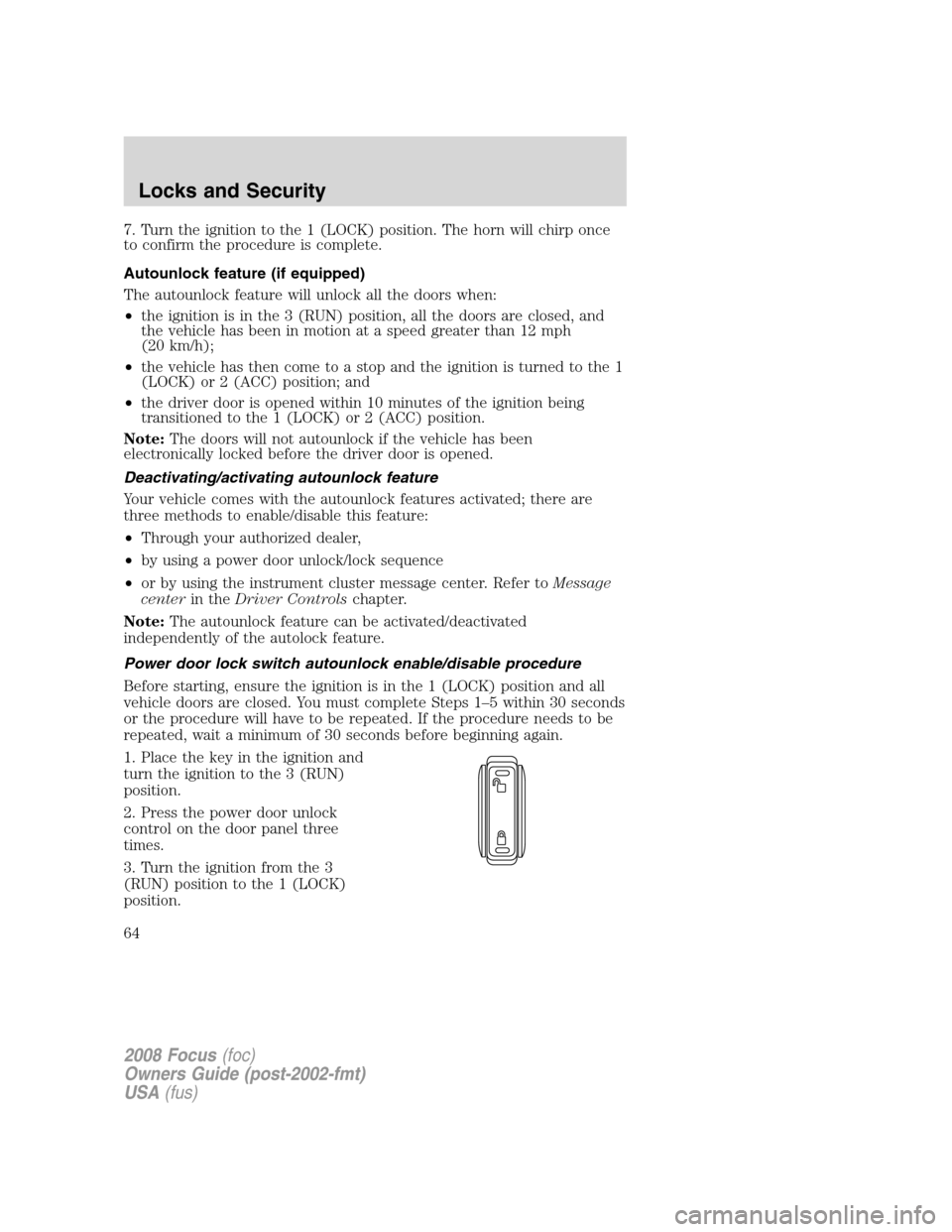
2. Press the power door unlock
control on the door panel three
times.
3. Turn the ignition from the 3
(RUN) position to the 1 (LOCK)
position.
2008 Focus(foc)
Owners Guide (post-2002-fmt)
USA(fus)
Locks and Security
64
Page 71 of 256
SECURILOCK™ PASSIVE ANTI-THEFT SYSTEM
SecuriLock™ passive anti-theft system is an engine immobilization
system. This system is designed to help prevent the engine from being
started unless acoded key programmed to your vehicleis used. The
use of the wrong type of coded key may lead to a “no-start” condition.
Your vehicle comes with two coded keys; additional coded keys may be
purchased from your authorized dealer. The authorized dealer can
program your spare keys to your vehicle or you can program the keys
yourself. Refer toProgramming spare keysfor instructions on how to
program the coded key.
Note:The SecuriLock™ passive anti-theft system is not compatible with
non-Ford aftermarket remote start systems. Use of these systems may
result in vehicle starting problems and a loss of security protection.
Note:Large metallic objects, electronic devices that are used to
purchase gasoline or similar items, or a second coded key on the same
key chain may cause vehicle starting issues. You need to prevent these
objects from touching the coded key while starting the engine. These
objects will not cause damage to the coded key, but may cause a
momentary issue if they are too close to the key when starting the
engine. If a problem occurs, turn the ignition off, remove all objects on
the key chain away from the coded key and restart the engine.
Anti-theft indicator
The anti-theft indicator is located in the instrument cluster.
•When the ignition is in the 2 (OFF) position, the indicator will flash
once every 2 seconds to indicate the SecuriLock™ system is
functioning as a theft deterrent.Note:On vehicles equipped with a
manual transmission, the indicator will flash when the ignition is in the
1 (LOCK) position.
•When the ignition is in the 3 (ON) position, the indicator will glow for
3 seconds, then turn off, to indicate normal system functionality.
If a problem occurs with the SecuriLock™ system, the indicator will flash
rapidly or glow steadily when the ignition is in the 3 (ON) position. If
this occurs, the vehicle should be taken to an authorized dealer for
service.
2008 Focus(foc)
Owners Guide (post-2002-fmt)
USA(fus)
Locks and Security
71