lock FORD FOCUS 2008 2.G User Guide
[x] Cancel search | Manufacturer: FORD, Model Year: 2008, Model line: FOCUS, Model: FORD FOCUS 2008 2.GPages: 256, PDF Size: 2.13 MB
Page 41 of 256
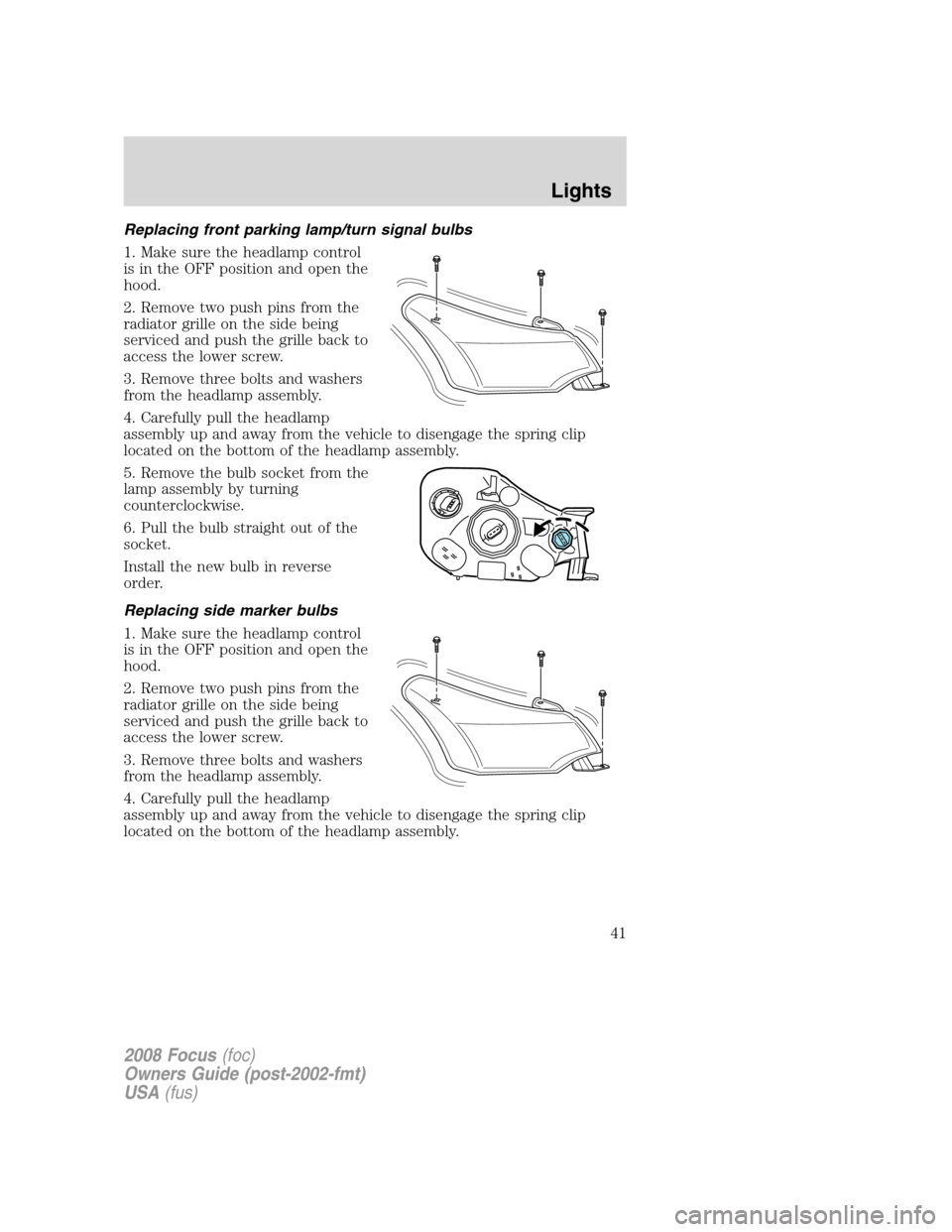
Replacing front parking lamp/turn signal bulbs
1. Make sure the headlamp control
is in the OFF position and open the
hood.
2. Remove two push pins from the
radiator grille on the side being
serviced and push the grille back to
access the lower screw.
3. Remove three bolts and washers
from the headlamp assembly.
4. Carefully pull the headlamp
assembly up and away from the vehicle to disengage the spring clip
located on the bottom of the headlamp assembly.
5. Remove the bulb socket from the
lamp assembly by turning
counterclockwise.
6. Pull the bulb straight out of the
socket.
Install the new bulb in reverse
order.
Replacing side marker bulbs
1. Make sure the headlamp control
is in the OFF position and open the
hood.
2. Remove two push pins from the
radiator grille on the side being
serviced and push the grille back to
access the lower screw.
3. Remove three bolts and washers
from the headlamp assembly.
4. Carefully pull the headlamp
assembly up and away from the vehicle to disengage the spring clip
located on the bottom of the headlamp assembly.
2008 Focus(foc)
Owners Guide (post-2002-fmt)
USA(fus)
Lights
41
Page 42 of 256
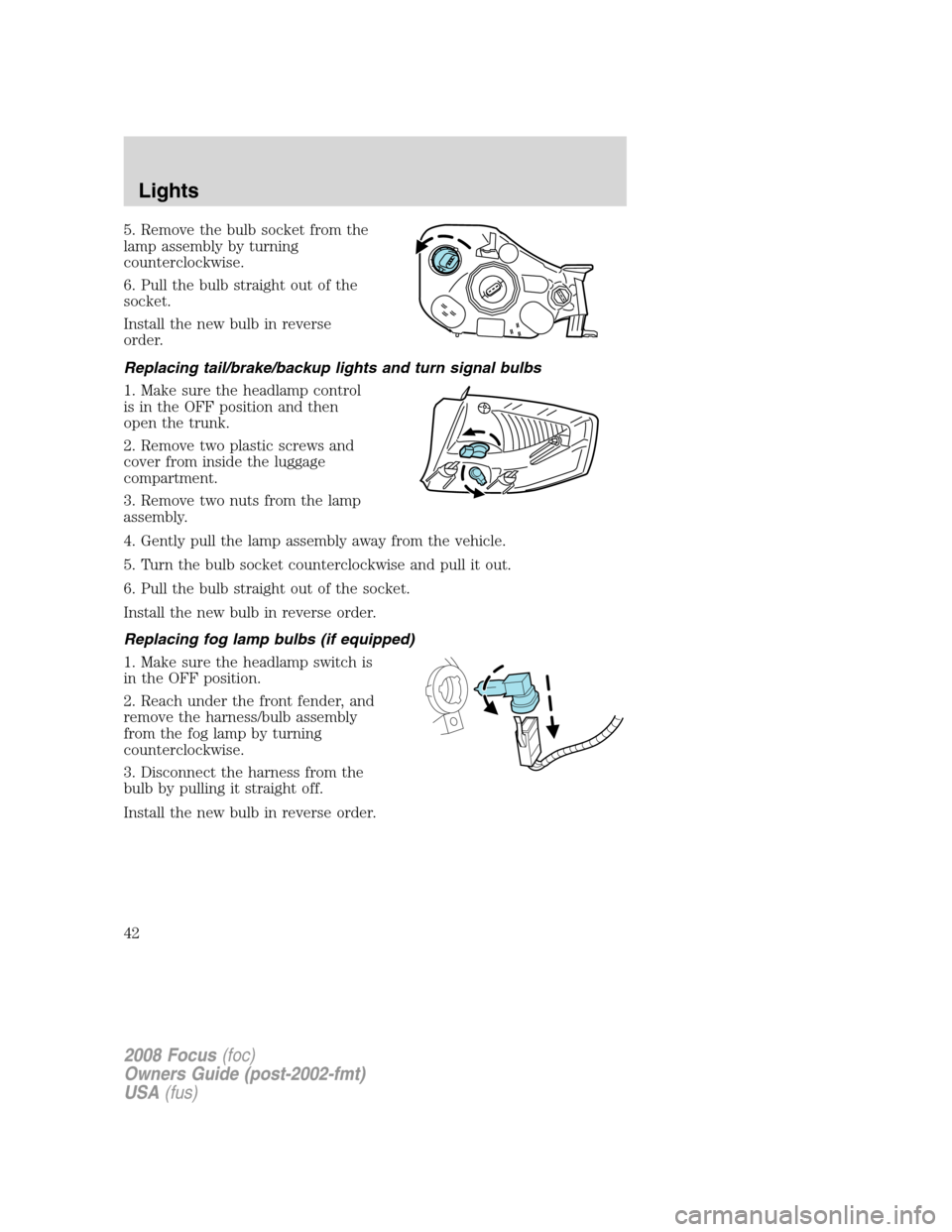
5. Remove the bulb socket from the
lamp assembly by turning
counterclockwise.
6. Pull the bulb straight out of the
socket.
Install the new bulb in reverse
order.
Replacing tail/brake/backup lights and turn signal bulbs
1. Make sure the headlamp control
is in the OFF position and then
open the trunk.
2. Remove two plastic screws and
cover from inside the luggage
compartment.
3. Remove two nuts from the lamp
assembly.
4. Gently pull the lamp assembly away from the vehicle.
5. Turn the bulb socket counterclockwise and pull it out.
6. Pull the bulb straight out of the socket.
Install the new bulb in reverse order.
Replacing fog lamp bulbs (if equipped)
1. Make sure the headlamp switch is
in the OFF position.
2. Reach under the front fender, and
remove the harness/bulb assembly
from the fog lamp by turning
counterclockwise.
3. Disconnect the harness from the
bulb by pulling it straight off.
Install the new bulb in reverse order.
2008 Focus(foc)
Owners Guide (post-2002-fmt)
USA(fus)
Lights
42
Page 45 of 256
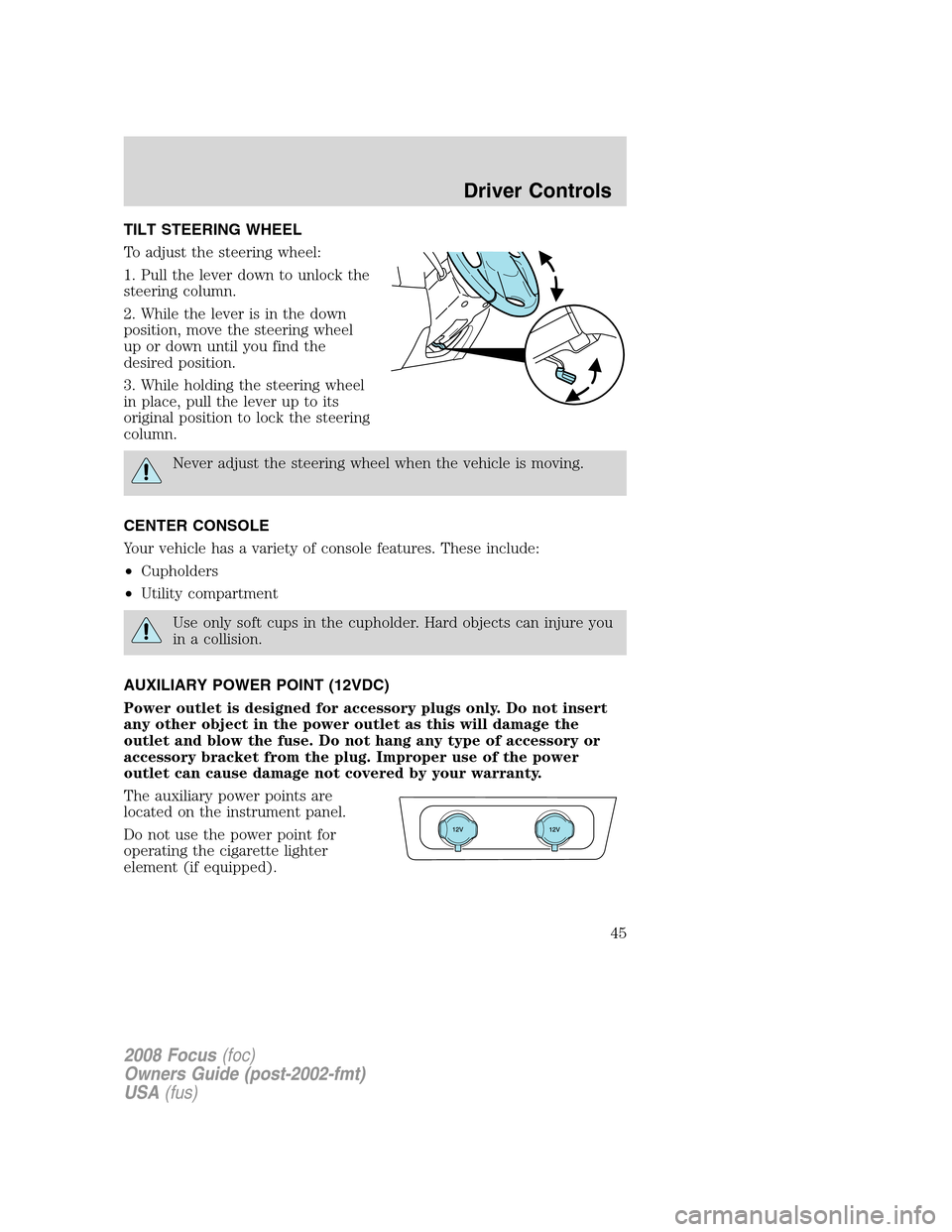
TILT STEERING WHEEL
To adjust the steering wheel:
1. Pull the lever down to unlock the
steering column.
2. While the lever is in the down
position, move the steering wheel
up or down until you find the
desired position.
3. While holding the steering wheel
in place, pull the lever up to its
original position to lock the steering
column.
Never adjust the steering wheel when the vehicle is moving.
CENTER CONSOLE
Your vehicle has a variety of console features. These include:
•Cupholders
•Utility compartment
Use only soft cups in the cupholder. Hard objects can injure you
in a collision.
AUXILIARY POWER POINT (12VDC)
Power outlet is designed for accessory plugs only. Do not insert
any other object in the power outlet as this will damage the
outlet and blow the fuse. Do not hang any type of accessory or
accessory bracket from the plug. Improper use of the power
outlet can cause damage not covered by your warranty.
The auxiliary power points are
located on the instrument panel.
Do not use the power point for
operating the cigarette lighter
element (if equipped).
2008 Focus(foc)
Owners Guide (post-2002-fmt)
USA(fus)
Driver Controls
45
Page 47 of 256
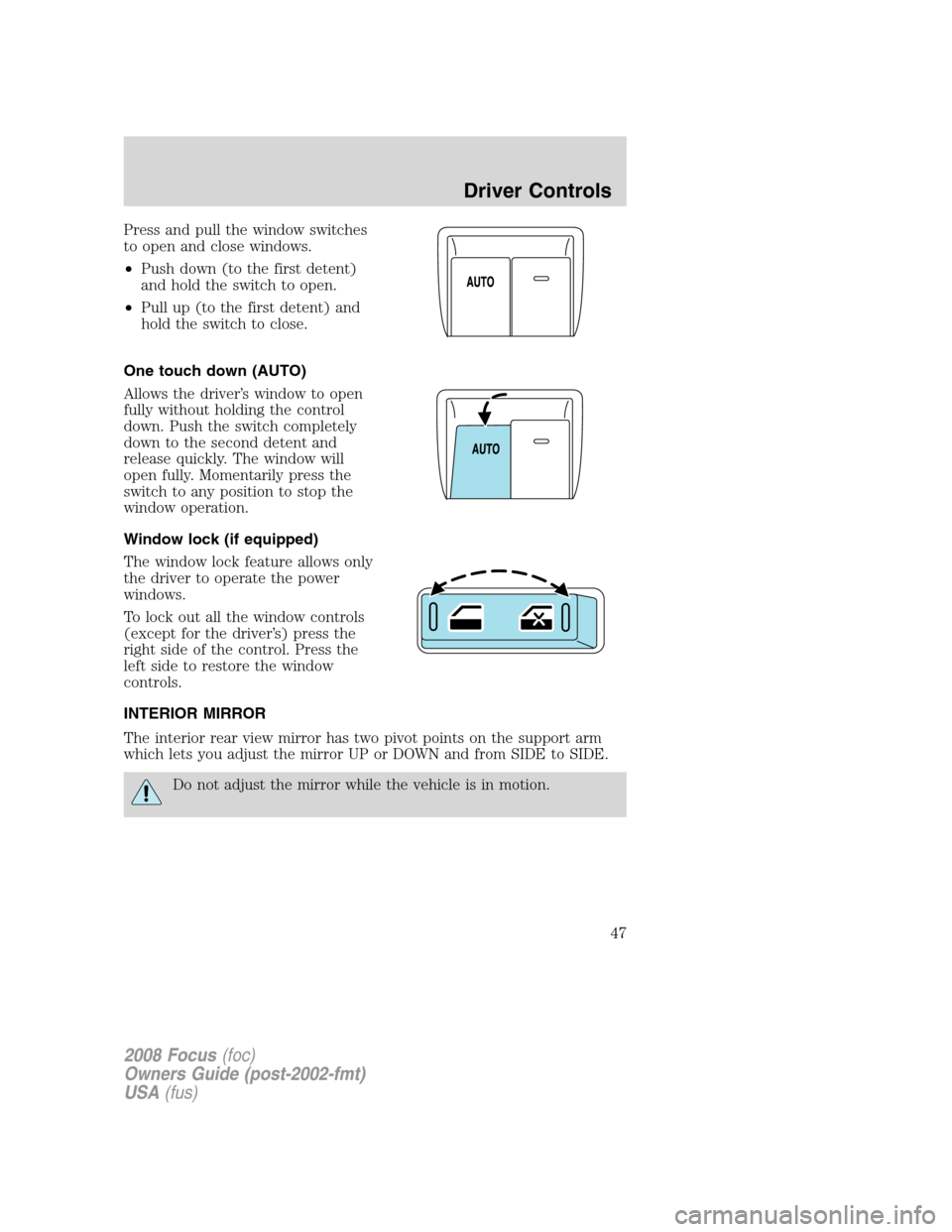
Press and pull the window switches
to open and close windows.
•Push down (to the first detent)
and hold the switch to open.
•Pull up (to the first detent) and
hold the switch to close.
One touch down (AUTO)
Allows the driver’s window to open
fully without holding the control
down. Push the switch completely
down to the second detent and
release quickly. The window will
open fully. Momentarily press the
switch to any position to stop the
window operation.
Window lock (if equipped)
The window lock feature allows only
the driver to operate the power
windows.
To lock out all the window controls
(except for the driver’s) press the
right side of the control. Press the
left side to restore the window
controls.
INTERIOR MIRROR
The interior rear view mirror has two pivot points on the support arm
which lets you adjust the mirror UP or DOWN and from SIDE to SIDE.
Do not adjust the mirror while the vehicle is in motion.
2008 Focus(foc)
Owners Guide (post-2002-fmt)
USA(fus)
Driver Controls
47
Page 48 of 256
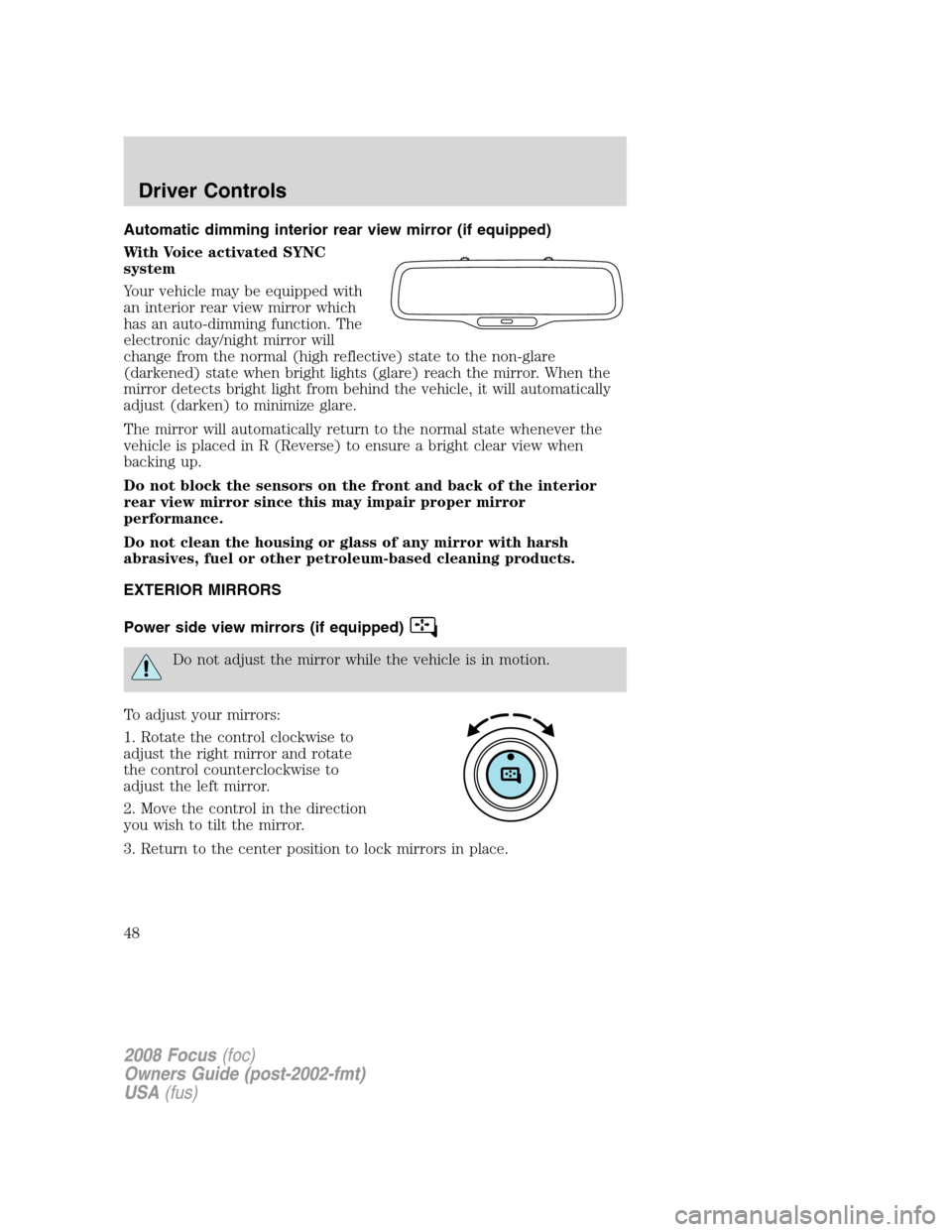
Automatic dimming interior rear view mirror (if equipped)
With Voice activated SYNC
system
Your vehicle may be equipped with
an interior rear view mirror which
has an auto-dimming function. The
electronic day/night mirror will
change from the normal (high reflective) state to the non-glare
(darkened) state when bright lights (glare) reach the mirror. When the
mirror detects bright light from behind the vehicle, it will automatically
adjust (darken) to minimize glare.
The mirror will automatically return to the normal state whenever the
vehicle is placed in R (Reverse) to ensure a bright clear view when
backing up.
Do not block the sensors on the front and back of the interior
rear view mirror since this may impair proper mirror
performance.
Do not clean the housing or glass of any mirror with harsh
abrasives, fuel or other petroleum-based cleaning products.
EXTERIOR MIRRORS
Power side view mirrors (if equipped)
Do not adjust the mirror while the vehicle is in motion.
To adjust your mirrors:
1. Rotate the control clockwise to
adjust the right mirror and rotate
the control counterclockwise to
adjust the left mirror.
2. Move the control in the direction
you wish to tilt the mirror.
3. Return to the center position to lock mirrors in place.
2008 Focus(foc)
Owners Guide (post-2002-fmt)
USA(fus)
Driver Controls
48
Page 57 of 256
2. Record the highway fuel economy for future reference.
It is important to press the RESET control after setting the speed
control to get accurate highway fuel economy readings.
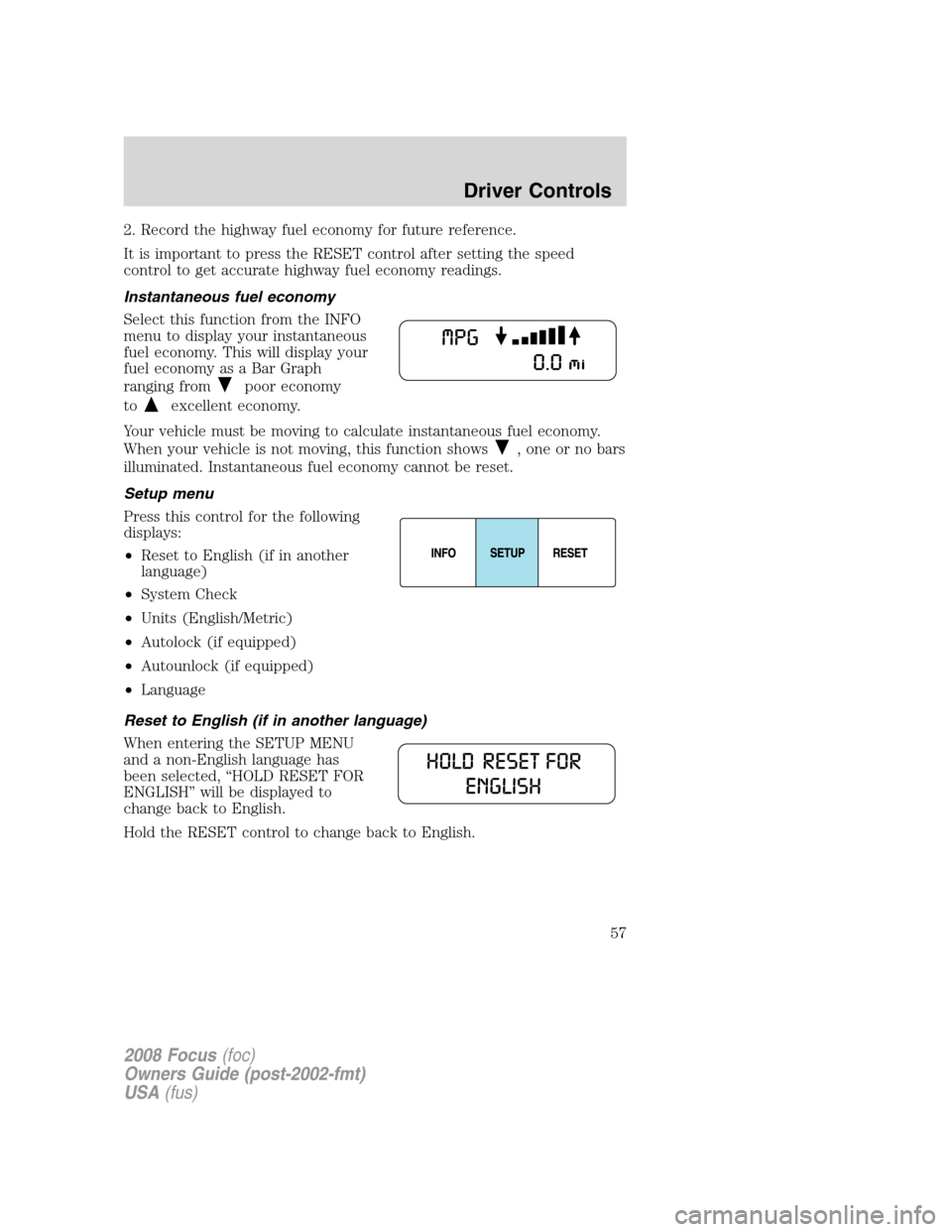
Instantaneous fuel economy
Select this function from the INFO
menu to display your instantaneous
fuel economy. This will display your
fuel economy as a Bar Graph
ranging from
poor economy
to
excellent economy.
Your vehicle must be moving to calculate instantaneous fuel economy.
When your vehicle is not moving, this function shows
, one or no bars
illuminated. Instantaneous fuel economy cannot be reset.
Setup menu
Press this control for the following
displays:
•Reset to English (if in another
language)
•System Check
•Units (English/Metric)
•Autolock (if equipped)
•Autounlock (if equipped)
•Language
Reset to English (if in another language)
When entering the SETUP MENU
and a non-English language has
been selected, “HOLD RESET FOR
ENGLISH” will be displayed to
change back to English.
Hold the RESET control to change back to English.
2008 Focus(foc)
Owners Guide (post-2002-fmt)
USA(fus)
Driver Controls
57
Page 58 of 256
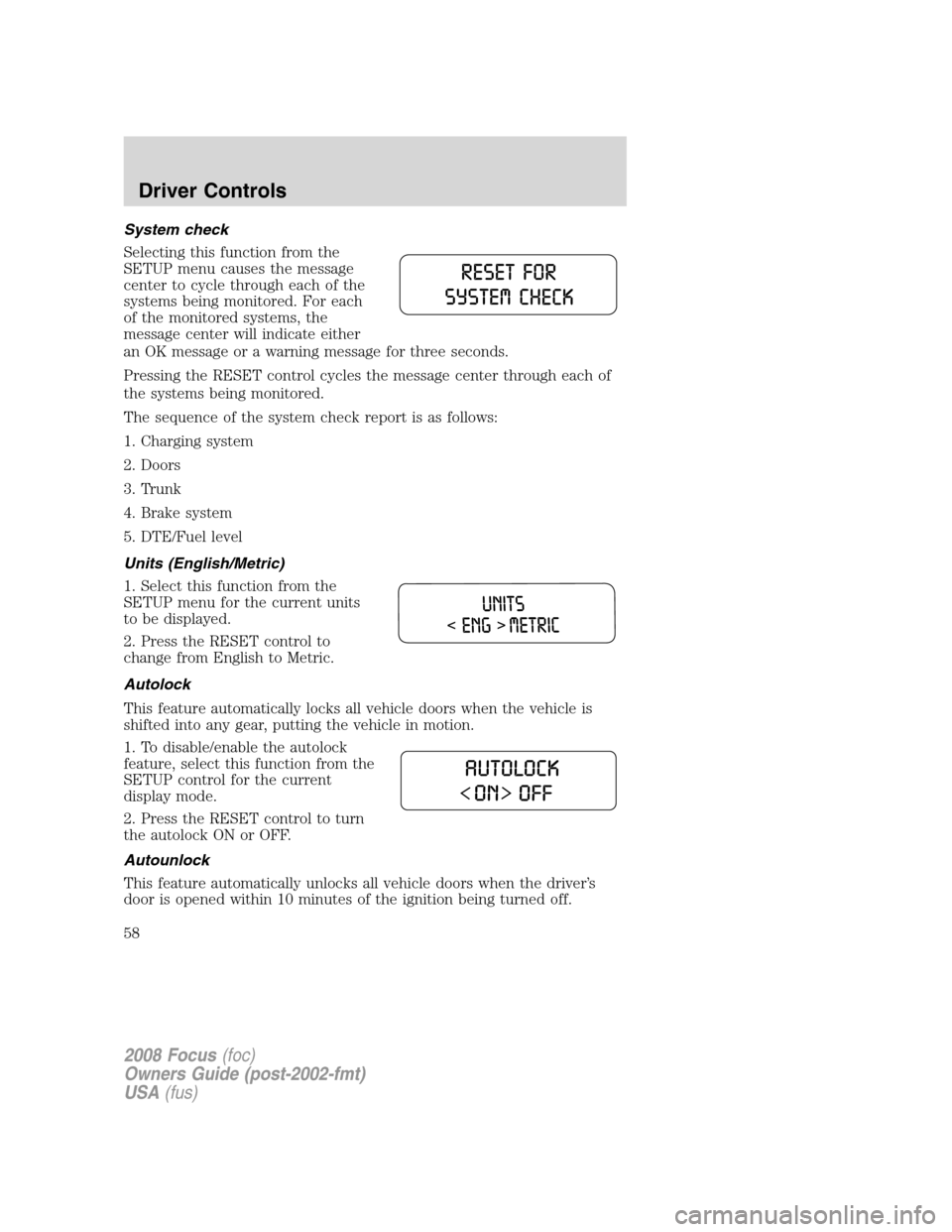
System check
Selecting this function from the
SETUP menu causes the message
center to cycle through each of the
systems being monitored. For each
of the monitored systems, the
message center will indicate either
an OK message or a warning message for three seconds.
Pressing the RESET control cycles the message center through each of
the systems being monitored.
The sequence of the system check report is as follows:
1. Charging system
2. Doors
3. Trunk
4. Brake system
5. DTE/Fuel level
Units (English/Metric)
1. Select this function from the
SETUP menu for the current units
to be displayed.
2. Press the RESET control to
change from English to Metric.
Autolock
This feature automatically locks all vehicle doors when the vehicle is
shifted into any gear, putting the vehicle in motion.
1. To disable/enable the autolock
feature, select this function from the
SETUP control for the current
display mode.
2. Press the RESET control to turn
the autolock ON or OFF.
Autounlock
This feature automatically unlocks all vehicle doors when the driver’s
door is opened within 10 minutes of the ignition being turned off.
2008 Focus(foc)
Owners Guide (post-2002-fmt)
USA(fus)
Driver Controls
58
Page 59 of 256
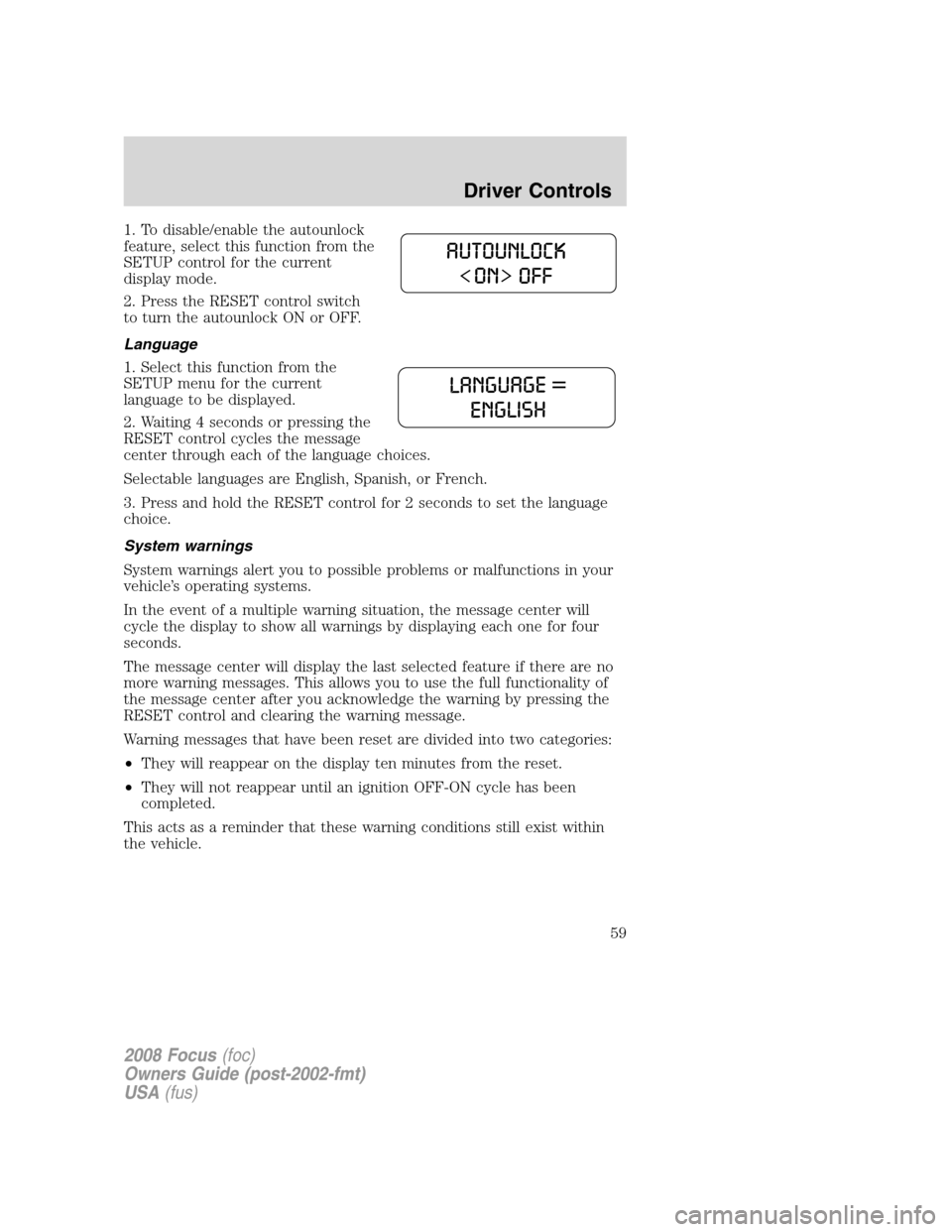
1. To disable/enable the autounlock
feature, select this function from the
SETUP control for the current
display mode.
2. Press the RESET control switch
to turn the autounlock ON or OFF.
Language
1. Select this function from the
SETUP menu for the current
language to be displayed.
2. Waiting 4 seconds or pressing the
RESET control cycles the message
center through each of the language choices.
Selectable languages are English, Spanish, or French.
3. Press and hold the RESET control for 2 seconds to set the language
choice.
System warnings
System warnings alert you to possible problems or malfunctions in your
vehicle’s operating systems.
In the event of a multiple warning situation, the message center will
cycle the display to show all warnings by displaying each one for four
seconds.
The message center will display the last selected feature if there are no
more warning messages. This allows you to use the full functionality of
the message center after you acknowledge the warning by pressing the
RESET control and clearing the warning message.
Warning messages that have been reset are divided into two categories:
•They will reappear on the display ten minutes from the reset.
•They will not reappear until an ignition OFF-ON cycle has been
completed.
This acts as a reminder that these warning conditions still exist within
the vehicle.
2008 Focus(foc)
Owners Guide (post-2002-fmt)
USA(fus)
Driver Controls
59
Page 62 of 256
KEYS
The key operates all locks on your vehicle. You should always carry a
second key with you in a safe place in case you require it in an
emergency.
If your vehicle is equipped with the SecuriLock™ Passive Anti-theft
system, your keys are electronically coded to your vehicle; using a
non-coded key will not permit your vehicle to start. If you lose your
dealer supplied keys, replacement keys are available through your
authorized dealer.
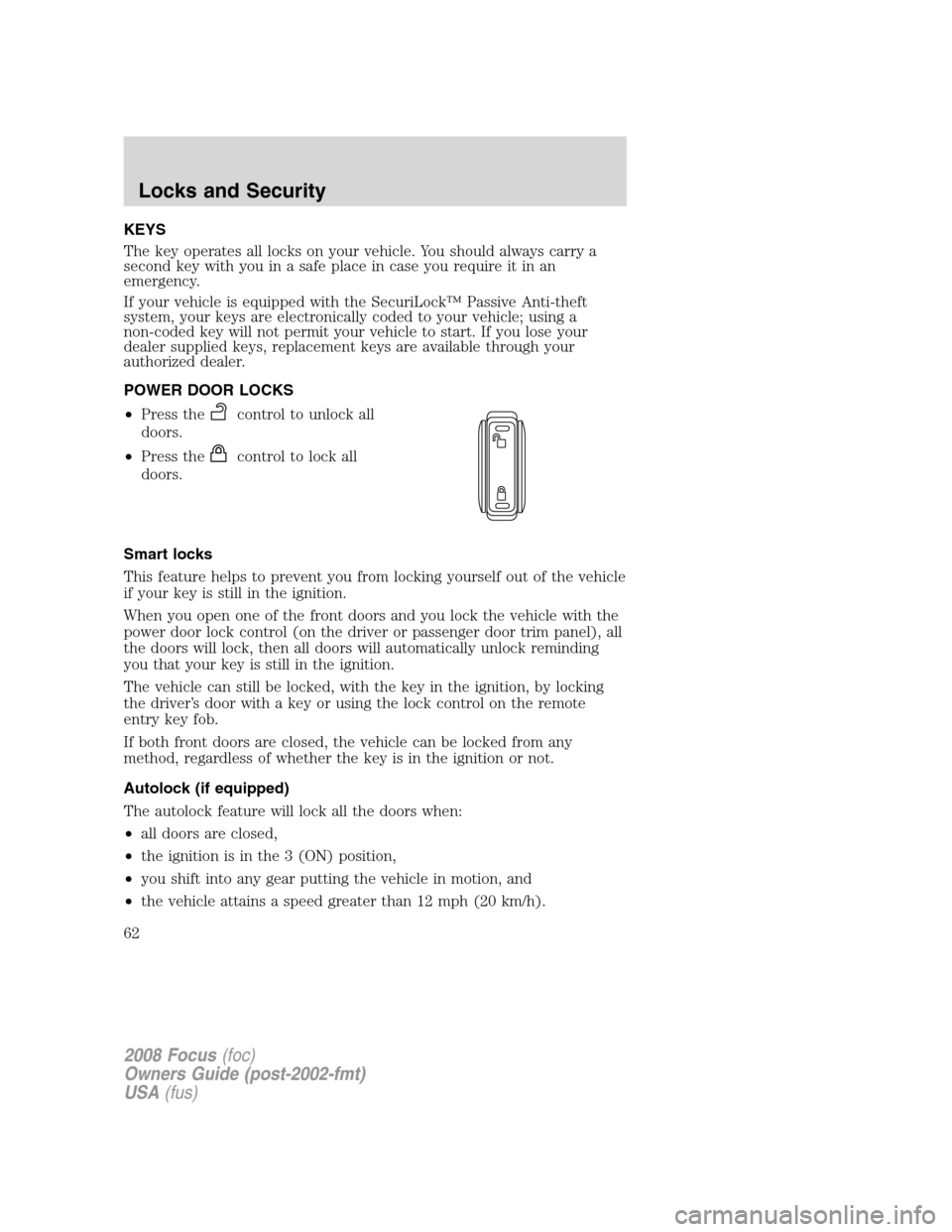
POWER DOOR LOCKS
•Press the
control to unlock all
doors.
•Press the
control to lock all
doors.
Smart locks
This feature helps to prevent you from locking yourself out of the vehicle
if your key is still in the ignition.
When you open one of the front doors and you lock the vehicle with the
power door lock control (on the driver or passenger door trim panel), all
the doors will lock, then all doors will automatically unlock reminding
you that your key is still in the ignition.
The vehicle can still be locked, with the key in the ignition, by locking
the driver’s door with a key or using the lock control on the remote
entry key fob.
If both front doors are closed, the vehicle can be locked from any
method, regardless of whether the key is in the ignition or not.
Autolock (if equipped)
The autolock feature will lock all the doors when:
•all doors are closed,
•the ignition is in the 3 (ON) position,
•you shift into any gear putting the vehicle in motion, and
•the vehicle attains a speed greater than 12 mph (20 km/h).
2008 Focus(foc)
Owners Guide (post-2002-fmt)
USA(fus)
Locks and Security
62
Page 63 of 256
The autolock feature repeats when:
•any door is opened then closed while the ignition is in the 3 (ON)
position and the vehicle speed is 9 mph (15 km/h) or lower, and
•the vehicle attains a speed greater than 12 mph (20 km/h).
Deactivating/activating autolock
Your vehicle comes with the autolock feature enabled. There are three
methods to enable/disable this feature:
•Through your authorized dealer, or
•Performing the power door lock control procedure, or
•Performing the message center (if equipped) procedure. Refer to
Message centerin theDriver Controlschapter.
Note:The autolock feature can be activated/deactivated independently
of the autounlock feature.
Before following the activation or deactivation procedures, make sure
that the anti-theft system is not armed, ignition is in the 1 (OFF/LOCK)
position, and all vehicle doors are closed.
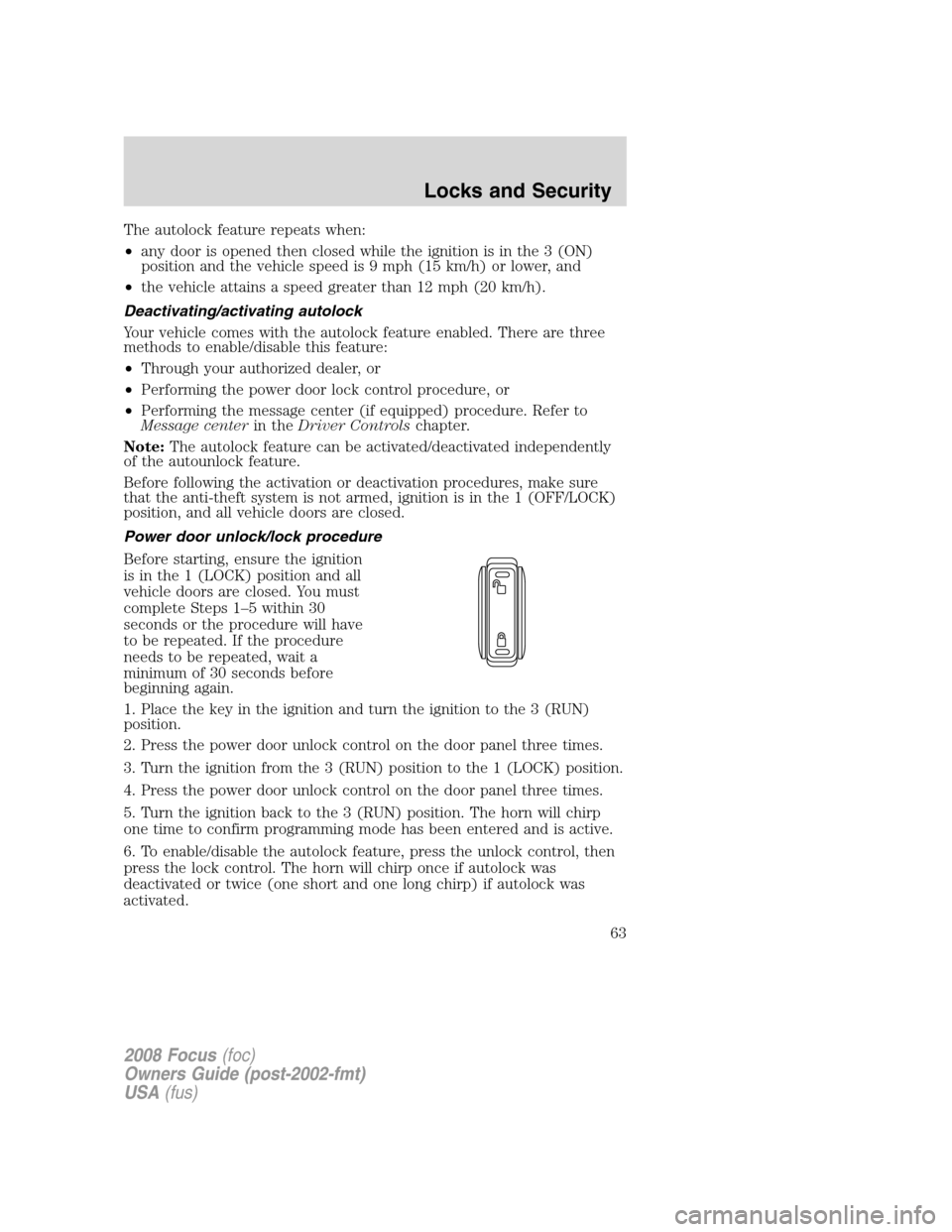
Power door unlock/lock procedure
Before starting, ensure the ignition
is in the 1 (LOCK) position and all
vehicle doors are closed. You must
complete Steps 1–5 within 30
seconds or the procedure will have
to be repeated. If the procedure
needs to be repeated, wait a
minimum of 30 seconds before
beginning again.
1. Place the key in the ignition and turn the ignition to the 3 (RUN)
position.
2. Press the power door unlock control on the door panel three times.
3. Turn the ignition from the 3 (RUN) position to the 1 (LOCK) position.
4. Press the power door unlock control on the door panel three times.
5. Turn the ignition back to the 3 (RUN) position. The horn will chirp
one time to confirm programming mode has been entered and is active.
6. To enable/disable the autolock feature, press the unlock control, then
press the lock control. The horn will chirp once if autolock was
deactivated or twice (one short and one long chirp) if autolock was
activated.
2008 Focus(foc)
Owners Guide (post-2002-fmt)
USA(fus)
Locks and Security
63