instrument panel FORD FOCUS 2017 3.G Owner's Manual
[x] Cancel search | Manufacturer: FORD, Model Year: 2017, Model line: FOCUS, Model: FORD FOCUS 2017 3.GPages: 467, PDF Size: 5.34 MB
Page 343 of 467
Cleaning the Touchscreen
You can remove fingerprints with a dry,
clean, soft cloth.
If dirt or fingerprints are still on the screen,
apply a small amount of alcohol to the
cloth and try to clean it again.
Note:
Do not use detergent or any type of
solvent to clean the touchscreen.
Note: Do not pour or spray alcohol onto the
touchscreen.
Using Voice Recognition
Using voice commands allows you to keep
your hands on the wheel and eyes on the
road. The system provides feedback
through audible tones, prompts, questions
and spoken confirmations depending on
the situation and the chosen level of
interaction (voice settings).
The system also asks short questions
(confirmation prompts) when it is not sure
of your request or when there are multiple
possible responses to your request.
When using voice commands, words and
icons may appear in the status bar
indicating the status of the voice command
session. See Using Voice Recognition
(page 348).
Using the Steering Wheel Controls
Depending on your vehicle and option
package, you can use different controls on
your steering wheel to interact with the
touchscreen system in different ways.
VOL:
Control the volume of audio output.
Mute:
Mute the audio output.
Voice:
Press to start a voice session. Press
again to stop the voice prompt and
immediately begin speaking. Press and
hold to end a voice session. SEEK NEXT:
•
While in radio mode, press to seek
between memory presets.
• While in USB, Bluetooth Audio or CD
mode, press to seek between songs or
press and hold to fast seek.
SEEK PREVIOUS:
• While in radio mode, press to seek
between memory presets.
• While in USB, Bluetooth Audio or CD
mode, press to seek between songs or
press and hold to fast seek.
PHONE ACCEPT:
Press to answer a call
or switch between calls.
PHONE REJECT:
Press to end a call or
reject an incoming call.
Note: On some models, SEEK NEXT
may
be combined with PHONE REJECT and
SEEK PREVIOUS may be combined with
PHONE ACCEPT.
M:
Touch the control repeatedly to switch
between media sources (modes).
See
Steering Wheel (page 70).
Using Your Bezel Controls
Depending on your vehicle and option
package, you may also have these controls
on your instrument panel:
• Power:
Switch the audio system on
and off.
• VOL:
Control the volume of playing
audio.
• Seek
and Tune: se as you normally
would in audio modes.
• Eject:
Eject a CD from the audio
system.
• SOURCE
or MEDIA: Press repeatedly
to advance through available media
modes.
340
Focus (CDH) Canada/United States of America, HM5J 19A321 AA enUSA, Edition date: 201608, First Printing SYNC™ 3
Page 366 of 467
Function
Button
Composers
This button allows you to choose a specific
letter to view within the category you are
browsing.
A-Z Jump
If available, this allows you to browse the
folders and files on your USB device.
Explore Device
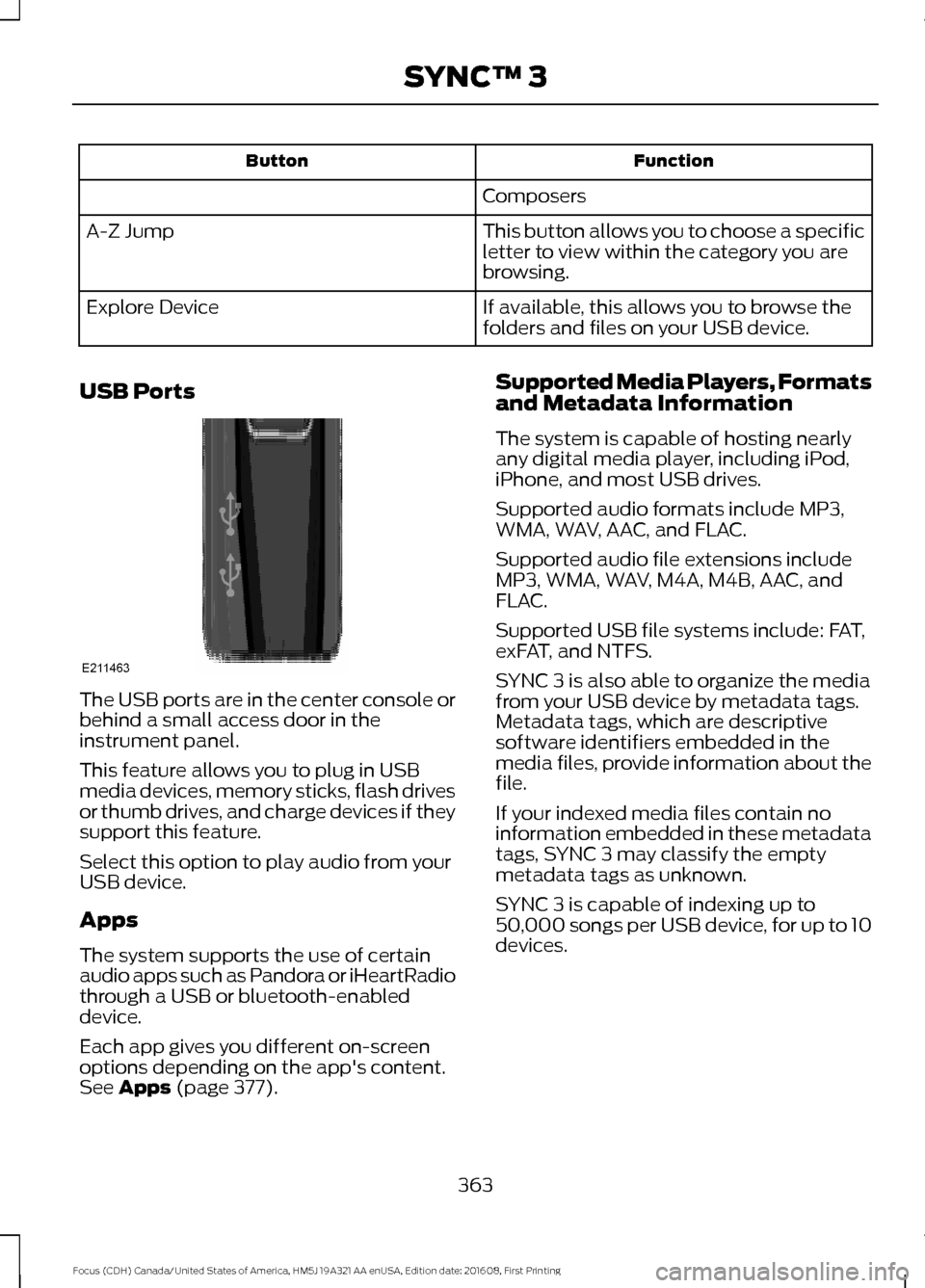
USB Ports The USB ports are in the center console or
behind a small access door in the
instrument panel.
This feature allows you to plug in USB
media devices, memory sticks, flash drives
or thumb drives, and charge devices if they
support this feature.
Select this option to play audio from your
USB device.
Apps
The system supports the use of certain
audio apps such as Pandora or iHeartRadio
through a USB or bluetooth-enabled
device.
Each app gives you different on-screen
options depending on the app's content.
See Apps (page 377). Supported Media Players, Formats
and Metadata Information
The system is capable of hosting nearly
any digital media player, including iPod,
iPhone, and most USB drives.
Supported audio formats include MP3,
WMA, WAV, AAC, and FLAC.
Supported audio file extensions include
MP3, WMA, WAV, M4A, M4B, AAC, and
FLAC.
Supported USB file systems include: FAT,
exFAT, and NTFS.
SYNC 3 is also able to organize the media
from your USB device by metadata tags.
Metadata tags, which are descriptive
software identifiers embedded in the
media files, provide information about the
file.
If your indexed media files contain no
information embedded in these metadata
tags, SYNC 3 may classify the empty
metadata tags as unknown.
SYNC 3 is capable of indexing up to
50,000 songs per USB device, for up to 10
devices.
363
Focus (CDH) Canada/United States of America, HM5J 19A321 AA enUSA, Edition date: 201608, First Printing SYNC™ 3E211463
Page 459 of 467
B
Battery
See: Changing the 12V Battery...................... 223
Blind Spot Information System..............169
Switching the System Off and On.................171
System Errors......................................................... 171
Using the System................................................ 170
Body Styling Kits..........................................244
Bonnet Lock See: Opening and Closing the Hood............212
Booster Seats..................................................24 Types of Booster Seats...................................... 24
Brake Fluid Check........................................222
Brakes...............................................................145 General Information.......................................... 145
Breaking-In.....................................................186
Bulb Specification Chart...........................233
C
Cabin Air Filter
...............................................108
California Proposition 65..............................11
Capacities and Specifications - 1.0L EcoBoost™..................................................275
Alternative Engine Oil for Extremely Cold Climates............................................................ 277
Capacities............................................................. 275
Specifications...................................................... 275
Capacities and Specifications - 2.0L.................................................................278
Alternative Engine Oil for Extremely Cold Climates............................................................ 281
Capacities............................................................. 278
Specifications...................................................... 279
Capacities and Specifications................269
Car Wash See: Cleaning the Exterior.............................. 238
Catalytic Converter
......................................132
Driving with a Catalytic Converter................132
Center Console
................................................117
Changing a Bulb...........................................228 Front Fog Lamp.................................................. 230
Headlamp
............................................................. 228
LED Rear Lamps................................................. 233
Rear Lamps - 4 Door.......................................... 231
Rear Lamps - 5 Door......................................... 232Replacing Licence Plate and High Mounted
Brake Lamp Bulbs......................................... 233
Changing a Fuse...........................................210 Fuses....................................................................... 210
Changing a Road Wheel...........................264 Dissimilar Spare Wheel and Tire Assembly
Information..................................................... 264
Tire Change Procedure.................................... 265
Changing the 12V Battery.........................223
Changing the Engine Air Filter.................235
Changing the Front Wiper Blades
.........224
Changing the Windshield Wiper
Blades................................................................ 225
Service Position.................................................. 225
Changing the Rear Wiper Blades...........225
Checking MyKey System Status
...............57
MyKey Distance..................................................... 57
Number of Admin Keys....................................... 57
Number of MyKeys............................................... 57
Checking the Wiper Blades......................224
Child Restraint and Seatbelt Maintenance.................................................35
Child Restraint Positioning
.........................26
Child Safety.......................................................16 General Information............................................. 16
Child Safety Locks..........................................27 Left-Hand Side..................................................... 28
Right-Hand Side................................................... 28
Cleaning Leather Seats..............................241
Cleaning Products
........................................237
Cleaning the Engine....................................239
Cleaning the Exterior..................................238 Exterior Chrome Parts...................................... 238
Exterior Plastic Parts........................................ 238
Stripes or Graphics............................................ 238
Underbody........................................................... 239
Under Hood......................................................... 239
Cleaning the Instrument Panel and Instrument Cluster Lens..........................241
Cleaning the Interior
...................................240
Cleaning the Wheels..................................242
Cleaning the Windows and Wiper Blades...........................................................240
Clearing All MyKeys
.......................................56
Climate Control.............................................103
Clutch Fluid Check - Manual Transmission...............................................222
Cold Weather Precautions
........................186
456
Focus (CDH) Canada/United States of America, HM5J 19A321 AA enUSA, Edition date: 201608, First Printing Index