reset FORD FREESTAR 2005 1.G Owner's Manual
[x] Cancel search | Manufacturer: FORD, Model Year: 2005, Model line: FREESTAR, Model: FORD FREESTAR 2005 1.GPages: 312, PDF Size: 3.96 MB
Page 86 of 312
CHECK TIRES/LOW TIRE PRESSURE (if equipped).Displayed
when one or more tires on your vehicle have low tire pressure. Refer to
Inspecting and Inflating Your Tiresin theTires, Wheels and Loading
chapter.
TIRE PRESSURE MONITOR FAULT (if equipped).Displayed when
the Tire Pressure Monitoring System is malfunctioning. If the warning
stays on or continues to come on, have the system inspected by your
servicing dealership
TIRE PRESSURE SENSOR FAULT (if equipped).Displayed when a
tire pressure sensor is malfunctioning, or your spare tire is in use. For
more information on how the system operates under these conditions,
refer toUnderstanding Your Tire Pressure Monitoring Systemin the
Tires, Wheels and Loadingchapter. If the warning stays on or
continues to come on, have the system inspected by your servicing
dealership
TURN SIGNAL ON REMINDER.Displayed when the turn signal is
activated and the vehicle is driven more that 0.8 km (1/2 mile).
WASHER FLUID LOW.Indicates the washer fluid reservoir is less than
one quarter full. Check the washer fluid level. Refer toWindshield
washer fluidin theMaintenance and Specificationschapter.
CHANGE OIL SOON.Displayed when the engine oil life remaining is 5
percent or less. When oil life left is between 5% and 0%, the CHANGE
OIL SOON message will be displayed. When oil life left reaches 0%, the
OIL CHANGE REQUIRED message will be displayed.
An oil change is required whenever indicated by the message center.
USE ONLY RECOMMENDED ENGINE OILS.
To reset the oil monitoring system to 100% after each oil change
[approximately 5,000 miles (8,000 km) or 180 days] perform the
following:
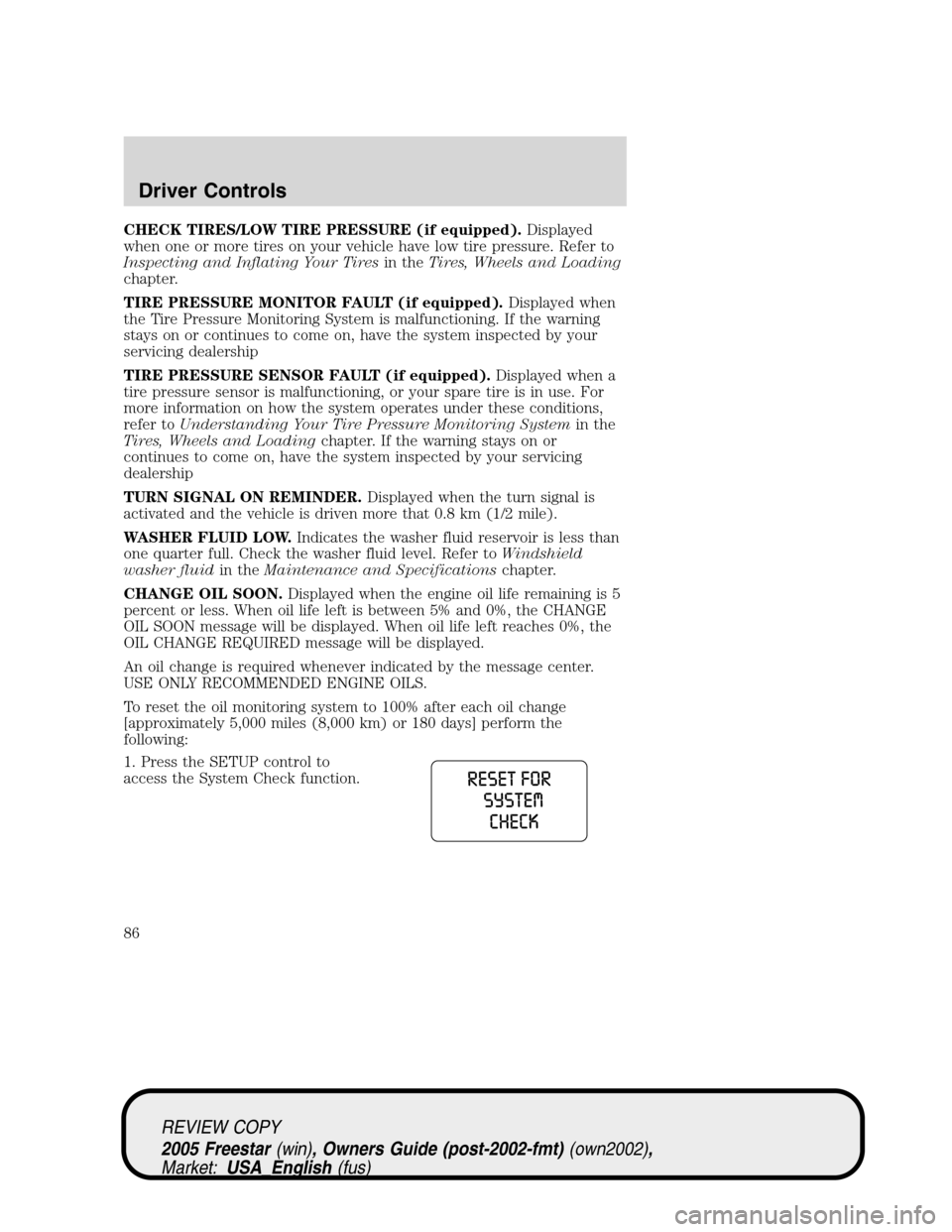
1. Press the SETUP control to
access the System Check function.
REVIEW COPY
2005 Freestar(win), Owners Guide (post-2002-fmt)(own2002),
Market:USA_English(fus)
Driver Controls
86
Page 87 of 312
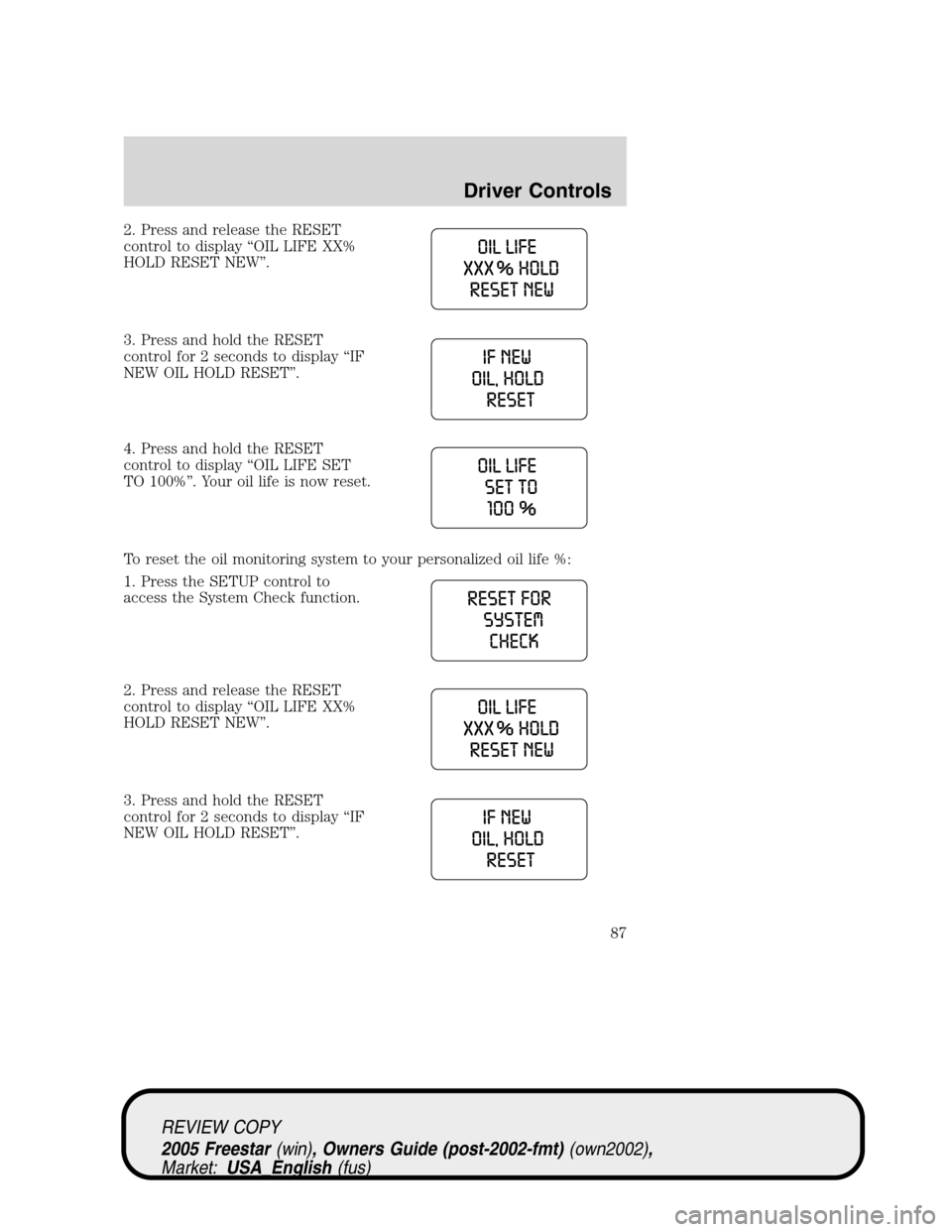
2. Press and release the RESET
control to display“OIL LIFE XX%
HOLD RESET NEW”.
3. Press and hold the RESET
control for 2 seconds to display“IF
NEW OIL HOLD RESET”.
4. Press and hold the RESET
control to display“OIL LIFE SET
TO 100%”. Your oil life is now reset.
To reset the oil monitoring system to your personalized oil life %:
1. Press the SETUP control to
access the System Check function.
2. Press and release the RESET
control to display“OIL LIFE XX%
HOLD RESET NEW”.
3. Press and hold the RESET
control for 2 seconds to display“IF
NEW OIL HOLD RESET”.
REVIEW COPY
2005 Freestar(win), Owners Guide (post-2002-fmt)(own2002),
Market:USA_English(fus)
Driver Controls
87
Page 88 of 312
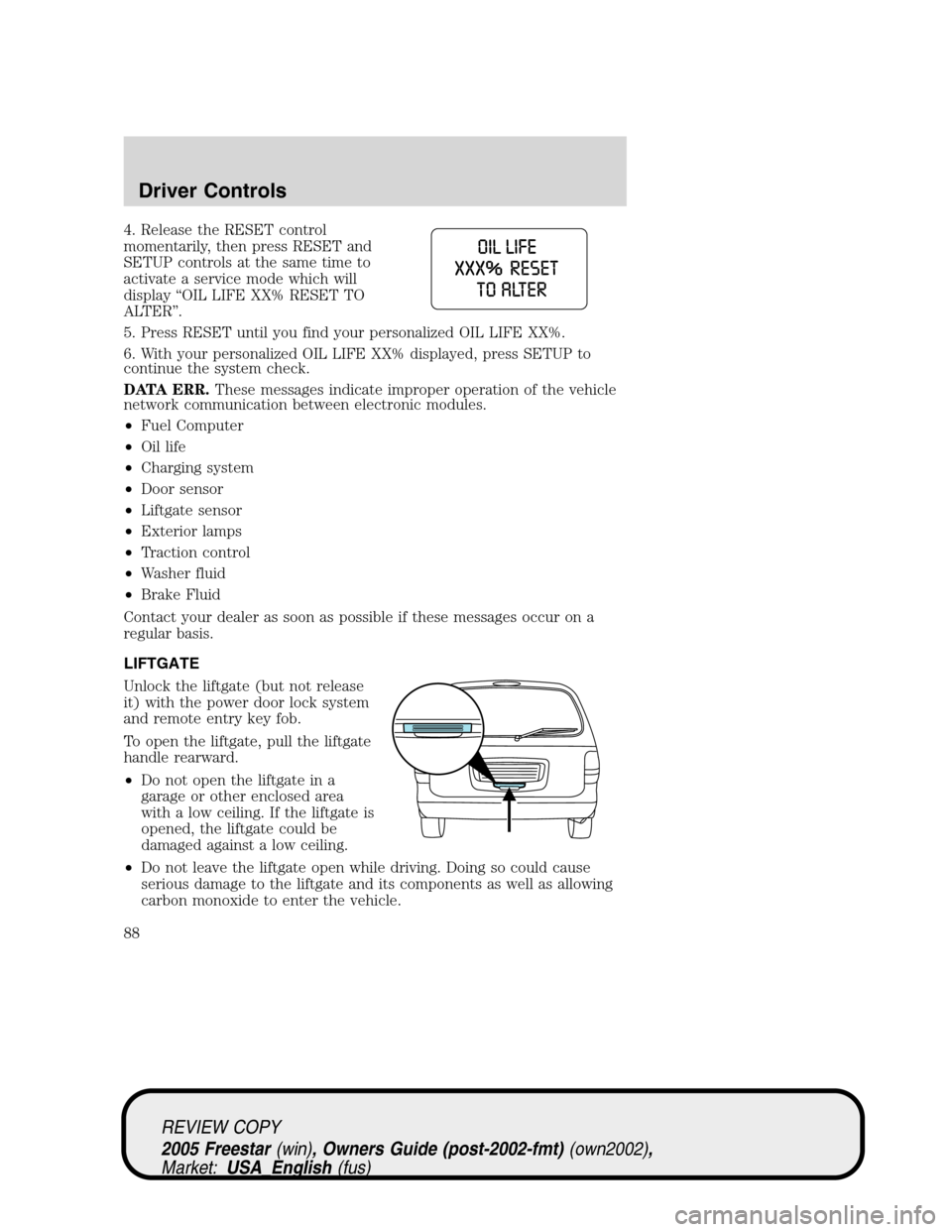
4. Release the RESET control
momentarily, then press RESET and
SETUP controls at the same time to
activate a service mode which will
display“OIL LIFE XX% RESET TO
ALTER”.
5. Press RESET until you find your personalized OIL LIFE XX%.
6. With your personalized OIL LIFE XX% displayed, press SETUP to
continue the system check.
DATA ERR.These messages indicate improper operation of the vehicle
network communication between electronic modules.
•Fuel Computer
•Oil life
•Charging system
•Door sensor
•Liftgate sensor
•Exterior lamps
•Traction control
•Washer fluid
•Brake Fluid
Contact your dealer as soon as possible if these messages occur on a
regular basis.
LIFTGATE
Unlock the liftgate (but not release
it) with the power door lock system
and remote entry key fob.
To open the liftgate, pull the liftgate
handle rearward.
•Do not open the liftgate in a
garage or other enclosed area
with a low ceiling. If the liftgate is
opened, the liftgate could be
damaged against a low ceiling.
•Do not leave the liftgate open while driving. Doing so could cause
serious damage to the liftgate and its components as well as allowing
carbon monoxide to enter the vehicle.
REVIEW COPY
2005 Freestar(win), Owners Guide (post-2002-fmt)(own2002),
Market:USA_English(fus)
Driver Controls
88
Page 91 of 312
Note:Continued force applied after unlatching may activate the obstacle
detection feature and stop the power system. For the best performance
allow the power system to open the PLG after releasing the handle.
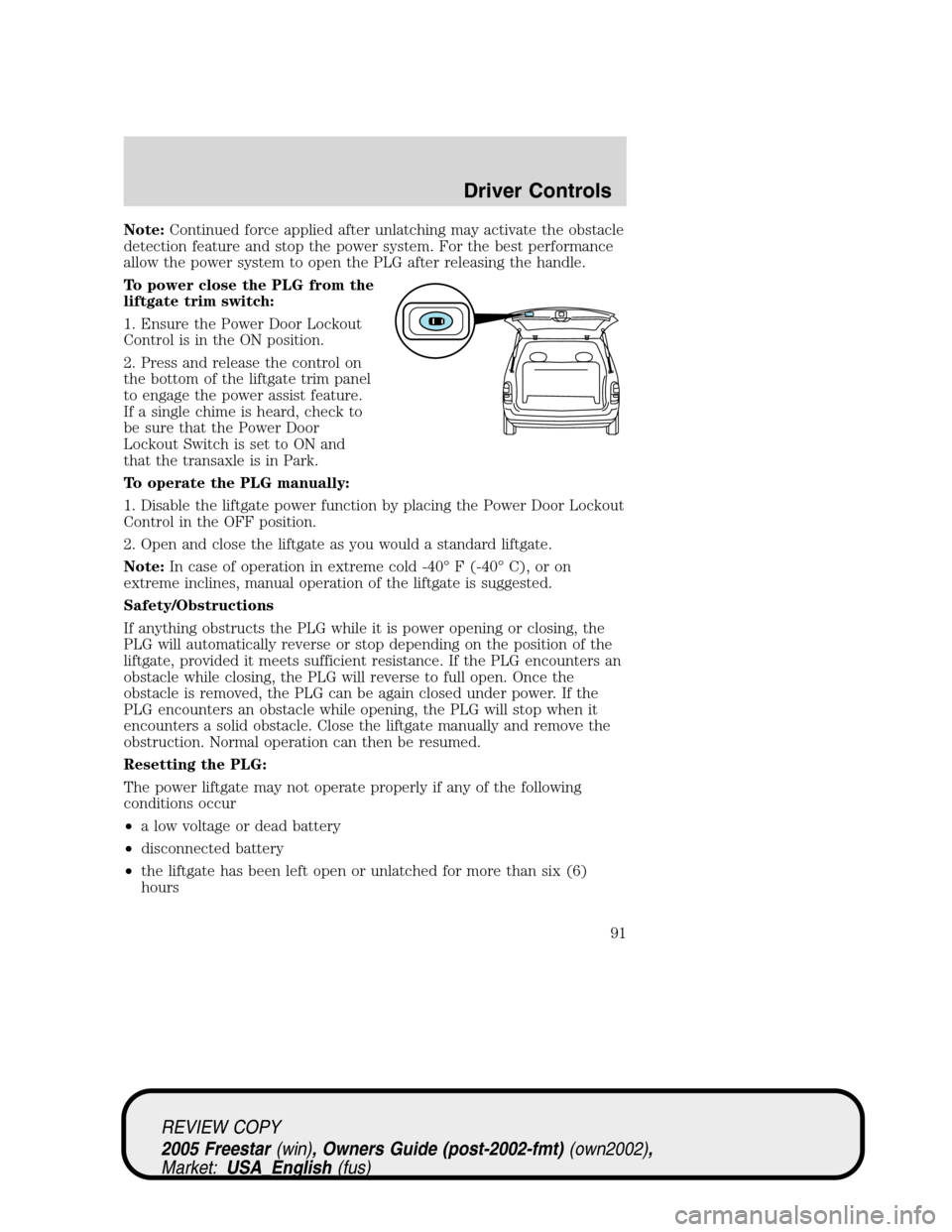
To power close the PLG from the
liftgate trim switch:
1. Ensure the Power Door Lockout
Control is in the ON position.
2. Press and release the control on
the bottom of the liftgate trim panel
to engage the power assist feature.
If a single chime is heard, check to
be sure that the Power Door
Lockout Switch is set to ON and
that the transaxle is in Park.
To operate the PLG manually:
1. Disable the liftgate power function by placing the Power Door Lockout
Control in the OFF position.
2. Open and close the liftgate as you would a standard liftgate.
Note:In case of operation in extreme cold -40°F (-40°C), or on
extreme inclines, manual operation of the liftgate is suggested.
Safety/Obstructions
If anything obstructs the PLG while it is power opening or closing, the
PLG will automatically reverse or stop depending on the position of the
liftgate, provided it meets sufficient resistance. If the PLG encounters an
obstacle while closing, the PLG will reverse to full open. Once the
obstacle is removed, the PLG can be again closed under power. If the
PLG encounters an obstacle while opening, the PLG will stop when it
encounters a solid obstacle. Close the liftgate manually and remove the
obstruction. Normal operation can then be resumed.
Resetting the PLG:
The power liftgate may not operate properly if any of the following
conditions occur
•a low voltage or dead battery
•disconnected battery
•the liftgate has been left open or unlatched for more than six (6)
hours
REVIEW COPY
2005 Freestar(win), Owners Guide (post-2002-fmt)(own2002),
Market:USA_English(fus)
Driver Controls
91
Page 92 of 312
If any of these conditions occur, the PLG must be reset. To reset the
PLG:
1. Manually close and fully latch the liftgate.
2. Power open the liftgate by using the keyfob or overhead console
button.
3. Once the liftgate is fully open, close the liftgate using the power
switch on the liftgate, keyfob or overhead console button.
Liftgate ajar signal
If the liftgate is not fully latched, you will receive a“LIFTGATE AJAR”
message on the instrument panel. If you see this message, check the
liftgate to ensure it is fully latched.
Make sure the liftgate is closed to prevent exhaust fumes from
being drawn into the vehicle. If you must drive with the liftgate
open, keep the climate control vents open so that fresh outside air
circulates through the vehicle.
CARGO AREA FEATURES
Cargo net (if equipped)
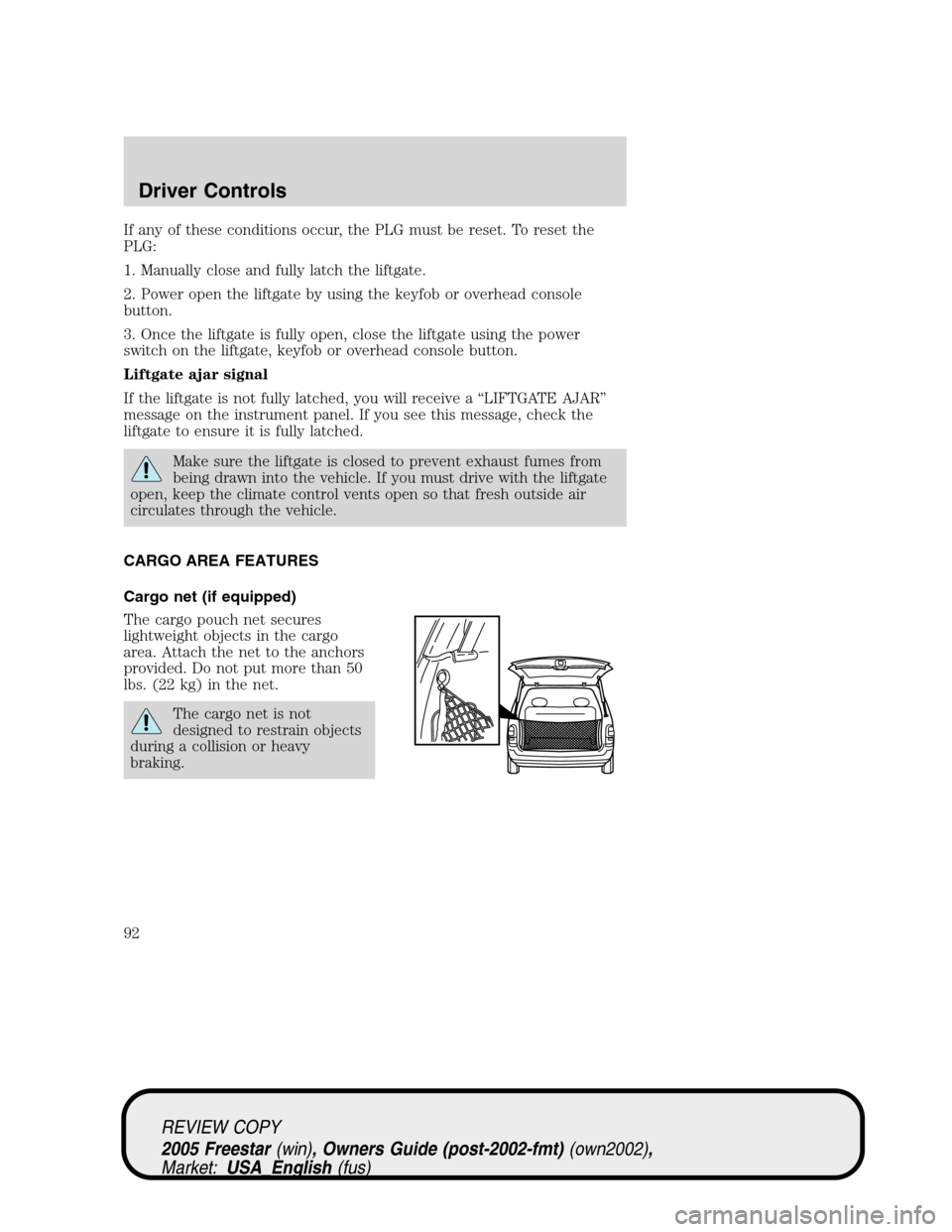
The cargo pouch net secures
lightweight objects in the cargo
area. Attach the net to the anchors
provided. Do not put more than 50
lbs. (22 kg) in the net.
The cargo net is not
designed to restrain objects
during a collision or heavy
braking.
REVIEW COPY
2005 Freestar(win), Owners Guide (post-2002-fmt)(own2002),
Market:USA_English(fus)
Driver Controls
92
Page 182 of 312
•If your low tire warning light is on, refer toLow tire warningin this
chapter.
The use of tire sealants is not recommended and may damage
your tires. The use of tire sealants may also affect your Tire
Pressure Monitoring System (if equipped).
If your vehicle is equipped with a Tire Pressure Monitoring
System, refer toTire Pressure Monitoring System (if
equipped)later in this chapter for important information. If the tire
pressure monitor sensor becomes damaged, it will no longer function.
Temporary spare tire information
Your vehicle may have a temporary spare tire. The temporary spare tire
for your vehicle is labeled as such. It is smaller than a regular tire and is
designed for emergency use only. Replace this tire with a full-size tire as
soon as possible.
Note:The Low Tire Pressure
Warning system (if equipped) will
detect the temporary spare tire and
illuminate the low tire warning light
until the spare tire is replaced with
a proper full-size tire. To reset the system, refer toServicing your tires
in this chapter.
If you use the temporary spare tire continuously or do not follow
these precautions, the tire could fail, causing you to lose control
of the vehicle, possibly injuring yourself or others.
When driving with the temporary spare tiredo not:
•use more than one temporary spare tire at a time
•exceed 50 mph (80 km/h) or drive further than 2,000 miles (3,200
km) total under any circumstances
•load the vehicle beyond maximum vehicle load rating listed on the
Safety Compliance Label
•tow a Class III trailer
•use tire chains
•drive through an automatic car wash, because of the vehicle’s reduced
ground clearance
REVIEW COPY
2005 Freestar(win), Owners Guide (post-2002-fmt)(own2002),
Market:USA_English(fus)
Tires, Wheels and Loading
182
Page 206 of 312
interference, and (2) This device must accept any interference received,
including interference that may cause undesired operation.
The Tire Pressure Monitoring System is NOT a substitute for
manually checking tire pressure. The tire pressure should be
checked periodically (at least monthly) using a tire gauge, see
Inspecting and inflating your tiresin this chapter. Failure to
properly maintain your tire pressure could increase the risk of tire
failure, loss of control, vehicle rollover and personal injury.
Low tire warning—indirect (if equipped)
The low tire warning system is designed to detect a significant loss of
inflation inany one of your tireson your vehicle. The system uses the
Anti-lock brake wheel speed sensors to detect a change in wheel speed
due to tire deflation.
When a tire loses inflation, the low
tire warning system detects the
change and illuminates the low tire
warning indicator light as shown.
If the light remains on while driving,
check the tire pressure refer to“Checking the tire pressure”in this
chapter. The low tire warning indicator light will also illuminate when
using a temporary spare, refer to“Changing the tires”in theRoadside
emergencieschapter.
The low tire warning system may not detect an under-inflated
tire under all conditions and is not a substitute for manually
checking tires regularly for proper inflation.
When to RESET the Low Tire Warning System:
after any of the following
•Tire rotation
•One or more tires have been replaced
•Tire balancing
•Wheel alignment
•Adjusting the pressure on one or more tires (note: tire pressures are
often adjusted during oil change service)
•Inflating a low tire will not clear the Low Tire Warning indicator light.
Only resetting the system will clear the light.
REVIEW COPY
2005 Freestar(win), Owners Guide (post-2002-fmt)(own2002),
Market:USA_English(fus)
Tires, Wheels and Loading
206
Page 207 of 312
•The system will not detect a pressure loss without driving the vehicle
for at least 0.5 mile (0.8 km) at speeds greater than 25 mph (40
km/h).
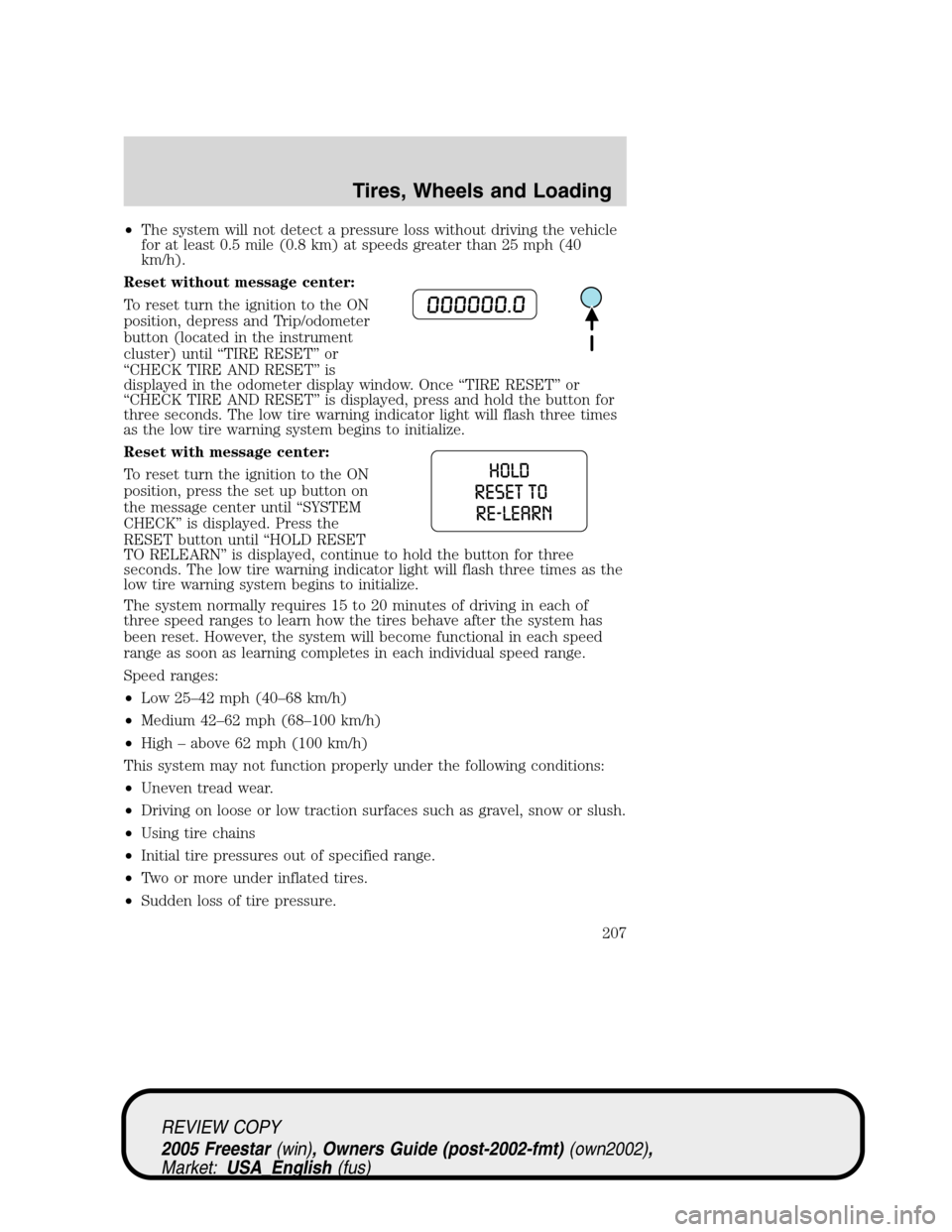
Reset without message center:
To reset turn the ignition to the ON
position, depress and Trip/odometer
button (located in the instrument
cluster) until“TIRE RESET”or
“CHECK TIRE AND RESET”is
displayed in the odometer display window. Once“TIRE RESET”or
“CHECK TIRE AND RESET”is displayed, press and hold the button for
three seconds. The low tire warning indicator light will flash three times
as the low tire warning system begins to initialize.
Reset with message center:
To reset turn the ignition to the ON
position, press the set up button on
the message center until“SYSTEM
CHECK”is displayed. Press the
RESET button until“HOLD RESET
TO RELEARN”is displayed, continue to hold the button for three
seconds. The low tire warning indicator light will flash three times as the
low tire warning system begins to initialize.
The system normally requires 15 to 20 minutes of driving in each of
three speed ranges to learn how the tires behave after the system has
been reset. However, the system will become functional in each speed
range as soon as learning completes in each individual speed range.
Speed ranges:
•Low 25–42 mph (40–68 km/h)
•Medium 42–62 mph (68–100 km/h)
•High–above 62 mph (100 km/h)
This system may not function properly under the following conditions:
•Uneven tread wear.
•Driving on loose or low traction surfaces such as gravel, snow or slush.
•Using tire chains
•Initial tire pressures out of specified range.
•Two or more under inflated tires.
•Sudden loss of tire pressure.
REVIEW COPY
2005 Freestar(win), Owners Guide (post-2002-fmt)(own2002),
Market:USA_English(fus)
Tires, Wheels and Loading
207
Page 208 of 312
•Vehicle speeds less than 20 mph (30 km/h), greater than 70 mph (120
km/h) or driving duration less than 10 miles.
•Transporting a heavy load or towing a trailer.
•A different tire was replaced and was not the same brand, type, size,
speed rating, load carrying capacity and DOT code as the other tire on
the same axle.
•System was not reset after tire rotation, air pressure adjustment, a tire
change, wheel alignment or tire balancing.
•System was not reset after the ABS warning lamp illuminates.
The low tire warning feature can be turned off by your dealer.
SNOW TIRES AND CHAINS
Snow tires must be the same size and grade as the tires you
currently have on your vehicle.
The tires on your vehicle have all weather treads to provide traction in
rain and snow. However, in some climates, you may need to use snow
tires and chains. If you need to use chains, it is recommended that steel
wheels (of the same size and specifications) be used as chains may chip
aluminum wheels.
Follow these guidelines when using snow tires and chains:
•Use only cable type SAE Class“S”chains. Conventional link or other
type chains may cause damage to your vehicle’s wheelhouse and/or
underbody.
•These cable type chains should only be applied to the front wheels.
•Install chains securely, verifying that the chains do not touch any
wiring, brake lines or fuel lines.
•Drive cautiously. If you hear the chains rub or bang against your
vehicle, stop and re-tighten the chains. If this does not work, remove
the chains to prevent damage to your vehicle.
•If possible, avoid fully loading your vehicle.
•Remove the tire chains when they are no longer needed. Do not use
tire chains on dry roads.
•The suspension insulation and bumpers will help prevent vehicle
damage. Do not remove these components from your vehicle when
using snow tires and chains.
VEHICLE LOADING–WITH AND WITHOUT A TRAILER
This section will guide you in the proper loading of your vehicle and/or
trailer, to keep your loaded vehicle weight within its design rating
REVIEW COPY
2005 Freestar(win), Owners Guide (post-2002-fmt)(own2002),
Market:USA_English(fus)
Tires, Wheels and Loading
208
Page 233 of 312
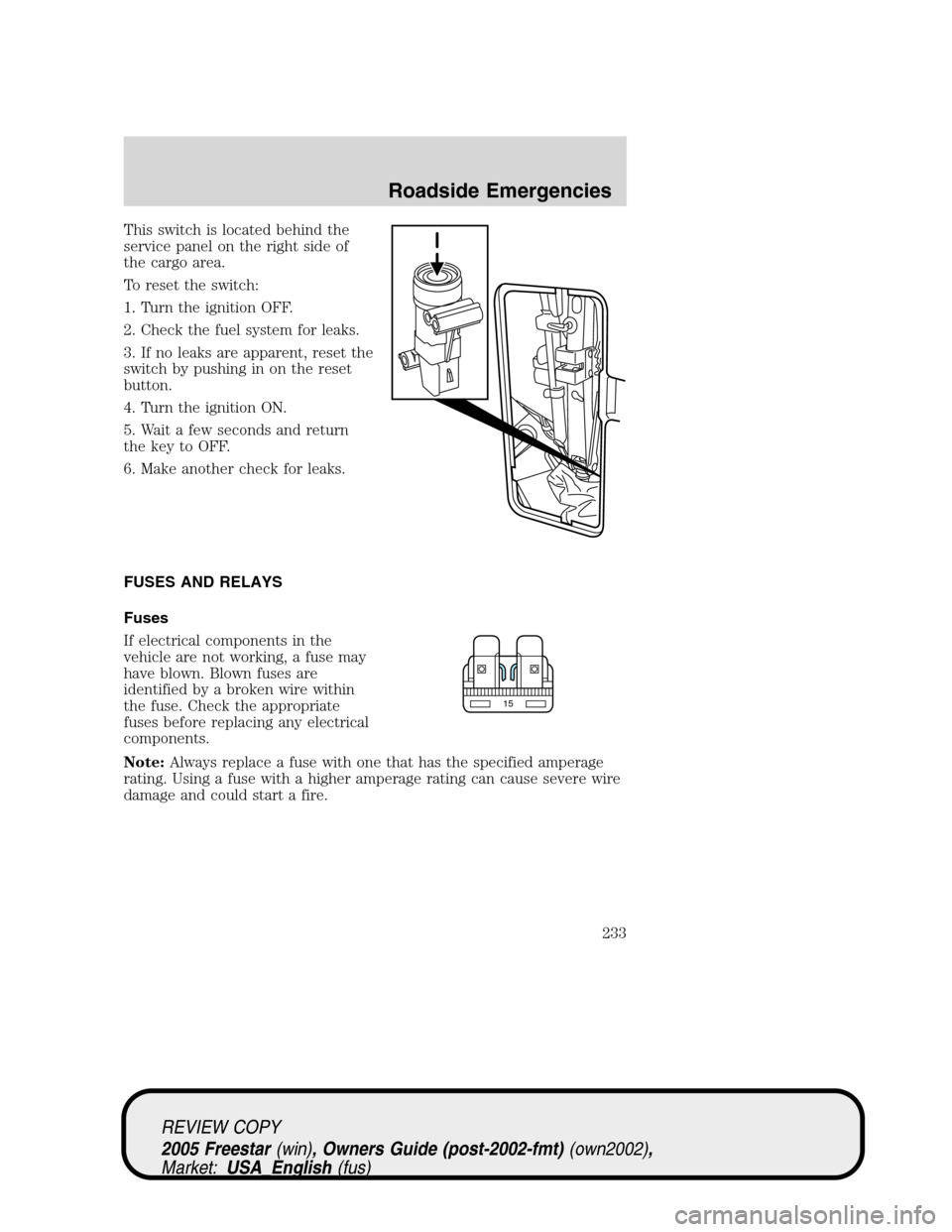
This switch is located behind the
service panel on the right side of
the cargo area.
To reset the switch:
1. Turn the ignition OFF.
2. Check the fuel system for leaks.
3. If no leaks are apparent, reset the
switch by pushing in on the reset
button.
4. Turn the ignition ON.
5. Wait a few seconds and return
the key to OFF.
6. Make another check for leaks.
FUSES AND RELAYS
Fuses
If electrical components in the
vehicle are not working, a fuse may
have blown. Blown fuses are
identified by a broken wire within
the fuse. Check the appropriate
fuses before replacing any electrical
components.
Note:Always replace a fuse with one that has the specified amperage
rating. Using a fuse with a higher amperage rating can cause severe wire
damage and could start a fire.
15
REVIEW COPY
2005 Freestar(win), Owners Guide (post-2002-fmt)(own2002),
Market:USA_English(fus)
Roadside Emergencies
233