lights FORD GT 2017 2.G Owners Manual
[x] Cancel search | Manufacturer: FORD, Model Year: 2017, Model line: GT, Model: FORD GT 2017 2.GPages: 313, PDF Size: 6.41 MB
Page 35 of 313
The Personal Safety System provides an
improved overall level of frontal crash
protection to front seat occupants and is
designed to help further reduce the risk of
airbag-related injuries. The system
analyzes different occupant conditions and
crash severity before activating the
appropriate safety devices to help better
protect a range of occupants in a variety
of frontal crash situations.
The vehicle Personal Safety System
consists of:
•
Driver and passenger dual-stage airbag
supplemental restraints.
• Seatbelts, energy management
retractors and seatbelt usage sensors.
• Front passenger sensing system.
• Passenger airbag off and on indicator
lamp.
• Front crash severity sensors.
• Restraints control module with impact
and safing sensors.
• Restraint system warning light and
backup tone.
• The electrical wiring for the airbags,
crash sensors, front seatbelt usage
sensors, front passenger sensing
system and indicator lights.
How Does the Personal Safety
System Work?
The Personal Safety System can adapt the
deployment strategy of the safety devices
according to crash severity and occupant
conditions. A collection of crash and
occupant sensors provides information to
the restraints control module. During a
crash, the restraints control module may
deploy one or both stages of the
dual-stage airbags based on crash severity
and occupant conditions.
32
Ford GT (CGX) Canada/United States of America, enUSA, First Printing Personal Safety System
™
Page 48 of 313
LOCKING AND UNLOCKING
You can use the power door lock control
or the remote control to lock and unlock
your vehicle.
Power Door Locks
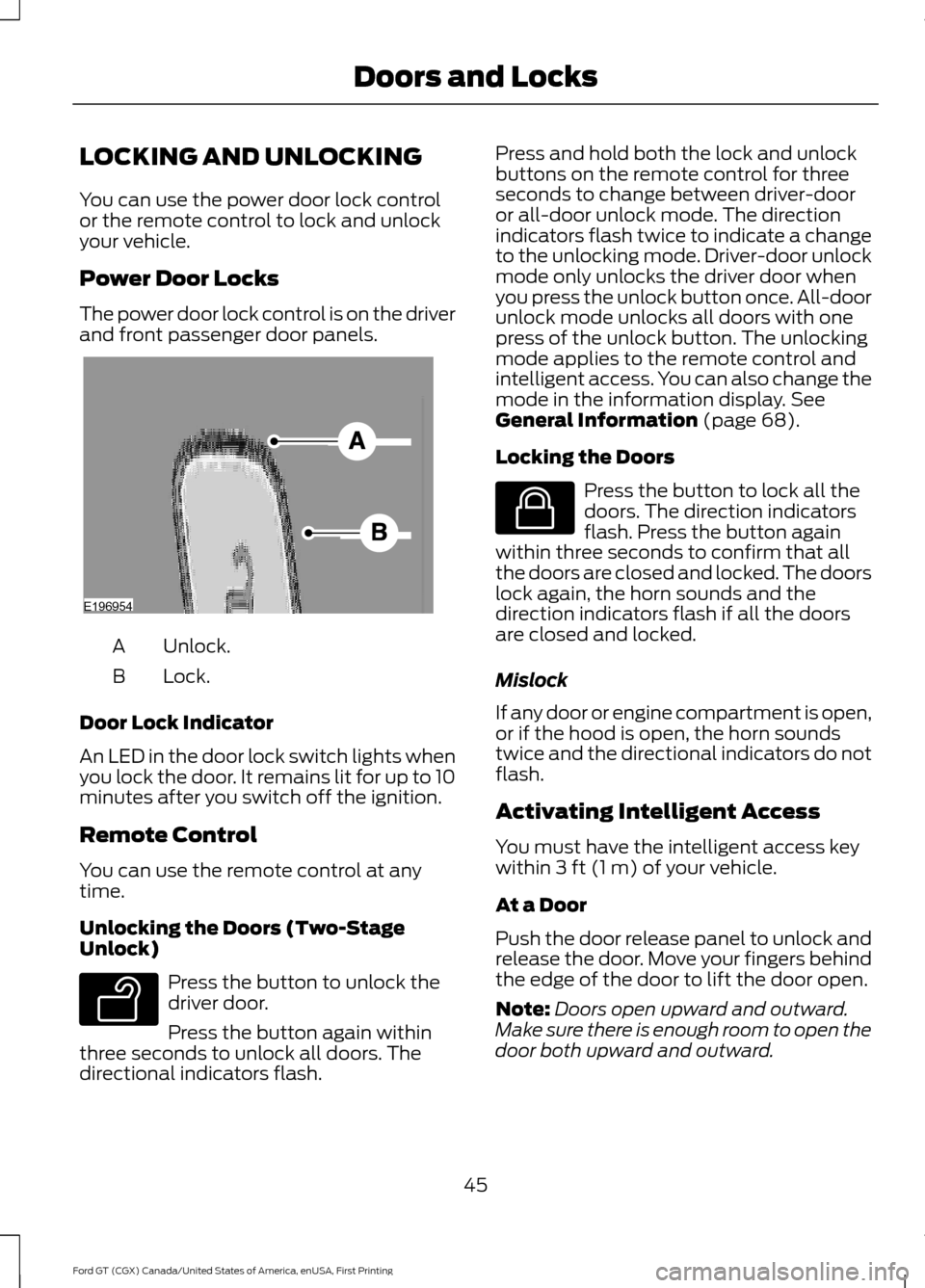
The power door lock control is on the driver
and front passenger door panels.
Unlock.
A
Lock.
B
Door Lock Indicator
An LED in the door lock switch lights when
you lock the door. It remains lit for up to 10
minutes after you switch off the ignition.
Remote Control
You can use the remote control at any
time.
Unlocking the Doors (Two-Stage
Unlock) Press the button to unlock the
driver door.
Press the button again within
three seconds to unlock all doors. The
directional indicators flash. Press and hold both the lock and unlock
buttons on the remote control for three
seconds to change between driver-door
or all-door unlock mode. The direction
indicators flash twice to indicate a change
to the unlocking mode. Driver-door unlock
mode only unlocks the driver door when
you press the unlock button once. All-door
unlock mode unlocks all doors with one
press of the unlock button. The unlocking
mode applies to the remote control and
intelligent access. You can also change the
mode in the information display. See
General Information (page 68).
Locking the Doors Press the button to lock all the
doors. The direction indicators
flash. Press the button again
within three seconds to confirm that all
the doors are closed and locked. The doors
lock again, the horn sounds and the
direction indicators flash if all the doors
are closed and locked.
Mislock
If any door or engine compartment is open,
or if the hood is open, the horn sounds
twice and the directional indicators do not
flash.
Activating Intelligent Access
You must have the intelligent access key
within
3 ft (1 m) of your vehicle.
At a Door
Push the door release panel to unlock and
release the door. Move your fingers behind
the edge of the door to lift the door open.
Note: Doors open upward and outward.
Make sure there is enough room to open the
door both upward and outward.
45
Ford GT (CGX) Canada/United States of America, enUSA, First Printing Doors and LocksE196954 E138629 E138623
Page 50 of 313
Enabling or Disabling Autolock and
Autounlock
Note:
You can switch autounlock and
autolock on or off independently of each
other.
Autolock is not configurable in all markets.
If the autolock settings are not available
in your information display, then the
system is not configurable. See General
Information (page 68).
Illuminated Entry
(If Equipped)
The interior lamp illuminates when you
unlock the doors with the remote entry
system.
The illuminated entry system turns off the
lights if:
• The ignition is on.
• You press the remote control lock
button.
• After 25 seconds of illumination.
The light does not turn off if:
• You switch them on with the lamp
control.
• Any door is open.
Illuminated Exit
(If Equipped)
The interior lamp illuminates when all
doors are closed and you switch the
ignition off.
The lamp turns off if all the doors remain
closed and:
• 25 seconds elapse.
• You press the push button ignition
switch.
Battery Saver
If you leave on the courtesy lamps, dome
lamps or headlamps, the battery saver
turns them off 10 minutes after you switch
the ignition off. Accessory Mode Battery Saver for
Intelligent Access Keys
If you leave your vehicle switched on, it
shuts off when it detects a certain amount
of battery drain, or after 45 minutes.
OPENING THE DOORS
Note:
While your vehicle is in motion, the
door release buttons will only function if you
press the button three times in two seconds.
Opening the Doors from Inside Press the door release button
located on the arm rest to
release the door. Push the door
out and up to open the door. The hydraulic
lift cylinder assists in the door movement
once you start to open the door.
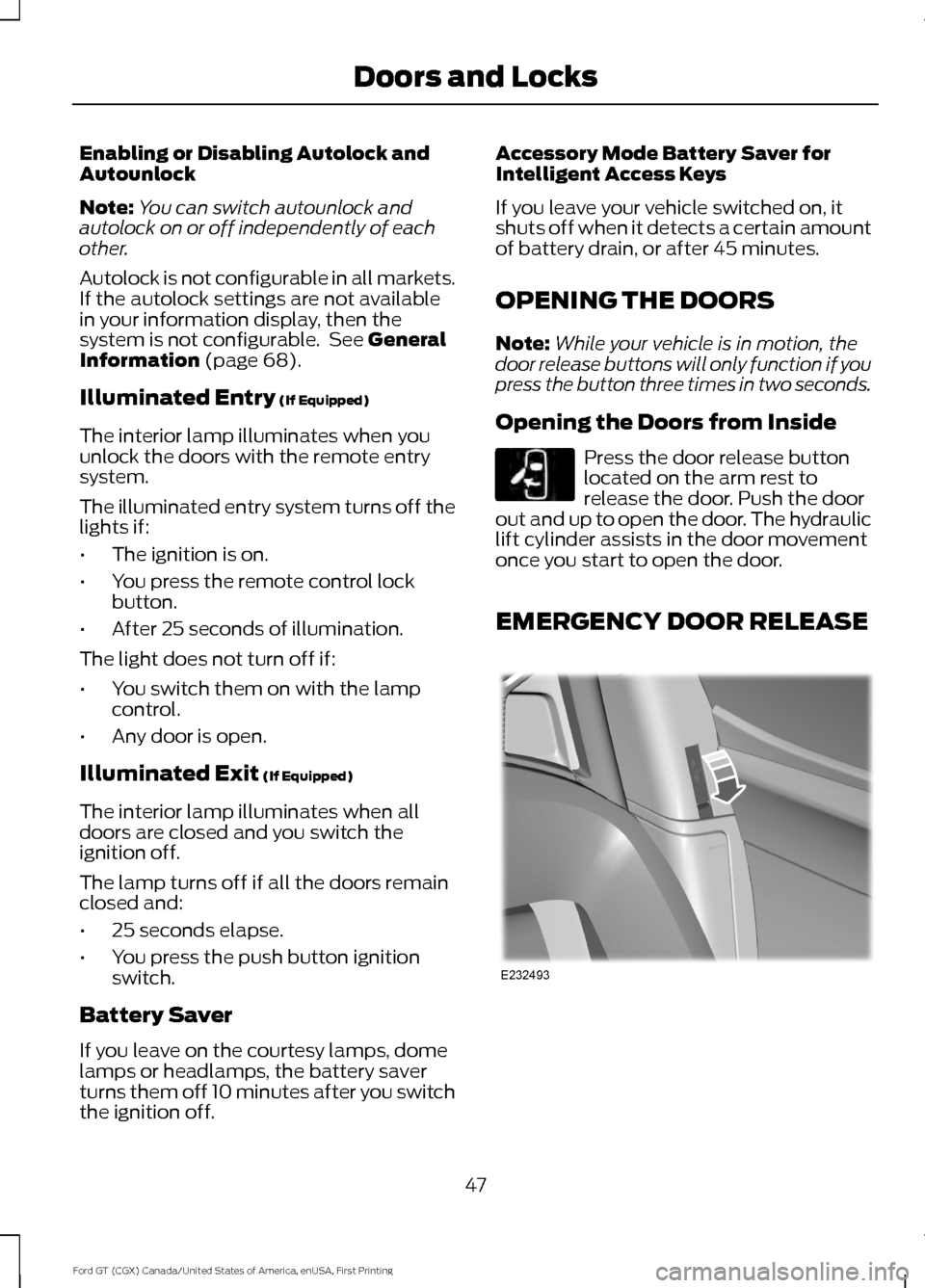
EMERGENCY DOOR RELEASE 47
Ford GT (CGX) Canada/United States of America, enUSA, First Printing Doors and LocksE232417 E232493
Page 69 of 313
Frost Warning Lamp
WARNING
Even if the temperature rises to
above 39°F (4°C) there is no
guarantee that the road is free of
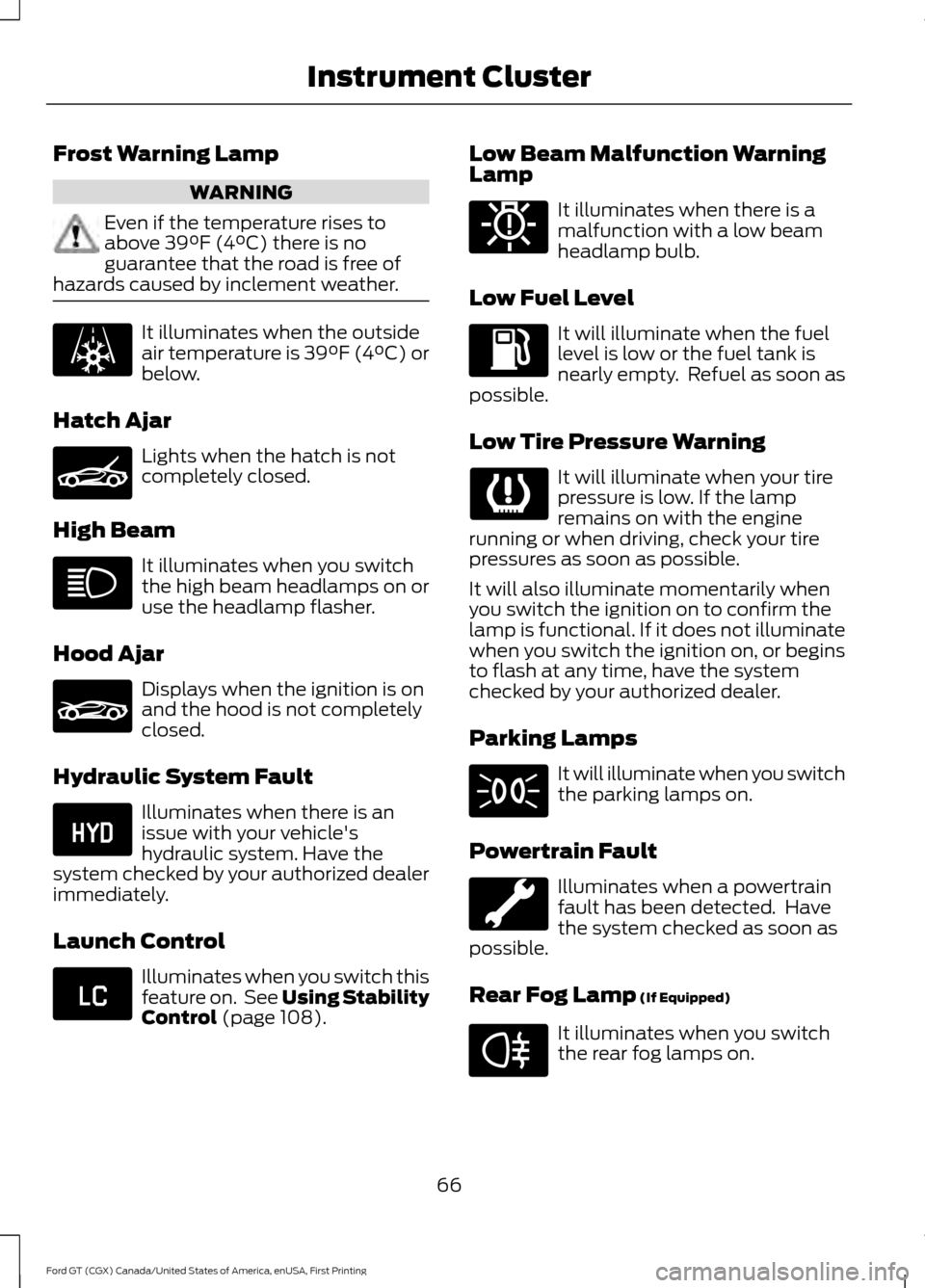
hazards caused by inclement weather. It illuminates when the outside
air temperature is 39°F (4°C) or
below.
Hatch Ajar Lights when the hatch is not
completely closed.
High Beam It illuminates when you switch
the high beam headlamps on or
use the headlamp flasher.
Hood Ajar Displays when the ignition is on
and the hood is not completely
closed.
Hydraulic System Fault Illuminates when there is an
issue with your vehicle's
hydraulic system. Have the
system checked by your authorized dealer
immediately.
Launch Control Illuminates when you switch this
feature on. See Using Stability
Control
(page 108). Low Beam Malfunction Warning
Lamp It illuminates when there is a
malfunction with a low beam
headlamp bulb.
Low Fuel Level It will illuminate when the fuel
level is low or the fuel tank is
nearly empty. Refuel as soon as
possible.
Low Tire Pressure Warning It will illuminate when your tire
pressure is low. If the lamp
remains on with the engine
running or when driving, check your tire
pressures as soon as possible.
It will also illuminate momentarily when
you switch the ignition on to confirm the
lamp is functional. If it does not illuminate
when you switch the ignition on, or begins
to flash at any time, have the system
checked by your authorized dealer.
Parking Lamps It will illuminate when you switch
the parking lamps on.
Powertrain Fault Illuminates when a powertrain
fault has been detected. Have
the system checked as soon as
possible.
Rear Fog Lamp (If Equipped) It illuminates when you switch
the rear fog lamps on.
66
Ford GT (CGX) Canada/United States of America, enUSA, First Printing Instrument Cluster E236451 E236450 E234584 E234583 E181350 E67040
Page 73 of 313
Vehicle Settings
Choose your applicable setting.
Performance Shift Indic-
ator
Autolamp Delay
Lighting
Daytime Lights
Autolock
Locks
Autounlock
MislockChoose your applicable setting.
Remote
Unlock
Choose your applicable setting.
Duration
Remote Start
System
Hold OK to Reset
Tire Monitor
Remote Open
Windows
Courtesy Wipe
Wipers
INFORMATION MESSAGES Press the
OK button to acknowledge and
remove some messages from the
information display. The information
display automatically removes other
messages after a short time.
You need to confirm certain messages
before you can access the menus.
70
Ford GT (CGX) Canada/United States of America, enUSA, First Printing Information DisplaysE227121
Page 107 of 313
ELECTRIC PARKING BRAKE
WARNING
Always set the parking brake and
leave your vehicle with the
transmission in park (P).
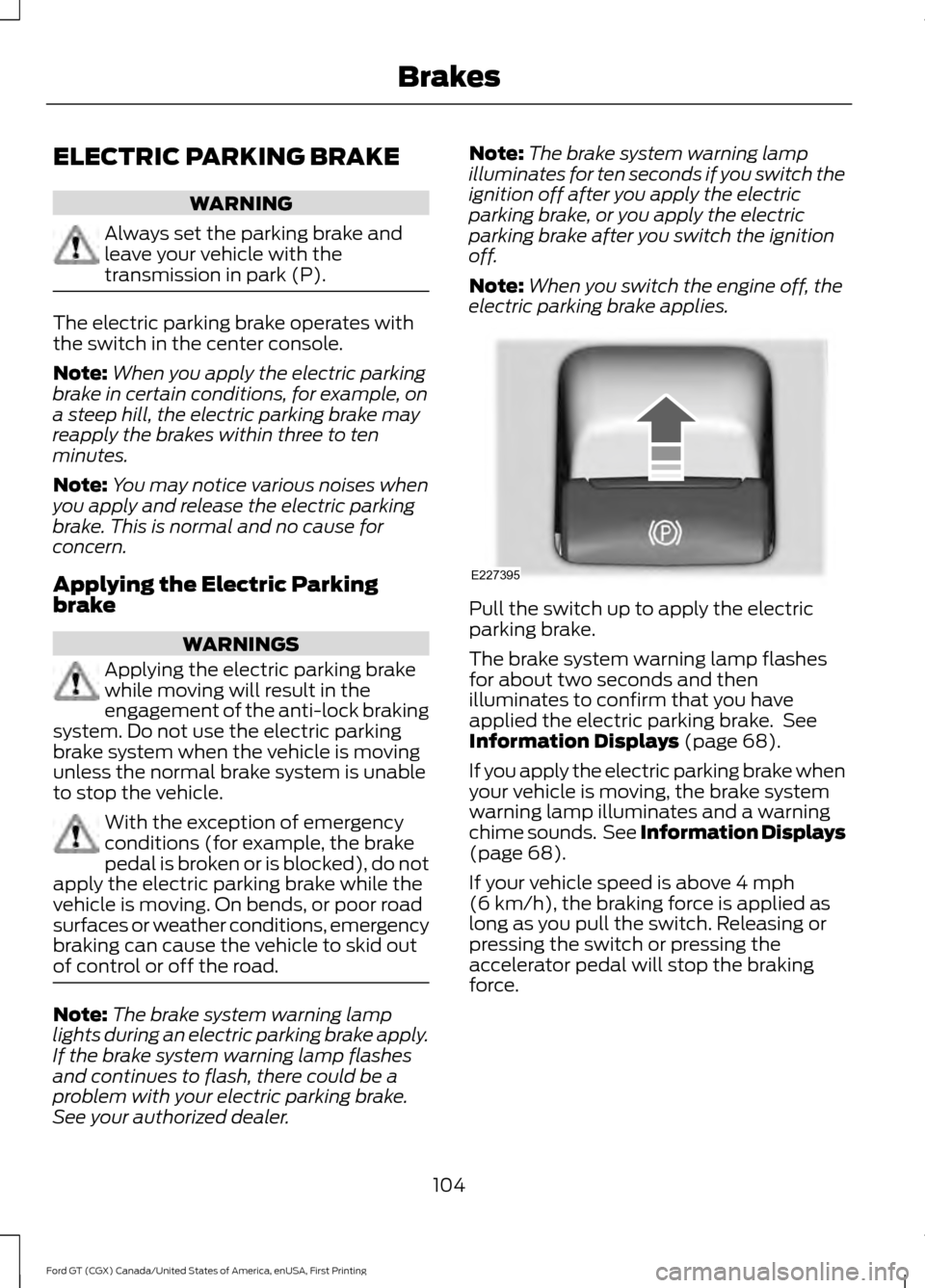
The electric parking brake operates with
the switch in the center console.
Note:
When you apply the electric parking
brake in certain conditions, for example, on
a steep hill, the electric parking brake may
reapply the brakes within three to ten
minutes.
Note: You may notice various noises when
you apply and release the electric parking
brake. This is normal and no cause for
concern.
Applying the Electric Parking
brake WARNINGS
Applying the electric parking brake
while moving will result in the
engagement of the anti-lock braking
system. Do not use the electric parking
brake system when the vehicle is moving
unless the normal brake system is unable
to stop the vehicle. With the exception of emergency
conditions (for example, the brake
pedal is broken or is blocked), do not
apply the electric parking brake while the
vehicle is moving. On bends, or poor road
surfaces or weather conditions, emergency
braking can cause the vehicle to skid out
of control or off the road. Note:
The brake system warning lamp
lights during an electric parking brake apply.
If the brake system warning lamp flashes
and continues to flash, there could be a
problem with your electric parking brake.
See your authorized dealer. Note:
The brake system warning lamp
illuminates for ten seconds if you switch the
ignition off after you apply the electric
parking brake, or you apply the electric
parking brake after you switch the ignition
off.
Note: When you switch the engine off, the
electric parking brake applies. Pull the switch up to apply the electric
parking brake.
The brake system warning lamp flashes
for about two seconds and then
illuminates to confirm that you have
applied the electric parking brake. See
Information Displays (page 68).
If you apply the electric parking brake when
your vehicle is moving, the brake system
warning lamp illuminates and a warning
chime sounds. See Information Displays
(page
68).
If your vehicle speed is above
4 mph
(6 km/h), the braking force is applied as
long as you pull the switch. Releasing or
pressing the switch or pressing the
accelerator pedal will stop the braking
force.
104
Ford GT (CGX) Canada/United States of America, enUSA, First Printing BrakesE227395
Page 112 of 313
Traction Control
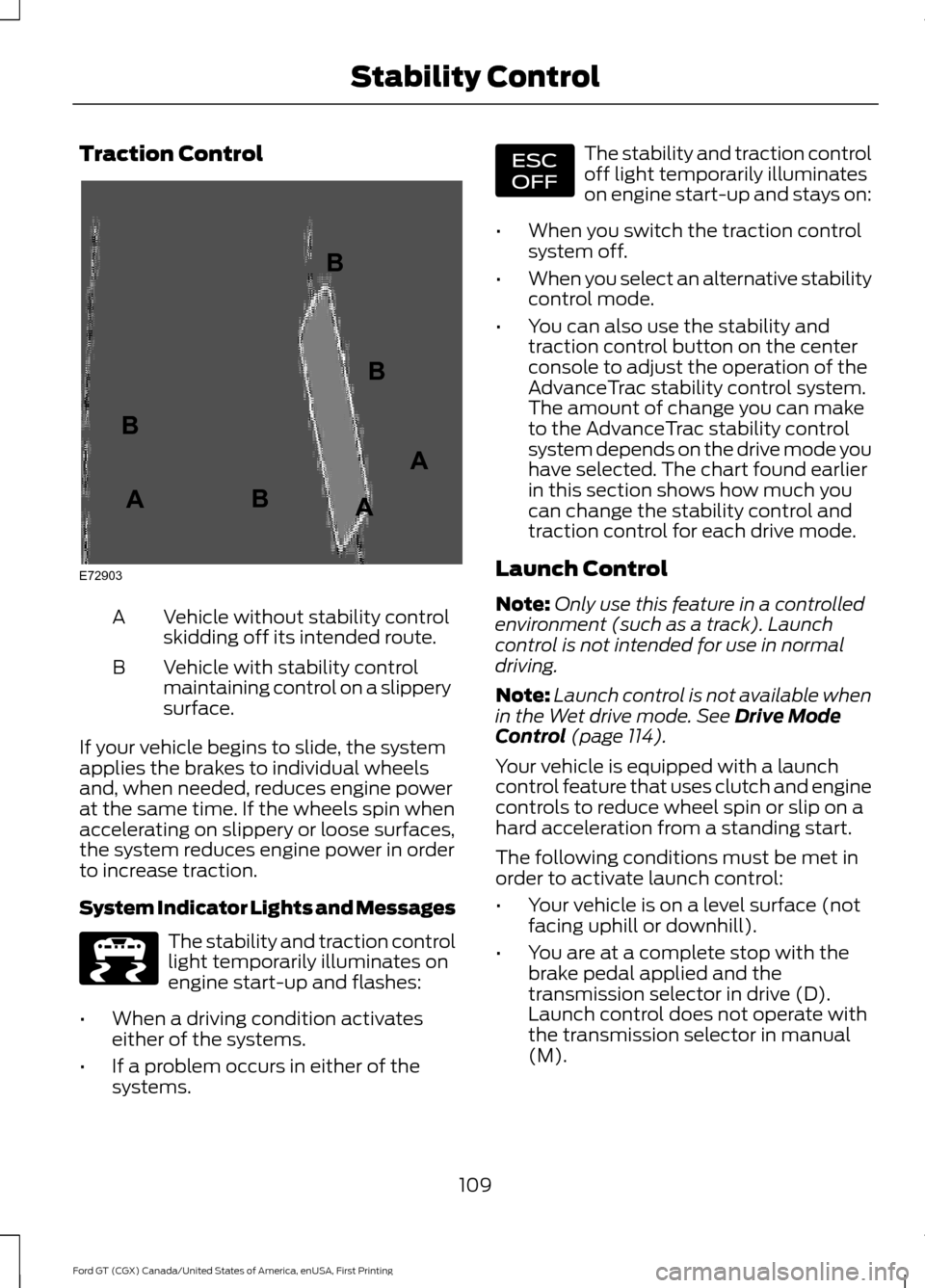
Vehicle without stability control
skidding off its intended route.
A
Vehicle with stability control
maintaining control on a slippery
surface.
B
If your vehicle begins to slide, the system
applies the brakes to individual wheels
and, when needed, reduces engine power
at the same time. If the wheels spin when
accelerating on slippery or loose surfaces,
the system reduces engine power in order
to increase traction.
System Indicator Lights and Messages The stability and traction control
light temporarily illuminates on
engine start-up and flashes:
• When a driving condition activates
either of the systems.
• If a problem occurs in either of the
systems. The stability and traction control
off light temporarily illuminates
on engine start-up and stays on:
• When you switch the traction control
system off.
• When you select an alternative stability
control mode.
• You can also use the stability and
traction control button on the center
console to adjust the operation of the
AdvanceTrac stability control system.
The amount of change you can make
to the AdvanceTrac stability control
system depends on the drive mode you
have selected. The chart found earlier
in this section shows how much you
can change the stability control and
traction control for each drive mode.
Launch Control
Note: Only use this feature in a controlled
environment (such as a track). Launch
control is not intended for use in normal
driving.
Note: Launch control is not available when
in the Wet drive mode. See Drive Mode
Control (page 114).
Your vehicle is equipped with a launch
control feature that uses clutch and engine
controls to reduce wheel spin or slip on a
hard acceleration from a standing start.
The following conditions must be met in
order to activate launch control:
• Your vehicle is on a level surface (not
facing uphill or downhill).
• You are at a complete stop with the
brake pedal applied and the
transmission selector in drive (D).
Launch control does not operate with
the transmission selector in manual
(M).
109
Ford GT (CGX) Canada/United States of America, enUSA, First Printing Stability ControlE72903A
AA
B
BB
B E236447 E236448
Page 130 of 313
•
Check that the exterior lights work.
• Turn the steering wheel to check that
the steering power assist works.
FLOOR MATS WARNINGS
Secure the floor mat to both
retention devices so that it cannot
slip out of position and interfere with
the pedals. Failure to follow this instruction
could result in the loss of control of your
vehicle, personal injury or death. Pedals that cannot move freely can
cause loss of vehicle control and
increase the risk of serious personal
injury. Do not place additional floor mats
or any other covering on top of the
original floor mats. This will reduce
the pedal clearance and interfere with the
pedal operation. Carry out regular checks to make
sure the floor mats are secure.
Always make sure that objects
cannot fall into the driver foot well
while your vehicle is moving. Objects
that are loose can become trapped under
the pedals causing a loss of vehicle control. 127
Ford GT (CGX) Canada/United States of America, enUSA, First Printing Driving Hints
Page 174 of 313
General Information
WARNING
Failure to follow these guidelines
could result in an increased risk of
loss of vehicle control, injury or death.
Note:
Do not use the kit if you have severely
damaged a tire. Only seal punctures located
within the tire tread with the kit.
Do not attempt to repair punctures larger
than ¼ inch (6 millimeters) or damage to
the tire's sidewall. The tire may not
completely seal.
Loss of air pressure may adversely affect
tire performance. For this reason:
Note: Do not drive the vehicle above
50 mph (80 km/h).
Note: Do not drive further than
120 mi
(200 km). Drive only to the closest
authorized Ford dealer or tire repair shop to
have your tire inspected.
• Drive carefully and avoid abrupt
steering maneuvers.
• Periodically monitor tire inflation
pressure in the affected tire; if the tire
is losing pressure, have the vehicle
towed on a flat bed.
• Read the information in the Tips for
Use of the Kit section to make sure safe
operation of the kit and your vehicle.
Tips for Use of the Kit
To ensure safe operation of the kit:
• Read all instructions and cautions fully.
• Before operating the kit, make sure
your vehicle is safely off the road and
away from moving traffic. Switch on
the hazard lights.
• Always set the parking brake to ensure
the vehicle does not move
unexpectedly. •
Do not remove any foreign objects,
such as nails or screws, from the tire.
• When using the kit, leave the engine
running (only if the vehicle is outdoors
or in a well-ventilated area) so the
compressor does not drain the
vehicle's battery.
• Do not allow the compressor to
operate continuously for more than 15
minutes. This will help prevent the
compressor from overheating.
• Never leave the kit unattended during
operation.
• Sealant compound contains latex.
Those with latex sensitivities should
use appropriate precautions to avoid
an allergic reaction.
• Keep the kit away from children.
• Only use the kit when the ambient
temperature is between -22°F (-30°C)
and 158°F (70°C).
• Only use the sealing compound before
the use-by date. The use-by date is on
a label on the sealant canister, which
you can see through the rectangular
viewing window on the bottom of the
compressor. Check the use-by date
regularly and replace the canister after
four years of non-use.
• Do not store the kit unsecured inside
the passenger compartment of the
vehicle as it may cause injury during a
sudden stop or crash. Always store the
kit in its original location.
• After sealant use, an authorized Ford
dealer must replace the tire pressure
monitoring system sensor and valve
stem on the wheel.
• Operating the kit could cause an
electrical disturbance in radio
operation.
171
Ford GT (CGX) Canada/United States of America, enUSA, First Printing Wheels and Tires
Page 175 of 313
* When inflation only is required
for a tire or other objects, the
selector must be in the Air
position.
What to do When a Tire Is
Punctured
You can repair a tire puncture within the
tire's tread area in two stages with the kit.
• In the first stage, inflate the tire with a
sealing compound and air. After you
inflate the tire, you will need to drive
the vehicle a short distance (about 4 mi
(6 km) to distribute the sealant in the
tire.
• In the second stage, check the tire
pressure and adjust, if necessary, to the
vehicle's specified tire inflation
pressure.
First Stage: Inflating the Tire with
Sealing Compound and Air WARNINGS
Do not stand directly over the kit
while inflating the tire. If you notice
any unusual bulges or deformations
in the tire's sidewall during inflation, stop
and call roadside assistance. If the tire does not inflate to the
recommended tire pressure within
15 minutes, stop and call roadside
assistance. Do not run the engine when
operating the air compressor unless
the vehicle is outdoors or in a
well-ventilated area. Preparation: Park the vehicle in a safe, level
and secure area, away from moving traffic.
Switch the hazard lights on. Apply the
parking brake and switch the engine off.
Inspect the flat tire for visible damage. Sealant compound contains latex. Use
appropriate precautions to avoid any
allergic reactions.
Do not remove any foreign object that has
pierced the tire. If a puncture is located in
the tire sidewall, stop and call roadside
assistance.
1. Remove the valve cap from the tire
valve.
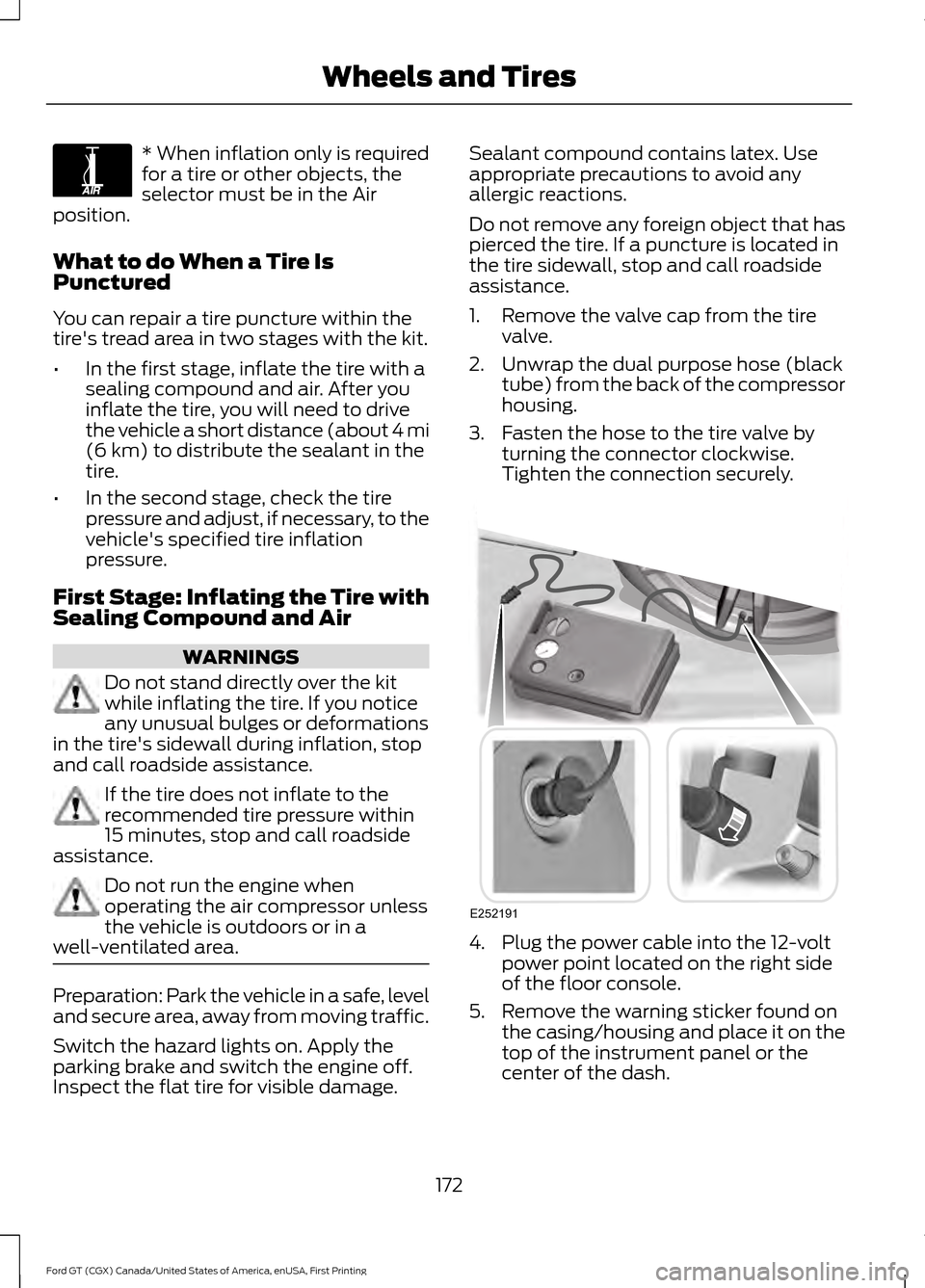
2. Unwrap the dual purpose hose (black tube) from the back of the compressor
housing.
3. Fasten the hose to the tire valve by turning the connector clockwise.
Tighten the connection securely. 4. Plug the power cable into the 12-volt
power point located on the right side
of the floor console.
5. Remove the warning sticker found on the casing/housing and place it on the
top of the instrument panel or the
center of the dash.
172
Ford GT (CGX) Canada/United States of America, enUSA, First Printing Wheels and TiresE175978 E252191