airbag FORD GT 2021 Owner's Manual
[x] Cancel search | Manufacturer: FORD, Model Year: 2021, Model line: GT, Model: FORD GT 2021Pages: 321, PDF Size: 5.78 MB
Page 94 of 321
2. With the key in this position, press the
brake pedal and then the Engine
START/STOP button to switch the
ignition on and start your vehicle.
Note: If the vehicle fails to start, replace
the key fob battery.
Fast Restart
The fast restart feature allows you to
restart the engine within 20 seconds of
switching it off, even if a valid key is not
present.
Within 20 seconds of switching the engine
off, press the brake pedal and press the
START/STOP button. After 20 seconds
have expired, you can no longer restart the
engine without the key present inside your
vehicle.
Once the engine has started, it remains
running until you press the START/STOP
button, even if the system does not detect
a valid key. If you open and close a door
while the engine is running, the system
searches for a valid key. You cannot restart
the engine if the system does not detect a
valid key within 20 seconds.
Failure to Start
If you cannot start the engine after three
attempts, wait 10 seconds and follow this
procedure:
1. Fully press the brake pedal.
2. Move the transmission selector to the park (P) position.
3. Fully press the accelerator pedal and hold it there.
4. Press the START/STOP button once.
Stopping the Engine When Your
Vehicle is Stationary
1. Move the transmission selector to the park (P) position.
2. Press the START/STOP button once. 3. Apply the parking brake.
Note:
This switches off the ignition, all
electrical circuits, warning lamps and
indicators.
Stopping the Engine When Your
Vehicle is Moving WARNING: Switching off the
engine when your vehicle is still moving
results in a significant decrease in
braking assistance. Higher effort is
required to apply the brakes and to stop
your vehicle. A significant decrease in
steering assistance could also occur. The
steering does not lock, but higher effort
could be required to steer your vehicle.
When you switch the ignition off, some
electrical circuits, for example airbags,
also turn off. If you unintentionally switch
the ignition off, shift into neutral (N) and
restart the engine.
1. Move the transmission selector to the neutral position and use the brakes to
bring your vehicle to a safe stop.
2. When your vehicle has stopped, park (P) will engage automatically.
3. Press and hold the START/STOP button for one second, or press it three
times within two seconds.
4. Apply the parking brake.
Guarding Against Exhaust Fumes WARNING:
Exhaust leaks may
result in entry of harmful and potentially
lethal fumes into the passenger
compartment. If you smell exhaust
fumes inside your vehicle, have your
vehicle inspected immediately. Do not
drive if you smell exhaust fumes.
91
Ford GT (CGX) Canada/United States of America, enUSA, Edition date: 202010, First-Printing Starting and Stopping the Engine
Page 138 of 321
Jump Starting
1.
Start the engine of the booster vehicle
and rev the engine moderately, or press
the accelerator gently to keep your
engine speed between 2000 and 3000
RPM, as shown in your tachometer.
2. Start the engine of the disabled vehicle.
3. Once the disabled vehicle has been started, run both vehicle engines for an
additional three minutes before
disconnecting the jumper cables.
Removing the Jumper Cables
Remove the jumper cables in the reverse
order that they were connected.
1. Remove the jumper cable from the negative (-) terminal of the booster
vehicle battery.
2. Remove the jumper cable from the negative (A) post of the disabled
vehicle.
3. Remove the jumper cable from the positive (+) terminal of the booster
vehicle battery.
4. Remove the jumper cable from the positive (B) post of the disabled
vehicle.
5. Allow the engine to idle for at least one
minute.
POST-CRASH ALERT SYSTEM
The system flashes the direction indicators
and sounds the horn (intermittently) in the
event of a serious impact that deploys an
airbag (front and side) or the safety belt
pretensioners.
The horn and indicators will turn off when:
• You press the hazard control button.
• You press the panic button on the
remote entry transmitter (if equipped).
• Your vehicle runs out of power. TRANSPORTING THE VEHICLE
If you need to transport your vehicle,
please contact the Ford GT Concierge at
800-210-5795.
You can only transport your vehicle in an
enclosed trailer or on a roll back flatbed
truck. The ramp angle or angle of approach
on Ford GT is 9 degrees. Below are some
ramp lengths required to achieve this angle
depending on trailer or bed entrance
height.
Ramp Length
Height
11 ft (330 cm)
20 in (50 cm)
10 ft (292 cm)
18 in (45 cm)
9 ft (266 cm)
16 in (40 cm)
7 ft (228 cm)
14 in (35 cm)
7 ft (203 cm)
12 in (30 cm)
Your vehicle has a front end lift feature
that uses the electronically controlled
suspension hydraulics to lift the front of
the car. You can use this feature for
driveway approaches and speed bumps.
If there is power to this system, use it to lift
the front when loading the car onto a trailer
or a roll back. To operate the front lift, use
the switch in the console.
Note: The ground clearance on the car at
standard ride height is only 5 in (12 cm). Use
care when moving or loading the car to
make sure it does not bottom out.
Note: The vehicle doors swing both upward
and outward. At the full open position, the
top edge of the door is 67 in (170 cm) from
the ground and swings outward 26 in
(66 cm). Make sure you have the clearance
you need prior to opening the door.
135
Ford GT (CGX) Canada/United States of America, enUSA, Edition date: 202010, First-Printing Roadside Emergencies
Page 179 of 321
Use a soft brush, a clean, dry cloth or
vacuum cleaner to remove dust and loose
dirt from Alcantara cloth surfaces. Gently
wipe the cloth surfaces with a clean, damp
cotton cloth.
Note:
Alcantara microfiber cloth fabric are
made of polyester microfiber with
micro-porous polyurethane. Using
commercially available fabric cleaners can
cause permanent damage. Note:
Do not use commercially available
leather and vinyl cleaning products on
Alcantara cloth fabric.
Depending on the type of stain, use water,
lemon juice or pure ethyl alcohol when
cleaning. For cleaning Alcantara microfiber
cloth, refer to the following chart: Cleaning Procedure
Type of Stain
Use lukewarm water and rinse by dabbing
with clean water.
Fruit juice, jam, jelly, syrup or ketchup.
Use cold water and rinse by dabbing with
clean water. Avoid warm water because it
makes these substances coagulate.
Blood, egg, excrement or urine.
Use lukewarm water. If the color remains,
treat with lemon juice and then rinse.
Liquor, alcoholic beverages, wine, beer, cola
and tea.
Use lukewarm water and rinse by dabbing
with clean water.
Indelible pencil, cocoa, chocolate, pastry
with cream or chocolate, ice cream or
mustard.
Use lemon juice, wipe with lukewarm water
and rinse by dabbing with clean water.
Vinegar, hair gel, tomato sauce or coffee
with sugar.
Use ethyl alcohol, then dab with water.
Dye transfer and all other stains.
CLEANING THE INSTRUMENT
PANEL AND INSTRUMENT
CLUSTER LENS WARNING: Do not use chemical
solvents or strong detergents when
cleaning the steering wheel or
instrument panel to avoid contamination
of the airbag system. Note:
Follow the same procedure as
cleaning leather seats for cleaning leather
interior trim surfaces. See Cleaning Leather
Seats
(page 177).
Note: If your vehicle has Alcantara or Miko
microfiber cloth trim, follow the cleaning
instructions in this chapter. See
Cleaning
the Interior (page 175).
Clean the carbon fiber portions of the
instrument panel and cluster lens with a
clean, damp and soft cloth, then use a
clean, dry and soft cloth to dry these areas.
176
Ford GT (CGX) Canada/United States of America, enUSA, Edition date: 202010, First-Printing Vehicle Care
Page 225 of 321
Note:
The SYNC 911 Assist feature only
operates in the U.S., Canada or in a territory
in which 911 is the emergency number.
Note: Before setting this feature on, make
sure that you read the 911 Assist Privacy
Notice later in this section for important
information.
Note: If any user sets 911 Assist to on or off,
that setting applies for all paired phones. If
911 Assist is switched off and the phone is
connected to SYNC, an icon displays on the
status bar.
Note: Every phone operates differently.
While SYNC 911 Assist works with most
cellular phones, some may have trouble
using this feature.
If a crash deploys an airbag (excluding
knee airbags and rear inflatable safety
belts [if equipped]) or activates the fuel
pump shut-off, your SYNC-equipped
vehicle may be able to contact emergency
services by dialing 911 through a paired and
connected Bluetooth-enabled phone. You
can learn more about the 911 Assist
feature, by visiting: Website
www.owner.ford.com
www.syncmyride.ca
www.syncmaroute.ca
For important information about airbag
deployment and the fuel pump shut-off
please see the Supplementary Restrains
and Roadside Emergencies sections of
your owner manual.
To switch 911 Assist on and off please view
the settings information. See Settings
(page 253). To make sure that 911 Assist works
correctly:
•
SYNC must be powered and working
properly at the time of the incident and
throughout feature activation and use.
• The 911 Assist feature must be set on
before the incident.
• You must pair and connect a
Bluetooth-enabled and compatible
cell phone to SYNC.
• A connected Bluetooth-enabled phone
must have the ability to make and
maintain an outgoing call at the time
of the incident.
• A connected Bluetooth-enabled phone
must have adequate network coverage,
battery power and signal strength.
• The vehicle must have battery power
and be located in the U.S., Canada or
in a territory in which 911 is the
emergency number.
In the Event of a Crash
Not all crashes will deploy an airbag or
activate the fuel pump shut-off (the
triggers for 911 Assist). If a connected cell
phone sustains damage or loses its
connection to SYNC during a crash, SYNC
will search for and try to connect to a
previously paired cell phone; SYNC will
then attempt to call the emergency
services.
Before making the call:
• SYNC provides a short window of time
(about 10 seconds) to cancel the call.
If you fail to cancel the call, SYNC
attempts to dial 911.
• SYNC says the following, or a similar
message: "SYNC will attempt to call
911, to cancel the call, press Cancel on
your screen or press and hold the
phone button on your steering wheel."
222
Ford GT (CGX) Canada/United States of America, enUSA, Edition date: 202010, First-Printing SYNC™ 3
Page 226 of 321
If you do not cancel the call, and SYNC
makes a successful call, a pre-recorded
message plays for the 911 operator, and
then the occupant(s) in your vehicle is able
to talk with the operator. Be prepared to
provide your name, phone number and
location immediately, because not all 911
systems are capable of receiving this
information electronically.
911 Assist May Not Work If
•
Your cellular phone or 911 Assist
hardware sustains damage in a crash.
• The vehicle's battery or the SYNC
system has no power.
• The phone(s) thrown from your vehicle
are the ones paired and connected to
the system.
911 Assist Privacy Notice
When you switch on 911 Assist, it may
disclose to emergency services that your
vehicle has been in a crash involving the
deployment of an airbag or activation of
the fuel pump shut-off. Certain versions or
updates to 911 Assist may also be capable
of electronically or verbally disclosing to
911 operators your vehicle location or other
details about your vehicle or crash to assist
911 operators to provide the most
appropriate emergency services. If you do
not want to disclose this information, do
not switch the feature on.
Safety Information WARNING: Driving while distracted
can result in loss of vehicle control, crash
and injury. We strongly recommend that
you use extreme caution when using any
device that may take your focus off the
road. Your primary responsibility is the
safe operation of your vehicle. We
recommend against the use of any hand-held device while driving and
encourage the use of voice-operated
systems when possible. Make sure you
are aware of all applicable local laws
that may affect the use of electronic
devices while driving.
• Do not attempt to service or repair the
system. Have an authorized dealer
check your vehicle.
• Do not operate playing devices if the
power cords or cables are broken, split
or damaged. Place cords and cables
out of the way, so they do not interfere
with the operation of pedals, seats,
compartments or safe driving abilities.
• Do not leave playing devices in your
vehicle during extreme conditions as it
could cause them damage. See your
device's user guide for further
information.
• For your safety, some SYNC 3 functions
are speed-dependent. Their use is
limited to when your vehicle is traveling
at speeds under 3 mph (5 km/h). Make
sure that you review your device's
manual before using it with SYNC 3.
Speed-restricted Features
Some features of this system may be too
difficult to use while your vehicle is moving
so they are restricted from use unless your
vehicle is stationary.
• Screens crowded with information,
such as Point of Interest reviews and
ratings, movie times or ski conditions.
• Any action that requires you to use a
keyboard is restricted, such as entering
a navigation destination or editing
information.
• All lists are limited so the user can view
fewer entries (such as phone contacts
or recent phone call entries).
223
Ford GT (CGX) Canada/United States of America, enUSA, Edition date: 202010, First-Printing SYNC™ 3
Page 294 of 321
1. Safe and Lawful Use
You acknowledge that devoting attention
to the TeleNav Software may pose a risk
of injury or death to you and others in
situations that otherwise require your
undivided attention, and you therefore
agree to comply with the following when
using the TeleNav Software:
(a) observe all traffic laws and otherwise
drive safely;
(b) use your own personal judgment while
driving. If you feel that a route suggested
by the TeleNav Software instructs you to
perform an unsafe or illegal maneuver,
places you in an unsafe situation, or directs
you into an area that you consider to be
unsafe, do not follow such instructions;
(c) do not input destinations, or otherwise
manipulate the TeleNav Software, unless
your vehicle is stationary and parked;
(d) do not use the TeleNav Software for
any illegal, unauthorized, unintended,
unsafe, hazardous, or unlawful purposes,
or in any manner inconsistent with this
Agreement;
(e) arrange all GPS and wireless devices
and cables necessary for use of the
TeleNav Software in a secure manner in
your vehicle so that they will not interfere
with your driving and will not prevent the
operation of any safety device (such as an
airbag).
You agree to indemnify and hold TeleNav
harmless against all claims resulting from
any dangerous or otherwise inappropriate
use of the TeleNav Software in any moving
vehicle, including as a result of your failure
to comply with the directions above.
2. Account Information
You agree: (a) when registering the
TeleNav Software, to provide TeleNav with
true, accurate, current, and complete
information about yourself, and (b) to
inform TeleNav promptly of any changes
to such information, and to keep it true,
accurate, current and complete.
3. Software License
•
Subject to your compliance with the
terms of this Agreement, TeleNav
hereby grants to you a personal,
non-exclusive, non-transferable license
(except as expressly permitted below
in connection with your permanent
transfer of the TeleNav Software
license), without the right to
sublicense, to use the TeleNav
Software (in object code form only) in
order to access and use the TeleNav
Software. This license shall terminate
upon any termination or expiration of
this Agreement. You agree that you will
use the TeleNav Software only for your
personal business or leisure purposes,
and not to provide commercial
navigation services to other parties.
3.1 License Limitations
• (a) reverse engineer, decompile,
disassemble, translate, modify, alter
or otherwise change the TeleNav
Software or any part thereof;
(b)
attempt to derive the source code,
audio library or structure of the
TeleNav Software without the prior
express written consent of TeleNav;
(c)
remove from the TeleNav
Software, or alter, any of TeleNav's or
its suppliers' trademarks, trade names,
logos, patent or copyright notices, or
other notices or markings;
(d)
291
Ford GT (CGX) Canada/United States of America, enUSA, Edition date: 202010, First-Printing Appendices
Page 314 of 321
9
911 Assist...........................................................43
A
A/C
See: Climate Control........................................... 83
About This Manual...........................................5 Ford GT Concierge Phone Numbers................5
ABS See: Brakes........................................................... 108
ABS driving hints See: Hints on Driving With Anti-Lock
Brakes................................................................ 109
Accessories....................................................278
Accessories See: Replacement Parts
Recommendation............................................. 11
Adjustable Pedals.........................................60
Adjusting the Headlamps.........................166 Headlamp Aim Target...................................... 166
Adjusting the Pedals....................................60
Adjusting the Steering Wheel...................56
Airbag Disposal...............................................42
Air Conditioning See: Climate Control........................................... 83
Air Filter See: Changing the Engine Air Filter.............158
Alarm See: Anti-Theft Alarm........................................ 55
Anti-Theft Alarm
............................................55
Arming the Alarm................................................. 55
Disarming the Alarm........................................... 55
Appendices....................................................283
Apps..................................................................252 ........................................................................\
...........252
At a Glance........................................................16
Audible Warnings and Indicators..............72 Headlamps On Warning Chime...................... 72
Keyless Warning Alert......................................... 72
Audio Control
...................................................57
Seek, Next or Previous........................................ 57
Audio System
.................................................216
Audio Unit........................................................216
Autolamps........................................................63
Automatic Climate Control
........................83
Directing the Airflow........................................... 83Setting the Blower Motor Speed....................
83
Setting the Temperature................................... 83
Switching Auto Mode On and Off.................83
Switching Recirculated Air On and Off........83
Switching the Air Conditioning On and Off........................................................................\
. 83
Automatic Transmission
...........................103
Brake-Shift Interlock......................................... 106
If Your Vehicle Gets Stuck In Mud or Snow................................................................... 107
Performance Shift Indicator........................... 105
SelectShift™ Automatic Transmission................................................... 104
Understanding the Positions of Your Automatic Transmission............................. 103
Automatic Transmission Fluid Check.............................................................162
Auxiliary Power Points..................................87 DC Power Point..................................................... 87
Location................................................................... 87
B
Battery See: Changing the 12V Battery...................... 164
Body Styling Kits..........................................180
Bonnet Lock See: Opening and Closing the Hood...........154
Booster Seats..................................................24 Types of Booster Seats...................................... 25
Brake Fluid Check.........................................162
Brakes...............................................................108 General Information.......................................... 108
Breaking-In.......................................................131 Cold Engine Operation....................................... 131
Hot Engine Shut down....................................... 131
C
Cabin Air Filter.................................................85
Capacities and Specifications.................210 Air Conditioning System.................................. 210
Engine Coolant..................................................... 211
Engine Oil............................................................... 212
Fuel Tank................................................................ 213
Grease..................................................................... 213
Hydraulic Brake System................................... 213
311
Ford GT (CGX) Canada/United States of America, enUSA, Edition date: 202010, First-Printing Index
Page 315 of 321
Hydraulic Power Steering, Active
Suspension, and Active Aero
System............................................................... 214
Locks........................................................................\
213
Transmission Gear............................................. 210
Transmission Wet Clutch.................................. 211
Washer Reservoir................................................ 215
Car Wash See: Cleaning the Exterior................................ 173
Catalytic Converter.....................................100
On-Board Diagnostics (OBD-II).................... 101
Readiness for Inspection and Maintenance (I/M) Testing.................................................... 101
Changing a Bulb
...........................................168
LED Lamps........................................................... 168
Changing a Fuse............................................152 Fuses........................................................................\
152
Changing a Road Wheel...........................203 Important Information for Lifting or
Jacking.............................................................. 203
Changing the 12V Battery
..........................164
Battery Charger and Maintainer................... 164
Battery Management System....................... 166
Changing the Engine Air Filter.................158
Changing the Wiper Blades......................167
Checking the Wiper Blades.......................167
Child Restraint and Seatbelt Maintenance.................................................33
Child Restraint Positioning
.........................26
Child Safety.......................................................19
General Information............................................. 19
Cleaning Leather Seats...............................177
Cleaning Products
.........................................172
Materials................................................................. 172
Cleaning the Engine.....................................174
Cleaning the Exterior....................................173 Exterior Plastic Parts.......................................... 174
Matte Paint Finish............................................... 173
Raising the Rear Wing....................................... 174
Standard Paint Finish........................................ 173
Underbody............................................................. 174
Under Hood........................................................... 174
Cleaning the Instrument Panel and Instrument Cluster Lens..........................176
Cleaning the Interior.....................................175 Cleaning Alcantara Microfiber Cloth............175
Cleaning the Wheels....................................177 Cleaning the Windows and Wiper
Blades
.............................................................175
Climate Control..............................................83
Coolant Check See: Engine Coolant Check............................ 158
Crash Sensors and Airbag Indicator
.........41
Cruise Control..................................................57
Principle of Operation........................................ 118
Cruise control See: Using Cruise Control................................. 118
Cup Holders
.....................................................88
Customer Assistance..................................137
D
Data Recording
..................................................7
Comfort, Convenience and Entertainment
Data........................................................................\
9
Event Data................................................................. 8
Service Data.............................................................. 7
Services That Third Parties Provide.................9
Services That We Provide.................................... 9
Vehicles With a Modem....................................... 9
Vehicles With an Emergency Call System................................................................. 10
Vehicles With SYNC............................................. 10
Daytime Running Lamps.............................63
Declaration of Conformity.......................308
Declaration of Conformity - Vehicles With: SYNC 3.............................................308
Radio Frequency Statement........................ 308
Direction Indicators
.......................................64
Doors and Locks.............................................50
Drive Mode Control.......................................58 Active Aerodynamics ........................................ 123
Damper Comfort Mode.................................... 123
Drive Mode Selection......................................... 119
Front Lift................................................................. 123
Driver and Passenger Airbags....................37 Children and Airbags........................................... 37
Proper Driver and Front Passenger Seating Adjustment........................................................ 37
Driver and Passenger Knee Airbags
.........41
Driving Aids......................................................119
Driving at High Speed................................203
Tire Pressure - Speeds Greater Than
........................................................................\
..... 203
Driving Hints
.....................................................131
312
Ford GT (CGX) Canada/United States of America, enUSA, Edition date: 202010, First-Printing Index
Page 319 of 321
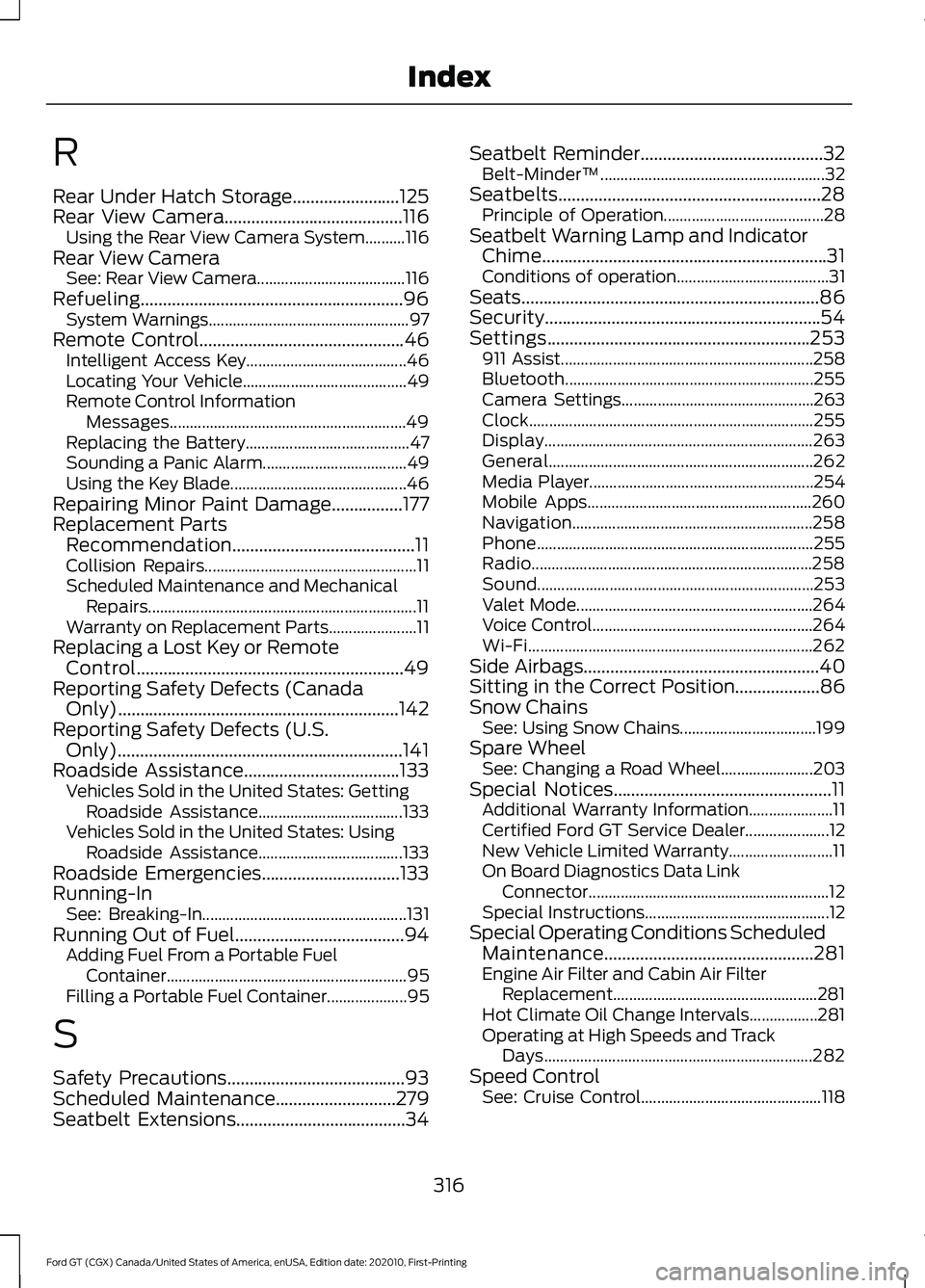
R
Rear Under Hatch Storage........................125
Rear View Camera........................................116
Using the Rear View Camera System..........116
Rear View Camera See: Rear View Camera..................................... 116
Refueling...........................................................96 System Warnings.................................................. 97
Remote Control..............................................46
Intelligent Access Key........................................ 46
Locating Your Vehicle......................................... 49
Remote Control Information Messages........................................................... 49
Replacing the Battery......................................... 47
Sounding a Panic Alarm.................................... 49
Using the Key Blade............................................ 46
Repairing Minor Paint Damage................177
Replacement Parts Recommendation.........................................11
Collision Repairs..................................................... 11
Scheduled Maintenance and Mechanical Repairs................................................................... 11
Warranty on Replacement Parts...................... 11
Replacing a Lost Key or Remote Control............................................................49
Reporting Safety Defects (Canada Only)...............................................................142
Reporting Safety Defects (U.S. Only)................................................................141
Roadside Assistance...................................133 Vehicles Sold in the United States: Getting
Roadside Assistance.................................... 133
Vehicles Sold in the United States: Using Roadside Assistance.................................... 133
Roadside Emergencies
...............................133
Running-In See: Breaking-In................................................... 131
Running Out of Fuel......................................94 Adding Fuel From a Portable Fuel
Container............................................................ 95
Filling a Portable Fuel Container.................... 95
S
Safety Precautions
........................................93
Scheduled Maintenance...........................279
Seatbelt Extensions......................................34 Seatbelt Reminder.........................................32
Belt-Minder™........................................................ 32
Seatbelts...........................................................28 Principle of Operation........................................ 28
Seatbelt Warning Lamp and Indicator Chime................................................................31
Conditions of operation...................................... 31
Seats...................................................................86
Security..............................................................54
Settings...........................................................253 911 Assist............................................................... 258
Bluetooth.............................................................. 255
Camera Settings................................................ 263
Clock....................................................................... 255
Display................................................................... 263
General.................................................................. 262
Media Player........................................................ 254
Mobile Apps........................................................ 260
Navigation............................................................ 258
Phone..................................................................... 255
Radio...................................................................... 258
Sound..................................................................... 253
Valet Mode........................................................... 264
Voice Control....................................................... 264
Wi-Fi....................................................................... 262
Side Airbags
.....................................................40
Sitting in the Correct Position...................86
Snow Chains See: Using Snow Chains.................................. 199
Spare Wheel See: Changing a Road Wheel....................... 203
Special Notices
.................................................11
Additional Warranty Information..................... 11
Certified Ford GT Service Dealer..................... 12
New Vehicle Limited Warranty.......................... 11
On Board Diagnostics Data Link Connector............................................................ 12
Special Instructions.............................................. 12
Special Operating Conditions Scheduled Maintenance...............................................281
Engine Air Filter and Cabin Air Filter Replacement................................................... 281
Hot Climate Oil Change Intervals.................281
Operating at High Speeds and Track Days................................................................... 282
Speed Control See: Cruise Control............................................. 118
316
Ford GT (CGX) Canada/United States of America, enUSA, Edition date: 202010, First-Printing Index
Page 321 of 321
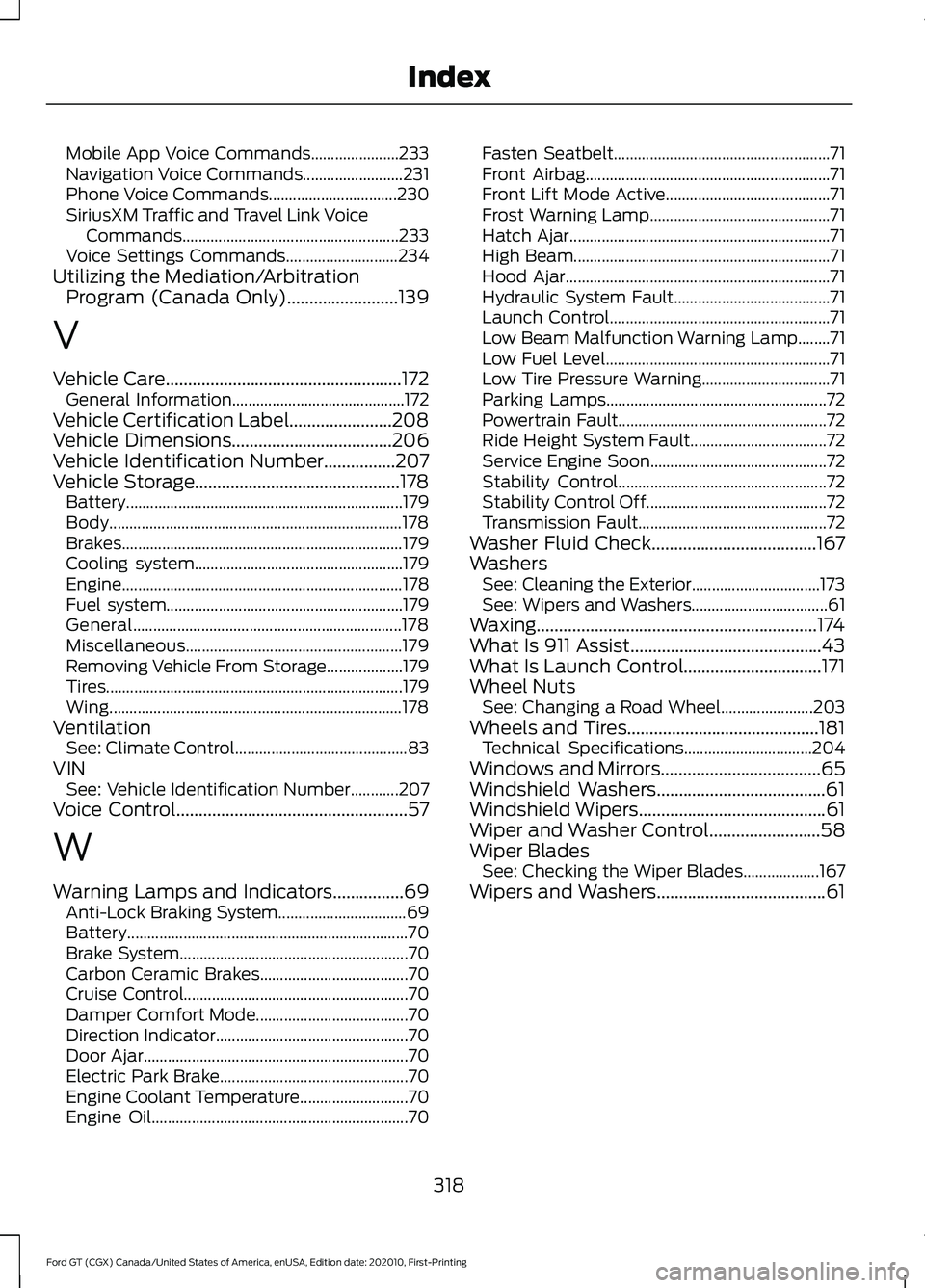
Mobile App Voice Commands......................
233
Navigation Voice Commands......................... 231
Phone Voice Commands................................ 230
SiriusXM Traffic and Travel Link Voice Commands...................................................... 233
Voice Settings Commands............................ 234
Utilizing the Mediation/Arbitration Program (Canada Only).........................139
V
Vehicle Care.....................................................172
General Information........................................... 172
Vehicle Certification Label.......................208
Vehicle Dimensions
....................................206
Vehicle Identification Number................207
Vehicle Storage..............................................178 Battery..................................................................... 179
Body........................................................................\
. 178
Brakes...................................................................... 179
Cooling system.................................................... 179
Engine...................................................................... 178
Fuel system........................................................... 179
General................................................................... 178
Miscellaneous...................................................... 179
Removing Vehicle From Storage................... 179
Tires........................................................................\
.. 179
Wing........................................................................\
. 178
Ventilation See: Climate Control........................................... 83
VIN See: Vehicle Identification Number............207
Voice Control....................................................57
W
Warning Lamps and Indicators................69 Anti-Lock Braking System................................ 69
Battery...................................................................... 70
Brake System......................................................... 70
Carbon Ceramic Brakes..................................... 70
Cruise Control........................................................ 70
Damper Comfort Mode...................................... 70
Direction Indicator................................................ 70
Door Ajar.................................................................. 70
Electric Park Brake............................................... 70
Engine Coolant Temperature........................... 70
Engine Oil................................................................ 70Fasten Seatbelt......................................................
71
Front Airbag............................................................. 71
Front Lift Mode Active......................................... 71
Frost Warning Lamp............................................. 71
Hatch Ajar................................................................. 71
High Beam................................................................ 71
Hood Ajar.................................................................. 71
Hydraulic System Fault....................................... 71
Launch Control....................................................... 71
Low Beam Malfunction Warning Lamp........71
Low Fuel Level........................................................ 71
Low Tire Pressure Warning................................ 71
Parking Lamps....................................................... 72
Powertrain Fault.................................................... 72
Ride Height System Fault.................................. 72
Service Engine Soon............................................ 72
Stability Control.................................................... 72
Stability Control Off............................................. 72
Transmission Fault............................................... 72
Washer Fluid Check.....................................167
Washers See: Cleaning the Exterior................................ 173
See: Wipers and Washers.................................. 61
Waxing...............................................................174
What Is 911 Assist...........................................43
What Is Launch Control...............................171
Wheel Nuts See: Changing a Road Wheel....................... 203
Wheels and Tires...........................................181 Technical Specifications................................ 204
Windows and Mirrors....................................65
Windshield Washers......................................61
Windshield Wipers
..........................................61
Wiper and Washer Control.........................58
Wiper Blades See: Checking the Wiper Blades................... 167
Wipers and Washers
......................................61
318
Ford GT (CGX) Canada/United States of America, enUSA, Edition date: 202010, First-Printing Index