audio FORD MAVERICK 2022 User Guide
[x] Cancel search | Manufacturer: FORD, Model Year: 2022, Model line: MAVERICK, Model: FORD MAVERICK 2022Pages: 533, PDF Size: 9.58 MB
Page 378 of 533
GENERAL INFORMATION
WARNING: Driving while distracted
can result in loss of vehicle control, crash
and injury. We strongly recommend that
you use extreme caution when using any
device that may take your focus off the
road. Your primary responsibility is the
safe operation of your vehicle. We
recommend against the use of any hand-held device while driving and
encourage the use of voice-operated
systems when possible. Make sure you
are aware of all applicable local laws
that may affect the use of electronic
devices while driving.
Radio Frequencies and Reception
Factors
Note: Listening to loud audio for long
periods of time could damage your hearing. Radio Reception Factors
The further you travel from an AM or FM station, the
weaker the signal and the weaker the reception.
Distance and strength
Hills, mountains, tall buildings, bridges, tunnels, freeway
overpasses, parking garages, dense tree foliage and
thunderstorms can interfere with the reception.
Terrain
When you pass a ground-based broadcast repeating
tower, a stronger signal may overtake a weaker one and
result in the audio system muting.
Station overload
AUDIO UNIT
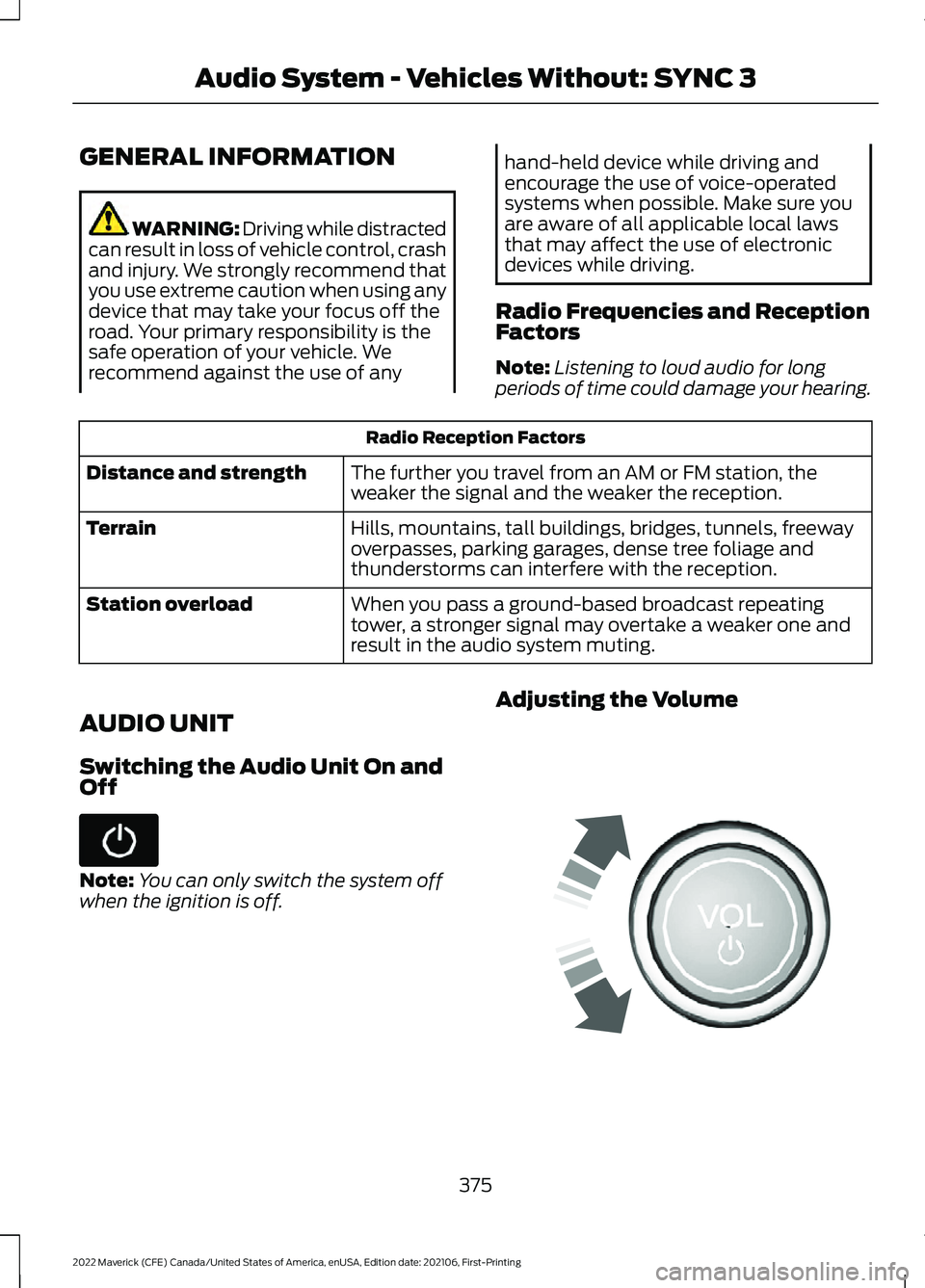
Switching the Audio Unit On and
Off Note:
You can only switch the system off
when the ignition is off. Adjusting the Volume
375
2022 Maverick (CFE) Canada/United States of America, enUSA, Edition date: 202106, First-Printing Audio System - Vehicles Without: SYNC 3 E248939
Page 379 of 533
Turning off the Audio
Press the button to turn off the
audio.
Press the button again to turn on
the audio.
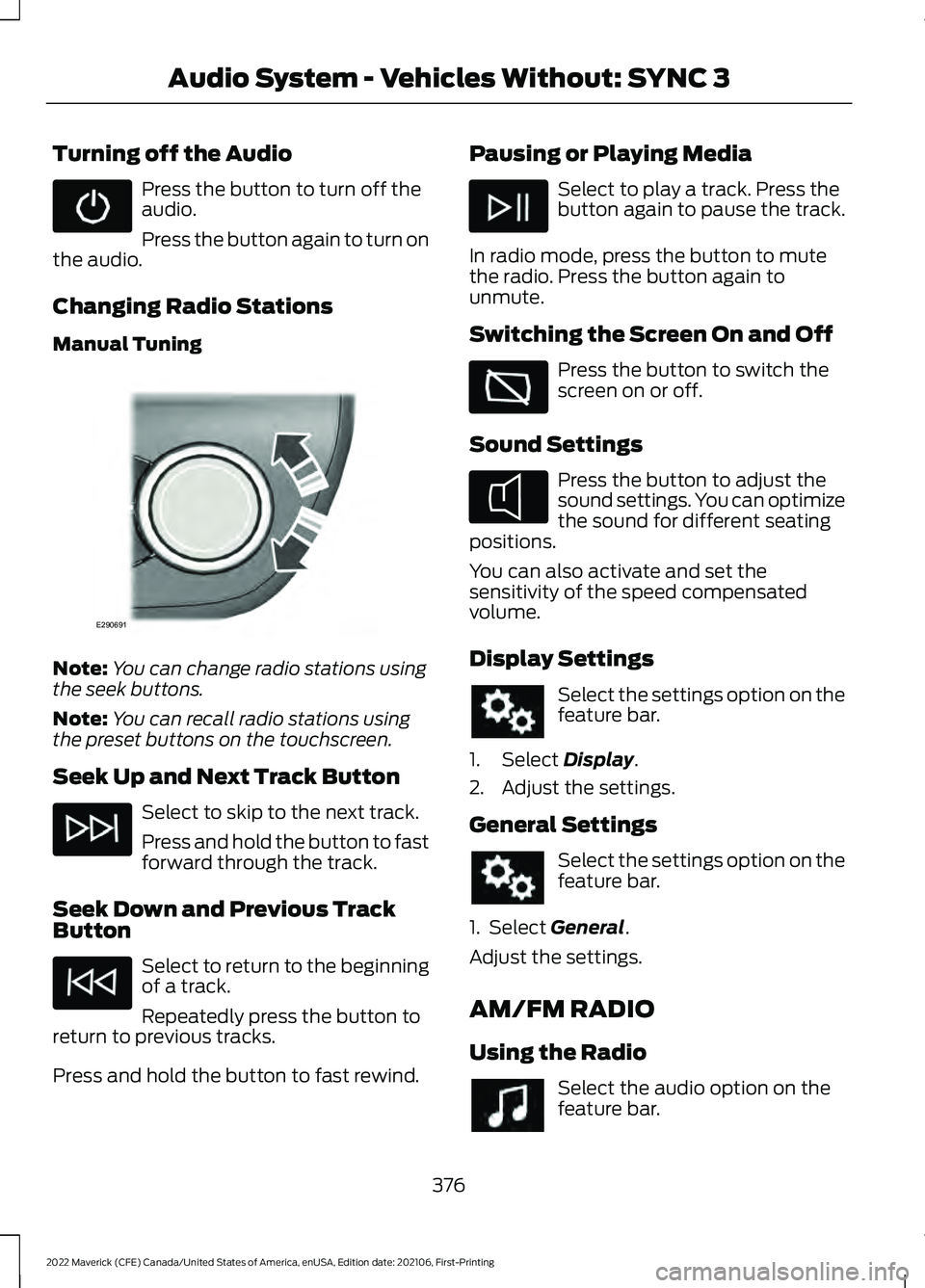
Changing Radio Stations
Manual Tuning Note:
You can change radio stations using
the seek buttons.
Note: You can recall radio stations using
the preset buttons on the touchscreen.
Seek Up and Next Track Button Select to skip to the next track.
Press and hold the button to fast
forward through the track.
Seek Down and Previous Track
Button Select to return to the beginning
of a track.
Repeatedly press the button to
return to previous tracks.
Press and hold the button to fast rewind. Pausing or Playing Media Select to play a track. Press the
button again to pause the track.
In radio mode, press the button to mute
the radio. Press the button again to
unmute.
Switching the Screen On and Off Press the button to switch the
screen on or off.
Sound Settings Press the button to adjust the
sound settings. You can optimize
the sound for different seating
positions.
You can also activate and set the
sensitivity of the speed compensated
volume.
Display Settings Select the settings option on the
feature bar.
1. Select Display.
2. Adjust the settings.
General Settings Select the settings option on the
feature bar.
1. Select
General.
Adjust the settings.
AM/FM RADIO
Using the Radio Select the audio option on the
feature bar.
376
2022 Maverick (CFE) Canada/United States of America, enUSA, Edition date: 202106, First-Printing Audio System - Vehicles Without: SYNC 3 E290691 E354722
Page 380 of 533
Selecting a Radio Station From a List
1. Select Sources.
2. Select a radio source.
3. Select
Browse.
4. Select a radio station from the list.
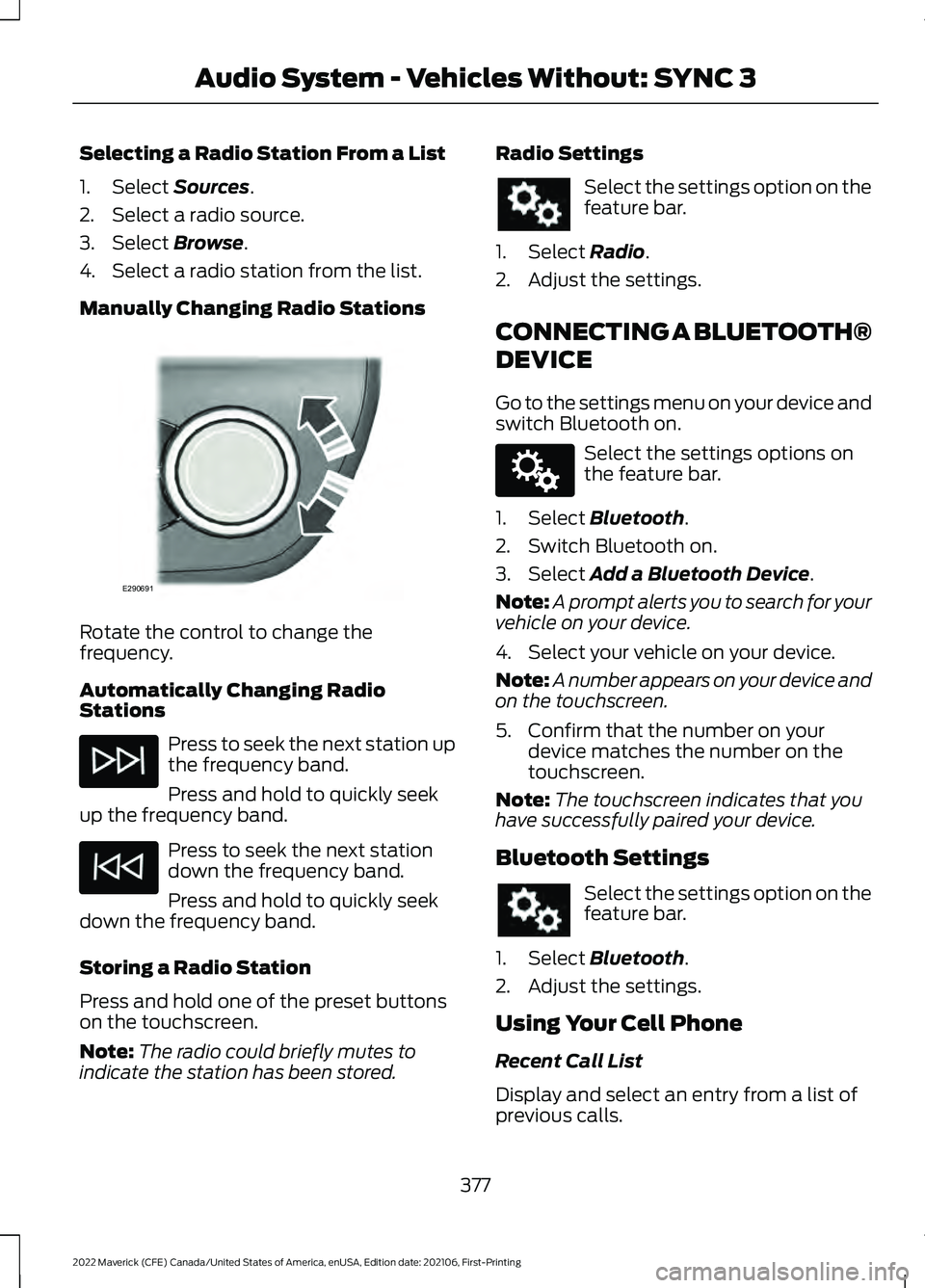
Manually Changing Radio Stations Rotate the control to change the
frequency.
Automatically Changing Radio
Stations
Press to seek the next station up
the frequency band.
Press and hold to quickly seek
up the frequency band. Press to seek the next station
down the frequency band.
Press and hold to quickly seek
down the frequency band.
Storing a Radio Station
Press and hold one of the preset buttons
on the touchscreen.
Note: The radio could briefly mutes to
indicate the station has been stored. Radio Settings Select the settings option on the
feature bar.
1. Select Radio.
2. Adjust the settings.
CONNECTING A BLUETOOTH®
DEVICE
Go to the settings menu on your device and
switch Bluetooth on. Select the settings options on
the feature bar.
1. Select
Bluetooth.
2. Switch Bluetooth on.
3. Select
Add a Bluetooth Device.
Note: A prompt alerts you to search for your
vehicle on your device.
4. Select your vehicle on your device.
Note: A number appears on your device and
on the touchscreen.
5. Confirm that the number on your device matches the number on the
touchscreen.
Note: The touchscreen indicates that you
have successfully paired your device.
Bluetooth Settings Select the settings option on the
feature bar.
1. Select
Bluetooth.
2. Adjust the settings.
Using Your Cell Phone
Recent Call List
Display and select an entry from a list of
previous calls.
377
2022 Maverick (CFE) Canada/United States of America, enUSA, Edition date: 202106, First-Printing Audio System - Vehicles Without: SYNC 3E290691 E142607
Page 381 of 533
Contacts
Alphabetically sort your contacts.
Phone Settings
Change ring tones, alerts or pair another
phone.
Do Not Disturb
Reject incoming calls and switch ring tones
and alerts off.
Phone Keypad.
Directly dial a number.
Mute
Mute your cell phone microphone. Text Messaging
Setting Text Message Notification
iOS
1. Go to the settings menu on your cell
phone.
2. Select Bluetooth.
3. Select the information icon to the right
of your vehicle.
4. Switch text message notification on.
Android
1. Go to the settings menu on your cell phone.
2. Select Bluetooth.
3. Select the profiles option.
4. Select the phone profile .
5. Switch text message notification on.
Using Text Messaging Description
Menu Item
View the text message.
View
Call the sender.
Call
Reply to the text message with a standard text message.
Reply
STREAMING BLUETOOTH
AUDIO
Check the compatibility of your device on
the local Ford website.
Pair your device. See
Connecting a
Bluetooth® Device (page 377). Select the audio option on the
feature bar.
Select
Sources. Select the bluetooth option.
Press the button to play the
track. Press the button again to
pause the track.
Press the button to skip to the
next track.
Press and hold the button to fast
forward through the track.
378
2022 Maverick (CFE) Canada/United States of America, enUSA, Edition date: 202106, First-Printing Audio System - Vehicles Without: SYNC 3
Page 382 of 533
Press the button once to return
to the beginning of the track.
Repeatedly press the button to
return to previous tracks.
Press and hold the button to fast rewind.
PLAYING MEDIA FROM A USB
DEVICE
Supported File Formats
The system supports the following file
formats:
• MP3, M4B, WMA, PCM, WAV, AAC,
APE, and FLAC audio file formats.
• WMV, MKV, AVI, MPEG, MP2, MPE,
MP4, MOV, M4V and 3GP video file
format.
• exFAT, FAT, FAT32 and NTFS file
systems.
Selecting the USB Device
Connect your device to the USB port. Select the audio option on the
feature bar.
Select Sources. Select the USB option.
Select
Browse.
You can play the tracks displayed on the
screen or search for new tracks.
Playing from the USB Device Press the button to play a track.
Press the button again to pause
the track.
Press the button to skip to the
next track. Press and hold the button to fast forward
through the track. Press the button once to return
to the beginning of a track.
Repeatedly press the button to
return to previous tracks.
Press and hold the button to fast rewind
through the track.
Sorting by Categories
You can also sort and play music by
specific categories, for example artist or
album.
USB PORT WARNING: Driving while distracted
can result in loss of vehicle control, crash
and injury. We strongly recommend that
you use extreme caution when using any
device that may take your focus off the
road. Your primary responsibility is the
safe operation of your vehicle. We
recommend against the use of any
hand-held device while driving and
encourage the use of voice-operated
systems when possible. Make sure you
are aware of all applicable local laws
that may affect the use of electronic
devices while driving. The USB port allows you to plug in media
playing devices, memory sticks and charge
devices (if supported).
379
2022 Maverick (CFE) Canada/United States of America, enUSA, Edition date: 202106, First-Printing Audio System - Vehicles Without: SYNC 3 E100027 E242003
Page 383 of 533
Note:
Your vehicle could have only one USB
port.
APPS
Note: We recommend that you check your
data plan before using your apps through
the system. Using them could result in
additional charges.
Note: We recommend that you check the
app provider's terms and conditions and
privacy policy before using their app.
Note: Make sure that you have an active
account for apps that you want to use
through the system.
Note: Some apps will work with no setup.
Others require you to configure some
personal settings before you can use them.
Using Apple CarPlay
Switching Apple CarPlay On
1. Connect your device to a USB port.
2. Follow the instructions on the touchscreen.
Note: Certain features of the system are
not available when you are using Apple
CarPlay.
Switching Apple CarPlay Off Select the settings option on the
feature bar.
1. Select Apple CarPlay Preferences.
2. Disable Apple CarPlay.
Using Apps on an iOS Device
Note: For more information about available
apps, refer to the local Ford website. When you start an app through the system
for the first time, you could be asked to
grant certain permissions. You can review
and change the permissions that you have
granted at any time when your vehicle is
not moving. Select the apps option on the
feature bar.
1. Switch Apple CarPlay off.
2. Connect your device to a USB port.
3. Start the apps on your device that you want to use through the system.
Note: If you close the apps on your device,
you will not be able to use them through the
system.
4. Select
Find mobile apps.
Note: The system searches and connects
to compatible apps that are running on your
device.
5. Select the app that you want to use on
the touchscreen.
Using Android Auto
Switching Android Auto On
1. Connect your device to a USB port.
2. Follow the instructions on the touchscreen.
Note: You might need to enable Android
Auto from the settings menu.
Note: Certain features of the system are
not available when you are using Android
Auto.
Switching Android Auto Off Select the settings option on the
feature bar.
1. Select
Android Auto Preferences.
2. Disable Android Auto.
380
2022 Maverick (CFE) Canada/United States of America, enUSA, Edition date: 202106, First-Printing Audio System - Vehicles Without: SYNC 3
Page 384 of 533
Using Apps on an Android Device
Note:
For more information about available
apps, refer to the local Ford website.
When you start an app through the system
for the first time, you could be asked to
grant certain permissions. You can review
and change the permissions that you have
granted at any time when your vehicle is
not moving. Select the apps option on the
feature bar.
1. Switch Android Auto off. 2. Pair your device.
3. Start the apps on your device that you
want to use through the system.
Note: If you close the apps on your device,
you will not be able to use them through the
system.
4. Select Find mobile apps.
Note: The system searches and connects
to compatible apps that are running on your
device.
5. Select the app that you want to use on
the touchscreen.
Apps Troubleshooting Possible Cause and Resolution
Symptom
The system cannot find any
apps. –
Incompatible device.
•You will need an Android device with OS 2.3 or
higher or an iOS 3GS device with iOS 5.0 or higher.
Pair and connect your Android device to find
AppLink compatible apps. Connect your iOS device
to a USB port to find AppLink compatible apps.
I have a compatible device
and it is correctly connected
but the system still cannot
find any apps. –
AppLink compatible apps not installed on your device.
•Download and install the latest version of the app.
– AppLink compatible apps not running on your device.
•Start the apps to allow the system to find them
and make sure you sign in to any apps if required.
– Incorrect app settings.
•Check and adjust the app settings on your device
and allow the system to access the app if required.
I have a compatible device,
it is correctly connected and
my apps are running but the
system still cannot find any
apps. –
Apps failed to fully close.
•Restart the apps and try again.
381
2022 Maverick (CFE) Canada/United States of America, enUSA, Edition date: 202106, First-Printing Audio System - Vehicles Without: SYNC 3
Page 385 of 533
Possible Cause and Resolution
Symptom
I have an Android device
that is correctly connected,
I have restarted my apps
and they are running but the
system still cannot find
them. –
An issue on some older versions of the Android oper-
ating system could result in apps not being found.
•Switch Bluetooth® off and on again to force the
system to reconnect to your device.
I have an iOS device that is
correctly connected, I have
restarted my apps and they
are running but the system
still cannot find them. –
Cable connection issue.
•Disconnect the cable from your device, wait for a
moment and then connect it again to force the
system to reconnect to your device.
I have an Android device
running a media app which
the system has found but I
cannot hear the sound or
the sound is very quiet. –
Device volume is low.
•Turn the volume up on your device.
I have an Android device
running a number of
compatible apps but the
system cannot find all of
them. –
Device limitation. Some Android devices have a limited
number of
Bluetooth® ports that apps can use to
connect. If you have more apps running on your device
than the number of available
Bluetooth® ports, the
system cannot find all of them.
• Close some of the apps to allow the system to find
those that you want to use.
USING VOICE RECOGNITION
Phone Voice Service
This system allows you to use the voice
recognition features of your phone and
focus on your driving. Press the voice control button
on the steering wheel.
Note:
This only works when connected via
Bluetooth®
. See Connecting a
Bluetooth® Device (page 377).
Note: When using voice recognition use the
language set on the device.
Note: We recommend that you check your
data plan before using your phone voice
service through the system. Using them
could result in additional charges.
382
2022 Maverick (CFE) Canada/United States of America, enUSA, Edition date: 202106, First-Printing Audio System - Vehicles Without: SYNC 3E142599
Page 386 of 533
AUDIO SYSTEM – TROUBLESHOOTING
Possible Cause and Resolution
Symptom
The system is not func-
tioning. •
You can reset the system to restore functionality that has
stopped working.
•The system reset is designed to restore functionality
and does not delete any personal data that you have
stored.
I want to delete personal
data from the system. •
A master reset is required to restore the system back to
factory settings.
•This deletes any personal data that you have stored.
Resetting the System
1. Simultaneously press and hold the seek up and the audio unit power
buttons until the screen goes black.
2. Wait three minutes to allow the system
to complete the reset.
Master Reset Select the settings option on the
feature bar.
1. Select General.
2. Select
Master Reset.
3. Select
Continue.
Note: If you carry out a master reset, the
system does not remove your vehicle from
your vehicle network carrier ’s account. To
remove your vehicle from the account,
contact your vehicle network carrier.
Note: If you carry out a master reset, the
system removes any authorized users and
personal data.
383
2022 Maverick (CFE) Canada/United States of America, enUSA, Edition date: 202106, First-Printing Audio System - Vehicles Without: SYNC 3
Page 387 of 533
AUDIO SYSTEM
PRECAUTIONS
WARNING: Driving while distracted
can result in loss of vehicle control, crash
and injury. We strongly recommend that
you use extreme caution when using any
device that may take your focus off the
road. Your primary responsibility is the
safe operation of your vehicle. We
recommend against the use of any
hand-held device while driving and
encourage the use of voice-operated
systems when possible. Make sure you
are aware of all applicable local laws
that may affect the use of electronic
devices while driving.
Listening to loud audio for long periods of
time could damage your hearing.
SWITCHING THE AUDIO UNIT
ON AND OFF Press the button on the volume
control.
SELECTING THE AUDIO
SOURCE
1. Press your preferred audio source.
Note: Available audio sources are listed
along the top of the radio screen.
PLAYING OR PAUSING THE
AUDIO SOURCE Press to pause playback. Press
again to resume playback.
Note: Not all sources can be paused. ADJUSTING THE VOLUME
Turn to adjust the volume.
SWITCHING SHUFFLE MODE
ON AND OFF
Press the button on the
touchscreen to switch shuffle
mode on or off.
Note: Not all sources have shuffle mode.
SWITCHING REPEAT MODE ON
AND OFF Press the button on the
touchscreen to switch repeat
mode on or off.
Note: Not all sources have repeat mode.
SETTING A MEMORY PRESET
1. Select a station or channel.
2. Press and hold a memory preset button
on the touchscreen.
384
2022 Maverick (CFE) Canada/United States of America, enUSA, Edition date: 202106, First-Printing Audio System - Vehicles With: SYNC 3 E265373