lock FORD MAVERICK 2022 Owner's Manual
[x] Cancel search | Manufacturer: FORD, Model Year: 2022, Model line: MAVERICK, Model: FORD MAVERICK 2022Pages: 533, PDF Size: 9.58 MB
Page 63 of 533
REMOTE CONTROL
LIMITATIONS
WARNING: Changes or
modifications not expressively approved
by the party responsible for compliance
could void the user's authority to operate
the equipment. The term "IC:" before the
radio certification number only signifies
that Industry Canada technical
specifications were met.
This device complies with Part 15 of the
FCC Rules and with Industry Canada
license-exempt RSS standard(s).
Operation is subject to the following two
conditions: (1) This device may not cause
harmful interference, and (2) This device
must accept any interference received,
including interference that may cause
undesired operation.
Make sure a valid remote control is within
5 ft (1.5 m)
from the front door handles
and rear of vehicle.
The system may not function if:
• The remote control remains stationary
for about a minute.
• The vehicle battery has no charge.
• The remote control battery has no
charge.
• There is interference causing issues
with the remote control frequencies.
• The remote control is too close to
metal objects or electronic devices, for
example keys or a cell phone.
USING THE REMOTE CONTROL
Use your remote control to access various
vehicle systems.
Note: The buttons on your remote may vary
depending on the vehicle region or options. Unlock Press the button to unlock all
doors. See
Unlocking and
Locking the Doors Using the
Remote Control
(page 73).
Lock Press the button to lock all
doors. See
Unlocking and
Locking the Doors Using the
Remote Control
(page 73).
Remote Start
(If Equipped) Press the button to remote start.
See
What Is Remote Start
(page 123).
Tailgate
(If Equipped) Press the button to open the
tailgate. See
Locking and
Unlocking the Tailgate (page
83).
Panic Alarm
(If Equipped) Press the button to sound the
panic alarm. See Sounding the
Panic Alarm
(page 61).
OPENING AND CLOSING THE
FLIP KEY
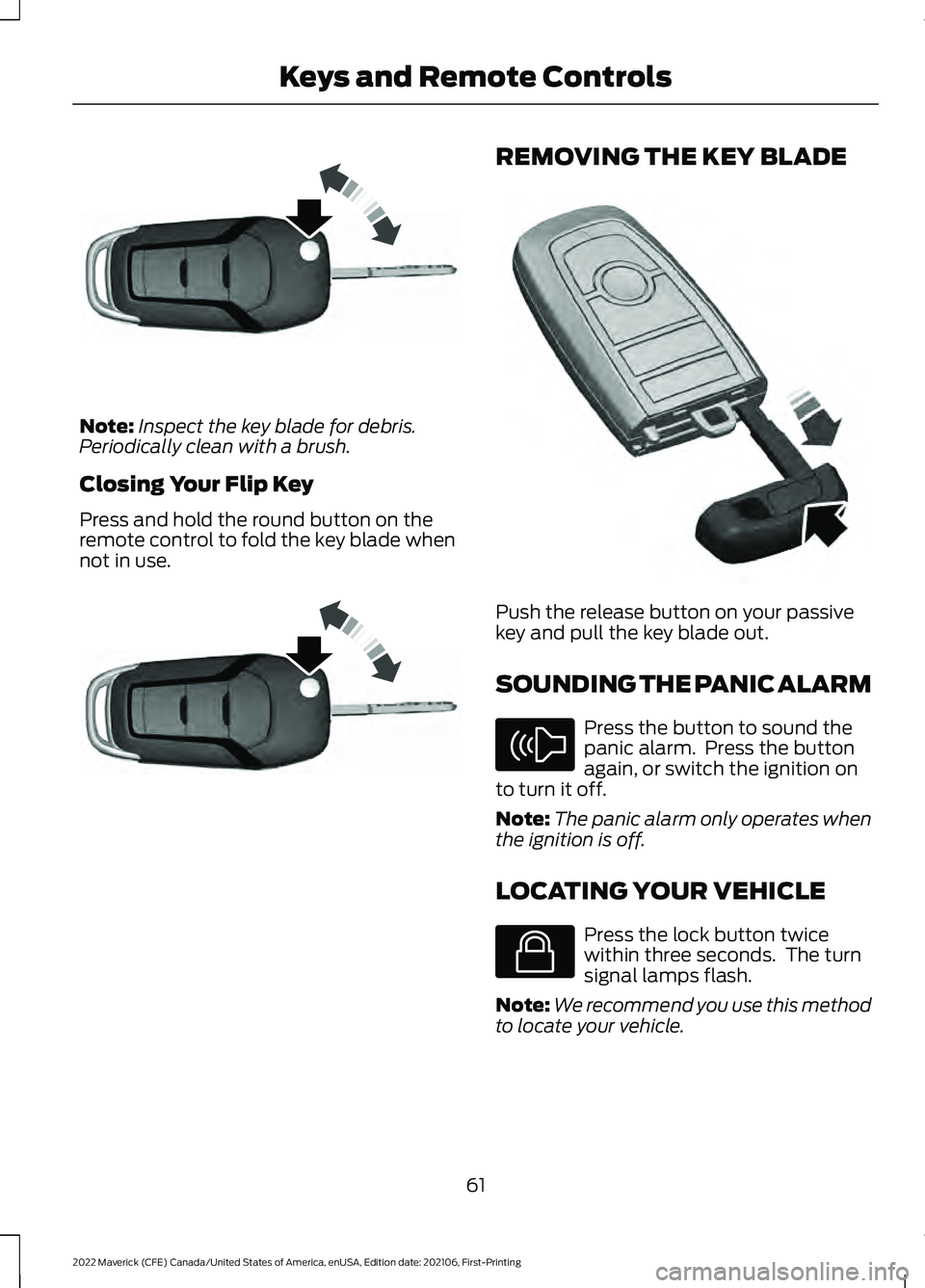
Opening Your Flip Key
Press the round button on the remote
control to extend the flip key.
60
2022 Maverick (CFE) Canada/United States of America, enUSA, Edition date: 202106, First-Printing Keys and Remote ControlsE138629 E138623 E138625 E191530 E138624
Page 64 of 533
Note:
Inspect the key blade for debris.
Periodically clean with a brush.
Closing Your Flip Key
Press and hold the round button on the
remote control to fold the key blade when
not in use. REMOVING THE KEY BLADE
Push the release button on your passive
key and pull the key blade out.
SOUNDING THE PANIC ALARM
Press the button to sound the
panic alarm. Press the button
again, or switch the ignition on
to turn it off.
Note: The panic alarm only operates when
the ignition is off.
LOCATING YOUR VEHICLE Press the lock button twice
within three seconds. The turn
signal lamps flash.
Note: We recommend you use this method
to locate your vehicle.
61
2022 Maverick (CFE) Canada/United States of America, enUSA, Edition date: 202106, First-Printing Keys and Remote ControlsE191532 E191532 E322866 E138624 E138623
Page 76 of 533
OPERATING THE DOORS
FROM OUTSIDE YOUR
VEHICLE
UNLOCKING AND LOCKING THE
DOORS USING THE REMOTE
CONTROL
You can only use the remote control when
your vehicle is stationary.
Unlocking the Doors
Press the button to unlock all
doors.
Locking the Doors Press the button to lock all
doors. One short flash of the
turn signal lamps confirms that
your vehicle has locked.
Note: For more information on operating
the doors from outside your vehicle See
Keyless Entry (page 77).
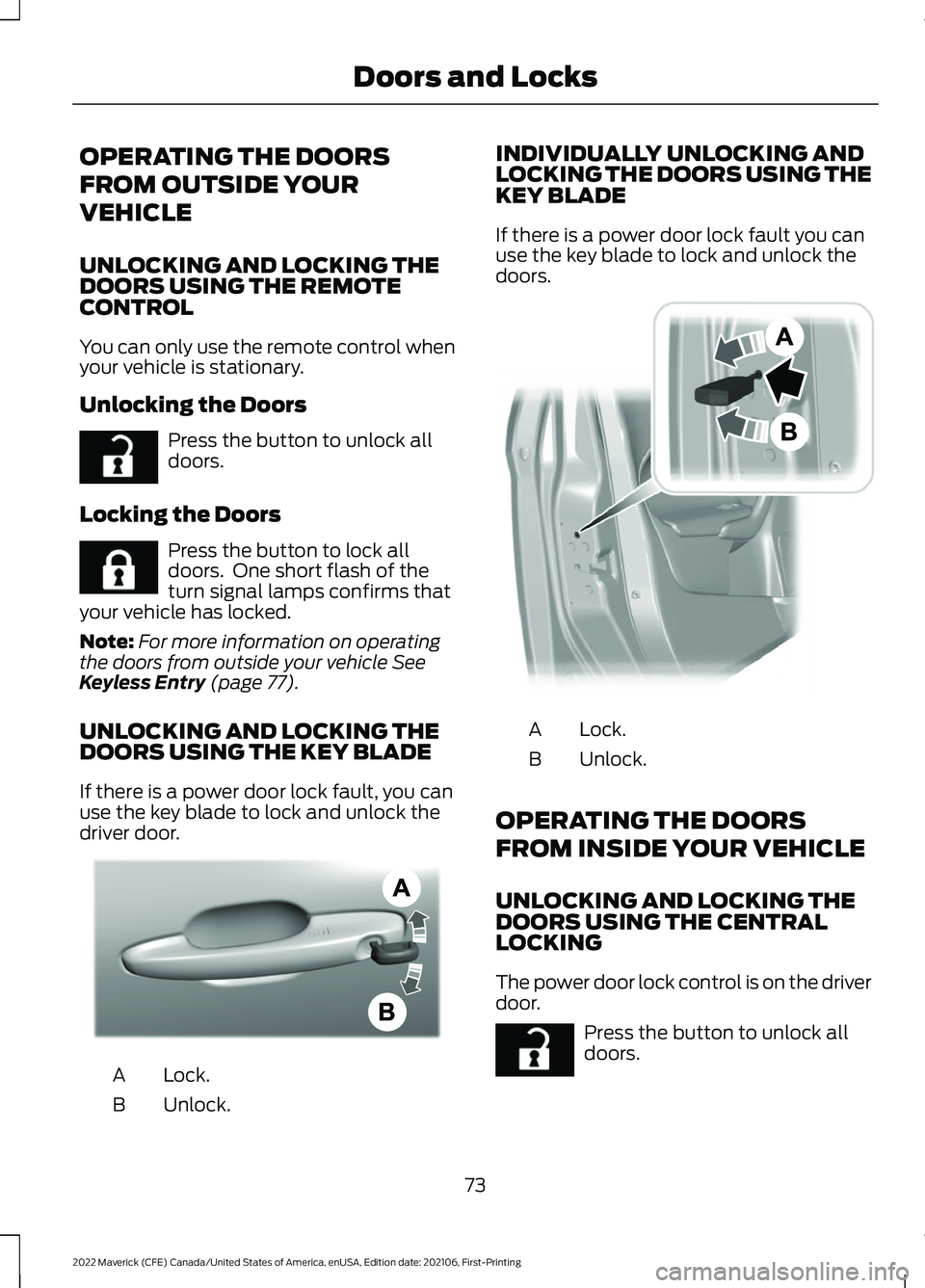
UNLOCKING AND LOCKING THE
DOORS USING THE KEY BLADE
If there is a power door lock fault, you can
use the key blade to lock and unlock the
driver door. Lock.
A
Unlock.
B INDIVIDUALLY UNLOCKING AND
LOCKING THE DOORS USING THE
KEY BLADE
If there is a power door lock fault you can
use the key blade to lock and unlock the
doors.
Lock.
A
Unlock.
B
OPERATING THE DOORS
FROM INSIDE YOUR VEHICLE
UNLOCKING AND LOCKING THE
DOORS USING THE CENTRAL
LOCKING
The power door lock control is on the driver
door. Press the button to unlock all
doors.
73
2022 Maverick (CFE) Canada/United States of America, enUSA, Edition date: 202106, First-Printing Doors and LocksE267112 E267111 AE328009 E112203 E267112
Page 77 of 533
Press the button to lock all
doors.
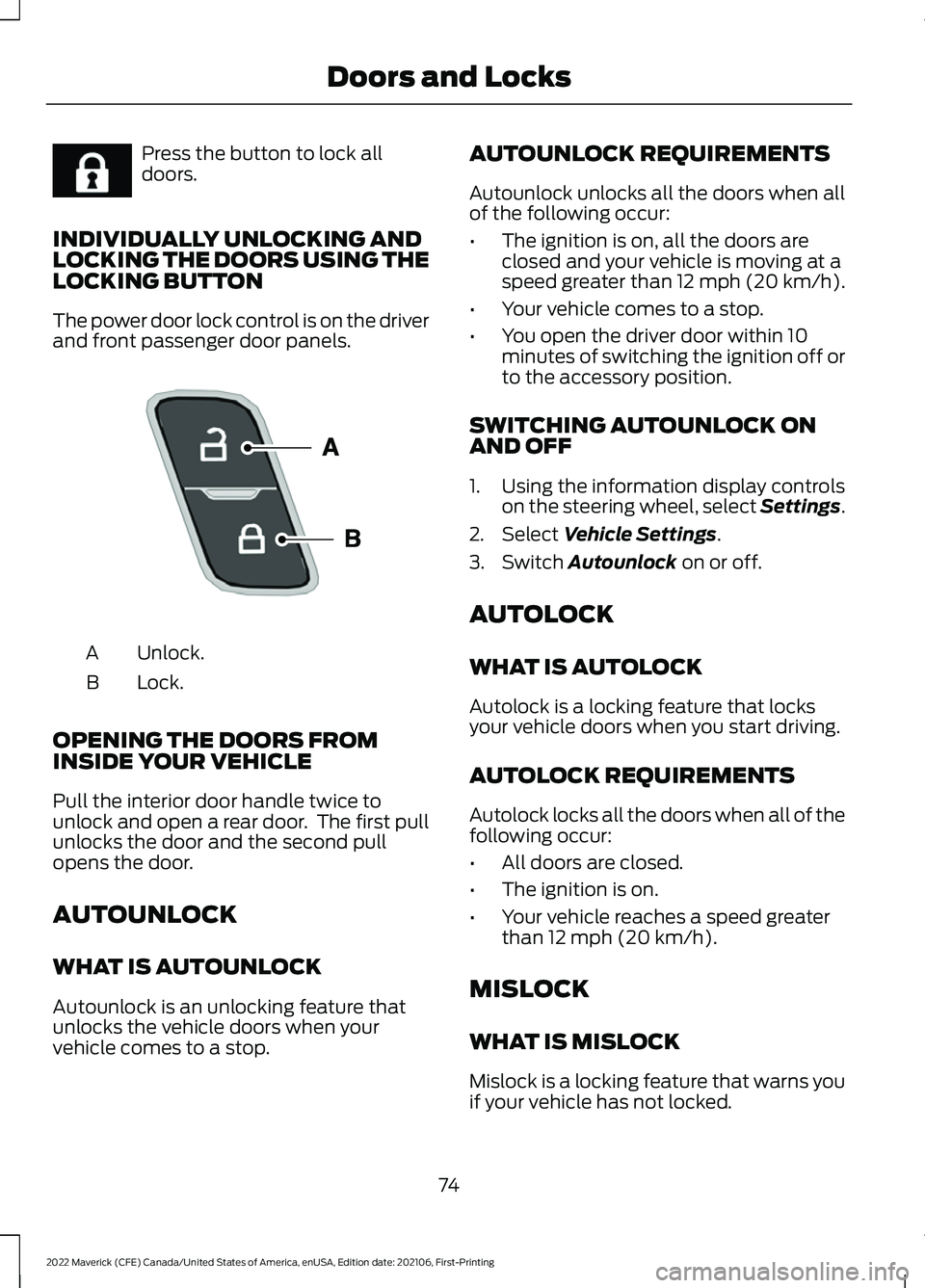
INDIVIDUALLY UNLOCKING AND
LOCKING THE DOORS USING THE
LOCKING BUTTON
The power door lock control is on the driver
and front passenger door panels. Unlock.
A
Lock.
B
OPENING THE DOORS FROM
INSIDE YOUR VEHICLE
Pull the interior door handle twice to
unlock and open a rear door. The first pull
unlocks the door and the second pull
opens the door.
AUTOUNLOCK
WHAT IS AUTOUNLOCK
Autounlock is an unlocking feature that
unlocks the vehicle doors when your
vehicle comes to a stop. AUTOUNLOCK REQUIREMENTS
Autounlock unlocks all the doors when all
of the following occur:
•
The ignition is on, all the doors are
closed and your vehicle is moving at a
speed greater than 12 mph (20 km/h).
• Your vehicle comes to a stop.
• You open the driver door within 10
minutes of switching the ignition off or
to the accessory position.
SWITCHING AUTOUNLOCK ON
AND OFF
1. Using the information display controls on the steering wheel, select Settings.
2. Select Vehicle Settings.
3. Switch
Autounlock on or off.
AUTOLOCK
WHAT IS AUTOLOCK
Autolock is a locking feature that locks
your vehicle doors when you start driving.
AUTOLOCK REQUIREMENTS
Autolock locks all the doors when all of the
following occur:
• All doors are closed.
• The ignition is on.
• Your vehicle reaches a speed greater
than
12 mph (20 km/h).
MISLOCK
WHAT IS MISLOCK
Mislock is a locking feature that warns you
if your vehicle has not locked.
74
2022 Maverick (CFE) Canada/United States of America, enUSA, Edition date: 202106, First-Printing Doors and LocksE267111 E196954
Page 78 of 533
MISLOCK LIMITATIONS
When you press the lock button once, the
direction indicators do not flash if:
•
Any door or the liftgate is open.
• The hood is open.
When you press the lock button twice
within three seconds, the horn sounds if:
• Any door or the liftgate is open.
• The hood is open.
If you switch mislock off, the horn does not
sound if you press the lock button on the
remote control when a door is open.
SWITCHING MISLOCK ON AND
OFF
1. Using the information display controls on the steering wheel, select Settings.
2. Select Vehicle Settings. 3. Switch
Mislock Chirp on or off.
DOORS AND LOCKS AUDIBLE
WARNINGS
Door Ajar Audible Warning
Sounds when a door is not fully closed and
your vehicle is moving.
DOORS AND LOCKS –
TROUBLESHOOTING
DOORS AND LOCKS – WARNING
LAMPS
Door Ajar Warning Lamp It illuminates when you switch
the ignition on and remains on if
any door or the hood is open.
DOORS AND LOCKS – INFORMATION MESSAGES Action
Message
Displays if a door is open. Fully close the door.
Driver Door Ajar
Passenger Door Ajar
Rear Left Door Ajar
Rear Right Door Ajar
75
2022 Maverick (CFE) Canada/United States of America, enUSA, Edition date: 202106, First-Printing Doors and LocksE249859
Page 79 of 533
DOORS AND LOCKS –
FREQUENTLY ASKED QUESTIONS
Can accessories such as steps or
handles be used with the latch
assembly?
Do not use the door latch assembly to
attach any accessory, such as handles
or steps, as this can cause damage to
your vehicle.
76
2022 Maverick (CFE) Canada/United States of America, enUSA, Edition date: 202106, First-Printing Doors and Locks
Page 80 of 533
KEYLESS ENTRY LIMITATIONS
Make sure your remote control is within 3 ft
(1 m) from the front door handles and the
tailgate.
The system could not function if:
• The remote control remains stationary
for about a minute.
• The vehicle battery has no charge.
• The remote control battery has no
charge.
• There is interference causing issues
with the remote control frequencies.
• The remote control is too close to
metal objects or electronic devices, for
example keys or a cell phone.
KEYLESS ENTRY SETTINGS
Switching Keyless Entry On and
Off
1. Switch the ignition on using an original
key that has not been created as a
MyKey.
2. Using the information display controls on the steering wheel, select Settings.
3. Select
Vehicle Settings.
4. Select
Locks.
Reprogramming the Unlocking
Function
You can enable two-stage unlocking
function allowing you to unlock only the
driver door when you touch the unlock
sensor.
Press and hold both the lock and unlock
buttons on the remote control for four
seconds to disable or enable two-stage
unlocking. If you program the unlocking function so
that only the driver door unlocks, you can
unlock all of the other doors from inside
your vehicle using the power door lock
control. You can unlock individual doors
by pulling the interior door handles on
those doors.
USING KEYLESS ENTRY
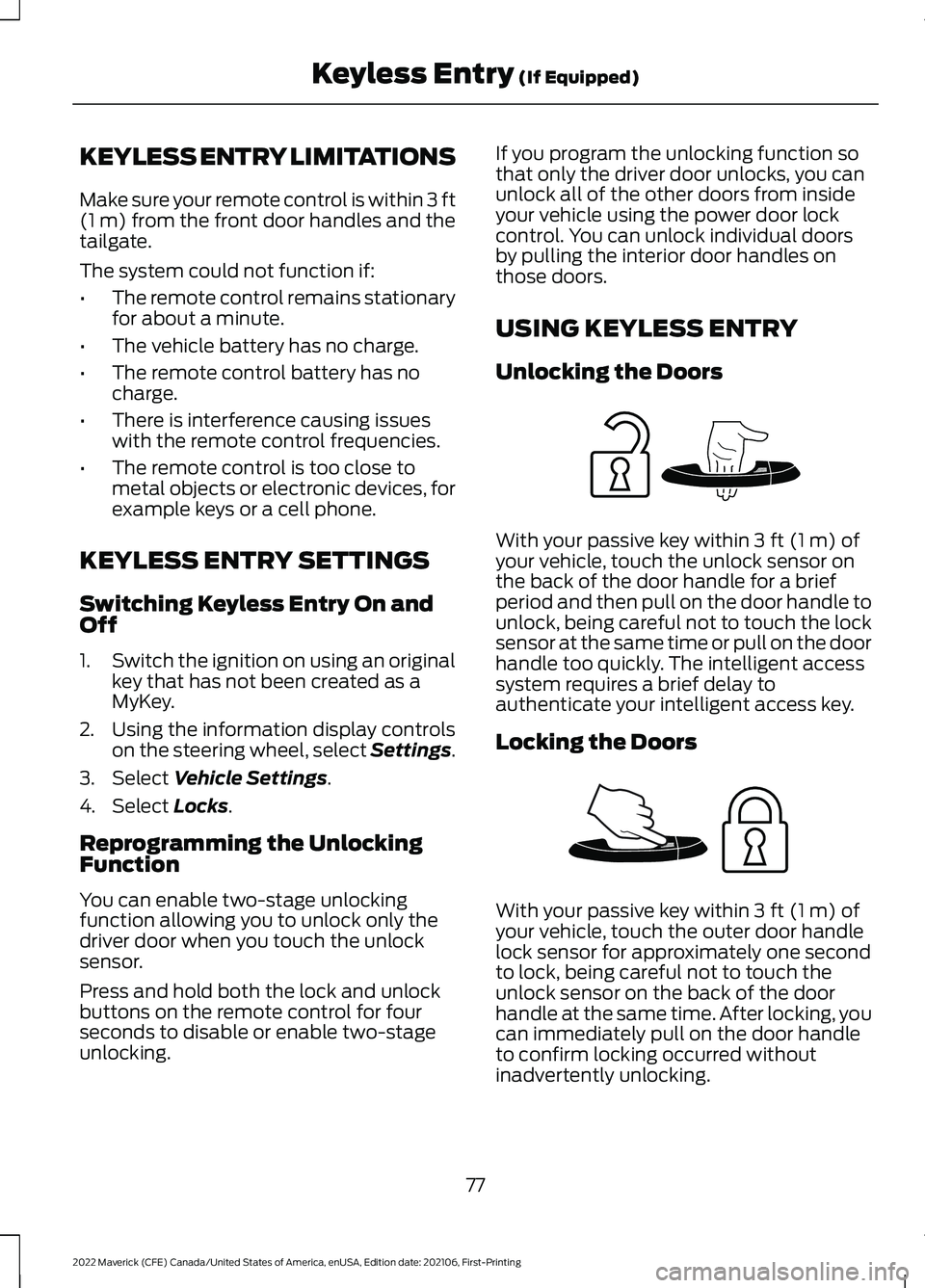
Unlocking the Doors
With your passive key within
3 ft (1 m) of
your vehicle, touch the unlock sensor on
the back of the door handle for a brief
period and then pull on the door handle to
unlock, being careful not to touch the lock
sensor at the same time or pull on the door
handle too quickly. The intelligent access
system requires a brief delay to
authenticate your intelligent access key.
Locking the Doors With your passive key within
3 ft (1 m) of
your vehicle, touch the outer door handle
lock sensor for approximately one second
to lock, being careful not to touch the
unlock sensor on the back of the door
handle at the same time. After locking, you
can immediately pull on the door handle
to confirm locking occurred without
inadvertently unlocking.
77
2022 Maverick (CFE) Canada/United States of America, enUSA, Edition date: 202106, First-Printing Keyless Entry
(If Equipped)E248553 E248554
Page 81 of 533
KEYLESS ENTRY –
TROUBLESHOOTING
KEYLESS ENTRY – FREQUENTLY
ASKED QUESTIONS
Why does the passive key not work?
The system deactivates passive keys
left inside your vehicle when you lock
it. You cannot switch the ignition on
using a deactivated passive key. Press
the unlock button on the remote
control to reactivate a passive key.
78
2022 Maverick (CFE) Canada/United States of America, enUSA, Edition date: 202106, First-Printing Keyless Entry (If Equipped)
Page 82 of 533
WHAT IS THE KEYLESS ENTRY
KEYPAD
The keyless entry keypad allows you to
lock and unlock your vehicle using the
keypad on the window trim.
KEYLESS ENTRY KEYPAD
LIMITATIONS
The system may not function if:
•
The vehicle battery has no charge.
LOCATING THE KEYLESS
ENTRY KEYPAD
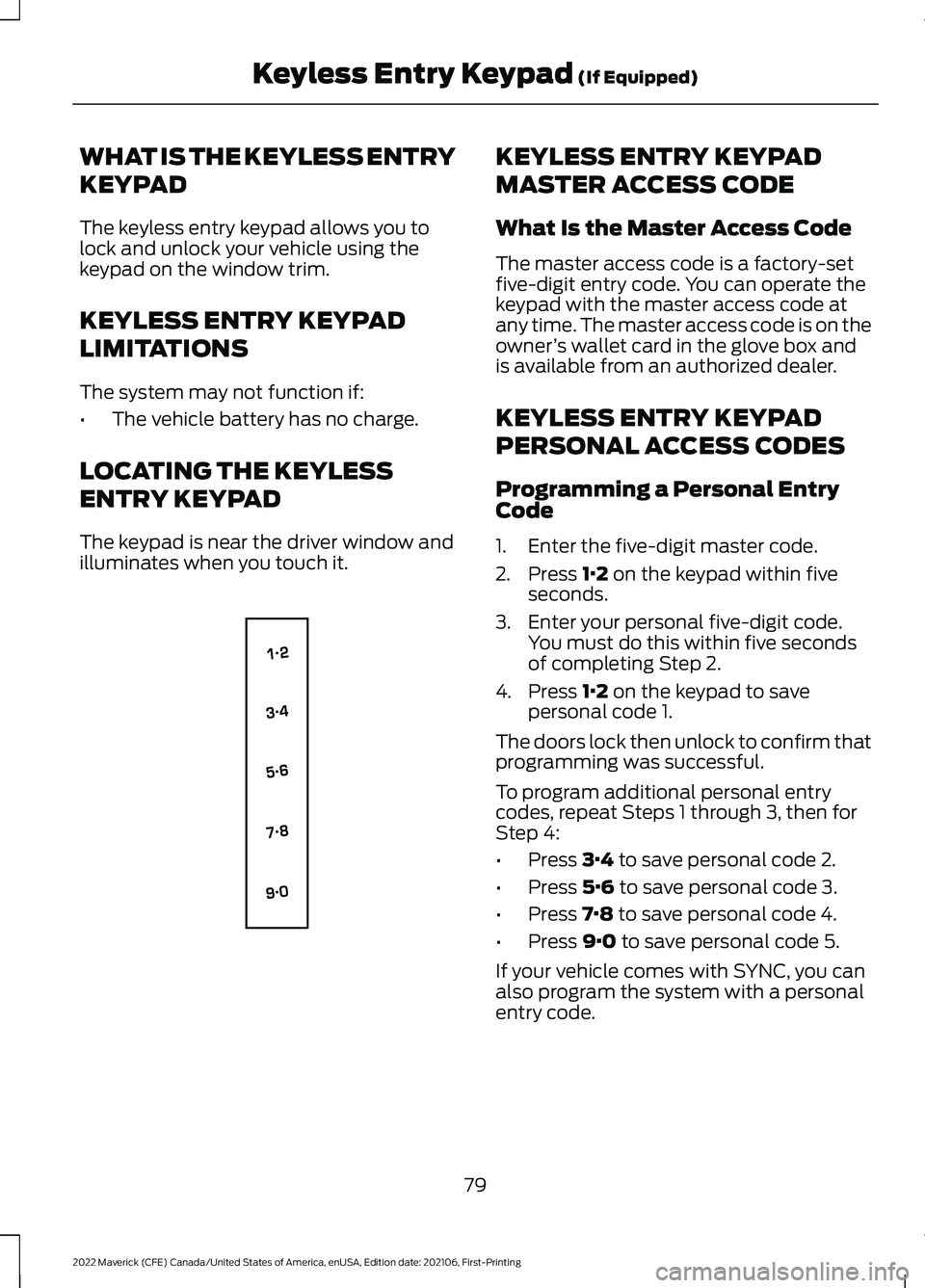
The keypad is near the driver window and
illuminates when you touch it. KEYLESS ENTRY KEYPAD
MASTER ACCESS CODE
What Is the Master Access Code
The master access code is a factory-set
five-digit entry code. You can operate the
keypad with the master access code at
any time. The master access code is on the
owner
’s wallet card in the glove box and
is available from an authorized dealer.
KEYLESS ENTRY KEYPAD
PERSONAL ACCESS CODES
Programming a Personal Entry
Code
1. Enter the five-digit master code.
2. Press 1·2 on the keypad within five
seconds.
3. Enter your personal five-digit code. You must do this within five seconds
of completing Step 2.
4. Press
1·2 on the keypad to save
personal code 1.
The doors lock then unlock to confirm that
programming was successful.
To program additional personal entry
codes, repeat Steps 1 through 3, then for
Step 4:
• Press
3·4 to save personal code 2.
• Press
5·6 to save personal code 3.
• Press
7·8 to save personal code 4.
• Press
9·0 to save personal code 5.
If your vehicle comes with SYNC, you can
also program the system with a personal
entry code.
79
2022 Maverick (CFE) Canada/United States of America, enUSA, Edition date: 202106, First-Printing Keyless Entry Keypad
(If Equipped)E138637
Page 83 of 533
Hints:
•
Do not set a code that uses five of the
same number.
• Do not use five numbers in sequential
order.
• The five-digit master code works even
if you have set your own personal code.
Erasing a Personal Code
1. Enter the five-digit master code.
2. Press and release 1·2 on the keypad
within five seconds.
3. Press and hold
1·2 for two seconds.
You must do this within five seconds
of completing Step 2.
All personal codes erase and only the
five-digit master code works.
Anti-Scan Feature
The keypad goes into an anti-scan mode
if you enter the wrong code seven times.
This mode turns off the keypad for one
minute and the keypad lamp flashes.
The anti-scan feature turns off after:
• One minute of keypad inactivity.
• You press the unlock button on the
remote control.
• You switch the ignition on.
• You unlock your vehicle using keyless
entry. USING THE KEYLESS ENTRY
KEYPAD
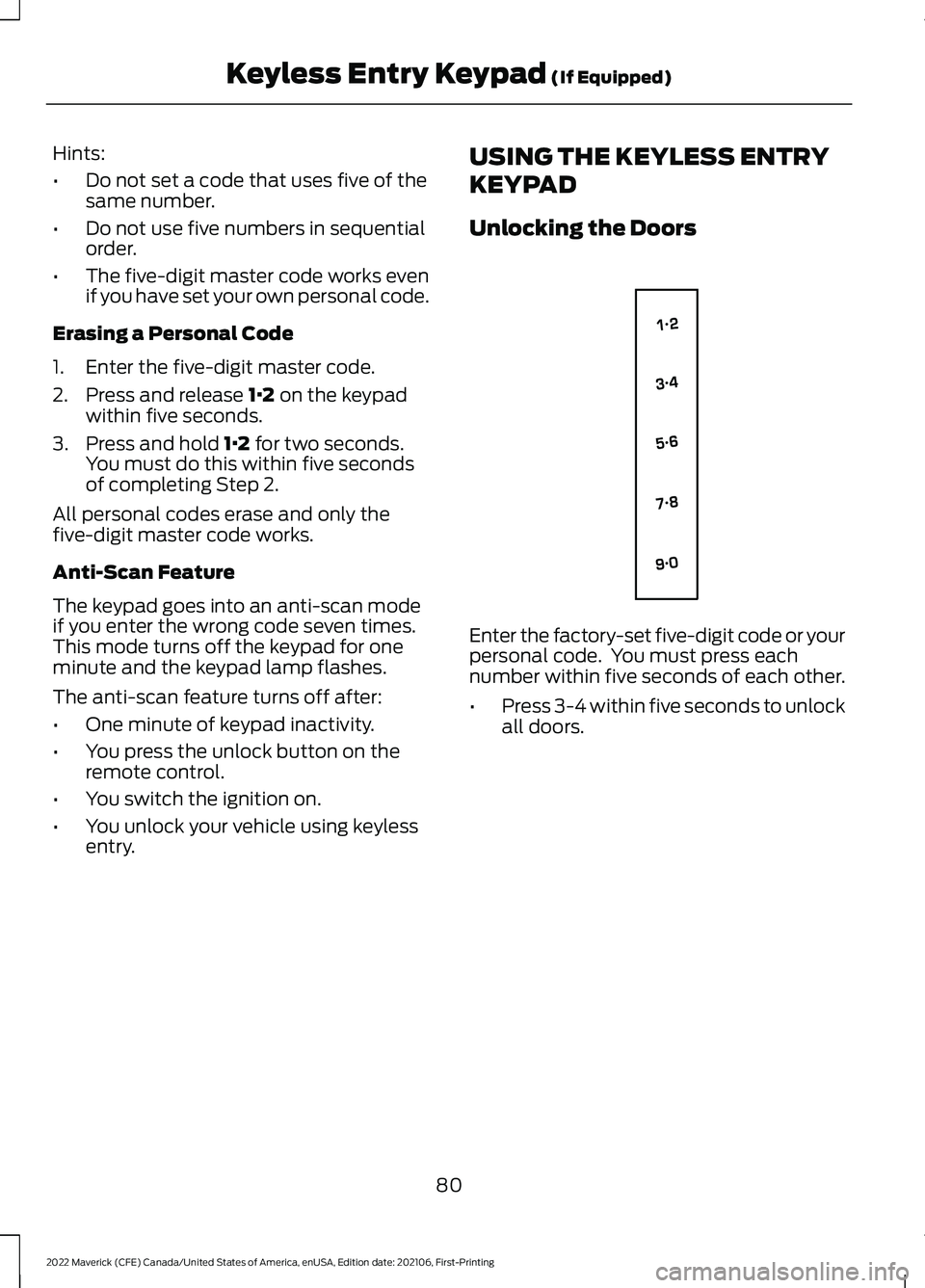
Unlocking the Doors
Enter the factory-set five-digit code or your
personal code. You must press each
number within five seconds of each other.
•
Press 3-4 within five seconds to unlock
all doors.
80
2022 Maverick (CFE) Canada/United States of America, enUSA, Edition date: 202106, First-Printing Keyless Entry Keypad
(If Equipped)E138637