clock FORD MONDEO 2014 4.G User Guide
[x] Cancel search | Manufacturer: FORD, Model Year: 2014, Model line: MONDEO, Model: FORD MONDEO 2014 4.GPages: 446, PDF Size: 29.09 MB
Page 346 of 446
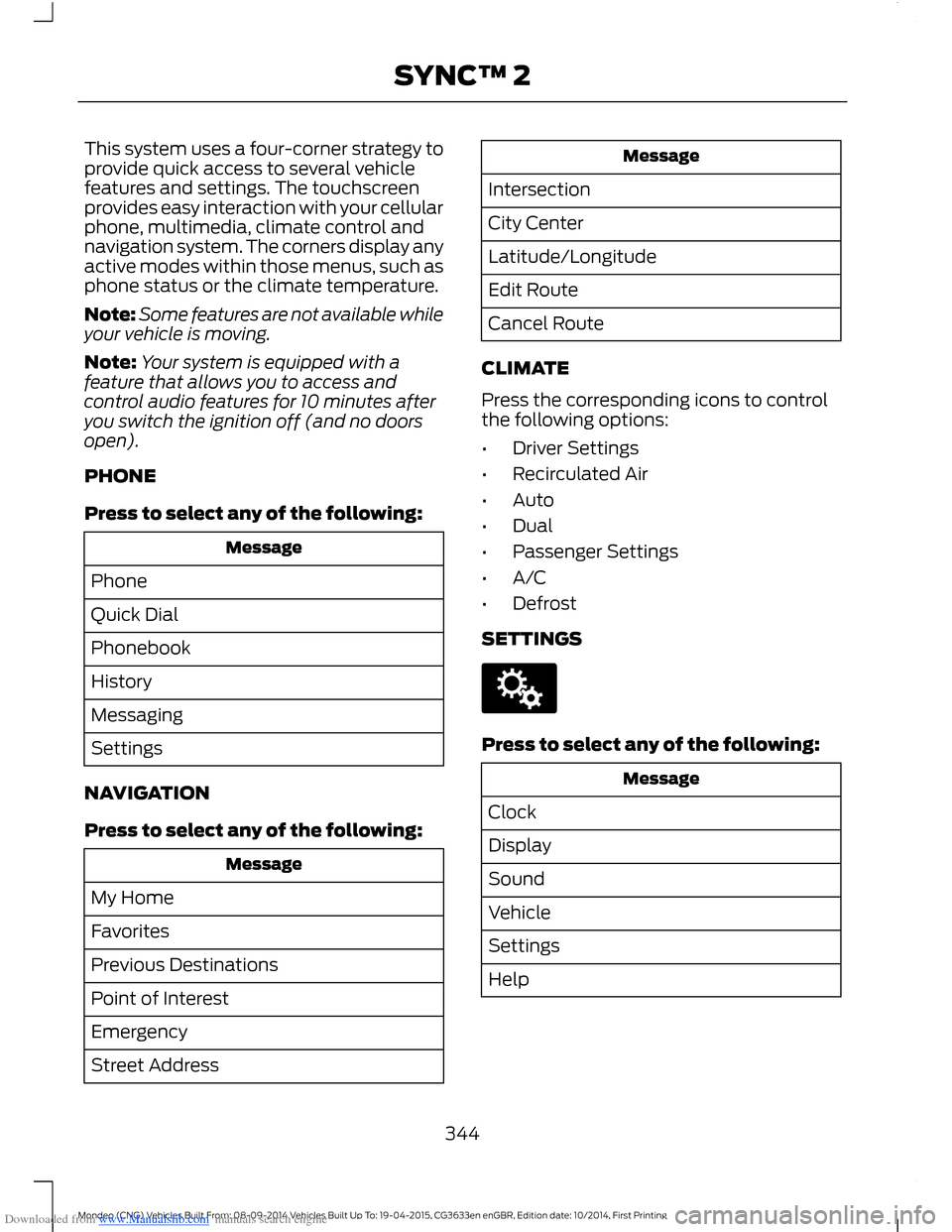
Downloaded from www.Manualslib.com manuals search engine This system uses a four-corner strategy toprovide quick access to several vehiclefeatures and settings. The touchscreenprovides easy interaction with your cellularphone, multimedia, climate control andnavigation system. The corners display anyactive modes within those menus, such asphone status or the climate temperature.
Note:Some features are not available whileyour vehicle is moving.
Note:Your system is equipped with afeature that allows you to access andcontrol audio features for 10 minutes afteryou switch the ignition off (and no doorsopen).
PHONE
Press to select any of the following:
Message
Phone
Quick Dial
Phonebook
History
Messaging
Settings
NAVIGATION
Press to select any of the following:
Message
My Home
Favorites
Previous Destinations
Point of Interest
Emergency
Street Address
Message
Intersection
City Center
Latitude/Longitude
Edit Route
Cancel Route
CLIMATE
Press the corresponding icons to controlthe following options:
•Driver Settings
•Recirculated Air
•Auto
•Dual
•Passenger Settings
•A/C
•Defrost
SETTINGS
Press to select any of the following:
Message
Clock
Display
Sound
Vehicle
Settings
Help
344Mondeo (CNG) Vehicles Built From: 08-09-2014 Vehicles Built Up To: 19-04-2015, CG3633en enGBR, Edition date: 10/2014, First PrintingSYNC™ 2
Page 354 of 446
Downloaded from www.Manualslib.com manuals search engine Using Voice Commands with theTouchscreen Options
The voice command system has a dualmode feature which allows you to switchbetween using voice commands andmaking on-screen selections. This is
available only when the system displays alist of candidates generated during a voicecommand session. For example, this canbe used when entering a street address ortrying to call a contact from a cell phonepaired to the system.
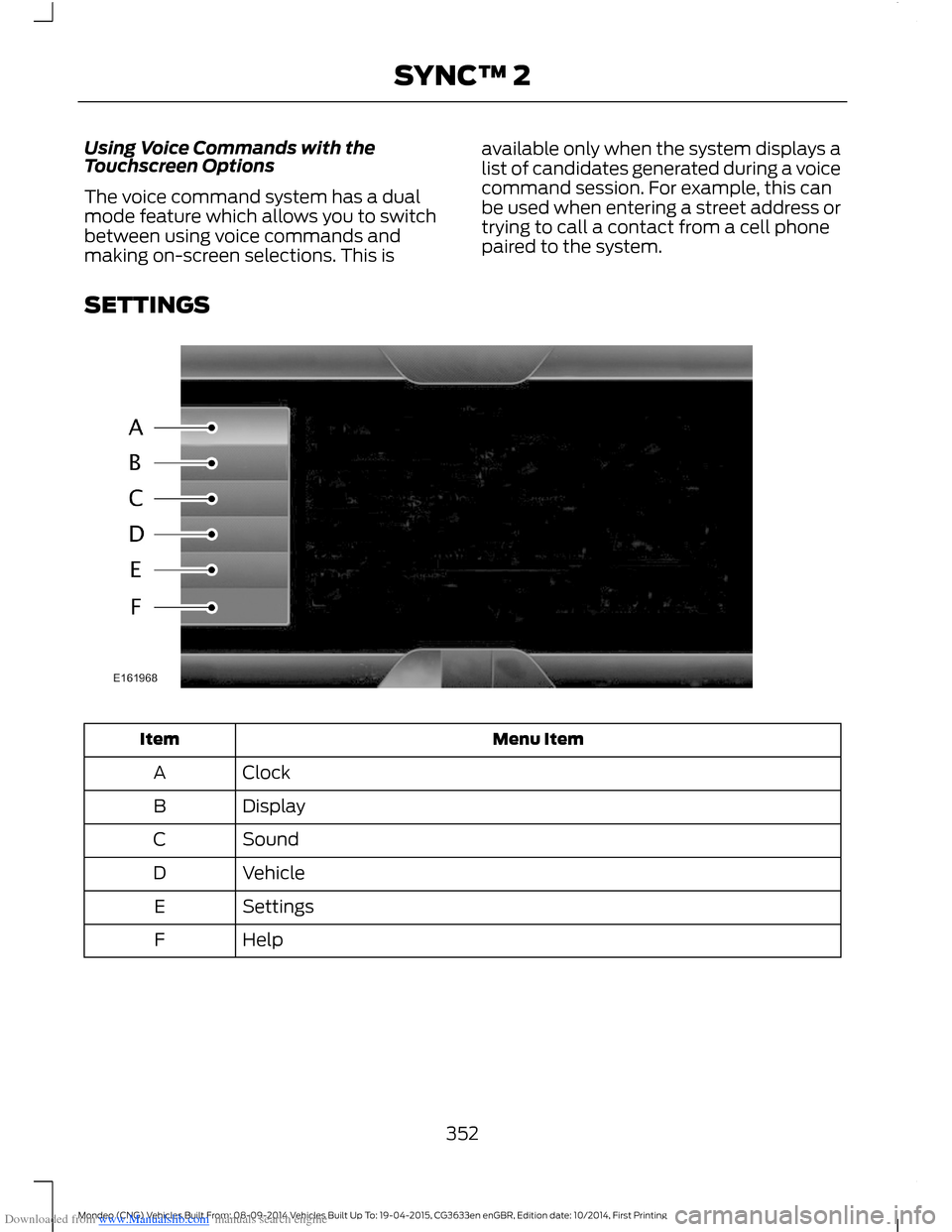
SETTINGS
Menu ItemItem
ClockA
DisplayB
SoundC
VehicleD
SettingsE
HelpF
352Mondeo (CNG) Vehicles Built From: 08-09-2014 Vehicles Built Up To: 19-04-2015, CG3633en enGBR, Edition date: 10/2014, First PrintingSYNC™ 2
Page 355 of 446
Downloaded from www.Manualslib.com manuals search engine Clock
Under this menu, you can set theclock, access and adjust the
display, sound and vehicle settings as wellas access settings for specific modes orthe help feature.
To make adjustments using the touchscreen, select:
Action and DescriptionMenu Item
Press the settings icon.Settings
Press the + or - to adjust the time.ClockFrom this screen, you can also make other adjustments suchas 12-hour or 24-hour mode, activate GPS time synchroniza-tion and have the system automatically update new timezones.You can also switch the outside air temperature display offand on. It appears at the top center of the touchscreen, nextto the time and date.
Note:You cannot manually set the date. Your vehicle’s GPS does this for you.
Note:If the battery has been disconnected, your vehicle needs to acquire a GPS signal toupdate the clock. Once your vehicle acquires the signal, it may take a few minutes for theupdate to display the correct time.
Display
You can adjust the display usingthe touchscreen or the voicebutton on the steering wheelcontrols.
To make adjustments using the touchscreen, select:
Action and DescriptionMenu Item
Press the settings icon.Settings
Display
Then select from the following:
Allows you to switch the display off. It also allows you to set the screento a certain brightness or have the system automatically change basedon the outside light level.
Mode
If you also select:
These features will allow you to adjust the dimming ofyour screen.Auto
Night
353Mondeo (CNG) Vehicles Built From: 08-09-2014 Vehicles Built Up To: 19-04-2015, CG3633en enGBR, Edition date: 10/2014, First PrintingSYNC™ 2
Page 440 of 446
Downloaded from www.Manualslib.com manuals search engine Phone...............................................................375Making Calls.........................................................378Pairing Subsequent Cell Phones..................377Pairing Your Cell Phone for the FirstTime...................................................................376Phone Menu Options.......................................378Phone Settings....................................................381Phone Voice Commands................................382Receiving Calls....................................................378Text Messaging...................................................379Post-Crash Alert System..........................226Power Door LocksSee: Locking and Unlocking.............................44Power Liftgate.................................................46Closing the Liftgate.............................................48Programming the Liftgate................................48Power Seats - Vehicles With:Multi-Contour Seats.................................129Multi-Contour Front Seats With ActiveMotion ...............................................................130Power Lumbar.....................................................130Power Seats - Vehicles Without:Multi-Contour Seats.................................128Power Lumbar.....................................................129Power Windows..............................................72Accessory Delay....................................................72Bounce-Back..........................................................72One-Touch Down.................................................72One-Touch Up.......................................................72Window Lock..........................................................72
R
Rear Exterior Overview..................................12Rear Fog Lamps..............................................67Rear Parking Aid............................................167Rear Sensing System.........................................167Rear Seat Armrest........................................134Rear Under Floor Storage........................208Rear View Camera........................................177Using the Rear View Camera System.........178Rear View CameraSee: Rear View Camera.....................................177Rear Window Wiper and Washers...........62Rear Window Washer.........................................62Rear Window Wiper............................................62Reduced Engine Performance.................221Refueling..........................................................152
Remote Control...............................................32Changing the Remote Control Battery........34Integrated Keyhead Transmitters ..................32Intelligent Access Key.........................................32Remote Start ........................................................35Using the Key Blade.............................................33Removing a Headlamp.............................250Repairing Minor Paint Damage..............258Replacement PartsRecommendation........................................10Collision Repairs....................................................10Scheduled Maintenance and MechanicalRepairs.................................................................10Warranty on Replacement Parts....................10Replacing a Lost Key or RemoteControl.............................................................37Roadside Emergencies..............................224Roof Racks and Load Carriers.................210Running-InSee: Breaking-In..................................................221Running Out of Fuel....................................150Adding Fuel From a Portable FuelContainer...........................................................151Filling a Portable Fuel Container...................151
S
Safety Belt Height Adjustment.................26Safety Belt Minder.........................................26Turning the Safety Belt Minder Off................26Safety Belts......................................................25Safety Precautions......................................148Seats.................................................................126Security...............................................................51Settings...........................................................352Clock.......................................................................353Display...................................................................353Settings..................................................................357Sound.....................................................................354Vehicle...................................................................355Side Airbags.....................................................29Side Curtain Airbags.....................................29Side Sensing System...................................170Distance Indication..............................................171Sitting in the Correct Position..................126Snow ChainsSee: Using Snow Chains.................................264
438Mondeo (CNG) Vehicles Built From: 08-09-2014 Vehicles Built Up To: 19-04-2015, CG3633en enGBR, Edition date: 10/2014, First PrintingIndex