reset FORD MUSTANG 1998 4.G User Guide
[x] Cancel search | Manufacturer: FORD, Model Year: 1998, Model line: MUSTANG, Model: FORD MUSTANG 1998 4.GPages: 192, PDF Size: 1.67 MB
Page 33 of 192
Setting the clock
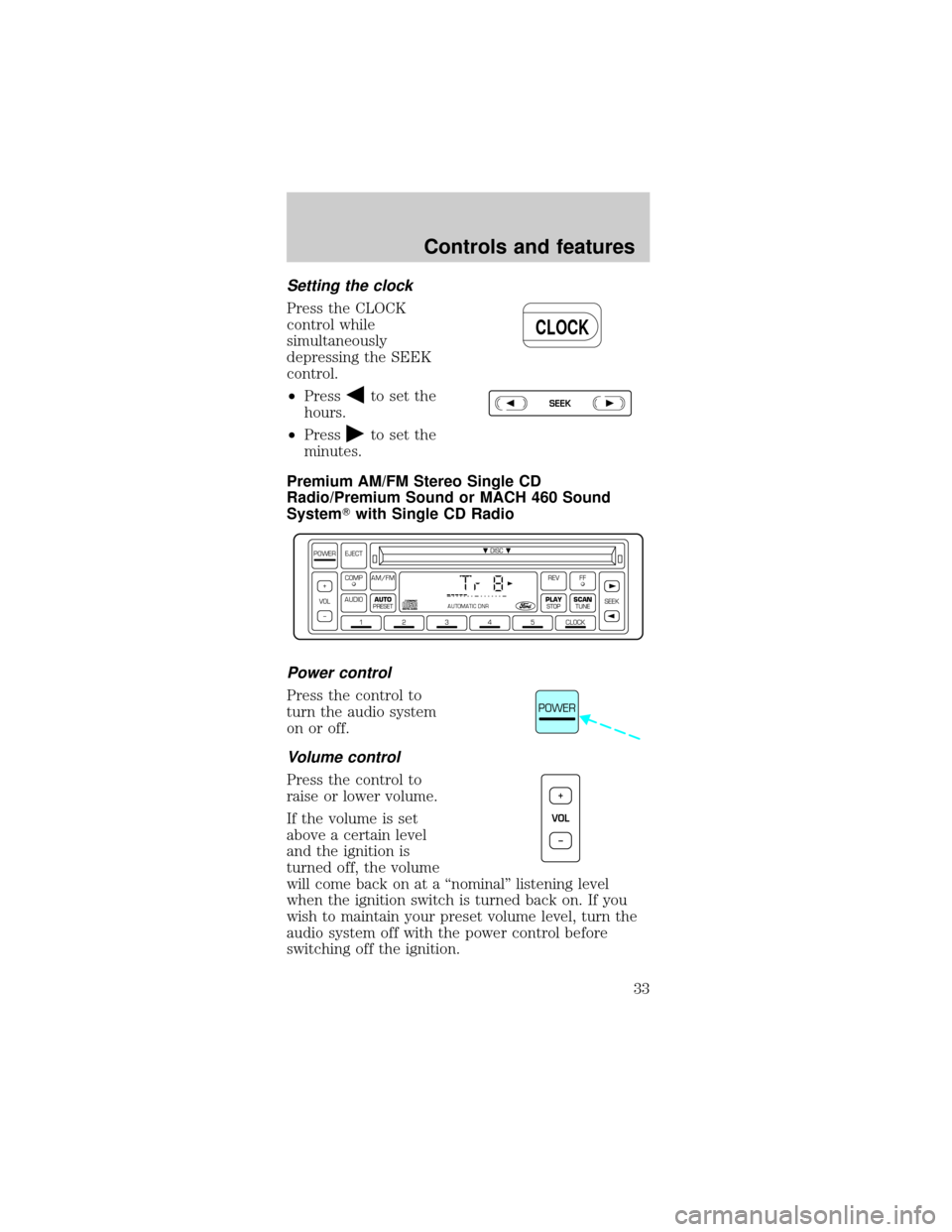
Press the CLOCK
control while
simultaneously
depressing the SEEK
control.
²Press
to set the
hours.
²Press
to set the
minutes.
Premium AM/FM Stereo Single CD
Radio/Premium Sound or MACH 460 Sound
SystemTwith Single CD Radio
Power control
Press the control to
turn the audio system
on or off.
Volume control
Press the control to
raise or lower volume.
If the volume is set
above a certain level
and the ignition is
turned off, the volume
will come back on at a ªnominalº listening level
when the ignition switch is turned back on. If you
wish to maintain your preset volume level, turn the
audio system off with the power control before
switching off the ignition.
CLOCK
SEEK
DISC
12345CLOCK
VOL+
–SEEK
FFREV
PLAY
STOPSCANTUNE
AM/FMCOMP
AUDIOAUTO
PRESET
POWER EJECT
AUTOMATIC DNR
POWER
VOL+
–
Controls and features
33
Page 34 of 192
AM/FM select
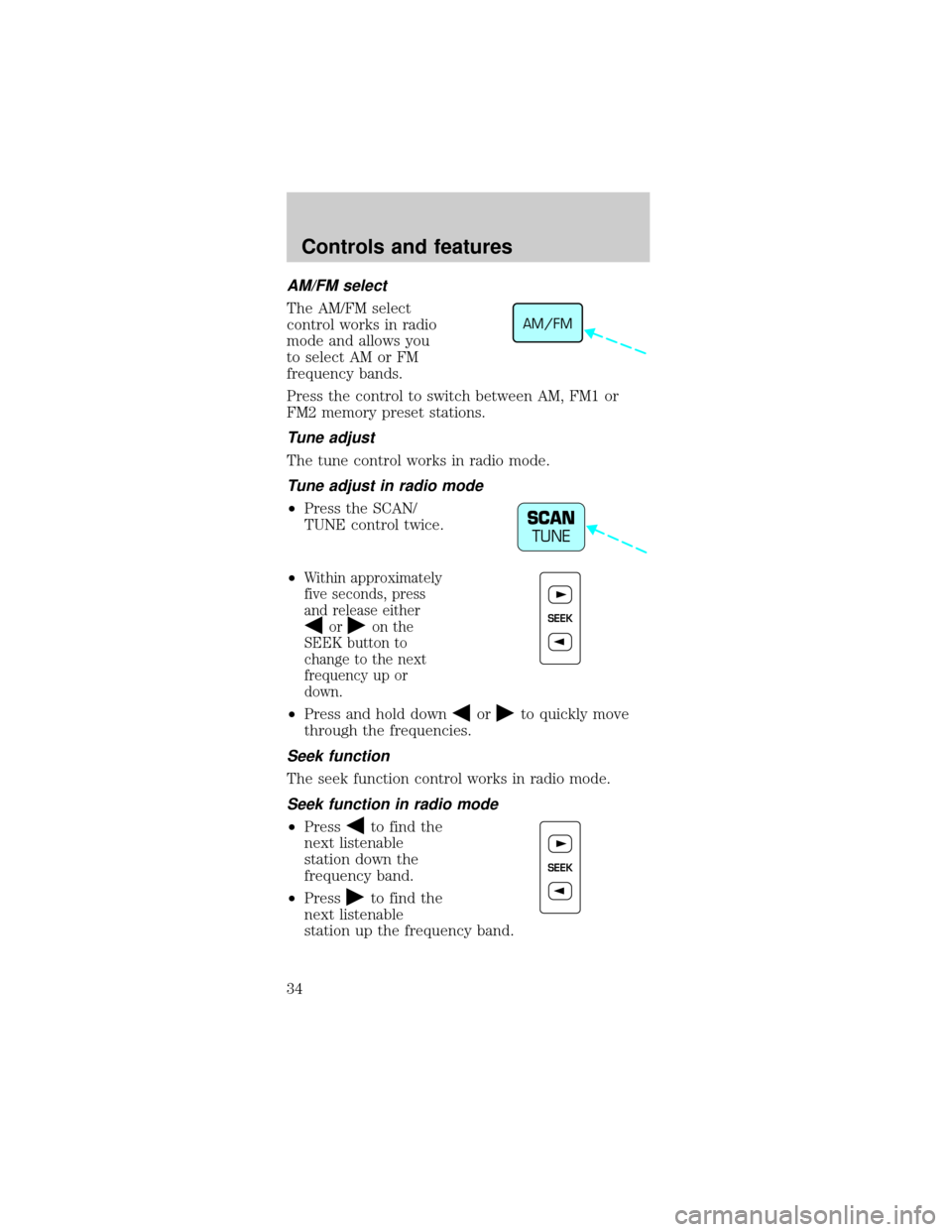
The AM/FM select
control works in radio
mode and allows you
to select AM or FM
frequency bands.
Press the control to switch between AM, FM1 or
FM2 memory preset stations.
Tune adjust
The tune control works in radio mode.
Tune adjust in radio mode
²Press the SCAN/
TUNE control twice.
²
Within approximately
five seconds, press
and release either
oron the
SEEK button to
change to the next
frequency up or
down.
²Press and hold downorto quickly move
through the frequencies.
Seek function
The seek function control works in radio mode.
Seek function in radio mode
²Pressto find the
next listenable
station down the
frequency band.
²Press
to find the
next listenable
station up the frequency band.
AM/FM
SCAN
TUNE
SEEK
SEEK
Controls and features
34
Page 35 of 192
Scan function
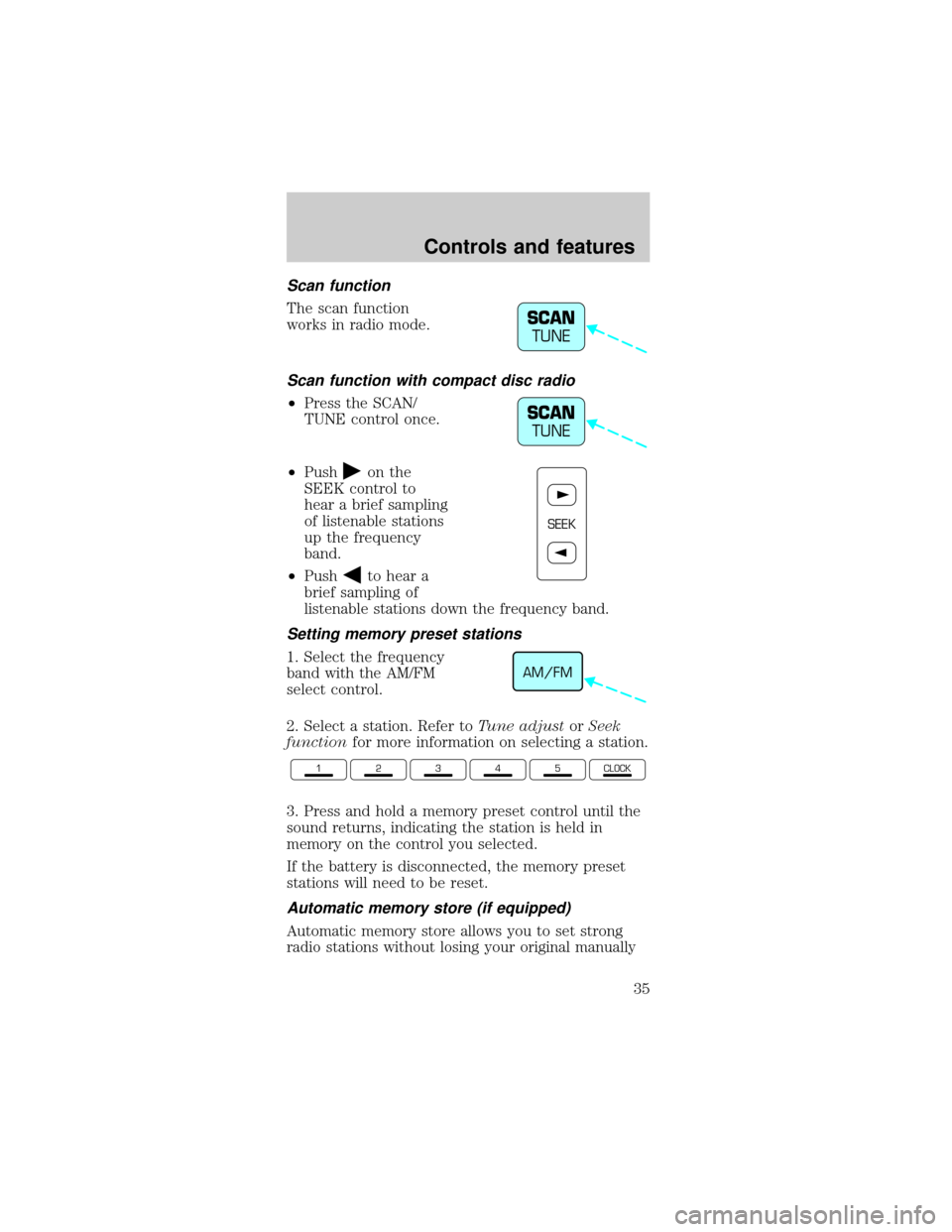
The scan function
works in radio mode.
Scan function with compact disc radio
²Press the SCAN/
TUNE control once.
²Push
on the
SEEK control to
hear a brief sampling
of listenable stations
up the frequency
band.
²Push
to hear a
brief sampling of
listenable stations down the frequency band.
Setting memory preset stations
1. Select the frequency
band with the AM/FM
select control.
2. Select a station. Refer toTune adjustorSeek
functionfor more information on selecting a station.
3. Press and hold a memory preset control until the
sound returns, indicating the station is held in
memory on the control you selected.
If the battery is disconnected, the memory preset
stations will need to be reset.
Automatic memory store (if equipped)
Automatic memory store allows you to set strong
radio stations without losing your original manually
SCAN
TUNE
SCAN
TUNE
SEEK
AM/FM
12345CLOCK
Controls and features
35
Page 36 of 192
set preset stations. This feature is helpful on trips
when you travel between cities with different radio
stations.
Starting automatic memory store
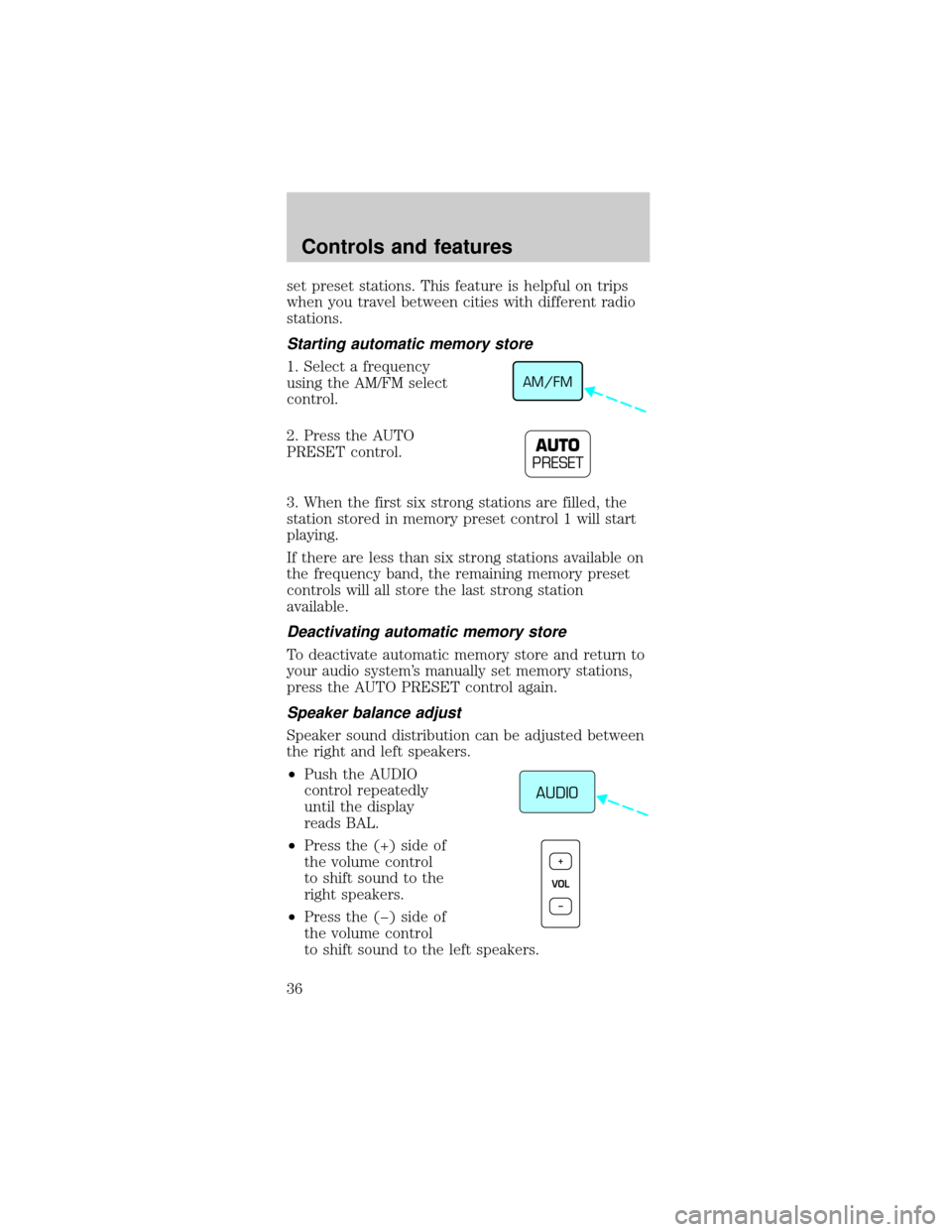
1. Select a frequency
using the AM/FM select
control.
2. Press the AUTO
PRESET control.
3. When the first six strong stations are filled, the
station stored in memory preset control 1 will start
playing.
If there are less than six strong stations available on
the frequency band, the remaining memory preset
controls will all store the last strong station
available.
Deactivating automatic memory store
To deactivate automatic memory store and return to
your audio system's manually set memory stations,
press the AUTO PRESET control again.
Speaker balance adjust
Speaker sound distribution can be adjusted between
the right and left speakers.
²Push the AUDIO
control repeatedly
until the display
reads BAL.
²Press the (+) side of
the volume control
to shift sound to the
right speakers.
²Press the (þ) side of
the volume control
to shift sound to the left speakers.
AM/FM
AUTO
PRESET
AUDIO
VOL+
–
Controls and features
36
Page 85 of 192
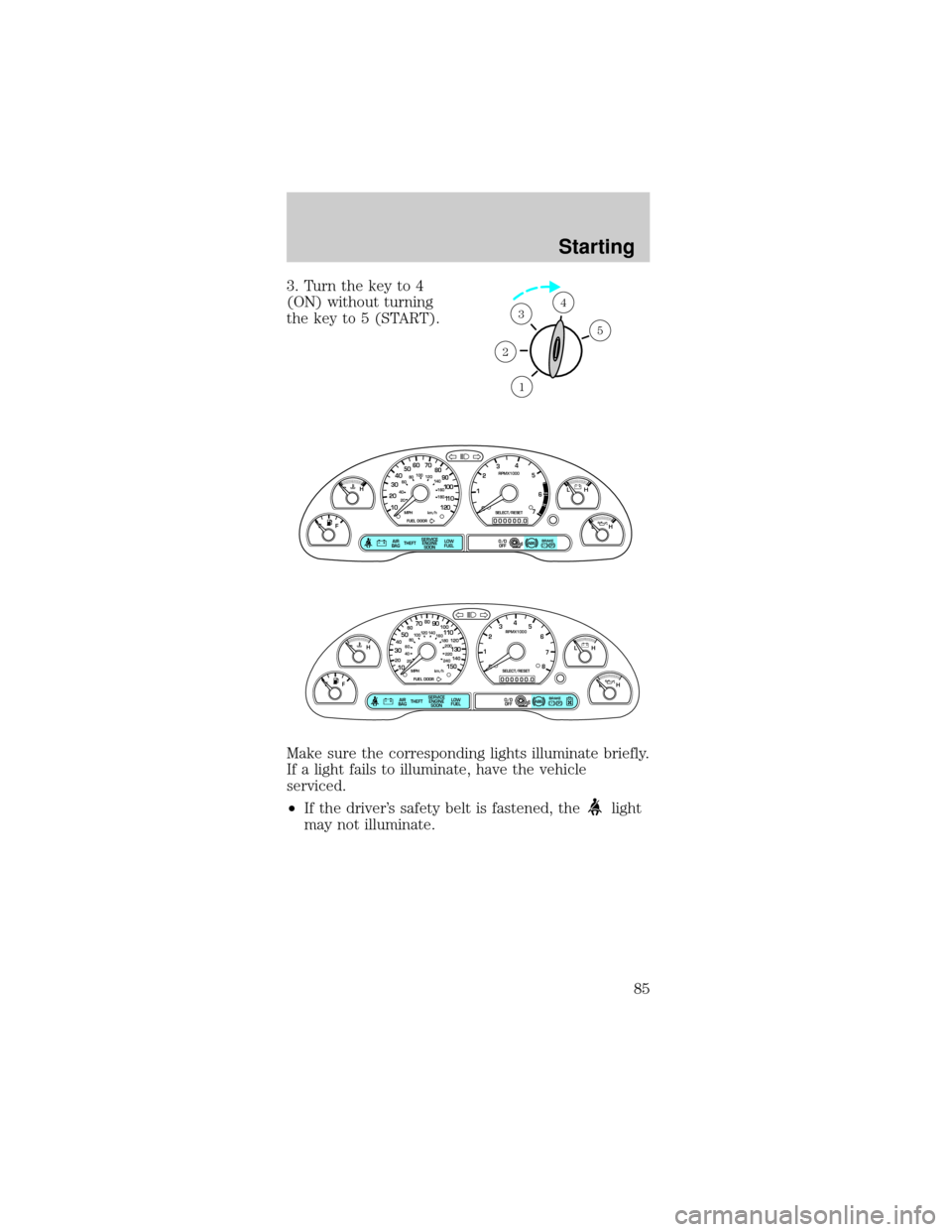
3. Turn the key to 4
(ON) without turning
the key to 5 (START).
Make sure the corresponding lights illuminate briefly.
If a light fails to illuminate, have the vehicle
serviced.
²If the driver's safety belt is fastened, the
light
may not illuminate.
1
2
34
5
P! BRAKE
L
0
00000 00
C
E
FH
LH
10 203020 406080100
120
140
160
180
405060 70
80
90
100
11 0
1204
5
6
7 3
2
1
H
THEFT
RPMX1000
FUEL DOORSELECT/RESET
LOW
FUELO/D
OFF AIR
BAGSERVICE
ENGINE
SOON
MPH km/h
ABS
.
P! BRAKE
L
0
00000 00
C
E
FH
LH
102040608020 40608010 012 0 14 0
160
180
200
220
240
100
120
140
305070 90
110
13 0
1504
5
6
7
8 3
2
1
H
THEFT
RPMX1000
FUEL DOORSELECT/RESET
LOW
FUELO/D
OFF AIR
BAGSERVICE
ENGINE
SOON
MPH km/h
ABS
.
Starting
85
Page 108 of 192
HAZARD FLASHER
Use only in an emergency to warn traffic of vehicle
breakdown, approaching danger, etc. The hazard
flashers can be operated when the ignition is off.
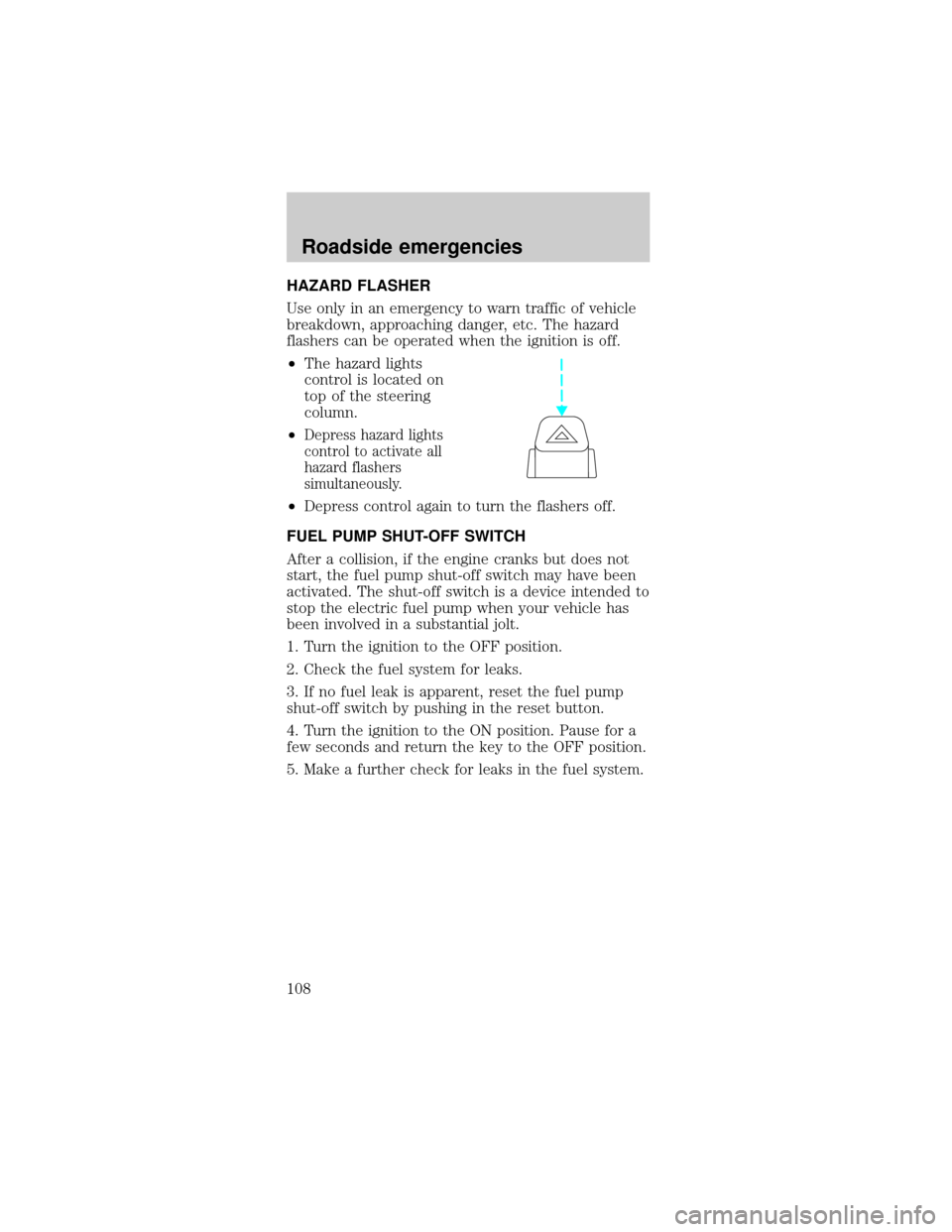
²The hazard lights
control is located on
top of the steering
column.
²
Depress hazard lights
control to activate all
hazard flashers
simultaneously.
²Depress control again to turn the flashers off.
FUEL PUMP SHUT-OFF SWITCH
After a collision, if the engine cranks but does not
start, the fuel pump shut-off switch may have been
activated. The shut-off switch is a device intended to
stop the electric fuel pump when your vehicle has
been involved in a substantial jolt.
1. Turn the ignition to the OFF position.
2. Check the fuel system for leaks.
3. If no fuel leak is apparent, reset the fuel pump
shut-off switch by pushing in the reset button.
4. Turn the ignition to the ON position. Pause for a
few seconds and return the key to the OFF position.
5. Make a further check for leaks in the fuel system.
Roadside emergencies
108
Page 148 of 192

4. The relearning process will automatically
complete as you drive the vehicle.
²The vehicle may need to be driven 16 km
(10 miles) or more to relearn the idle and fuel
trim strategy.
²If you do not allow the engine to relearn its idle
trim, the idle quality of your vehicle may be
adversely affected until the idle trim is eventually
relearned.
If the battery has been disconnected or a new
battery has been installed, the clock and the preset
radio stations must be reset once the battery is
reconnected.
²Always dispose of
automotive batteries
in a responsible
manner. Follow your
local authorized
standards for
disposal. Call your
local authorized
recycling center to find out more about recycling
automotive batteries.
WINDSHIELD WIPER BLADES
Check the wiper blades at least twice a year or when
they seem less effective. Substances such as tree sap
and some hot wax treatments used by commercial
car washes reduce the effectiveness of wiper blades.
Checking the wiper blades
If the wiper blades do not wipe properly, clean both
the windshield and wiper blades using undiluted
windshield wiper solution or a mild detergent. Rinse
thoroughly with clean water. To avoid damaging the
blades, do not use fuel, kerosene, paint thinner or
other solvents.
LEAD
RETURN
RECYCLE
Maintenance and care
148
Page 165 of 192

If the vehicle's powertrain system or its battery has
just been serviced, the OBD-II system is reset to a
ªnot ready for I/M testº condition. To ready the
OBD-II system for I/M testing, a minimum of
30 minutes of city and highway driving is necessary
as described below:
²First, at least 10 minutes of driving on an
expressway or highway.
²Next, at least 20 minutes driving in stop-and-go,
city-type traffic with at least four idle periods.
Allow the vehicle to sit for at least eight hours
without starting the engine. Then, start the engine
and complete the above driving cycle. The engine
must warm up to its normal operating temperature.
Once started, do not turn off the engine until the
above driving cycle is complete.
EXTERIOR BULBS
Replacing exterior bulbs
Check the operation of the following lamps
frequently:
²Headlamps
²Tail lamps
²Brakelamps
²High-mount brakelamp
²Turn signals
²Backup lamps
²License plate lamp
Do not remove lamp bulbs unless they will be
replaced immediately. If a bulb is removed for an
extended period of time, contaminants may enter
the lamp housings and affect performance.
Maintenance and care
165