reset FORD MUSTANG 2006 5.G Owners Manual
[x] Cancel search | Manufacturer: FORD, Model Year: 2006, Model line: MUSTANG, Model: FORD MUSTANG 2006 5.GPages: 248, PDF Size: 2.38 MB
Page 4 of 248
CALIFORNIA Proposition 65 Warning
WARNING:Engine exhaust, some of its constituents, and
certain vehicle components contain or emit chemicals known to
the State of California to cause cancer and birth defects or other
reproductive harm. In addition, certain fluids contained in vehicles and
certain products of component wear contain or emit chemicals known
to the State of California to cause cancer and birth defects or other
reproductive harm.
CONGRATULATIONS
Congratulations on acquiring your new Ford. Please take the time to get
well acquainted with your vehicle by reading this handbook. The more
you know and understand about your vehicle, the greater the safety and
pleasure you will derive from driving it.
For more information on Ford Motor Company and its products visit the
following website:
•In the United States: www.ford.com
•In Canada: www.ford.ca
•In Australia: www.ford.com.au
•In Mexico: www.ford.com.mx
Additional owner information is given in separate publications.
ThisOwner’s Guidedescribes every option and model variant available
and therefore some of the items covered may not apply to your
particular vehicle. Furthermore, due to printing cycles it may describe
options before they are generally available.
Remember to pass on thisOwner’s Guidewhen reselling the vehicle. It
is an integral part of the vehicle.
Fuel pump shut-off switch:In the event of an accident the
safety switch will automatically cut off the fuel supply to the
engine. The switch can also be activated through sudden vibration (e.g.
collision when parking). To reset the switch, refer to theFuel pump
shut-off switchin theRoadside Emergencieschapter.
2006 05+ Mustang(197)
Owners Guide (post-2002-fmt)
USA(fus)
Introduction
4
Page 8 of 248
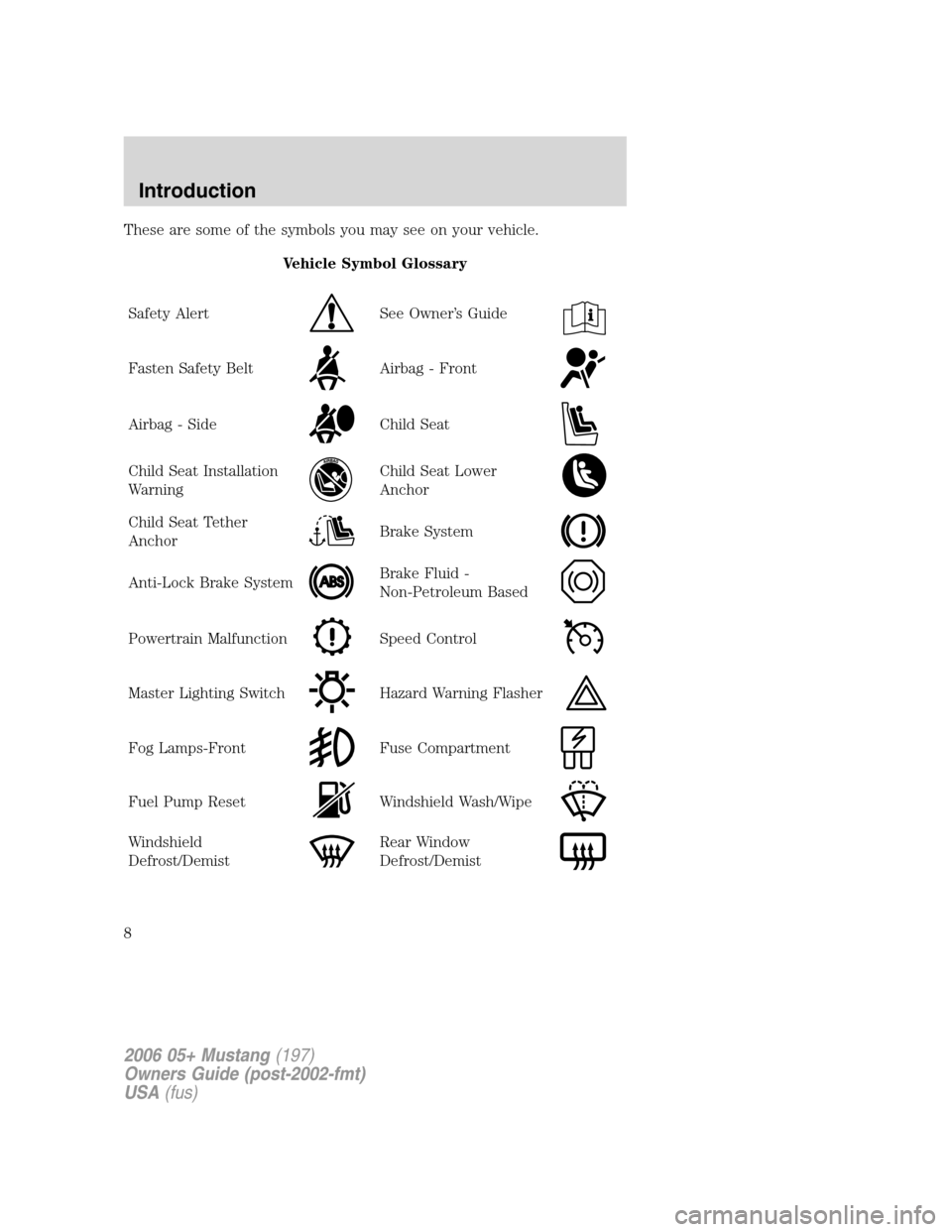
These are some of the symbols you may see on your vehicle.
Vehicle Symbol Glossary
Safety Alert
See Owner’s Guide
Fasten Safety BeltAirbag - Front
Airbag - SideChild Seat
Child Seat Installation
WarningChild Seat Lower
Anchor
Child Seat Tether
AnchorBrake System
Anti-Lock Brake SystemBrake Fluid -
Non-Petroleum Based
Powertrain MalfunctionSpeed Control
Master Lighting SwitchHazard Warning Flasher
Fog Lamps-FrontFuse Compartment
Fuel Pump ResetWindshield Wash/Wipe
Windshield
Defrost/DemistRear Window
Defrost/Demist
2006 05+ Mustang(197)
Owners Guide (post-2002-fmt)
USA(fus)
Introduction
8
Page 15 of 248
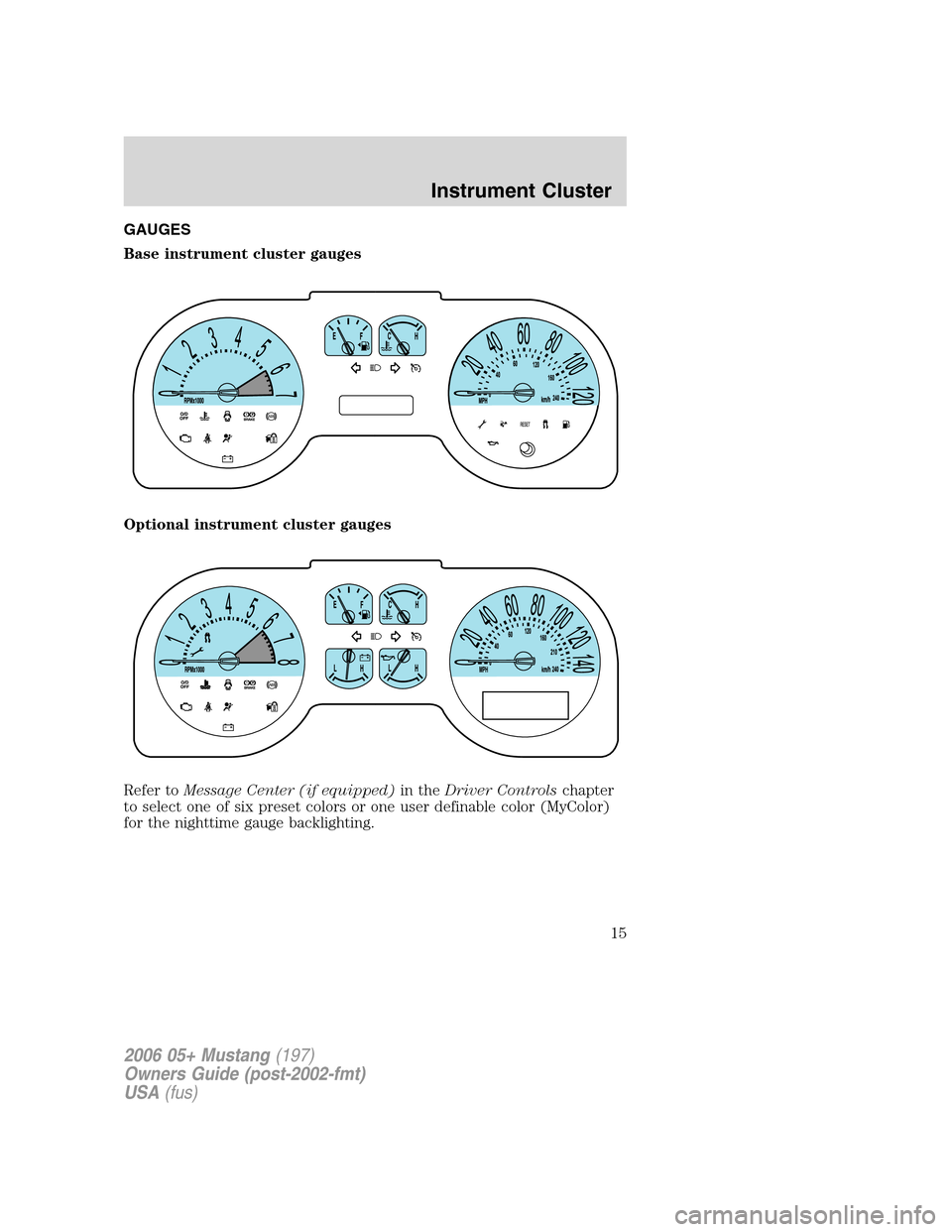
GAUGES
Base instrument cluster gauges
Optional instrument cluster gauges
Refer toMessage Center (if equipped)in theDriver Controlschapter
to select one of six preset colors or one user definable color (MyColor)
for the nighttime gauge backlighting.
2006 05+ Mustang(197)
Owners Guide (post-2002-fmt)
USA(fus)
Instrument Cluster
15
Page 17 of 248
•Optional instrument cluster
Refer toMessage Centerin the
Driver Controlschapter on how to
switch the display from Metric to
English.
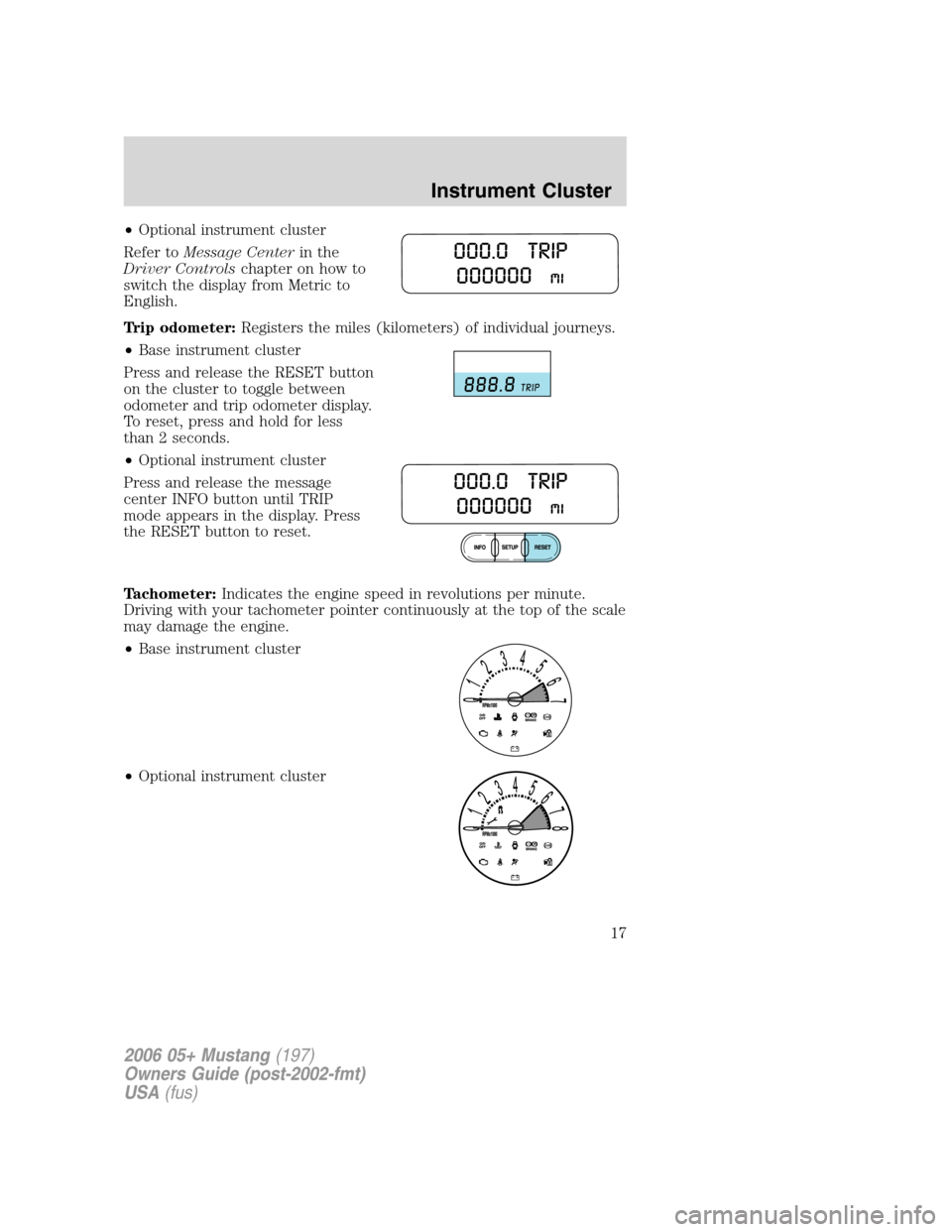
Trip odometer:Registers the miles (kilometers) of individual journeys.
•Base instrument cluster
Press and release the RESET button
on the cluster to toggle between
odometer and trip odometer display.
To reset, press and hold for less
than 2 seconds.
•Optional instrument cluster
Press and release the message
center INFO button until TRIP
mode appears in the display. Press
the RESET button to reset.
Tachometer:Indicates the engine speed in revolutions per minute.
Driving with your tachometer pointer continuously at the top of the scale
may damage the engine.
•Base instrument cluster
•Optional instrument cluster
2006 05+ Mustang(197)
Owners Guide (post-2002-fmt)
USA(fus)
Instrument Cluster
17
Page 20 of 248
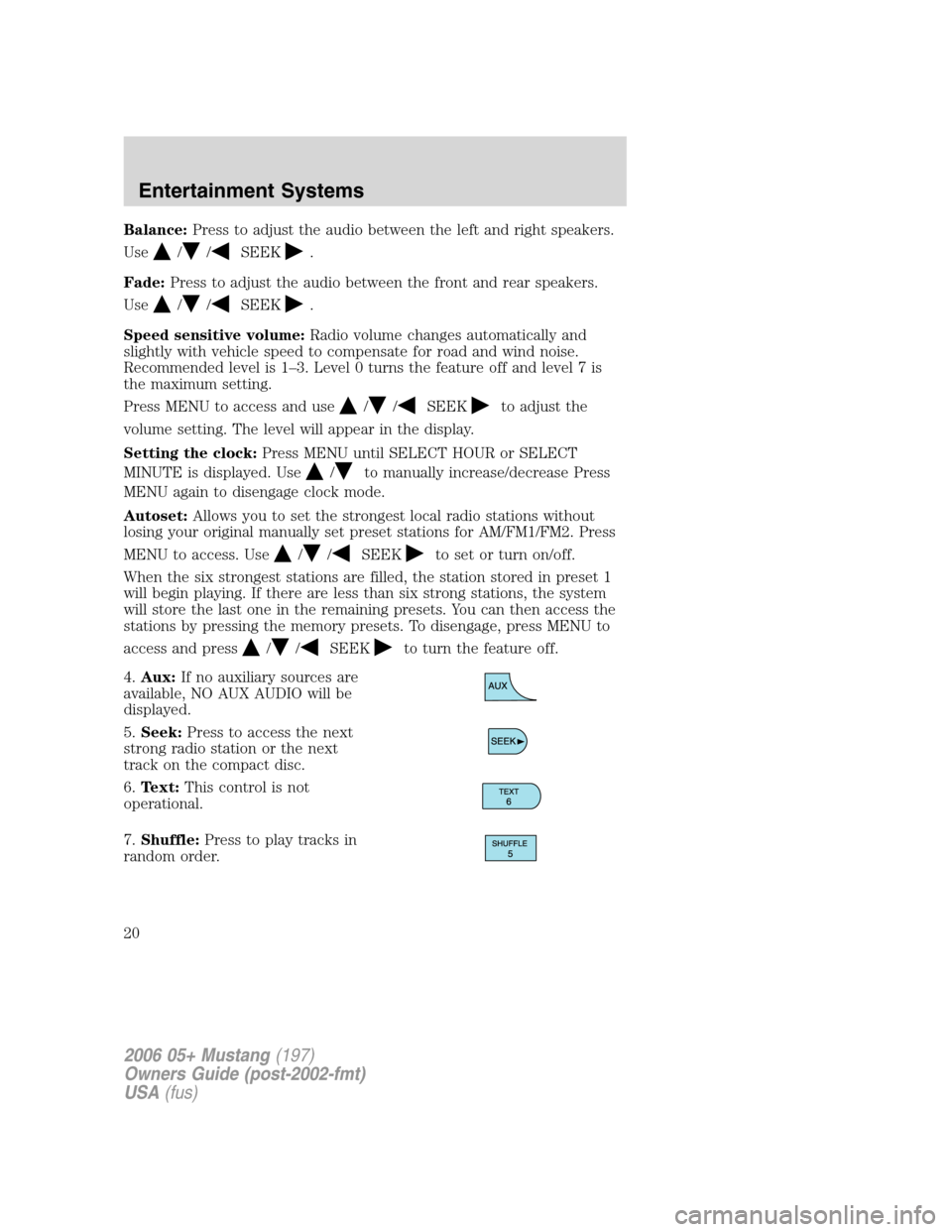
Balance:Press to adjust the audio between the left and right speakers.
Use
//SEEK.
Fade:Press to adjust the audio between the front and rear speakers.
Use
//SEEK.
Speed sensitive volume:Radio volume changes automatically and
slightly with vehicle speed to compensate for road and wind noise.
Recommended level is 1–3. Level 0 turns the feature off and level 7 is
the maximum setting.
Press MENU to access and use
//SEEKto adjust the
volume setting. The level will appear in the display.
Setting the clock:Press MENU until SELECT HOUR or SELECT
MINUTE is displayed. Use
/to manually increase/decrease Press
MENU again to disengage clock mode.
Autoset:Allows you to set the strongest local radio stations without
losing your original manually set preset stations for AM/FM1/FM2. Press
MENU to access. Use
//SEEKto set or turn on/off.
When the six strongest stations are filled, the station stored in preset 1
will begin playing. If there are less than six strong stations, the system
will store the last one in the remaining presets. You can then access the
stations by pressing the memory presets. To disengage, press MENU to
access and press
//SEEKto turn the feature off.
4.Aux:If no auxiliary sources are
available, NO AUX AUDIO will be
displayed.
5.Seek:Press to access the next
strong radio station or the next
track on the compact disc.
6.Text:This control is not
operational.
7.Shuffle:Press to play tracks in
random order.
2006 05+ Mustang(197)
Owners Guide (post-2002-fmt)
USA(fus)
Entertainment Systems
20
Page 21 of 248
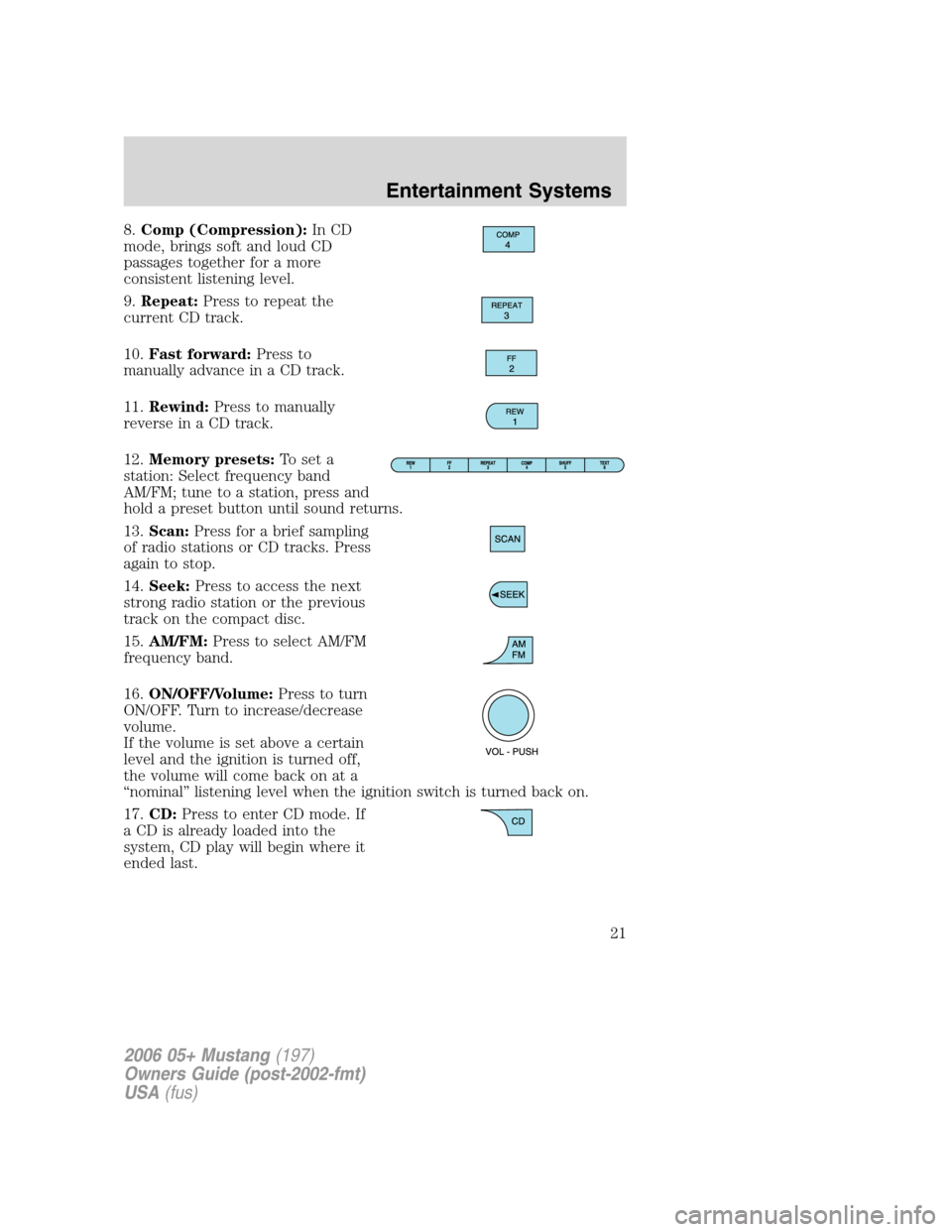
8.Comp (Compression):In CD
mode, brings soft and loud CD
passages together for a more
consistent listening level.
9.Repeat:Press to repeat the
current CD track.
10.Fast forward:Press to
manually advance in a CD track.
11.Rewind:Press to manually
reverse in a CD track.
12.Memory presets:To set a
station: Select frequency band
AM/FM; tune to a station, press and
hold a preset button until sound returns.
13.Scan:Press for a brief sampling
of radio stations or CD tracks. Press
again to stop.
14.Seek:Press to access the next
strong radio station or the previous
track on the compact disc.
15.AM/FM:Press to select AM/FM
frequency band.
16.ON/OFF/Volume:Press to turn
ON/OFF. Turn to increase/decrease
volume.
If the volume is set above a certain
level and the ignition is turned off,
the volume will come back on at a
“nominal” listening level when the ignition switch is turned back on.
17.CD:Press to enter CD mode. If
a CD is already loaded into the
system, CD play will begin where it
ended last.
2006 05+ Mustang(197)
Owners Guide (post-2002-fmt)
USA(fus)
Entertainment Systems
21
Page 24 of 248
3.Menu:Press to toggle through
the following modes:
Setting the clock:Press until SELECT HOUR or SELECT MINS is
displayed. Press
//SEEKto adjust the hours/minutes.
SHAKER(Available with the SHAKER 1000 only): Select to engage
SHAKER 1000 mode. SHAKER 1000 mode enhances acoustic sound for
all seating locations and increases the signal to the trunk mounted
speakers and amplifiers for enhanced bass performance. Use
/
orSEEKto toggle SHAKER mode on/off.
Track/Folder Mode:Available only on MP3 discs in CD mode. In Track
Mode, pressing
SEEKwill scroll through all tracks on the disc.
In Folder mode, pressing
SEEKwill scroll only through tracks
within the selected folder.
Compression:Available only in CD mode, brings soft and loud CD
passages together for a more consistent listening level.
Repeat:Available only in CD mode. Press to repeat the current CD
track.
Autoset:Allows you to set the strongest local radio stations without
losing your original manually set preset stations for AM/FM1/FM2. Press
MENU to access. Use
//, SEEKto set or turn on/off.
When the six strongest stations are filled, the station stored in preset 1
will begin playing. If there are less than six strong stations, the system
will store the last one in the remaining presets. You can then access the
stations by pressing the memory presets. To disengage, press MENU to
access and press
//SEEKto turn the feature off.
Bass:Press to adjust the bass setting. Use
//SEEK.
Treble:Press to adjust the treble setting. Use
//SEEK.
Balance:Press to adjust the audio between the left and right speakers.
Use
//, SEEK.
Fade:Press to adjust the audio between the front and rear speakers.
Use
//, SEEK.
2006 05+ Mustang(197)
Owners Guide (post-2002-fmt)
USA(fus)
Entertainment Systems
24
Page 26 of 248
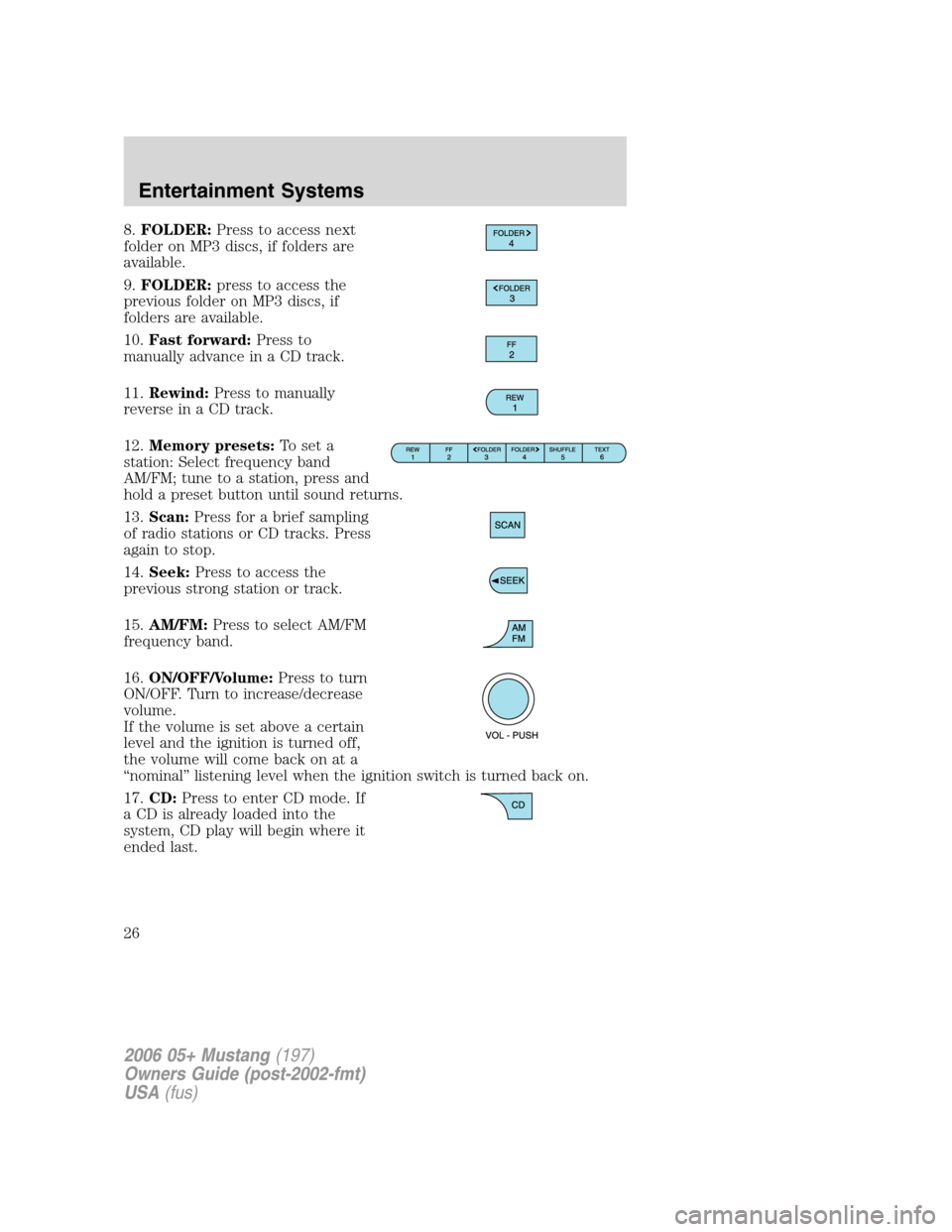
8.FOLDER:Press to access next
folder on MP3 discs, if folders are
available.
9.FOLDER:press to access the
previous folder on MP3 discs, if
folders are available.
10.Fast forward:Press to
manually advance in a CD track.
11.Rewind:Press to manually
reverse in a CD track.
12.Memory presets:To set a
station: Select frequency band
AM/FM; tune to a station, press and
hold a preset button until sound returns.
13.Scan:Press for a brief sampling
of radio stations or CD tracks. Press
again to stop.
14.Seek:Press to access the
previous strong station or track.
15.AM/FM:Press to select AM/FM
frequency band.
16.ON/OFF/Volume:Press to turn
ON/OFF. Turn to increase/decrease
volume.
If the volume is set above a certain
level and the ignition is turned off,
the volume will come back on at a
“nominal” listening level when the ignition switch is turned back on.
17.CD:Press to enter CD mode. If
a CD is already loaded into the
system, CD play will begin where it
ended last.
2006 05+ Mustang(197)
Owners Guide (post-2002-fmt)
USA(fus)
Entertainment Systems
26
Page 27 of 248
18.LOAD:Press to begin the CD
load sequence. When the radio
prompts to select a slot, use the
presets to select the desired slot to
load the CD. If the selected slot
already contains a CD, the display will read SLOT FULL. Press and hold
to autoload up to 6 CDs. Load CDs one at a time when the radio
prompts to load a CD.
19.CD eject:Press to begin the CD
eject sequence When the radio
prompts to select a CD, use the
presets to select the desired CD to eject. Press and hold to auto eject all
CDs present in the system. If there is no CD present, the display will
read NO CD.
20.CD slot:Insert one CD at a
time, label side up, when the system
prompts to load a CD.
MP3 track and folder structure
Your MP3 system recognizes MP3 individual tracks and a folder structure
as follows:
•There are two different modes for MP3 disc playback: MP3 track mode
(system default) and MP3 folder mode.
•MP3 track mode ignores any folder structure present on the MP3 disc.
The player sequentially numbers each MP3 track on the disc (denoted
by the .mp3 file extension) from T001 to T255.
•MP3 folder mode represents a folder structure consisting of one level
of folders. The CD player sequentially numbers all MP3 tracks on the
disc (denoted by the .mp3 extension) and all folders containing MP3
files, from 01–01 to 99–99. The first two digits denote the folder
number and the last two digits denote the track number within that
folder.
•Creating discs with only one level of folders will help with navigation
through the disc files.
2006 05+ Mustang(197)
Owners Guide (post-2002-fmt)
USA(fus)
Entertainment Systems
27
Page 45 of 248
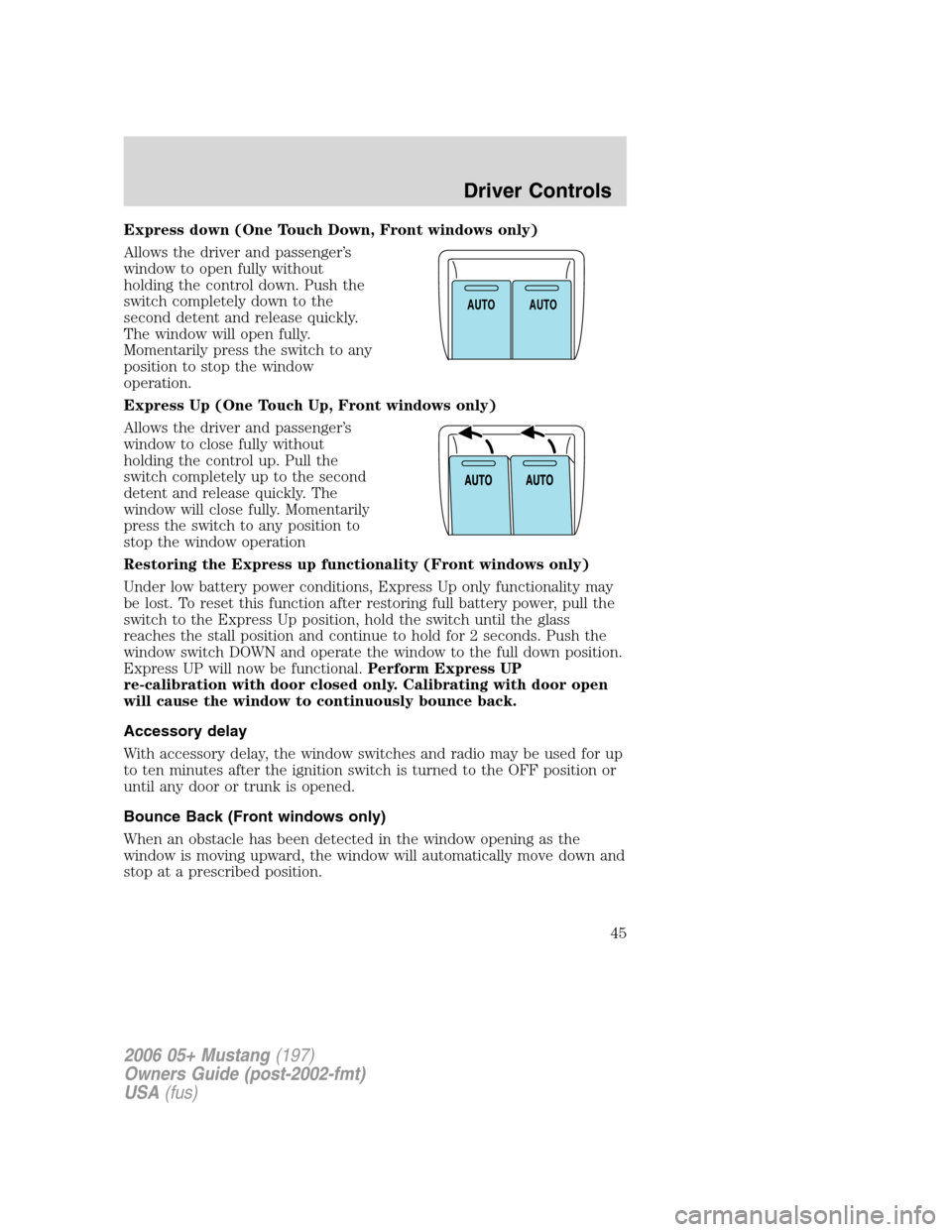
Express down (One Touch Down, Front windows only)
Allows the driver and passenger’s
window to open fully without
holding the control down. Push the
switch completely down to the
second detent and release quickly.
The window will open fully.
Momentarily press the switch to any
position to stop the window
operation.
Express Up (One Touch Up, Front windows only)
Allows the driver and passenger’s
window to close fully without
holding the control up. Pull the
switch completely up to the second
detent and release quickly. The
window will close fully. Momentarily
press the switch to any position to
stop the window operation
Restoring the Express up functionality (Front windows only)
Under low battery power conditions, Express Up only functionality may
be lost. To reset this function after restoring full battery power, pull the
switch to the Express Up position, hold the switch until the glass
reaches the stall position and continue to hold for 2 seconds. Push the
window switch DOWN and operate the window to the full down position.
Express UP will now be functional.Perform Express UP
re-calibration with door closed only. Calibrating with door open
will cause the window to continuously bounce back.
Accessory delay
With accessory delay, the window switches and radio may be used for up
to ten minutes after the ignition switch is turned to the OFF position or
until any door or trunk is opened.
Bounce Back (Front windows only)
When an obstacle has been detected in the window opening as the
window is moving upward, the window will automatically move down and
stop at a prescribed position.
A
U
T
OA
U
T
O
2006 05+ Mustang(197)
Owners Guide (post-2002-fmt)
USA(fus)
Driver Controls
45