ECO mode FORD MUSTANG 2009 5.G User Guide
[x] Cancel search | Manufacturer: FORD, Model Year: 2009, Model line: MUSTANG, Model: FORD MUSTANG 2009 5.GPages: 292, PDF Size: 2.66 MB
Page 66 of 292
5. Repeatedly press until your zone number is shown in the mirror
display, then release.
6. The display will show all segments, then return to normal compass
mode within ten seconds.
Compass calibration adjustment
Perform this adjustment in an open area free from steel structures and
high voltage lines.
1. Start the vehicle.
2. Press and hold the control until “C” appears in the mirror display.
3. Drive the vehicle slowly (less than 3 mph [5 km/h]) in circles until the
display reads a direction.
4. The compass is now calibrated.
EXTERIOR MIRRORS
Power side view mirrors
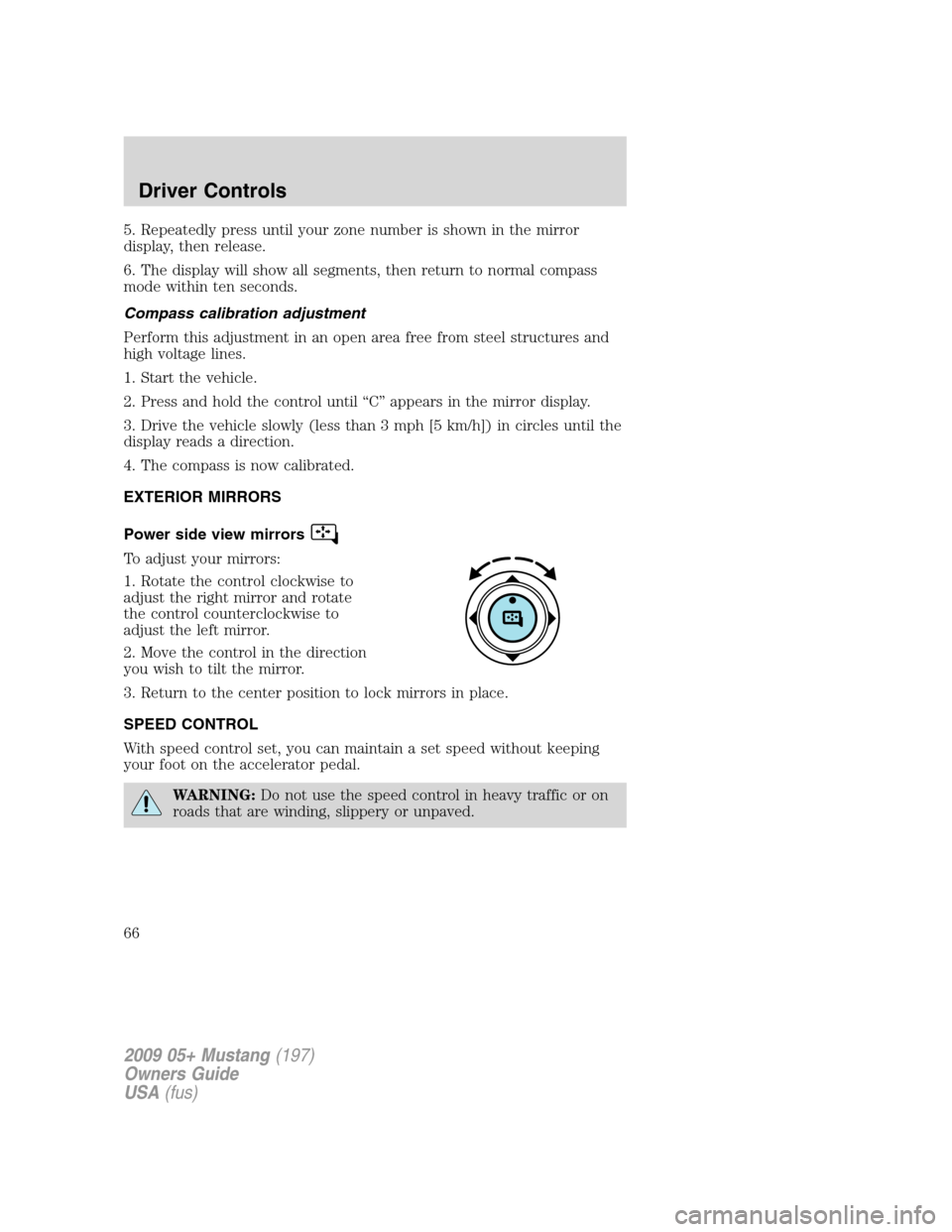
To adjust your mirrors:
1. Rotate the control clockwise to
adjust the right mirror and rotate
the control counterclockwise to
adjust the left mirror.
2. Move the control in the direction
you wish to tilt the mirror.
3. Return to the center position to lock mirrors in place.
SPEED CONTROL
With speed control set, you can maintain a set speed without keeping
your foot on the accelerator pedal.
WARNING:Do not use the speed control in heavy traffic or on
roads that are winding, slippery or unpaved.
2009 05+ Mustang(197)
Owners Guide
USA(fus)
Driver Controls
66
Page 74 of 292
Selectable features
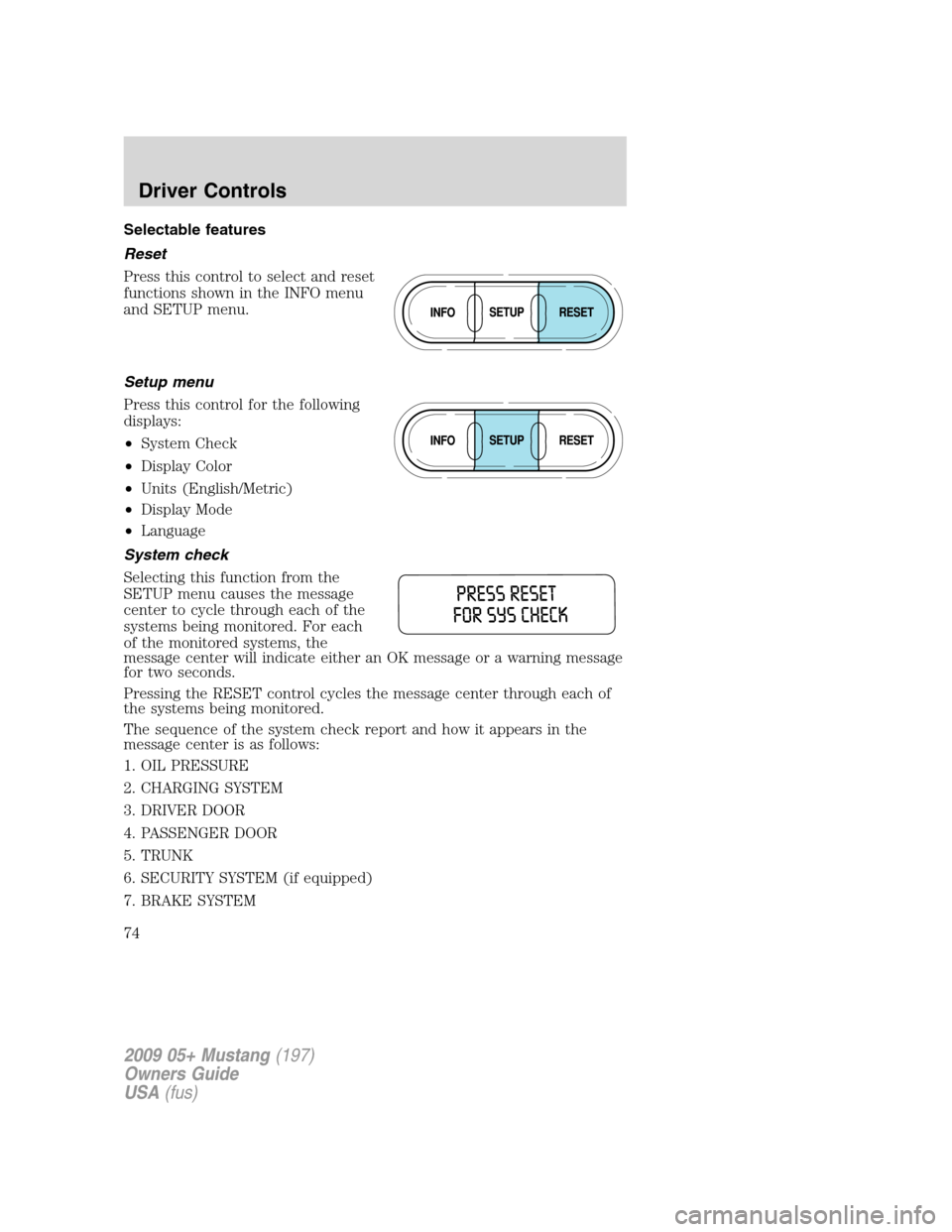
Reset
Press this control to select and reset
functions shown in the INFO menu
and SETUP menu.
Setup menu
Press this control for the following
displays:
•System Check
•Display Color
•Units (English/Metric)
•Display Mode
•Language
System check
Selecting this function from the
SETUP menu causes the message
center to cycle through each of the
systems being monitored. For each
of the monitored systems, the
message center will indicate either an OK message or a warning message
for two seconds.
Pressing the RESET control cycles the message center through each of
the systems being monitored.
The sequence of the system check report and how it appears in the
message center is as follows:
1. OIL PRESSURE
2. CHARGING SYSTEM
3. DRIVER DOOR
4. PASSENGER DOOR
5. TRUNK
6. SECURITY SYSTEM (if equipped)
7. BRAKE SYSTEM
2009 05+ Mustang(197)
Owners Guide
USA(fus)
Driver Controls
74
Page 75 of 292
8. TRAC CONTROL (if equipped)
9. FUEL CAP
10. FUEL LEVEL
11. MILES TO EMPTY
Display color
The instrument cluster gauges are backlit with white backlighting when
the headlamps are off. When the headlamps are on, the user can select
one of six preset colors or one user definable color (MyColor™) for the
nighttime gauge backlighting. Headlamps must be on to set up the
nighttime display color.
Note:A gauge in a warning condition will be lit red when the headlamps
are on.
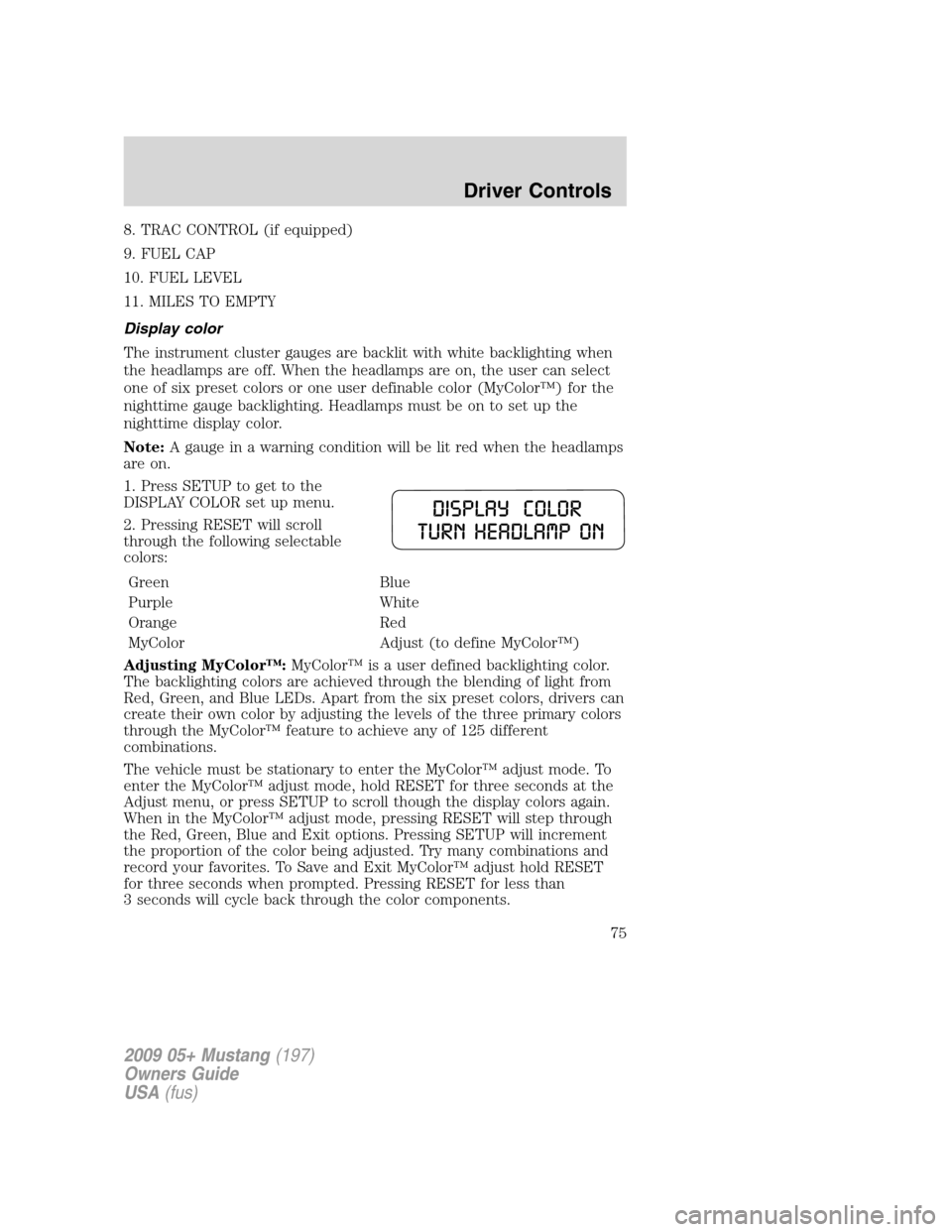
1. Press SETUP to get to the
DISPLAY COLOR set up menu.
2. Pressing RESET will scroll
through the following selectable
colors:
Green Blue
Purple White
Orange Red
MyColor Adjust (to define MyColor™)
Adjusting MyColor™:MyColor™ is a user defined backlighting color.
The backlighting colors are achieved through the blending of light from
Red, Green, and Blue LEDs. Apart from the six preset colors, drivers can
create their own color by adjusting the levels of the three primary colors
through the MyColor™ feature to achieve any of 125 different
combinations.
The vehicle must be stationary to enter the MyColor™ adjust mode. To
enter the MyColor™ adjust mode, hold RESET for three seconds at the
Adjust menu, or press SETUP to scroll though the display colors again.
When in the MyColor™ adjust mode, pressing RESET will step through
the Red, Green, Blue and Exit options. Pressing SETUP will increment
the proportion of the color being adjusted. Try many combinations and
record your favorites. To Save and Exit MyColor™ adjust hold RESET
for three seconds when prompted. Pressing RESET for less than
3 seconds will cycle back through the color components.
2009 05+ Mustang(197)
Owners Guide
USA(fus)
Driver Controls
75
Page 76 of 292
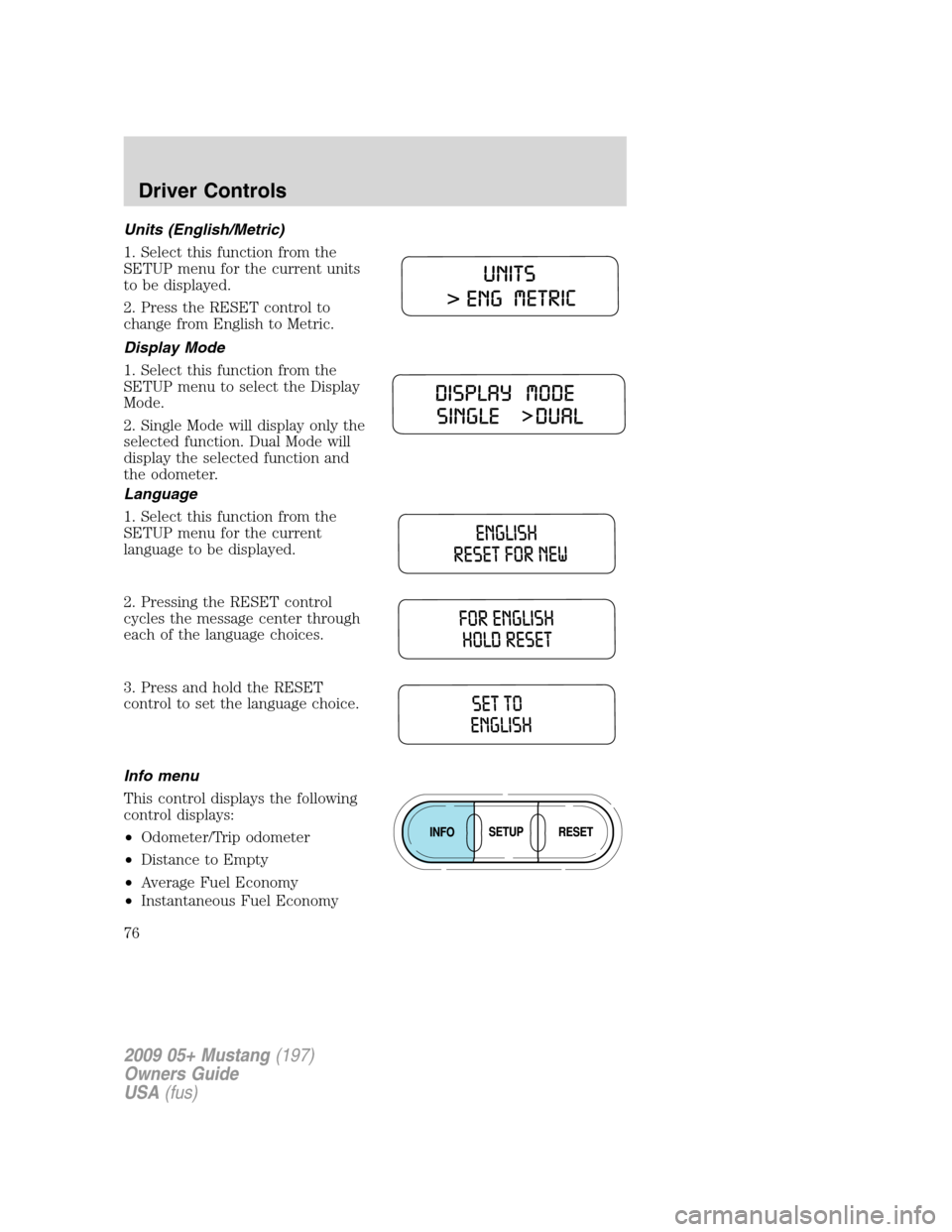
Units (English/Metric)
1. Select this function from the
SETUP menu for the current units
to be displayed.
2. Press the RESET control to
change from English to Metric.
Display Mode
1. Select this function from the
SETUP menu to select the Display
Mode.
2. Single Mode will display only the
selected function. Dual Mode will
display the selected function and
the odometer.
Language
1. Select this function from the
SETUP menu for the current
language to be displayed.
2. Pressing the RESET control
cycles the message center through
each of the language choices.
3. Press and hold the RESET
control to set the language choice.
Info menu
This control displays the following
control displays:
•Odometer/Trip odometer
•Distance to Empty
•Average Fuel Economy
•Instantaneous Fuel Economy
2009 05+ Mustang(197)
Owners Guide
USA(fus)
Driver Controls
76
Page 77 of 292
•Fuel Used
•Trip Elapsed Drive Time
•Average Speed
•Blank Display
Odometer/Trip odometer
Refer toGaugesin theInstrument Clusterchapter.
Distance to empty (DTE)
Selecting this function from the INFO menu estimates approximately
how far you can drive with the fuel remaining in your tank under normal
driving conditions. Remember to turn the ignition off when refueling to
allow this feature to correctly detect the added fuel.
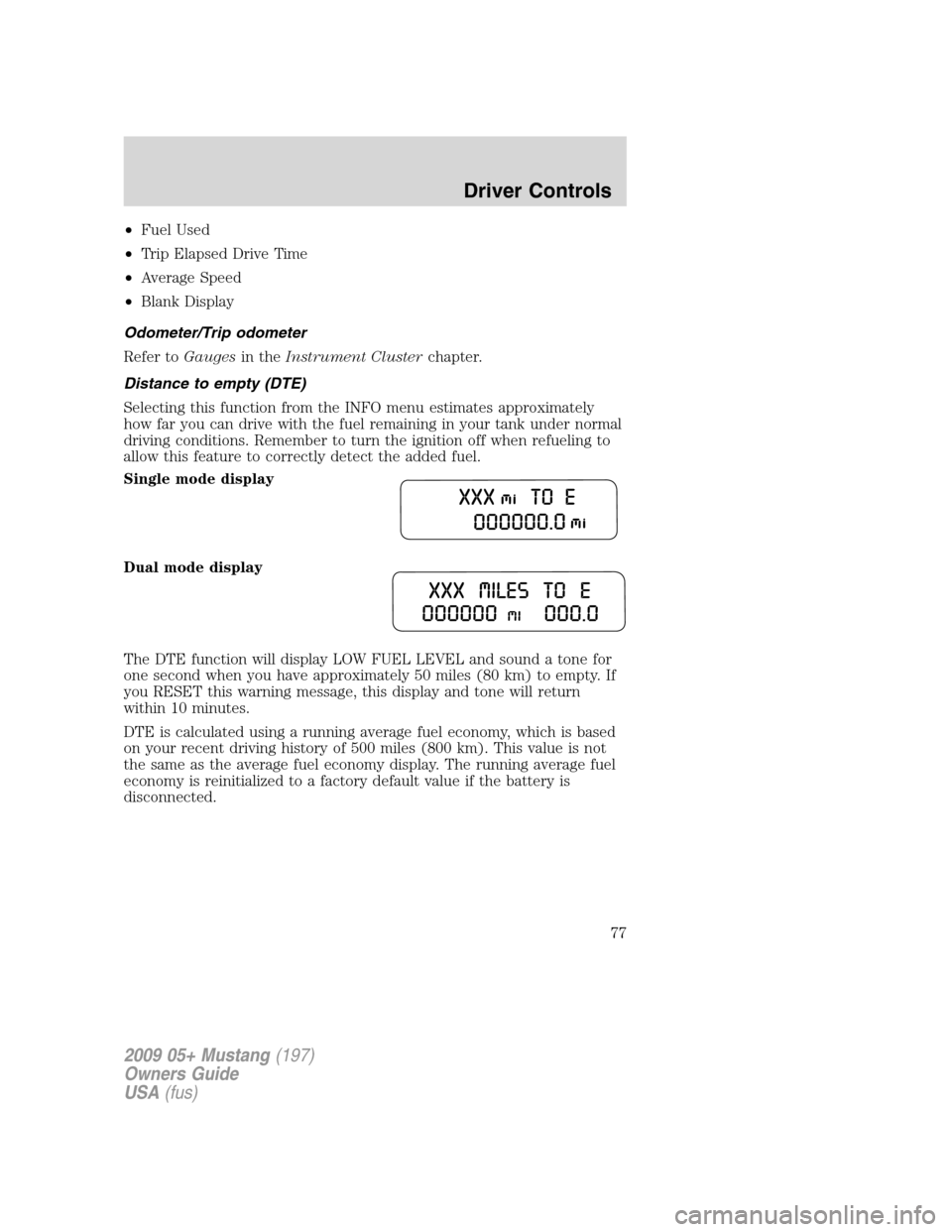
Single mode display
Dual mode display
The DTE function will display LOW FUEL LEVEL and sound a tone for
one second when you have approximately 50 miles (80 km) to empty. If
you RESET this warning message, this display and tone will return
within 10 minutes.
DTE is calculated using a running average fuel economy, which is based
on your recent driving history of 500 miles (800 km). This value is not
the same as the average fuel economy display. The running average fuel
economy is reinitialized to a factory default value if the battery is
disconnected.
2009 05+ Mustang(197)
Owners Guide
USA(fus)
Driver Controls
77
Page 78 of 292
Average fuel economy (AFE)
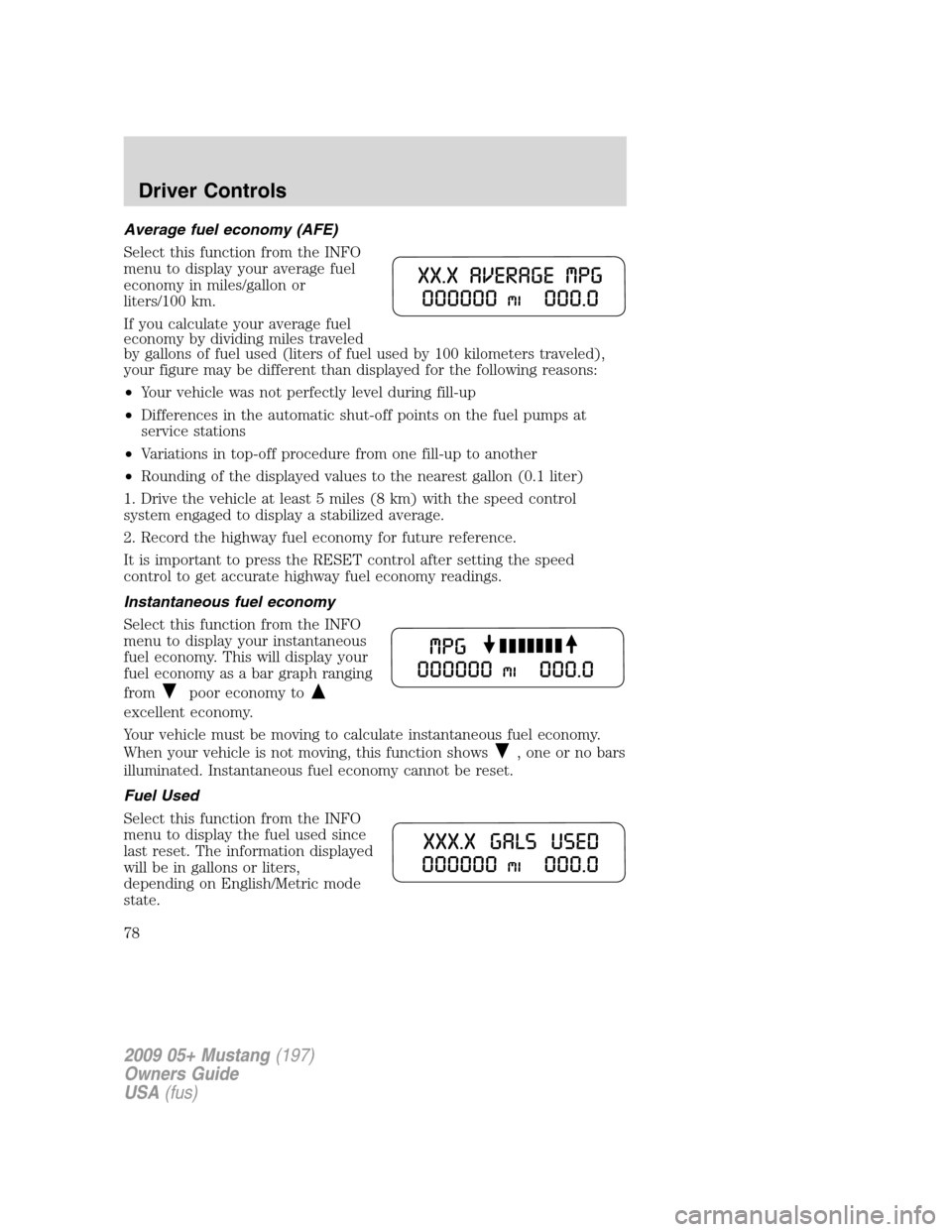
Select this function from the INFO
menu to display your average fuel
economy in miles/gallon or
liters/100 km.
If you calculate your average fuel
economy by dividing miles traveled
by gallons of fuel used (liters of fuel used by 100 kilometers traveled),
your figure may be different than displayed for the following reasons:
•Your vehicle was not perfectly level during fill-up
•Differences in the automatic shut-off points on the fuel pumps at
service stations
•Variations in top-off procedure from one fill-up to another
•Rounding of the displayed values to the nearest gallon (0.1 liter)
1. Drive the vehicle at least 5 miles (8 km) with the speed control
system engaged to display a stabilized average.
2. Record the highway fuel economy for future reference.
It is important to press the RESET control after setting the speed
control to get accurate highway fuel economy readings.
Instantaneous fuel economy
Select this function from the INFO
menu to display your instantaneous
fuel economy. This will display your
fuel economy as a bar graph ranging
from
poor economy to
excellent economy.
Your vehicle must be moving to calculate instantaneous fuel economy.
When your vehicle is not moving, this function shows
, one or no bars
illuminated. Instantaneous fuel economy cannot be reset.
Fuel Used
Select this function from the INFO
menu to display the fuel used since
last reset. The information displayed
will be in gallons or liters,
depending on English/Metric mode
state.
2009 05+ Mustang(197)
Owners Guide
USA(fus)
Driver Controls
78
Page 90 of 292
How to reprogram your remote entry transmitters
You must haveall remote entry transmitters(maximum of six)
available before beginning this procedure.
Note:Ensure the brake pedal is not depressed during this sequence.
To reprogram the remote entry
transmitters:
1. Ensure the vehicle is
electronically unlocked.
2. Put the key in the ignition.
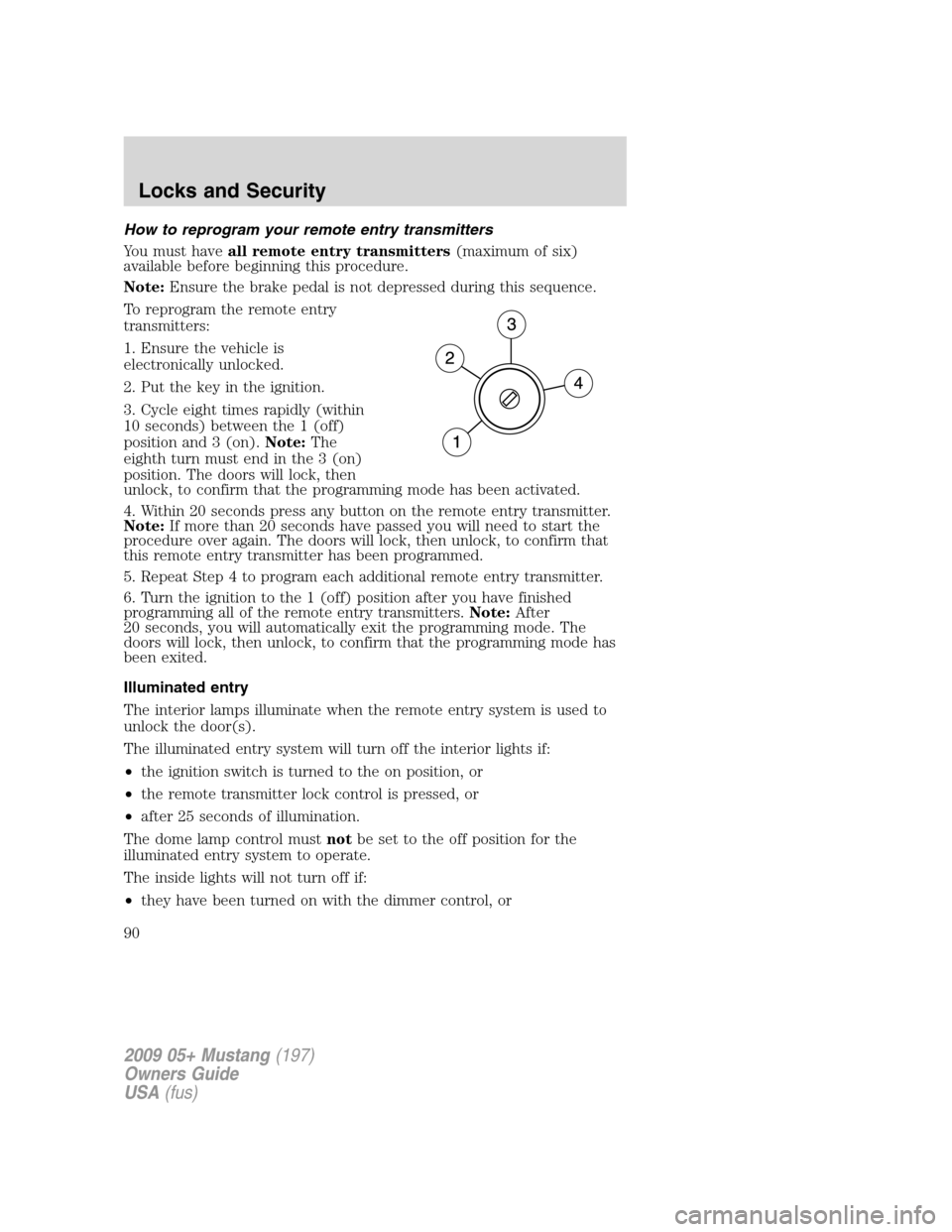
3. Cycle eight times rapidly (within
10 seconds) between the 1 (off)
position and 3 (on).Note:The
eighth turn must end in the 3 (on)
position. The doors will lock, then
unlock, to confirm that the programming mode has been activated.
4. Within 20 seconds press any button on the remote entry transmitter.
Note:If more than 20 seconds have passed you will need to start the
procedure over again. The doors will lock, then unlock, to confirm that
this remote entry transmitter has been programmed.
5. Repeat Step 4 to program each additional remote entry transmitter.
6. Turn the ignition to the 1 (off) position after you have finished
programming all of the remote entry transmitters.Note:After
20 seconds, you will automatically exit the programming mode. The
doors will lock, then unlock, to confirm that the programming mode has
been exited.
Illuminated entry
The interior lamps illuminate when the remote entry system is used to
unlock the door(s).
The illuminated entry system will turn off the interior lights if:
•the ignition switch is turned to the on position, or
•the remote transmitter lock control is pressed, or
•after 25 seconds of illumination.
The dome lamp control mustnotbe set to the off position for the
illuminated entry system to operate.
The inside lights will not turn off if:
•they have been turned on with the dimmer control, or
2009 05+ Mustang(197)
Owners Guide
USA(fus)
Locks and Security
90
Page 91 of 292
•any door is open.
The battery saver will shut off the interior lamps 10 minutes after the
ignition has been turned to the off position and a door is left open, and
in 30 minutes if the dome lamp control is left on and the ignition has
been turned to the off position. The battery saver will also shut off the
trunk lamps in 30 minutes if the trunk is left open.
Perimeter lighting feature (if equipped)
The perimeter lighting feature illuminates the exterior of the vehicle in
order to provide better visibility to the user while he or she approaches
and enters the vehicle.
The perimeter lighting feature activates the head lamps, park lamps and
side marker lamps when:
•the user activates an unlock feature by using the remote keyless
transmitter or
•when the vehicle is unlocked, by using the driver’s door key lock
cylinder.
The perimeter lighting feature will turn off if:
•the vehicle is locked using the remote entry transmitter, or
•the ignition is turned to the on position, or
•after 25 seconds of illumination.
Enabling/disabling the perimeter lighting feature
Your vehicle comes with the perimeter lighting feature enabled. You may
enable/disable this feature by having your vehicle serviced by your
authorized dealer.
You may also perform the following power door lock sequence to
enable/disable the perimeter lamps feature. All vehicle doors must be
closed before beginning the procedure. You must complete Steps 1–3
within 30 seconds, or the procedure will have to be repeated.
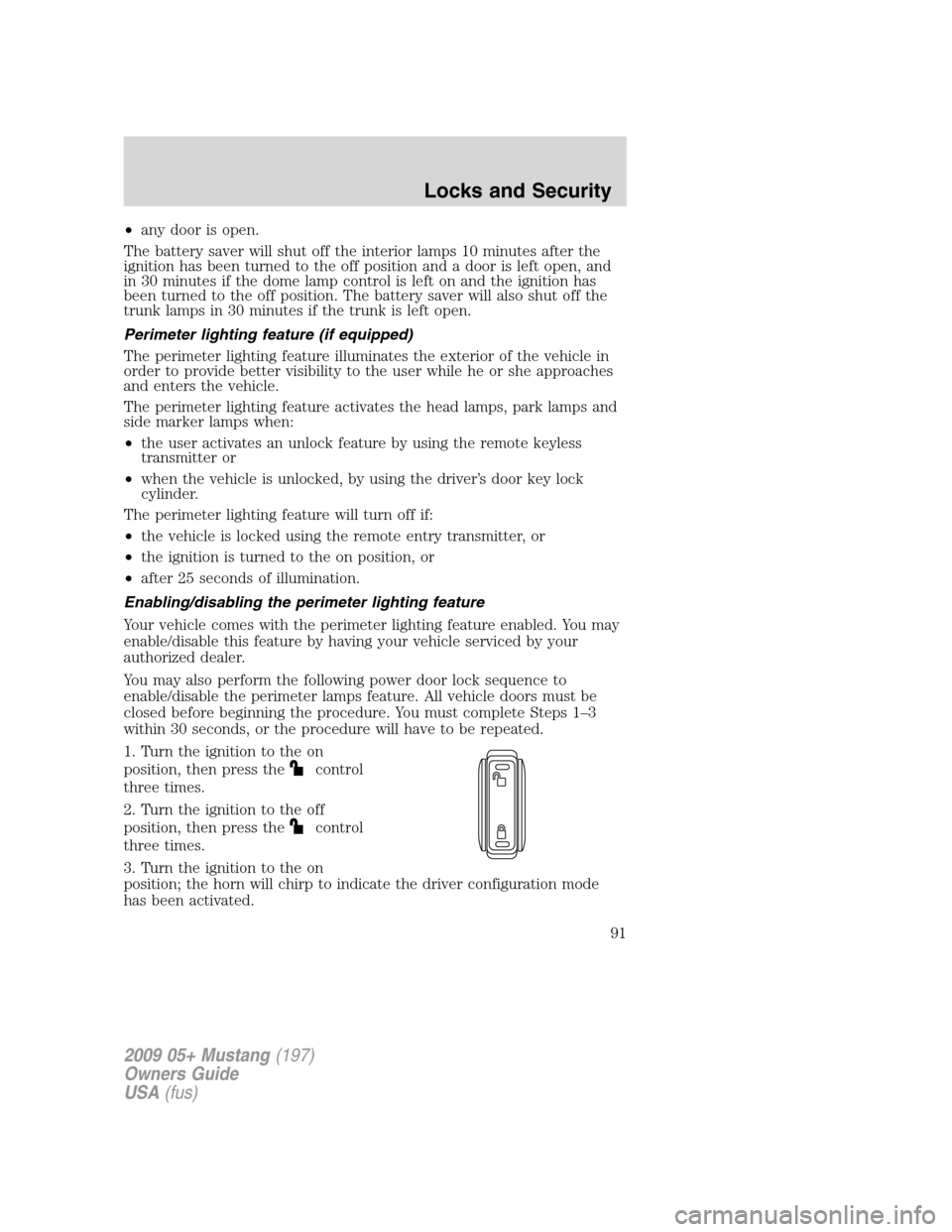
1. Turn the ignition to the on
position, then press the
control
three times.
2. Turn the ignition to the off
position, then press the
control
three times.
3. Turn the ignition to the on
position; the horn will chirp to indicate the driver configuration mode
has been activated.
2009 05+ Mustang(197)
Owners Guide
USA(fus)
Locks and Security
91
Page 92 of 292
Activating or deactivating the perimeter lighting once in program mode is
accomplished by:
•pressing the trim panel power door unlock control
twice within
five seconds.
At this point, perimeter lighting will be activated if it was previously
deactivated, and deactivated if it was previously activated. Confirmation
of perimeter lighting being activated is provided by a short horn chirp
followed by a long horn sound; Confirmation of perimeter lighting being
deactivated is provided by a short horn chirp only.
Exiting the program mode is accomplished by turning the ignition to any
position other than the on position, or two minutes elapsing since the
program mode was entered.
SECURILOCK™ PASSIVE ANTI-THEFT SYSTEM
SecuriLock™ passive anti-theft system is an engine immobilization
system. This system is designed to help prevent the engine from being
started unless acoded key programmed to your vehicleis used. The
use of the wrong type of coded key may lead to a “no-start” condition.
Your vehicle comes with two coded keys; additional coded keys may be
purchased from your authorized dealer. The authorized dealer can
program your spare keys to your vehicle or you can program the keys
yourself. Refer toProgramming spare keysfor instructions on how to
program the coded key.
Note:The SecuriLock™ passive anti-theft system is not compatible with
non-Ford aftermarket remote start systems. Use of these systems may
result in vehicle starting problems and a loss of security protection.
Note:Large metallic objects, electronic devices that are used to
purchase gasoline or similar items, or a second coded key on the same
key chain may cause vehicle starting issues. You need to prevent these
objects from touching the coded key while starting the engine. These
objects will not cause damage to the coded key, but may cause a
momentary issue if they are too close to the key when starting the
engine. If a problem occurs, turn the ignition off, remove all objects on
the key chain away from the coded key and restart the engine.
Note: Do not leave a duplicate coded key in the vehicle. Always
take your keys and lock all doors when leaving the vehicle.
2009 05+ Mustang(197)
Owners Guide
USA(fus)
Locks and Security
92
Page 111 of 292
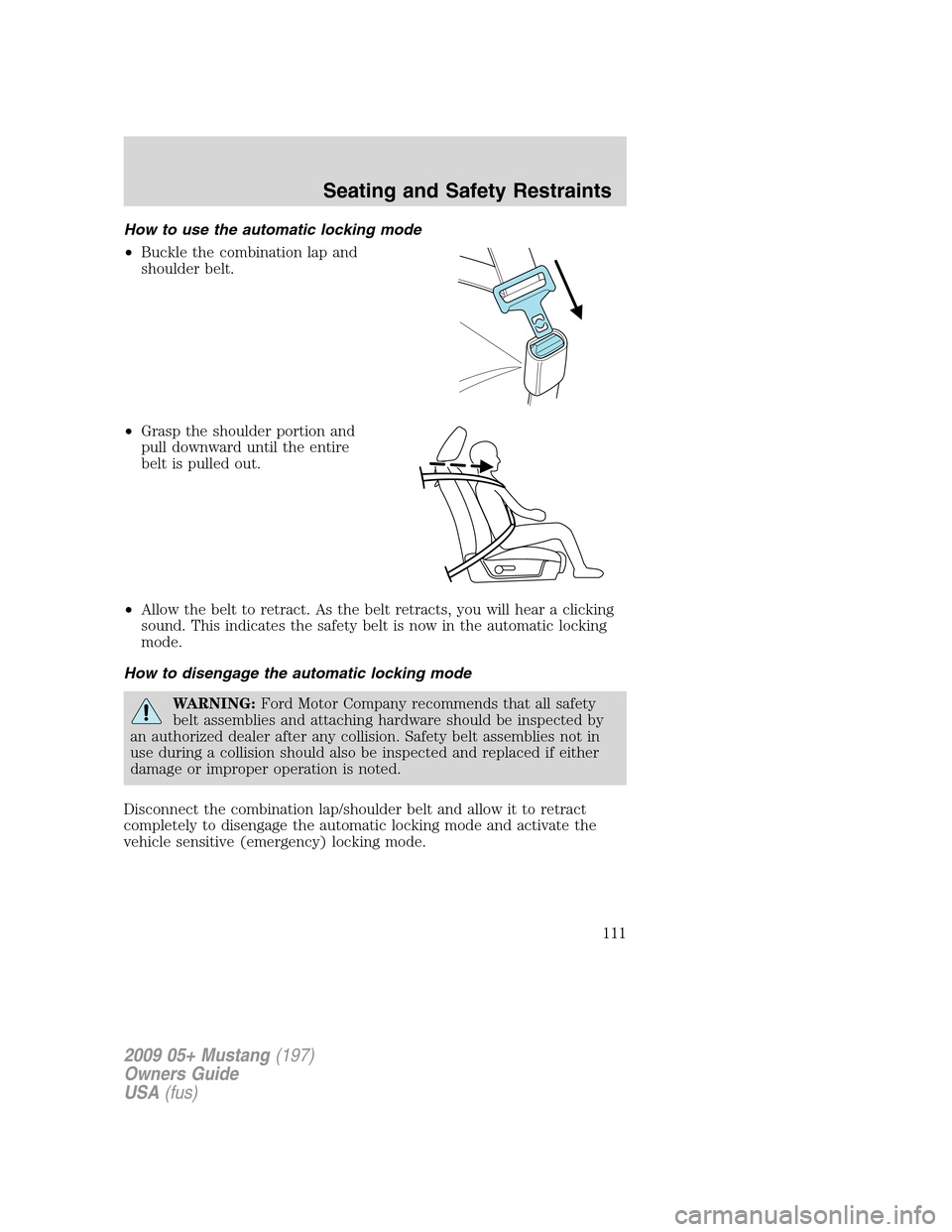
How to use the automatic locking mode
•Buckle the combination lap and
shoulder belt.
•Grasp the shoulder portion and
pull downward until the entire
belt is pulled out.
•Allow the belt to retract. As the belt retracts, you will hear a clicking
sound. This indicates the safety belt is now in the automatic locking
mode.
How to disengage the automatic locking mode
WARNING:Ford Motor Company recommends that all safety
belt assemblies and attaching hardware should be inspected by
an authorized dealer after any collision. Safety belt assemblies not in
use during a collision should also be inspected and replaced if either
damage or improper operation is noted.
Disconnect the combination lap/shoulder belt and allow it to retract
completely to disengage the automatic locking mode and activate the
vehicle sensitive (emergency) locking mode.
2009 05+ Mustang(197)
Owners Guide
USA(fus)
Seating and Safety Restraints
111