flat tire FORD MUSTANG MACH E 2023 Owner's Guide
[x] Cancel search | Manufacturer: FORD, Model Year: 2023, Model line: MUSTANG MACH E, Model: FORD MUSTANG MACH E 2023Pages: 496, PDF Size: 13.09 MB
Page 412 of 496
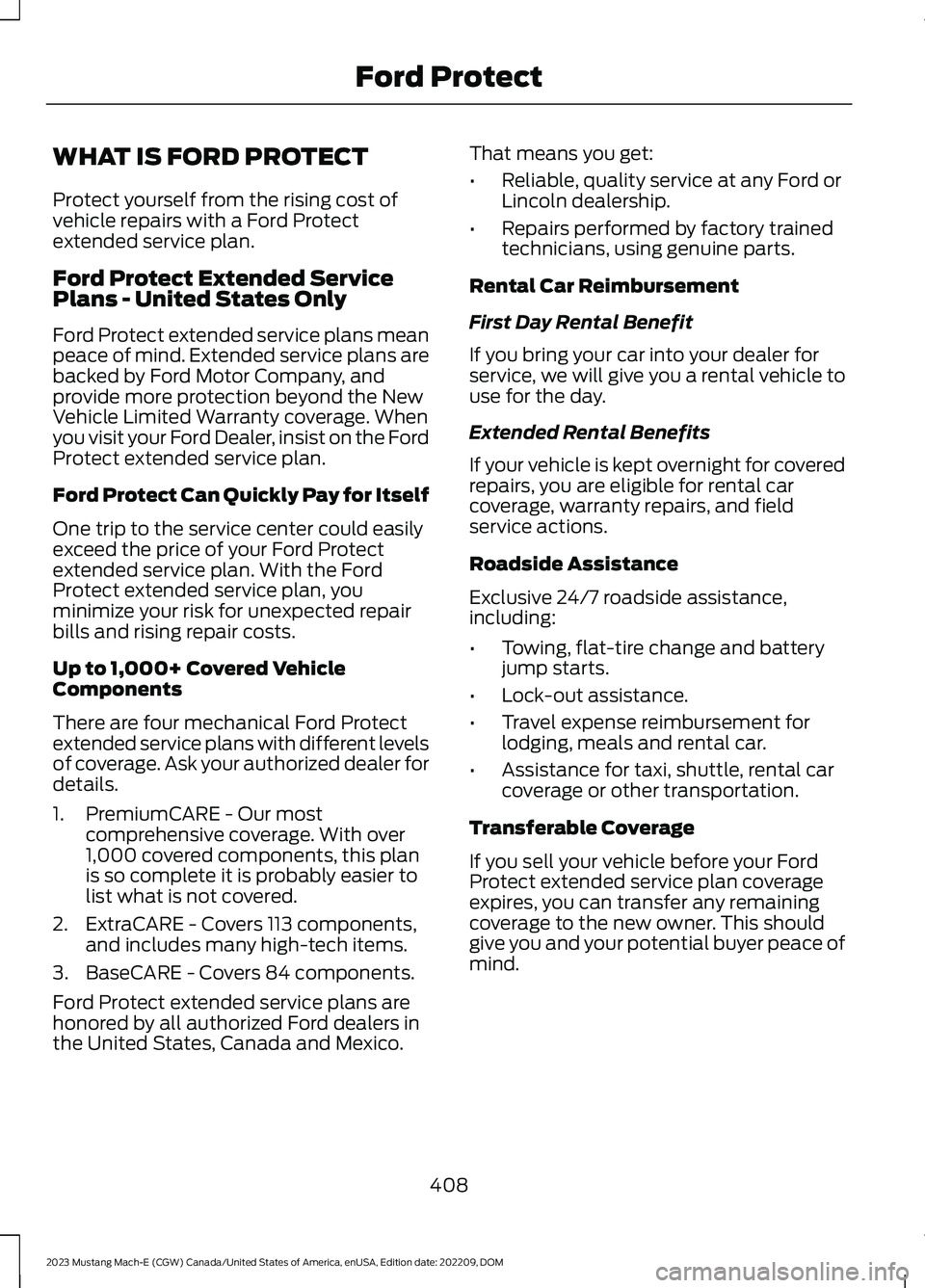
WHAT IS FORD PROTECT
Protect yourself from the rising cost ofvehicle repairs with a Ford Protectextended service plan.
Ford Protect Extended ServicePlans - United States Only
Ford Protect extended service plans meanpeace of mind. Extended service plans arebacked by Ford Motor Company, andprovide more protection beyond the NewVehicle Limited Warranty coverage. Whenyou visit your Ford Dealer, insist on the FordProtect extended service plan.
Ford Protect Can Quickly Pay for Itself
One trip to the service center could easilyexceed the price of your Ford Protectextended service plan. With the FordProtect extended service plan, youminimize your risk for unexpected repairbills and rising repair costs.
Up to 1,000+ Covered VehicleComponents
There are four mechanical Ford Protectextended service plans with different levelsof coverage. Ask your authorized dealer fordetails.
1.PremiumCARE - Our mostcomprehensive coverage. With over1,000 covered components, this planis so complete it is probably easier tolist what is not covered.
2.ExtraCARE - Covers 113 components,and includes many high-tech items.
3.BaseCARE - Covers 84 components.
Ford Protect extended service plans arehonored by all authorized Ford dealers inthe United States, Canada and Mexico.
That means you get:
•Reliable, quality service at any Ford orLincoln dealership.
•Repairs performed by factory trainedtechnicians, using genuine parts.
Rental Car Reimbursement
First Day Rental Benefit
If you bring your car into your dealer forservice, we will give you a rental vehicle touse for the day.
Extended Rental Benefits
If your vehicle is kept overnight for coveredrepairs, you are eligible for rental carcoverage, warranty repairs, and fieldservice actions.
Roadside Assistance
Exclusive 24/7 roadside assistance,including:
•Towing, flat-tire change and batteryjump starts.
•Lock-out assistance.
•Travel expense reimbursement forlodging, meals and rental car.
•Assistance for taxi, shuttle, rental carcoverage or other transportation.
Transferable Coverage
If you sell your vehicle before your FordProtect extended service plan coverageexpires, you can transfer any remainingcoverage to the new owner. This shouldgive you and your potential buyer peace ofmind.
408
2023 Mustang Mach-E (CGW) Canada/United States of America, enUSA, Edition date: 202209, DOMFord Protect
Page 484 of 496
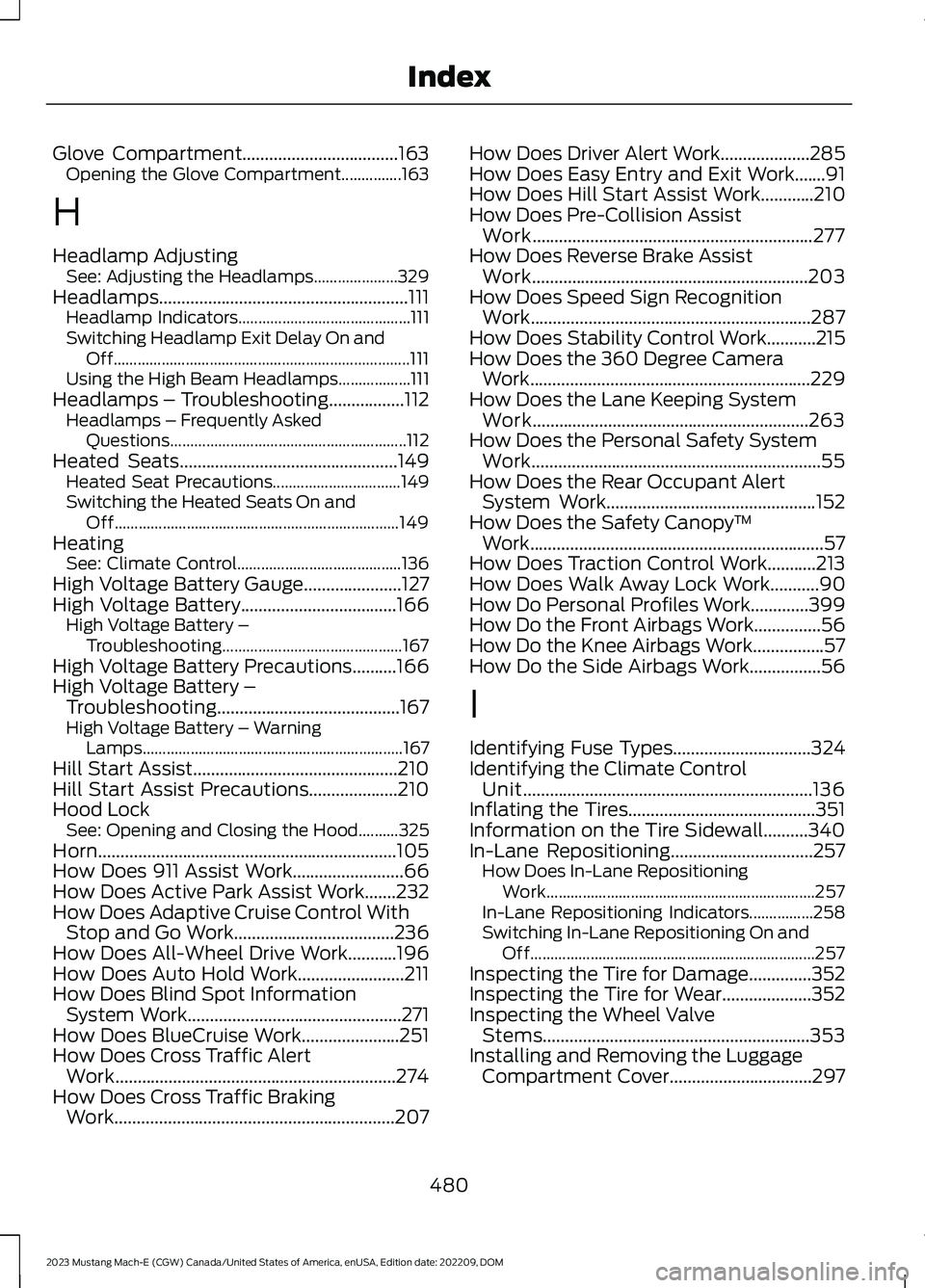
Glove Compartment...................................163Opening the Glove Compartment...............163
H
Headlamp AdjustingSee: Adjusting the Headlamps.....................329Headlamps........................................................111Headlamp Indicators...........................................111Switching Headlamp Exit Delay On andOff..........................................................................111Using the High Beam Headlamps..................111Headlamps – Troubleshooting.................112Headlamps – Frequently AskedQuestions...........................................................112Heated Seats.................................................149Heated Seat Precautions................................149Switching the Heated Seats On andOff.......................................................................149HeatingSee: Climate Control.........................................136High Voltage Battery Gauge......................127High Voltage Battery...................................166High Voltage Battery –Troubleshooting.............................................167High Voltage Battery Precautions..........166High Voltage Battery –Troubleshooting.........................................167High Voltage Battery – WarningLamps.................................................................167Hill Start Assist..............................................210Hill Start Assist Precautions....................210Hood LockSee: Opening and Closing the Hood..........325Horn...................................................................105How Does 911 Assist Work.........................66How Does Active Park Assist Work.......232How Does Adaptive Cruise Control WithStop and Go Work....................................236How Does All-Wheel Drive Work...........196How Does Auto Hold Work........................211How Does Blind Spot InformationSystem Work................................................271How Does BlueCruise Work......................251How Does Cross Traffic AlertWork...............................................................274How Does Cross Traffic BrakingWork...............................................................207
How Does Driver Alert Work....................285How Does Easy Entry and Exit Work.......91How Does Hill Start Assist Work............210How Does Pre-Collision AssistWork...............................................................277How Does Reverse Brake AssistWork..............................................................203How Does Speed Sign RecognitionWork...............................................................287How Does Stability Control Work...........215How Does the 360 Degree CameraWork...............................................................229How Does the Lane Keeping SystemWork..............................................................263How Does the Personal Safety SystemWork.................................................................55How Does the Rear Occupant AlertSystem Work...............................................152How Does the Safety Canopy™Work..................................................................57How Does Traction Control Work...........213How Does Walk Away Lock Work...........90How Do Personal Profiles Work.............399How Do the Front Airbags Work...............56How Do the Knee Airbags Work................57How Do the Side Airbags Work................56
I
Identifying Fuse Types...............................324Identifying the Climate ControlUnit.................................................................136Inflating the Tires..........................................351Information on the Tire Sidewall..........340In-Lane Repositioning................................257How Does In-Lane RepositioningWork...................................................................257In-Lane Repositioning Indicators................258Switching In-Lane Repositioning On andOff.......................................................................257Inspecting the Tire for Damage..............352Inspecting the Tire for Wear....................352Inspecting the Wheel ValveStems............................................................353Installing and Removing the LuggageCompartment Cover................................297
480
2023 Mustang Mach-E (CGW) Canada/United States of America, enUSA, Edition date: 202209, DOMIndex
Page 486 of 496
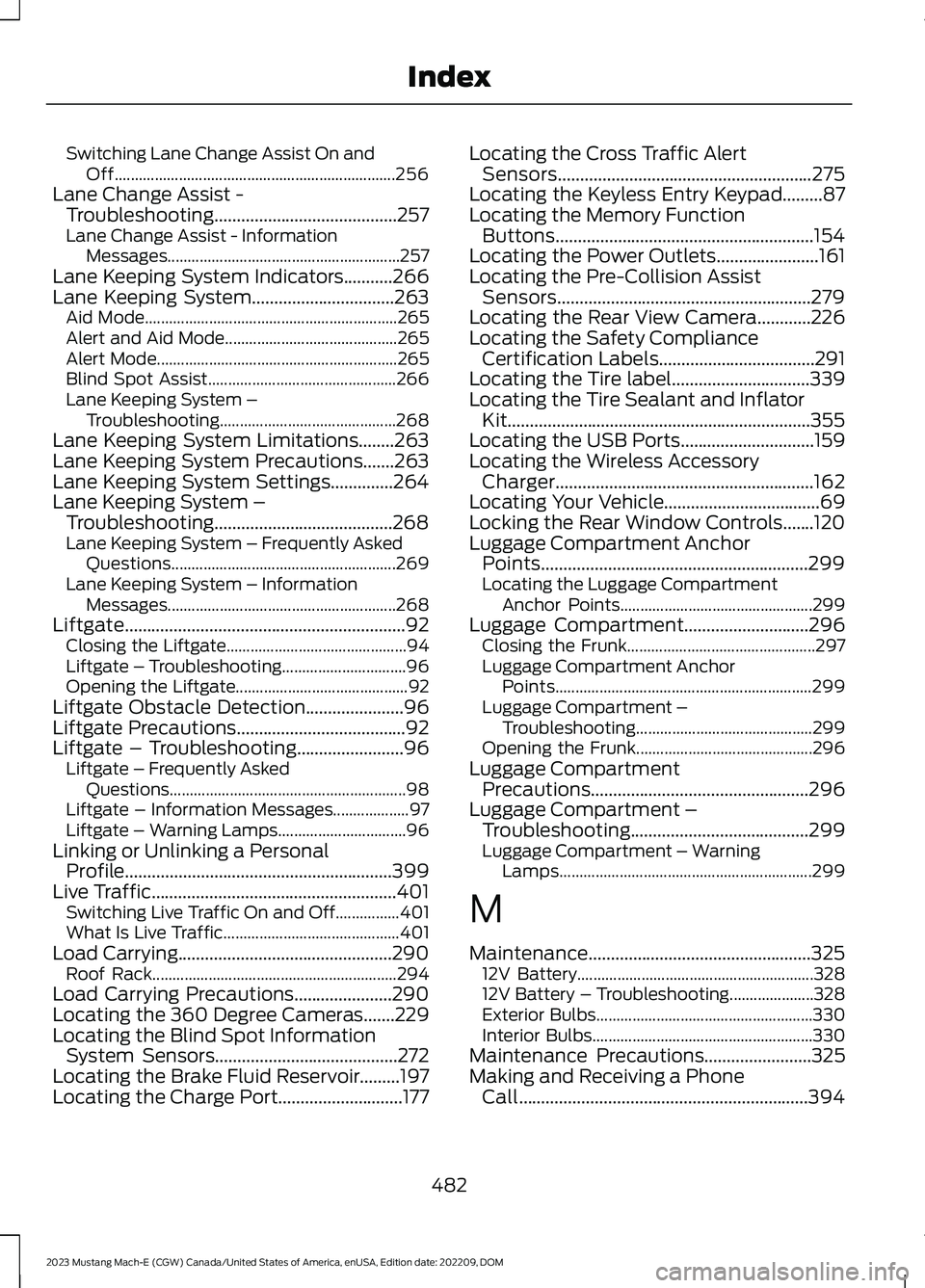
Switching Lane Change Assist On andOff......................................................................256Lane Change Assist -Troubleshooting.........................................257Lane Change Assist - InformationMessages..........................................................257Lane Keeping System Indicators...........266Lane Keeping System................................263Aid Mode...............................................................265Alert and Aid Mode...........................................265Alert Mode............................................................265Blind Spot Assist...............................................266Lane Keeping System –Troubleshooting............................................268Lane Keeping System Limitations........263Lane Keeping System Precautions.......263Lane Keeping System Settings..............264Lane Keeping System –Troubleshooting........................................268Lane Keeping System – Frequently AskedQuestions........................................................269Lane Keeping System – InformationMessages.........................................................268Liftgate...............................................................92Closing the Liftgate.............................................94Liftgate – Troubleshooting...............................96Opening the Liftgate...........................................92Liftgate Obstacle Detection......................96Liftgate Precautions......................................92Liftgate – Troubleshooting........................96Liftgate – Frequently AskedQuestions...........................................................98Liftgate – Information Messages...................97Liftgate – Warning Lamps................................96Linking or Unlinking a PersonalProfile............................................................399Live Traffic.......................................................401Switching Live Traffic On and Off................401What Is Live Traffic............................................401Load Carrying................................................290Roof Rack.............................................................294Load Carrying Precautions......................290Locating the 360 Degree Cameras.......229Locating the Blind Spot InformationSystem Sensors.........................................272Locating the Brake Fluid Reservoir.........197Locating the Charge Port............................177
Locating the Cross Traffic AlertSensors.........................................................275Locating the Keyless Entry Keypad.........87Locating the Memory FunctionButtons..........................................................154Locating the Power Outlets.......................161Locating the Pre-Collision AssistSensors.........................................................279Locating the Rear View Camera............226Locating the Safety ComplianceCertification Labels...................................291Locating the Tire label...............................339Locating the Tire Sealant and InflatorKit....................................................................355Locating the USB Ports..............................159Locating the Wireless AccessoryCharger..........................................................162Locating Your Vehicle...................................69Locking the Rear Window Controls.......120Luggage Compartment AnchorPoints............................................................299Locating the Luggage CompartmentAnchor Points................................................299Luggage Compartment............................296Closing the Frunk...............................................297Luggage Compartment AnchorPoints................................................................299Luggage Compartment –Troubleshooting............................................299Opening the Frunk............................................296Luggage CompartmentPrecautions.................................................296Luggage Compartment –Troubleshooting........................................299Luggage Compartment – WarningLamps...............................................................299
M
Maintenance..................................................32512V Battery...........................................................32812V Battery – Troubleshooting.....................328Exterior Bulbs......................................................330Interior Bulbs.......................................................330Maintenance Precautions........................325Making and Receiving a PhoneCall.................................................................394
482
2023 Mustang Mach-E (CGW) Canada/United States of America, enUSA, Edition date: 202209, DOMIndex
Page 492 of 496
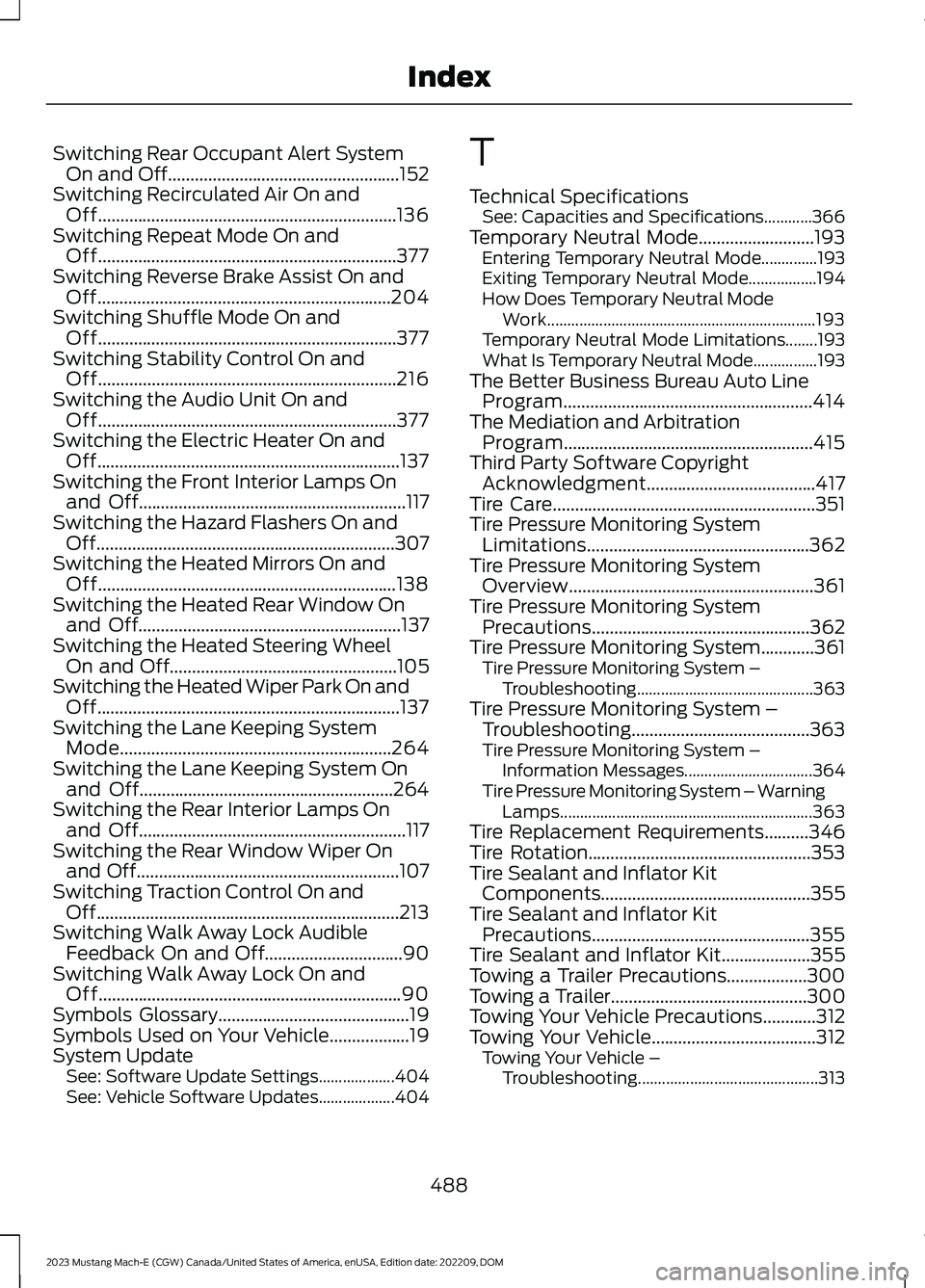
Switching Rear Occupant Alert SystemOn and Off....................................................152Switching Recirculated Air On andOff...................................................................136Switching Repeat Mode On andOff...................................................................377Switching Reverse Brake Assist On andOff..................................................................204Switching Shuffle Mode On andOff...................................................................377Switching Stability Control On andOff...................................................................216Switching the Audio Unit On andOff...................................................................377Switching the Electric Heater On andOff....................................................................137Switching the Front Interior Lamps Onand Off............................................................117Switching the Hazard Flashers On andOff...................................................................307Switching the Heated Mirrors On andOff...................................................................138Switching the Heated Rear Window Onand Off...........................................................137Switching the Heated Steering WheelOn and Off...................................................105Switching the Heated Wiper Park On andOff....................................................................137Switching the Lane Keeping SystemMode.............................................................264Switching the Lane Keeping System Onand Off.........................................................264Switching the Rear Interior Lamps Onand Off............................................................117Switching the Rear Window Wiper Onand Off...........................................................107Switching Traction Control On andOff....................................................................213Switching Walk Away Lock AudibleFeedback On and Off...............................90Switching Walk Away Lock On andOff....................................................................90Symbols Glossary...........................................19Symbols Used on Your Vehicle..................19System UpdateSee: Software Update Settings...................404See: Vehicle Software Updates...................404
T
Technical SpecificationsSee: Capacities and Specifications............366Temporary Neutral Mode..........................193Entering Temporary Neutral Mode..............193Exiting Temporary Neutral Mode.................194How Does Temporary Neutral ModeWork...................................................................193Temporary Neutral Mode Limitations........193What Is Temporary Neutral Mode................193The Better Business Bureau Auto LineProgram........................................................414The Mediation and ArbitrationProgram........................................................415Third Party Software CopyrightAcknowledgment......................................417Tire Care...........................................................351Tire Pressure Monitoring SystemLimitations..................................................362Tire Pressure Monitoring SystemOverview.......................................................361Tire Pressure Monitoring SystemPrecautions.................................................362Tire Pressure Monitoring System............361Tire Pressure Monitoring System –Troubleshooting............................................363Tire Pressure Monitoring System –Troubleshooting........................................363Tire Pressure Monitoring System –Information Messages................................364Tire Pressure Monitoring System – WarningLamps...............................................................363Tire Replacement Requirements..........346Tire Rotation..................................................353Tire Sealant and Inflator KitComponents...............................................355Tire Sealant and Inflator KitPrecautions.................................................355Tire Sealant and Inflator Kit....................355Towing a Trailer Precautions..................300Towing a Trailer............................................300Towing Your Vehicle Precautions............312Towing Your Vehicle.....................................312Towing Your Vehicle –Troubleshooting.............................................313
488
2023 Mustang Mach-E (CGW) Canada/United States of America, enUSA, Edition date: 202209, DOMIndex
Page 493 of 496
Towing Your Vehicle –Troubleshooting.........................................313Towing Your Vehicle – InformationMessages..........................................................313Traction Control Indicator..........................213Traction Control.............................................213Traction Control – Troubleshooting............214Traction Control –Troubleshooting.........................................214Traction Control – InformationMessages..........................................................214Traction Control – Warning Lamps..............214Transporting the Vehicle.............................311Trip Computer................................................133Trip Data...........................................................133
U
Under Hood Fuse Box.................................314Accessing the Under Hood Fuse Box..........314Identifying the Fuses in the Under HoodFuse Box............................................................315Locating the Under Hood Fuse Box.............314Under Hood Overview................................325USB Ports........................................................159Using Alexa Built-In.....................................391Using Auto Hold.............................................211Using FordPass and Charging.................189Using Keyless Entry.......................................85Using MyKey With Remote StartSystems..........................................................78Using Snow Chains.....................................349Using Summer Tires...................................348Using the Backup Start Passcode...........73Using the Frunk EmergencyRelease..........................................................297Using the Keyless Entry Keypad...............88Using the Remote Control..........................68Using the Tire Sealant and InflatorKit...................................................................356Using the Valet Mode....................................73Using This Publication..................................18Using Winter Tires.......................................349
V
Vehicle Care....................................................331Cleaning the Exterior.........................................331
Cleaning the Interior.........................................333General Information..........................................331Vehicle Identification Number................370Locating the Vehicle IdentificationNumber.............................................................370Vehicle Identification NumberOverview..........................................................370Vehicle Identification..................................370Vehicle Identification Number......................370Vehicle Interior - Excluding: GT..................31Vehicle Interior - GT.......................................32Vehicle Range Display.................................127Vehicle Software Updates......................404Vehicle System Reset................................406Vehicle Wi-Fi Hotspot –Troubleshooting........................................376Vehicle Wi-Fi Hotspot – Frequently AskedQuestions.........................................................376Vehicle Wi-Fi Hotspot................................375Vehicle Wi-Fi Hotspot –Troubleshooting............................................376VentilationSee: Climate Control.........................................136Viewing the Tire Pressures.......................363Visual Search....................................................27Voice Interaction..........................................389Ford Assistant....................................................389
W
Walk Away Lock Limitations.....................90Walk Away Lock.............................................90Warranty Information................................468Washer Fluid Specification......................368Washers...........................................................109Adding Washer Fluid..........................................110Switching the Courtesy Wipe On andOff.......................................................................109Using the Rear Window Washer...................109Using the Windshield Washer.......................109Washer Fluid Specification..............................110Washer Precautions..........................................109WashersSee: Wipers and Washers...............................106Waxing Your Vehicle...................................335Waypoints......................................................402Adding a Waypoint...........................................402Editing Waypoints.............................................402
489
2023 Mustang Mach-E (CGW) Canada/United States of America, enUSA, Edition date: 202209, DOMIndex
Page 494 of 496
What Are the Instrument ClusterIndicators......................................................129What Are the Instrument ClusterWarning Lamps..........................................128What Is 911 Assist..........................................66What is AC Charging...................................168What Is a Connected Vehicle...................372What Is Active Park Assist........................232What is Alexa Built-In.................................391What Is Blind Spot InformationSystem...........................................................271What Is BlueCruise.......................................251What Is Cross Traffic Alert........................274What Is Cross Traffic Braking..................207What is DC Charging...................................168What Is Drive Mode Control....................260What Is Driver Alert.....................................285What Is Ford Protect.................................408What Is Hill Start Assist.............................210What Is Keyless Entry...................................85What Is MyKey.................................................76What is One Pedal Drive...........................262What Is Phone as a Key................................72What Is Pre-Collision Assist.....................277What Is Remote Start.................................134What Is Reverse Brake Assist..................203What Is Speed Sign Recognition...........287What Is the 360 Degree Camera...........229What Is the Cabin Air Filter.......................142What Is the Electric Parking Brake.......200What Is the Gross Axle WeightRating.............................................................291What Is the Gross Combined WeightRating............................................................292What Is the Gross Vehicle WeightRating.............................................................291What Is the High Voltage Battery...........166What Is the Keyless Entry Keypad...........87What Is the Lane Keeping System........263What Is the Maximum Loaded TrailerWeight............................................................291What Is the Memory Function.................154What Is the Pedestrian AlertSystem............................................................65What Is the Personal SafetySystem............................................................55What Is the Power Outlet...........................161
What is the Rear Occupant AlertSystem...........................................................152What Is the Rear View Camera..............226What Is the Tire Pressure MonitoringSystem...........................................................361What Is the Tire Sealant and InflatorKit....................................................................355What Is the Wireless AccessoryCharger..........................................................162What Is Traction Control............................213What is Walk Away Lock.............................90Wheel and Tire Information....................339Wheel Nuts....................................................365Wi FiSee: Changing the Vehicle Wi-Fi HotspotName or Password.......................................376See: Connecting the Vehicle to a Wi-FiNetwork.............................................................372See: Creating a Vehicle Wi-Fi Hotspot.......375See: Vehicle Wi-Fi Hotspot............................375Window Bounce-Back...............................120Overriding Window Bounce-Back................120What Is Window Bounce-Back.....................120Windows...........................................................119Global Opening and Closing...........................119Window Bounce-Back......................................120Wipers and Washers –Troubleshooting..........................................110Wipers and Washers – Frequently AskedQuestions..........................................................110Wipers and Washers – WarningLamps.................................................................110Wipers and Washers...................................106Autowipers...........................................................106Reverse Wipe........................................................107Washers.................................................................109Wipers....................................................................106Wipers and Washers –Troubleshooting..............................................110Wipers..............................................................106Switching Windshield Wipers On andOff.......................................................................106Wiper Precautions.............................................106Wireless Accessory ChargerPrecautions..................................................162Wireless Accessory Charger.....................162
490
2023 Mustang Mach-E (CGW) Canada/United States of America, enUSA, Edition date: 202209, DOMIndex