battery FORD POLICE INTERCEPTOR 2021 Owners Manual
[x] Cancel search | Manufacturer: FORD, Model Year: 2021, Model line: POLICE INTERCEPTOR, Model: FORD POLICE INTERCEPTOR 2021Pages: 412, PDF Size: 7.51 MB
Page 2 of 412
The information contained in this publication was correct at the time of going to print. In the interest of
continuous development, we reserve the right to change specifications, design or equipment at any time
without notice or obligation. No part of this publication may be reproduced, transmitted, stored in a
retrieval system or translated into any language in any form by any means without our written permission.
Errors and omissions excepted.
© Ford Motor Company 2020
All rights reserved.
Part Number: 202007 20201030111109
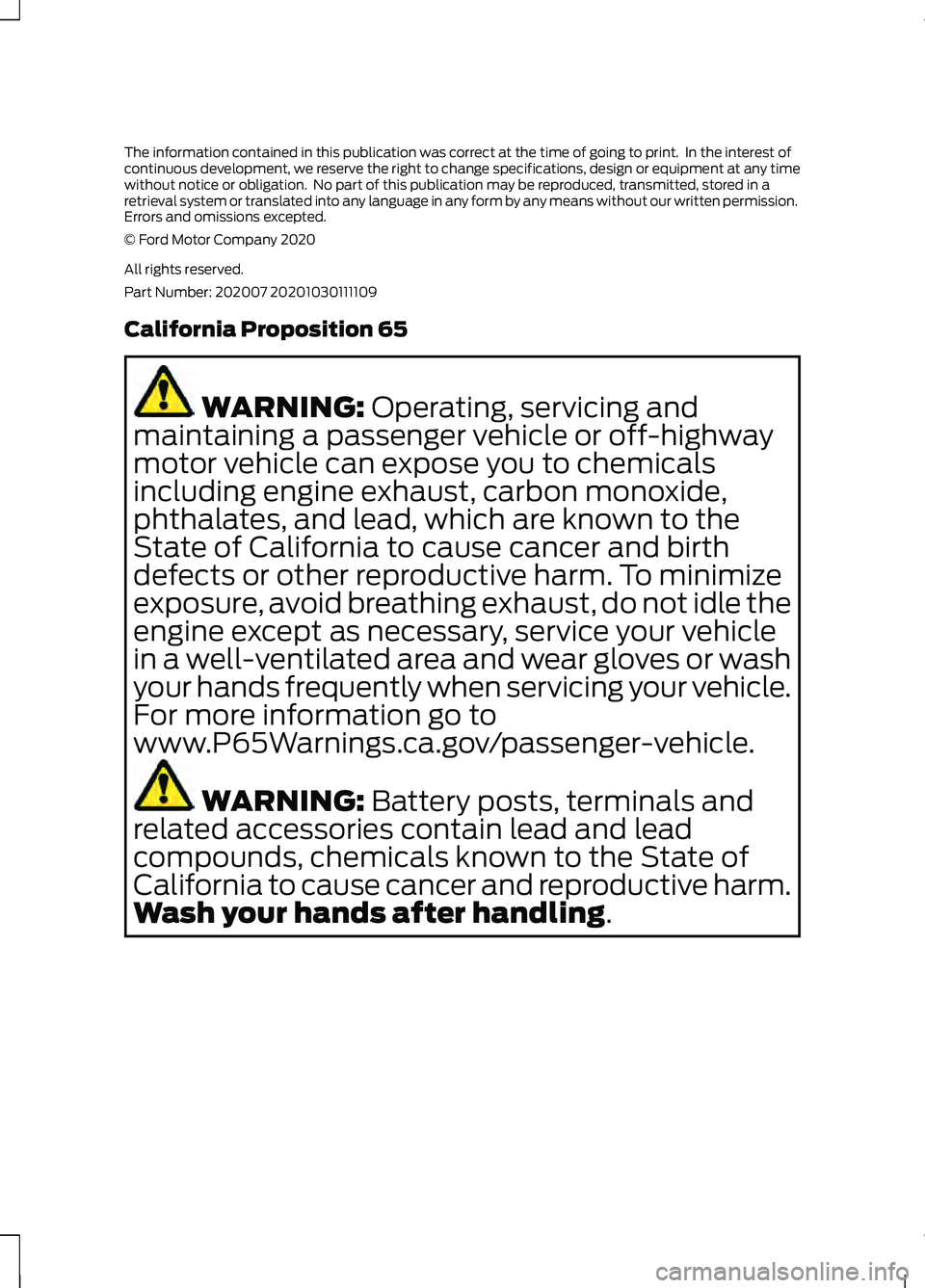
California Proposition 65
WARNING: Operating, servicing and
maintaining a passenger vehicle or off-highway
motor vehicle can expose you to chemicals
including engine exhaust, carbon monoxide,
phthalates, and lead, which are known to the
State of California to cause cancer and birth
defects or other reproductive harm. To minimize
exposure, avoid breathing exhaust, do not idle the
engine except as necessary, service your vehicle
in a well-ventilated area and wear gloves or wash
your hands frequently when servicing your vehicle.
For more information go to
www.P65Warnings.ca.gov/passenger-vehicle. WARNING:
Battery posts, terminals and
related accessories contain lead and lead
compounds, chemicals known to the State of
California to cause cancer and reproductive harm.
Wash your hands after handling
.
Page 6 of 412
Starting and Stopping the
Engine
General Information ....................................118
Ignition Switch ...............................................
118
Starting a Gasoline Engine .......................
118
Starting a Hybrid Electric Vehicle System ........................................................................\
.
120
Engine Block Heater .....................................
121
Police Engine Idle Feature ........................
122
Unique Driving Characteristics - Hybrid Electric Vehicle
(HEV)
Hybrid Vehicle Operation ..........................
123
Hybrid Vehicle Frequently Asked Questions ...................................................
125
Fuel and Refueling
Safety Precautions ......................................
126
Fuel Quality - E85 ........................................
126
Fuel Quality - Gasoline ..............................
128
Fuel Filler Funnel Location .......................
128
Running Out of Fuel ....................................
128
Refueling - Excluding: Hybrid Electric Vehicle (HEV) ...........................................
130
Refueling - Hybrid Electric Vehicle (HEV) ........................................................................\
.
133
Fuel Consumption .......................................
135
Engine Emission Control
Emission Law .................................................
137
Catalytic Converter .....................................
138
High Voltage Battery
General Information - Hybrid Electric Vehicle (HEV) ............................................
141
Transmission
Automatic Transmission ...........................
142All-Wheel Drive
Using All-Wheel Drive
...............................
144
Brakes
General Information ....................................
151
Hints on Driving With Anti-Lock Brakes ........................................................................\
.
152
Electric Parking Brake ................................
152
Hill Start Assist .............................................
154
Traction Control
Principle of Operation ................................
156
Using Traction Control ...............................
156
Stability Control
Principle of Operation ................................
157
Using Stability Control ..............................
158
Parking Aids
Principle of Operation ................................
159
Rear Parking Aid ...........................................
159
Rear View Camera .......................................
161
Cruise Control
What Is Cruise Control ...............................
165
Switching Cruise Control On and Off ........................................................................\
.
165
Setting the Cruise Control Speed .........
165
Canceling the Set Speed ..........................
166
Resuming the Set Speed .........................
166
Cruise Control Indicators ..........................
166
Driving Aids
Blind Spot Information System ..............
167
Cross Traffic Alert ........................................
170
Steering ...........................................................
174
Pre-Collision Assist .....................................
174
Drive Mode Control
What Is Drive Mode Control .....................
178
3
Explorer (CTW) Police, Canada/United States of America, Police, enUSA, Edition date: 202007, Second-Printing Table of Contents
Page 7 of 412
Selecting a Drive Mode
..............................178
Drive Modes ...................................................
178
Load Carrying
Load Limit ......................................................
180
Towing
Towing a Trailer ............................................
185
Recommended Towing Weights ...........
186
Essential Towing Checks ..........................
188
Towing the Vehicle on Four Wheels ......
190
Driving Hints
Reduced Engine Performance .................
191
Economical Driving ......................................
191
Cold Weather Precautions .......................
192
Breaking-In .....................................................
192
Driving Through Water ...............................
192
Floor Mats ......................................................
193
Roadside Emergencies
Roadside Assistance ..................................
194
Hazard Flashers ...........................................
195
Fuel Shutoff ...................................................
195
Jump Starting the Vehicle ........................
196
Collision, Damage or Fire Event .............
198
Post-Crash Alert System ..........................
199
Transporting the Vehicle ..........................
199
Customer Assistance
Getting the Services You Need ...............
201
In California (U.S. Only) ...........................
202
The Better Business Bureau (BBB) Auto Line Program (U.S. Only) ....................
203
Utilizing the Mediation/Arbitration Program (Canada Only) ......................
204
Getting Assistance Outside the U.S. and Canada .......................................................
204
Ordering Additional Owner's Literature .......................................................................
206 Reporting Safety Defects (U.S. Only)
.......................................................................
206
Reporting Safety Defects (Canada Only) .......................................................................
206
Fuses
Fuse Specification Chart .........................
208
Changing a Fuse ..........................................
216
Maintenance
General Information ...................................
218
Opening and Closing the Hood ..............
218
Under Hood Overview - 3.0L .................
220
Under Hood Overview - 3.3L ...................
221
Engine Oil Dipstick - 3.0L .........................
222
Engine Oil Dipstick - 3.3L .........................
222
Engine Oil Check .........................................
222
Oil Change Indicator Reset ......................
223
Changing the Engine Air Filter - 3.0L ........................................................................\
224
Changing the Engine Air Filter - 3.3L ....
225
Engine Coolant Check ..............................
226
Automatic Transmission Fluid Check ........................................................................\
230
Brake Fluid Check .......................................
230
Power Steering Fluid Check .....................
231
Changing the 12V Battery .........................
231
Adjusting the Headlamps ........................
233
Washer Fluid Check ...................................
235
Fuel Filter .......................................................
235
Checking the Wiper Blades .....................
235
Changing the Front Wiper Blades ........
235
Changing the Rear Wiper Blades ..........
236
Changing a Bulb ..........................................
236
Vehicle Care
General Information ..................................
238
Cleaning Products ......................................
238
Cleaning the Exterior .................................
239
Waxing ............................................................
240
4
Explorer (CTW) Police, Canada/United States of America, Police, enUSA, Edition date: 202007, Second-Printing Table of Contents
Page 10 of 412
ABOUT THIS MANUAL
Thank you for choosing Ford. We
recommend that you take some time to
get to know your vehicle by reading this
manual. The more that you know about
your vehicle, the greater the safety and
pleasure you will get from driving it.
WARNING: Driving while
distracted can result in loss of vehicle
control, crash and injury. We strongly
recommend that you use extreme
caution when using any device that may
take your focus off the road. Your
primary responsibility is the safe
operation of your vehicle. We
recommend against the use of any
hand-held device while driving and
encourage the use of voice-operated
systems when possible. Make sure you
are aware of all applicable local laws
that may affect the use of electronic
devices while driving.
Note: This manual describes product
features and options available throughout
the range of available models, sometimes
even before they are generally available. It
may describe options not fitted to the
vehicle you have purchased.
Note: Some of the illustrations in this
manual may show features as used in
different models, so may appear different
to you on your vehicle.
Note: Always use and operate your vehicle
in line with all applicable laws and
regulations.
Note: Pass on this manual when selling
your vehicle. It is an integral part of your
vehicle.
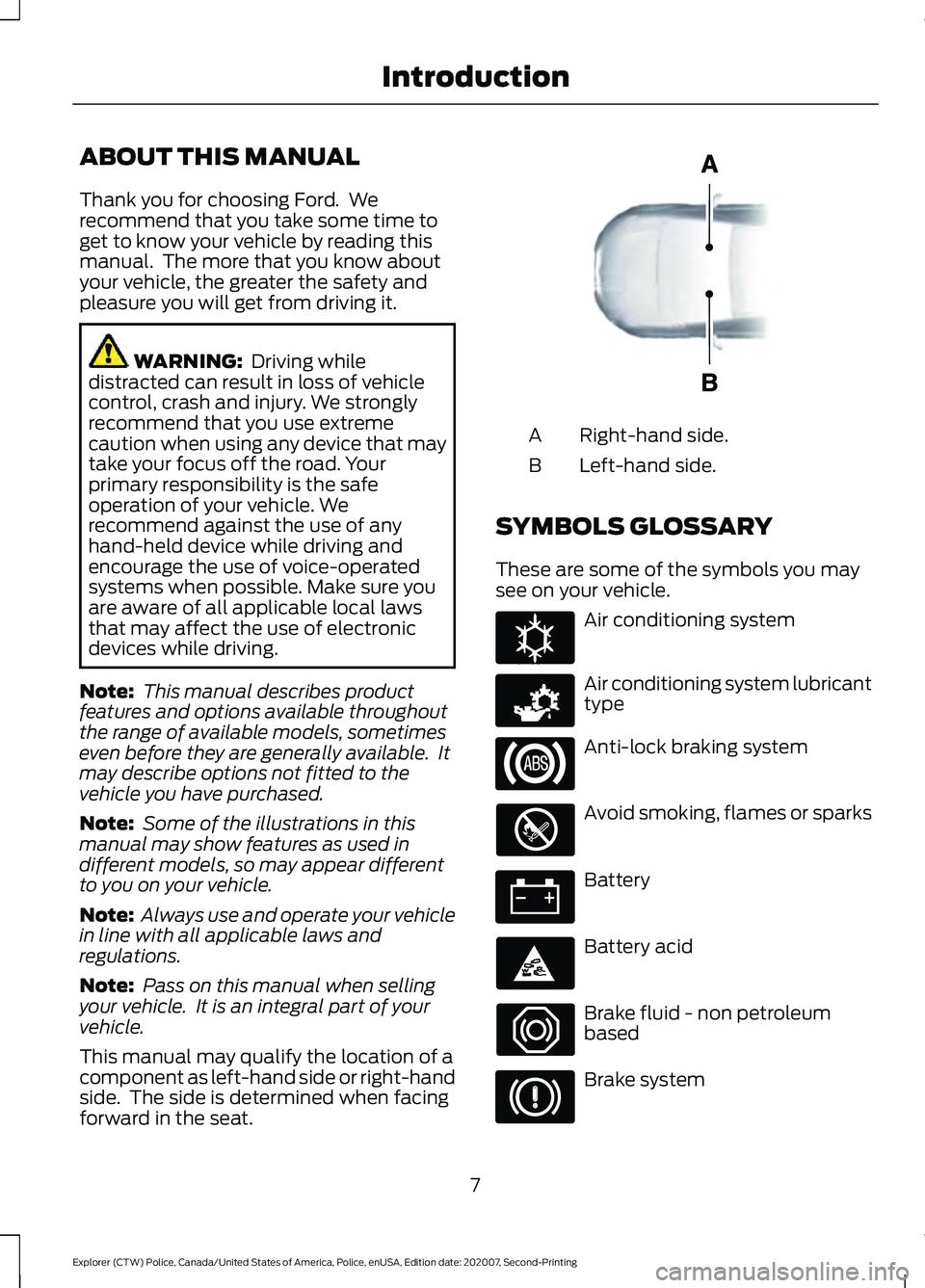
This manual may qualify the location of a
component as left-hand side or right-hand
side. The side is determined when facing
forward in the seat. Right-hand side.
A
Left-hand side.
B
SYMBOLS GLOSSARY
These are some of the symbols you may
see on your vehicle. Air conditioning system
Air conditioning system lubricant
type
Anti-lock braking system
Avoid smoking, flames or sparks
Battery
Battery acid
Brake fluid - non petroleum
based
Brake system
7
Explorer (CTW) Police, Canada/United States of America, Police, enUSA, Edition date: 202007, Second-Printing IntroductionE154903 E162384 E231157
Page 16 of 412
WARNING: Do not connect
wireless plug-in devices to the data link
connector. Unauthorized third parties
could gain access to vehicle data and
impair the performance of safety related
systems. Only allow repair facilities that
follow our service and repair instructions
to connect their equipment to the data
link connector.
We respect your privacy and are
committed to protecting it. The
information contained in this manual was
correct at the time of publication, but as
technology rapidly changes, we
recommend that you visit the local Ford
website for the latest information.
Your vehicle has electronic control units
that have data recording functionality and
the ability to permanently or temporarily
store data. This data could include
information on the condition and status of
your vehicle, vehicle maintenance
requirements, events and malfunctions.
The types of data that can be recorded are
described in this section. Some of the data
recorded is stored in event logs or error
logs.
Note: Error logs are reset following a service
or repair.
Note: We may provide information in
response to requests from law enforcement,
other government authorities and third
parties acting with lawful authority or
through a legal process. Such information
could be used by them in legal proceedings.
Data recorded includes, for example:
• Operating states of system
components, for example fuel level,
tire pressure and battery charge level.
• Vehicle and component status, for
example wheel speed, deceleration,
lateral acceleration and seatbelt
status. •
Events or errors in essential systems,
for example headlamps and brakes.
• System responses to driving situations,
for example airbag deployment and
stability control.
• Environmental conditions, for example
temperature.
Some of this data, when used in
combination with other information, for
example an accident report, damage to a
vehicle or eyewitness statements, could
be associated with a specific person.
Services That We Provide
If you use our services, we collect and use
data, for example account information,
vehicle location and driving characteristics,
that could identify you. We transmit this
data through a dedicated, protected
connection. We only collect and use data
to enable your use of our services to which
you have subscribed, with your consent or
where permitted by law. For additional
information, see the terms and conditions
of the services to which you have
subscribed.
For additional information about our
privacy policy, refer to the local Ford
website.
Services That Third Parties
Provide
We recommend that you review the terms
and conditions and data privacy
information for any services equipped with
your vehicle or to which you subscribe. We
take no responsibility for services that third
parties provide.
13
Explorer (CTW) Police, Canada/United States of America, Police, enUSA, Edition date: 202007, Second-Printing Data Privacy
Page 59 of 412
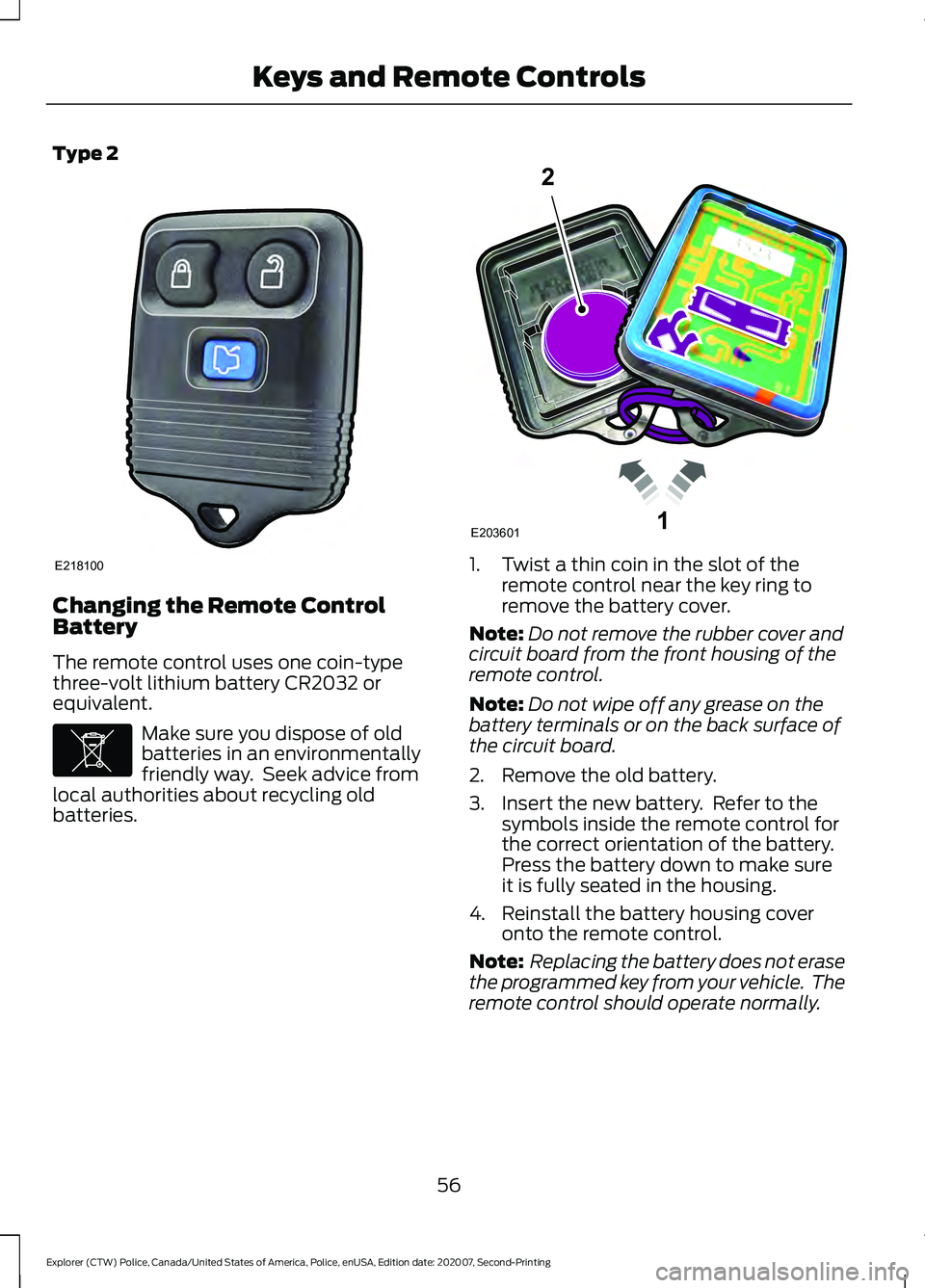
Type 2
Changing the Remote Control
Battery
The remote control uses one coin-type
three-volt lithium battery CR2032 or
equivalent.
Make sure you dispose of old
batteries in an environmentally
friendly way. Seek advice from
local authorities about recycling old
batteries. 1. Twist a thin coin in the slot of the
remote control near the key ring to
remove the battery cover.
Note: Do not remove the rubber cover and
circuit board from the front housing of the
remote control.
Note: Do not wipe off any grease on the
battery terminals or on the back surface of
the circuit board.
2. Remove the old battery.
3. Insert the new battery. Refer to the symbols inside the remote control for
the correct orientation of the battery.
Press the battery down to make sure
it is fully seated in the housing.
4. Reinstall the battery housing cover onto the remote control.
Note: Replacing the battery does not erase
the programmed key from your vehicle. The
remote control should operate normally.
56
Explorer (CTW) Police, Canada/United States of America, Police, enUSA, Edition date: 202007, Second-Printing Keys and Remote ControlsE218100 E107998 1E203601
2
Page 63 of 412
The lamps turn off if:
•
The ignition is on.
• You press the remote control lock
button.
• 25 seconds have elapsed.
The lamps do not turn off if:
• You switch them on with the lighting
control.
• Any door is open.
Illuminated Exit (If Equipped)
The interior lamps and some exterior
lamps illuminate when all doors close and
you switch the ignition off.
The lamps turn off if all the doors remain
closed and:
• 25 seconds have elapsed.
• You lock your vehicle from the outside.
Battery Saver
If you leave the courtesy lamps, interior
lamps or headlamps on, the battery saver
shuts them off 10 minutes after you switch
the ignition off.
60
Explorer (CTW) Police, Canada/United States of America, Police, enUSA, Edition date: 202007, Second-Printing Doors and Locks
Page 75 of 412
Push the lever up or down to use
the direction indicators.
Note: Tap the lever up or down to make the
direction indicators flash three times.
INTERIOR LAMPS
Note: The Dark Car feature disables the
courtesy lamps.
The lamps turn on under the following
conditions:
• You open any door.
• You press a button on the remote
control.
• You press the all lamps on button on
the overhead console.
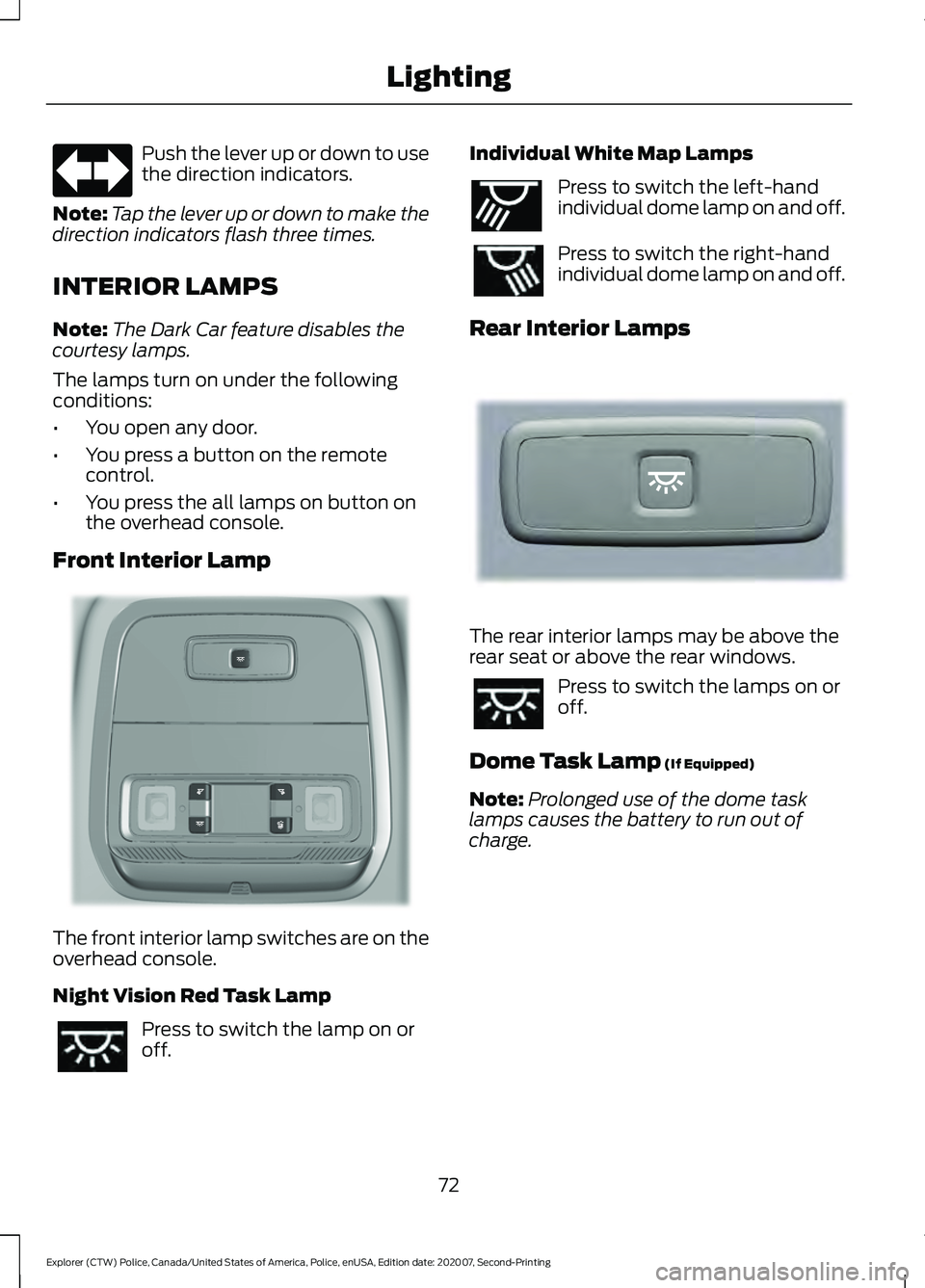
Front Interior Lamp The front interior lamp switches are on the
overhead console.
Night Vision Red Task Lamp
Press to switch the lamp on or
off. Individual White Map Lamps Press to switch the left-hand
individual dome lamp on and off.
Press to switch the right-hand
individual dome lamp on and off.
Rear Interior Lamps The rear interior lamps may be above the
rear seat or above the rear windows.
Press to switch the lamps on or
off.
Dome Task Lamp (If Equipped)
Note: Prolonged use of the dome task
lamps causes the battery to run out of
charge.
72
Explorer (CTW) Police, Canada/United States of America, Police, enUSA, Edition date: 202007, Second-Printing Lighting E299715 E262193 E281231
Page 82 of 412
Note:
The low fuel reminder can appear at
different fuel gauge positions depending on
fuel economy conditions. This variation is
normal.
Engine Coolant Temperature
Gauge
Indicates engine coolant temperature. At
normal operating temperature, the level
indicator will be in the normal range. If the
engine coolant temperature exceeds the
normal range, stop your vehicle as soon as
safely possible, switch off the engine and
let the engine cool. WARNING: Do not remove the
coolant reservoir cap when the engine is
on or the cooling system is hot. Wait 10
minutes for the cooling system to cool
down. Cover the coolant reservoir cap
with a thick cloth to prevent the
possibility of scalding and slowly remove
the cap. Failure to follow this instruction
could result in personal injury.
WARNING LAMPS AND
INDICATORS
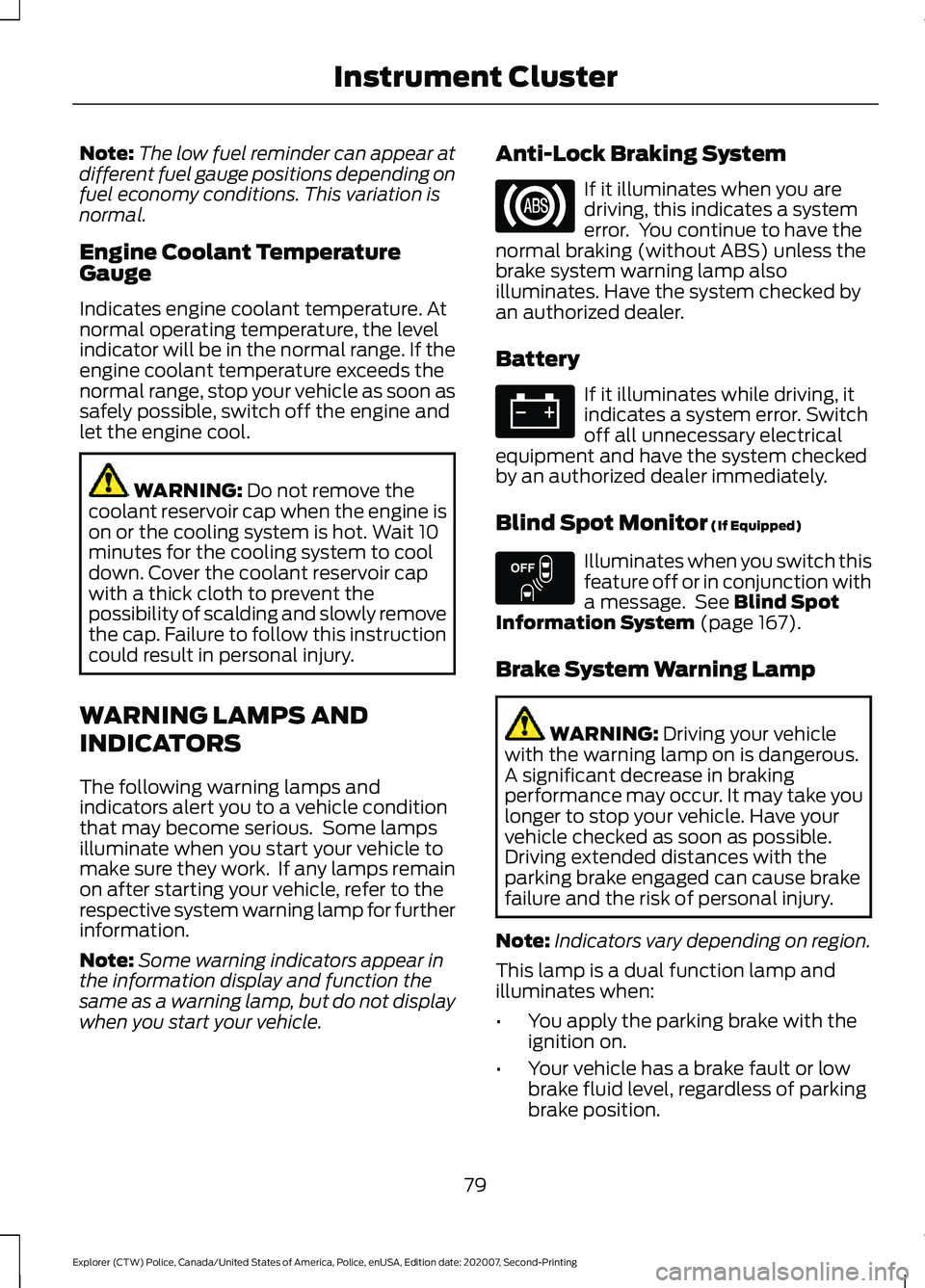
The following warning lamps and
indicators alert you to a vehicle condition
that may become serious. Some lamps
illuminate when you start your vehicle to
make sure they work. If any lamps remain
on after starting your vehicle, refer to the
respective system warning lamp for further
information.
Note: Some warning indicators appear in
the information display and function the
same as a warning lamp, but do not display
when you start your vehicle. Anti-Lock Braking System If it illuminates when you are
driving, this indicates a system
error. You continue to have the
normal braking (without ABS) unless the
brake system warning lamp also
illuminates. Have the system checked by
an authorized dealer.
Battery If it illuminates while driving, it
indicates a system error. Switch
off all unnecessary electrical
equipment and have the system checked
by an authorized dealer immediately.
Blind Spot Monitor
(If Equipped) Illuminates when you switch this
feature off or in conjunction with
a message. See
Blind Spot
Information System (page 167).
Brake System Warning Lamp WARNING:
Driving your vehicle
with the warning lamp on is dangerous.
A significant decrease in braking
performance may occur. It may take you
longer to stop your vehicle. Have your
vehicle checked as soon as possible.
Driving extended distances with the
parking brake engaged can cause brake
failure and the risk of personal injury.
Note: Indicators vary depending on region.
This lamp is a dual function lamp and
illuminates when:
• You apply the parking brake with the
ignition on.
• Your vehicle has a brake fault or low
brake fluid level, regardless of parking
brake position.
79
Explorer (CTW) Police, Canada/United States of America, Police, enUSA, Edition date: 202007, Second-Printing Instrument Cluster E151262
Page 92 of 412
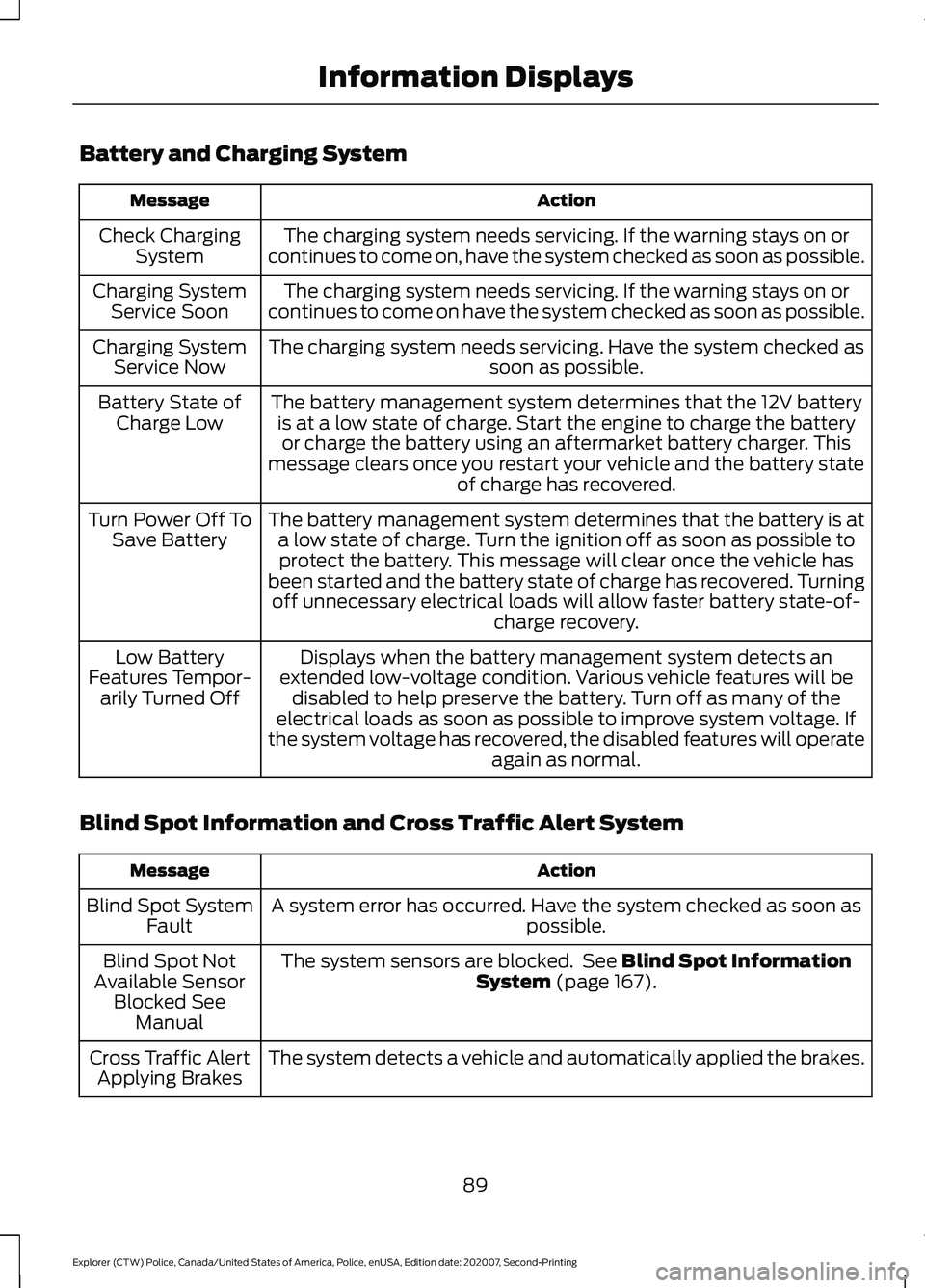
Battery and Charging System
Action
Message
The charging system needs servicing. If the warning stays on or
continues to come on, have the system checked as soon as possible.
Check Charging
System
The charging system needs servicing. If the warning stays on or
continues to come on have the system checked as soon as possible.
Charging System
Service Soon
The charging system needs servicing. Have the system checked as soon as possible.
Charging System
Service Now
The battery management system determines that the 12V batteryis at a low state of charge. Start the engine to charge the batteryor charge the battery using an aftermarket battery charger. This
message clears once you restart your vehicle and the battery state of charge has recovered.
Battery State of
Charge Low
The battery management system determines that the battery is ata low state of charge. Turn the ignition off as soon as possible toprotect the battery. This message will clear once the vehicle has
been started and the battery state of charge has recovered. Turning off unnecessary electrical loads will allow faster battery state-of- charge recovery.
Turn Power Off To
Save Battery
Displays when the battery management system detects an
extended low-voltage condition. Various vehicle features will be disabled to help preserve the battery. Turn off as many of the
electrical loads as soon as possible to improve system voltage. If
the system voltage has recovered, the disabled features will operate again as normal.
Low Battery
Features Tempor- arily Turned Off
Blind Spot Information and Cross Traffic Alert System Action
Message
A system error has occurred. Have the system checked as soon as possible.
Blind Spot System
Fault
The system sensors are blocked. See Blind Spot Information
System (page 167).
Blind Spot Not
Available Sensor Blocked See Manual
The system detects a vehicle and automatically applied the brakes.
Cross Traffic Alert
Applying Brakes
89
Explorer (CTW) Police, Canada/United States of America, Police, enUSA, Edition date: 202007, Second-Printing Information Displays