instrument panel FORD RANGER 2004 2.G User Guide
[x] Cancel search | Manufacturer: FORD, Model Year: 2004, Model line: RANGER, Model: FORD RANGER 2004 2.GPages: 248, PDF Size: 6.16 MB
Page 138 of 248
Fuse/RelayLocation Fuse Amp
Rating Passenger Compartment Fuse
Panel Description
31 20A Front park lamps, Rear park lamps, License plate lamps
32 5A Brake switch (logic)
33 5A Instrument cluster
34 20A Power point
35 15A Power locks
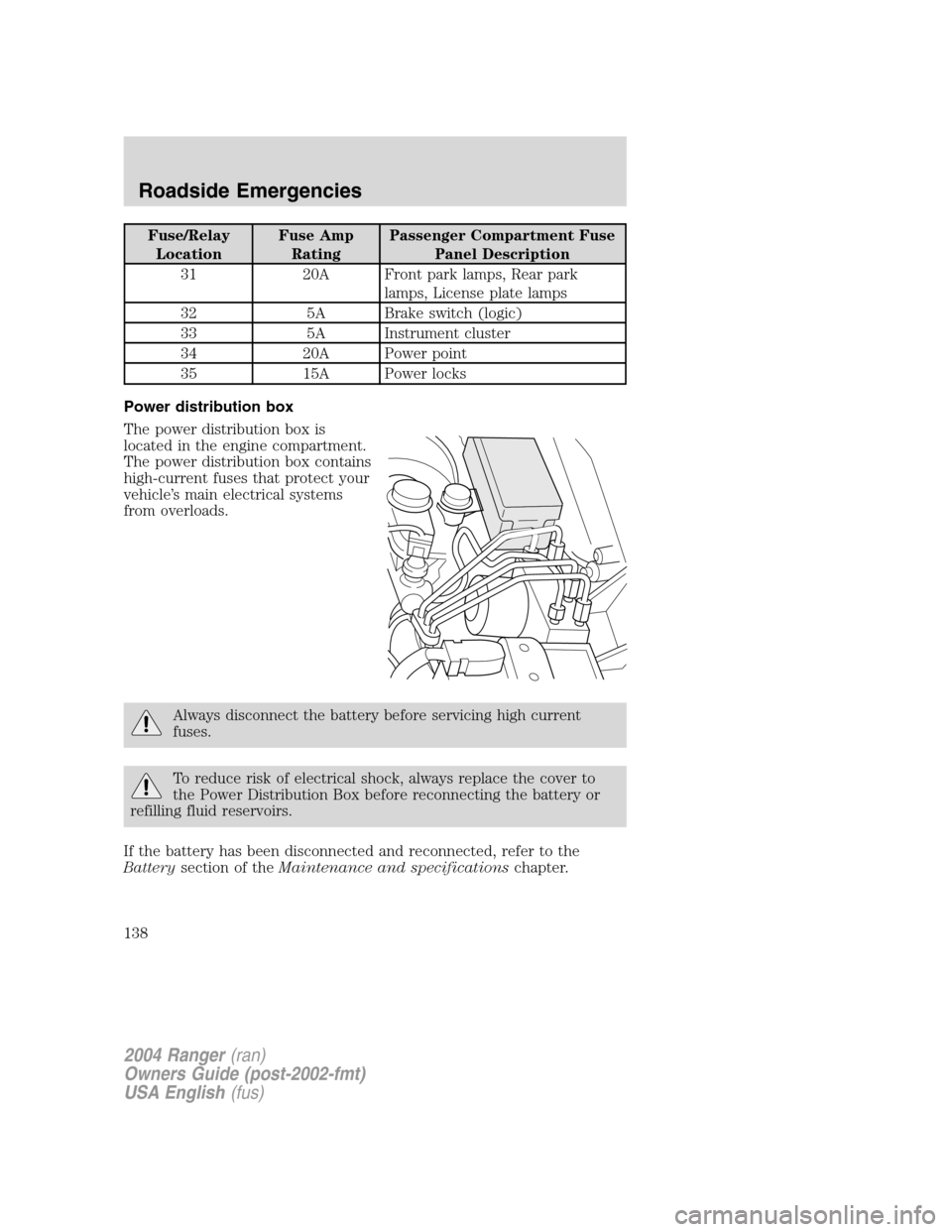
Power distribution box
The power distribution box is
located in the engine compartment.
The power distribution box contains
high-current fuses that protect your
vehicle ’s main electrical systems
from overloads.
Always disconnect the battery before servicing high current
fuses.
To reduce risk of electrical shock, always replace the cover to
the Power Distribution Box before reconnecting the battery or
refilling fluid reservoirs.
If the battery has been disconnected and reconnected, refer to the
Battery section of the Maintenance and specifications chapter.
2004 Ranger(ran)
Owners Guide (post-2002-fmt)
USA English (fus)
Roadside Emergencies
138
Page 171 of 248
INSTRUMENT PANEL AND CLUSTER LENS
Clean the instrument panel with a damp cloth, then dry with a dry cloth.
•Avoid cleaners or polish that increase the gloss of the upper portion of
the instrument panel. The dull finish in this area helps protect the
driver from undesirable windshield reflection.
Do not use chemical solvents or strong detergents when cleaning
the steering wheel or instrument panel to avoid contamination of
the air bag system.
• Be certain to wash or wipe your hands clean if you have been in
contact with certain products such as insect repellent and suntan
lotion in order to avoid possible damage to the interior painted
surfaces.
INTERIOR
For fabric, carpets, cloth seats and safety belts:
• Remove dust and loose dirt with a vacuum cleaner.
• Remove light stains and soil with Motorcraft Extra Strength
Upholstery Cleaner (ZC-41).
• If grease or tar is present on the material, spot-clean the area first
with Motorcraft Spot and Stain Remover (ZC-14).
• Never saturate the seat covers with cleaning solution.
• Do not use household cleaning products or glass cleaners, which can
stain and discolor the fabric and affect the flame retardant abilities of
the seat materials.
Do not use cleaning solvents, bleach or dye on the vehicle ’s
seatbelts, as these actions may weaken the belt webbing.
LEATHER SEATS (IF EQUIPPED)
Your leather seating surfaces have a clear, protective coating over the
leather.
• To clean, use a soft cloth with Motorcraft Deluxe Leather and Vinyl
Cleaner (ZC-11 –A). Dry the area with a soft cloth.
• To help maintain its resiliency and color, use the Motorcraft Deluxe
Leather Care Kit (ZC-11 –D), available from your authorized dealer.
2004 Ranger (ran)
Owners Guide (post-2002-fmt)
USA English (fus)
Cleaning
171
Page 175 of 248
Working with the engine on
•Automatic transmission:
1. Set the parking brake and shift to P (Park).
2. Block the wheels.
• Manual transmission:
1. Set the parking brake, depress the clutch and place the gearshift in N
(Neutral).
2. Block the wheels.
Note: Do not start your engine with the air cleaner removed and do not
remove it while the engine is running.
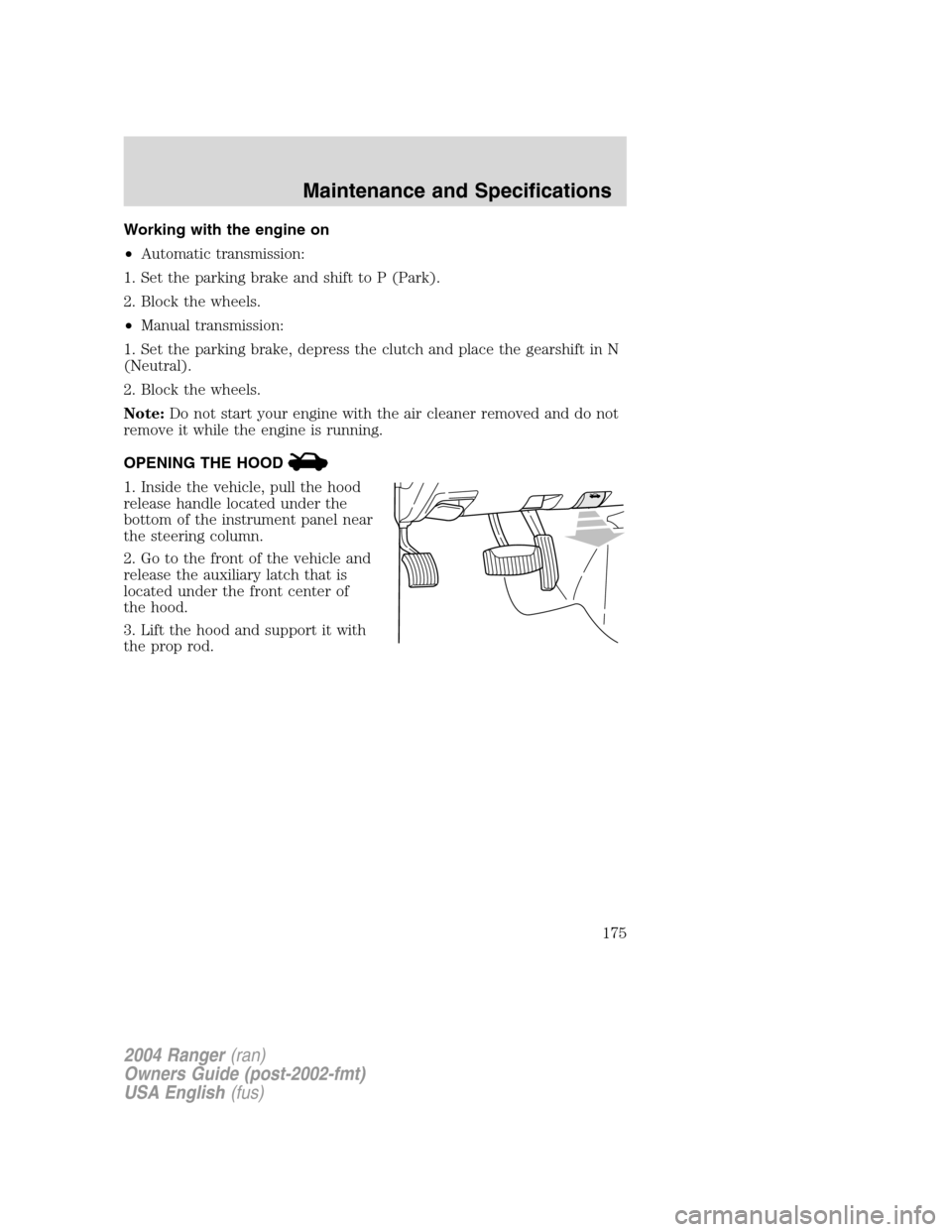
OPENING THE HOOD
1. Inside the vehicle, pull the hood
release handle located under the
bottom of the instrument panel near
the steering column.
2. Go to the front of the vehicle and
release the auxiliary latch that is
located under the front center of
the hood.
3. Lift the hood and support it with
the prop rod.
2004 Ranger (ran)
Owners Guide (post-2002-fmt)
USA English (fus)
Maintenance and Specifications
175
Page 234 of 248
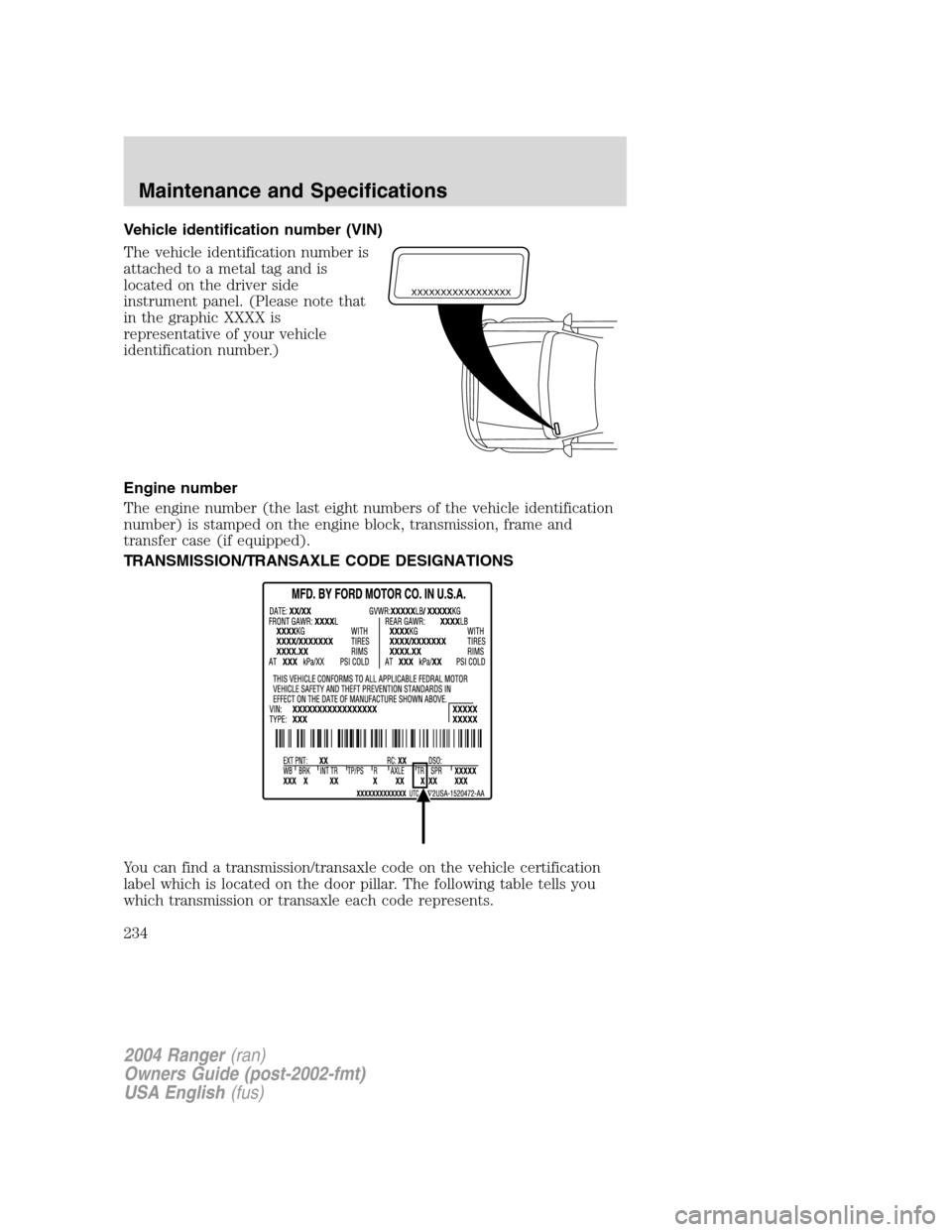
Vehicle identification number (VIN)
The vehicle identification number is
attached to a metal tag and is
located on the driver side
instrument panel. (Please note that
in the graphic XXXX is
representative of your vehicle
identification number.)
Engine number
The engine number (the last eight numbers of the vehicle identification
number) is stamped on the engine block, transmission, frame and
transfer case (if equipped).
TRANSMISSION/TRANSAXLE CODE DESIGNATIONS
You can find a transmission/transaxle code on the vehicle certification
label which is located on the door pillar. The following table tells you
which transmission or transaxle each code represents.
XXXXXXXXXXXXXXXXX
2004 Ranger(ran)
Owners Guide (post-2002-fmt)
USA English (fus)
Maintenance and Specifications
234
Page 239 of 248
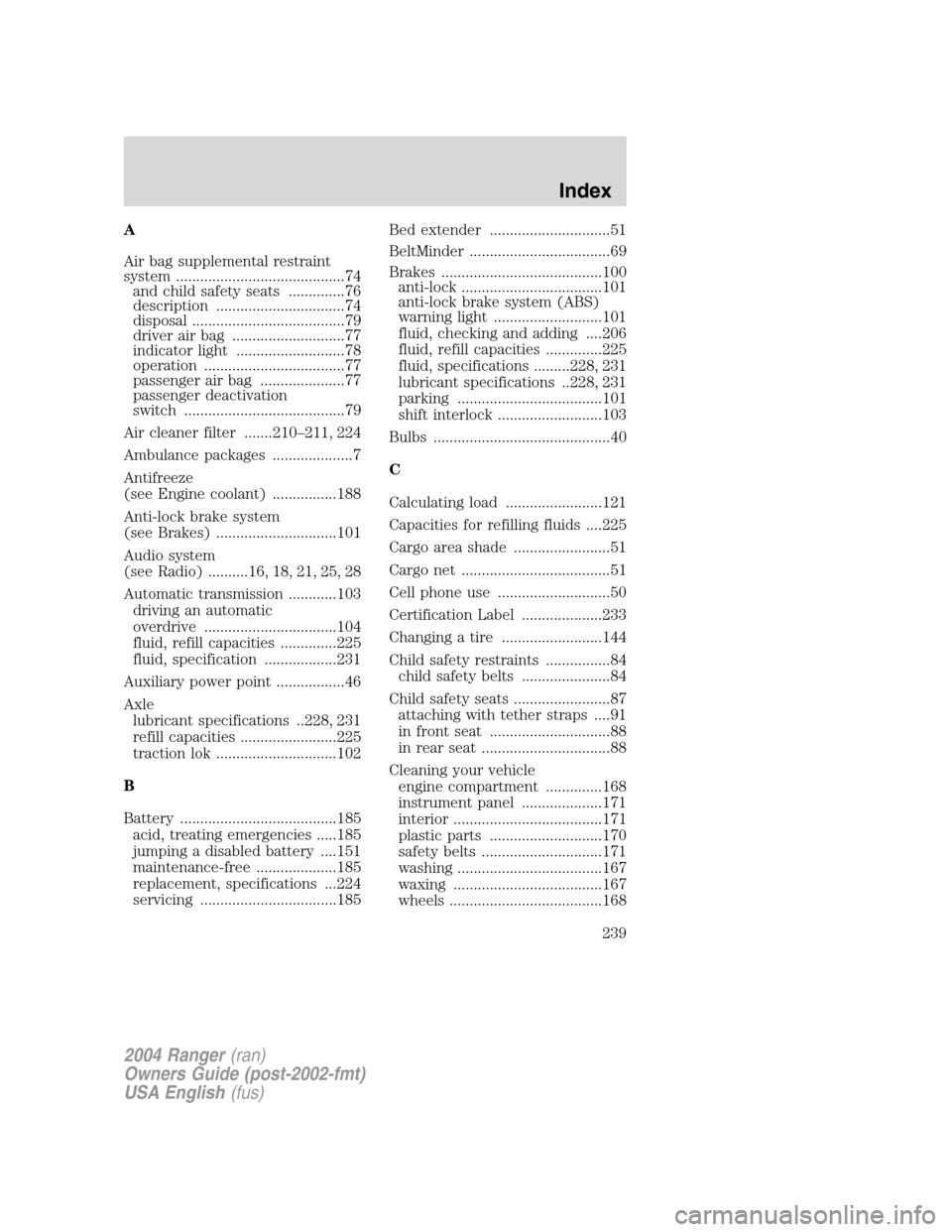
A
Air bag supplemental restraint
system ..........................................74and child safety seats ..............76
description ................................74
disposal ......................................79
driver air bag ............................77
indicator light ...........................78
operation ...................................77
passenger air bag .....................77
passenger deactivation
switch ........................................79
Air cleaner filter .......210 –211, 224
Ambulance packages ....................7
Antifreeze
(see Engine coolant) ................188
Anti-lock brake system
(see Brakes) ..............................101
Audio system
(see Radio) ..........16, 18, 21, 25, 28
Automatic transmission ............103 driving an automatic
overdrive .................................104
fluid, refill capacities ..............225
fluid, specification ..................231
Auxiliary power point .................46
Axle lubricant specifications ..228, 231
refill capacities ........................225
traction lok ..............................102
B
Battery .......................................185 acid, treating emergencies .....185
jumping a disabled battery ....151
maintenance-free ....................185
replacement, specifications ...224
servicing ..................................185 Bed extender ..............................51
BeltMinder ...................................69
Brakes ........................................100
anti-lock ...................................101
anti-lock brake system (ABS)
warning light ...........................101
fluid, checking and adding ....206
fluid, refill capacities ..............225
fluid, specifications .........228, 231
lubricant specifications ..228, 231
parking ....................................101
shift interlock ..........................103
Bulbs ............................................40
C
Calculating load ........................121
Capacities for refilling fluids ....225
Cargo area shade ........................51
Cargo net .....................................51
Cell phone use ............................50
Certification Label ....................233
Changing a tire .........................144
Child safety restraints ................84 child safety belts ......................84
Child safety seats ........................87 attaching with tether straps ....91
in front seat ..............................88
in rear seat ................................88
Cleaning your vehicle engine compartment ..............168
instrument panel ....................171
interior .....................................171
plastic parts ............................170
safety belts ..............................171
washing ....................................167
waxing .....................................167
wheels ......................................168
2004 Ranger (ran)
Owners Guide (post-2002-fmt)
USA English (fus)
Index
Index
239
Page 241 of 248
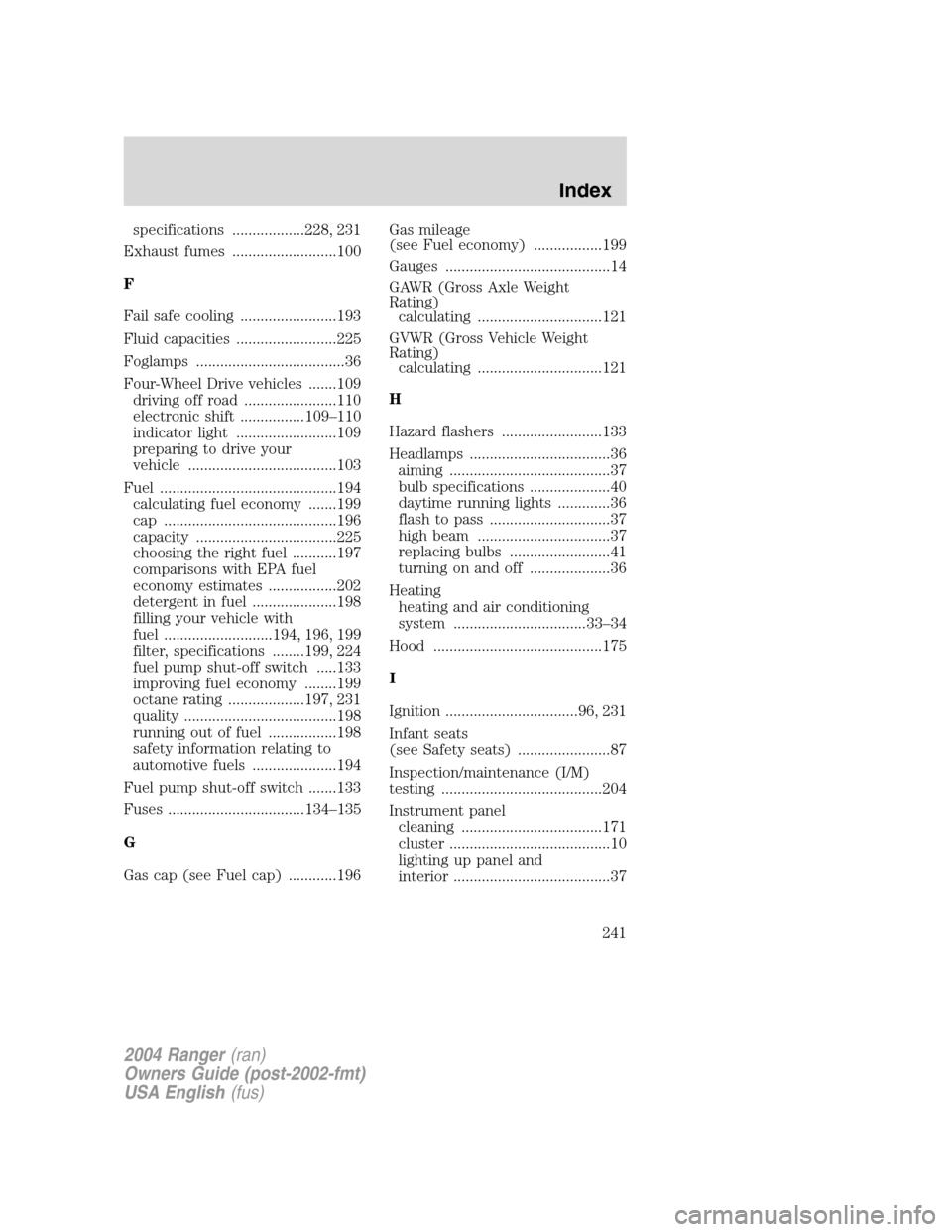
specifications ..................228, 231
Exhaust fumes ..........................100
F
Fail safe cooling ........................193
Fluid capacities .........................225
Foglamps .....................................36
Four-Wheel Drive vehicles .......109 driving off road .......................110
electronic shift ................109 –110
indicator light .........................109
preparing to drive your
vehicle .....................................103
Fuel ............................................194 calculating fuel economy .......199
cap ...........................................196
capacity ...................................225
choosing the right fuel ...........197
comparisons with EPA fuel
economy estimates .................202
detergent in fuel .....................198
filling your vehicle with
fuel ...........................194, 196, 199
filter, specifications ........199, 224
fuel pump shut-off switch .....133
improving fuel economy ........199
octane rating ...................197, 231
quality ......................................198
running out of fuel .................198
safety information relating to
automotive fuels .....................194
Fuel pump shut-off switch .......133
Fuses ..................................134 –135
G
Gas cap (see Fuel cap) ............196 Gas mileage
(see Fuel economy) .................199
Gauges .........................................14
GAWR (Gross Axle Weight
Rating)
calculating ...............................121
GVWR (Gross Vehicle Weight
Rating) calculating ...............................121
H
Hazard flashers .........................133
Headlamps ...................................36 aiming ........................................37
bulb specifications ....................40
daytime running lights .............36
flash to pass ..............................37
high beam .................................37
replacing bulbs .........................41
turning on and off ....................36
Heating heating and air conditioning
system .................................33 –34
Hood ..........................................175
I
Ignition .................................96, 231
Infant seats
(see Safety seats) .......................87
Inspection/maintenance (I/M)
testing ........................................204
Instrument panel cleaning ...................................171
cluster ........................................10
lighting up panel and
interior .......................................37
2004 Ranger (ran)
Owners Guide (post-2002-fmt)
USA English (fus)
Index
241
Page 242 of 248
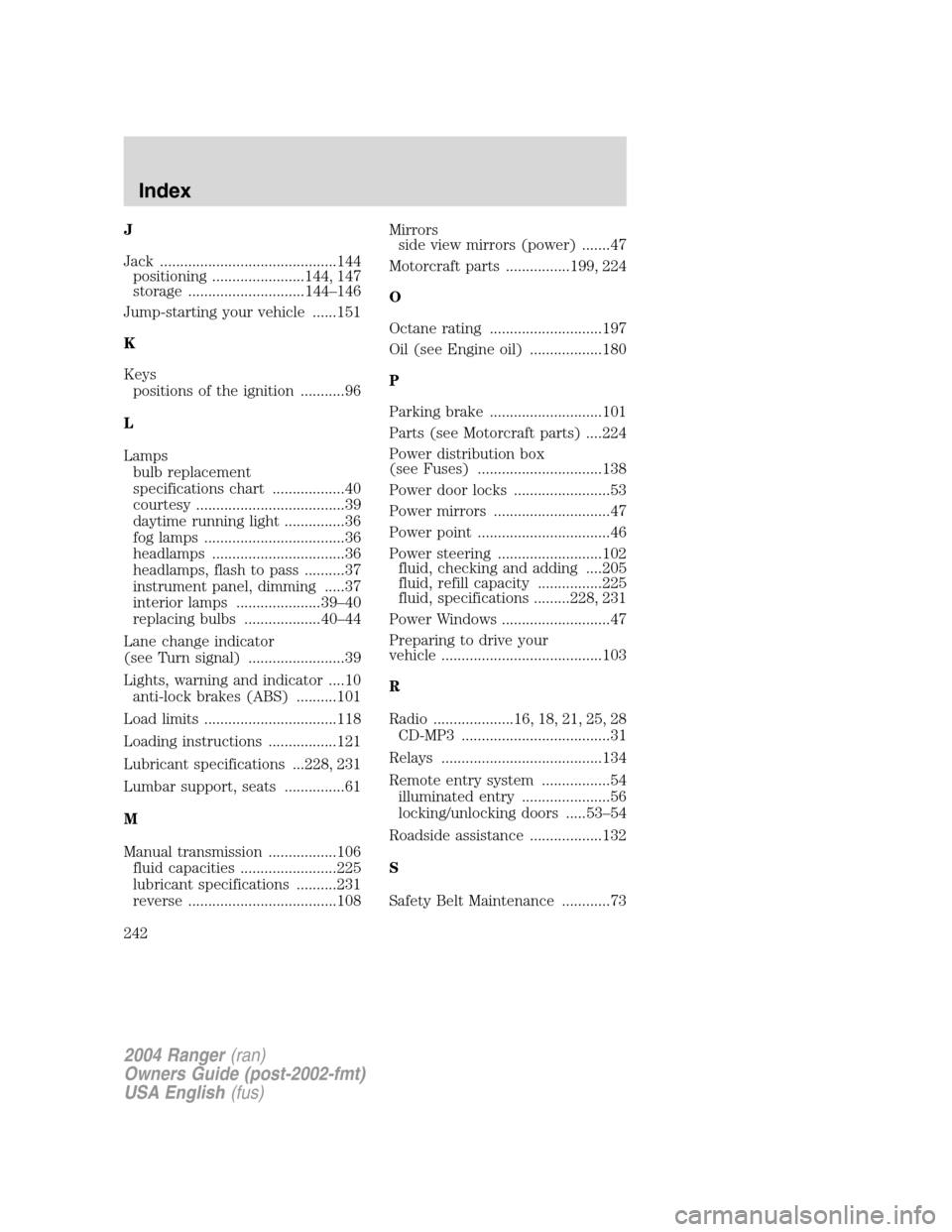
J
Jack ............................................144positioning .......................144, 147
storage .............................144 –146
Jump-starting your vehicle ......151
K
Keys positions of the ignition ...........96
L
Lamps bulb replacement
specifications chart ..................40
courtesy .....................................39
daytime running light ...............36
fog lamps ...................................36
headlamps .................................36
headlamps, flash to pass ..........37
instrument panel, dimming .....37
interior lamps .....................39 –40
replacing bulbs ...................40 –44
Lane change indicator
(see Turn signal) ........................39
Lights, warning and indicator ....10 anti-lock brakes (ABS) ..........101
Load limits .................................118
Loading instructions .................121
Lubricant specifications ...228, 231
Lumbar support, seats ...............61
M
Manual transmission .................106 fluid capacities ........................225
lubricant specifications ..........231
reverse .....................................108 Mirrors
side view mirrors (power) .......47
Motorcraft parts ................199, 224
O
Octane rating ............................197
Oil (see Engine oil) ..................180
P
Parking brake ............................101
Parts (see Motorcraft parts) ....224
Power distribution box
(see Fuses) ...............................138
Power door locks ........................53
Power mirrors .............................47
Power point .................................46
Power steering ..........................102 fluid, checking and adding ....205
fluid, refill capacity ................225
fluid, specifications .........228, 231
Power Windows ...........................47
Preparing to drive your
vehicle ........................................103
R
Radio ....................16, 18, 21, 25, 28 CD-MP3 .....................................31
Relays ........................................134
Remote entry system .................54 illuminated entry ......................56
locking/unlocking doors .....53 –54
Roadside assistance ..................132
S
Safety Belt Maintenance ............73
2004 Ranger (ran)
Owners Guide (post-2002-fmt)
USA English (fus)
Index
242