light FORD RANGER 2021 Owners Manual
[x] Cancel search | Manufacturer: FORD, Model Year: 2021, Model line: RANGER, Model: FORD RANGER 2021Pages: 475, PDF Size: 7.9 MB
Page 394 of 475
cityseeker, when available, is a service that
provides more information about certain
points of interest such as restaurants,
hotels and attractions.
When you have selected a point of interest,
the location and information appear, such
as address, phone number and a star
rating.
Press More Information to see a photo,
a review, a list of services and facilities, the
average room or meal price and the web
address. This screen displays the point of
interest icons.
For restaurants, cityseeker can provide
information such as star rating, average
cost, review, handicap access, hours of
operation, and website address.
For hotels, cityseeker can provide
information such as star rating, price
category, review, check-in and checkout
times, hotel service icons and website
address. Hotel service icons include:
• Restaurant
• Business center
• Handicap facilities
• Laundry
• Refrigerator
• 24 hour room service
• Fitness center
• Internet access
• Pool
• Wi-Fi Attractions include nearby landmarks,
amusement parks, historic buildings and
more. cityseeker can provide information
such as star rating, reviews, hour of
operation and admission price.
SiriusXM Traffic and Travel Link (If
Equipped)
SiriusXM Traffic and Travel Link is available
on vehicles equipped with navigation and
only in select markets. You must activate
and subscribe to receive SiriusXM Traffic
and Travel Link information. It helps you
locate the best gas prices, find movie
listings, get current traffic alerts, view the
weather map, get accurate ski conditions
and see current sports scores.
The system calculates a reasonable
efficient route based on available speed
limits, traffic, and road conditions. You may
know a local short cut that is more efficient
at a given time than the route provided by
SYNC 3, but you should expect a slight
difference in minutes or miles with the
SYNC 3 route.
Michelin Travel Guide
(If Equipped)
The Michelin travel guide is a service which
provides additional information about
certain places of interest, for example
restaurants, hotels and tourist sites. Points
of interest that have Michelin travel guide
information display a button to show you
more information. Push the button to see
the additional information. If you have
paired your phone with the system, you
can press the phone button to directly
establish a call with the selected point of
interest.
391
Ranger (TFG) Canada/United States of America, Vehicles Built From: 23-11-2020, MB3J 19A321 AA enUSA, Edition date: 202009, First-Printing SYNC™ 3
(If Equipped)E225487
Page 396 of 475
Using Apps on an Android Device
Select the apps option on the
feature bar.
1. If your device is connected via USB, switch Android Auto off. See Phone
(page 385).
2. Switch on
Enable Mobile Apps via
USB in the Mobile Apps Settings tile.
3. Pair your device. See Phone (page 385).
4. Start the apps on your device that you want to use through SYNC.
Note: If you close the apps on your device,
you will not be able to use them through the
system.
5. Select
Find Mobile Apps.
Note: The system searches and connects
to compatible apps that are running on your
device.
6. Select the app that you want to use on
the touchscreen.
Note: Mobile Apps on your device use the
USB port to establish a connection with
SYNC. Some devices may lose the ability to
play music over USB when Mobile Apps are
enabled.
Using Mobile Navigation on an
Android Device
1. Connect your device to a USB port.
2. Switch Android Auto off. See
Phone
(page 385).
3. Switch on
Enable Mobile Apps via
USB in the Mobile Apps Settings tile.
4. Select the apps option on the feature bar.
5. Select the navigation app that you want to use on the touchscreen.
Note: When using a navigation app, keep
your device unlocked and the app open. Note:
Mobile Apps on your device use the
USB port to establish a connection with
SYNC. Some devices may lose the ability to
play music over USB when Mobile Apps are
enabled.
SETTINGS Press the button to enter the
settings menu.
Once you select a tile, press the
button next to a menu item to
view an explanation of the
setting.
Sound
Select this tile to adjust the sound settings.
Clock
Select this tile to adjust the clock settings.
Bluetooth
Select this tile to switch Bluetooth on and
off and adjust the settings.
Phone
Select this tile to connect, disconnect, and
manage the connected device settings.
Audio
Select this tile to adjust the audio settings.
Driver Assist
(If Equipped)
Select this tile to adjust Driver Assist
features like Park Aid, Lane Keeping
system, Pedestrian Detection, and
Auto-Start-Stop.
Vehicle
Select this tile to adjust the vehicle settings
like windows, alarm, lighting, and MyKey
settings.
393
Ranger (TFG) Canada/United States of America, Vehicles Built From: 23-11-2020, MB3J 19A321 AA enUSA, Edition date: 202009, First-Printing SYNC™ 3
(If Equipped) E280315 E268570
Page 420 of 475
When the oil change message appears in
the information display, it is time for an oil
change. Make sure you perform the oil
change within two weeks or 500 mi
(800 km) of the message appearing. Make
sure you reset the Intelligent Oil-Life
Monitor after each oil change. See
Oil
Change Indicator Reset (page 267).
If your information display resets
prematurely or becomes inoperative, you
should perform the oil change interval at
six months or
5,000 mi (8,000 km) from
your last oil change. Never exceed one year
or
10,000 mi (16,000 km) between oil
change intervals,
Your vehicle is very sophisticated and built
with multiple, complex, performance
systems. Every manufacturer develops
these systems using different
specifications and performance features.
That is why it is important to rely upon your
dealership to properly diagnose and repair
your vehicle.
We have recommended maintenance
intervals for various parts and component
systems based upon engineering testing.
We rely upon this testing to determine the
most appropriate mileage for replacement
of oils and fluids to protect your vehicle at
the lowest overall cost to you and
recommends against maintenance
schedules that deviate from the scheduled
maintenance information.
We strongly recommend the use of only
genuine Ford, Motorcraft or
Ford-authorized re-manufactured
replacement parts engineered for your
vehicle. Additives and Chemicals
This owner's manual and our Workshop
Manual list the recommended additives
and chemicals for your vehicle. We do not
recommend using chemicals or additives
not approved by us as part of your vehicle
’s
normal maintenance. Please consult your
warranty information.
Oils, Fluids and Flushing
In many cases, fluid discoloration is a
normal operating characteristic and, by
itself, does not necessarily indicate a
concern or that the fluid needs to be
changed. However, a qualified expert, such
as the factory-trained technicians at your
dealership, should inspect discolored fluids
that also show signs of overheating or
foreign material contamination
immediately.
Make sure to change your vehicle ’s oils and
fluids at the specified intervals or in
conjunction with a repair. Flushing is a
viable way to change fluid for many vehicle
sub-systems during scheduled
maintenance. It is critical that systems are
flushed only with new fluid that is the same
as that required to fill and operate the
system or using a Ford-approved flushing
chemical.
Owner Checks and Services
Make sure you perform the following basic
maintenance checks and inspections every
month or at six-month intervals. Check Every Month
Engine oil level.
Function of all interior and exterior lights.
Tires (including spare) for wear and proper pressure.
417
Ranger (TFG) Canada/United States of America, Vehicles Built From: 23-11-2020, MB3J 19A321 AA enUSA, Edition date: 202009, First-Printing Scheduled Maintenance
Page 457 of 475
5. Service Continuity and Reception of
the SUNA Traffic Channel
We will use reasonable endeavours to
provide the SUNA Traffic Channel 24 hours
a day, 365 days a year. The SUNA Traffic
Channel may occasionally be unavailable
for technical reasons or for planned
maintenance. We will try to perform
maintenance at times when congestion is
light. We reserve the right to withdraw
SUNA Products and/or Services at any
time.
Also, we cannot assure the uninterrupted
reception of the SUNA Traffic Channel
RDS-TMC signal at any particular location.
6. Limitation of Liability
Neither Intelematics (nor its suppliers or
the manufacturer of your device (the
“Suppliers”)) shall be liable to you or to
any third party for any damages either
direct, indirect, incidental, consequential
or otherwise arising out of the use of or
inability to use SUNA Products and/or
Services even if Intelematics or a Supplier
has been advised of the possibility of such
damages. You also acknowledge that the
neither Intelematics nor any Supplier
guarantees nor make any warranties that
relate to the availability, accuracy or
completeness of SUNA Products and/or
Services, and to the extent which it is
lawful to do so, both Intelematics and each
Supplier excludes any warranties which
might otherwise be implied by any State
or Federal legislation in relation to SUNA
Products and/or Services.
7. Please Note
Great care has been taken in preparing this
manual. Constant product development
may mean that some information is not
entirely up-to-date. The information in this
document is subject to change without
notice. DECLARATION OF
CONFORMITY
Your vehicle could have components that
transmit and receive radio waves and are
therefore subject to government
regulation.
These components must accept any
interference received, including
interference that could cause undesired
operation. For certification labels and
declarations of conformity, visit
www
. wir el e ss c onf ormit y .f or d . c om .
TYPE APPROVALS
Radio Frequency Certifications for
Tire Pressure Monitoring
Sensor(s)
Canada
IC: 850K-11545917
IC: 2546A-FP3
United States of America
FCC ID: OUC11545917
FCC ID: MRXFP3
454
Ranger (TFG) Canada/United States of America, Vehicles Built From: 23-11-2020, MB3J 19A321 AA enUSA, Edition date: 202009, First-Printing Appendices
Page 462 of 475
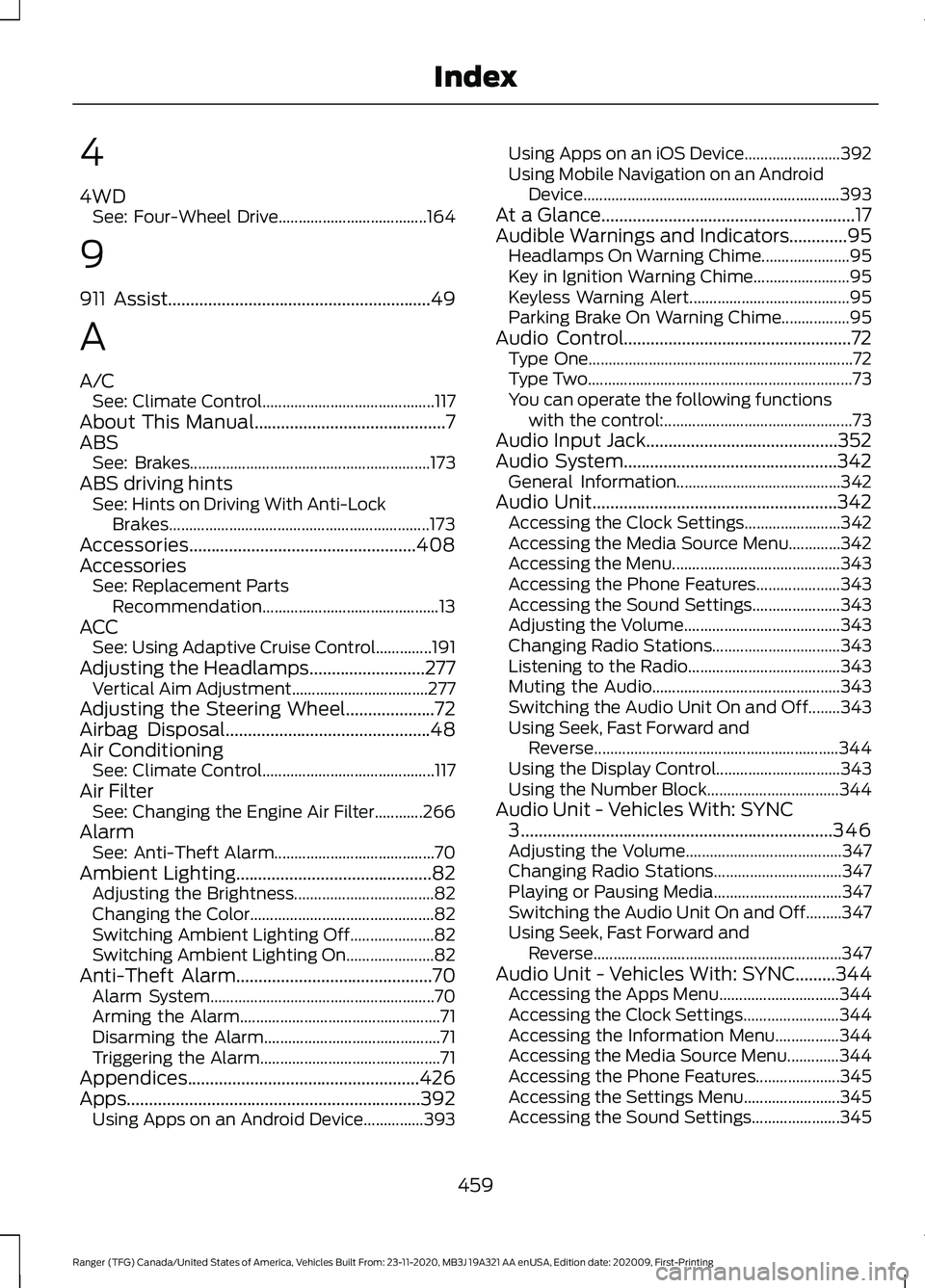
4
4WD
See: Four-Wheel Drive..................................... 164
9
911 Assist...........................................................49
A
A/C See: Climate Control........................................... 117
About This Manual
...........................................7
ABS See: Brakes............................................................ 173
ABS driving hints See: Hints on Driving With Anti-Lock
Brakes................................................................. 173
Accessories...................................................408
Accessories See: Replacement Parts
Recommendation............................................ 13
ACC See: Using Adaptive Cruise Control..............191
Adjusting the Headlamps..........................277 Vertical Aim Adjustment.................................. 277
Adjusting the Steering Wheel....................72
Airbag Disposal..............................................48
Air Conditioning See: Climate Control........................................... 117
Air Filter See: Changing the Engine Air Filter............266
Alarm See: Anti-Theft Alarm........................................ 70
Ambient Lighting
............................................82
Adjusting the Brightness................................... 82
Changing the Color.............................................. 82
Switching Ambient Lighting Off..................... 82
Switching Ambient Lighting On...................... 82
Anti-Theft Alarm............................................70 Alarm System........................................................ 70
Arming the Alarm.................................................. 71
Disarming the Alarm............................................ 71
Triggering the Alarm............................................. 71
Appendices....................................................426
Apps..................................................................392 Using Apps on an Android Device...............393 Using Apps on an iOS Device........................
392
Using Mobile Navigation on an Android Device................................................................ 393
At a Glance
.........................................................17
Audible Warnings and Indicators.............95 Headlamps On Warning Chime...................... 95
Key in Ignition Warning Chime........................ 95
Keyless Warning Alert........................................ 95
Parking Brake On Warning Chime.................95
Audio Control
...................................................72
Type One.................................................................. 72
Type Two.................................................................. 73
You can operate the following functions with the control:............................................... 73
Audio Input Jack
...........................................352
Audio System................................................342
General Information......................................... 342
Audio Unit.......................................................342 Accessing the Clock Settings........................ 342
Accessing the Media Source Menu.............342
Accessing the Menu.......................................... 343
Accessing the Phone Features..................... 343
Accessing the Sound Settings...................... 343
Adjusting the Volume....................................... 343
Changing Radio Stations................................ 343
Listening to the Radio...................................... 343
Muting the Audio............................................... 343
Switching the Audio Unit On and Off........343
Using Seek, Fast Forward and Reverse............................................................. 344
Using the Display Control............................... 343
Using the Number Block................................. 344
Audio Unit - Vehicles With: SYNC 3
......................................................................346
Adjusting the Volume....................................... 347
Changing Radio Stations................................ 347
Playing or Pausing Media................................ 347
Switching the Audio Unit On and Off.........347
Using Seek, Fast Forward and Reverse.............................................................. 347
Audio Unit - Vehicles With: SYNC.........344 Accessing the Apps Menu.............................. 344
Accessing the Clock Settings........................ 344
Accessing the Information Menu................344
Accessing the Media Source Menu.............344
Accessing the Phone Features..................... 345
Accessing the Settings Menu........................ 345
Accessing the Sound Settings...................... 345
459
Ranger (TFG) Canada/United States of America, Vehicles Built From: 23-11-2020, MB3J 19A321 AA enUSA, Edition date: 202009, First-Printing Index
Page 468 of 475
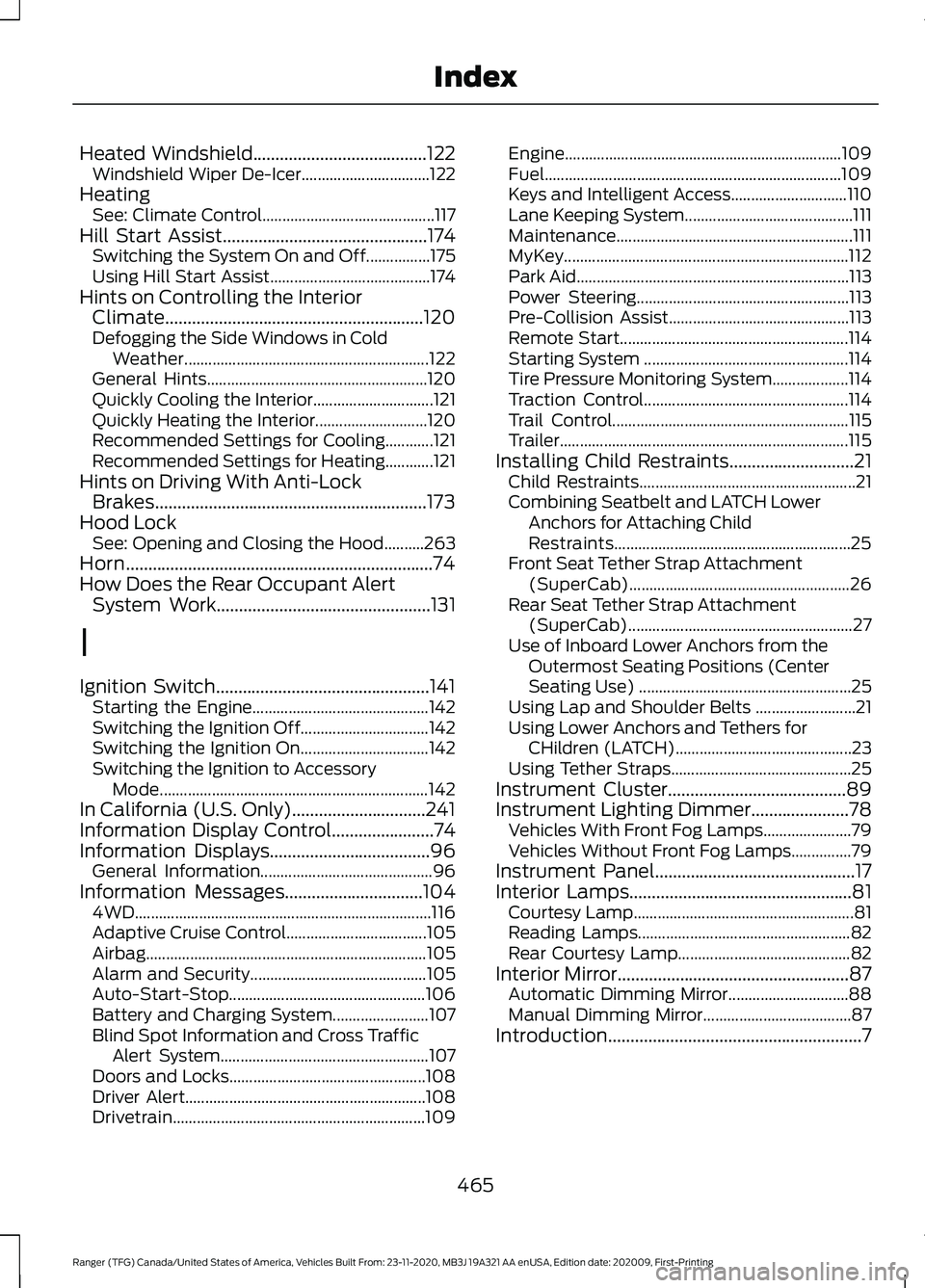
Heated Windshield.......................................122
Windshield Wiper De-Icer................................ 122
Heating See: Climate Control........................................... 117
Hill Start Assist..............................................174 Switching the System On and Off................175
Using Hill Start Assist........................................ 174
Hints on Controlling the Interior Climate..........................................................120
Defogging the Side Windows in Cold Weather............................................................. 122
General Hints....................................................... 120
Quickly Cooling the Interior.............................. 121
Quickly Heating the Interior............................ 120
Recommended Settings for Cooling............121
Recommended Settings for Heating............121
Hints on Driving With Anti-Lock Brakes.............................................................173
Hood Lock See: Opening and Closing the Hood..........263
Horn.....................................................................74
How Does the Rear Occupant Alert System Work
................................................131
I
Ignition Switch................................................141 Starting the Engine............................................ 142
Switching the Ignition Off................................ 142
Switching the Ignition On................................ 142
Switching the Ignition to Accessory Mode................................................................... 142
In California (U.S. Only)..............................241
Information Display Control.......................74
Information Displays....................................96 General Information........................................... 96
Information Messages
...............................104
4WD........................................................................\
.. 116
Adaptive Cruise Control................................... 105
Airbag...................................................................... 105
Alarm and Security............................................ 105
Auto-Start-Stop................................................. 106
Battery and Charging System........................ 107
Blind Spot Information and Cross Traffic Alert System.................................................... 107
Doors and Locks................................................. 108
Driver Alert............................................................ 108
Drivetrain............................................................... 109Engine.....................................................................
109
Fuel........................................................................\
.. 109
Keys and Intelligent Access............................. 110
Lane Keeping System.......................................... 111
Maintenance........................................................... 111
MyKey....................................................................... 112
Park Aid.................................................................... 113
Power Steering..................................................... 113
Pre-Collision Assist............................................. 113
Remote Start......................................................... 114
Starting System ................................................... 114
Tire Pressure Monitoring System................... 114
Traction Control................................................... 114
Trail Control........................................................... 115
Trailer........................................................................\
115
Installing Child Restraints............................21 Child Restraints...................................................... 21
Combining Seatbelt and LATCH Lower Anchors for Attaching Child
Restraints........................................................... 25
Front Seat Tether Strap Attachment (SuperCab)....................................................... 26
Rear Seat Tether Strap Attachment (SuperCab)........................................................ 27
Use of Inboard Lower Anchors from the Outermost Seating Positions (Center
Seating Use) ..................................................... 25
Using Lap and Shoulder Belts ......................... 21
Using Lower Anchors and Tethers for CHildren (LATCH)............................................ 23
Using Tether Straps............................................. 25
Instrument Cluster
........................................89
Instrument Lighting Dimmer......................78 Vehicles With Front Fog Lamps...................... 79
Vehicles Without Front Fog Lamps...............79
Instrument Panel.............................................17
Interior Lamps
..................................................81
Courtesy Lamp....................................................... 81
Reading Lamps..................................................... 82
Rear Courtesy Lamp........................................... 82
Interior Mirror
....................................................87
Automatic Dimming Mirror.............................. 88
Manual Dimming Mirror..................................... 87
Introduction.........................................................7
465
Ranger (TFG) Canada/United States of America, Vehicles Built From: 23-11-2020, MB3J 19A321 AA enUSA, Edition date: 202009, First-Printing Index
Page 469 of 475
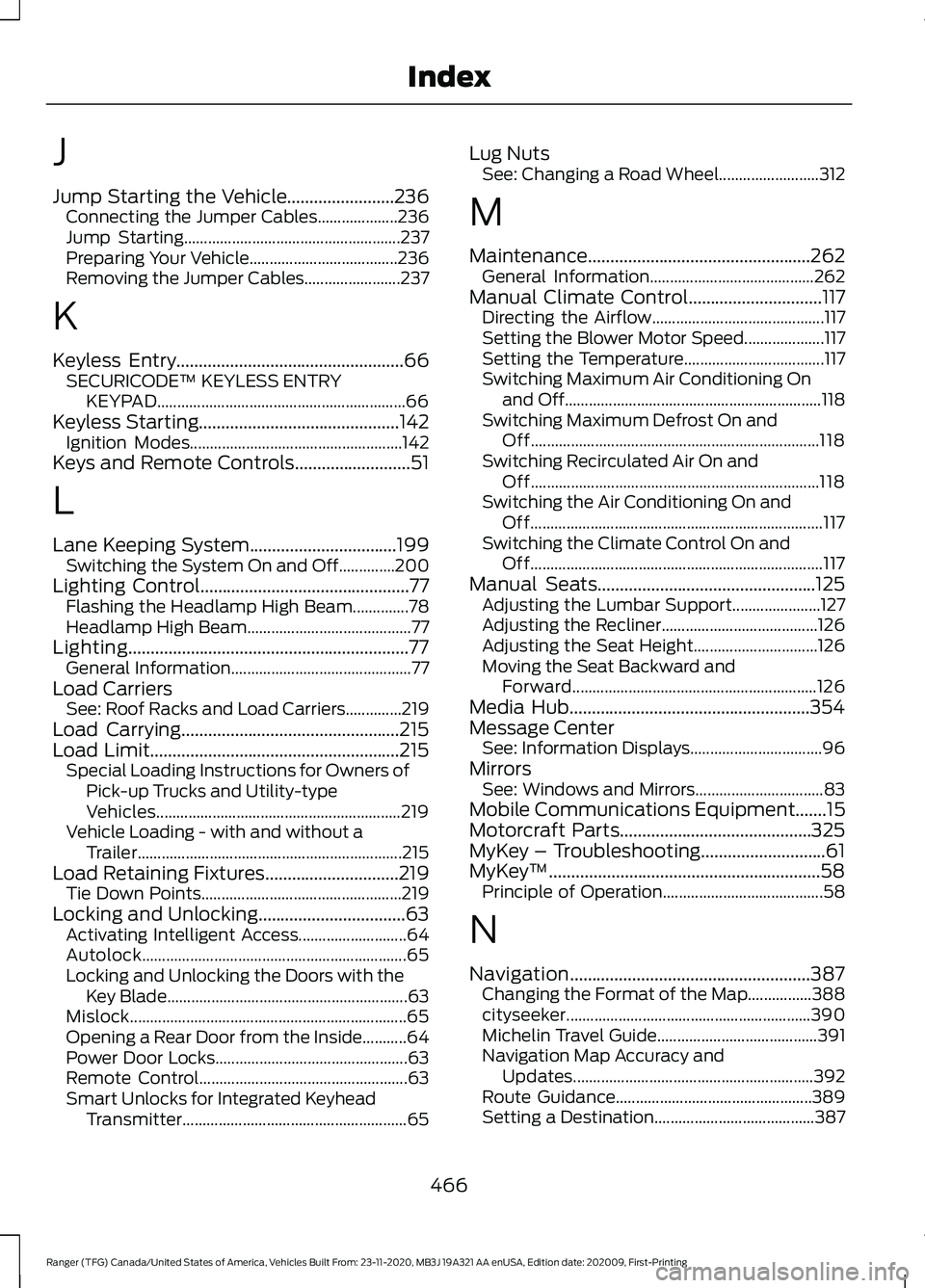
J
Jump Starting the Vehicle........................236
Connecting the Jumper Cables.................... 236
Jump Starting...................................................... 237
Preparing Your Vehicle..................................... 236
Removing the Jumper Cables........................ 237
K
Keyless Entry...................................................66 SECURICODE™ KEYLESS ENTRY
KEYPAD.............................................................. 66
Keyless Starting.............................................142 Ignition Modes..................................................... 142
Keys and Remote Controls..........................51
L
Lane Keeping System.................................199 Switching the System On and Off..............200
Lighting Control...............................................77
Flashing the Headlamp High Beam..............78
Headlamp High Beam......................................... 77
Lighting...............................................................77 General Information............................................. 77
Load Carriers See: Roof Racks and Load Carriers..............219
Load Carrying.................................................215
Load Limit........................................................215 Special Loading Instructions for Owners of
Pick-up Trucks and Utility-type
Vehicles............................................................. 219
Vehicle Loading - with and without a Trailer.................................................................. 215
Load Retaining Fixtures
..............................219
Tie Down Points.................................................. 219
Locking and Unlocking.................................63 Activating Intelligent Access........................... 64
Autolock.................................................................. 65
Locking and Unlocking the Doors with the Key Blade............................................................ 63
Mislock..................................................................... 65
Opening a Rear Door from the Inside...........64
Power Door Locks................................................ 63
Remote Control.................................................... 63
Smart Unlocks for Integrated Keyhead Transmitter........................................................ 65Lug Nuts
See: Changing a Road Wheel......................... 312
M
Maintenance..................................................262 General Information......................................... 262
Manual Climate Control
..............................117
Directing the Airflow........................................... 117
Setting the Blower Motor Speed.................... 117
Setting the Temperature................................... 117
Switching Maximum Air Conditioning On and Off................................................................ 118
Switching Maximum Defrost On and Off........................................................................\
118
Switching Recirculated Air On and Off........................................................................\
118
Switching the Air Conditioning On and Off........................................................................\
. 117
Switching the Climate Control On and Off........................................................................\
. 117
Manual Seats.................................................125 Adjusting the Lumbar Support...................... 127
Adjusting the Recliner....................................... 126
Adjusting the Seat Height............................... 126
Moving the Seat Backward and Forward............................................................. 126
Media Hub......................................................354
Message Center See: Information Displays................................. 96
Mirrors See: Windows and Mirrors................................ 83
Mobile Communications Equipment.......15
Motorcraft Parts...........................................325
MyKey – Troubleshooting............................61
MyKey ™
.............................................................58
Principle of Operation........................................ 58
N
Navigation......................................................387 Changing the Format of the Map................388
cityseeker............................................................. 390
Michelin Travel Guide........................................ 391
Navigation Map Accuracy and Updates............................................................ 392
Route Guidance................................................. 389
Setting a Destination........................................ 387
466
Ranger (TFG) Canada/United States of America, Vehicles Built From: 23-11-2020, MB3J 19A321 AA enUSA, Edition date: 202009, First-Printing Index
Page 473 of 475
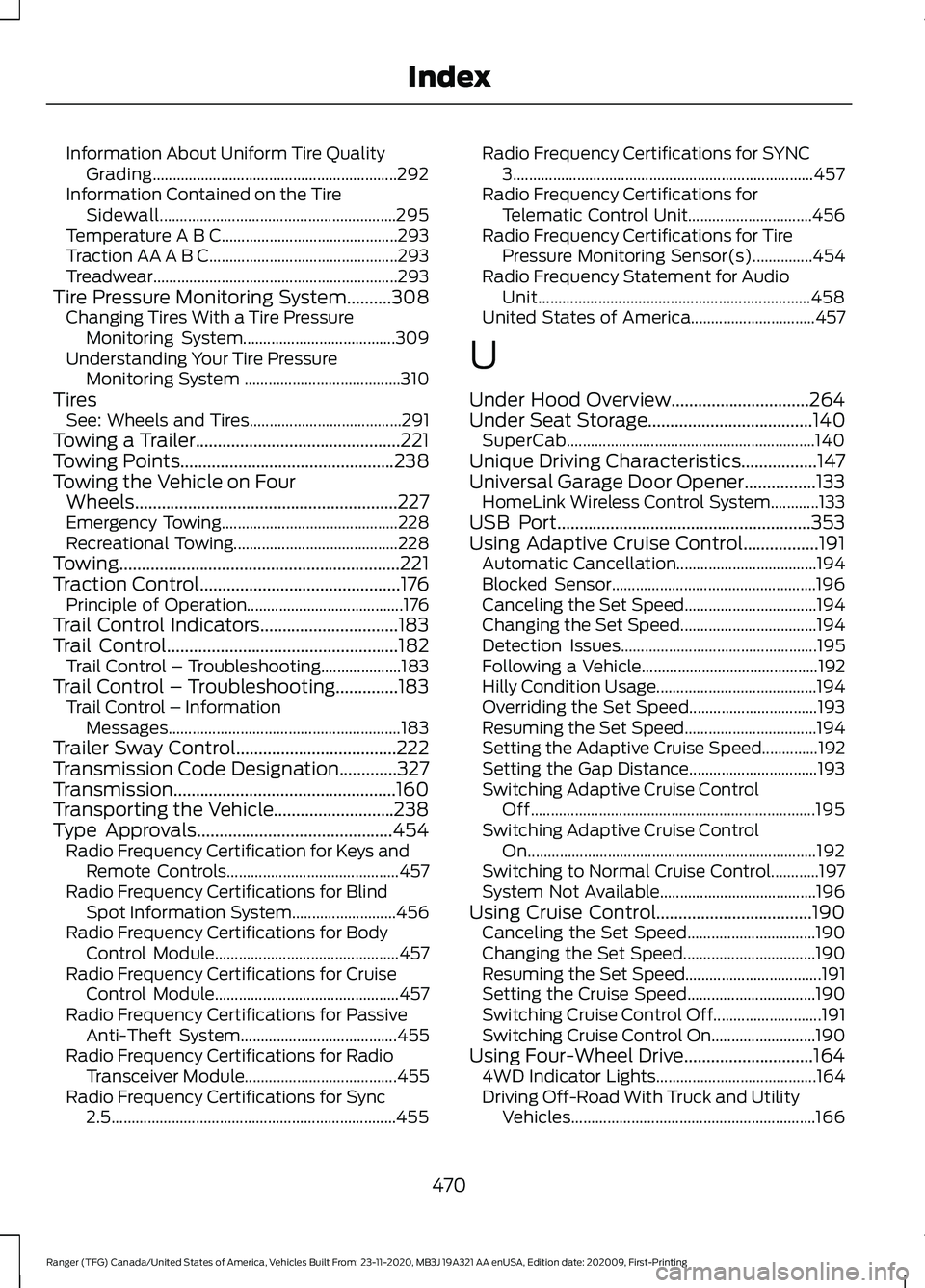
Information About Uniform Tire Quality
Grading............................................................. 292
Information Contained on the Tire Sidewall........................................................... 295
Temperature A B C............................................ 293
Traction AA A B C............................................... 293
Treadwear.............................................................293
Tire Pressure Monitoring System..........308
Changing Tires With a Tire Pressure
Monitoring System...................................... 309
Understanding Your Tire Pressure Monitoring System ....................................... 310
Tires See: Wheels and Tires...................................... 291
Towing a Trailer..............................................221
Towing Points
................................................238
Towing the Vehicle on Four Wheels...........................................................227
Emergency Towing............................................ 228
Recreational Towing......................................... 228
Towing...............................................................221
Traction Control
.............................................176
Principle of Operation....................................... 176
Trail Control Indicators...............................183
Trail Control....................................................182 Trail Control – Troubleshooting.................... 183
Trail Control – Troubleshooting..............183 Trail Control – Information
Messages.......................................................... 183
Trailer Sway Control
....................................222
Transmission Code Designation.............327
Transmission..................................................160
Transporting the Vehicle...........................238
Type Approvals
............................................454
Radio Frequency Certification for Keys and
Remote Controls........................................... 457
Radio Frequency Certifications for Blind Spot Information System.......................... 456
Radio Frequency Certifications for Body Control Module.............................................. 457
Radio Frequency Certifications for Cruise Control Module.............................................. 457
Radio Frequency Certifications for Passive Anti-Theft System....................................... 455
Radio Frequency Certifications for Radio Transceiver Module...................................... 455
Radio Frequency Certifications for Sync 2.5....................................................................... 455Radio Frequency Certifications for SYNC
3........................................................................\
... 457
Radio Frequency Certifications for Telematic Control Unit............................... 456
Radio Frequency Certifications for Tire Pressure Monitoring Sensor(s)...............454
Radio Frequency Statement for Audio Unit.................................................................... 458
United States of America............................... 457
U
Under Hood Overview...............................264
Under Seat Storage
.....................................140
SuperCab.............................................................. 140
Unique Driving Characteristics.................147
Universal Garage Door Opener................133 HomeLink Wireless Control System............133
USB Port
.........................................................353
Using Adaptive Cruise Control.................191 Automatic Cancellation................................... 194
Blocked Sensor................................................... 196
Canceling the Set Speed................................. 194
Changing the Set Speed.................................. 194
Detection Issues................................................. 195
Following a Vehicle............................................ 192
Hilly Condition Usage........................................ 194
Overriding the Set Speed................................ 193
Resuming the Set Speed................................. 194
Setting the Adaptive Cruise Speed..............192
Setting the Gap Distance................................ 193
Switching Adaptive Cruise Control Off....................................................................... 195
Switching Adaptive Cruise Control On........................................................................\
192
Switching to Normal Cruise Control............197
System Not Available....................................... 196
Using Cruise Control...................................190 Canceling the Set Speed................................ 190
Changing the Set Speed................................. 190
Resuming the Set Speed.................................. 191
Setting the Cruise Speed................................ 190
Switching Cruise Control Off........................... 191
Switching Cruise Control On.......................... 190
Using Four-Wheel Drive.............................164 4WD Indicator Lights........................................ 164
Driving Off-Road With Truck and Utility Vehicles............................................................. 166
470
Ranger (TFG) Canada/United States of America, Vehicles Built From: 23-11-2020, MB3J 19A321 AA enUSA, Edition date: 202009, First-Printing Index
Page 474 of 475
How Your Vehicle Differs From Other
Vehicles............................................................. 165
Using the Electronic Shift on the Fly 4WD system............................................................... 164
Using MyKey With Remote Start Systems...........................................................61
Using Snow Chains.....................................307 Vehicles with Stability Control..................... 308
Using Stability Control................................178 AdvanceTrac ™ with Roll Stability Control ™
(RSC™)............................................................. 178
Using SYNC™ With Your Media Player............................................................362
Audio Voice Commands................................. 363
Media Sources.................................................... 362
Using SYNC™ With Your Phone............358
Accessing Features through the Phone
Menu.................................................................. 359
Pairing a Phone.................................................. 358
Phone Controls...................................................359
Phone Voice Commands................................ 358
Using Traction Control................................176 Switching the System Off ............................... 176
System Indicator Lights and Messages.......................................................... 176
Using Voice Recognition
...........................356
Apps........................................................................\
379
Automatic Blower Motor Speed Reduction........................................................ 380
Climate................................................................... 376
Entertainment..................................................... 375
General................................................................... 374
Initiating a Voice Session................................ 356
Navigation............................................................. 378
Phone...................................................................... 377
SiriusXM Traffic and Travel Link................... 379
System Interaction and Feedback...............357
Voice Settings..................................................... 380
Using Voice Recognition - Vehicles Without: SYNC..........................................354
Voice Pass Through.......................................... 354
Utilizing the Mediation/Arbitration Program (Canada Only)........................243
V
Vehicle Care
...................................................283
General Information......................................... 283Vehicle Certification Label........................327
Vehicle Identification Number................326
Vehicle Storage
............................................288
Body....................................................................... 289
Brakes.................................................................... 289
Cooling system................................................... 289
Disconnecting Your 12 Volt Battery.............289
Engine.................................................................... 289
Fuel system......................................................... 289
General.................................................................. 288
Miscellaneous..................................................... 289
Removing Vehicle From Storage.................290
Tires........................................................................\
289
Vehicle Wi-Fi Hotspot...............................340
Ventilation See: Climate Control........................................... 117
VIN See: Vehicle Identification Number............326
Voice Control....................................................73
W
Warning Lamps and Indicators
.................92
Adaptive Cruise Control Indicator.................. 92
Anti-Lock Braking System................................ 92
Automatic Headlamp High Beam Indicator.............................................................. 92
Auto-Start-Stop Indicator................................ 92
Battery...................................................................... 92
Blind Spot Monitor............................................... 92
Brake System Warning Lamp.......................... 92
Cruise Control Indicator..................................... 93
Direction Indicator............................................... 93
Door Ajar Warning Lamp................................... 93
Electronic Locking Differential........................ 93
Engine Coolant Temperature Warning Lamp
.................................................................... 93
Fasten Rear Seatbelt Warning Lamp...........93
Fasten Seatbelt Warning Lamp...................... 93
Four-Wheel Drive Indicators............................ 93
Front Airbag............................................................ 93
Front Fog Lamp Indicator................................. 93
Headlamp High Beam Indicator..................... 94
Hood Ajar Warning Lamp................................. 94
Low Beam Malfunction..................................... 94
Low Fuel Level Warning Lamp........................ 94
Low Tire Pressure Warning Lamp.................. 94
471
Ranger (TFG) Canada/United States of America, Vehicles Built From: 23-11-2020, MB3J 19A321 AA enUSA, Edition date: 202009, First-Printing Index