display FORD SUPER DUTY 2008 2.G Owner's Guide
[x] Cancel search | Manufacturer: FORD, Model Year: 2008, Model line: SUPER DUTY, Model: FORD SUPER DUTY 2008 2.GPages: 368, PDF Size: 3.46 MB
Page 60 of 368
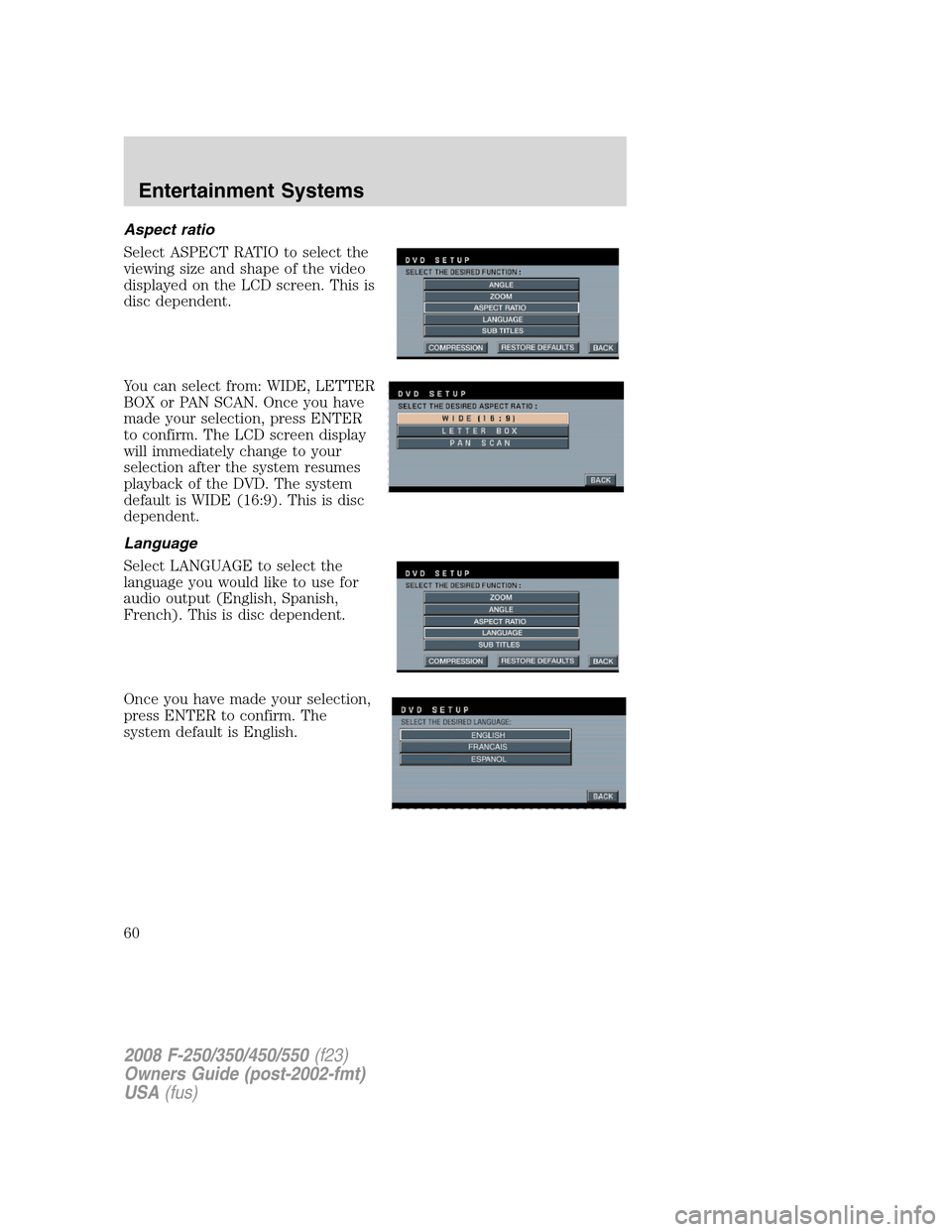
Aspect ratio
Select ASPECT RATIO to select the
viewing size and shape of the video
displayed on the LCD screen. This is
disc dependent.
You can select from: WIDE, LETTER
BOX or PAN SCAN. Once you have
made your selection, press ENTER
to confirm. The LCD screen display
will immediately change to your
selection after the system resumes
playback of the DVD. The system
default is WIDE (16:9). This is disc
dependent.
Language
Select LANGUAGE to select the
language you would like to use for
audio output (English, Spanish,
French). This is disc dependent.
Once you have made your selection,
press ENTER to confirm. The
system default is English.
2008 F-250/350/450/550(f23)
Owners Guide (post-2002-fmt)
USA(fus)
Entertainment Systems
60
Page 64 of 368
Playing a DVD
1. Ensure that the vehicle ignition is in the RUN or ACCESSORY
position.
2. Ensure that the navigation system is on.
3. Insert a DVD label-side up into the system.
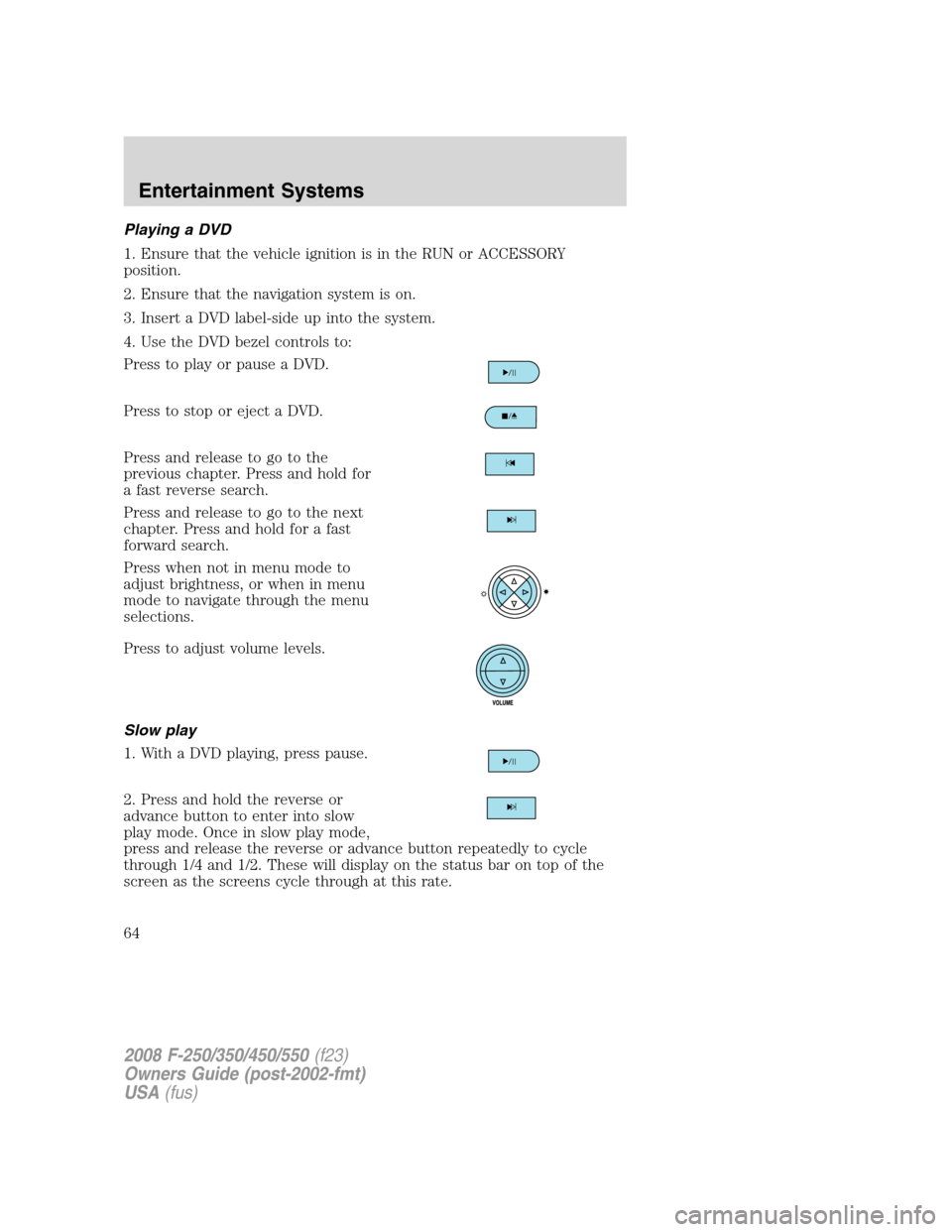
4. Use the DVD bezel controls to:
Press to play or pause a DVD.
Press to stop or eject a DVD.
Press and release to go to the
previous chapter. Press and hold for
a fast reverse search.
Press and release to go to the next
chapter. Press and hold for a fast
forward search.
Press when not in menu mode to
adjust brightness, or when in menu
mode to navigate through the menu
selections.
Press to adjust volume levels.
Slow play
1. With a DVD playing, press pause.
2. Press and hold the reverse or
advance button to enter into slow
play mode. Once in slow play mode,
press and release the reverse or advance button repeatedly to cycle
through 1/4 and 1/2. These will display on the status bar on top of the
screen as the screens cycle through at this rate.
2008 F-250/350/450/550(f23)
Owners Guide (post-2002-fmt)
USA(fus)
Entertainment Systems
64
Page 66 of 368
The B headphone jack (5) is located
on the right side of the DVD system.
Plug in wired headphones (not
included) here.
Note:The B headphones can only
access DVD and AUX modes. They
cannot access radio sources.
Audio displays
Your DVD system interacts closely with the front audio system. Status
messages will appear in the radio display showing the DVD status. Some
possible radio display messages:
•SINGLE PLAY or DUAL PLAY
•DVD LOAD
•DVD MENU
•DVD STOP
Audio interaction
You can then also use the front audio controls to advance, reverse, play
and pause a DVD. While a DVD is playing you may use the following
controls on the front radio:
•SEEK: Press to advance to the previous (
) or next () DVD
chapters.
•
: Press to play a DVD or to pause the DVD.
When the radio displays “DVD MENU”, press PLAY on the radio
(memory preset #6), to play the disc.
Parental control for the DVD system
Your Family Entertainment System (FES) allows you to have control
over the rear seat controls in a few different ways. The DVD system is
automatically activated when the vehicle ignition is ON, which allows the
rear seat passengers to use the DVD system.
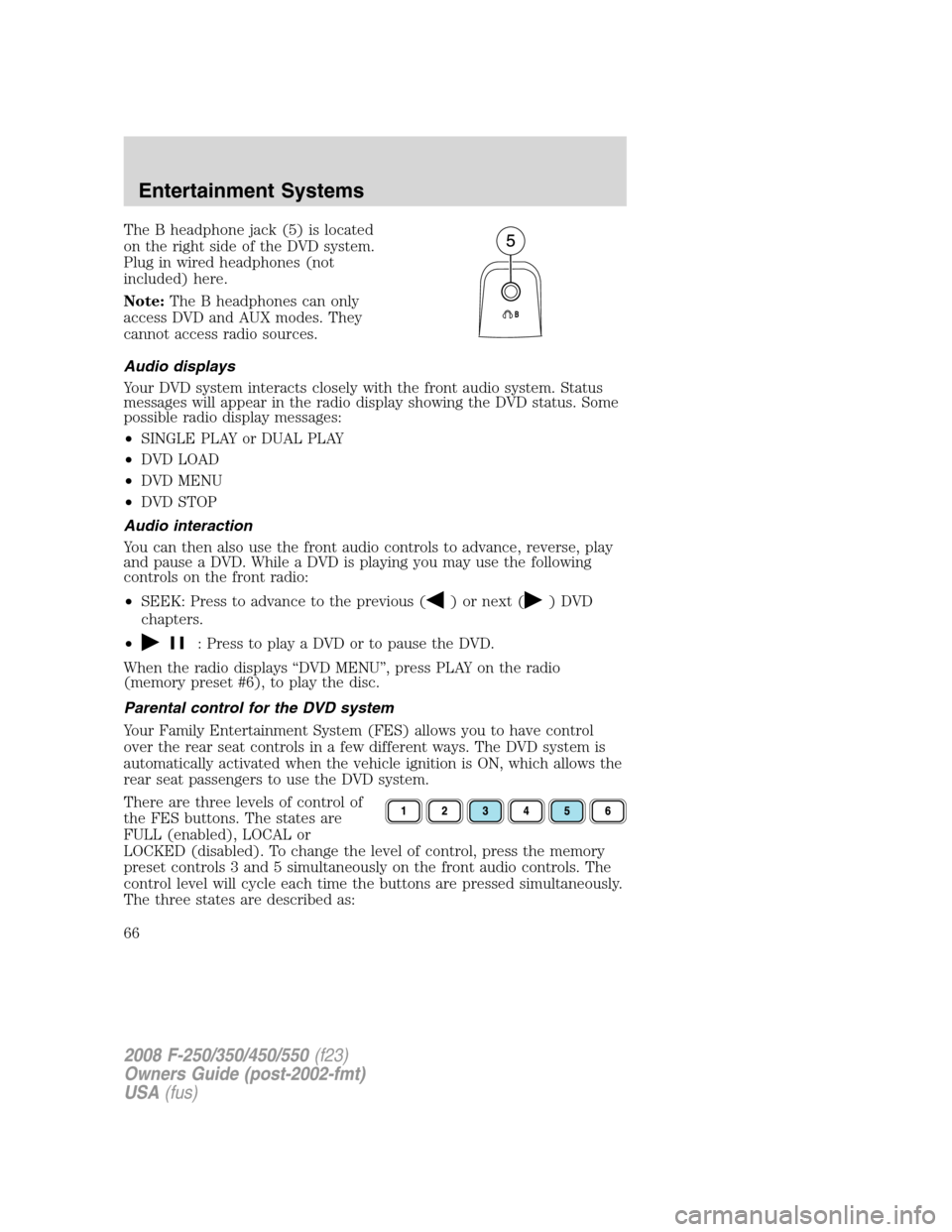
There are three levels of control of
the FES buttons. The states are
FULL (enabled), LOCAL or
LOCKED (disabled). To change the level of control, press the memory
preset controls 3 and 5 simultaneously on the front audio controls. The
control level will cycle each time the buttons are pressed simultaneously.
The three states are described as:
2008 F-250/350/450/550(f23)
Owners Guide (post-2002-fmt)
USA(fus)
Entertainment Systems
66
Page 68 of 368
Do not leave children unattended in the vehicle and do not let
children operate the system while unsupervised. If wired
headphones or auxiliary systems are used, children may become
entangled in the cords and seriously injure themselves.
The front glass on the liquid crystal display (LCD) flip-down
screen may break when hit with a hard surface. If the glass
breaks, do not touch the liquid crystalline material. In case of contact
with skin, wash immediately with soap and water.
The driver should not attempt to operate any function of the
DVD system while the vehicle is in motion. Give full attention to
driving and to the road. Pull off the road in a safe place before
inserting or extracting DVDs from the system. A remote control is
included in the system to allow the rear seat occupants to operate the
FES functions without distracting the driver.
Do not expose the liquid crystal display (LCD) flip-down screen
to direct sunlight or intensive ultraviolet rays for extensive
periods of time. Ultraviolet rays deteriorate the liquid crystal.
Be sure to review User Manuals for video games and video game
equipment when used as auxiliary inputs for your Family Entertainment
System (FES).
Do not operate video games or video equipment if the power cords
and/or cables are broken, split or damaged. Carefully place cords and/or
cables where they will not be stepped on or interfere with the operation
of seats and/or compartments.
Disconnect video games and video equipment power cords and/or cables
when not in use.
Avoid touching auxiliary input jacks with your fingers. Do not blow on
them or allow them to get wet or dirty.
Do not clean any part of the DVD player with benzene, paint thinner or
any other solvent.
Federal Communication Commission (FCC) Compliance
Changes or modifications not approved by Ford Lincoln-Mercury could
void user’s authority to operate the equipment. This equipment has been
tested and found to comply with the limits for a Class B digital device,
2008 F-250/350/450/550(f23)
Owners Guide (post-2002-fmt)
USA(fus)
Entertainment Systems
68
Page 70 of 368
Foreign substances
Exercise care to prevent dirt and foreign objects from entering the DVD
player compartment. Be especially careful not to spill liquids of any kind
onto the media controls or into the system. If liquid is accidentally
spilled onto the system, immediately turn the system OFF and consult a
qualified service technician.
Cleaning the liquid crystal display (LCD) flip-down screen
Clean the display screen by applying a small amount of water or any
ammonia-based household glass cleaner directly to a soft cloth. Rub the
screen gently until the dust, dirt or fingerprints are removed. Do not
spray the screen directly with water or glass cleaning solvents. Overspray
from these fluids could drip down into the internal electronics of the
screen and cause damage. Do not apply excessive pressure while
cleaning the screen.
Cleaning DVD and CD discs
Inspect all discs for contamination before playing. If necessary, clean
discs only with an approved DVD and CD cleaner and wipe from the
center out to the edge. Do not use circular motion.
Compatibility with aftermarket audio systems
(headphone only mode)
When the Family Entertainment System (FES) detects that the original
radio supplied by Ford Motor Company has been removed from the
vehicle, the FES will work in a state referred to as “Headphone Only
Mode.” This mode allows the FES to operate as a standalone system,
without interface to the radio.
While operating in Headphone Only Mode, the system will have limited
functionality.
•The system will only output audio to the headphones. It will not be
capable of providing audio to the speakers.
•The available sources in FES Headphone Only Mode are DVD-DISC
and DVD-AUX, regardless of headphone channel (A or B).
•When a disc is inserted into the FES while in Headphone Only Mode,
both headphone channels (A and B) will be connected to FES-DISC.
2008 F-250/350/450/550(f23)
Owners Guide (post-2002-fmt)
USA(fus)
Entertainment Systems
70
Page 77 of 368
4.Recirculation control:Press to activate/deactivate air
recirculation in cabin. Recirculated air may reduce the amount of time to
cool down the interior of the vehicle and may also help reduce undesired
odors from reaching the interior of the vehicle. Recirculation can be
engaged manually in any other airflow selection except
(defrost).
Recirculation may turn off automatically in all airflow selections except
MAX A/C.
5.A/C control:Press to activate/deactivate air conditioning. Use with
recirculated air to improve cooling performance and efficiency. Engages
automatically in AUTO,
(defrost) and(floor/defrost).
6.
:Distributes air through the windshield defroster vents and floor
vents.
7.
:Distributes air through the floor vents.
8.
:Distributes air through the instrument panel vents and the floor
vents.
9.
:Distributes air through the instrument panel vents.
10.Manual override controls:Allows you to manually select where
airflow is directed. To return to full automatic control, press AUTO.
11.
Fan speed control:Press to manually increase or decrease the
fan speed. To return to automatic fan operation, press AUTO.
12.EXT:Press to display outside temperature. Press again to display
cabin temperature settings.
13.OFF:Outside air is shut out and the fan will not operate.
14.Driver temperature control:Press to increase/decrease the driver
side temperature in the vehicle cabin.
15.AUTO:To engage automatic temperature control, press AUTO and
select the desired temperature using the temperature control. The
system will automatically determine fan speed, airflow location, A/C on
or off, and outside or recirculated air, to heat or cool the vehicle to reach
the desired temperature.
16.
Heated seat controls:Press to turn the heated seats on and off.
The heated seats automatically turn off after 10 minutes, or when the
ignition is turned off.
2008 F-250/350/450/550(f23)
Owners Guide (post-2002-fmt)
USA(fus)
Climate Controls
77
Page 116 of 368
CENTER CONSOLE (IF EQUIPPED)
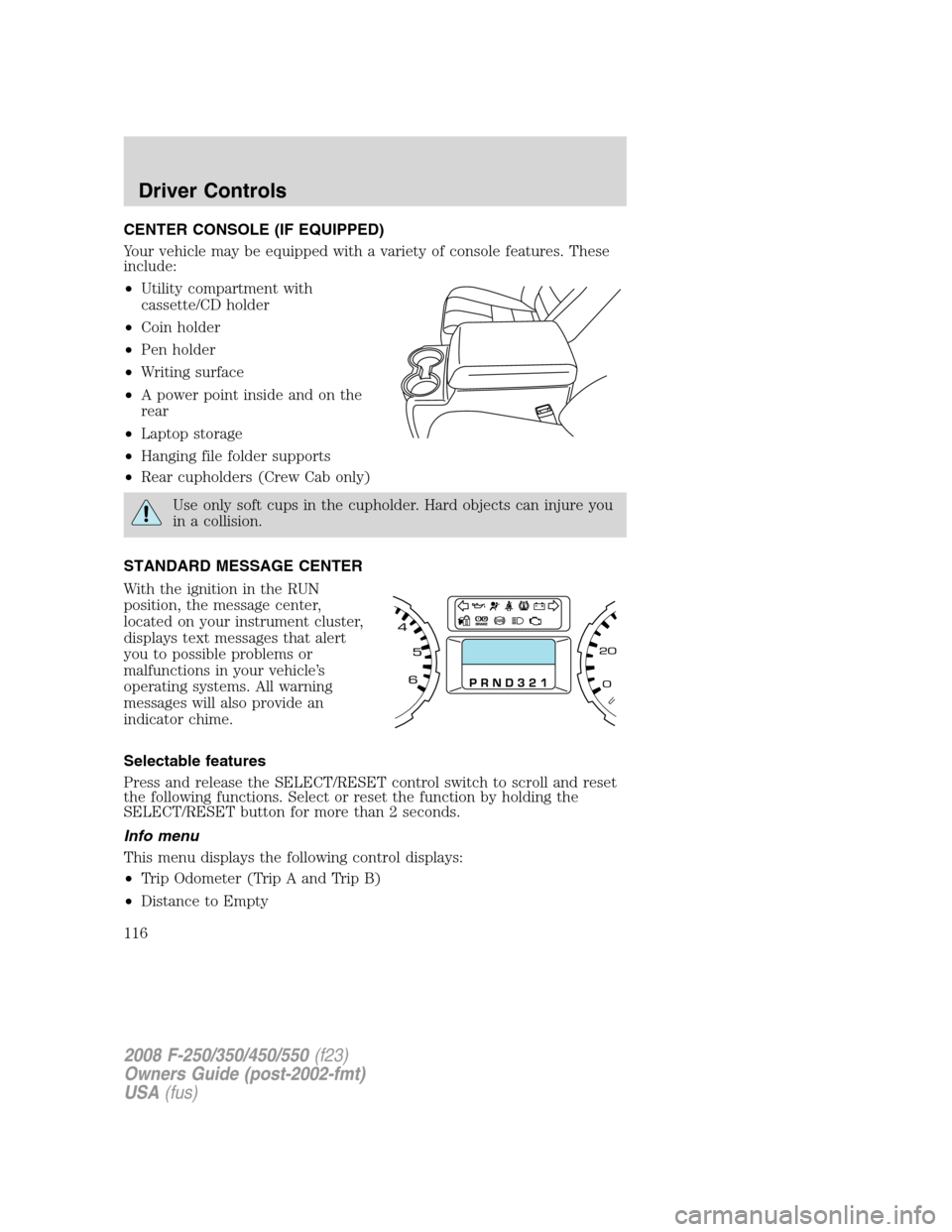
Your vehicle may be equipped with a variety of console features. These
include:
•Utility compartment with
cassette/CD holder
•Coin holder
•Pen holder
•Writing surface
•A power point inside and on the
rear
•Laptop storage
•Hanging file folder supports
•Rear cupholders (Crew Cab only)
Use only soft cups in the cupholder. Hard objects can injure you
in a collision.
STANDARD MESSAGE CENTER
With the ignition in the RUN
position, the message center,
located on your instrument cluster,
displays text messages that alert
you to possible problems or
malfunctions in your vehicle’s
operating systems. All warning
messages will also provide an
indicator chime.
Selectable features
Press and release the SELECT/RESET control switch to scroll and reset
the following functions. Select or reset the function by holding the
SELECT/RESET button for more than 2 seconds.
Info menu
This menu displays the following control displays:
•Trip Odometer (Trip A and Trip B)
•Distance to Empty
2008 F-250/350/450/550(f23)
Owners Guide (post-2002-fmt)
USA(fus)
Driver Controls
116
Page 117 of 368
•Average Fuel Economy
•Setup Menu
•System check
•Blank (Odometer and compass, if equipped, off)
Odometer/Trip odometer
Refer toGaugesin theInstrument Clusterchapter.
Distance to empty (DTE)
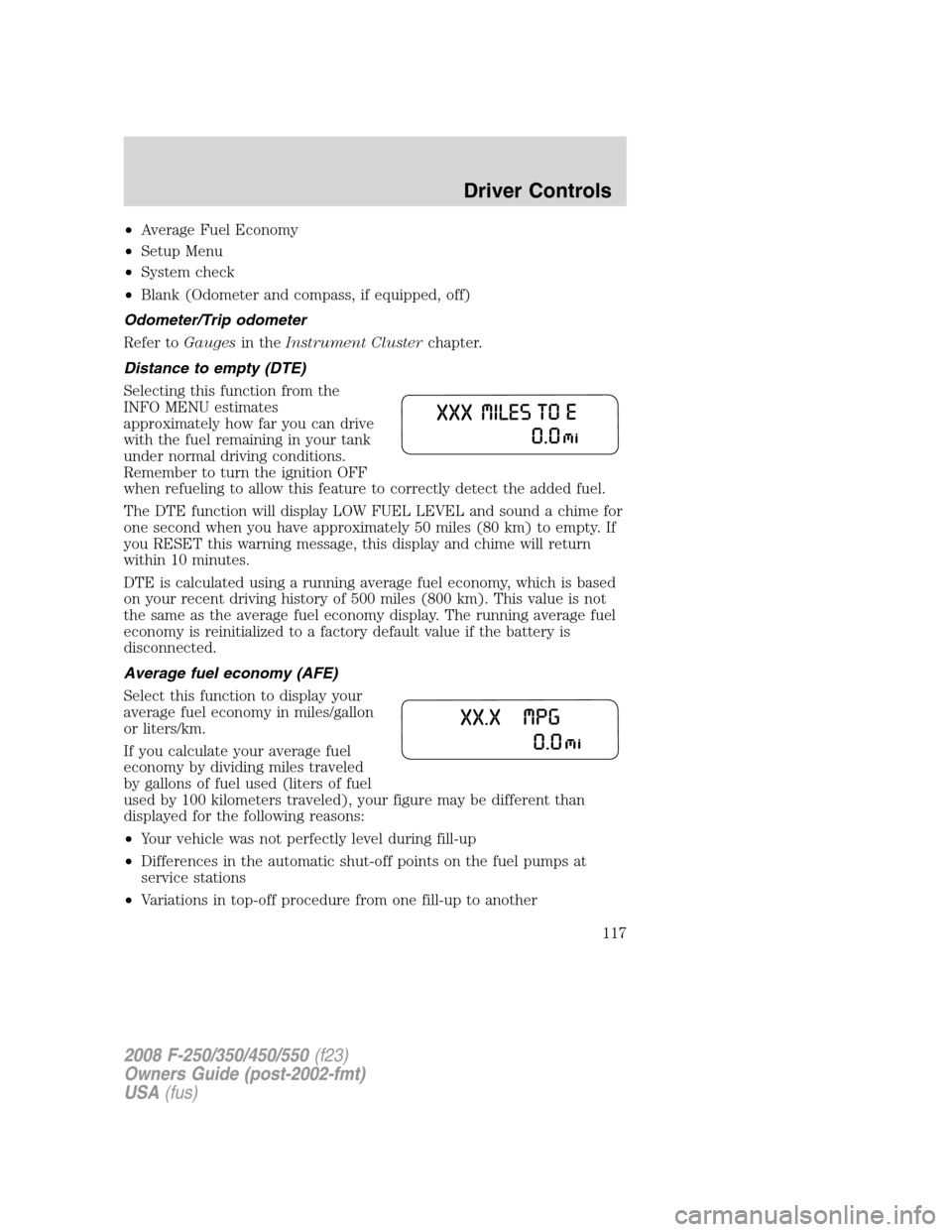
Selecting this function from the
INFO MENU estimates
approximately how far you can drive
with the fuel remaining in your tank
under normal driving conditions.
Remember to turn the ignition OFF
when refueling to allow this feature to correctly detect the added fuel.
The DTE function will display LOW FUEL LEVEL and sound a chime for
one second when you have approximately 50 miles (80 km) to empty. If
you RESET this warning message, this display and chime will return
within 10 minutes.
DTE is calculated using a running average fuel economy, which is based
on your recent driving history of 500 miles (800 km). This value is not
the same as the average fuel economy display. The running average fuel
economy is reinitialized to a factory default value if the battery is
disconnected.
Average fuel economy (AFE)
Select this function to display your
average fuel economy in miles/gallon
or liters/km.
If you calculate your average fuel
economy by dividing miles traveled
by gallons of fuel used (liters of fuel
used by 100 kilometers traveled), your figure may be different than
displayed for the following reasons:
•Your vehicle was not perfectly level during fill-up
•Differences in the automatic shut-off points on the fuel pumps at
service stations
•Variations in top-off procedure from one fill-up to another
2008 F-250/350/450/550(f23)
Owners Guide (post-2002-fmt)
USA(fus)
Driver Controls
117
Page 118 of 368
•Rounding of the displayed values to the nearest 0.1 gallon (liter)
1. Drive the vehicle at least 5 miles (8 km) with the speed control
system engaged to display a stabilized average.
2. Record the highway fuel economy for future reference.
It is important to press the SELECT/RESET control switch (press and
hold for 2 seconds in order to reset the function) after setting the speed
control to get accurate highway fuel economy readings.
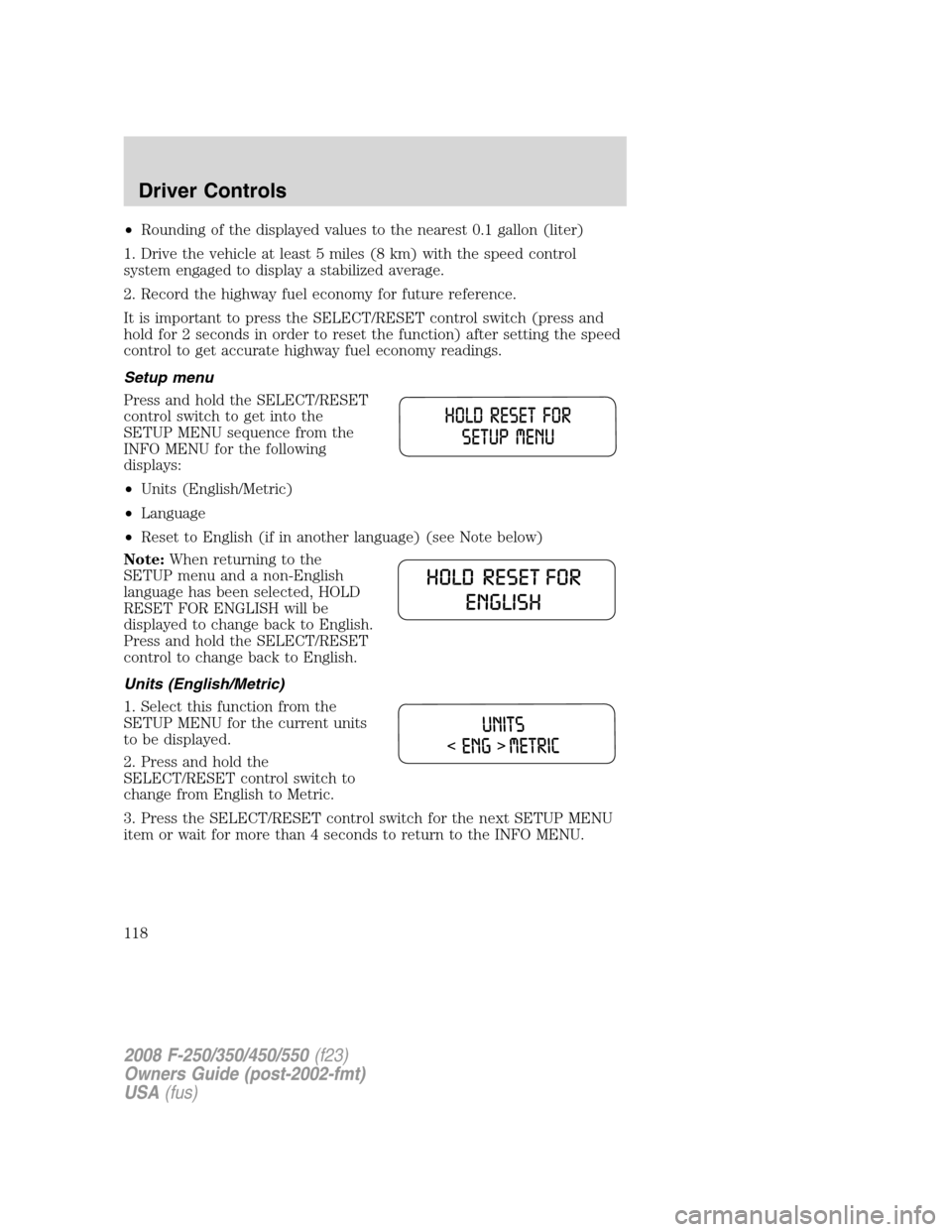
Setup menu
Press and hold the SELECT/RESET
control switch to get into the
SETUP MENU sequence from the
INFO MENU for the following
displays:
•Units (English/Metric)
•Language
•Reset to English (if in another language) (see Note below)
Note:When returning to the
SETUP menu and a non-English
language has been selected, HOLD
RESET FOR ENGLISH will be
displayed to change back to English.
Press and hold the SELECT/RESET
control to change back to English.
Units (English/Metric)
1. Select this function from the
SETUP MENU for the current units
to be displayed.
2. Press and hold the
SELECT/RESET control switch to
change from English to Metric.
3. Press the SELECT/RESET control switch for the next SETUP MENU
item or wait for more than 4 seconds to return to the INFO MENU.
2008 F-250/350/450/550(f23)
Owners Guide (post-2002-fmt)
USA(fus)
Driver Controls
118
Page 119 of 368
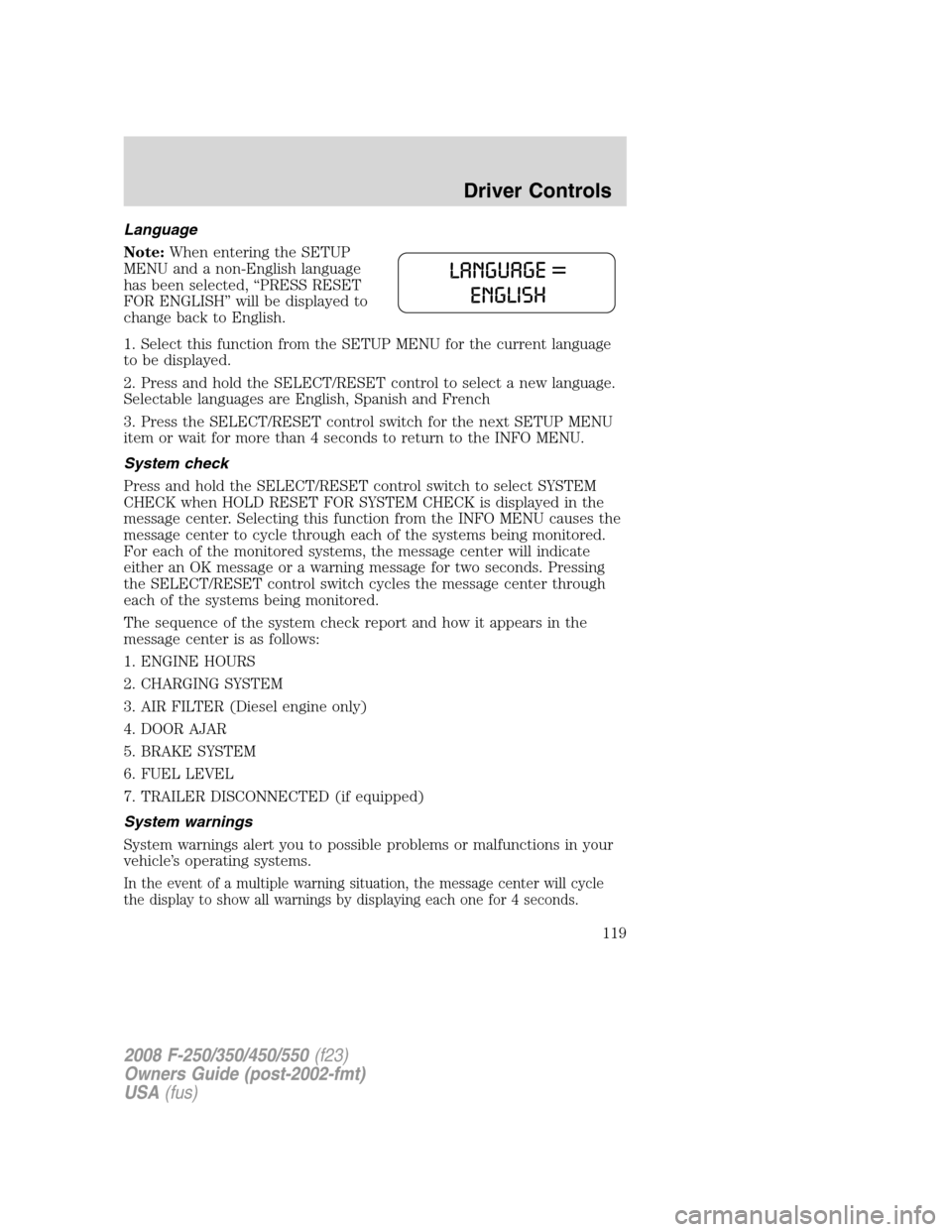
Language
Note:When entering the SETUP
MENU and a non-English language
has been selected, “PRESS RESET
FOR ENGLISH” will be displayed to
change back to English.
1. Select this function from the SETUP MENU for the current language
to be displayed.
2. Press and hold the SELECT/RESET control to select a new language.
Selectable languages are English, Spanish and French
3. Press the SELECT/RESET control switch for the next SETUP MENU
item or wait for more than 4 seconds to return to the INFO MENU.
System check
Press and hold the SELECT/RESET control switch to select SYSTEM
CHECK when HOLD RESET FOR SYSTEM CHECK is displayed in the
message center. Selecting this function from the INFO MENU causes the
message center to cycle through each of the systems being monitored.
For each of the monitored systems, the message center will indicate
either an OK message or a warning message for two seconds. Pressing
the SELECT/RESET control switch cycles the message center through
each of the systems being monitored.
The sequence of the system check report and how it appears in the
message center is as follows:
1. ENGINE HOURS
2. CHARGING SYSTEM
3. AIR FILTER (Diesel engine only)
4. DOOR AJAR
5. BRAKE SYSTEM
6. FUEL LEVEL
7. TRAILER DISCONNECTED (if equipped)
System warnings
System warnings alert you to possible problems or malfunctions in your
vehicle’s operating systems.
In the event of a multiple warning situation, the message center will cycle
the display to show all warnings by displaying each one for 4 seconds.
2008 F-250/350/450/550(f23)
Owners Guide (post-2002-fmt)
USA(fus)
Driver Controls
119