horn FORD SUPER DUTY 2008 2.G Owners Manual
[x] Cancel search | Manufacturer: FORD, Model Year: 2008, Model line: SUPER DUTY, Model: FORD SUPER DUTY 2008 2.GPages: 368, PDF Size: 3.46 MB
Page 137 of 368
•the ignition is in the 3 (ON) position,
•you shift into any gear putting the vehicle in motion, and
•the vehicle attains a speed greater than 12 mph (20 km/h) for greater
than 2 seconds.
The autolock feature repeats when:
•any door is opened then closed while the ignition is in the 3 (ON)
position and the vehicle speed is 9 mph (15 km/h) or lower, and
•the vehicle then attains a speed greater than 12 mph (20 km/h) for
greater than 2 seconds.
Deactivating/activating autolock feature
There are four methods to enable/disable this feature:
•Through your authorized dealer,
•by using a power door unlock/lock procedure,
•using a keypad procedure (if equipped), or
•or by using the instrument cluster message center (if equipped). Refer
toOptional message centerin theDriver controlschapter.
Note:The autolock feature can be activated/deactivated independently
of the autounlock feature.
Power door lock switch autolock enable/disable procedure
Before starting, ensure the ignition is in the 1 (OFF/LOCK) position and
all vehicle doors are closed. You must complete Steps 1–5 within 30
seconds or the procedure will have to be repeated. If the procedure
needs to be repeated, wait a minimum of 30 seconds before beginning
again.
1. Place the key in the ignition and
turn the ignition to the 3 (ON)
position.
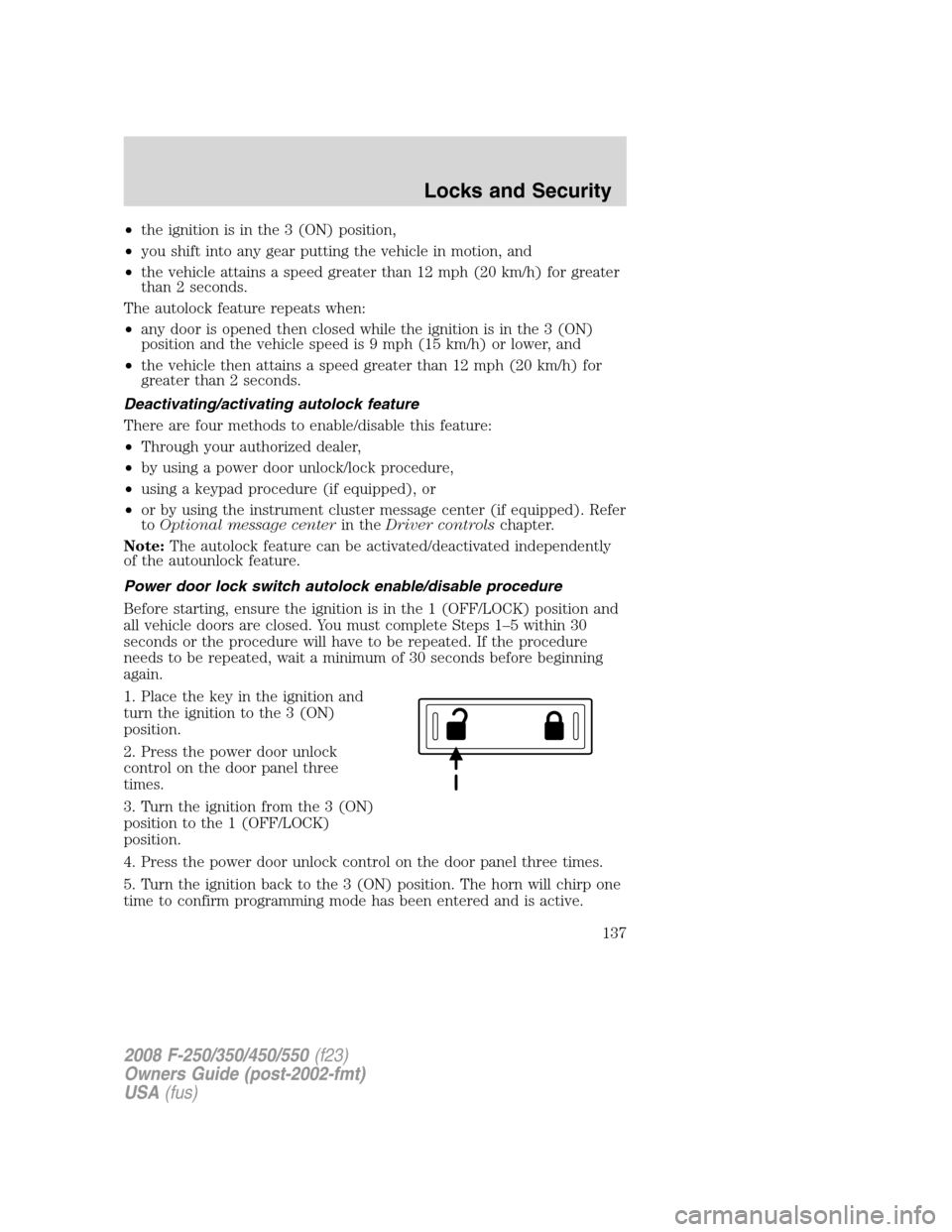
2. Press the power door unlock
control on the door panel three
times.
3. Turn the ignition from the 3 (ON)
position to the 1 (OFF/LOCK)
position.
4. Press the power door unlock control on the door panel three times.
5. Turn the ignition back to the 3 (ON) position. The horn will chirp one
time to confirm programming mode has been entered and is active.
2008 F-250/350/450/550(f23)
Owners Guide (post-2002-fmt)
USA(fus)
Locks and Security
137
Page 138 of 368
6. To enable/disable the autolock feature, press the unlock control, then
press the lock control. The horn will chirp once if autolock was
deactivated or twice (one short and one long chirp) if autolock was
activated.
7. Turn the ignition to the 1 (OFF/LOCK) position. The horn will chirp
once to confirm the procedure is complete.
Keyless entry key pad autolock enable/disable procedure
1. Turn the ignition to the 1
(OFF/LOCK) position.
2. Close all the doors.
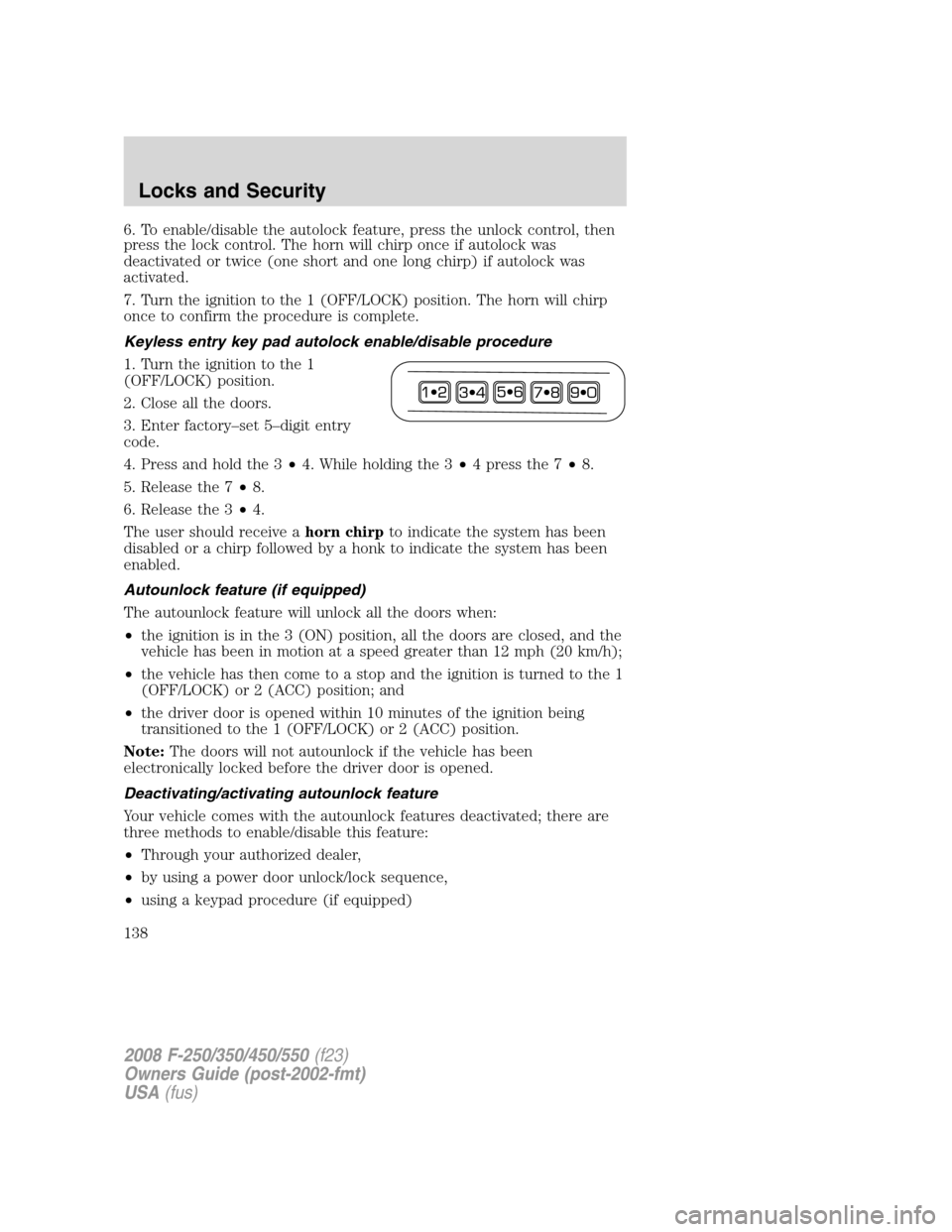
3. Enter factory–set 5–digit entry
code.
4. Press and hold the 3•4. While holding the 3•4pressthe7•8.
5. Release the 7•8.
6. Release the 3•4.
The user should receive ahorn chirpto indicate the system has been
disabled or a chirp followed by a honk to indicate the system has been
enabled.
Autounlock feature (if equipped)
The autounlock feature will unlock all the doors when:
•the ignition is in the 3 (ON) position, all the doors are closed, and the
vehicle has been in motion at a speed greater than 12 mph (20 km/h);
•the vehicle has then come to a stop and the ignition is turned to the 1
(OFF/LOCK) or 2 (ACC) position; and
•the driver door is opened within 10 minutes of the ignition being
transitioned to the 1 (OFF/LOCK) or 2 (ACC) position.
Note:The doors will not autounlock if the vehicle has been
electronically locked before the driver door is opened.
Deactivating/activating autounlock feature
Your vehicle comes with the autounlock features deactivated; there are
three methods to enable/disable this feature:
•Through your authorized dealer,
•by using a power door unlock/lock sequence,
•using a keypad procedure (if equipped)
2008 F-250/350/450/550(f23)
Owners Guide (post-2002-fmt)
USA(fus)
Locks and Security
138
Page 139 of 368
Note:The autounlock feature can be activated/deactivated
independently of the autolock feature.
Power door lock switch autounlock enable/disable procedure
Before starting, ensure the ignition is in the 1 (OFF/LOCK) position and
all vehicle doors are closed. You must complete Steps 1–5 within 30
seconds or the procedure will have to be repeated. If the procedure
needs to be repeated, wait a minimum of 30 seconds before beginning
again.
1. Place the key in the ignition and
turn the ignition to the 3 (ON)
position.
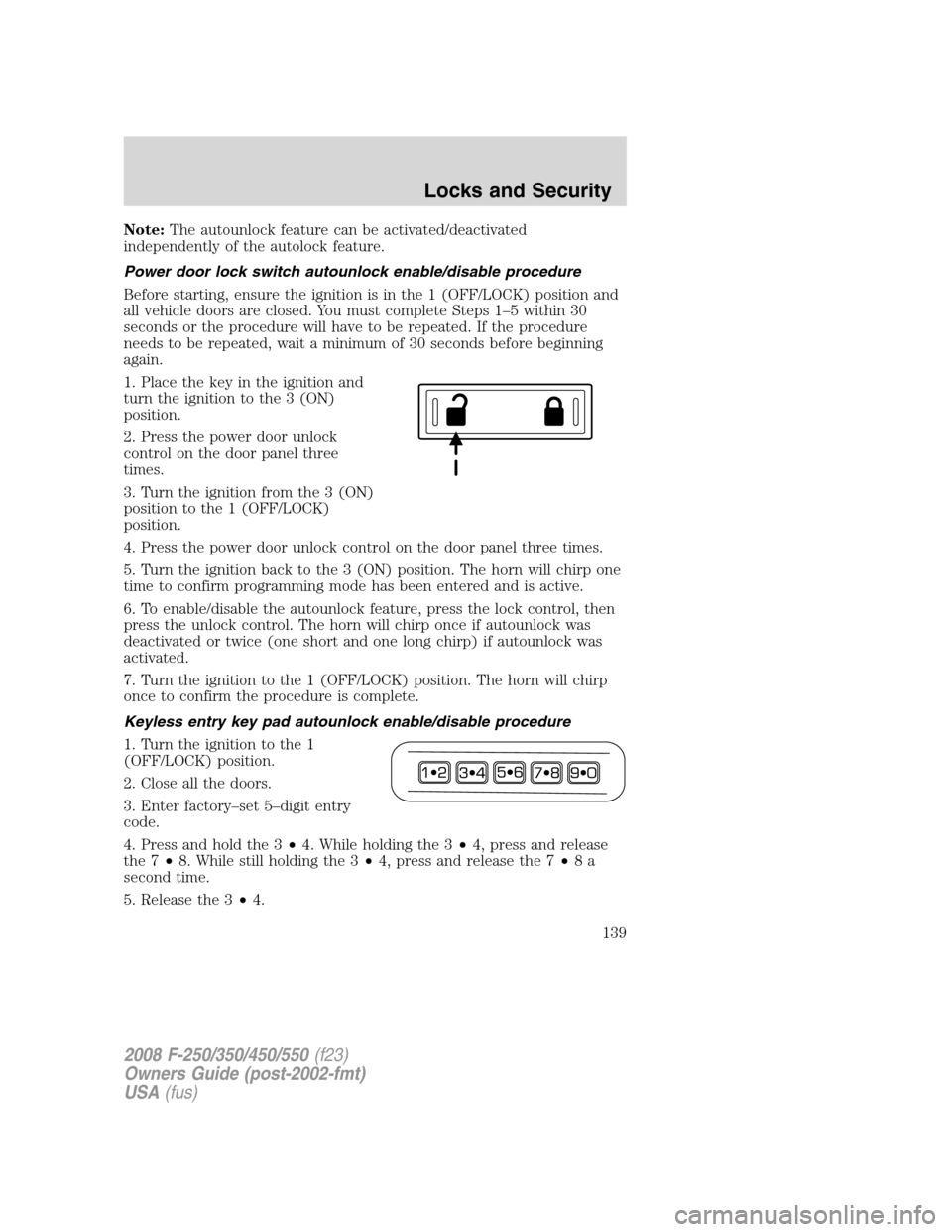
2. Press the power door unlock
control on the door panel three
times.
3. Turn the ignition from the 3 (ON)
position to the 1 (OFF/LOCK)
position.
4. Press the power door unlock control on the door panel three times.
5. Turn the ignition back to the 3 (ON) position. The horn will chirp one
time to confirm programming mode has been entered and is active.
6. To enable/disable the autounlock feature, press the lock control, then
press the unlock control. The horn will chirp once if autounlock was
deactivated or twice (one short and one long chirp) if autounlock was
activated.
7. Turn the ignition to the 1 (OFF/LOCK) position. The horn will chirp
once to confirm the procedure is complete.
Keyless entry key pad autounlock enable/disable procedure
1. Turn the ignition to the 1
(OFF/LOCK) position.
2. Close all the doors.
3. Enter factory–set 5–digit entry
code.
4. Press and hold the 3•4. While holding the 3•4, press and release
the 7•8. While still holding the 3•4, press and release the 7•8a
second time.
5. Release the 3•4.
2008 F-250/350/450/550(f23)
Owners Guide (post-2002-fmt)
USA(fus)
Locks and Security
139
Page 140 of 368
The user should receive ahorn chirpto indicate the system has been
disabled or a chirp followed by a honk to indicate the system has been
enabled.
CHILDPROOF DOOR LOCKS (IF EQUIPPED)
•When these locks are set, the
rear doors cannot be opened from
the inside.
•The rear doors can be opened
from the outside when the doors
are unlocked.
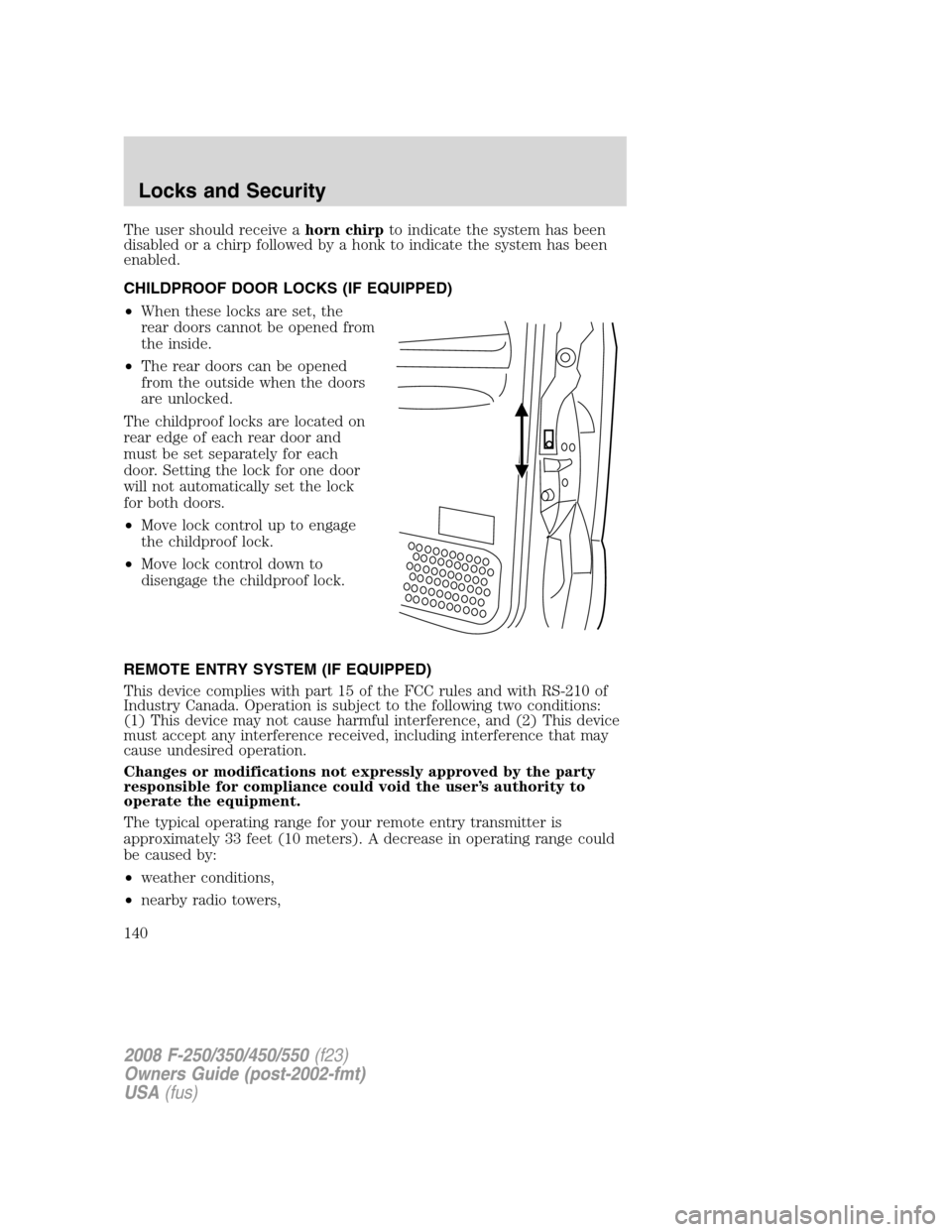
The childproof locks are located on
rear edge of each rear door and
must be set separately for each
door. Setting the lock for one door
will not automatically set the lock
for both doors.
•Move lock control up to engage
the childproof lock.
•Move lock control down to
disengage the childproof lock.
REMOTE ENTRY SYSTEM (IF EQUIPPED)
This device complies with part 15 of the FCC rules and with RS-210 of
Industry Canada. Operation is subject to the following two conditions:
(1) This device may not cause harmful interference, and (2) This device
must accept any interference received, including interference that may
cause undesired operation.
Changes or modifications not expressly approved by the party
responsible for compliance could void the user’s authority to
operate the equipment.
The typical operating range for your remote entry transmitter is
approximately 33 feet (10 meters). A decrease in operating range could
be caused by:
•weather conditions,
•nearby radio towers,
2008 F-250/350/450/550(f23)
Owners Guide (post-2002-fmt)
USA(fus)
Locks and Security
140
Page 141 of 368
•structures around the vehicle, or
•other vehicles parked next to your vehicle.
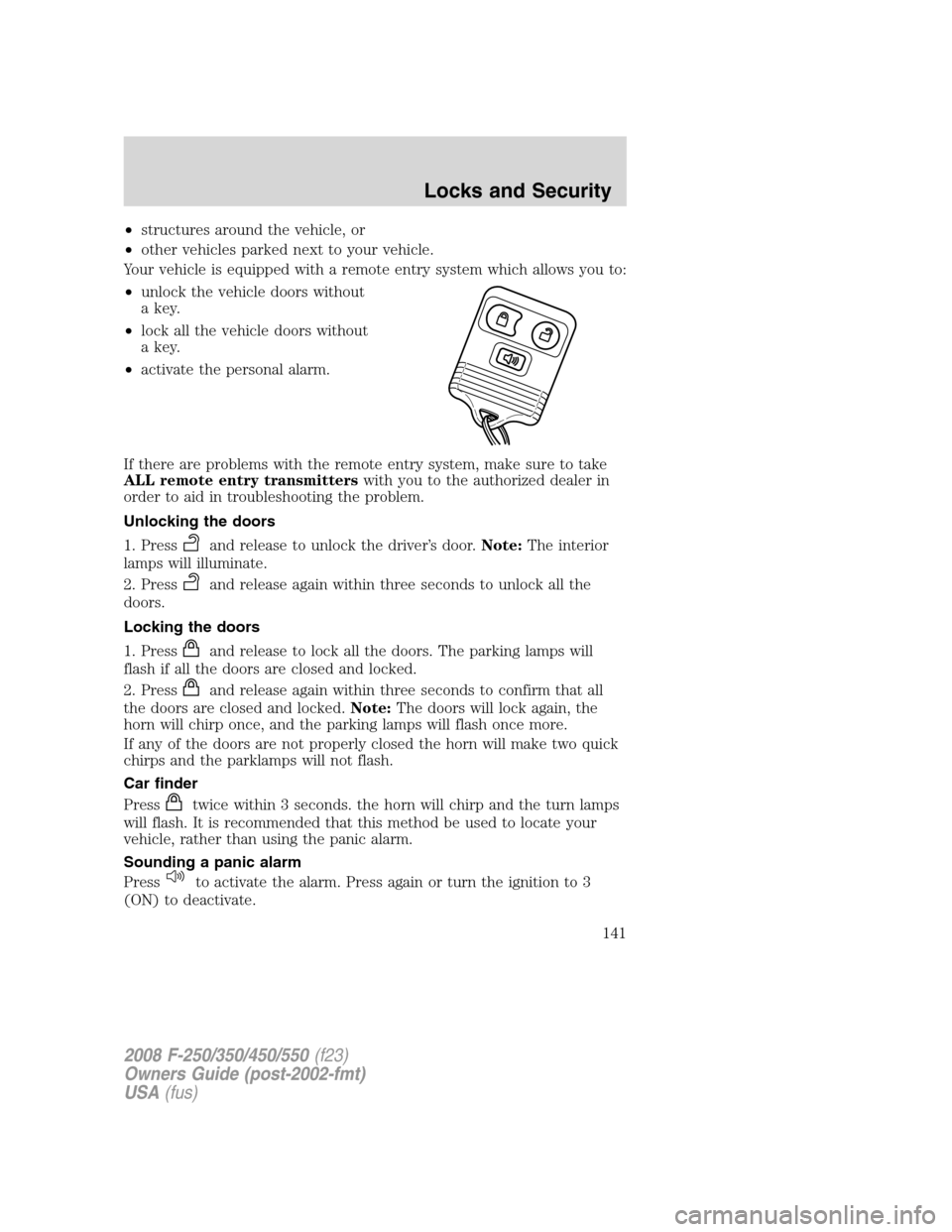
Your vehicle is equipped with a remote entry system which allows you to:
•unlock the vehicle doors without
a key.
•lock all the vehicle doors without
a key.
•activate the personal alarm.
If there are problems with the remote entry system, make sure to take
ALL remote entry transmitterswith you to the authorized dealer in
order to aid in troubleshooting the problem.
Unlocking the doors
1. Press
and release to unlock the driver’s door.Note:The interior
lamps will illuminate.
2. Press
and release again within three seconds to unlock all the
doors.
Locking the doors
1. Press
and release to lock all the doors. The parking lamps will
flash if all the doors are closed and locked.
2. Press
and release again within three seconds to confirm that all
the doors are closed and locked.Note:The doors will lock again, the
horn will chirp once, and the parking lamps will flash once more.
If any of the doors are not properly closed the horn will make two quick
chirps and the parklamps will not flash.
Car finder
Press
twice within 3 seconds. the horn will chirp and the turn lamps
will flash. It is recommended that this method be used to locate your
vehicle, rather than using the panic alarm.
Sounding a panic alarm
Press
to activate the alarm. Press again or turn the ignition to 3
(ON) to deactivate.
2008 F-250/350/450/550(f23)
Owners Guide (post-2002-fmt)
USA(fus)
Locks and Security
141
Page 145 of 368
The lamps will automatically turn off:
•if the ignition switch is turned to the 3 (ON) position, or
•the Remote Keyless Entry Transmitter lock control is pressed, or
•the vehicle is locked using the keyless entry keypad (if equipped), or
•after 25 seconds of illumination.
Note:On some vehicles, the perimeter lamps illuminated entry feature
will not activate in daylight conditions.
Deactivating/activating perimeter lamps illuminated entry
You may enable/disable this feature by having your vehicle serviced by
your authorized dealer.
You may also perform the following power door lock sequence to
enable/disable the perimeter lamps feature.Note:Before starting, ensure
the ignition is in the 1 (OFF/LOCK) position and all vehicle doors are
closed.
You must complete Steps 1–5 within 30 seconds or the procedure will
have to be repeated. If the procedure needs to be repeated, wait a
minimum of 30 seconds before beginning again.
1. Place the key in the ignition and turn the ignition to the 3 (ON)
position.
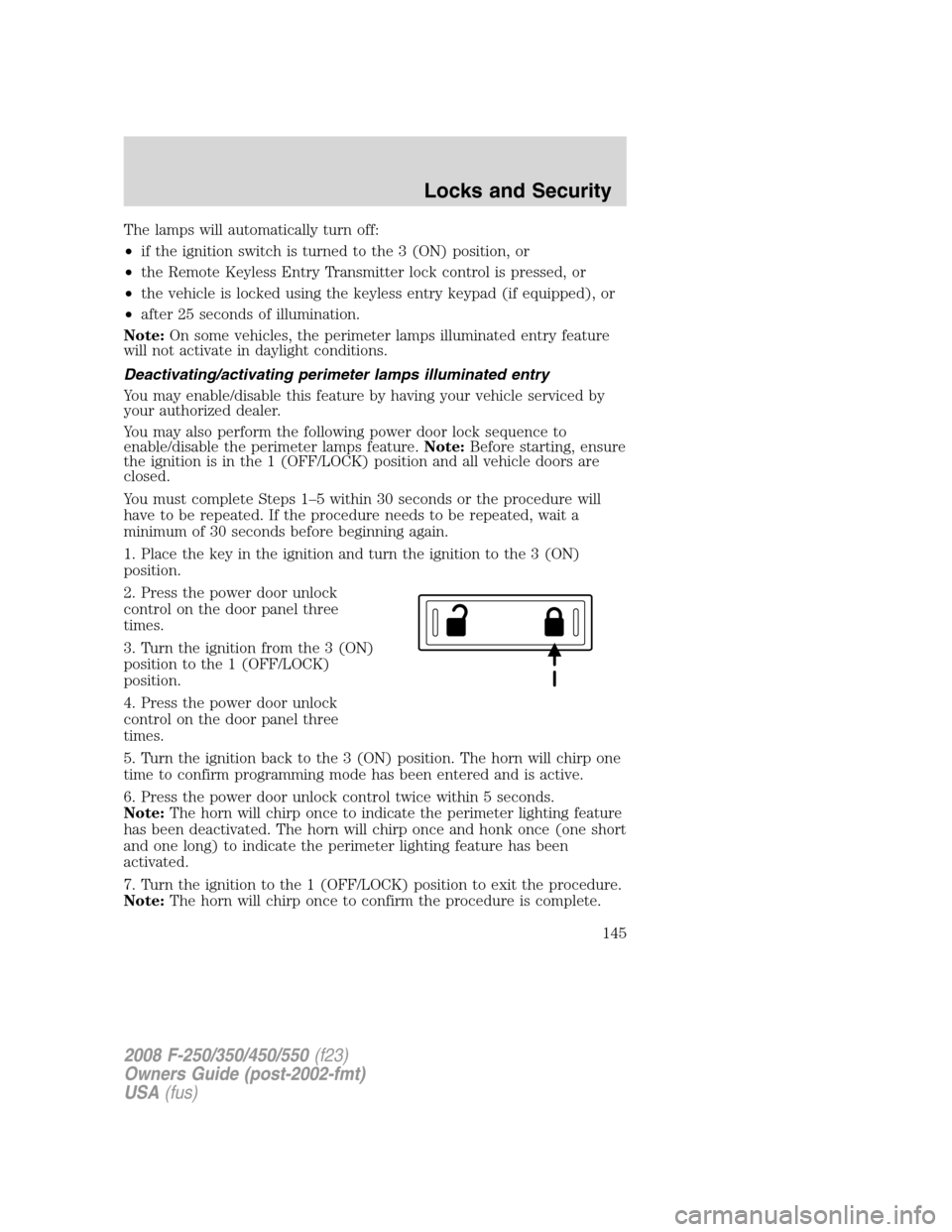
2. Press the power door unlock
control on the door panel three
times.
3. Turn the ignition from the 3 (ON)
position to the 1 (OFF/LOCK)
position.
4. Press the power door unlock
control on the door panel three
times.
5. Turn the ignition back to the 3 (ON) position. The horn will chirp one
time to confirm programming mode has been entered and is active.
6. Press the power door unlock control twice within 5 seconds.
Note:The horn will chirp once to indicate the perimeter lighting feature
has been deactivated. The horn will chirp once and honk once (one short
and one long) to indicate the perimeter lighting feature has been
activated.
7. Turn the ignition to the 1 (OFF/LOCK) position to exit the procedure.
Note:The horn will chirp once to confirm the procedure is complete.
2008 F-250/350/450/550(f23)
Owners Guide (post-2002-fmt)
USA(fus)
Locks and Security
145
Page 272 of 368
Fuse/Relay
LocationFuse Amp
RatingPassenger Compartment Fuse Panel
Description
12 7.5A Power mirror switch, Driver power seat
(Memory)
13 7.5A Not used (spare)
14 10A Upfitter relay #3 feed
15 10A Climate control head
16 15A Upfitter Relay #4 Feed
17 20A All lock motor feeds
18 20A Heated seat relay feed
19 25A Not used (spare)
20 15A Adjustable pedals, Datalink
21 15A Fog lamp relay feed, Cornering lamps
22 15A Park lamp relay feed
23 15A High beam headlight relay feed
24 20A Horn relay feed
25 10A Power telescoping mirror switch Demand
lamps - underhood and illuminated visor
(battery saver)
26 10A Cluster
27 20A Ignition switch feed, Passenger
compartment fuses 28, 43 and 45, Engine
compartment starter relay coil #57 (Diesel
engine), Engine compartment starter relay
diode (gasoline engines)
28 5A Radio
29 5A Not used (spare)
30 5A Not used (spare)
31 10A Compass
32 10A Restraints Control Module (RCM),
Passenger Airbag Deactivation Indicator
33 10A Trailer tow brake controller, Trailer tow
battery charge relay coil
34 5A Not used (spare)
2008 F-250/350/450/550(f23)
Owners Guide (post-2002-fmt)
USA(fus)
Roadside Emergencies
272