airbag FORD SUPER DUTY 2016 3.G Owner's Guide
[x] Cancel search | Manufacturer: FORD, Model Year: 2016, Model line: SUPER DUTY, Model: FORD SUPER DUTY 2016 3.GPages: 510, PDF Size: 5.42 MB
Page 431 of 510
This screen displays any system messages
(such as an SD card fault).
Note:
The system alerts you to any
messages by turning the information icon
yellow. After you read or delete the
messages, the icon returns to white.
Calendar If your vehicle is equipped with
Navigation, touch the I
(Information) button to access
these features. If your vehicle is not
equipped with Navigation, touch the corner
of the touchscreen with the green tab.
Press Calendar. You can view the current
calendar by day, week or month.
911 Assist WARNINGS
Unless the 911 Assist setting is set on
before a crash, the system will not
dial for help, which could delay
response time, potentially increasing the
risk of serious injury or death after a crash. Do not wait for 911 Assist to make an
emergency call if you can do it
yourself. Dial emergency services
immediately to avoid delayed response
time, which could increase the risk of
serious injury or death after a crash. If you
do not hear 911 Assist within five seconds
of the crash, the system or phone may be
damaged or non-functional. Always place your phone in a secure
location in your vehicle so it does not
become a projectile or damaged in
a crash. Failure to do so may cause serious
injury to someone or damage the phone,
which could prevent 911 Assist from
working properly. Note:
The SYNC 911 Assist feature must be
set on prior to the incident. Note:
Before setting this feature on, make
sure that you read the 911 Assist Privacy
Notice later in this section for important
information.
Note: If any user turns 911 Assist on or off,
that setting applies for all paired phones. If
911 Assist is turned off, either a voice
message plays or a display message (or
icon) comes on (or both) when your vehicle
is started after a previously paired phone
connects.
Note: Every phone operates differently.
While SYNC 911 Assist works with most
cellular phones, some may have trouble
using this feature.
If a crash deploys an airbag, excluding knee
airbags and rear inflatable safety belts
where fitted or activates the fuel pump
shut-off, your SYNC-equipped vehicle may
be able to contact emergency services by
dialing 911 through a paired and connected
Bluetooth-enabled phone. For more
information about the 911 Assist feature
visit: Website
visit www.SYNCMyRide.com www.SYNCMyRide.cawww.syncmaroute.ca
See
Supplementary Restraints System
(page 36). Important information
regarding airbag deployment is in this
chapter.
See
Roadside Emergencies (page 211).
Important information regarding the fuel
pump shut-off is in this chapter.
428
Super Duty (TFA) Canada/United States of America, enUSA, Second Printing MyFord Touch
™
(If Equipped)E142608
Page 432 of 510
Setting 911 Assist On
If your vehicle is equipped with
Navigation, touch the I (Information)
button to access these features. If your
vehicle is not equipped with
Navigation, touch the corner of the
touchscreen with the green tab. Then
select:
Message
Apps
911 Assist
On
You can also access 911 Assist by
pressing: Message
Settings
Phone
911 Assist
Or you can also select:
Help
911 Assist
To make sure that 911 Assist works
properly:
• SYNC must be powered and working
properly at the time of the incident and
throughout feature activation and use.
• The 911 Assist feature must be set on
prior to the incident.
• You must pair and connect a
Bluetooth-enabled and compatible
phone to SYNC.
• A connected Bluetooth-enabled phone
must have the ability to make and
maintain an outgoing call at the time
of the incident. •
A connected Bluetooth-enabled phone
must have adequate network coverage,
battery power and signal strength.
• The vehicle must have battery power
and be located in the United States,
Canada or in a territory in which 911 is
the emergency number.
In the Event of a Crash
Not all crashes deploy an airbag or activate
the fuel pump shut-off (which would
trigger 911 Assist); however, SYNC tries to
contact emergency services if 911 Assist
triggers. If a connected phone sustains
damage or loses connection to SYNC,
SYNC searches for, and tries to connect
to, any available previously paired phone
and tries to make the call to 911.
Before making the call:
• SYNC provides a short window of time
(approximately 10 seconds) to cancel
the call. If you fail to cancel the call,
SYNC attempts to dial 911.
• SYNC says the following, or a similar
message: "SYNC will attempt to call
911, to cancel the call, press Cancel on
your screen or press and hold the
phone button on your steering wheel."
If you do not cancel the call, and SYNC
makes a successful call, a pre-recorded
message plays for the 911 operator, and
then the occupant(s) in your vehicle is able
to talk with the operator. Be prepared to
provide your name, phone number and
location immediately, because not all 911
systems are capable of receiving this
information electronically.
429
Super Duty (TFA) Canada/United States of America, enUSA, Second Printing MyFord Touch
™ (If Equipped)
Page 433 of 510
911 Assist May Not Work If:
•
Your cellular phone or 911 Assist
hardware sustains damage in a crash.
• The vehicle's battery or the SYNC
system has no power.
• The phones(s) previously paired or
connected to the system are thrown
from the vehicle.
911 Assist Privacy Notice
When you turn on 911 Assist, it may
disclose to emergency services that your
vehicle has been in a crash involving the
deployment of an airbag or activation of
the fuel pump shut-off. Certain versions or
updates to 911 Assist may also be capable
of electronically or verbally disclosing to
911 operators your vehicle location or other
details about your vehicle or crash to assist
911 operators to provide the most
appropriate emergency services. If you do
not want to disclose this information, do
not turn the feature on.
Vehicle Health Report (If
Equipped, US Only) WARNING
Always follow scheduled
maintenance instructions, regularly
inspect your vehicle, and seek repair
for any damage or problem you suspect.
Vehicle Health Report supplements, but
cannot replace, normal maintenance and
vehicle inspection. Vehicle Health Report
only monitors certain systems
electronically monitored by your vehicle
and will not monitor or report the status
of any other system, (such as brake lining
wear). Failure to perform scheduled
maintenance and regularly inspect your
vehicle may result in vehicle damage and
serious injury. Note:
Your Vehicle Health Report feature
requires activation prior to use. Visit
www.SYNCMyRide.com to register. There
is no fee or subscription associated with
Vehicle Health Report, but you must register
to use this feature.
Note: This feature may not function
properly if you have enabled caller ID
blocking on your cellular phone. Before
running a report, review the Vehicle Health
Report Privacy Notice.
Note: In order to allow a break-in period for
your vehicle, you may not be able to create
a Vehicle Health Report until your vehicle
odometer has reached 200 miles.
Note: Cellular phone and SMS charges may
apply when making a report.
Register for Vehicle Health Report and set
your report preferences at
www.SYNCMyRide.com. After registering,
you can request a Vehicle Health Report
(inside your vehicle). Return to your
account at www.SYNCMyRide.com to view
your report. You can also choose for SYNC
to remind you automatically to run reports
at specific mileage intervals. Cellular phone
airtime usage may apply when reporting.
The system allows you to check your
vehicle ’s overall health in the form of a
diagnostic report card. The Vehicle Health
Report contains valuable information, for
example:
• Vehicle diagnostic information.
• Scheduled maintenance.
• Open recalls and Field Service Actions.
• Items noted during vehicle inspections
by your authorized dealer that still need
servicing.
430
Super Duty (TFA) Canada/United States of America, enUSA, Second Printing MyFord Touch
™ (If Equipped)
Page 484 of 510
Route Safety: Do not follow the route
suggestions if doing so would result in an
unsafe or illegal maneuver, if you would be
placed in an unsafe situation, or if you
would be directed into an area that you
consider unsafe. The driver is ultimately
responsible for the safe operation of the
vehicle and therefore, must evaluate
whether it is safe to follow the suggested
directions.
Potential Map Inaccuracy:
Maps used
by this system may be inaccurate because
of changes in roads, traffic controls or
driving conditions. Always use good
judgment and common sense when
following the suggested routes.
Emergency Services:
Do not rely on any
navigation features included in the system
to route you to emergency services. Ask
local authorities or an emergency services
operator for these locations. Not all
emergency services such as police, fire
stations, hospitals and clinics are likely to
be contained in the map database for such
navigation features.
Telenav Software End User License
Agreement
Please read these terms and conditions
carefully before you use the Telenav
Software. Your use of the Telenav
Software indicates that you accept these
terms and conditions. If you do not accept
these terms and conditions, do not break
the seal of the package, launch, or
otherwise use the Telenav Software.
These terms and conditions represent the
agreement (“ Agreement”) between you
and Telenav, Inc. (“Telenav ”) with respect
to the Telenav Software (including
upgrades, modifications, or additions
thereto) (collectively “Telenav Software”).
All references herein to “you” and “your ”
means you, your employees, agents, and
contractors, and any other entity on whose
behalf you accept these terms and conditions, all of whom shall also be bound
by this Agreement. Additionally, all of your
account information, as well as other
payment and personal information
provided by you to Telenav (directly or
through the use of the Telenav Software,
is subject to Telenav
’s privacy policy
located at http://www.telenav.com.
Telenav may revise this Agreement and
the privacy policy at any time, with or
without notice to you. You agree to visit
http://www.telenav.com from time to time
to review the then current version of this
Agreement and of the privacy policy.
1. Safe and Lawful Use
You acknowledge that devoting attention
to the Telenav Software may pose a risk
of injury or death to you and others in
situations that otherwise require your
undivided attention, and you therefore
agree to comply with the following when
using the Telenav Software: (a) observe
all traffic laws and otherwise drive safely;
(b) use your own personal judgment while
driving. If you feel that a route suggested
by the Telenav Software instructs you to
perform an unsafe or illegal maneuver,
places you in an unsafe situation, or directs
you into an area that you consider to be
unsafe, do not follow such instructions; (c)
do not input destinations, or otherwise
manipulate the Telenav Software, unless
your vehicle is stationary and parked; (d)
do not use the Telenav Software for any
illegal, unauthorized, unintended, unsafe,
hazardous, or unlawful purposes, or in any
manner inconsistent with this Agreement;
(e) arrange all GPS and wireless devices
and cables necessary for use of the
Telenav Software in a secure manner in
your vehicle so that they will not interfere
with your driving and will not prevent the
operation of any safety device (such as an
airbag).
481
Super Duty (TFA) Canada/United States of America, enUSA, Second Printing Appendices
Page 500 of 510
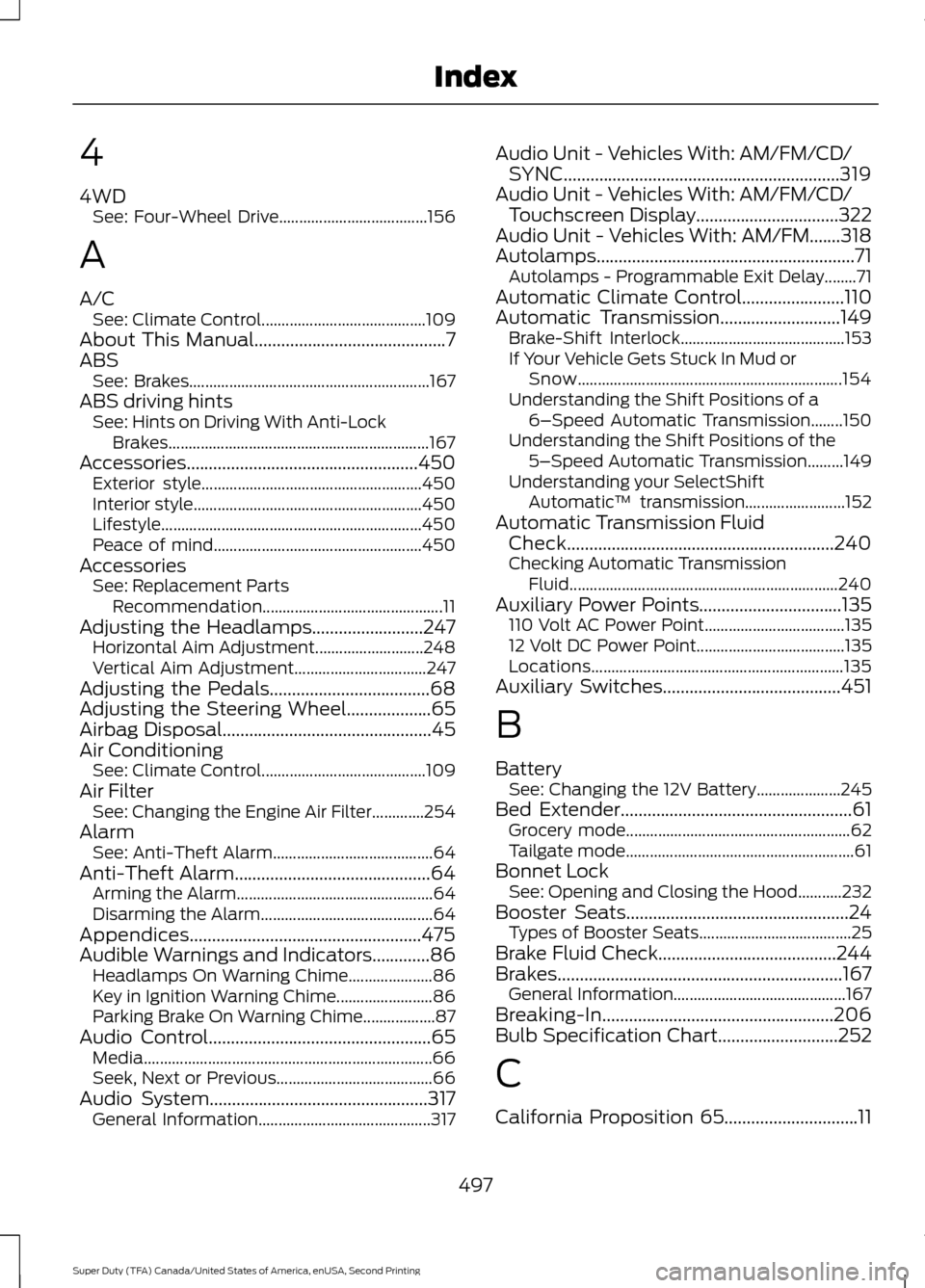
4
4WD
See: Four-Wheel Drive..................................... 156
A
A/C See: Climate Control......................................... 109
About This Manual...........................................7
ABS See: Brakes............................................................ 167
ABS driving hints See: Hints on Driving With Anti-Lock
Brakes................................................................. 167
Accessories....................................................450 Exterior style....................................................... 450
Interior style......................................................... 450
Lifestyle................................................................. 450
Peace of mind.................................................... 450
Accessories See: Replacement Parts
Recommendation............................................. 11
Adjusting the Headlamps.........................247 Horizontal Aim Adjustment........................... 248
Vertical Aim Adjustment................................. 247
Adjusting the Pedals
....................................68
Adjusting the Steering Wheel...................65
Airbag Disposal...............................................45
Air Conditioning See: Climate Control......................................... 109
Air Filter See: Changing the Engine Air Filter.............254
Alarm See: Anti-Theft Alarm........................................ 64
Anti-Theft Alarm
............................................64
Arming the Alarm................................................. 64
Disarming the Alarm........................................... 64
Appendices....................................................475
Audible Warnings and Indicators
.............86
Headlamps On Warning Chime..................... 86
Key in Ignition Warning Chime........................ 86
Parking Brake On Warning Chime.................. 87
Audio Control..................................................65 Media........................................................................\
66
Seek, Next or Previous....................................... 66
Audio System.................................................317 General Information........................................... 317Audio Unit - Vehicles With: AM/FM/CD/
SYNC..............................................................319
Audio Unit - Vehicles With: AM/FM/CD/ Touchscreen Display
................................322
Audio Unit - Vehicles With: AM/FM.......318
Autolamps..........................................................71 Autolamps - Programmable Exit Delay........71
Automatic Climate Control.......................110
Automatic Transmission
...........................149
Brake-Shift Interlock......................................... 153
If Your Vehicle Gets Stuck In Mud or Snow.................................................................. 154
Understanding the Shift Positions of a 6– Speed Automatic Transmission........150
Understanding the Shift Positions of the 5– Speed Automatic Transmission.........149
Understanding your SelectShift Automatic ™ transmission......................... 152
Automatic Transmission Fluid Check............................................................240
Checking Automatic Transmission Fluid................................................................... 240
Auxiliary Power Points
................................135
110 Volt AC Power Point................................... 135
12 Volt DC Power Point..................................... 135
Locations............................................................... 135
Auxiliary Switches
........................................451
B
Battery See: Changing the 12V Battery..................... 245
Bed Extender....................................................61 Grocery mode........................................................ 62
Tailgate mode......................................................... 61
Bonnet Lock See: Opening and Closing the Hood...........232
Booster Seats..................................................24 Types of Booster Seats...................................... 25
Brake Fluid Check........................................244
Brakes................................................................167 General Information........................................... 167
Breaking-In....................................................206
Bulb Specification Chart
...........................252
C
California Proposition 65..............................11
497
Super Duty (TFA) Canada/United States of America, enUSA, Second Printing Index
Page 501 of 510
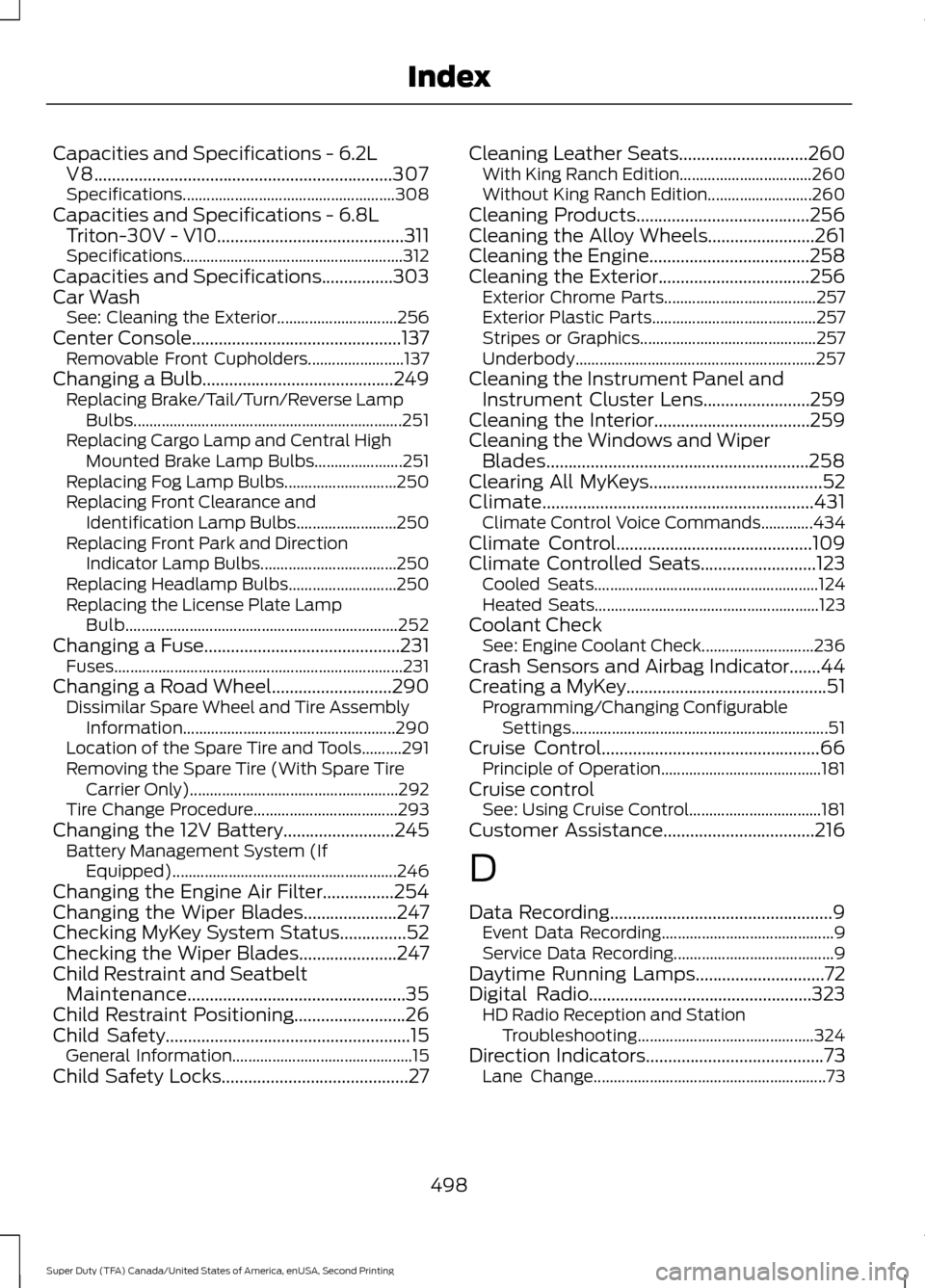
Capacities and Specifications - 6.2L
V8...................................................................307
Specifications..................................................... 308
Capacities and Specifications - 6.8L Triton-30V - V10..........................................311
Specifications....................................................... 312
Capacities and Specifications................303
Car Wash See: Cleaning the Exterior.............................. 256
Center Console...............................................137 Removable Front Cupholders........................ 137
Changing a Bulb...........................................249 Replacing Brake/Tail/Turn/Reverse Lamp
Bulbs................................................................... 251
Replacing Cargo Lamp and Central High Mounted Brake Lamp Bulbs...................... 251
Replacing Fog Lamp Bulbs............................ 250
Replacing Front Clearance and Identification Lamp Bulbs......................... 250
Replacing Front Park and Direction Indicator Lamp Bulbs.................................. 250
Replacing Headlamp Bulbs........................... 250
Replacing the License Plate Lamp Bulb.................................................................... 252
Changing a Fuse
............................................231
Fuses........................................................................\
231
Changing a Road Wheel
...........................290
Dissimilar Spare Wheel and Tire Assembly
Information..................................................... 290
Location of the Spare Tire and Tools..........291
Removing the Spare Tire (With Spare Tire Carrier Only).................................................... 292
Tire Change Procedure.................................... 293
Changing the 12V Battery.........................245 Battery Management System (If
Equipped) ........................................................ 246
Changing the Engine Air Filter................254
Changing the Wiper Blades
.....................247
Checking MyKey System Status...............52
Checking the Wiper Blades
......................247
Child Restraint and Seatbelt Maintenance.................................................35
Child Restraint Positioning
.........................26
Child Safety.......................................................15
General Information............................................. 15
Child Safety Locks..........................................27 Cleaning Leather Seats.............................260
With King Ranch Edition................................. 260
Without King Ranch Edition.......................... 260
Cleaning Products.......................................256
Cleaning the Alloy Wheels........................261
Cleaning the Engine....................................258
Cleaning the Exterior
..................................256
Exterior Chrome Parts...................................... 257
Exterior Plastic Parts......................................... 257
Stripes or Graphics............................................ 257
Underbody............................................................ 257
Cleaning the Instrument Panel and Instrument Cluster Lens........................259
Cleaning the Interior...................................259
Cleaning the Windows and Wiper Blades...........................................................258
Clearing All MyKeys.......................................52
Climate.............................................................431 Climate Control Voice Commands.............434
Climate Control
............................................109
Climate Controlled Seats..........................123 Cooled Seats........................................................ 124
Heated Seats........................................................ 123
Coolant Check See: Engine Coolant Check............................ 236
Crash Sensors and Airbag Indicator.......44
Creating a MyKey.............................................51 Programming/Changing Configurable
Settings................................................................ 51
Cruise Control
.................................................66
Principle of Operation........................................ 181
Cruise control See: Using Cruise Control................................. 181
Customer Assistance..................................216
D
Data Recording
..................................................9
Event Data Recording........................................... 9
Service Data Recording........................................ 9
Daytime Running Lamps.............................72
Digital Radio..................................................323 HD Radio Reception and Station
Troubleshooting............................................ 324
Direction Indicators
........................................73
Lane Change.......................................................... 73
498
Super Duty (TFA) Canada/United States of America, enUSA, Second Printing Index
Page 502 of 510
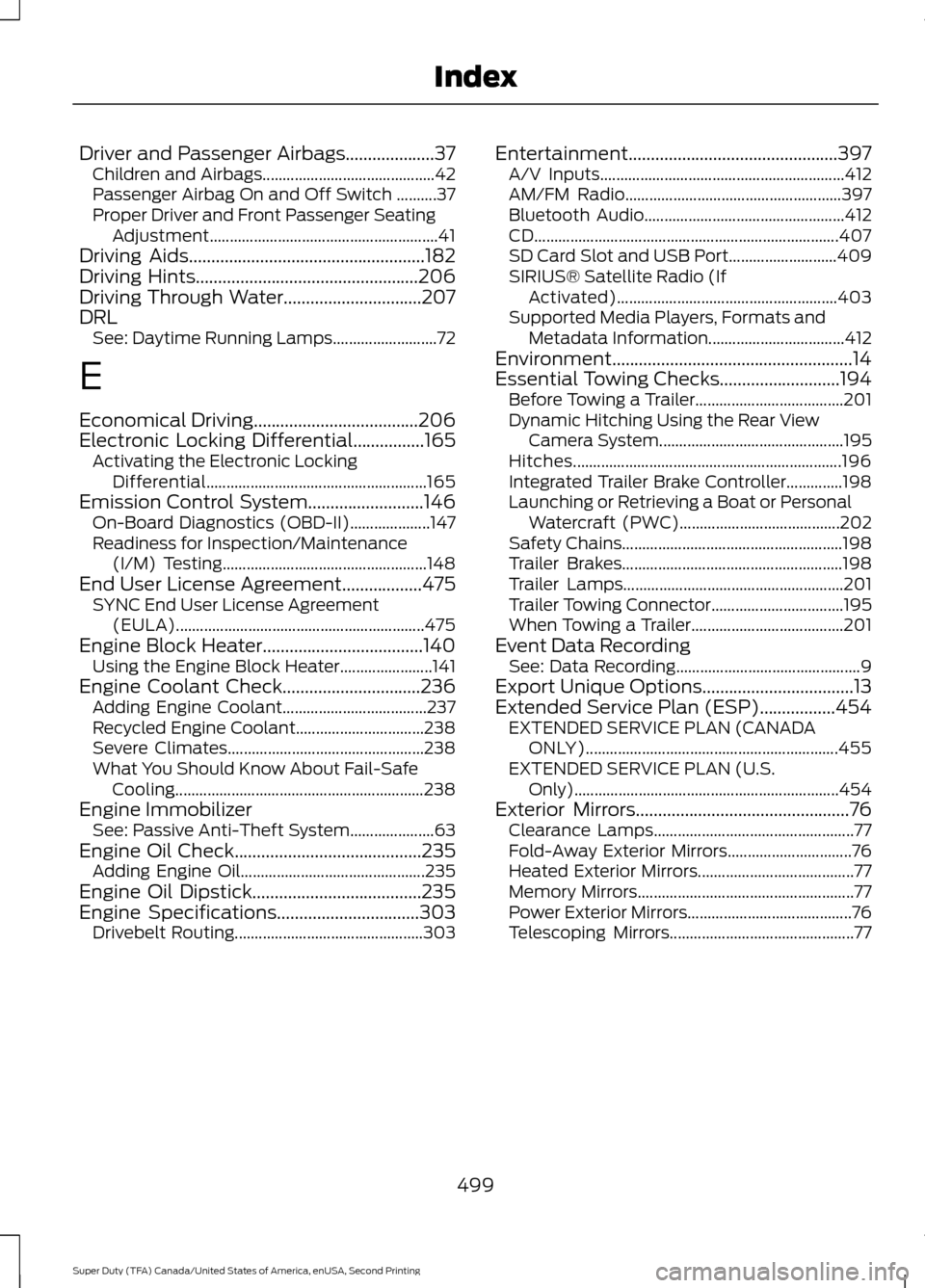
Driver and Passenger Airbags....................37
Children and Airbags........................................... 42
Passenger Airbag On and Off Switch ..........37
Proper Driver and Front Passenger Seating Adjustment......................................................... 41
Driving Aids.....................................................182
Driving Hints..................................................206
Driving Through Water...............................207
DRL See: Daytime Running Lamps.......................... 72
E
Economical Driving
.....................................206
Electronic Locking Differential................165
Activating the Electronic Locking
Differential....................................................... 165
Emission Control System..........................146 On-Board Diagnostics (OBD-II).................... 147
Readiness for Inspection/Maintenance (I/M) Testing................................................... 148
End User License Agreement
..................475
SYNC End User License Agreement
(EULA).............................................................. 475
Engine Block Heater....................................140 Using the Engine Block Heater....................... 141
Engine Coolant Check
...............................236
Adding Engine Coolant.................................... 237
Recycled Engine Coolant................................ 238
Severe Climates................................................. 238
What You Should Know About Fail-Safe Cooling.............................................................. 238
Engine Immobilizer See: Passive Anti-Theft System..................... 63
Engine Oil Check
..........................................235
Adding Engine Oil.............................................. 235
Engine Oil Dipstick......................................235
Engine Specifications
................................303
Drivebelt Routing............................................... 303Entertainment...............................................397
A/V Inputs............................................................. 412
AM/FM Radio...................................................... 397
Bluetooth Audio.................................................. 412
CD........................................................................\
.... 407
SD Card Slot and USB Port........................... 409
SIRIUS® Satellite Radio (If Activated)....................................................... 403
Supported Media Players, Formats and Metadata Information.................................. 412
Environment......................................................14
Essential Towing Checks...........................194 Before Towing a Trailer..................................... 201
Dynamic Hitching Using the Rear View Camera System.............................................. 195
Hitches................................................................... 196
Integrated Trailer Brake Controller..............198
Launching or Retrieving a Boat or Personal Watercraft (PWC)........................................ 202
Safety Chains....................................................... 198
Trailer Brakes....................................................... 198
Trailer Lamps....................................................... 201
Trailer Towing Connector................................. 195
When Towing a Trailer...................................... 201
Event Data Recording See: Data Recording.............................................. 9
Export Unique Options..................................13
Extended Service Plan (ESP).................454 EXTENDED SERVICE PLAN (CANADA
ONLY)............................................................... 455
EXTENDED SERVICE PLAN (U.S. Only).................................................................. 454
Exterior Mirrors
................................................76
Clearance Lamps.................................................. 77
Fold-Away Exterior Mirrors............................... 76
Heated Exterior Mirrors....................................... 77
Memory Mirrors...................................................... 77
Power Exterior Mirrors......................................... 76
Telescoping Mirrors.............................................. 77
499
Super Duty (TFA) Canada/United States of America, enUSA, Second Printing Index
Page 507 of 510
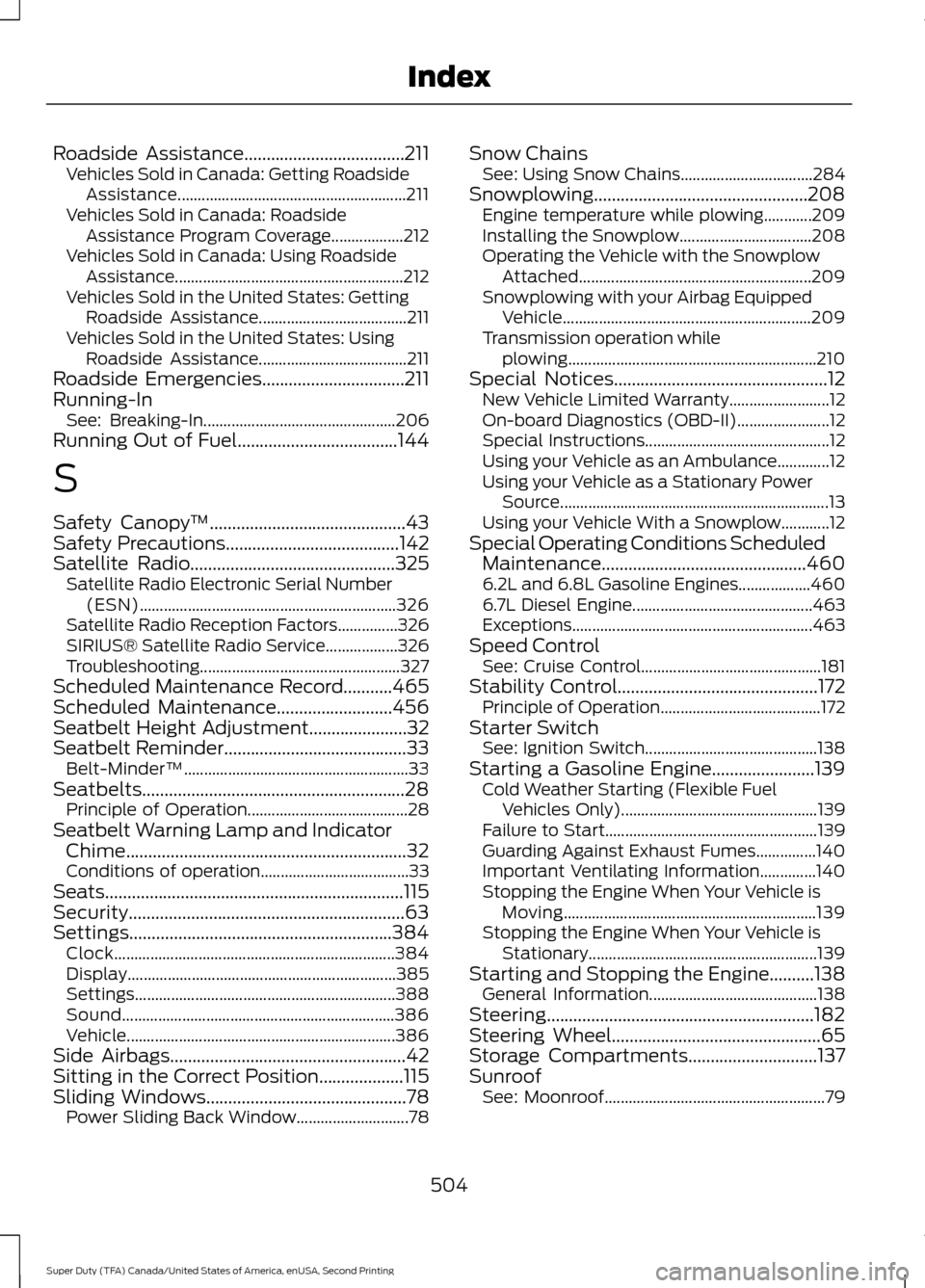
Roadside Assistance....................................211
Vehicles Sold in Canada: Getting Roadside
Assistance......................................................... 211
Vehicles Sold in Canada: Roadside Assistance Program Coverage.................. 212
Vehicles Sold in Canada: Using Roadside Assistance......................................................... 212
Vehicles Sold in the United States: Getting Roadside Assistance..................................... 211
Vehicles Sold in the United States: Using Roadside Assistance..................................... 211
Roadside Emergencies................................211
Running-In See: Breaking-In................................................ 206
Running Out of Fuel....................................144
S
Safety Canopy ™
............................................43
Safety Precautions.......................................142
Satellite Radio..............................................325
Satellite Radio Electronic Serial Number
(ESN)................................................................ 326
Satellite Radio Reception Factors...............326
SIRIUS® Satellite Radio Service.................. 326
Troubleshooting.................................................. 327
Scheduled Maintenance Record...........465
Scheduled Maintenance
..........................456
Seatbelt Height Adjustment......................32
Seatbelt Reminder
.........................................33
Belt-Minder™........................................................ 33
Seatbelts...........................................................28 Principle of Operation........................................ 28
Seatbelt Warning Lamp and Indicator Chime...............................................................32
Conditions of operation..................................... 33
Seats...................................................................115
Security..............................................................63
Settings...........................................................384 Clock...................................................................... 384
Display................................................................... 385
Settings................................................................. 388
Sound.................................................................... 386
Vehicle................................................................... 386
Side Airbags.....................................................42
Sitting in the Correct Position...................115
Sliding Windows.............................................78 Power Sliding Back Window............................ 78Snow Chains
See: Using Snow Chains................................. 284
Snowplowing................................................208 Engine temperature while plowing............209
Installing the Snowplow................................. 208
Operating the Vehicle with the Snowplow Attached.......................................................... 209
Snowplowing with your Airbag Equipped Vehicle.............................................................. 209
Transmission operation while plowing.............................................................. 210
Special Notices................................................12 New Vehicle Limited Warranty......................... 12
On-board Diagnostics (OBD-II)....................... 12
Special Instructions.............................................. 12
Using your Vehicle as an Ambulance.............12
Using your Vehicle as a Stationary Power Source................................................................... 13
Using your Vehicle With a Snowplow............12
Special Operating Conditions Scheduled Maintenance..............................................460
6.2L and 6.8L Gasoline Engines.................. 460
6.7L Diesel Engine............................................. 463
Exceptions............................................................ 463
Speed Control See: Cruise Control............................................. 181
Stability Control
.............................................172
Principle of Operation........................................ 172
Starter Switch See: Ignition Switch........................................... 138
Starting a Gasoline Engine
.......................139
Cold Weather Starting (Flexible Fuel
Vehicles Only)................................................. 139
Failure to Start..................................................... 139
Guarding Against Exhaust Fumes...............140
Important Ventilating Information..............140
Stopping the Engine When Your Vehicle is Moving............................................................... 139
Stopping the Engine When Your Vehicle is Stationary......................................................... 139
Starting and Stopping the Engine..........138 General Information.......................................... 138
Steering............................................................182
Steering Wheel...............................................65
Storage Compartments.............................137
Sunroof See: Moonroof....................................................... 79
504
Super Duty (TFA) Canada/United States of America, enUSA, Second Printing Index
Page 509 of 510
Using Stability Control................................172
AdvanceTrac® with Roll Stability Control ™
(RSC®)............................................................... 172
Using SYNC™ With Your Media Player.............................................................357
Accessing Your Play Menu............................. 362
Connecting Your Digital Media Player to the USB Port........................................................... 357
Media Menu Features...................................... 360
Media Voice Commands................................ 359
System Settings................................................. 364
What's Playing?................................................. 358
Using SYNC™ With Your Phone............334 Accessing Features Through the Phone
Menu.................................................................. 338
Accessing Your Phone Settings.................... 343
Making a Call....................................................... 337
Pairing a Cell Phone for the First Time................................................................... 334
Pairing Subsequent Cell Phones.................335
Phone Options during an Active Call..........337
Phone Voice Commands................................ 335
Receiving Calls.................................................... 337
System Settings................................................. 344
Text Messaging.................................................... 341
Using Traction Control................................170 System Indicator Lights and
Messages............................................................ 171
Using Voice Recognition............................331 Initiating a Voice Session................................. 331
System Interaction and Feedback..............332
Utilizing the Mediation/Arbitration Program (Canada Only).........................219
V
Vehicle Care...................................................256 General Information......................................... 256
Vehicle Certification Label
......................306
Vehicle Identification Number...............305 Vehicle Storage
.............................................262
Battery................................................................... 263
Body........................................................................\
262
Brakes.................................................................... 263
Cooling system................................................... 262
Engine.................................................................... 262
Fuel system.......................................................... 262
General.................................................................. 262
Miscellaneous..................................................... 263
Removing Vehicle From Storage.................263
Tires........................................................................\
263
Ventilation See: Climate Control......................................... 109
VIN See: Vehicle Identification Number............305
Voice Control...................................................66
W
Warning Lamps and Indicators.................83 4X2........................................................................\
.... 86
4X4 HIGH................................................................ 86
4X4 LOW................................................................. 86
Anti-Lock Braking System................................ 83
Battery...................................................................... 83
Brake System......................................................... 83
Check Fuel Cap..................................................... 84
Cruise Control........................................................ 84
Diesel Warning Lights........................................ 86
Direction Indicator............................................... 84
Door Ajar................................................................. 84
Electronic Locking Differential........................ 84
Engine Coolant Temperature.......................... 84
Engine Oil................................................................ 84
Fasten Safety Belt............................................... 84
Front Airbag........................................................... 84
High Beam.............................................................. 84
Hill Descent............................................................ 84
Low Fuel Level....................................................... 85
Low Tire Pressure Warning............................... 85
Powertrain Malfunction/Reduced Power/Electronic Throttle Control...........85
Service Engine Soon........................................... 85
Stability Control................................................... 85
Stability Control Off............................................ 86
Transmission Tow/Haul.................................... 86
Washer Fluid Check....................................244
506
Super Duty (TFA) Canada/United States of America, enUSA, Second Printing Index