center console FORD SUPER DUTY 2017 4.G User Guide
[x] Cancel search | Manufacturer: FORD, Model Year: 2017, Model line: SUPER DUTY, Model: FORD SUPER DUTY 2017 4.GPages: 636, PDF Size: 10.56 MB
Page 451 of 636
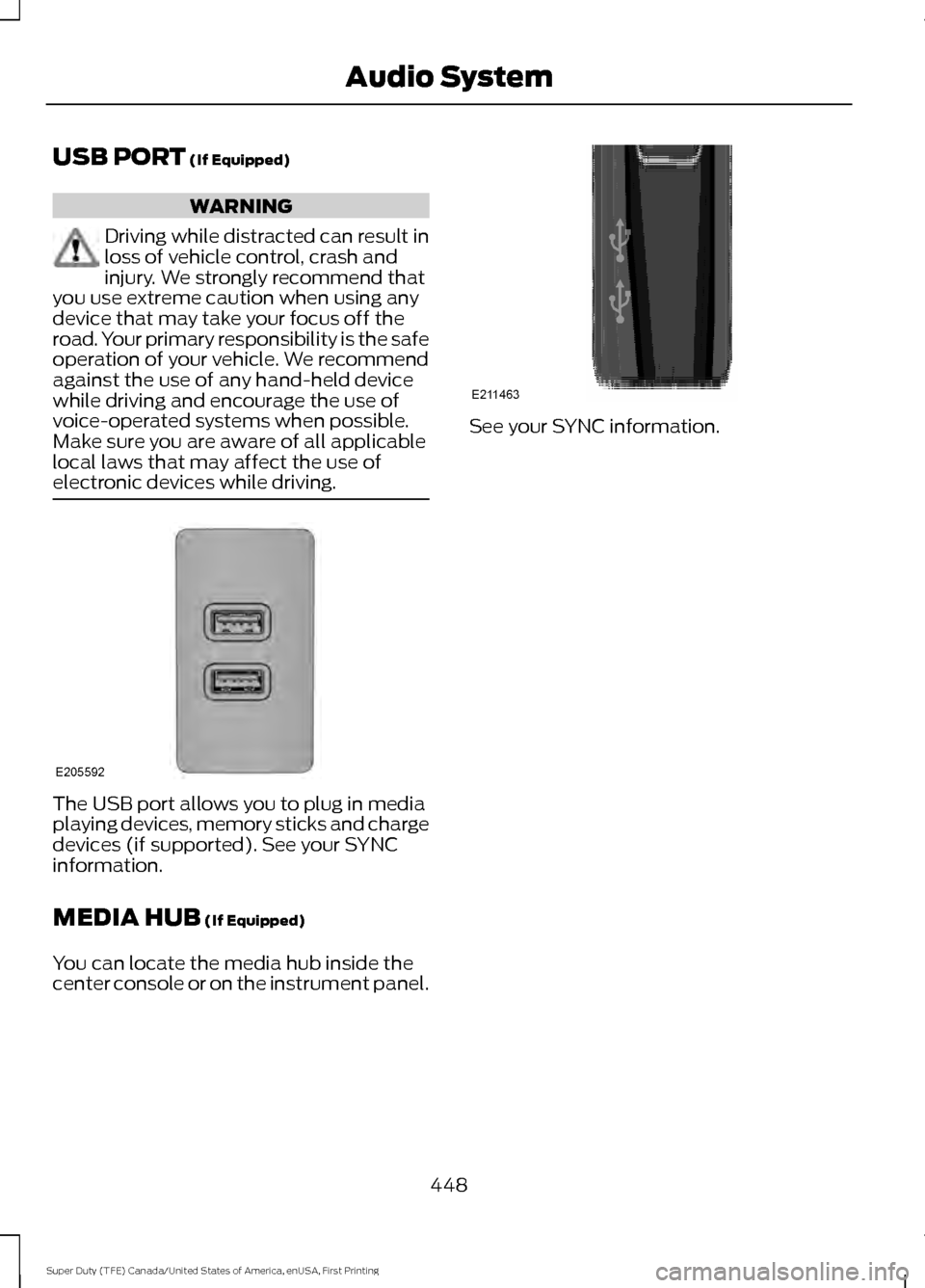
USB PORT (If Equipped)
WARNING
Driving while distracted can result in
loss of vehicle control, crash and
injury. We strongly recommend that
you use extreme caution when using any
device that may take your focus off the
road. Your primary responsibility is the safe
operation of your vehicle. We recommend
against the use of any hand-held device
while driving and encourage the use of
voice-operated systems when possible.
Make sure you are aware of all applicable
local laws that may affect the use of
electronic devices while driving. The USB port allows you to plug in media
playing devices, memory sticks and charge
devices (if supported). See your SYNC
information.
MEDIA HUB
(If Equipped)
You can locate the media hub inside the
center console or on the instrument panel. See your SYNC information.
448
Super Duty (TFE) Canada/United States of America, enUSA, First Printing Audio SystemE205592 E211463
Page 479 of 636
Description and Action
Display
2. Scroll to browse indexed media files on the device, and
then press the OK button.
Resets the USB index. After the new indexing is complete,
you can choose what to play from the USB song library.
Reset USB
* You can use the buttons at the bottom of the audio display to jump to a certain
alphabetical category quickly. You can also use the letters on the audio system's numeric
keypad to jump in the list.
Using Voice Commands
You can access and view your USB songs
using voice commands.
Plug the device into your vehicle's USB
port.
Press the voice button and when
prompted, say any of the following
commands: Accessing and Viewing USB Media
(browse | search | show) all (album |
albums)
(browse | search | show) all (artist |
artists)
(browse | search | show) all (genre |
genres)
(browse | search | show) all (playlist |
playlists)
(browse | search | show) all (song | songs
| title | titles | file | files | track | tracks)
(browse | search | show) album ___
(browse | search | show) artist ___
(browse | search | show) genre ___
(browse | search | show) playlist ___ USB 2
(If Equipped)
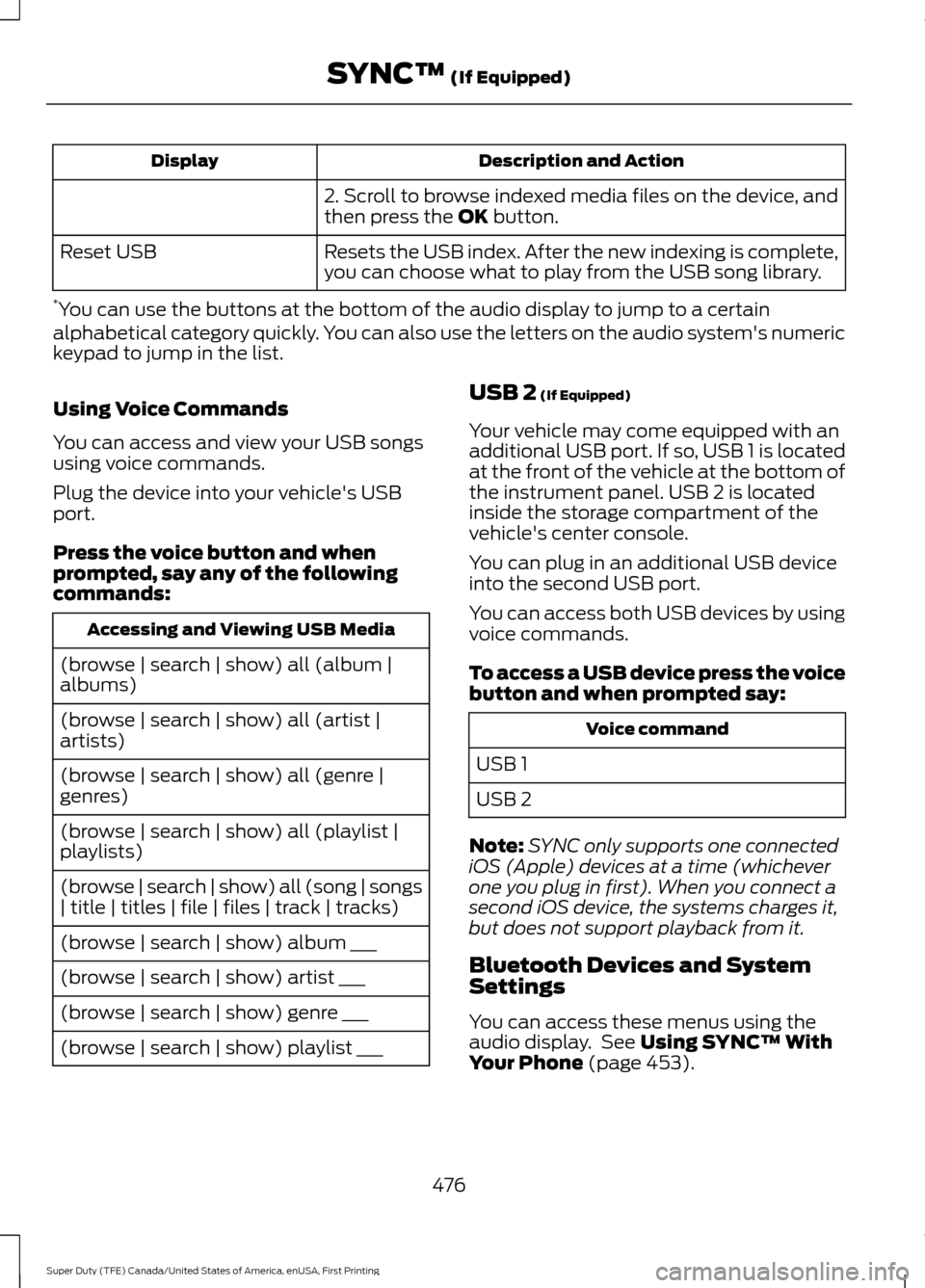
Your vehicle may come equipped with an
additional USB port. If so, USB 1 is located
at the front of the vehicle at the bottom of
the instrument panel. USB 2 is located
inside the storage compartment of the
vehicle's center console.
You can plug in an additional USB device
into the second USB port.
You can access both USB devices by using
voice commands.
To access a USB device press the voice
button and when prompted say: Voice command
USB 1
USB 2
Note: SYNC only supports one connected
iOS (Apple) devices at a time (whichever
one you plug in first). When you connect a
second iOS device, the systems charges it,
but does not support playback from it.
Bluetooth Devices and System
Settings
You can access these menus using the
audio display. See
Using SYNC™ With
Your Phone (page 453).
476
Super Duty (TFE) Canada/United States of America, enUSA, First Printing SYNC™
(If Equipped)
Page 518 of 636
Function
Button
Composers
This button allows you to choose a specific
letter to view within the category you are
browsing.
A-Z Jump
If available, this allows you to browse the
folders and files on your USB device.
Explore Device
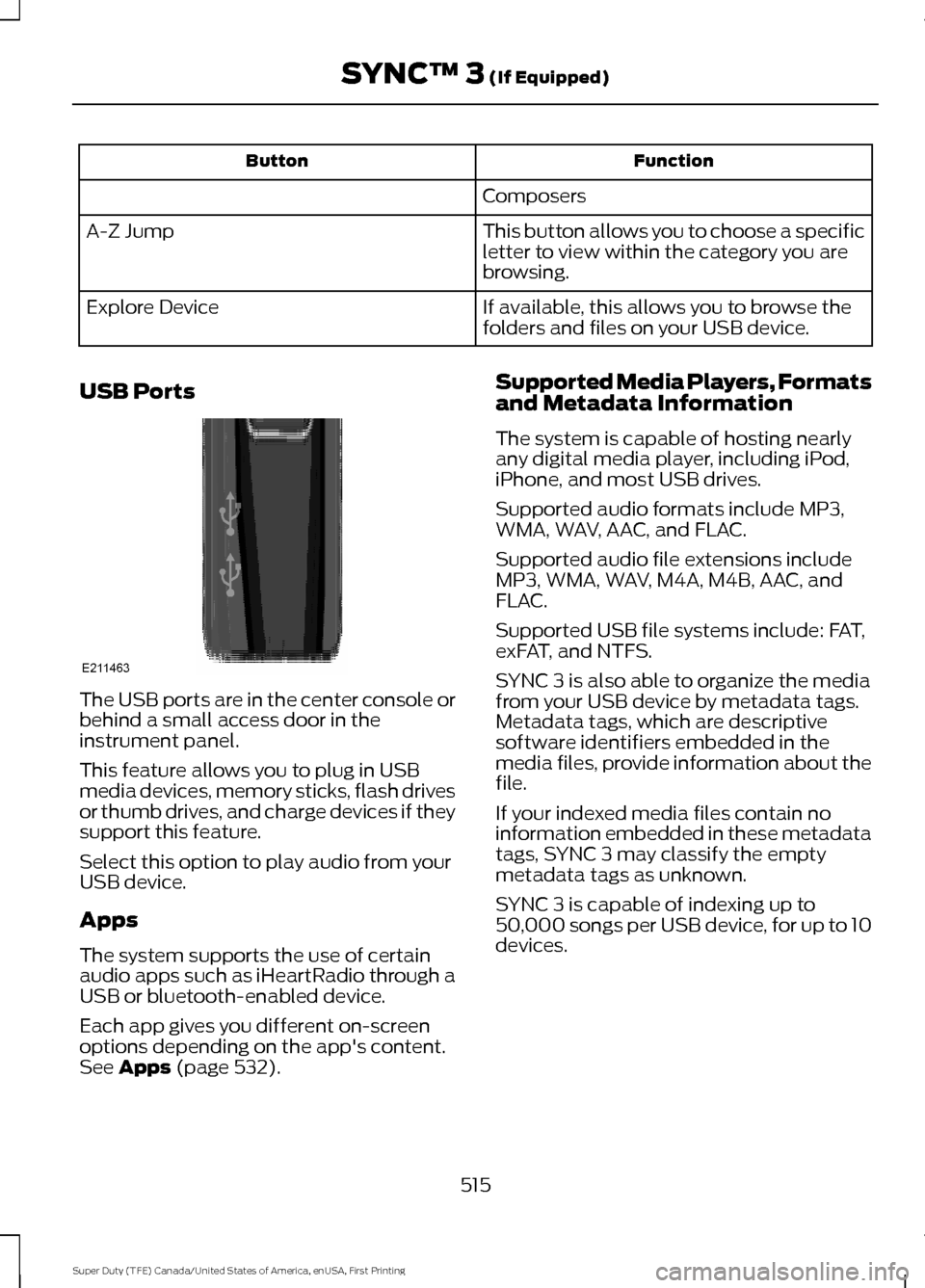
USB Ports The USB ports are in the center console or
behind a small access door in the
instrument panel.
This feature allows you to plug in USB
media devices, memory sticks, flash drives
or thumb drives, and charge devices if they
support this feature.
Select this option to play audio from your
USB device.
Apps
The system supports the use of certain
audio apps such as iHeartRadio through a
USB or bluetooth-enabled device.
Each app gives you different on-screen
options depending on the app's content.
See Apps (page 532). Supported Media Players, Formats
and Metadata Information
The system is capable of hosting nearly
any digital media player, including iPod,
iPhone, and most USB drives.
Supported audio formats include MP3,
WMA, WAV, AAC, and FLAC.
Supported audio file extensions include
MP3, WMA, WAV, M4A, M4B, AAC, and
FLAC.
Supported USB file systems include: FAT,
exFAT, and NTFS.
SYNC 3 is also able to organize the media
from your USB device by metadata tags.
Metadata tags, which are descriptive
software identifiers embedded in the
media files, provide information about the
file.
If your indexed media files contain no
information embedded in these metadata
tags, SYNC 3 may classify the empty
metadata tags as unknown.
SYNC 3 is capable of indexing up to
50,000 songs per USB device, for up to 10
devices.
515
Super Duty (TFE) Canada/United States of America, enUSA, First Printing SYNC™ 3
(If Equipped)E211463
Page 625 of 636
Automatic Transmission Fluid
Check.............................................................337
Checking Automatic Transmission Fluid.................................................................... 337
Autowipers.......................................................84
Auxiliary Power Points...............................168 110 Volt - 400 Watt Capacity AC Power
Outlet................................................................. 168
12 Volt DC Power Point..................................... 168
Locations............................................................... 168
Auxiliary Switches
........................................561
For more information on the Upfitter
Interface Module and the auxiliary
switches, visit:................................................ 564
Upfitter Interface Module............................... 564
B
Battery See: Changing the 12V Battery..................... 343
Bed Extender
....................................................72
Grocery mode........................................................ 73
Tailgate mode........................................................ 72
Bed Ramps
....................................................265
Installing the Ramp Holder............................ 267
Stowing the Bed Ramp................................... 266
Using the Bed Ramp........................................ 265
Blind Spot Information System.............249 Blind Spot Information System with Trailer
Tow...................................................................... 251
Switching the System Off and On...............253
System Errors...................................................... 253
Using the System.............................................. 250
Bonnet Lock See: Opening and Closing the Hood..........320
Booster Seats..................................................30 Types of Booster Seats...................................... 30
Brake Fluid Check
.......................................340
Brakes................................................................221 General Information........................................... 221
Breaking-In....................................................290
Bulb Specification Chart
..........................350
C
Cabin Air Filter
.................................................151
California Proposition 65.............................12 Capacities and Specifications -
6.2L
.................................................................418
Specifications...................................................... 419
Capacities and Specifications - 6.7L Diesel............................................................428
Engine Oil Specifications................................ 433
Specifications..................................................... 430
Capacities and Specifications - 6.8L................................................................422
Specifications..................................................... 424
Capacities and Specifications
..................411
Car Wash See: Cleaning the Exterior............................... 361
Center Console
..............................................170
Changing a Bulb...........................................347 Cargo Lamp and Central High Mounted
Brake Lamp Bulbs........................................ 350
Fog Lamp Bulbs................................................. 348
Front Park and Direction Indicator Lamp Bulbs.................................................................. 347
Headlamp Bulbs................................................ 348
License Plate Lamp Bulb............................... 350
Rear Lamps, Brake Lamps, Rear Direction Indicator and Reversing Lamp
Bulbs................................................................. 349
Changing a Fuse
...........................................318
Fuses....................................................................... 318
Changing a Road Wheel...........................398 Dissimilar Spare Wheel and Tire Assembly
Information..................................................... 398
Location of the Spare Tire and Tools........399
Removing the Spare Tire (With Spare Tire Carrier Only).................................................. 400
Tire Change Procedure.................................... 401
Changing the 12V Battery
.........................343
Battery Management System....................... 345
Changing the Coalescer Filter Element.........................................................327
Changing the Engine Air Filter - 6.2L/ 6.8L................................................................353
Changing the Engine Air Filter - 6.7L Diesel
.............................................................354
Air Filter Restriction Gauge............................ 355
Changing the Engine-Mounted and Diesel Fuel Conditioner Module Fuel
Filters - 6.7L Diesel
...................................356
Diesel Fuel Conditioner Module
Filter................................................................... 356
622
Super Duty (TFE) Canada/United States of America, enUSA, First Printing Index