clock FORD TAURUS 2014 6.G User Guide
[x] Cancel search | Manufacturer: FORD, Model Year: 2014, Model line: TAURUS, Model: FORD TAURUS 2014 6.GPages: 550, PDF Size: 7.21 MB
Page 346 of 550
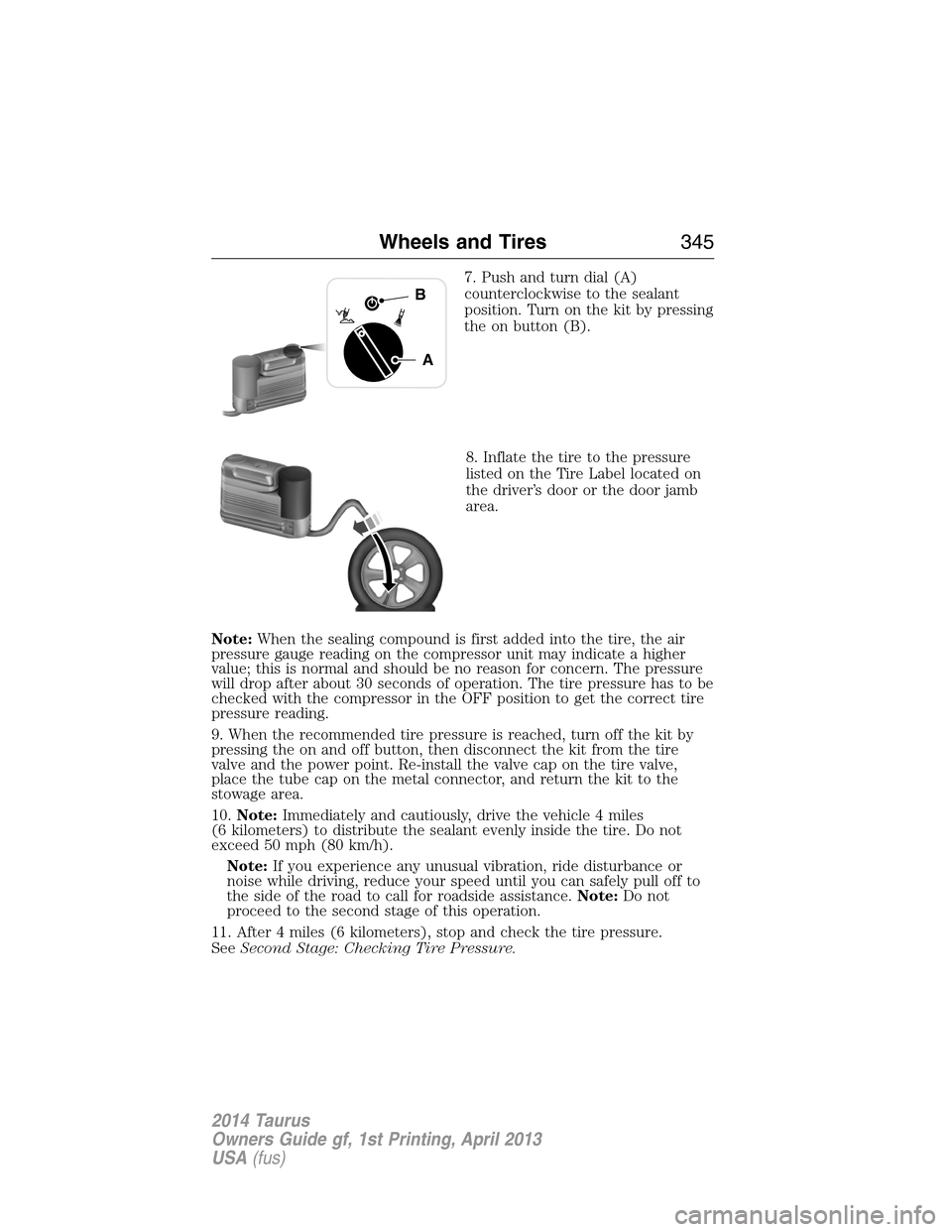
7. Push and turn dial (A)
counterclockwise to the sealant
position. Turn on the kit by pressing
the on button (B).
8. Inflate the tire to the pressure
listed on the Tire Label located on
the driver’s door or the door jamb
area.
Note:When the sealing compound is first added into the tire, the air
pressure gauge reading on the compressor unit may indicate a higher
value; this is normal and should be no reason for concern. The pressure
will drop after about 30 seconds of operation. The tire pressure has to be
checked with the compressor in the OFF position to get the correct tire
pressure reading.
9. When the recommended tire pressure is reached, turn off the kit by
pressing the on and off button, then disconnect the kit from the tire
valve and the power point. Re-install the valve cap on the tire valve,
place the tube cap on the metal connector, and return the kit to the
stowage area.
10.Note:Immediately and cautiously, drive the vehicle 4 miles
(6 kilometers) to distribute the sealant evenly inside the tire. Do not
exceed 50 mph (80 km/h).
Note:If you experience any unusual vibration, ride disturbance or
noise while driving, reduce your speed until you can safely pull off to
the side of the road to call for roadside assistance.Note:Do not
proceed to the second stage of this operation.
11. After 4 miles (6 kilometers), stop and check the tire pressure.
SeeSecond Stage: Checking Tire Pressure.
A
B
Wheels and Tires345
2014 Taurus
Owners Guide gf, 1st Printing, April 2013
USA(fus)
Page 347 of 550
Second Stage: Checking Tire Pressure
WARNING:The power plug may get hot after use and should be
handled carefully while unplugging.
Check the air pressure of your tires as follows:
1. Remove the valve cap from the tire valve.
2. Unhook the black hose from the side of the compressor and fasten
firmly on the valve stem by turning clockwise.
WARNING:If you are proceeding from theFirst stage:
Reinflating the tire with sealing compound and airsection
and have injected sealant in the tire and the pressure is below 20 psi
(1.4 bar), stop and call roadside assistance. If tire pressure is above
20 psi (1.4 bar), continue to the next step.
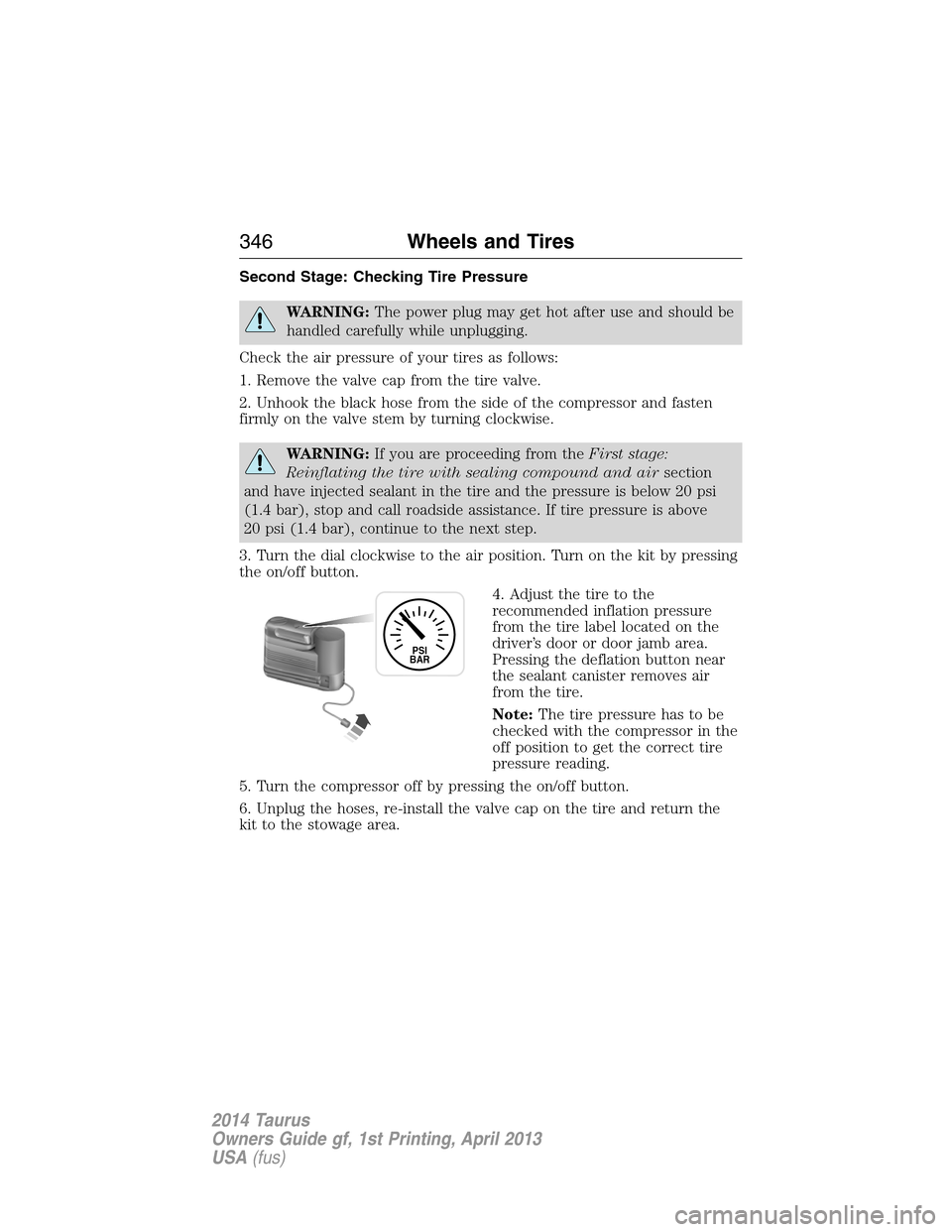
3. Turn the dial clockwise to the air position. Turn on the kit by pressing
the on/off button.
4. Adjust the tire to the
recommended inflation pressure
from the tire label located on the
driver’s door or door jamb area.
Pressing the deflation button near
the sealant canister removes air
from the tire.
Note:The tire pressure has to be
checked with the compressor in the
off position to get the correct tire
pressure reading.
5. Turn the compressor off by pressing the on/off button.
6. Unplug the hoses, re-install the valve cap on the tire and return the
kit to the stowage area.
PSI
BAR
346Wheels and Tires
2014 Taurus
Owners Guide gf, 1st Printing, April 2013
USA(fus)
Page 368 of 550
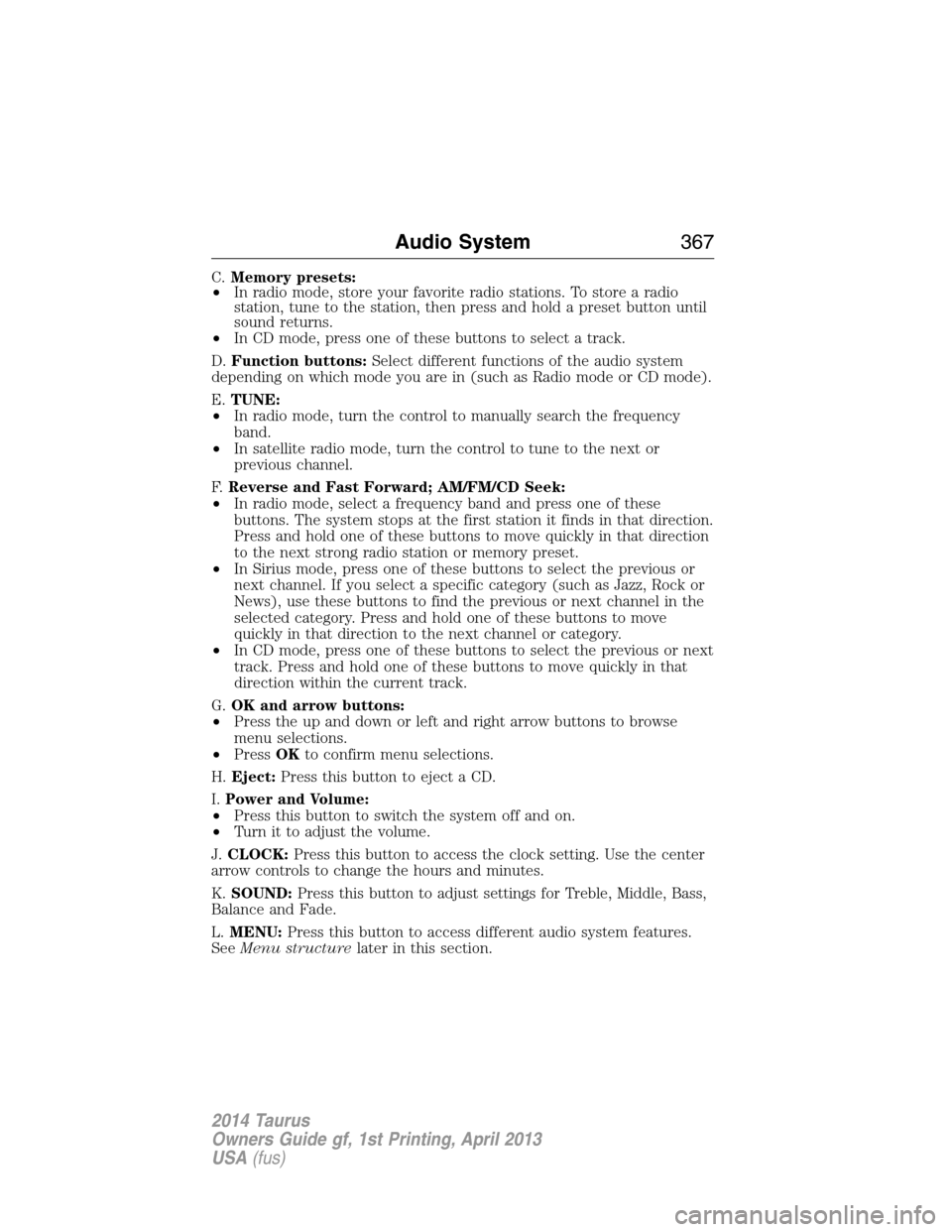
C.Memory presets:
•In radio mode, store your favorite radio stations. To store a radio
station, tune to the station, then press and hold a preset button until
sound returns.
•In CD mode, press one of these buttons to select a track.
D.Function buttons:Select different functions of the audio system
depending on which mode you are in (such as Radio mode or CD mode).
E.TUNE:
•In radio mode, turn the control to manually search the frequency
band.
•In satellite radio mode, turn the control to tune to the next or
previous channel.
F.Reverse and Fast Forward; AM/FM/CD Seek:
•In radio mode, select a frequency band and press one of these
buttons. The system stops at the first station it finds in that direction.
Press and hold one of these buttons to move quickly in that direction
to the next strong radio station or memory preset.
•In Sirius mode, press one of these buttons to select the previous or
next channel. If you select a specific category (such as Jazz, Rock or
News), use these buttons to find the previous or next channel in the
selected category. Press and hold one of these buttons to move
quickly in that direction to the next channel or category.
•In CD mode, press one of these buttons to select the previous or next
track. Press and hold one of these buttons to move quickly in that
direction within the current track.
G.OK and arrow buttons:
•Press the up and down or left and right arrow buttons to browse
menu selections.
•PressOKto confirm menu selections.
H.Eject:Press this button to eject a CD.
I.Power and Volume:
•Press this button to switch the system off and on.
•Turn it to adjust the volume.
J.CLOCK:Press this button to access the clock setting. Use the center
arrow controls to change the hours and minutes.
K.SOUND:Press this button to adjust settings for Treble, Middle, Bass,
Balance and Fade.
L.MENU:Press this button to access different audio system features.
SeeMenu structurelater in this section.
Audio System367
2014 Taurus
Owners Guide gf, 1st Printing, April 2013
USA(fus)
Page 371 of 550
CD Settings
Scan AllSelect to scan all disc selections.
Scan FolderSelect to scan all music in the current MP3
folder.
CD CompressionSelect to bring soft and loud passages together
for a more consistent listening level.
Clock Settings
Set TimeSelect to set the time.
Set DateSelect to set the calendar date.
24h ModeSelect to view clock time in a 12–hour mode or
24–hour mode.
Display Settings
DimmingSelect to change display brightness.
LanguageSelect to display the language in English,
French or Spanish.
Temp. SettingSelect to display the outside temperature in
Fahrenheit or Celsius.
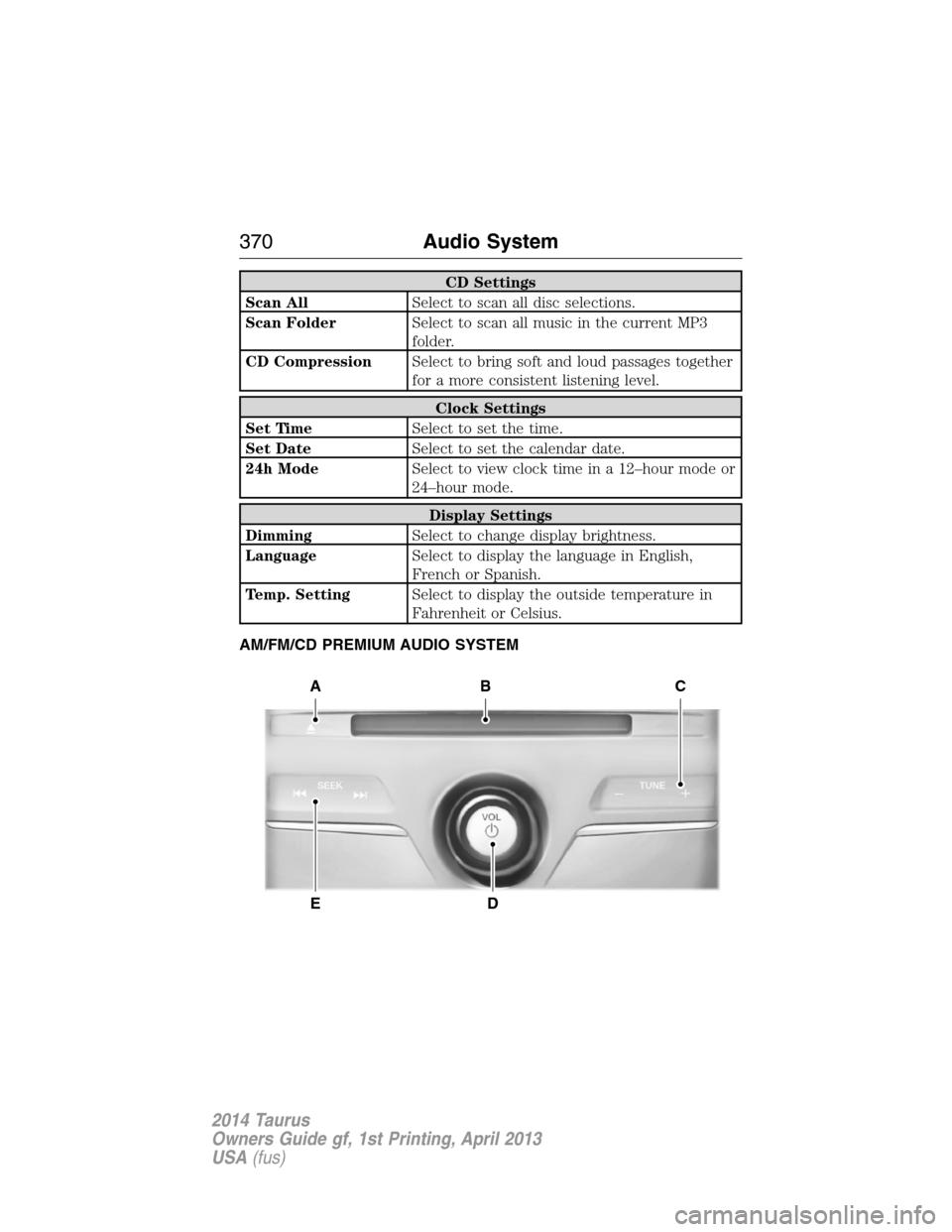
AM/FM/CD PREMIUM AUDIO SYSTEM
A
ED
BC
370Audio System
2014 Taurus
Owners Guide gf, 1st Printing, April 2013
USA(fus)
Page 431 of 550
SETTINGS
Press to select any of the following:
•Clock
•Display
•Sound
•Vehicle
•Settings
•Help
HOME
Press to access your home screen. Depending on your vehicle’s option
package and software, your screens may vary in appearance from the
descriptions in this section. Your features may also be limited depending
on your market. Check with your authorized dealer for availability.
INFORMATION
Press to select any of the following:
•SYNC Services
•Sirius Travel Link
•Alerts
•Calendar
•SYNC Apps
If the icon is yellow, seeAlertsin theInformationsection of this
chapter.
ENTERTAINMENT
Press to select any of the following:
•AM
•FM
•SIRIUS
•CD
•USB
•BT Stereo
•SD Card
•A/V In
430MyFord Touch® (If Equipped)
2014 Taurus
Owners Guide gf, 1st Printing, April 2013
USA(fus)
Page 481 of 550
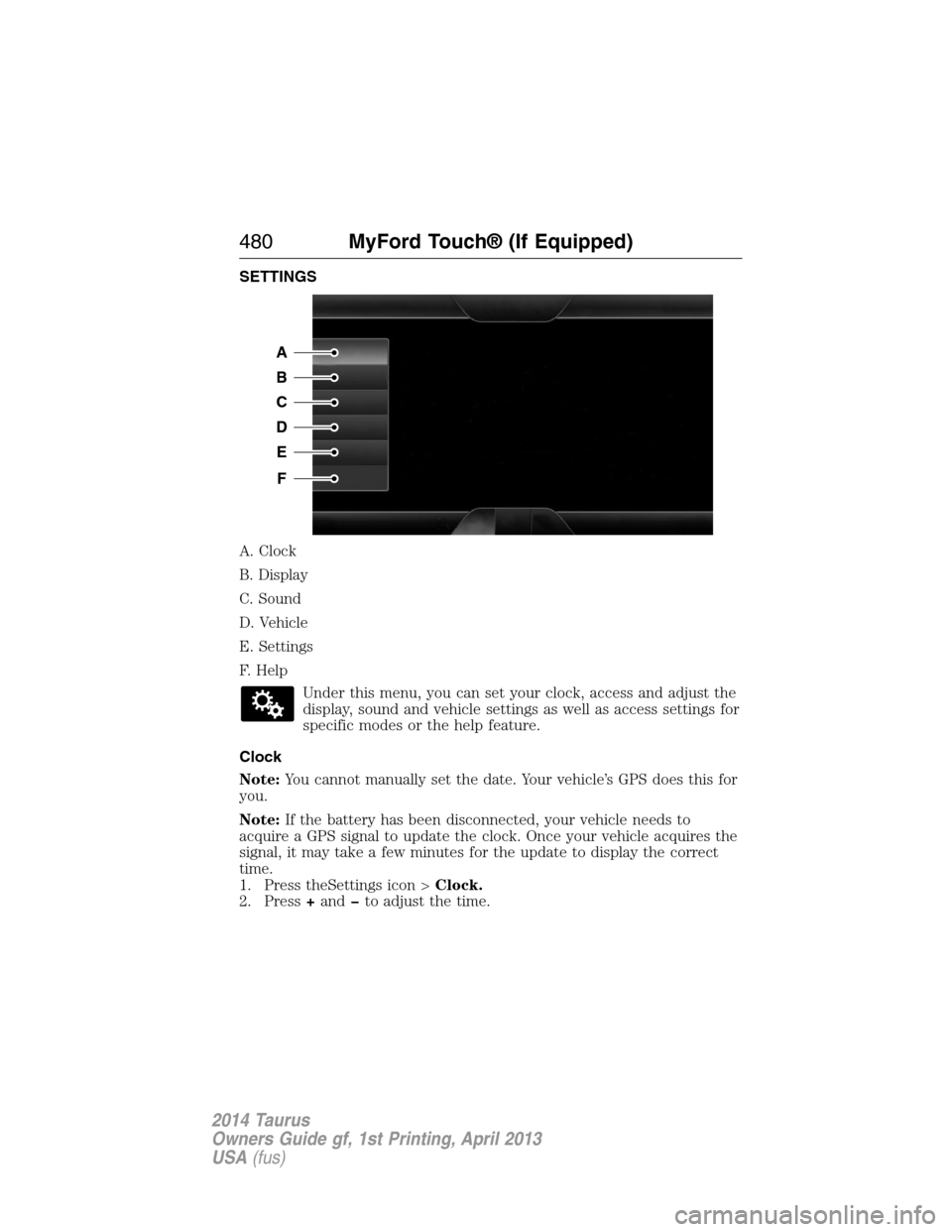
SETTINGS
A. Clock
B. Display
C. Sound
D. Vehicle
E. Settings
F. Help
Under this menu, you can set your clock, access and adjust the
display, sound and vehicle settings as well as access settings for
specific modes or the help feature.
Clock
Note:You cannot manually set the date. Your vehicle’s GPS does this for
you.
Note:If the battery has been disconnected, your vehicle needs to
acquire a GPS signal to update the clock. Once your vehicle acquires the
signal, it may take a few minutes for the update to display the correct
time.
1. Press theSettings icon >Clock.
2. Press+andto adjust the time.
A
B
C
D
E
F
480MyFord Touch® (If Equipped)
2014 Taurus
Owners Guide gf, 1st Printing, April 2013
USA(fus)
Page 494 of 550
•Touch and holdMyTempto select a temperature you would like your
vehicle to remember and maintain for you.
•If your vehicle is equipped with a heated steering wheel, touch the
heated steering wheel icon to warm the steering wheel.
Note:If your vehicle is equipped with a wood-trimmed steering wheel, it
does not heat between the 10 o’clock and 2 o’clock positions.
Climate Control Voice Commands
The following voice commands are available at the main menu
level of a voice session. For example, press the voice button
and after the prompt, “Say a command”; say any of the
following commands:
Climate control voice commands
“Climate automatic”
“Climate my temperature”
“Climate off”
“Climate on”
“Climate temperature <15.5–29.5> degrees”
“Climate temperature <60–85> degrees”
“Help”
There are additional climate control commands but in order to access
them, you have to say “Climate” first, then when the system is ready to
listen, you may say any of the following commands:
Additional climate control voice commands
“Automatic” “Panel off”
“A/C off” “Panel on”
“A/C on” “Rear defrost off”
“Defrost off” “Rear defrost on”
“Defrost on” “Recirc off”
“Dual off” “Recirc on”
“Fan decrease” “Temperature”
*
“Fan increase” “Temperature <15.5–29.5>
degrees”
“Floor on” “Temperature <60–85> degrees”
“Max A/C off” “Temperature decrease”
MyFord Touch® (If Equipped)493
2014 Taurus
Owners Guide gf, 1st Printing, April 2013
USA(fus)
Page 544 of 550
Booster seats ...............................22
Brakes ........................................193
anti-lock ...................................194
anti-lock brake system (ABS)
warning light ...........................194
brake warning light ................194
fluid, checking and adding ....293
fluid, refill capacities ..............352
fluid, specifications .................352
lubricant specifications ..........352
parking ....................................194
shift interlock ..........................183
trailer .......................................245
C
Capacities for refilling fluids ....352
Cargo net ...................................235
CD ..............................366, 370, 372
CD player ..........................364, 452
CD voice commands .................453
Cell phone use ............................15
Changing a tire .........................335
Child safety restraints ..........28–29
Child safety seats
attaching with tether straps ....29
automatic locking mode
(retractor) .................................36
LATCH .......................................28
Child safety seats - booster
seats .............................................22
Cleaning the touchscreen ........431
Cleaning your vehicle ...............305
engine compartment ..............307
instrument panel ....................309
interior .....................................309
plastic parts ............................306
washing ....................................305waxing .....................................307
wheels ......................................311
wiper blades ............................308
Climate control (see Air
conditioning or Heating) ..........130
Climate voice commands .........493
Clock ..................................366, 480
Collision Warning System .........230
Compass Display .......................114
Console ......................................161
overhead ..................................162
Coolant ......................................283
checking and adding ..............283
refill capacities ........................352
specifications ..........................352
Cross Traffic Alert ....................225
Cruise control ...........................209
Cupholder(s) .............................153
Customer Assistance ................254
Ford Extended Service
Plan ..........................................361
Getting roadside assistance ...254
Getting the service you
need .........................................259
Ordering additional owner’s
literature .................................265
Utilizing the
Mediation/Arbitration
Program ...................................263
D
Defrost ...............130–131, 133, 135
rear window ............................138
Dipstick
automatic transmission
fluid ..................................288–289
engine oil .................................282
Index543
2014 Taurus
Owners Guide gf, 1st Printing, April 2013
USA(fus)
Page 549 of 550
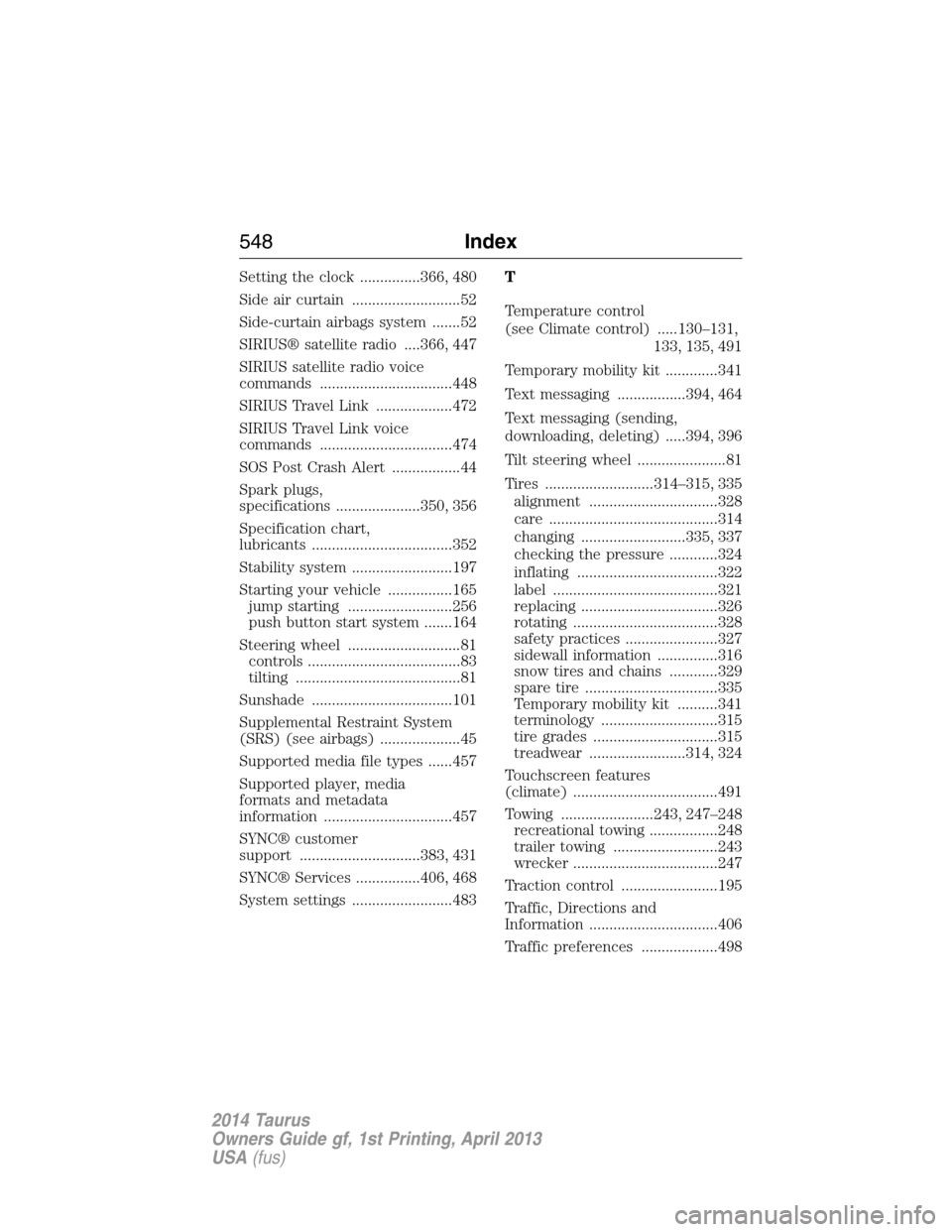
Setting the clock ...............366, 480
Side air curtain ...........................52
Side-curtain airbags system .......52
SIRIUS® satellite radio ....366, 447
SIRIUS satellite radio voice
commands .................................448
SIRIUS Travel Link ...................472
SIRIUS Travel Link voice
commands .................................474
SOS Post Crash Alert .................44
Spark plugs,
specifications .....................350, 356
Specification chart,
lubricants ...................................352
Stability system .........................197
Starting your vehicle ................165
jump starting ..........................256
push button start system .......164
Steering wheel ............................81
controls ......................................83
tilting .........................................81
Sunshade ...................................101
Supplemental Restraint System
(SRS) (see airbags) ....................45
Supported media file types ......457
Supported player, media
formats and metadata
information ................................457
SYNC® customer
support ..............................383, 431
SYNC® Services ................406, 468
System settings .........................483T
Temperature control
(see Climate control) .....130–131,
133, 135, 491
Temporary mobility kit .............341
Text messaging .................394, 464
Text messaging (sending,
downloading, deleting) .....394, 396
Tilt steering wheel ......................81
Tires ...........................314–315, 335
alignment ................................328
care ..........................................314
changing ..........................335, 337
checking the pressure ............324
inflating ...................................322
label .........................................321
replacing ..................................326
rotating ....................................328
safety practices .......................327
sidewall information ...............316
snow tires and chains ............329
spare tire .................................335
Temporary mobility kit ..........341
terminology .............................315
tire grades ...............................315
treadwear ........................314, 324
Touchscreen features
(climate) ....................................491
Towing .......................243, 247–248
recreational towing .................248
trailer towing ..........................243
wrecker ....................................247
Traction control ........................195
Traffic, Directions and
Information ................................406
Traffic preferences ...................498
548Index
2014 Taurus
Owners Guide gf, 1st Printing, April 2013
USA(fus)