seats FORD TAURUS 2014 6.G Workshop Manual
[x] Cancel search | Manufacturer: FORD, Model Year: 2014, Model line: TAURUS, Model: FORD TAURUS 2014 6.GPages: 550, PDF Size: 7.21 MB
Page 310 of 550
CLEANING THE INTERIOR
WARNING:Do not use cleaning solvents, bleach or dye on the
vehicle’s safety belts, as these actions may weaken the belt
webbing.
WARNING:On vehicles equipped with seat-mounted airbags, do
not use chemical solvents or strong detergents. Such products
could contaminate the side airbag system and affect performance of the
side airbag in a collision.
For fabric, carpets, cloth seats, safety belts and seats equipped with side
airbags:
•Remove dust and loose dirt with a vacuum cleaner.
•Apply a layer of high quality foam cleaner, designed for automotive
interiors, to the dry stained area (s) of the item being cleaned and
allow to soak for one minute.
•If grease or tar is present on the material, spot-clean the area first
with Motorcraft Spot and Stain Remover. In Canada, use Motorcraft
Multi-Purpose Cleaner.
•If a ring forms on the fabric after spot cleaning, clean the entire area
immediately (but do not oversaturate) or the ring will set.
•Do not use household cleaning products or glass cleaners, which can
stain and discolor the fabric and affect the flame retardant abilities of
the seat materials.
CLEANING THE INSTRUMENT PANEL AND INSTRUMENT
CLUSTER LENS
WARNING:Do not use chemical solvents or strong detergents
when cleaning the steering wheel or instrument panel to avoid
contamination of the airbag system.
Clean the instrument panel and cluster lens with a clean, damp, white,
cotton cloth, then use a clean and dry, white, cotton cloth to dry these
areas.
•Avoid cleaners or polishes that increase the gloss of the upper portion
of the instrument panel. The dull finish in this area helps protect the
driver from undesirable windshield reflection.
Vehicle Care309
2014 Taurus
Owners Guide gf, 1st Printing, April 2013
USA(fus)
Page 311 of 550
•Be certain to wash or wipe your hands clean if you have been in contact
with certain products, such as insect repellent and suntan lotion, in
order to avoid possible damage to the interior painted surfaces.
•Do not use household or glass cleaners as these may damage the
finish of the instrument panel, interior trim and cluster lens.
•Do not allow air fresheners and hand sanitizers to spill on interior
surfaces. If a spill occurs, wipe off immediately. Damage may not be
covered by your warranty.
If a staining liquid like coffee or juice has been spilled on the instrument
panel or on interior trim surfaces, clean as follows:
1. Wipe up spilled liquid using a clean, white, cotton cloth.
2.
Wipe the surface with a damp, clean, white, cotton cloth. For more
thorough cleaning, use a mild soap and water solution. If the spot cannot
be completely cleaned by this method, the area may be cleaned using a
commercially available cleaning product designed for automotive interiors.
3. If necessary, apply more soap and water solution or cleaning product
to a clean, white, cotton cloth and press the cloth onto the soiled area;
allow this to set at room temperature for 30 minutes.
4. Remove the soaked cloth, and if it is not soiled badly, use this cloth to
clean the area by using a rubbing motion for 60 seconds.
5. Following this, wipe area dry with a clean, white, cotton cloth.
CLEANING LEATHER SEATS (IF EQUIPPED)
•Remove dust and loose dirt with a vacuum cleaner.
•Clean spills and stains as quickly as possible.
•For routine cleaning, wipe the surface with a soft, damp cloth. For
more thorough cleaning, wipe the surface with a mild soap and water
solution. In Canada, use Motorcraft® Vinyl Cleaner. Dry the area with
a soft cloth.
•If the leather cannot be completely cleaned using a mild soap and
water solution, the leather may be cleaned using a commercially
available leather cleaning product designed for automotive interiors.
•To check for compatibility, first test any cleaner or stain remover on
an inconspicuous part of the leather.
•Do not use household cleaning products, alcohol solutions,
oil/petroleum-based leather conditioners, or solvents or cleaners
intended specifically for rubber, vinyl and plastics. These products
may cause premature wearing or damage to the leather.
310Vehicle Care
2014 Taurus
Owners Guide gf, 1st Printing, April 2013
USA(fus)
Page 385 of 550
When using SYNC:
•Do not operate playing devices if the power cords or cables are
broken, split or damaged. Place cords and cables out of the way, so
they do not interfere with the operation of pedals, seats,
compartments or safe driving abilities.
•Do not leave playing devices in your vehicle during extreme conditions
as it could cause them damage. See your device’s manual for further
information.
•Do not attempt to service or repair the system. See your authorized
dealer.
For your safety, some SYNC functions are speed-dependent. Their use is
limited to when your vehicle is traveling at speeds under 3 mph (5 km/h).
Make sure that you review your device’s manual before using it with SYNC.
Privacy Information
When a cellular phone is connected to SYNC, the system creates a profile
within your vehicle that is linked to that cellular phone. This profile is
created in order to offer you more cellular features and to operate more
efficiently. Among other things, this profile may contain data about your
cellular phone book, text messages (read and unread), and call history,
including history of calls when your cell phone was not connected to the
system. In addition, if you connect a media device, the system creates and
retains an index of supported media content. The system also records a
short development log of approximately 10 minutes of all recent system
activity. The log profile and other system data may be used to improve the
system and help diagnose any problems that may occur.
The cellular profile, media device index, and development log remain in
the vehicle unless you delete them and are generally accessible only in
the vehicle when the cellular phone or media player is connected. If you
no longer plan to use the system or the vehicle, we recommend you
perform a Master Reset to erase all stored information.
System data cannot be accessed without special equipment and access to
the vehicle’s SYNC module. Ford Motor Company and Ford of Canada do
not access the system data for any purpose other than as described
absent consent, a court order, or where required by law enforcement,
other government authorities, or other third parties acting with
lawful authority. Other parties may seek to access the information
independently of Ford Motor Company and Ford of Canada. For further
privacy information, see the sections on 911 Assist, Vehicle Health
Report, and Traffic, Directions and Information.
384SYNC®
2014 Taurus
Owners Guide gf, 1st Printing, April 2013
USA(fus)
Page 433 of 550
Safety Information
WARNING:Driving while distracted can result in loss of vehicle
control, crash and injury. We strongly recommend that you use
extreme caution when using any device that may take your focus off
the road. Your primary responsibility is the safe operation of your
vehicle. We recommend against the use of any handheld device while
driving and encourage the use of voice-operated systems when possible.
Make sure you are aware of all applicable local laws that may affect the
use of electronic devices while driving.
When using SYNC:
•Do not operate playing devices if the power cords or cables are
broken, split or damaged. Place cords and cables out of the way, so
they do not interfere with the operation of pedals, seats,
compartments or safe driving abilities.
•Do not leave playing devices in your vehicle during extreme conditions
as it could cause them damage. See your device’s manual for further
information.
•Do not attempt to service or repair the system. See your authorized
dealer.
For your safety, some SYNC functions are speed-dependent. Their use is
limited to when your vehicle is traveling at speeds under 3 mph
(5 km/h).
Make sure that you review your device’s manual before using it with
SYNC.
Speed-restricted Features
Some features of this system may be too difficult to use while your
vehicle is moving so they are restricted from use unless your vehicle is
stationary.
•Screens that are too crowded with information, such as Point of
Interest reviews and ratings, Sirius Travel Link sports scores, movie
times and ski conditions.
•Any action that requires you to use a keyboard is restricted, such as
entering a navigation destination or editing information.
•All lists are limited so the user can view fewer entries (such as phone
contacts or recent phone call entries).
432MyFord Touch® (If Equipped)
2014 Taurus
Owners Guide gf, 1st Printing, April 2013
USA(fus)
Page 493 of 550
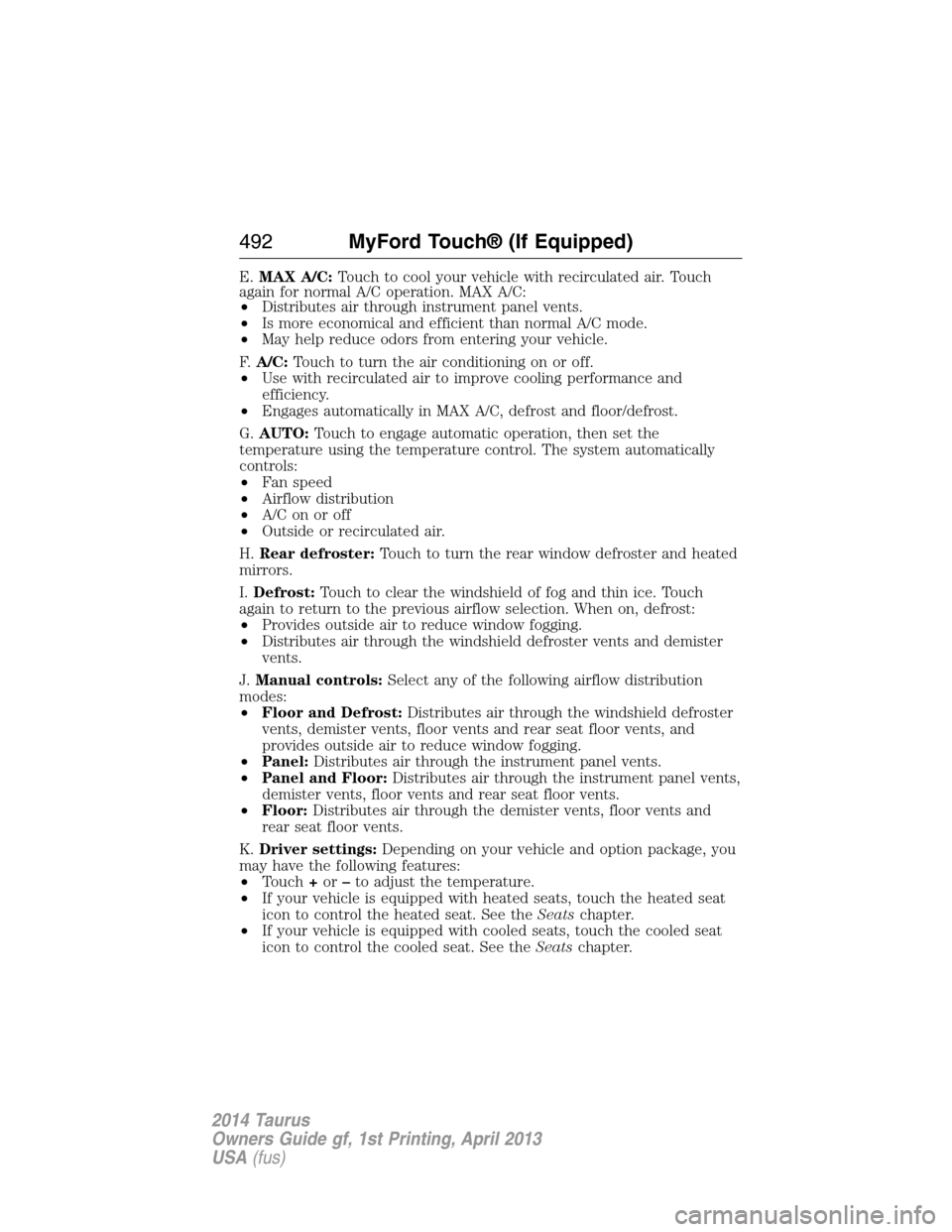
E.MAX A/C:Touch to cool your vehicle with recirculated air. Touch
again for normal A/C operation. MAX A/C:
•Distributes air through instrument panel vents.
•Is more economical and efficient than normal A/C mode.
•May help reduce odors from entering your vehicle.
F.A/C:Touch to turn the air conditioning on or off.
•Use with recirculated air to improve cooling performance and
efficiency.
•Engages automatically in MAX A/C, defrost and floor/defrost.
G.AUTO:Touch to engage automatic operation, then set the
temperature using the temperature control. The system automatically
controls:
•Fan speed
•Airflow distribution
•A/Conoroff
•Outside or recirculated air.
H.Rear defroster:Touch to turn the rear window defroster and heated
mirrors.
I.Defrost:Touch to clear the windshield of fog and thin ice. Touch
again to return to the previous airflow selection. When on, defrost:
•Provides outside air to reduce window fogging.
•Distributes air through the windshield defroster vents and demister
vents.
J.Manual controls:Select any of the following airflow distribution
modes:
•Floor and Defrost:Distributes air through the windshield defroster
vents, demister vents, floor vents and rear seat floor vents, and
provides outside air to reduce window fogging.
•Panel:Distributes air through the instrument panel vents.
•Panel and Floor:Distributes air through the instrument panel vents,
demister vents, floor vents and rear seat floor vents.
•Floor:Distributes air through the demister vents, floor vents and
rear seat floor vents.
K.Driver settings:Depending on your vehicle and option package, you
may have the following features:
•Touch+or–to adjust the temperature.
•If your vehicle is equipped with heated seats, touch the heated seat
icon to control the heated seat. See theSeatschapter.
•If your vehicle is equipped with cooled seats, touch the cooled seat
icon to control the cooled seat. See theSeatschapter.
492MyFord Touch® (If Equipped)
2014 Taurus
Owners Guide gf, 1st Printing, April 2013
USA(fus)
Page 533 of 550
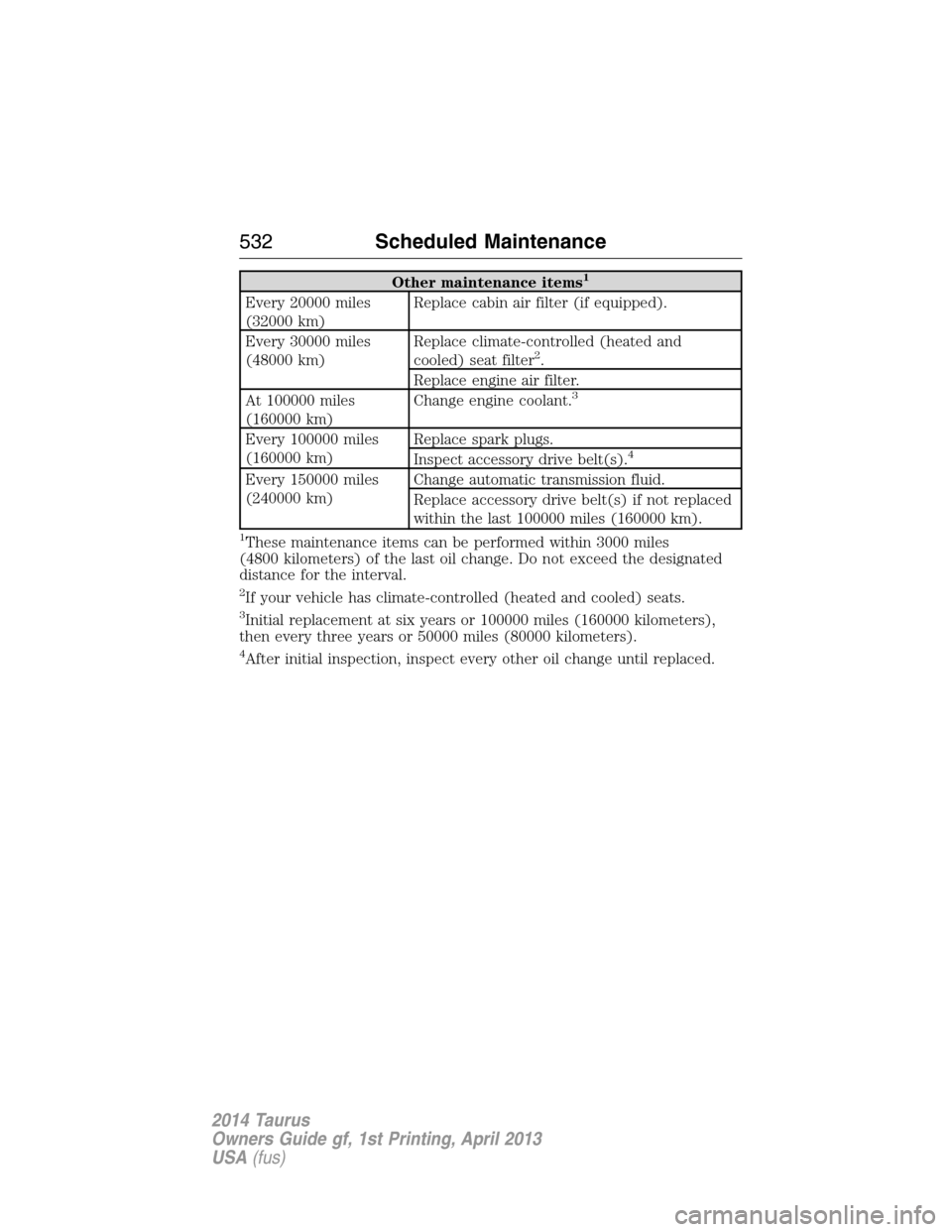
Other maintenance items1
Every 20000 miles
(32000 km)Replace cabin air filter (if equipped).
Every 30000 miles
(48000 km)Replace climate-controlled (heated and
cooled) seat filter
2.
Replace engine air filter.
At 100000 miles
(160000 km)Change engine coolant.
3
Every 100000 miles
(160000 km)Replace spark plugs.
Inspect accessory drive belt(s).4
Every 150000 miles
(240000 km)Change automatic transmission fluid.
Replace accessory drive belt(s) if not replaced
within the last 100000 miles (160000 km).
1These maintenance items can be performed within 3000 miles
(4800 kilometers) of the last oil change. Do not exceed the designated
distance for the interval.
2If your vehicle has climate-controlled (heated and cooled) seats.
3Initial replacement at six years or 100000 miles (160000 kilometers),
then every three years or 50000 miles (80000 kilometers).
4After initial inspection, inspect every other oil change until replaced.
532Scheduled Maintenance
2014 Taurus
Owners Guide gf, 1st Printing, April 2013
USA(fus)
Page 543 of 550
911 Assist™ ......................401, 476
A
ABS (see Brakes) .....................194
Accessing and using your USB
port ............................................453
Accessing call history/phone
book during active call .............390
Accessing your calendar ..........475
Accessing your media menu
features ......................................412
Accessing your phone menu
features ......................................392
Accessory delay ..........................97
Active call menu options .........390
Active Park Assist .....................200
Adaptive Cruise Control ...........210
Adding (pairing) a phone ........462
Advanced menu options ...399, 419
Advanced menu options
(prompts, languages, defaults,
master reset, installing
applications) ..............................399
Airbag supplemental restraint
system ..........................................45
and child safety seats ..............46
description ................................45
disposal ......................................55
driver airbag ..............................45
passenger airbag .......................45
side airbag ...........................45, 51
Air cleaner filter .......296–297, 356
Air conditioning ........................130
manual heating and air
conditioning system ...............130
Air filter, cabin ..........................138All Wheel Drive (AWD),
driving off road .........................186
Ambient mood/lighting .............482
AM/FM .......................................441
Antifreeze (see Engine
coolant) .....................................283
Anti-lock brake system
(see Brakes) ..............................194
Anti-theft system ..................77, 80
arming the system ..............77, 80
disarming a triggered system ..80
Audio system
Single CD ................366, 370, 372
Audio system
(see Radio) ................366, 370, 372
Automatic transmission
driving an automatic
overdrive .................................181
fluid, adding ....................288–289
fluid, checking ................288–289
fluid, refill capacities ..............352
fluid, specification ..................352
Selectshift (SST) ....................182
Auxiliary Input Jack .................450
Auxiliary input jack (Line in) ..379
Auxiliary powerpoint ................160
A/V inputs ..........................381, 458
B
Battery .......................................294
acid, treating emergencies .....294
jumping a disabled battery ....256
maintenance-free ....................294
replacement, specifications ...356
servicing ..................................294
Blind Spot Information
System .......................................225
542Index
2014 Taurus
Owners Guide gf, 1st Printing, April 2013
USA(fus)
Page 544 of 550
Booster seats ...............................22
Brakes ........................................193
anti-lock ...................................194
anti-lock brake system (ABS)
warning light ...........................194
brake warning light ................194
fluid, checking and adding ....293
fluid, refill capacities ..............352
fluid, specifications .................352
lubricant specifications ..........352
parking ....................................194
shift interlock ..........................183
trailer .......................................245
C
Capacities for refilling fluids ....352
Cargo net ...................................235
CD ..............................366, 370, 372
CD player ..........................364, 452
CD voice commands .................453
Cell phone use ............................15
Changing a tire .........................335
Child safety restraints ..........28–29
Child safety seats
attaching with tether straps ....29
automatic locking mode
(retractor) .................................36
LATCH .......................................28
Child safety seats - booster
seats .............................................22
Cleaning the touchscreen ........431
Cleaning your vehicle ...............305
engine compartment ..............307
instrument panel ....................309
interior .....................................309
plastic parts ............................306
washing ....................................305waxing .....................................307
wheels ......................................311
wiper blades ............................308
Climate control (see Air
conditioning or Heating) ..........130
Climate voice commands .........493
Clock ..................................366, 480
Collision Warning System .........230
Compass Display .......................114
Console ......................................161
overhead ..................................162
Coolant ......................................283
checking and adding ..............283
refill capacities ........................352
specifications ..........................352
Cross Traffic Alert ....................225
Cruise control ...........................209
Cupholder(s) .............................153
Customer Assistance ................254
Ford Extended Service
Plan ..........................................361
Getting roadside assistance ...254
Getting the service you
need .........................................259
Ordering additional owner’s
literature .................................265
Utilizing the
Mediation/Arbitration
Program ...................................263
D
Defrost ...............130–131, 133, 135
rear window ............................138
Dipstick
automatic transmission
fluid ..................................288–289
engine oil .................................282
Index543
2014 Taurus
Owners Guide gf, 1st Printing, April 2013
USA(fus)
Page 547 of 550
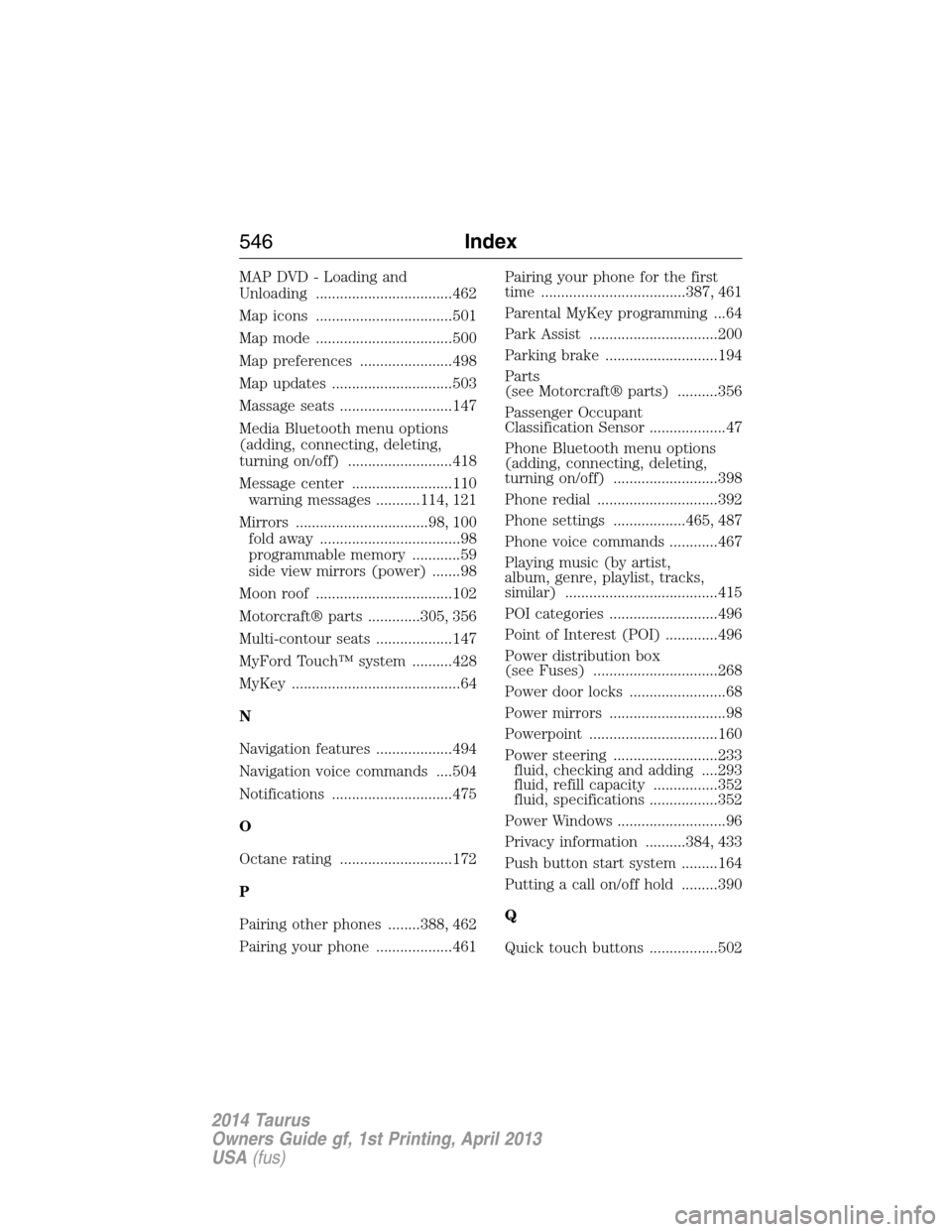
MAP DVD - Loading and
Unloading ..................................462
Map icons ..................................501
Map mode ..................................500
Map preferences .......................498
Map updates ..............................503
Massage seats ............................147
Media Bluetooth menu options
(adding, connecting, deleting,
turning on/off) ..........................418
Message center .........................110
warning messages ...........114, 121
Mirrors .................................98, 100
fold away ...................................98
programmable memory ............59
side view mirrors (power) .......98
Moon roof ..................................102
Motorcraft® parts .............305, 356
Multi-contour seats ...................147
MyFord Touch™ system ..........428
MyKey ..........................................64
N
Navigation features ...................494
Navigation voice commands ....504
Notifications ..............................475
O
Octane rating ............................172
P
Pairing other phones ........388, 462
Pairing your phone ...................461Pairing your phone for the first
time ....................................387, 461
Parental MyKey programming ...64
Park Assist ................................200
Parking brake ............................194
Parts
(see Motorcraft® parts) ..........356
Passenger Occupant
Classification Sensor ...................47
Phone Bluetooth menu options
(adding, connecting, deleting,
turning on/off) ..........................398
Phone redial ..............................392
Phone settings ..................465, 487
Phone voice commands ............467
Playing music (by artist,
album, genre, playlist, tracks,
similar) ......................................415
POI categories ...........................496
Point of Interest (POI) .............496
Power distribution box
(see Fuses) ...............................268
Power door locks ........................68
Power mirrors .............................98
Powerpoint ................................160
Power steering ..........................233
fluid, checking and adding ....293
fluid, refill capacity ................352
fluid, specifications .................352
Power Windows ...........................96
Privacy information ..........384, 433
Push button start system .........164
Putting a call on/off hold .........390
Q
Quick touch buttons .................502
546Index
2014 Taurus
Owners Guide gf, 1st Printing, April 2013
USA(fus)
Page 548 of 550
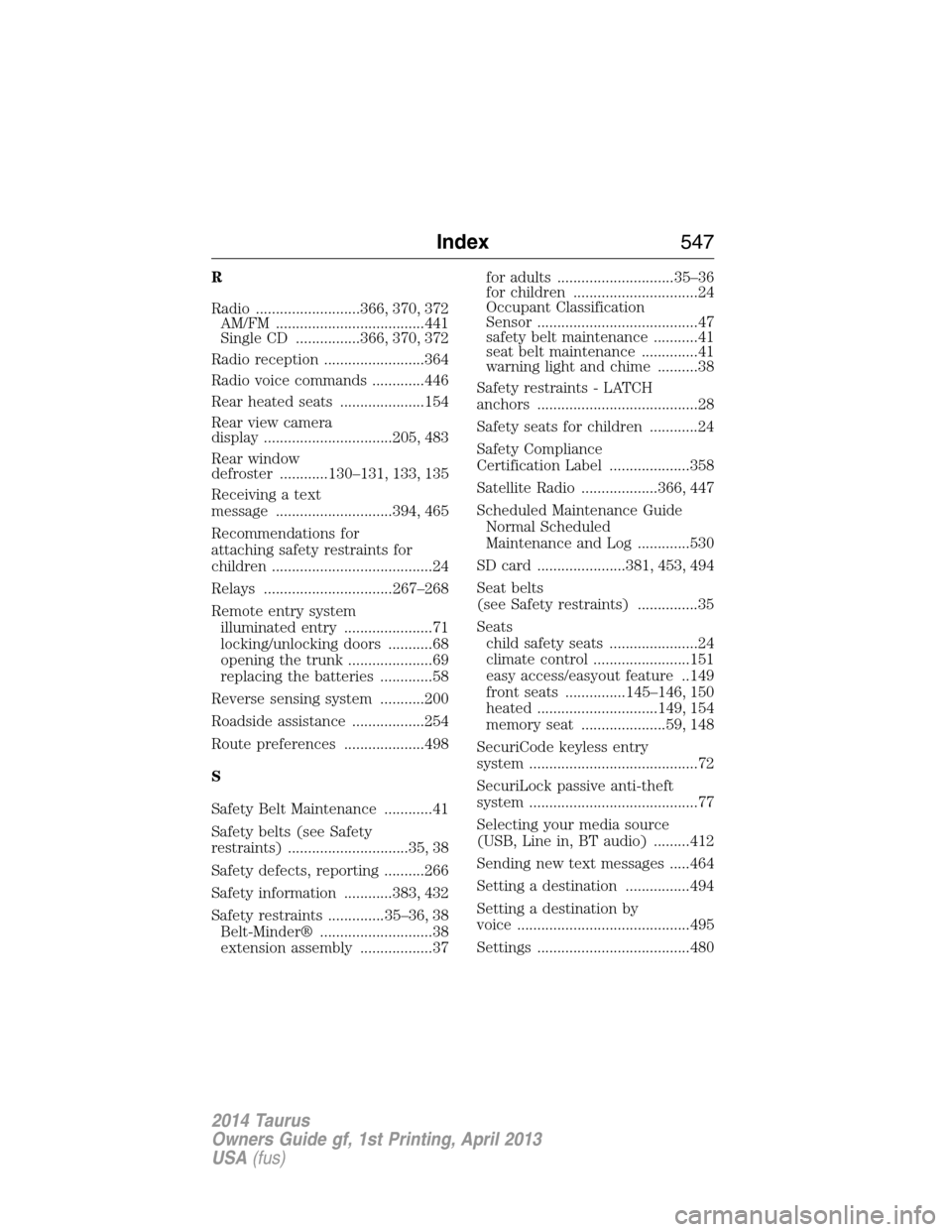
R
Radio ..........................366, 370, 372
AM/FM .....................................441
Single CD ................366, 370, 372
Radio reception .........................364
Radio voice commands .............446
Rear heated seats .....................154
Rear view camera
display ................................205, 483
Rear window
defroster ............130–131, 133, 135
Receiving a text
message .............................394, 465
Recommendations for
attaching safety restraints for
children ........................................24
Relays ................................267–268
Remote entry system
illuminated entry ......................71
locking/unlocking doors ...........68
opening the trunk .....................69
replacing the batteries .............58
Reverse sensing system ...........200
Roadside assistance ..................254
Route preferences ....................498
S
Safety Belt Maintenance ............41
Safety belts (see Safety
restraints) ..............................35, 38
Safety defects, reporting ..........266
Safety information ............383, 432
Safety restraints ..............35–36, 38
Belt-Minder® ............................38
extension assembly ..................37for adults .............................35–36
for children ...............................24
Occupant Classification
Sensor ........................................47
safety belt maintenance ...........41
seat belt maintenance ..............41
warning light and chime ..........38
Safety restraints - LATCH
anchors ........................................28
Safety seats for children ............24
Safety Compliance
Certification Label ....................358
Satellite Radio ...................366, 447
Scheduled Maintenance Guide
Normal Scheduled
Maintenance and Log .............530
SD card ......................381, 453, 494
Seat belts
(see Safety restraints) ...............35
Seats
child safety seats ......................24
climate control ........................151
easy access/easyout feature ..149
front seats ...............145–146, 150
heated ..............................149, 154
memory seat .....................59, 148
SecuriCode keyless entry
system ..........................................72
SecuriLock passive anti-theft
system ..........................................77
Selecting your media source
(USB, Line in, BT audio) .........412
Sending new text messages .....464
Setting a destination ................494
Setting a destination by
voice ...........................................495
Settings ......................................480
Index547
2014 Taurus
Owners Guide gf, 1st Printing, April 2013
USA(fus)