climate settings FORD TAURUS 2015 6.G User Guide
[x] Cancel search | Manufacturer: FORD, Model Year: 2015, Model line: TAURUS, Model: FORD TAURUS 2015 6.GPages: 558, PDF Size: 4.42 MB
Page 436 of 558
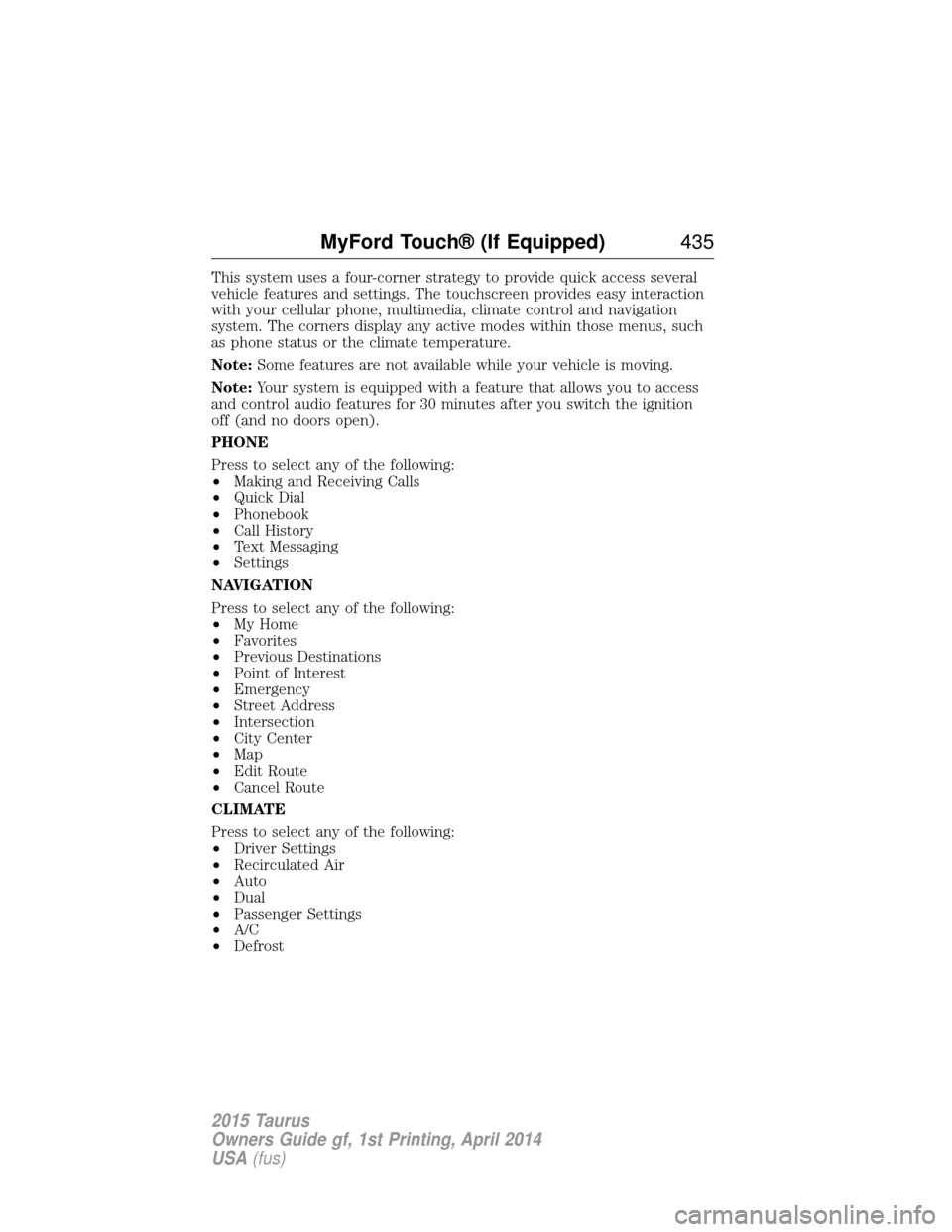
This system uses a four-corner strategy to provide quick access several
vehicle features and settings. The touchscreen provides easy interaction
with your cellular phone, multimedia, climate control and navigation
system. The corners display any active modes within those menus, such
as phone status or the climate temperature.
Note:Some features are not available while your vehicle is moving.
Note: Your system is equipped with a feature that allows you to access
and control audio features for 30 minutes after you switch the ignition
off (and no doors open).
PHONE
Press to select any of the following:
• Making and Receiving Calls
• Quick Dial
• Phonebook
• Call History
• Text Messaging
• Settings
NAVIGATION
Press to select any of the following:
• My Home
• Favorites
• Previous Destinations
• Point of Interest
• Emergency
• Street Address
• Intersection
• City Center
• Map
• Edit Route
• Cancel Route
CLIMATE
Press to select any of the following:
• Driver Settings
• Recirculated Air
• Auto
• Dual
• Passenger Settings
• A/C
• Defrost
MyFord Touch® (If Equipped) 435
2015 Taurus
Owners Guide gf, 1st Printing, April 2014
USA(fus)
Page 438 of 558
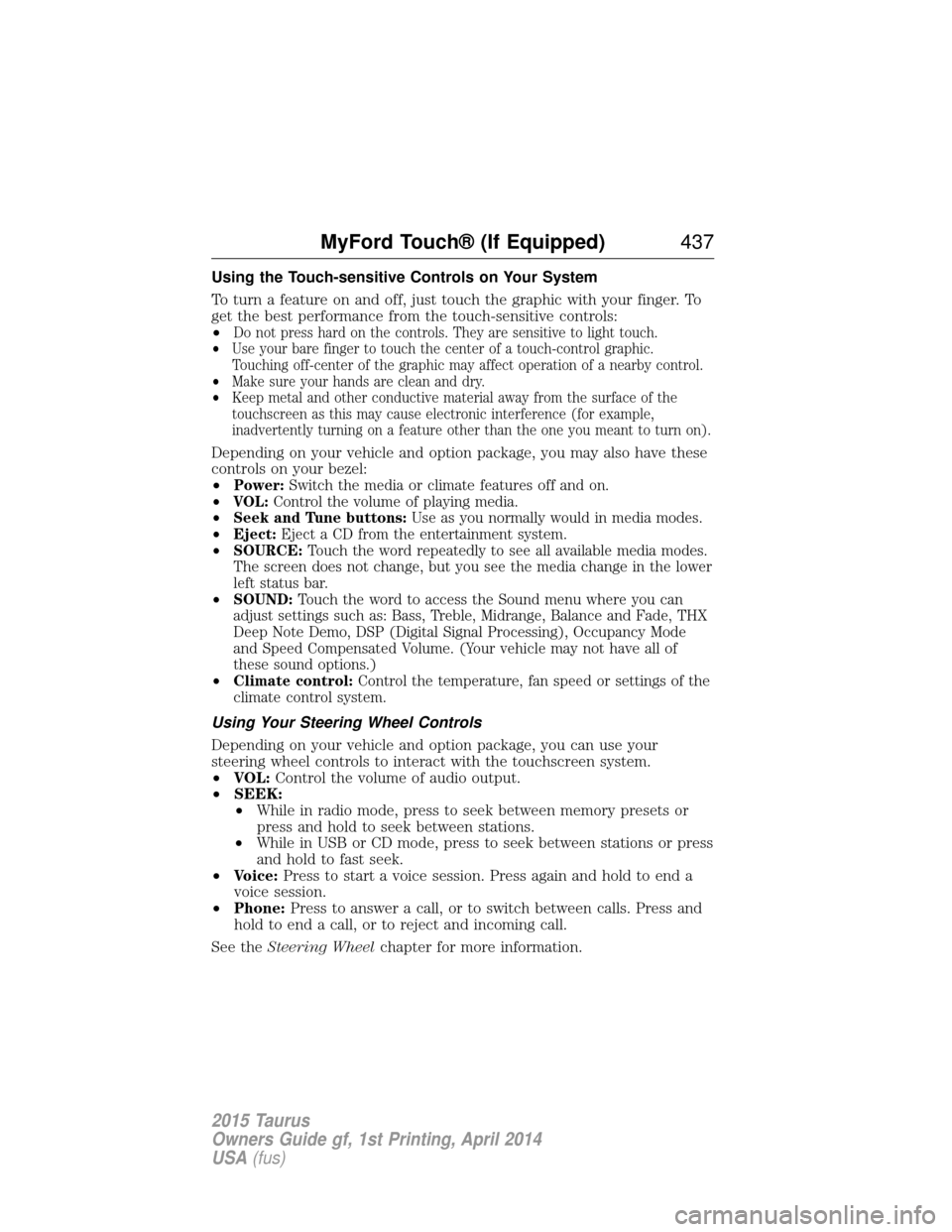
Using the Touch-sensitive Controls on Your System
To turn a feature on and off, just touch the graphic with your finger. To
get the best performance from the touch-sensitive controls:
•
Do not press hard on the controls. They are sensitive to light touch.
• Use your bare finger to touch the center of a touch-control graphic.
Touching off-center of the graphic may affect operation of a nearby control.
• Make sure your hands are clean and dry.
• Keep metal and other conductive material away from the surface of the
touchscreen as this may cause electronic interference (for example,
inadvertently turning on a feature other than the one you meant to turn on).
Depending on your vehicle and option package, you may also have these
controls on your bezel:
•
Power: Switch the media or climate features off and on.
• VOL: Control the volume of playing media.
• Seek and Tune buttons: Use as you normally would in media modes.
• Eject: Eject a CD from the entertainment system.
• SOURCE: Touch the word repeatedly to see all available media modes.
The screen does not change, but you see the media change in the lower
left status bar.
• SOUND: Touch the word to access the Sound menu where you can
adjust settings such as: Bass, Treble, Midrange, Balance and Fade, THX
Deep Note Demo, DSP (Digital Signal Processing), Occupancy Mode
and Speed Compensated Volume. (Your vehicle may not have all of
these sound options.)
• Climate control: Control the temperature, fan speed or settings of the
climate control system.
Using Your Steering Wheel Controls
Depending on your vehicle and option package, you can use your
steering wheel controls to interact with the touchscreen system.
• VOL: Control the volume of audio output.
• SEEK:
• While in radio mode, press to seek between memory presets or
press and hold to seek between stations.
• While in USB or CD mode, press to seek between stations or press
and hold to fast seek.
• Voice: Press to start a voice session. Press again and hold to end a
voice session.
• Phone: Press to answer a call, or to switch between calls. Press and
hold to end a call, or to reject and incoming call.
See the Steering Wheel chapter for more information.
MyFord Touch® (If Equipped) 437
2015 Taurus
Owners Guide gf, 1st Printing, April 2014
USA(fus)
Page 445 of 558
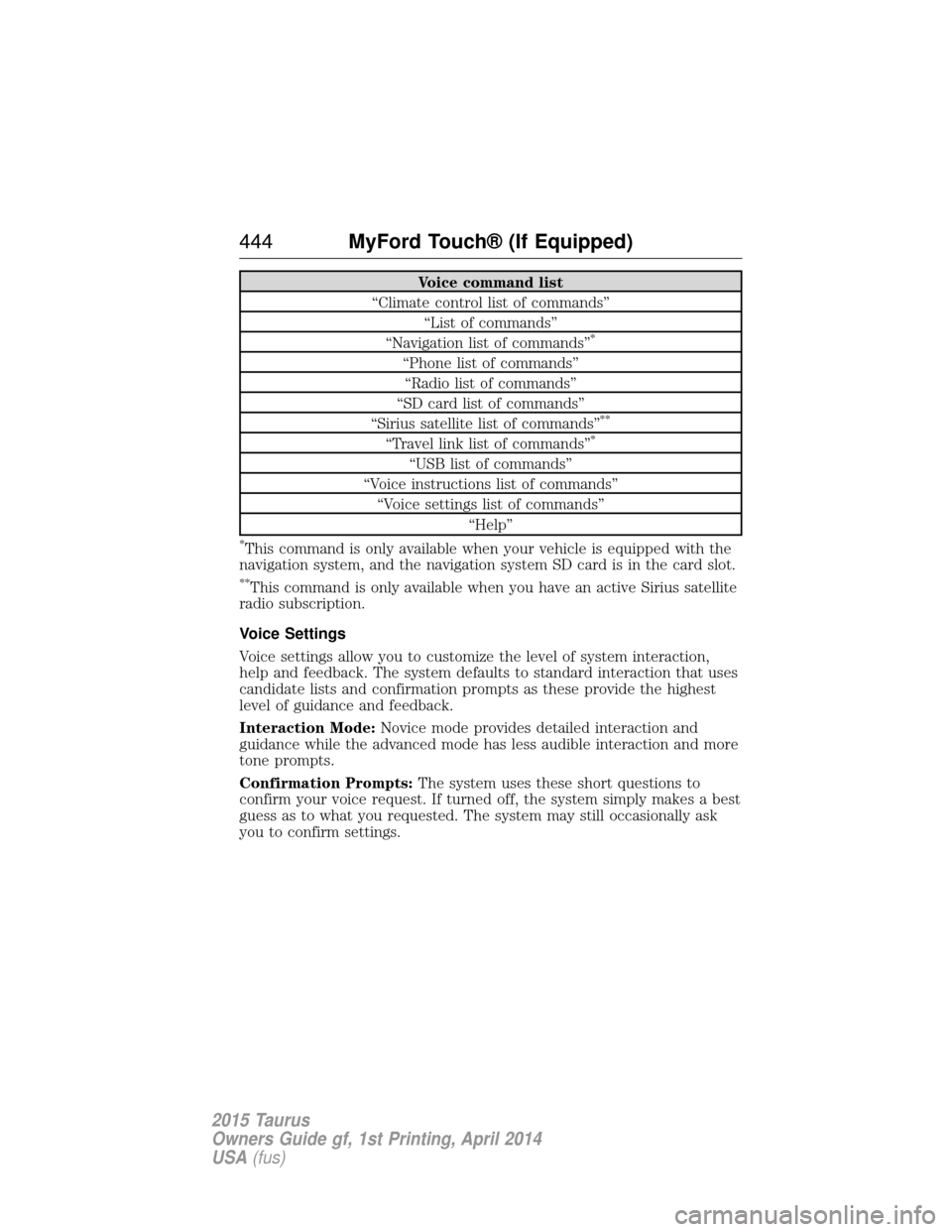
Voice command list
“Climate control list of commands” “List of commands”
“Navigation list of commands”
*
“Phone list of commands” “Radio list of commands”
“SD card list of commands”
“Sirius satellite list of commands”
**
“Travel link list of commands”*
“USB list of commands”
“Voice instructions list of commands” “Voice settings list of commands” “Help”
*This command is only available when your vehicle is equipped with the
navigation system, and the navigation system SD card is in the card slot.
**This command is only available when you have an active Sirius satellite
radio subscription.
Voice Settings
Voice settings allow you to customize the level of system interaction,
help and feedback. The system defaults to standard interaction that uses
candidate lists and confirmation prompts as these provide the highest
level of guidance and feedback.
Interaction Mode: Novice mode provides detailed interaction and
guidance while the advanced mode has less audible interaction and more
tone prompts.
Confirmation Prompts: The system uses these short questions to
confirm your voice request. If turned off, the system simply makes a best
guess as to what you requested. The system may still occasionally ask
you to confirm settings.
444 MyFord Touch® (If Equipped)
2015 Taurus
Owners Guide gf, 1st Printing, April 2014
USA(fus)
Page 492 of 558
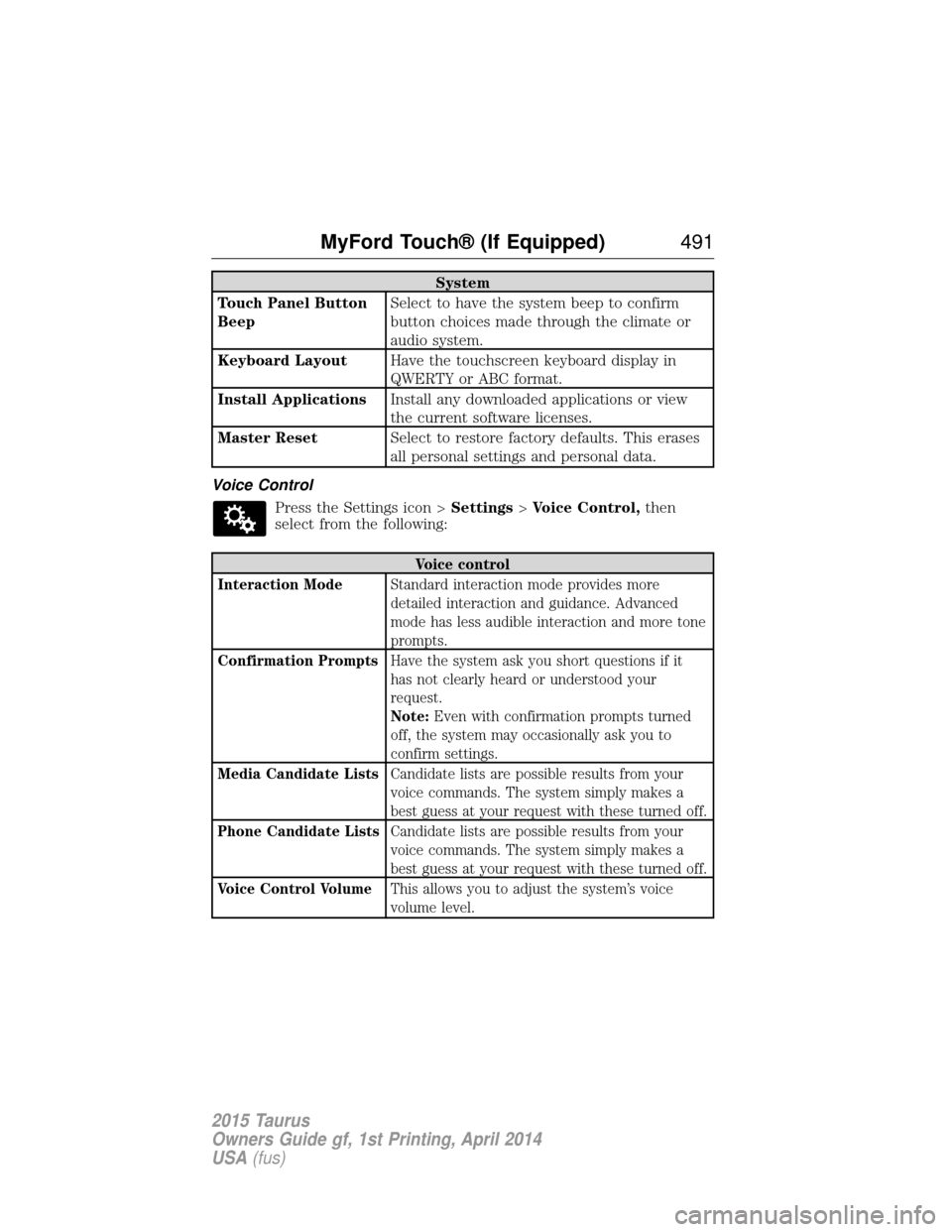
System
Touch Panel Button
Beep Select to have the system beep to confirm
button choices made through the climate or
audio system.
Keyboard Layout Have the touchscreen keyboard display in
QWERTY or ABC format.
Install Applications Install any downloaded applications or view
the current software licenses.
Master Reset Select to restore factory defaults. This erases
all personal settings and personal data.
Voice Control Press the Settings icon > Settings>Voice Control, then
select from the following:
Voice control
Interaction Mode Standard interaction mode provides more
detailed interaction and guidance. Advanced
mode has less audible interaction and more tone
prompts.
Confirmation Prompts Have the system ask you short questions if it
has not clearly heard or understood your
request.
Note:Even with confirmation prompts turned
off, the system may occasionally ask you to
confirm settings.
Media Candidate Lists Candidate lists are possible results from your
voice commands. The system simply makes a
best guess at your request with these turned off.
Phone Candidate Lists Candidate lists are possible results from your
voice commands. The system simply makes a
best guess at your request with these turned off.
Voice Control Volume This allows you to adjust the system’s voice
volume level.
MyFord Touch® (If Equipped) 491
2015 Taurus
Owners Guide gf, 1st Printing, April 2014
USA(fus)
Page 500 of 558
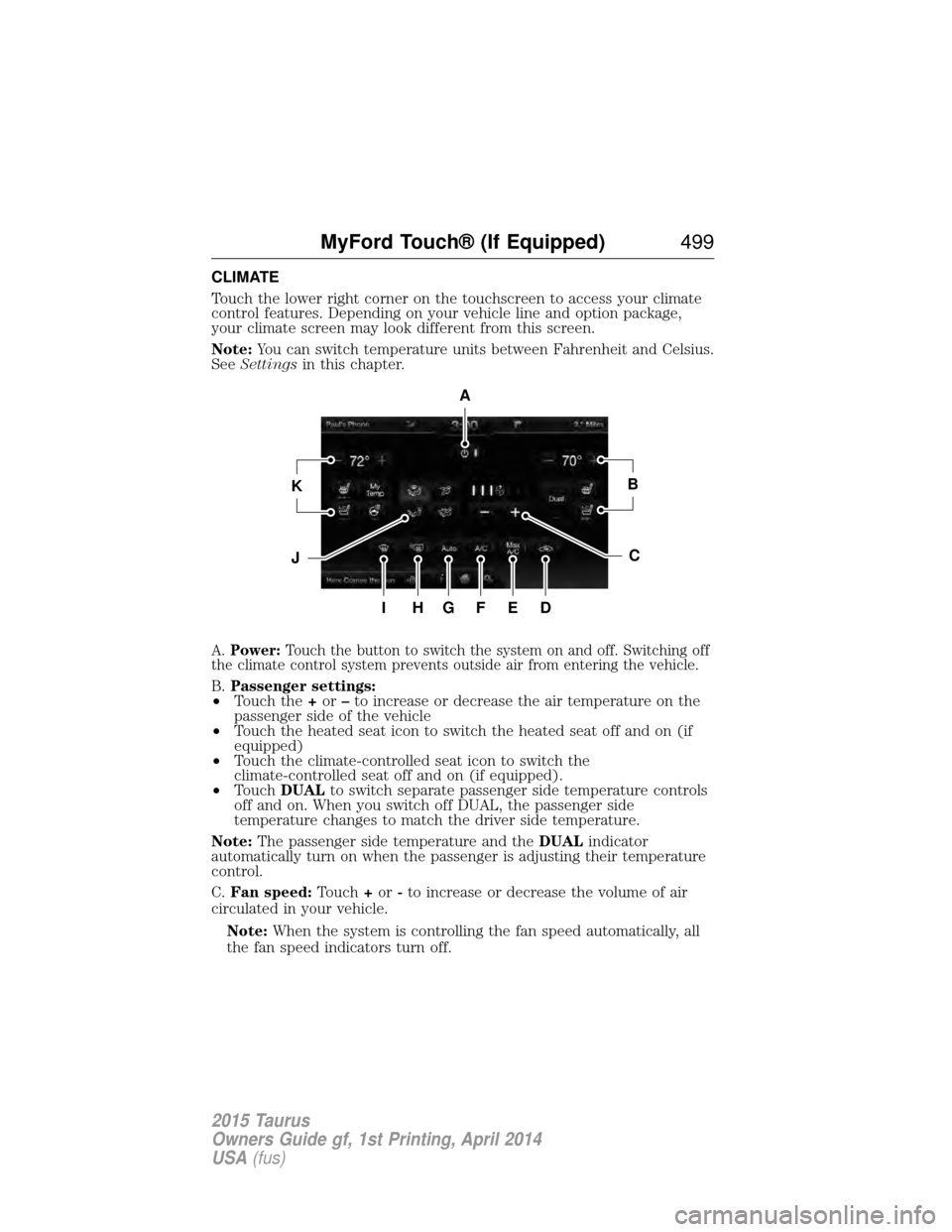
CLIMATE
Touch the lower right corner on the touchscreen to access your climate
control features. Depending on your vehicle line and option package,
your climate screen may look different from this screen.
Note:You can switch temperature units between Fahrenheit and Celsius.
See Settings in this chapter.
A.Power: Touch the button to switch the system on and off. Switching off
the climate control system prevents outside air from entering the vehicle.
B. Passenger settings:
• Touch the +or –to increase or decrease the air temperature on the
passenger side of the vehicle
• Touch the heated seat icon to switch the heated seat off and on (if
equipped)
• Touch the climate-controlled seat icon to switch the
climate-controlled seat off and on (if equipped).
• Touch DUAL to switch separate passenger side temperature controls
off and on. When you switch off DUAL, the passenger side
temperature changes to match the driver side temperature.
Note: The passenger side temperature and the DUALindicator
automatically turn on when the passenger is adjusting their temperature
control.
C. Fan speed: Touch+or -to increase or decrease the volume of air
circulated in your vehicle.
Note: When the system is controlling the fan speed automatically, all
the fan speed indicators turn off.
A
KB
JC
IHGFED
MyFord Touch® (If Equipped) 499
2015 Taurus
Owners Guide gf, 1st Printing, April 2014
USA(fus)
Page 502 of 558
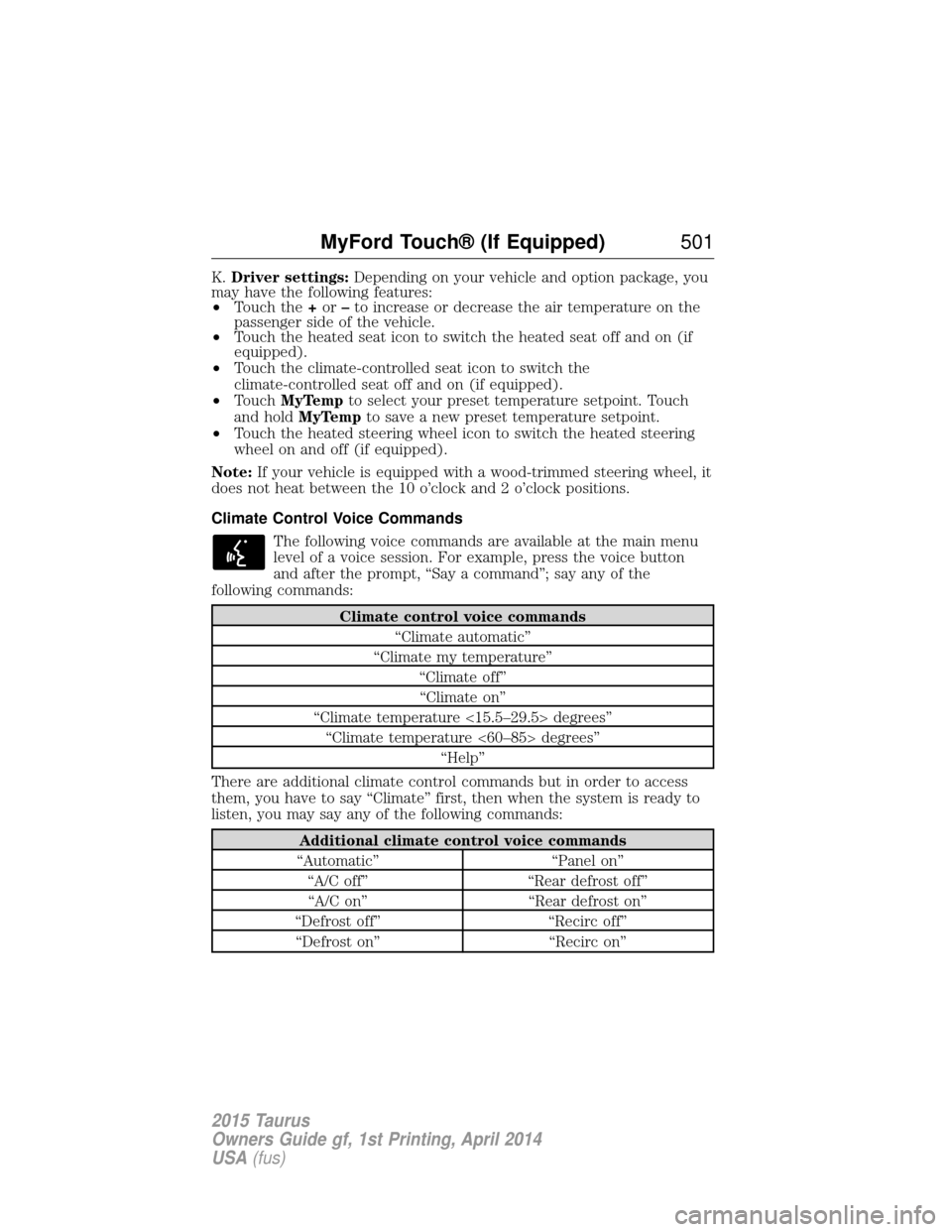
K.Driver settings: Depending on your vehicle and option package, you
may have the following features:
• Touch the +or –to increase or decrease the air temperature on the
passenger side of the vehicle.
• Touch the heated seat icon to switch the heated seat off and on (if
equipped).
• Touch the climate-controlled seat icon to switch the
climate-controlled seat off and on (if equipped).
• Touch MyTemp to select your preset temperature setpoint. Touch
and hold MyTemp to save a new preset temperature setpoint.
• Touch the heated steering wheel icon to switch the heated steering
wheel on and off (if equipped).
Note: If your vehicle is equipped with a wood-trimmed steering wheel, it
does not heat between the 10 o’clock and 2 o’clock positions.
Climate Control Voice Commands
The following voice commands are available at the main menu
level of a voice session. For example, press the voice button
and after the prompt, “Say a command”; say any of the
following commands:
Climate control voice commands
“Climate automatic”
“Climate my temperature” “Climate off”“Climate on”
“Climate temperature <15.5–29.5> degrees” “Climate temperature <60–85> degrees” “Help”
There are additional climate control commands but in order to access
them, you have to say “Climate” first, then when the system is ready to
listen, you may say any of the following commands:
Additional climate control voice commands
“Automatic” “Panel on” “A/C off” “Rear defrost off”“A/C on” “Rear defrost on”
“Defrost off” “Recirc off” “Defrost on” “Recirc on”
MyFord Touch® (If Equipped) 501
2015 Taurus
Owners Guide gf, 1st Printing, April 2014
USA(fus)
Page 557 of 558
Setting a destination by
voice ...........................................503
Settings ......................................487
Setting the clock ...............373, 487
Side air curtain ...........................52
Side-curtain airbags system .......52
SIRIUS® satellite radio ....373, 454
SIRIUS satellite radio voice
commands .................................456
SIRIUS Travel Link ...................479
SIRIUS Travel Link voice
commands .................................481
SOS Post Crash Alert .................44
Spark plugs,
specifications .....................356, 363
Specification chart,
lubricants ...................................358
Stability system .........................199
Starting your vehicle ................166jump starting ..........................260
push button start system .......165
Steering wheel ............................81 controls ......................................83
tilting .........................................81
Sunshade ...................................101
Sun visor ....................................100
Supplemental Restraint System
(SRS) (see airbags) ....................45
Supported media file types ......464
Supported player, media
formats and metadata
information ................................464
SYNC® customer
support ..............................390, 438
SYNC® Services ................413, 475 System settings .........................490
T
Temperature control
(see Climate control) ......130–131,
133, 135, 499
Temporary mobility kit .............345
Text messaging .................401, 471
Text messaging (sending,
downloading, deleting) .....401, 403
Tilt steering wheel ......................81
Tires ...........................318–319, 339 alignment ................................332
care ..........................................318
changing ..........................339, 341
checking the pressure ............328
inflating ...................................326
label .........................................325
replacing ..................................330
rotating ....................................333
safety practices .......................332
sidewall information ...............321
snow tires and chains ............334
spare tire .................................339
Temporary mobility kit ..........345
terminology .............................319
tire grades ...............................319
treadwear ........................318, 328
Touchscreen features
(climate) ....................................499
Towing .......................247, 251–252 recreational towing .................252
trailer towing ..........................247
wrecker ....................................251
Traction control ........................197
Traffic, Directions and
Information ................................413
Traffic preferences ...................506
556 Index
2015 Taurus
Owners Guide gf, 1st Printing, April 2014
USA(fus)