close FORD TAURUS 2015 6.G User Guide
[x] Cancel search | Manufacturer: FORD, Model Year: 2015, Model line: TAURUS, Model: FORD TAURUS 2015 6.GPages: 558, PDF Size: 4.42 MB
Page 73 of 558
Illuminated Entry
The interior lamps and select exterior lamps illuminate when you use the
integrated keyhead transmitter, intelligent access key or the keyless
entry keypad to unlock the vehicle.
The system will turn off the lights if:
•you switch the ignition on
• you press the lock button on the remote control
• you lock your vehicle using the keyless entry keypad
• after 25 seconds of illumination.
The lights will not turn off if:
• you turn them on with the dimmer control
• any door is open.
Illuminated Exit
The interior lamps and select exterior lamps illuminate when all doors
are closed and you switch the ignition off and remove the key from the
ignition (integrated keyhead transmitter only).
The lamps turn off if all the doors remain closed and:
• 25 seconds elapse
• you insert the key in the ignition (integrated keyhead transmitter
only)
• you press the START/STOP button (intelligent access key only).
Battery Saver
If you leave the courtesy lamps, dome lamps or headlamps on, the
battery saver shuts them off 10 minutes after you switch the ignition off.
Accessory Mode Battery Saver for Intelligent Access Keys
(If Equipped)
If you leave your vehicle in the run ignition state, it will shut off once it
detects a certain amount of battery drain or after 45 minutes.
72 Locks
2015 Taurus
Owners Guide gf, 1st Printing, April 2014
USA(fus)
Page 75 of 558
You may also program a personal entry code through the MyFord Touch
or MyLincoln Touch system. Refer to theMyFord TouchorMyLincoln
Touch chapter.
Tips:
• Do not set a code that uses five of the same number.
• Do not use five numbers in sequential order.
• The factory-set code will work even if you have set your own personal
code.
Erasing a Personal Code
1. Enter the factory-set 5-digit code.
2. Press and release 1•2on the keypad within five seconds.
3. Press and hold 1•2for two seconds. This must be done within five
seconds of completing Step 2.
All personal codes are now erased and only the factory-set 5-digit code
will work.
Anti-Scan Feature
The keypad will go into an anti-scan mode if you enter the wrong code
seven times (35 consecutive button presses). This mode disables the
keypad for one minute and the keypad lamp will flash.
The anti-scan feature will turn off after:
• one minute of keypad inactivity
• pressing the unlock button on the remote control
• switching the ignition on
• unlocking the vehicle using intelligent access.
Unlocking and Locking the Doors
To unlock the driver door: Enter the factory-set 5-digit code or your
personal code. You must press each number within five seconds of each
other. The interior lamps will illuminate. Note:All doors will unlock if
the two-stage unlocking feature is disabled. Refer to Locking and
Unlocking earlier in this chapter.
To unlock all doors: Enter the factory-set code or your personal code,
then press 3•4within five seconds.
To lock all doors: Press and hold7•8and9•0 at the same time with
the driver door closed. You do not need to enter the keypad code first.
74 Locks
2015 Taurus
Owners Guide gf, 1st Printing, April 2014
USA(fus)
Page 78 of 558
SECURILOCK® PASSIVE ANTI-THEFT SYSTEM
Note:The system is not compatible with non-Ford aftermarket remote
start systems. Use of these systems may result in vehicle starting
problems and a loss of security protection.
Note: Metallic objects, electronic devices or a second coded key on the
same key chain may cause vehicle starting issues if they are too close to
the key when starting your vehicle. Prevent these objects from touching
the coded key while starting the engine. Switch the ignition off, move all
objects on the key chain away from the coded key and restart your
vehicle if a problem occurs.
Note: Do not leave a duplicate coded key in your vehicle. Always take
your keys and lock all doors when leaving your vehicle.
The system helps prevent the engine from starting unless you use a
coded key programmed to your vehicle. Using the wrong key may
prevent your vehicle from starting. A message may appear in the
information display.
If you are unable to start your vehicle with a correctly coded key, a
malfunction has occurred. A message may appear in the information display.
Automatic Arming
Your vehicle arms immediately after you switch the ignition off.
Automatic Disarming
Your vehicle disarms when you switch the ignition on with a coded key.
Replacement Keys
Note: Your vehicle comes with two integrated keyhead transmitters or
two intelligent access keys.
The integrated keyhead transmitter functions as a programmed ignition key
that operates all the locks and starts the vehicle, as well as a remote control.
The intelligent access key functions as a programmed key that operates
the driver door lock and activates the intelligent access with push button
start systems, as well as a remote control.
If your programmed transmitters or standard SecuriLock coded keys
(integrated keyhead transmitters only) are lost or stolen and you do not
have an extra coded key, you will need to have your vehicle towed to an
authorized dealer. The key codes need to be erased from your vehicle
and new coded keys will need to be programmed.
Store an extra programmed key away from the vehicle in a safe place to
help prevent any inconveniences. See an authorized dealer to purchase
additional spare or replacement keys.
Security 77
2015 Taurus
Owners Guide gf, 1st Printing, April 2014
USA(fus)
Page 80 of 558
Programming a Spare Intelligent Access Key (If Equipped)
Note:A maximum of four intelligent access keys can be programmed to
your vehicle. You must take your vehicle and all access keys to your
authorized dealer to be erased and reprogrammed if you would like to
replace a previously programmed access key with a new access key, or if
you already have four access keys programmed to your vehicle.
You must have two previously programmed intelligent access keys inside
your vehicle and the new unprogrammed intelligent access keys readily
accessible. See your authorized dealer to have the spare key
programmed if two previously programmed keys are not available.
Make sure that your vehicle is off before beginning this procedure. Make
sure that all doors are closed before beginning and that they remain
closed throughout the procedure. Perform all steps within 30 seconds of
starting the sequence. Stop and wait for at least one minute before
starting again if any steps are performed out of sequence.
Read and understand the entire procedure before you begin.
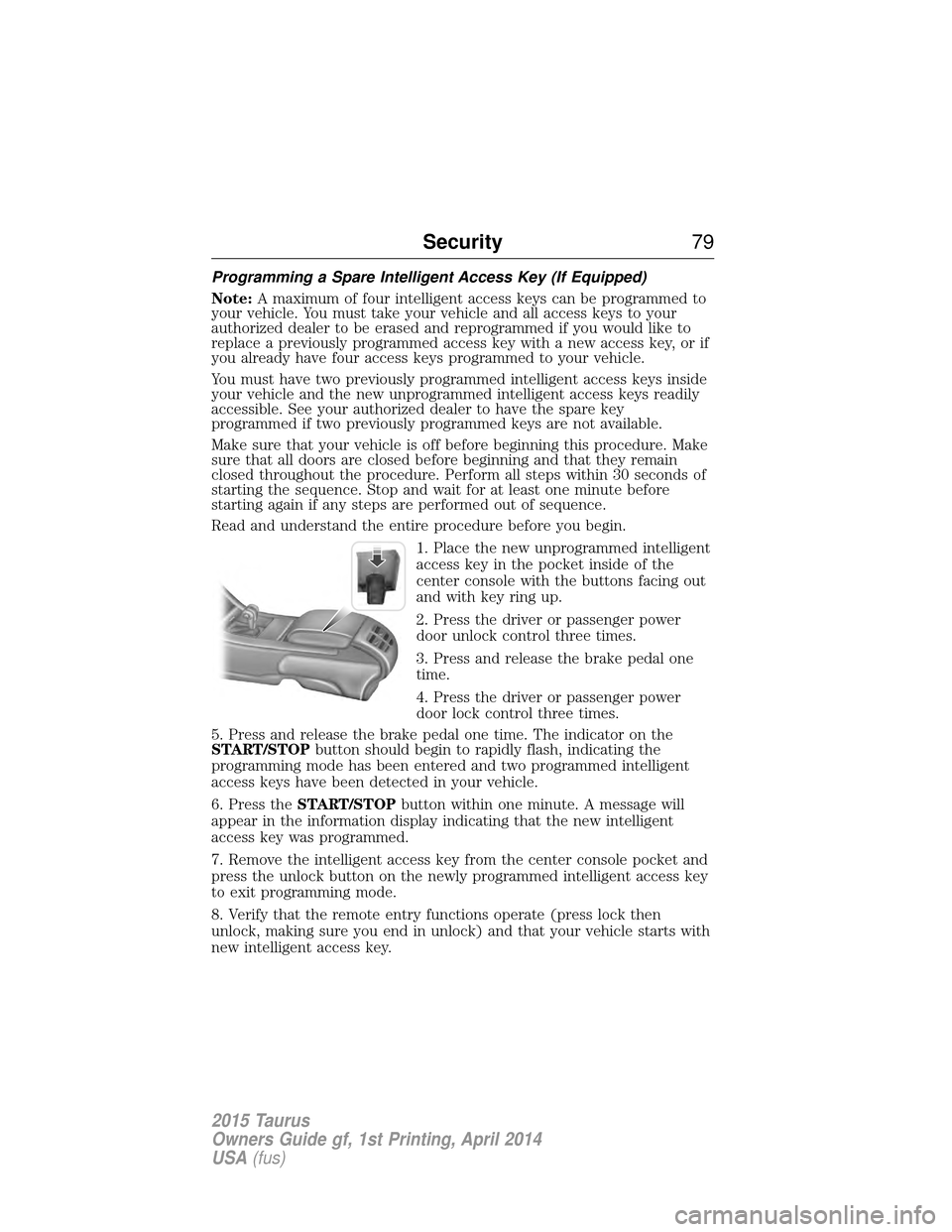
1. Place the new unprogrammed intelligent
access key in the pocket inside of the
center console with the buttons facing out
and with key ring up.
2. Press the driver or passenger power
door unlock control three times.
3. Press and release the brake pedal one
time.
4. Press the driver or passenger power
door lock control three times.
5. Press and release the brake pedal one time. The indicator on the
START/STOP button should begin to rapidly flash, indicating the
programming mode has been entered and two programmed intelligent
access keys have been detected in your vehicle.
6. Press the START/STOP button within one minute. A message will
appear in the information display indicating that the new intelligent
access key was programmed.
7. Remove the intelligent access key from the center console pocket and
press the unlock button on the newly programmed intelligent access key
to exit programming mode.
8. Verify that the remote entry functions operate (press lock then
unlock, making sure you end in unlock) and that your vehicle starts with
new intelligent access key.
Security 79
2015 Taurus
Owners Guide gf, 1st Printing, April 2014
USA(fus)
Page 87 of 558
ADJUSTABLE PEDALS (IF EQUIPPED)
WARNING:Never adjust the accelerator and brake pedal with
feet on the pedals while the vehicle is moving.
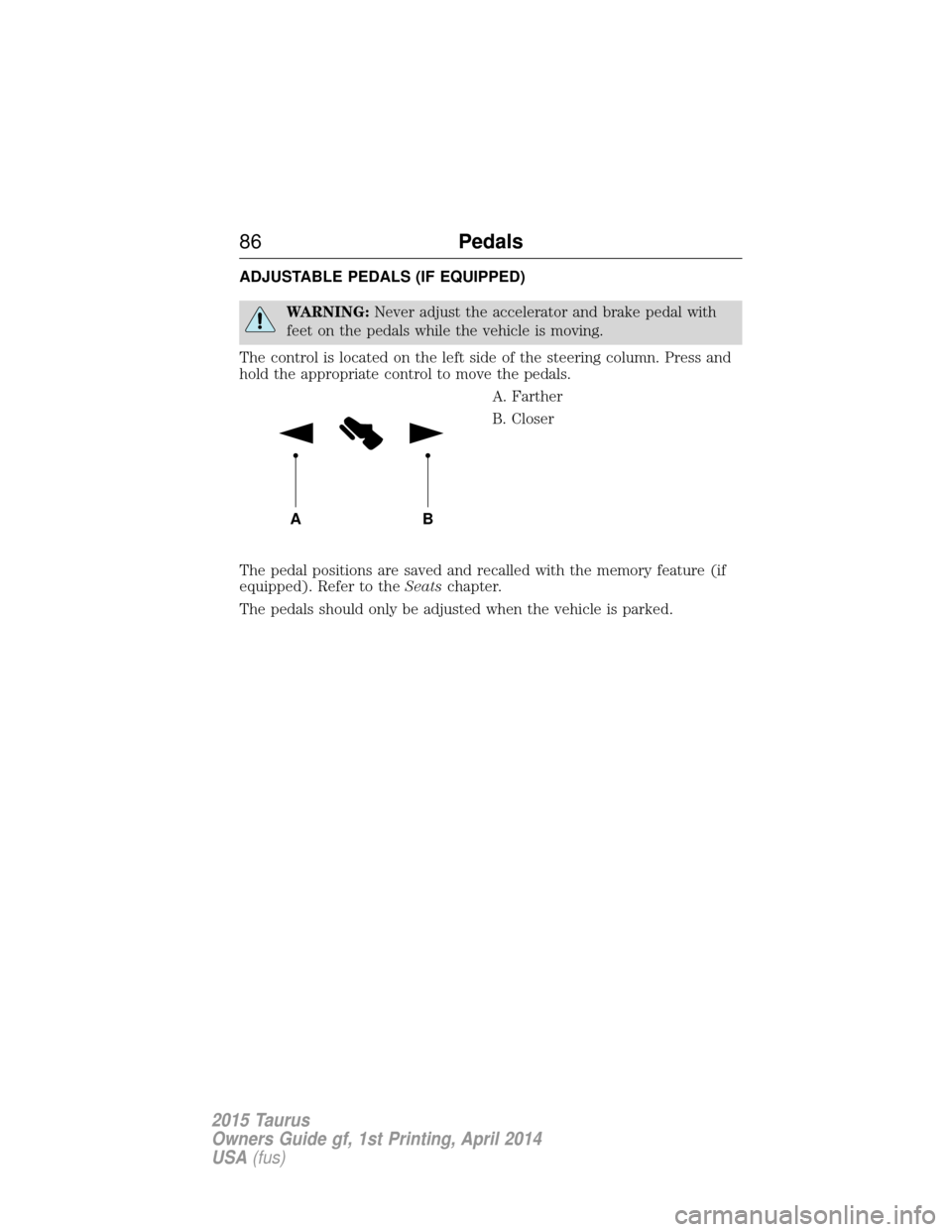
The control is located on the left side of the steering column. Press and
hold the appropriate control to move the pedals. A. Farther
B. Closer
The pedal positions are saved and recalled with the memory feature (if
equipped). Refer to the Seatschapter.
The pedals should only be adjusted when the vehicle is parked.
AB
86 Pedals
2015 Taurus
Owners Guide gf, 1st Printing, April 2014
USA(fus)
Page 97 of 558
POWER WINDOWS
WARNING:Do not leave children unattended in your vehicle
and do not let children play with the power windows. They may
seriously injure themselves.
WARNING: When closing the power windows, you should verify
they are free of obstructions and make sure that children and
pets are not in the proximity of the window openings.
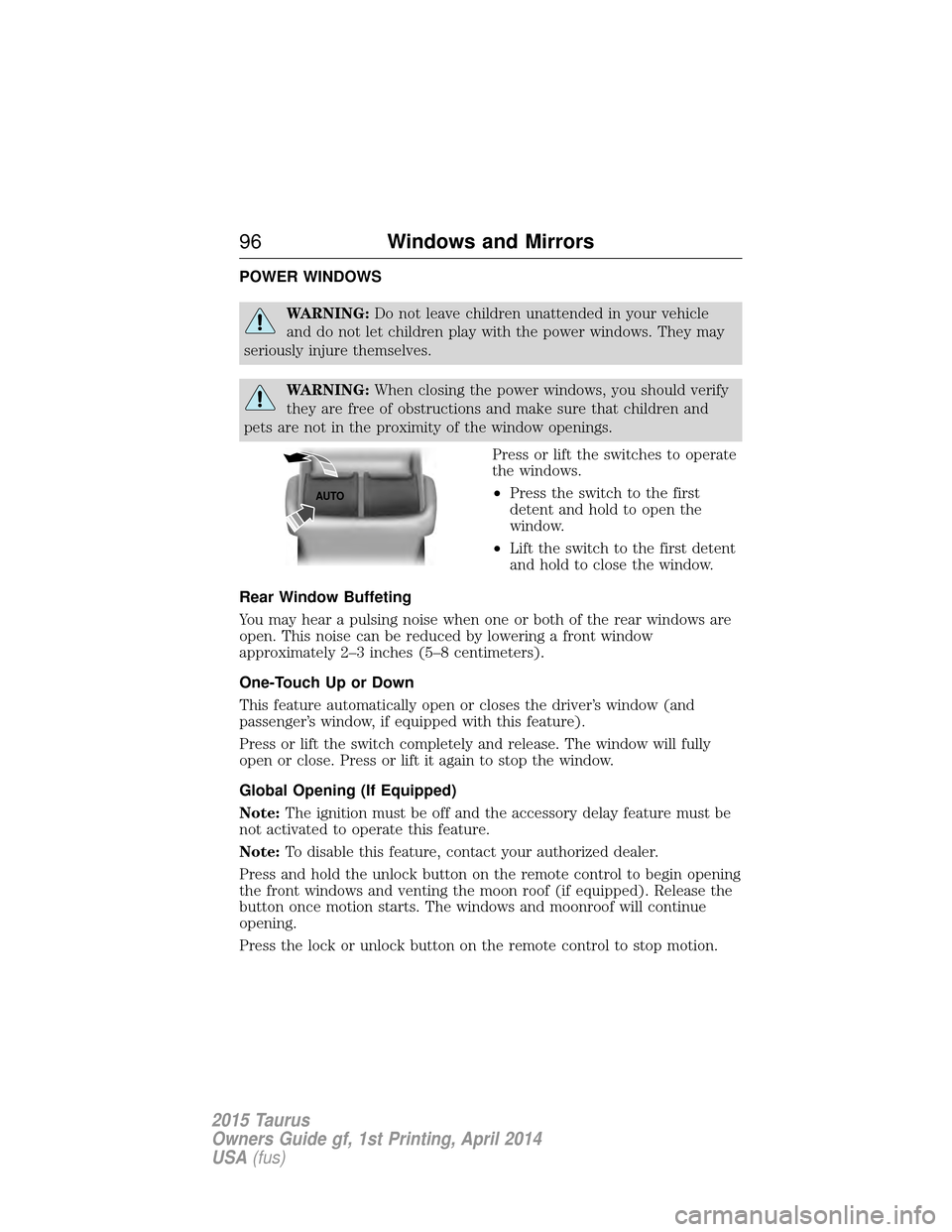
Press or lift the switches to operate
the windows.
•Press the switch to the first
detent and hold to open the
window.
• Lift the switch to the first detent
and hold to close the window.
Rear Window Buffeting
You may hear a pulsing noise when one or both of the rear windows are
open. This noise can be reduced by lowering a front window
approximately 2–3 inches (5–8 centimeters).
One-Touch Up or Down
This feature automatically open or closes the driver’s window (and
passenger’s window, if equipped with this feature).
Press or lift the switch completely and release. The window will fully
open or close. Press or lift it again to stop the window.
Global Opening (If Equipped)
Note: The ignition must be off and the accessory delay feature must be
not activated to operate this feature.
Note: To disable this feature, contact your authorized dealer.
Press and hold the unlock button on the remote control to begin opening
the front windows and venting the moon roof (if equipped). Release the
button once motion starts. The windows and moonroof will continue
opening.
Press the lock or unlock button on the remote control to stop motion.
AUTO
96 Windows and Mirrors
2015 Taurus
Owners Guide gf, 1st Printing, April 2014
USA(fus)
Page 98 of 558
Bounce-Back (One-Touch Up or Down Windows Only)
The window stops automatically while closing and reverse some distance
if there is an obstacle in the way.
Overriding the Bounce-Back Feature
WARNING:When you override the bounce-back feature the
window will not reverse if it detects an obstacle. Take care when
closing the windows to avoid personal injury or damage to your vehicle.
Pull up the window switch and hold within two seconds of the window
reaching the bounce-back position. The window travels up with no
bounce-back protection. The window stops if you release the switch
before the window is fully closed.
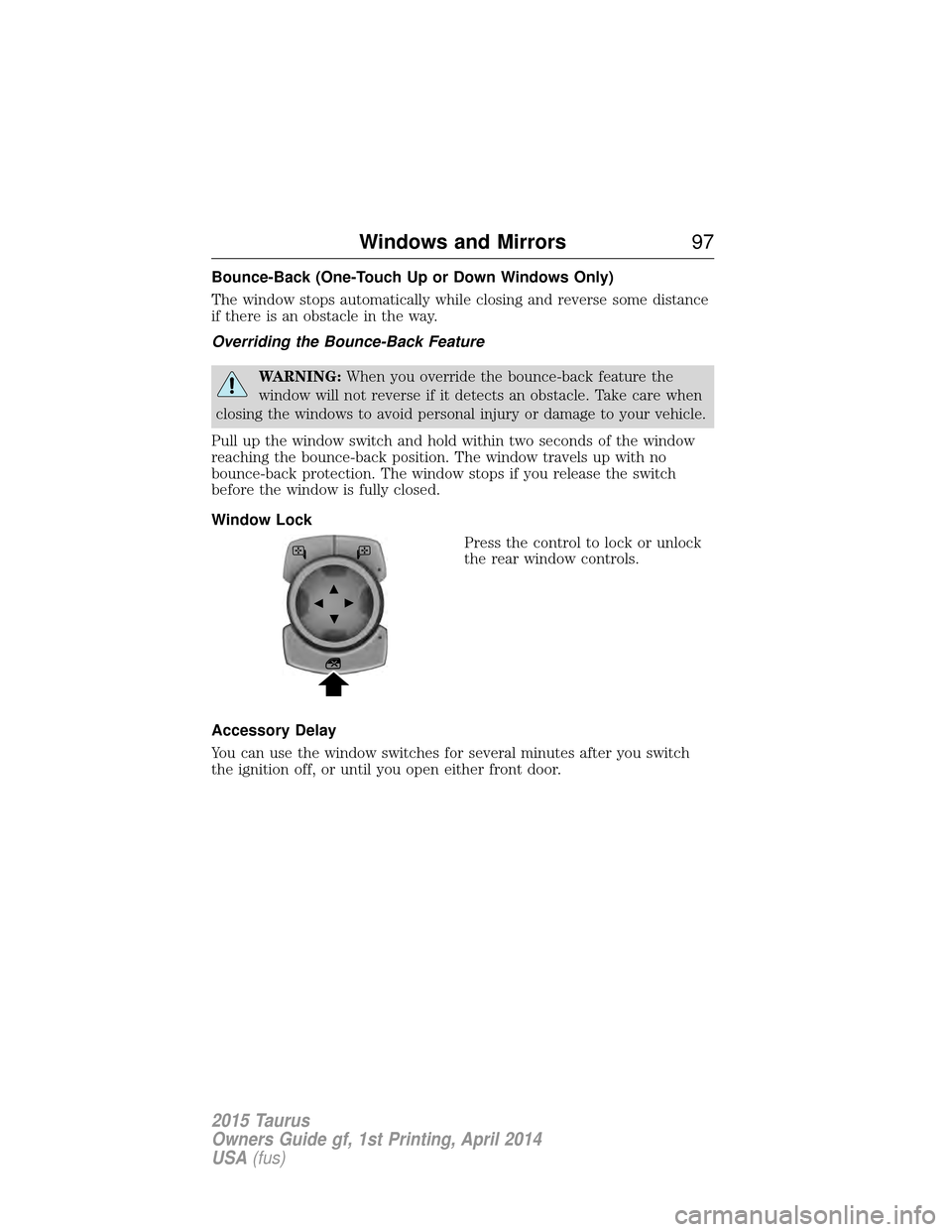
Window Lock Press the control to lock or unlock
the rear window controls.
Accessory Delay
You can use the window switches for several minutes after you switch
the ignition off, or until you open either front door.
Windows and Mirrors 97
2015 Taurus
Owners Guide gf, 1st Printing, April 2014
USA(fus)
Page 100 of 558
Integrated Blind Spot Mirrors (If Equipped)
WARNING:Objects in the blind spot mirror are closer than they
appear.
Blind spot mirrors have an integrated convex mirror built into the upper
outboard corner of the exterior mirrors. They are designed to assist you
by increasing visibility along the side of your vehicle.
Check the main mirror first before a lane change, then check the blind
spot mirror. If no vehicles are present in the blind spot mirror and the
traffic in the adjacent lane is at a safe distance, signal that you are going
to change lanes. Glance over your shoulder to verify traffic is clear, and
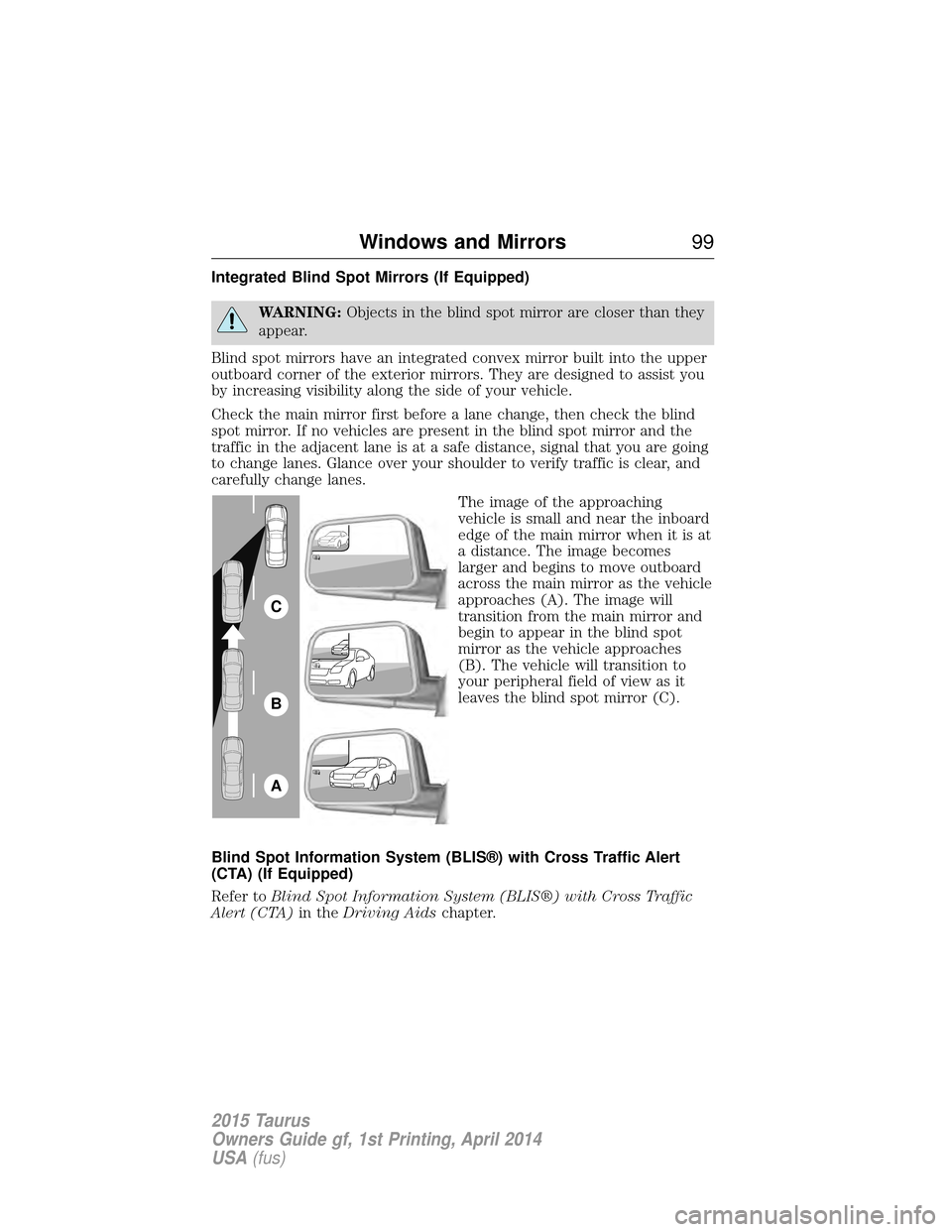
carefully change lanes. The image of the approaching
vehicle is small and near the inboard
edge of the main mirror when it is at
a distance. The image becomes
larger and begins to move outboard
across the main mirror as the vehicle
approaches (A). The image will
transition from the main mirror and
begin to appear in the blind spot
mirror as the vehicle approaches
(B). The vehicle will transition to
your peripheral field of view as it
leaves the blind spot mirror (C).
Blind Spot Information System (BLIS®) with Cross Traffic Alert
(CTA) (If Equipped)
Refer to Blind Spot Information System (BLIS®) with Cross Traffic
Alert (CTA) in theDriving Aids chapter.
A
B
C
Windows and Mirrors 99
2015 Taurus
Owners Guide gf, 1st Printing, April 2014
USA(fus)
Page 103 of 558
MOONROOF (IF EQUIPPED)
WARNING:Do not let children play with the moonroof or leave
children unattended in the vehicle. They may seriously hurt
themselves.
WARNING: When closing the moonroof, you should verify that it
is free of obstructions and ensure that children and/or pets are
not in the proximity of the moonroof opening.
You can manually open or close the sliding shade when the moonroof is
closed. Pull the shade toward the front of the vehicle to close it.
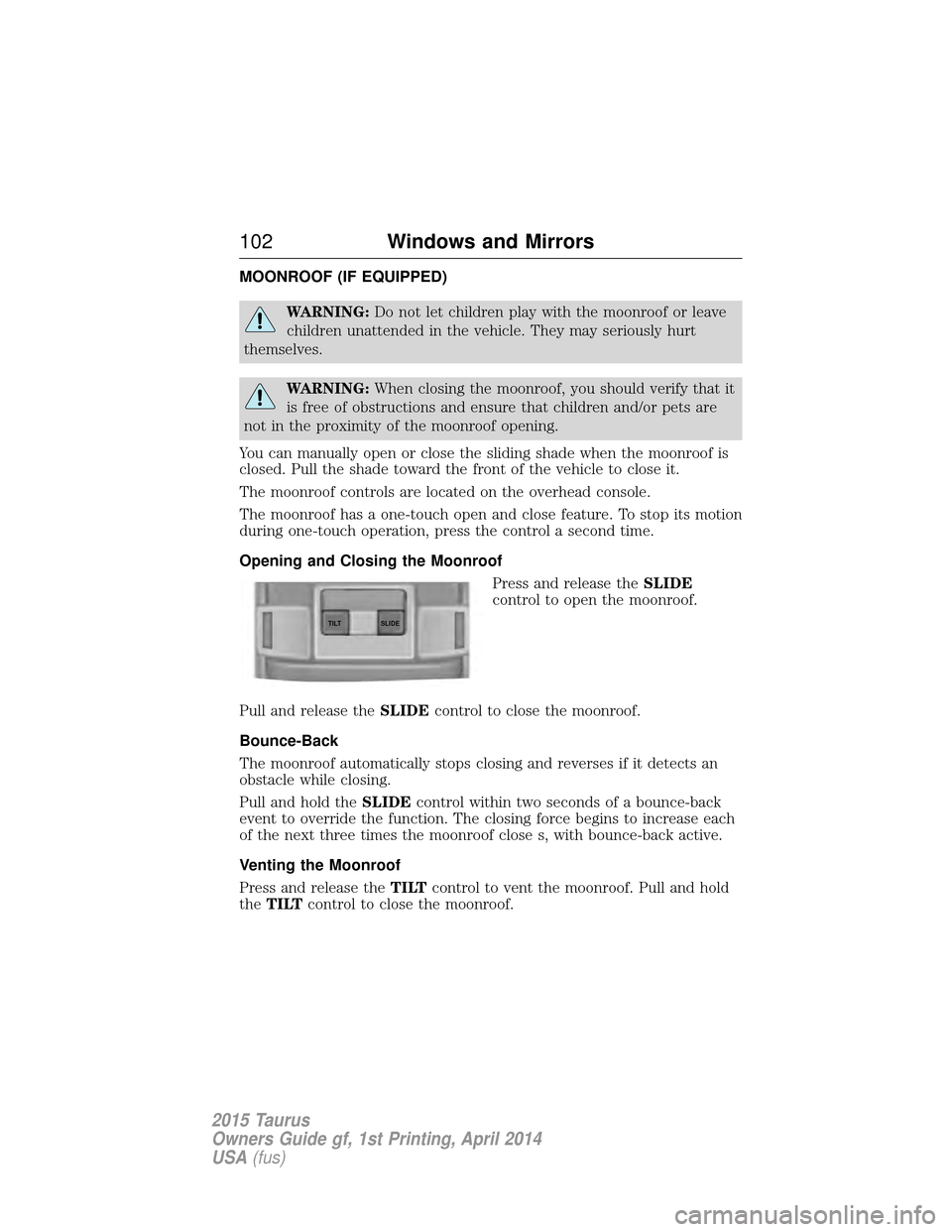
The moonroof controls are located on the overhead console.
The moonroof has a one-touch open and close feature. To stop its motion
during one-touch operation, press the control a second time.
Opening and Closing the Moonroof Press and release theSLIDE
control to open the moonroof.
Pull and release the SLIDEcontrol to close the moonroof.
Bounce-Back
The moonroof automatically stops closing and reverses if it detects an
obstacle while closing.
Pull and hold the SLIDEcontrol within two seconds of a bounce-back
event to override the function. The closing force begins to increase each
of the next three times the moonroof close s, with bounce-back active.
Venting the Moonroof
Press and release the TILTcontrol to vent the moonroof. Pull and hold
the TILT control to close the moonroof.
SLIDE
TILT
102 Windows and Mirrors
2015 Taurus
Owners Guide gf, 1st Printing, April 2014
USA(fus)
Page 107 of 558
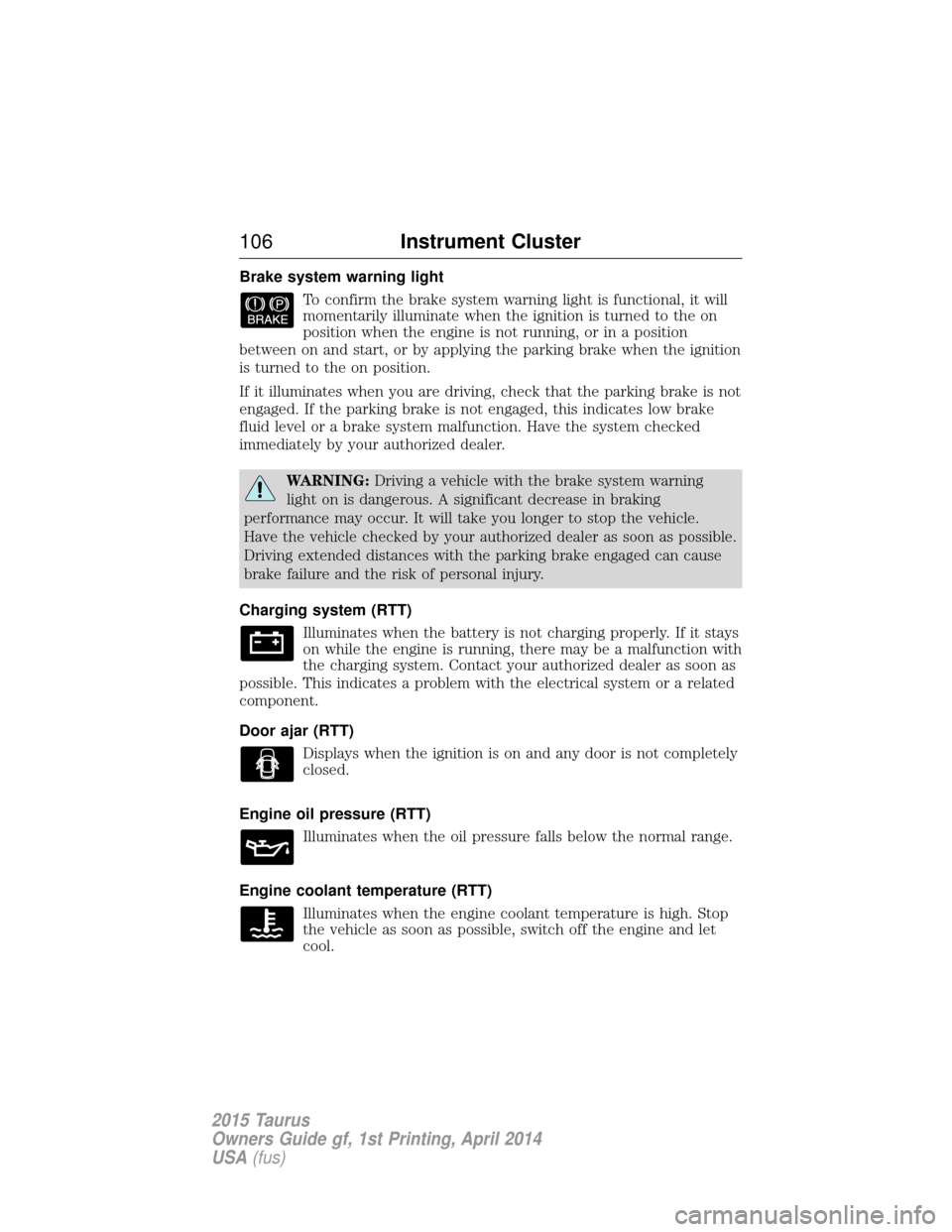
Brake system warning lightTo confirm the brake system warning light is functional, it will
momentarily illuminate when the ignition is turned to the on
position when the engine is not running, or in a position
between on and start, or by applying the parking brake when the ignition
is turned to the on position.
If it illuminates when you are driving, check that the parking brake is not
engaged. If the parking brake is not engaged, this indicates low brake
fluid level or a brake system malfunction. Have the system checked
immediately by your authorized dealer.
WARNING: Driving a vehicle with the brake system warning
light on is dangerous. A significant decrease in braking
performance may occur. It will take you longer to stop the vehicle.
Have the vehicle checked by your authorized dealer as soon as possible.
Driving extended distances with the parking brake engaged can cause
brake failure and the risk of personal injury.
Charging system (RTT) Illuminates when the battery is not charging properly. If it stays
on while the engine is running, there may be a malfunction with
the charging system. Contact your authorized dealer as soon as
possible. This indicates a problem with the electrical system or a related
component.
Door ajar (RTT)
Displays when the ignition is on and any door is not completely
closed.
Engine oil pressure (RTT) Illuminates when the oil pressure falls below the normal range.
Engine coolant temperature (RTT) Illuminates when the engine coolant temperature is high. Stop
the vehicle as soon as possible, switch off the engine and let
cool.
106 Instrument Cluster
2015 Taurus
Owners Guide gf, 1st Printing, April 2014
USA(fus)