display FORD TAURUS 2015 6.G Repair Manual
[x] Cancel search | Manufacturer: FORD, Model Year: 2015, Model line: TAURUS, Model: FORD TAURUS 2015 6.GPages: 558, PDF Size: 4.42 MB
Page 202 of 558
SENSING SYSTEM (IF EQUIPPED)
WARNING:To help avoid personal injury, please read and
understand the limitations of the system as contained in this
section. Sensing is only an aid for some (generally large and fixed)
objects when moving in reverse on a flat surface at parking speeds.
Traffic control systems, inclement weather, air brakes, and external
motors and fans may also affect the function of the sensing system; this
may include reduced performance or a false activation.
WARNING: To help avoid personal injury, always use caution
when in R (Reverse) and when using the sensing system.
WARNING: This system is not designed to prevent contact with
small or moving objects. The system is designed to provide a
warning to assist the driver in detecting large stationary objects to
avoid damaging the vehicle. The system may not detect smaller objects,
particularly those close to the ground.
WARNING: Certain add-on devices such as large trailer hitches,
bike or surfboard racks and any device that may block the normal
detection zone of the system, may create false beeps.
Note: Keep the sensors (located on the bumper/fascia) free from snow,
ice and large accumulations of dirt. If the sensors are covered, the
system’s accuracy can be affected. Do not clean the sensors with sharp
objects.
Note: If your vehicle sustains damage to the bumper/fascia, leaving it
misaligned or bent, the sensing zone may be altered causing inaccurate
measurement of obstacles or false alarms.
The sensing system warns the driver of obstacles within a certain range
of the bumper area. The system turns on automatically whenever the
ignition is switched on.
When receiving a detection warning, the radio volume is reduced to a
predetermined level. After the warning goes away, the radio volume
returns to the previous level.
The system can be turned off using the information display control.
Refer to the Information Display chapter.
Parking Aids 201
2015 Taurus
Owners Guide gf, 1st Printing, April 2014
USA(fus)
Page 203 of 558
If a fault is present in the system, a warning message appears in the
information display and does not allow the driver to switch the faulted
system on.
Note:If your vehicle is equipped with MyKey®, it is possible to prevent
turning the sensing system off. Refer to the MyKey®chapter.
Using the Rear Sensing System
The rear sensors are only active when the transmission is in R.Asthe
vehicle moves closer to the obstacle, the rate of the audible warning
increases. When the obstacle is fewer than 12 inches (30 centimeters)
away, the warning sounds continuously. If a stationary or receding object
is detected farther than 12 inches (30 centimeters) from the side of the
vehicle, the tone sounds for only three seconds. Once the system detects
an object approaching, the warning sounds again.
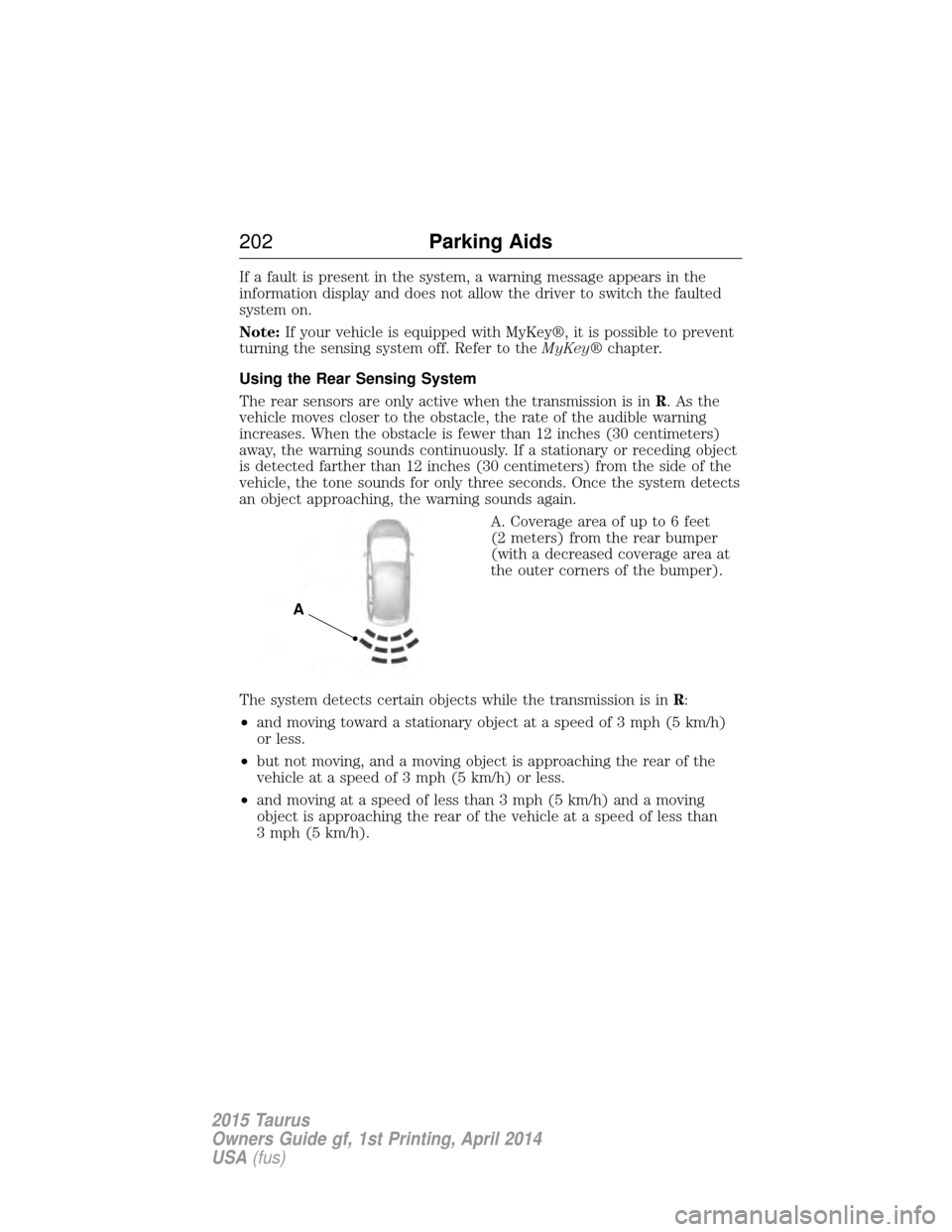
A. Coverage area of up to 6 feet
(2 meters) from the rear bumper
(with a decreased coverage area at
the outer corners of the bumper).
The system detects certain objects while the transmission is in R:
• and moving toward a stationary object at a speed of 3 mph (5 km/h)
or less.
• but not moving, and a moving object is approaching the rear of the
vehicle at a speed of 3 mph (5 km/h) or less.
• and moving at a speed of less than 3 mph (5 km/h) and a moving
object is approaching the rear of the vehicle at a speed of less than
3 mph (5 km/h).
A
202 Parking Aids
2015 Taurus
Owners Guide gf, 1st Printing, April 2014
USA(fus)
Page 205 of 558
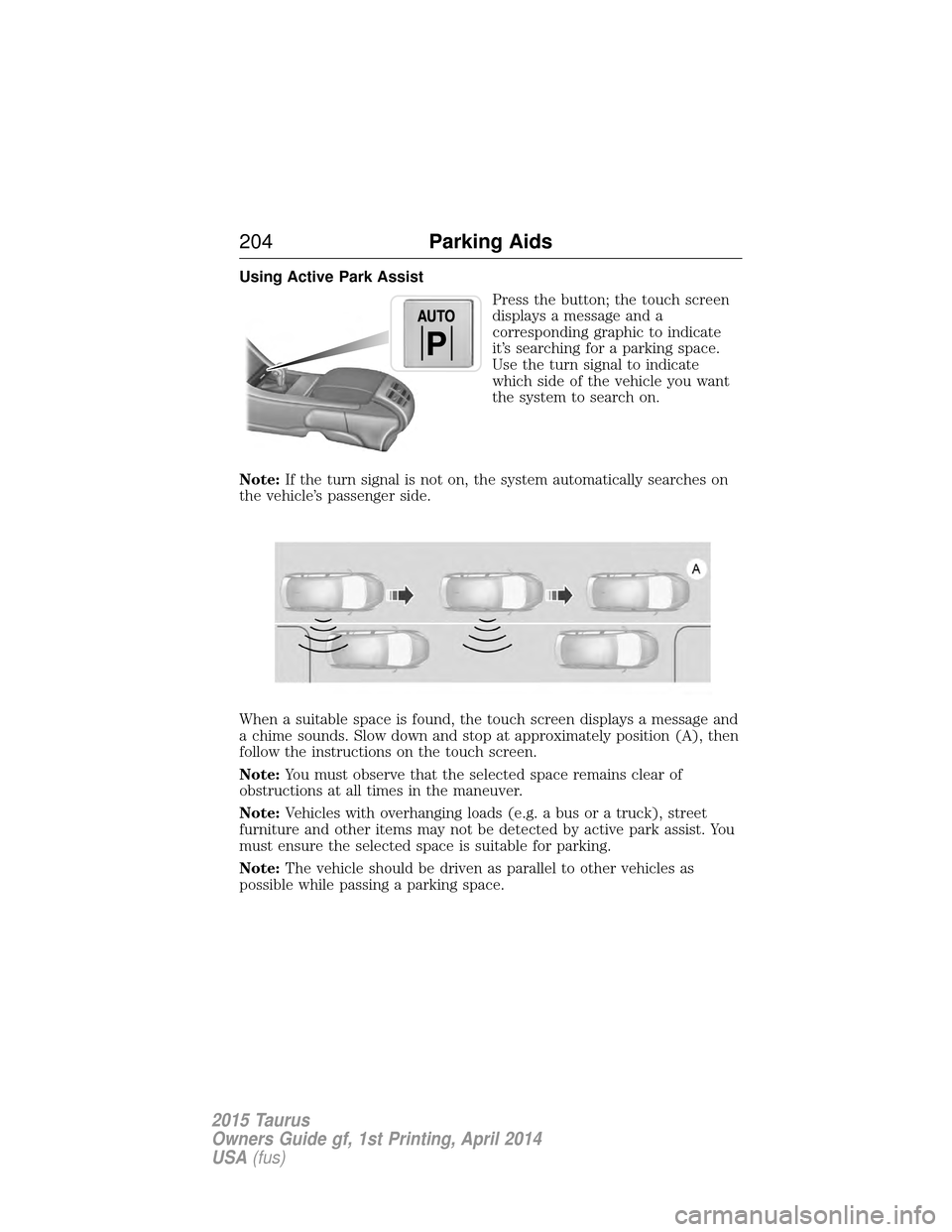
Using Active Park AssistPress the button; the touch screen
displays a message and a
corresponding graphic to indicate
it’s searching for a parking space.
Use the turn signal to indicate
which side of the vehicle you want
the system to search on.
Note: If the turn signal is not on, the system automatically searches on
the vehicle’s passenger side.
When a suitable space is found, the touch screen displays a message and
a chime sounds. Slow down and stop at approximately position (A), then
follow the instructions on the touch screen.
Note: You must observe that the selected space remains clear of
obstructions at all times in the maneuver.
Note: Vehicles with overhanging loads (e.g. a bus or a truck), street
furniture and other items may not be detected by active park assist. You
must ensure the selected space is suitable for parking.
Note: The vehicle should be driven as parallel to other vehicles as
possible while passing a parking space.
204 Parking Aids
2015 Taurus
Owners Guide gf, 1st Printing, April 2014
USA(fus)
Page 206 of 558
Note:The system always offers the last detected parking space (i.e. if
the vehicle detects multiple spaces while you are driving, it offers the
last one).
Note: If driven above approximately 20 mph (35 km/h), the touch
screen shows a message to alert the driver to reduce vehicle speed.
Automatic Steering into Parking Space
Note: If vehicle speed exceeds 6 mph (10 km/h), the system turns off
and you need to take full control of the vehicle.
Note: If a maneuver is interrupted before completion, the system turns
off and you need to full take control of the vehicle. In some instances
after an interruption a message may appear that would allow you to
resume the maneuver.
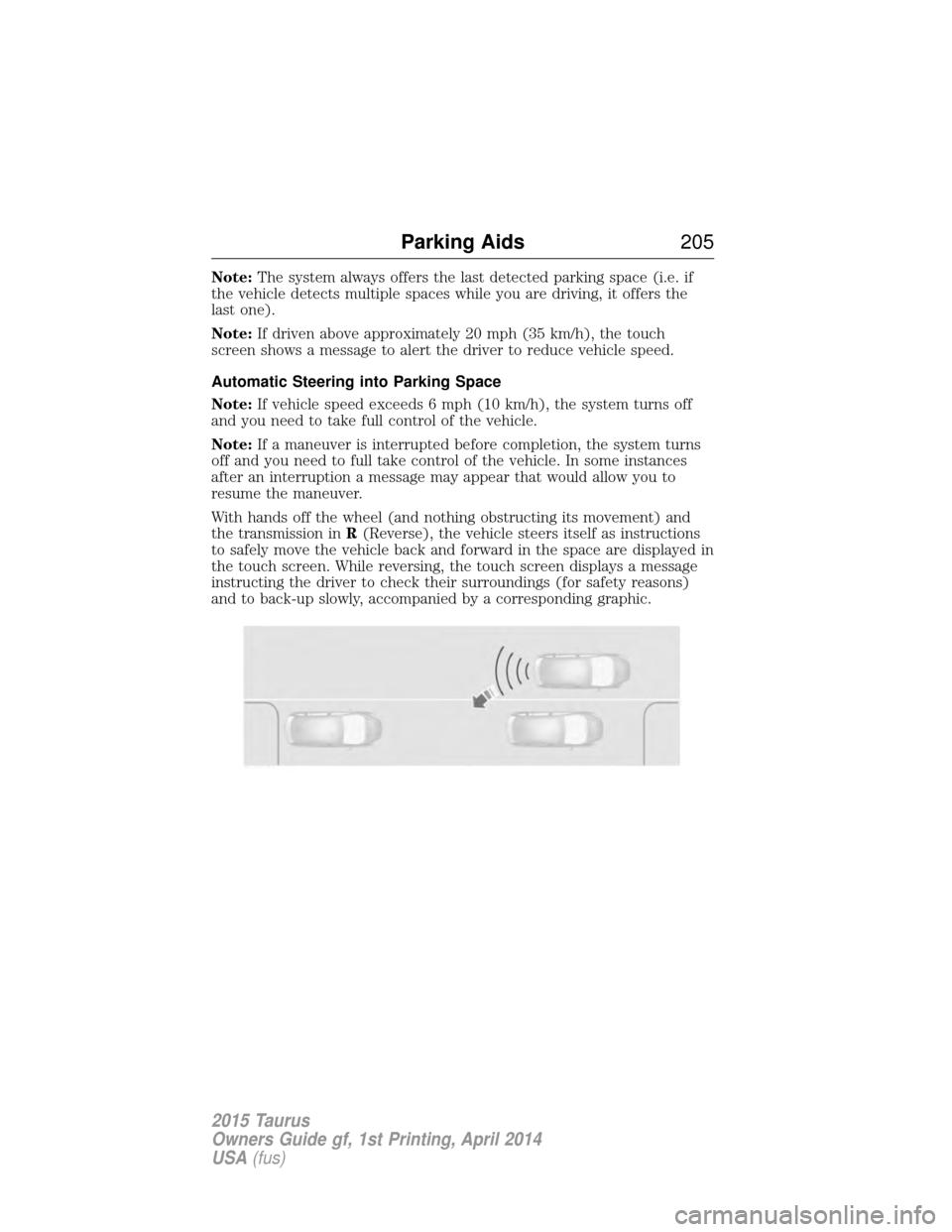
With hands off the wheel (and nothing obstructing its movement) and
the transmission in R(Reverse), the vehicle steers itself as instructions
to safely move the vehicle back and forward in the space are displayed in
the touch screen. While reversing, the touch screen displays a message
instructing the driver to check their surroundings (for safety reasons)
and to back-up slowly, accompanied by a corresponding graphic.
Parking Aids 205
2015 Taurus
Owners Guide gf, 1st Printing, April 2014
USA(fus)
Page 207 of 558
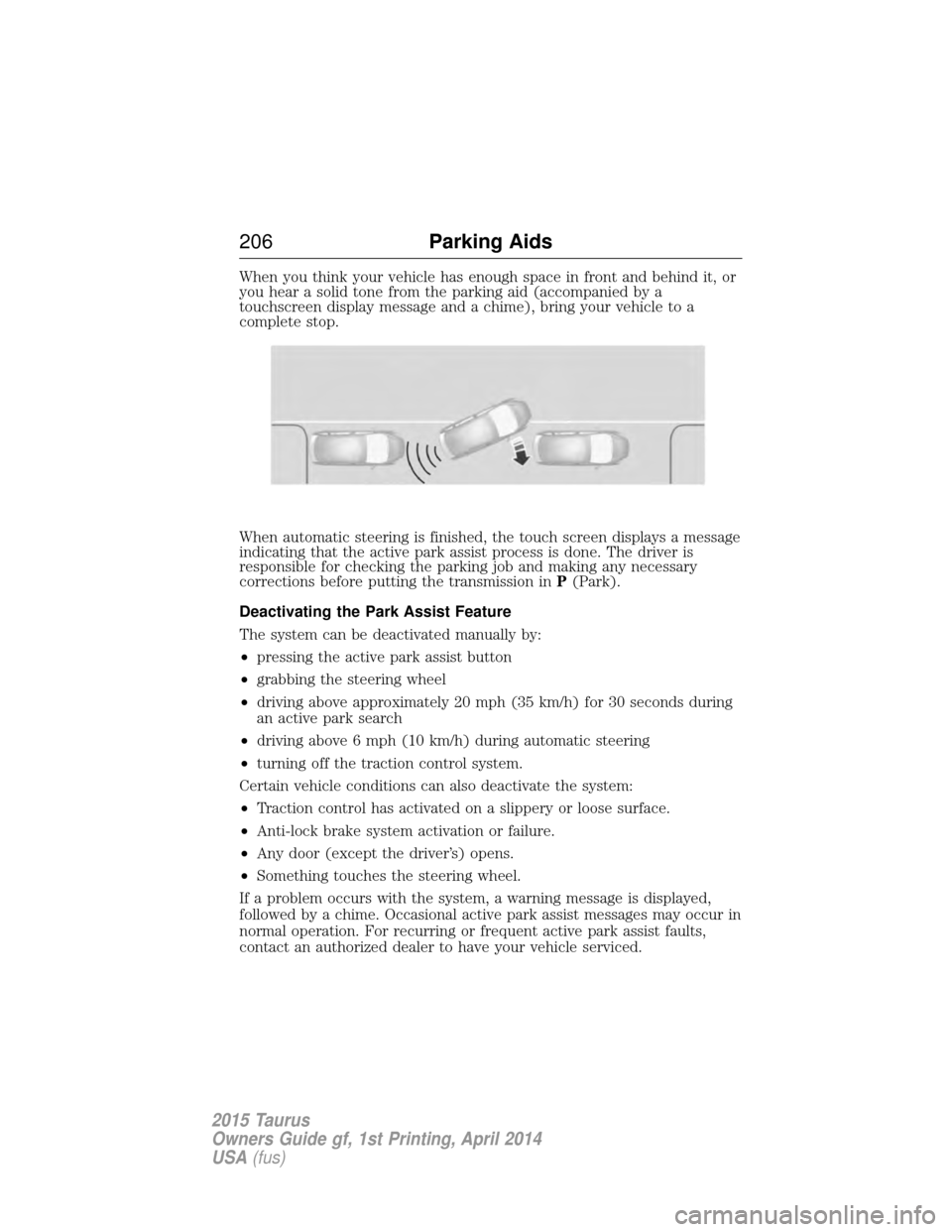
When you think your vehicle has enough space in front and behind it, or
you hear a solid tone from the parking aid (accompanied by a
touchscreen display message and a chime), bring your vehicle to a
complete stop.
When automatic steering is finished, the touch screen displays a message
indicating that the active park assist process is done. The driver is
responsible for checking the parking job and making any necessary
corrections before putting the transmission inP(Park).
Deactivating the Park Assist Feature
The system can be deactivated manually by:
• pressing the active park assist button
• grabbing the steering wheel
• driving above approximately 20 mph (35 km/h) for 30 seconds during
an active park search
• driving above 6 mph (10 km/h) during automatic steering
• turning off the traction control system.
Certain vehicle conditions can also deactivate the system:
• Traction control has activated on a slippery or loose surface.
• Anti-lock brake system activation or failure.
• Any door (except the driver’s) opens.
• Something touches the steering wheel.
If a problem occurs with the system, a warning message is displayed,
followed by a chime. Occasional active park assist messages may occur in
normal operation. For recurring or frequent active park assist faults,
contact an authorized dealer to have your vehicle serviced.
206 Parking Aids
2015 Taurus
Owners Guide gf, 1st Printing, April 2014
USA(fus)
Page 209 of 558
REAR VIEW CAMERA SYSTEM
WARNING:The rear view camera system is a reverse aid
supplement device that still requires the driver to use it in
conjunction with the interior and exterior mirrors for maximum
coverage.
WARNING: Objects that are close to either corner of the
bumper or under the bumper, might not be seen on the screen
due to the limited coverage of the camera system.
WARNING: Back up as slow as possible since higher speeds
might limit your reaction time to stop the vehicle.
WARNING: Use caution when using the rear video camera and
the trunk is ajar. If the trunk is ajar, the camera will be out of
position and the video image may be incorrect. All guidelines have been
removed when the trunk is ajar.
WARNING: Use caution when turning camera features on or off
while in R (Reverse). Make sure the vehicle is not moving.
The rear view camera system provides a video image of the area behind
the vehicle.
During operation, lines appear in the display which represent your
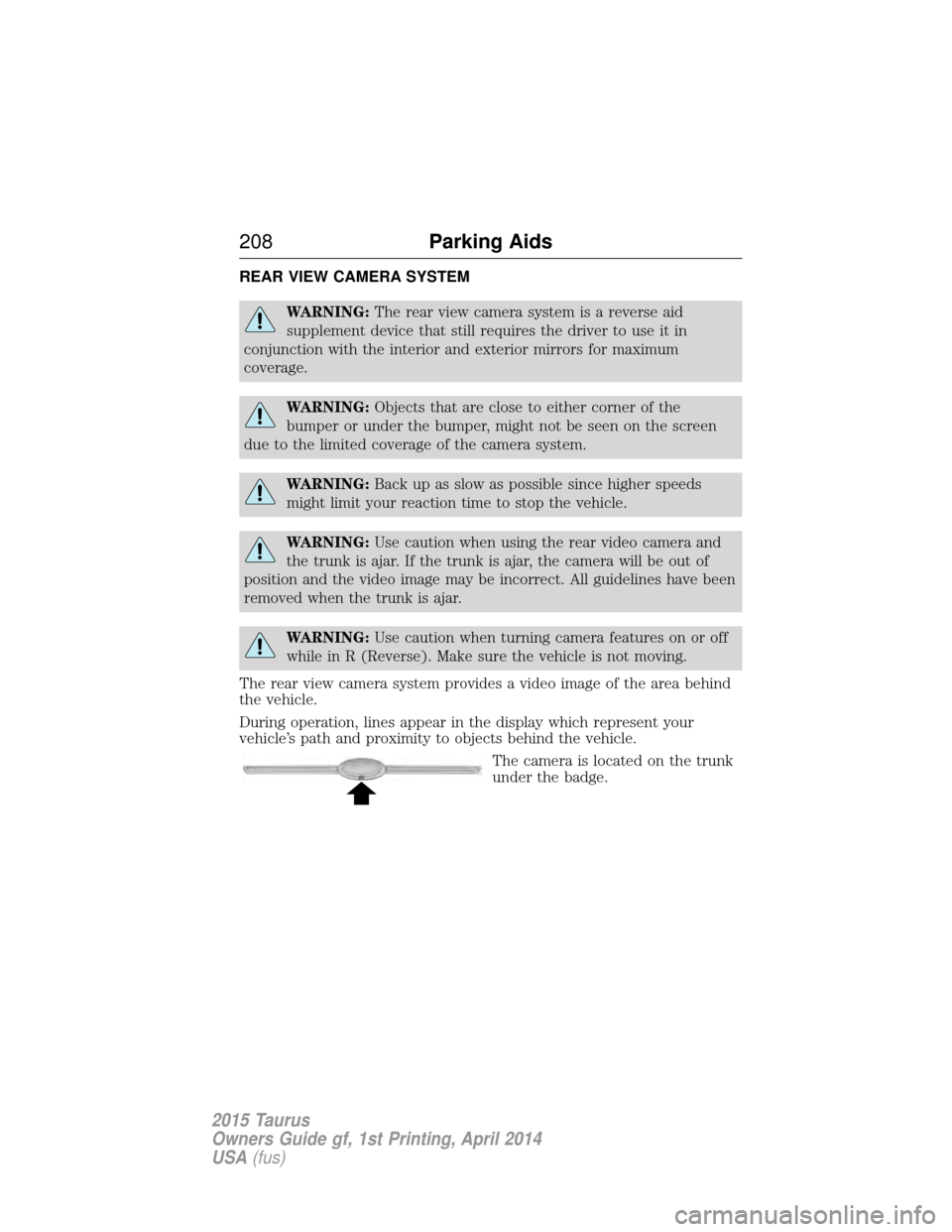
vehicle’s path and proximity to objects behind the vehicle. The camera is located on the trunk
under the badge.
208Parking Aids
2015 Taurus
Owners Guide gf, 1st Printing, April 2014
USA(fus)
Page 210 of 558
Using the Rear View Camera System
The rear view camera system displays what is behind your vehicle when
you place the transmission inR. The system uses fixed guidelines which
show the actual path the vehicle is moving in while reversing in a
straight line. This can be helpful when backing into a parking space or
aligning the vehicle with another object behind the vehicle.
Note: Do not use the camera system if the trunk is ajar.
Note: If the image comes on while the transmission is not in R, have the
system inspected by your authorized dealer.
Note: When towing, the camera only sees what is being towed behind
the vehicle. This might not provide adequate coverage as it usually
provides in normal operation and some objects might not be seen. In
some vehicles, the guidelines may disappear once the trailer tow
connector is engaged.
Note: The camera may not operate correctly under the following
conditions:
• Nighttime or dark areas if one or both reverse lamps are not
operating.
• The camera’s view is obstructed by mud, water or debris. Clean the
lens with a soft, lint-free cloth and non-abrasive cleaner.
• The rear of the vehicle is hit or damaged, causing the camera to
become misaligned.
Parking Aids 209
2015 Taurus
Owners Guide gf, 1st Printing, April 2014
USA(fus)
Page 212 of 558
Enhanced Park Aids
Note:Enhanced park aids is only available when the transmission is in R
(Reverse).
Note: The reverse sensing system is not effective at speeds above 3 mph
(5 km/h) and may not detect certain angular or moving objects.
The enhanced park aids allows the driver to view the area that is being
detected by the reverse sensing system. The system uses red, yellow and
green highlights which appear on top of the video image when an object
is detected by the reverse sensing system. The alert highlights the
closest object detected. The reverse sensing alert can be disabled and if
enhanced park aids is enabled, highlighted areas are still displayed.
Selectable settings for this feature are ON and OFF.
Manual Zoom
WARNING: When manual zoom is on, the full area behind the
vehicle is not shown. Be aware of your surroundings when using
the manual zoom feature.
Note: Manual zoom is only available when the transmission is in R
(Reverse).
Note: When manual zoom is enabled, only the centerline is shown.
Allows the driver to get a closer view of an object behind the vehicle.
The zoomed image keeps the bumper in the image to provide a
reference. When the transmission is shifted out of R (Reverse), the
feature automatically turns off and must be reset when it is used again.
Selectable settings for this feature are (+) and (-). The default setting
for the manual zoom is OFF.
Rear Camera Delay
When shifting the transmission out of R (Reverse) and into any gear
other than P (Park), the camera image remains in the display until the
vehicle speed reaches 6 mph (10 km/h). This occurs when the rear
camera delay feature is on, or until a radio button is selected.
Selectable settings for this feature are ON and OFF. The default setting
for the rear camera delay is OFF.
Parking Aids 211
2015 Taurus
Owners Guide gf, 1st Printing, April 2014
USA(fus)
Page 215 of 558
WARNING:Do not use in poor visibility, specifically fog, rain,
spray or snow.
Note: It is your responsibility to stay alert, drive safely and be in control
of your vehicle at all times.
The system adjusts your speed to maintain a proper distance between
you and the vehicle in front of you in the same lane. You can select from
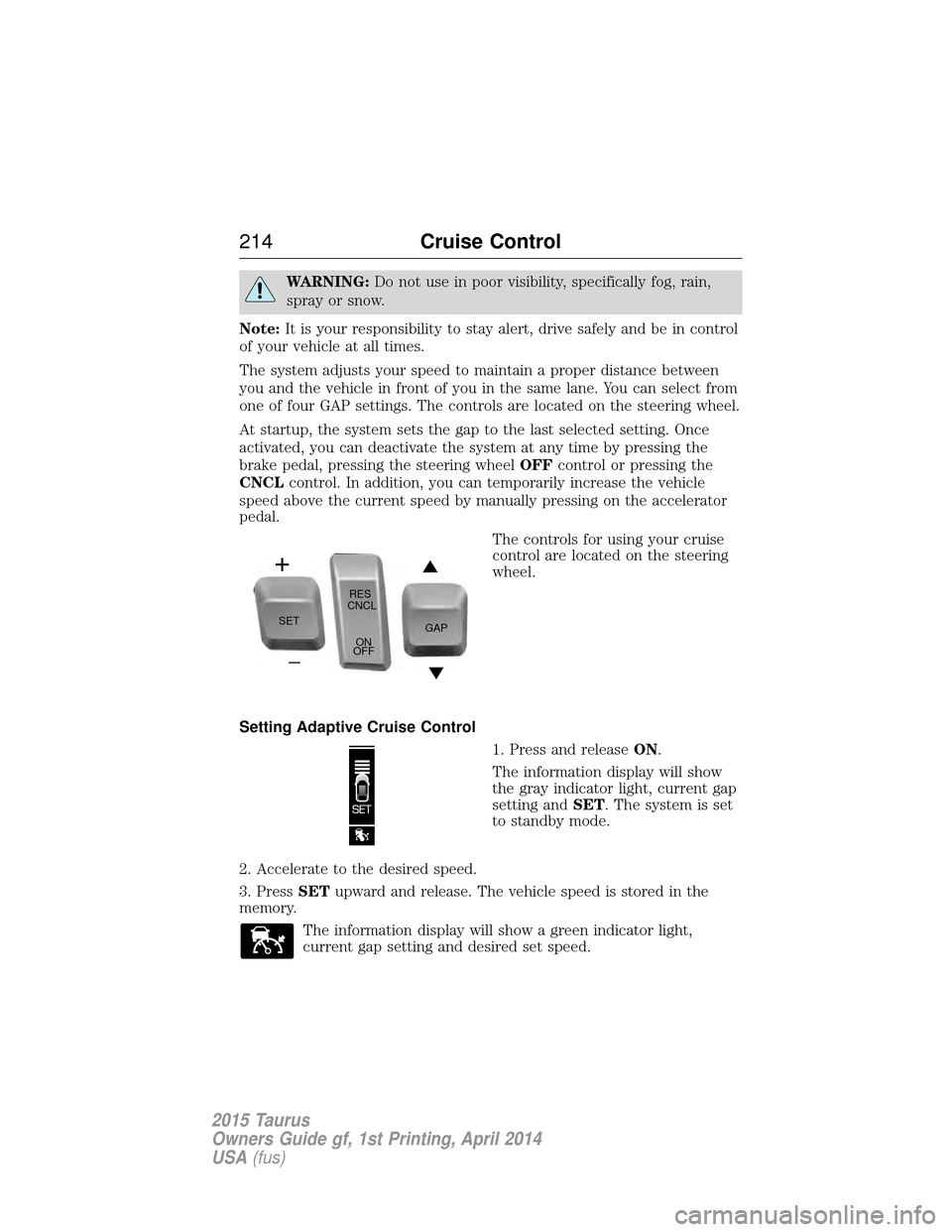
one of four GAP settings. The controls are located on the steering wheel.
At startup, the system sets the gap to the last selected setting. Once
activated, you can deactivate the system at any time by pressing the
brake pedal, pressing the steering wheel OFFcontrol or pressing the
CNCL control. In addition, you can temporarily increase the vehicle
speed above the current speed by manually pressing on the accelerator
pedal.
The controls for using your cruise
control are located on the steering
wheel.
Setting Adaptive Cruise Control 1. Press and releaseON.
The information display will show
the gray indicator light, current gap
setting and SET. The system is set
to standby mode.
2. Accelerate to the desired speed.
3. Press SETupward and release. The vehicle speed is stored in the
memory.
The information display will show a green indicator light,
current gap setting and desired set speed.
SET RES
CNCL
ON
OFF GAP
214
Cruise Control
2015 Taurus
Owners Guide gf, 1st Printing, April 2014
USA(fus)
Page 216 of 558
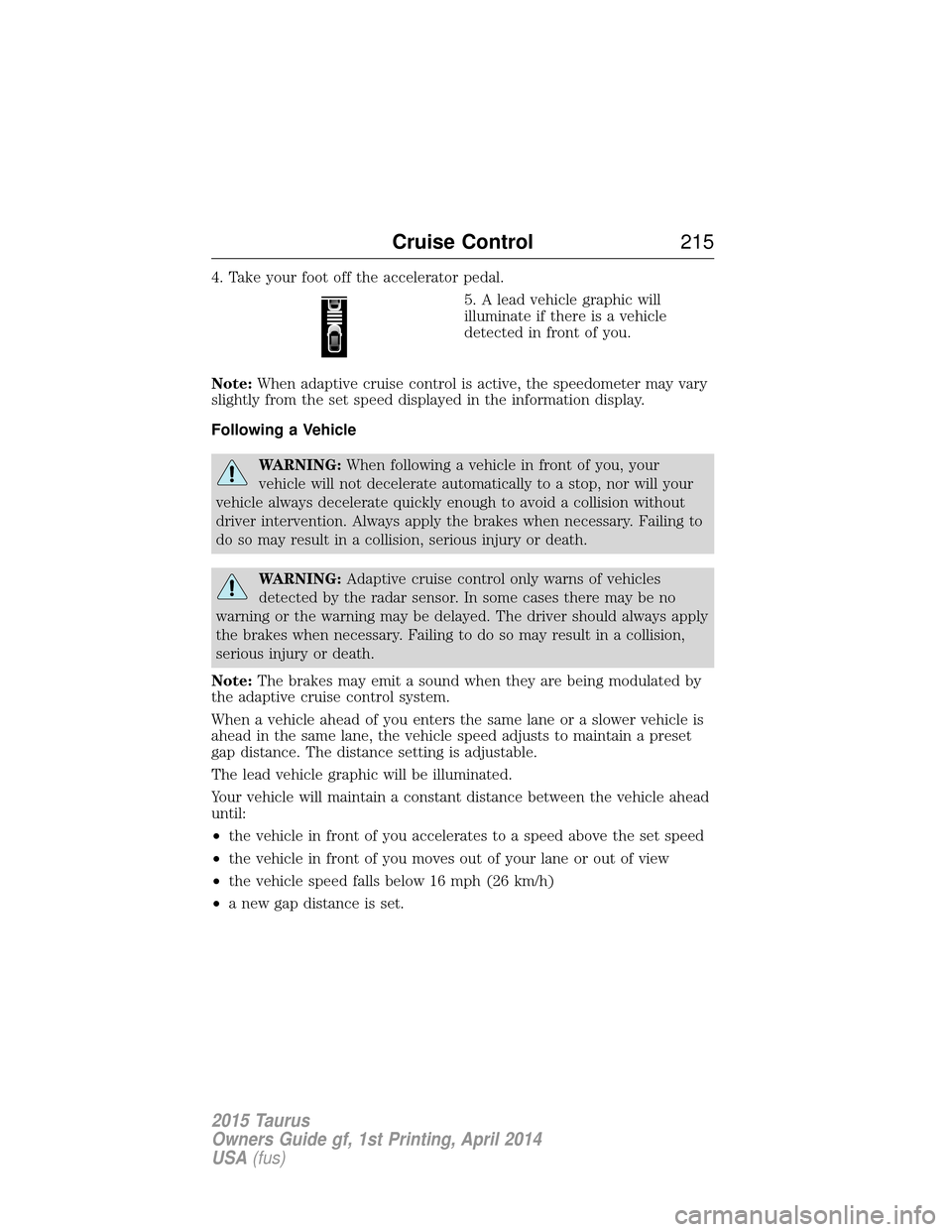
4. Take your foot off the accelerator pedal.5. A lead vehicle graphic will
illuminate if there is a vehicle
detected in front of you.
Note: When adaptive cruise control is active, the speedometer may vary
slightly from the set speed displayed in the information display.
Following a Vehicle
WARNING: When following a vehicle in front of you, your
vehicle will not decelerate automatically to a stop, nor will your
vehicle always decelerate quickly enough to avoid a collision without
driver intervention. Always apply the brakes when necessary. Failing to
do so may result in a collision, serious injury or death.
WARNING: Adaptive cruise control only warns of vehicles
detected by the radar sensor. In some cases there may be no
warning or the warning may be delayed. The driver should always apply
the brakes when necessary. Failing to do so may result in a collision,
serious injury or death.
Note: The brakes may emit a sound when they are being modulated by
the adaptive cruise control system.
When a vehicle ahead of you enters the same lane or a slower vehicle is
ahead in the same lane, the vehicle speed adjusts to maintain a preset
gap distance. The distance setting is adjustable.
The lead vehicle graphic will be illuminated.
Your vehicle will maintain a constant distance between the vehicle ahead
until:
• the vehicle in front of you accelerates to a speed above the set speed
• the vehicle in front of you moves out of your lane or out of view
• the vehicle speed falls below 16 mph (26 km/h)
• a new gap distance is set.
Cruise Control 215
2015 Taurus
Owners Guide gf, 1st Printing, April 2014
USA(fus)