traction control FORD TAURUS 2017 Owner's Manual
[x] Cancel search | Manufacturer: FORD, Model Year: 2017, Model line: TAURUS, Model: FORD TAURUS 2017Pages: 504, PDF Size: 5.84 MB
Page 281 of 504
*Treadwear The treadwear gradeis a comparative rating based onthe wear rate of the tire whentested under controlled conditionson a specified government testcourse. For example, a tire graded150 would wear one and one-halftimes as well on the governmentcourse as a tire graded 100.
*Traction: The traction grades,from highest to lowest are AA, A,B, and C. The grades represent thetire's ability to stop on wetpavement as measured undercontrolled conditions on specifiedgovernment test surfaces ofasphalt and concrete. A tiremarked C may have poor tractionperformance.
*Temperature: The temperaturegrades are A (the highest), B andC, representing the tire'sresistance to the generation ofheat and its ability to dissipateheat when tested under controlledconditions on a specified indoorlaboratory test wheel.
M.Maximum InflationPressure: Indicates the tiremanufacturers' maximumpermissible pressure or thepressure at which the maximumload can be carried by the tire. Thispressure is normally higher thanthe vehicle manufacturer'srecommended cold inflationpressure which can be found onthe Safety ComplianceCertification Label (affixed to
either the door hinge pillar,door-latch post, or the door edge
that meets the door-latch post,next to the driver's seatingposition), or Tire Label which islocated on the B-Pillar or the edgeof the driver’s door. The coldinflation pressure should never beset lower than the recommendedpressure on the vehicle label.
The tire suppliers may haveadditional markings, notes orwarnings such as standard loador radial tubeless.
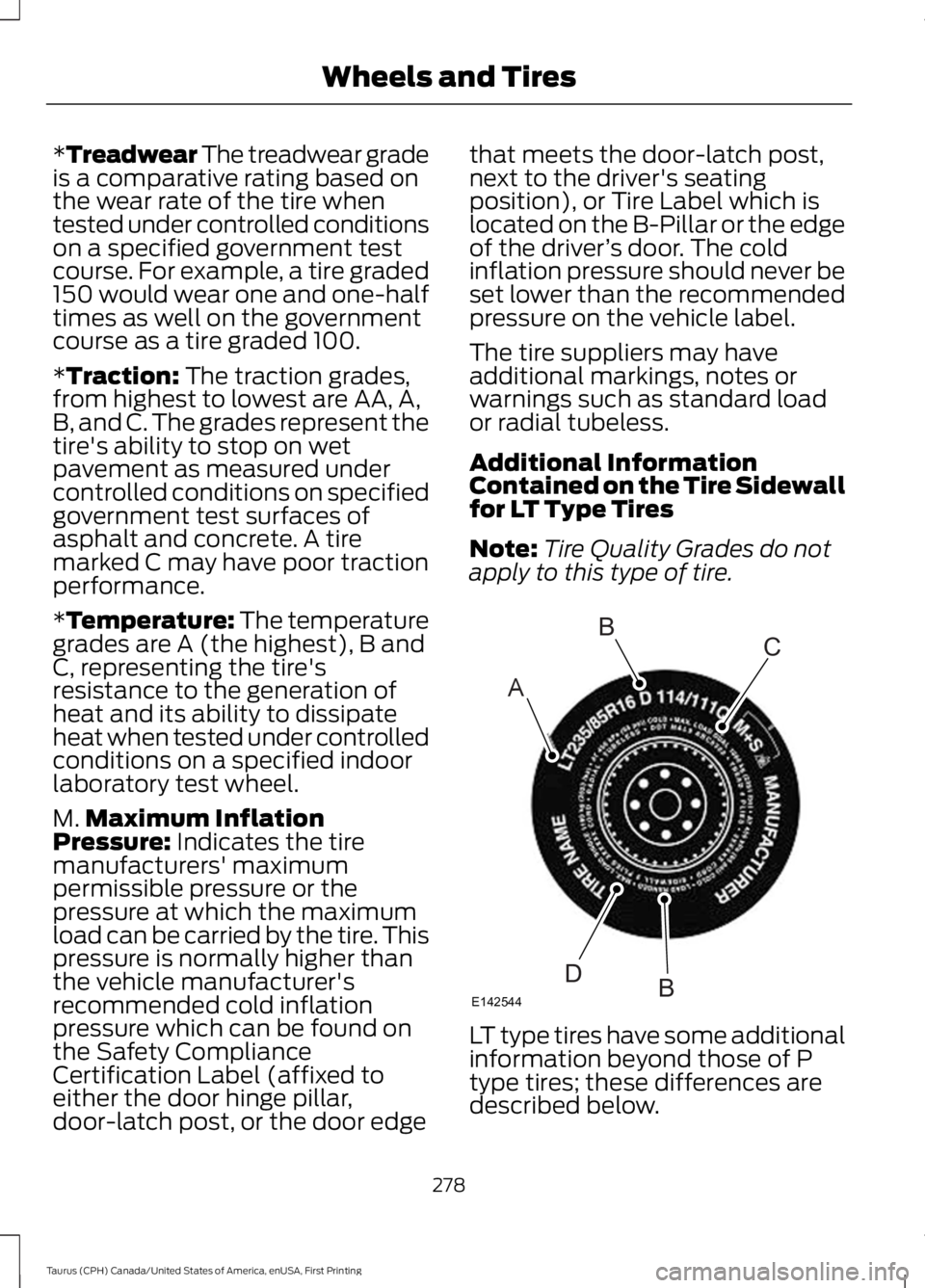
Additional InformationContained on the Tire Sidewallfor LT Type Tires
Note:Tire Quality Grades do notapply to this type of tire.
LT type tires have some additionalinformation beyond those of Ptype tires; these differences aredescribed below.
278
Taurus (CPH) Canada/United States of America, enUSA, First Printing
Wheels and TiresA
BC
BDE142544
Page 289 of 504
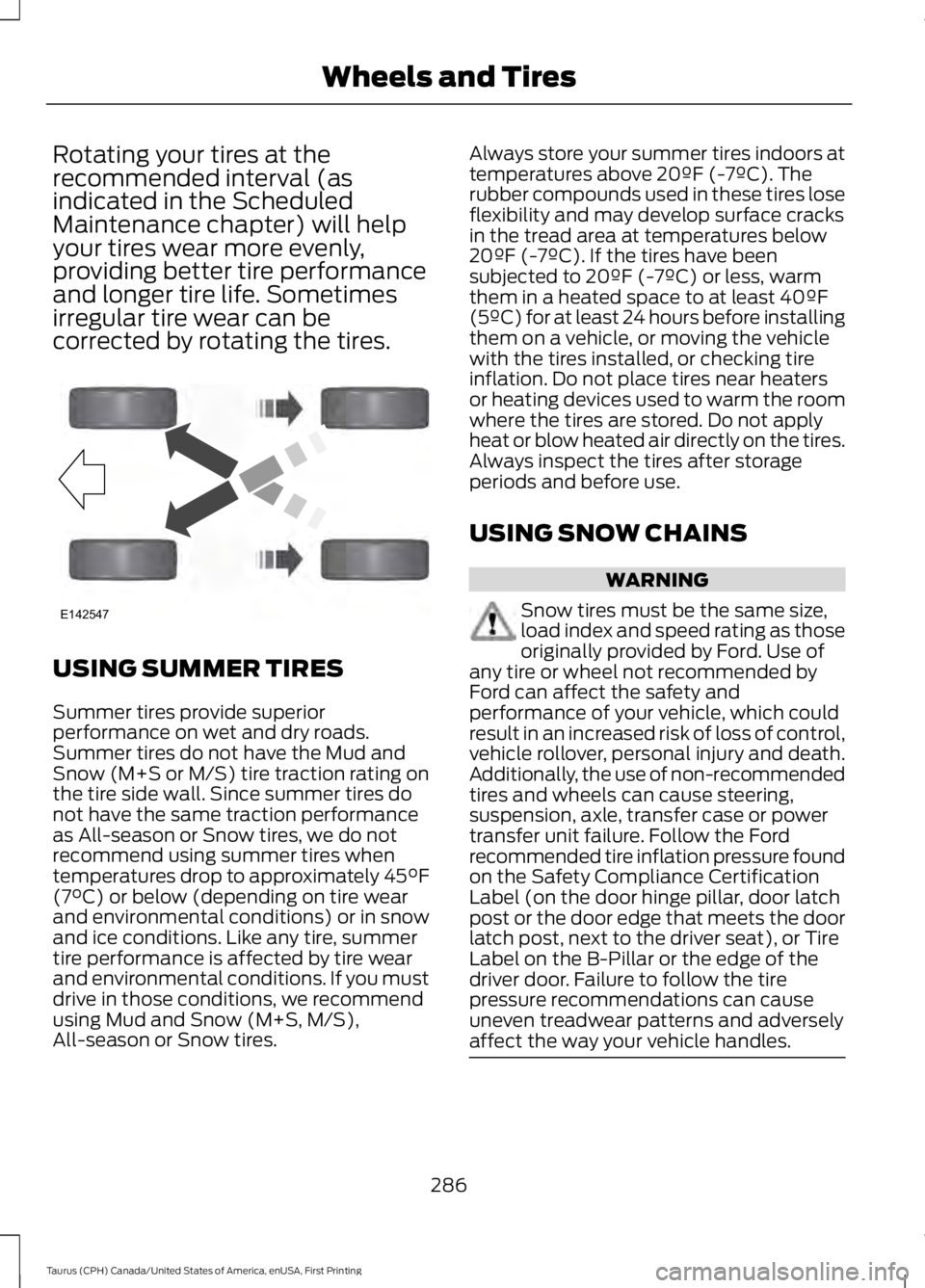
Rotating your tires at therecommended interval (asindicated in the ScheduledMaintenance chapter) will helpyour tires wear more evenly,providing better tire performanceand longer tire life. Sometimesirregular tire wear can becorrected by rotating the tires.
USING SUMMER TIRES
Summer tires provide superiorperformance on wet and dry roads.Summer tires do not have the Mud andSnow (M+S or M/S) tire traction rating onthe tire side wall. Since summer tires donot have the same traction performanceas All-season or Snow tires, we do notrecommend using summer tires whentemperatures drop to approximately 45°F(7°C) or below (depending on tire wearand environmental conditions) or in snowand ice conditions. Like any tire, summertire performance is affected by tire wearand environmental conditions. If you mustdrive in those conditions, we recommendusing Mud and Snow (M+S, M/S),All-season or Snow tires.
Always store your summer tires indoors attemperatures above 20ºF (-7ºC). Therubber compounds used in these tires loseflexibility and may develop surface cracksin the tread area at temperatures below20ºF (-7ºC). If the tires have beensubjected to 20ºF (-7ºC) or less, warmthem in a heated space to at least 40ºF(5ºC) for at least 24 hours before installingthem on a vehicle, or moving the vehiclewith the tires installed, or checking tireinflation. Do not place tires near heatersor heating devices used to warm the roomwhere the tires are stored. Do not applyheat or blow heated air directly on the tires.Always inspect the tires after storageperiods and before use.
USING SNOW CHAINS
WARNING
Snow tires must be the same size,load index and speed rating as thoseoriginally provided by Ford. Use ofany tire or wheel not recommended byFord can affect the safety andperformance of your vehicle, which couldresult in an increased risk of loss of control,vehicle rollover, personal injury and death.Additionally, the use of non-recommendedtires and wheels can cause steering,suspension, axle, transfer case or powertransfer unit failure. Follow the Fordrecommended tire inflation pressure foundon the Safety Compliance CertificationLabel (on the door hinge pillar, door latchpost or the door edge that meets the doorlatch post, next to the driver seat), or TireLabel on the B-Pillar or the edge of thedriver door. Failure to follow the tirepressure recommendations can causeuneven treadwear patterns and adverselyaffect the way your vehicle handles.
286
Taurus (CPH) Canada/United States of America, enUSA, First Printing
Wheels and TiresE142547
Page 290 of 504
Note:The suspension insulation andbumpers will help prevent vehicle damage.Do not remove these components from yourvehicle when using snow tires and chains.
If the tires on your vehicle have all seasontreads, they will provide traction in rain andsnow. However, in some climates, you mayneed to use snow tires and cables. If youneed to use cables, it is recommended thatsteel wheels (of the same size andspecifications) be used, as cables may chipaluminum wheels.
Follow these guidelines when using snowtires and chains:
•If possible, avoid fully loading yourvehicle.
•Use only SAE Class S snow chains,snow cables or equivalent on the frontaxle for P235/55R18 equipped vehicles.The use of snow chains, snow cablesor other traction assist devices that arelarger than SAE Class S may causedamage to your vehicle’s wheel house,suspension and/or body.
•Do not install tire chains, cables, oroptional traction devices on the reartires. This could cause damage to thevehicle’s wheel house or body.
•Install cable chains securely, verifyingthat the cables do not touch any wiring,brake lines or fuel lines.
•Do not exceed 30 mph (48 km/h) withtire cables on your vehicle.
•Drive cautiously. If you hear the cablesrub or bang against your vehicle, stopand retighten the cables. If this doesnot work, remove the cables to preventdamage to your vehicle.
•Remove the tire cables when they areno longer needed. Do not use tirecables on dry roads.
TIRE PRESSURE MONITORING
SYSTEM
WARNING
The tire pressure monitoring systemis not a substitute for manuallychecking tire pressures. You shouldperiodically check tire pressures using apressure gauge. Failure to correctlymaintain tire pressures could increase therisk of tire failure, loss of control, vehiclerollover and personal injury.
Each tire, including the spare (ifprovided), should be checkedmonthly when cold and inflatedto the inflation pressure recommended bythe vehicle manufacturer on the vehicleplacard or tire inflation pressure label. (Ifyour vehicle has tires of a different sizethan the size indicated on the vehicleplacard or tire inflation pressure label, youshould determine the proper tire inflationpressure for those tires.)
As an added safety feature, your vehiclehas been equipped with a Tire PressureMonitoring System (TPMS) thatilluminates a low tire pressure telltalewhen one or more of your tires issignificantly under-inflated. Accordingly,when the low tire pressure telltaleilluminates, you should stop and checkyour tires as soon as possible, and inflatethem to the proper pressure. Driving on asignificantly under-inflated tire causes thetire to overheat and can lead to tire failure.Under-inflation also reduces fuel efficiencyand tire tread life, and may affect thevehicle’s handling and stopping ability.
287
Taurus (CPH) Canada/United States of America, enUSA, First Printing
Wheels and Tires
Page 471 of 504
TRADEMARKS: This EULA does not grantyou any rights in connection with anytrademarks or service marks of FORDMOTOR COMPANY, its affiliates, and thirdparty software and service providers.
PRODUCT SUPPORT: Please refer toFORD MOTOR COMPANY instructionsprovided in the documentation for theDEVICES product support, such as thevehicle owner guide.
Should you have any questions concerningthis EULA, or if you desire to contact FORDMOTOR COMPANY for any other reason,please refer to the address provided in thedocumentation for the DEVICES.
No Liability for Certain Damages:EXCEPT AS PROHIBITED BY LAW, FORDMOTOR COMPANY, ANY THIRD PARTYSOFTWARE OR SERVICES SUPPLIERS,AND THEIR AFFILIATES SHALL HAVE NOLIABILITY FOR ANY INDIRECT, SPECIAL,CONSEQUENTIAL OR INCIDENTALDAMAGES ARISING FROM OR INCONNECTION WITH THE USE ORPERFORMANCE OF THE SOFTWARE. THISLIMITATION SHALL APPLY EVEN IF ANYREMEDY FAILS OF ITS ESSENTIALPURPOSE. THERE ARE NO WARRANTIESOTHER THAN THOSE THAT MAY BEEXPRESSLY PROVIDED FOR YOUR NEWVEHICLE.
SYNC® Automotive Important SafetyInformation Read and followinstructions:
•Before using your SYNC® system, readand follow all instructions and safetyinformation provided in this end usermanual ("Owner Guide".) Notfollowing precautions found in theOwner Guide can lead to an accidentor other serious injuries.
General Operation
•Voice Command Control: Certainfunctions within the SYNC® systemmay be accomplished using voicecommands. Using voice commandswhile driving helps you to operate thesystem without removing your handsfrom the wheel or eyes from the road.
•Prolonged Views of Screen: Do notaccess any function requiring aprolonged view of the screen while youare driving. Pull over in a safe and legalmanner before attempting to access afunction of the system requiringprolonged attention.
•Volume Setting: Do not raise thevolume excessively. Keep the volumeat a level where you can still hearoutside traffic and emergency signalswhile driving. Driving while unable tohear these sounds could cause anaccident.
•Navigation Features: Any navigationfeatures included in the system areintended to provide turn by turninstructions to get you to a desireddestination. Please make certain allpersons using this system carefullyread and follow instructions and safetyinformation fully.
•Distraction Hazard: Any navigationfeatures may require manual(non-verbal) setup. Attempting toperform such set-up or insert datawhile driving can distract your attentionand could cause an accident or otherserious injury. Stop the vehicle in a safeand legal manner before attemptingthese operations.
•Let Your Judgment Prevail: Anynavigation features are provided onlyas an aid. Make your driving decisionsbased on your observations of localconditions and existing trafficregulations. Any such feature is not a
468
Taurus (CPH) Canada/United States of America, enUSA, First Printing
Appendices
Page 498 of 504
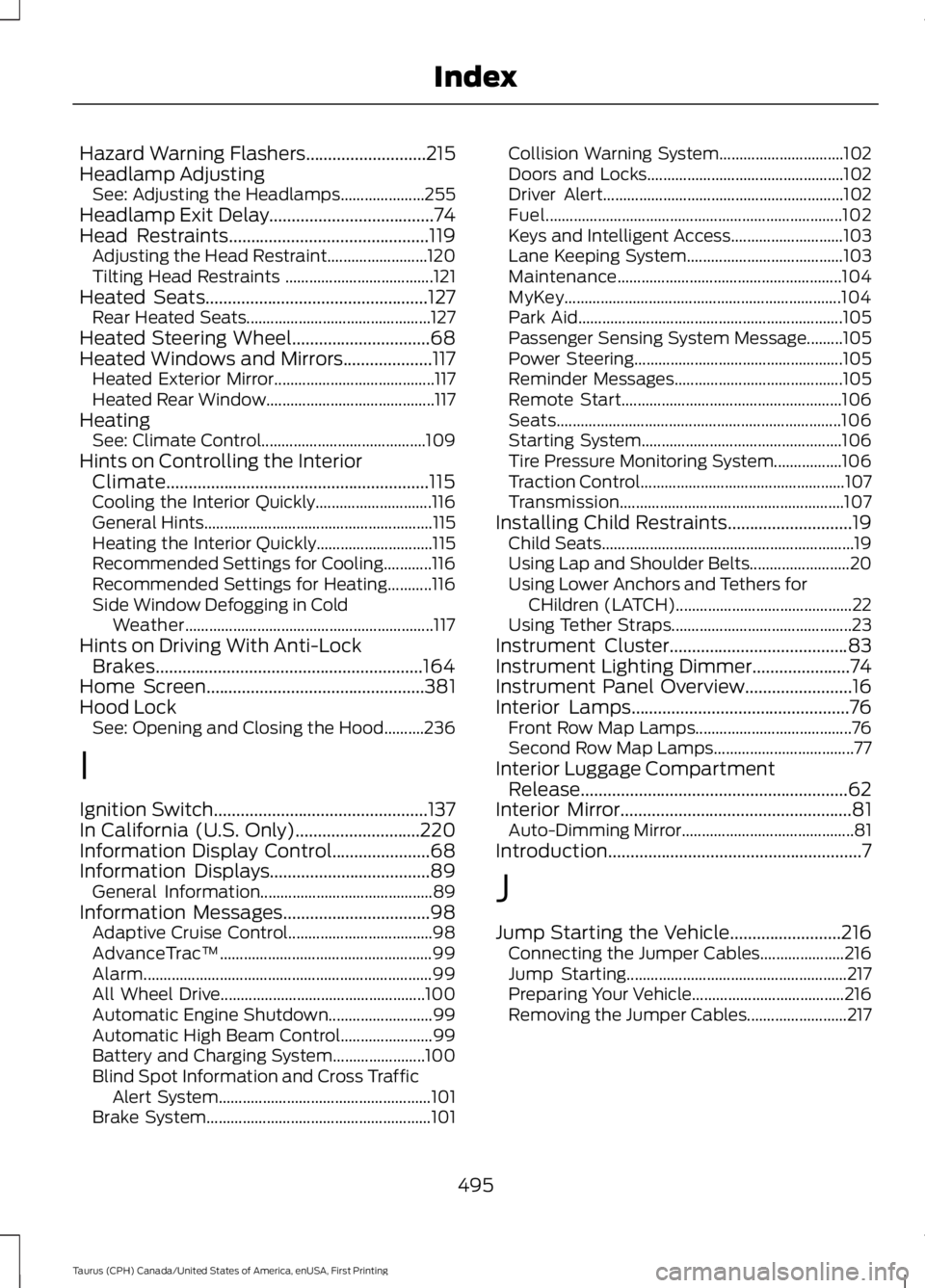
Hazard Warning Flashers...........................215Headlamp AdjustingSee: Adjusting the Headlamps.....................255Headlamp Exit Delay.....................................74Head Restraints.............................................119Adjusting the Head Restraint.........................120Tilting Head Restraints .....................................121Heated Seats..................................................127Rear Heated Seats..............................................127Heated Steering Wheel...............................68Heated Windows and Mirrors....................117Heated Exterior Mirror........................................117Heated Rear Window..........................................117HeatingSee: Climate Control.........................................109Hints on Controlling the InteriorClimate...........................................................115Cooling the Interior Quickly.............................116General Hints.........................................................115Heating the Interior Quickly.............................115Recommended Settings for Cooling............116Recommended Settings for Heating...........116Side Window Defogging in ColdWeather..............................................................117Hints on Driving With Anti-LockBrakes............................................................164Home Screen.................................................381Hood LockSee: Opening and Closing the Hood..........236
I
Ignition Switch................................................137In California (U.S. Only)............................220Information Display Control......................68Information Displays....................................89General Information...........................................89Information Messages.................................98Adaptive Cruise Control....................................98AdvanceTrac™.....................................................99Alarm........................................................................99All Wheel Drive...................................................100Automatic Engine Shutdown..........................99Automatic High Beam Control.......................99Battery and Charging System.......................100Blind Spot Information and Cross TrafficAlert System.....................................................101Brake System........................................................101
Collision Warning System...............................102Doors and Locks.................................................102Driver Alert............................................................102Fuel..........................................................................102Keys and Intelligent Access............................103Lane Keeping System.......................................103Maintenance........................................................104MyKey.....................................................................104Park Aid..................................................................105Passenger Sensing System Message.........105Power Steering....................................................105Reminder Messages..........................................105Remote Start.......................................................106Seats.......................................................................106Starting System..................................................106Tire Pressure Monitoring System.................106Traction Control...................................................107Transmission........................................................107Installing Child Restraints............................19Child Seats...............................................................19Using Lap and Shoulder Belts.........................20Using Lower Anchors and Tethers forCHildren (LATCH)............................................22Using Tether Straps.............................................23Instrument Cluster........................................83Instrument Lighting Dimmer......................74Instrument Panel Overview........................16Interior Lamps.................................................76Front Row Map Lamps.......................................76Second Row Map Lamps...................................77Interior Luggage CompartmentRelease............................................................62Interior Mirror....................................................81Auto-Dimming Mirror...........................................81Introduction.........................................................7
J
Jump Starting the Vehicle.........................216Connecting the Jumper Cables.....................216Jump Starting.......................................................217Preparing Your Vehicle......................................216Removing the Jumper Cables.........................217
495
Taurus (CPH) Canada/United States of America, enUSA, First Printing
Index
Page 502 of 504
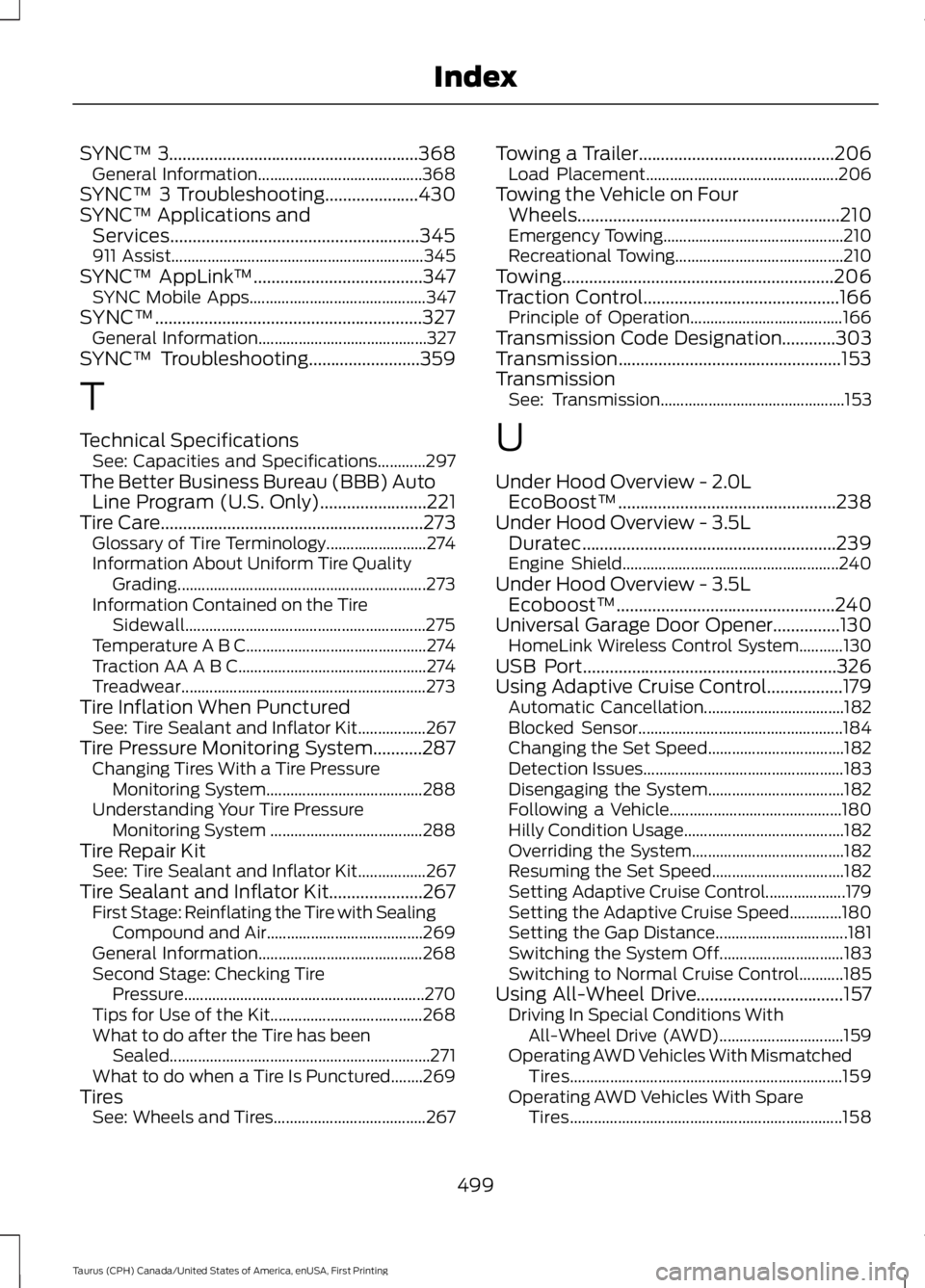
SYNC™ 3........................................................368General Information.........................................368SYNC™ 3 Troubleshooting.....................430SYNC™ Applications andServices........................................................345911 Assist...............................................................345SYNC™ AppLink™......................................347SYNC Mobile Apps............................................347SYNC™............................................................327General Information..........................................327SYNC™ Troubleshooting.........................359
T
Technical SpecificationsSee: Capacities and Specifications............297The Better Business Bureau (BBB) AutoLine Program (U.S. Only)........................221Tire Care...........................................................273Glossary of Tire Terminology.........................274Information About Uniform Tire QualityGrading..............................................................273Information Contained on the TireSidewall............................................................275Temperature A B C.............................................274Traction AA A B C...............................................274Treadwear.............................................................273Tire Inflation When PuncturedSee: Tire Sealant and Inflator Kit.................267Tire Pressure Monitoring System...........287Changing Tires With a Tire PressureMonitoring System.......................................288Understanding Your Tire PressureMonitoring System ......................................288Tire Repair KitSee: Tire Sealant and Inflator Kit.................267Tire Sealant and Inflator Kit.....................267First Stage: Reinflating the Tire with SealingCompound and Air.......................................269General Information.........................................268Second Stage: Checking TirePressure............................................................270Tips for Use of the Kit......................................268What to do after the Tire has beenSealed.................................................................271What to do when a Tire Is Punctured........269TiresSee: Wheels and Tires......................................267
Towing a Trailer............................................206Load Placement................................................206Towing the Vehicle on FourWheels...........................................................210Emergency Towing.............................................210Recreational Towing..........................................210Towing.............................................................206Traction Control............................................166Principle of Operation......................................166Transmission Code Designation............303Transmission..................................................153TransmissionSee: Transmission..............................................153
U
Under Hood Overview - 2.0LEcoBoost™.................................................238Under Hood Overview - 3.5LDuratec.........................................................239Engine Shield......................................................240Under Hood Overview - 3.5LEcoboost™.................................................240Universal Garage Door Opener...............130HomeLink Wireless Control System...........130USB Port.........................................................326Using Adaptive Cruise Control.................179Automatic Cancellation...................................182Blocked Sensor...................................................184Changing the Set Speed..................................182Detection Issues..................................................183Disengaging the System..................................182Following a Vehicle...........................................180Hilly Condition Usage........................................182Overriding the System......................................182Resuming the Set Speed.................................182Setting Adaptive Cruise Control....................179Setting the Adaptive Cruise Speed.............180Setting the Gap Distance.................................181Switching the System Off...............................183Switching to Normal Cruise Control...........185Using All-Wheel Drive.................................157Driving In Special Conditions WithAll-Wheel Drive (AWD)...............................159Operating AWD Vehicles With MismatchedTires....................................................................159Operating AWD Vehicles With SpareTires....................................................................158
499
Taurus (CPH) Canada/United States of America, enUSA, First Printing
Index
Page 503 of 504
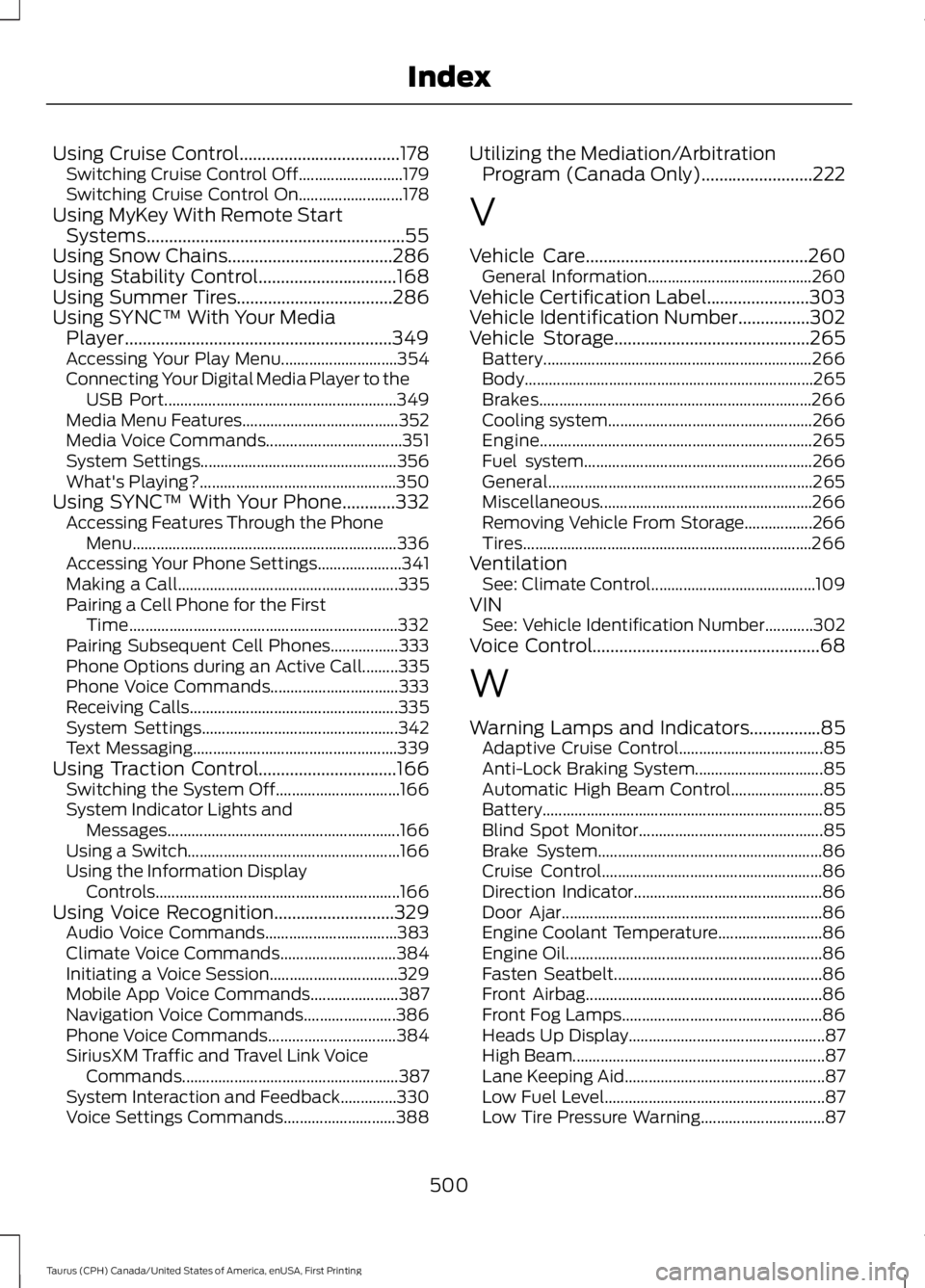
Using Cruise Control....................................178Switching Cruise Control Off..........................179Switching Cruise Control On..........................178Using MyKey With Remote StartSystems..........................................................55Using Snow Chains.....................................286Using Stability Control...............................168Using Summer Tires...................................286Using SYNC™ With Your MediaPlayer............................................................349Accessing Your Play Menu.............................354Connecting Your Digital Media Player to theUSB Port..........................................................349Media Menu Features.......................................352Media Voice Commands..................................351System Settings.................................................356What's Playing?.................................................350Using SYNC™ With Your Phone............332Accessing Features Through the PhoneMenu..................................................................336Accessing Your Phone Settings.....................341Making a Call.......................................................335Pairing a Cell Phone for the FirstTime...................................................................332Pairing Subsequent Cell Phones.................333Phone Options during an Active Call.........335Phone Voice Commands................................333Receiving Calls....................................................335System Settings.................................................342Text Messaging...................................................339Using Traction Control...............................166Switching the System Off...............................166System Indicator Lights andMessages..........................................................166Using a Switch.....................................................166Using the Information DisplayControls.............................................................166Using Voice Recognition...........................329Audio Voice Commands.................................383Climate Voice Commands.............................384Initiating a Voice Session................................329Mobile App Voice Commands......................387Navigation Voice Commands.......................386Phone Voice Commands................................384SiriusXM Traffic and Travel Link VoiceCommands......................................................387System Interaction and Feedback..............330Voice Settings Commands............................388
Utilizing the Mediation/ArbitrationProgram (Canada Only).........................222
V
Vehicle Care..................................................260General Information.........................................260Vehicle Certification Label.......................303Vehicle Identification Number................302Vehicle Storage............................................265Battery...................................................................266Body........................................................................265Brakes....................................................................266Cooling system...................................................266Engine....................................................................265Fuel system.........................................................266General..................................................................265Miscellaneous.....................................................266Removing Vehicle From Storage.................266Tires........................................................................266VentilationSee: Climate Control.........................................109VINSee: Vehicle Identification Number............302Voice Control...................................................68
W
Warning Lamps and Indicators................85Adaptive Cruise Control....................................85Anti-Lock Braking System................................85Automatic High Beam Control.......................85Battery......................................................................85Blind Spot Monitor..............................................85Brake System........................................................86Cruise Control.......................................................86Direction Indicator...............................................86Door Ajar.................................................................86Engine Coolant Temperature..........................86Engine Oil................................................................86Fasten Seatbelt....................................................86Front Airbag...........................................................86Front Fog Lamps..................................................86Heads Up Display.................................................87High Beam...............................................................87Lane Keeping Aid..................................................87Low Fuel Level.......................................................87Low Tire Pressure Warning...............................87
500
Taurus (CPH) Canada/United States of America, enUSA, First Printing
Index