clock FORD TRANSIT 2016 5.G Owner's Manual
[x] Cancel search | Manufacturer: FORD, Model Year: 2016, Model line: TRANSIT, Model: FORD TRANSIT 2016 5.GPages: 411, PDF Size: 5.65 MB
Page 306 of 411
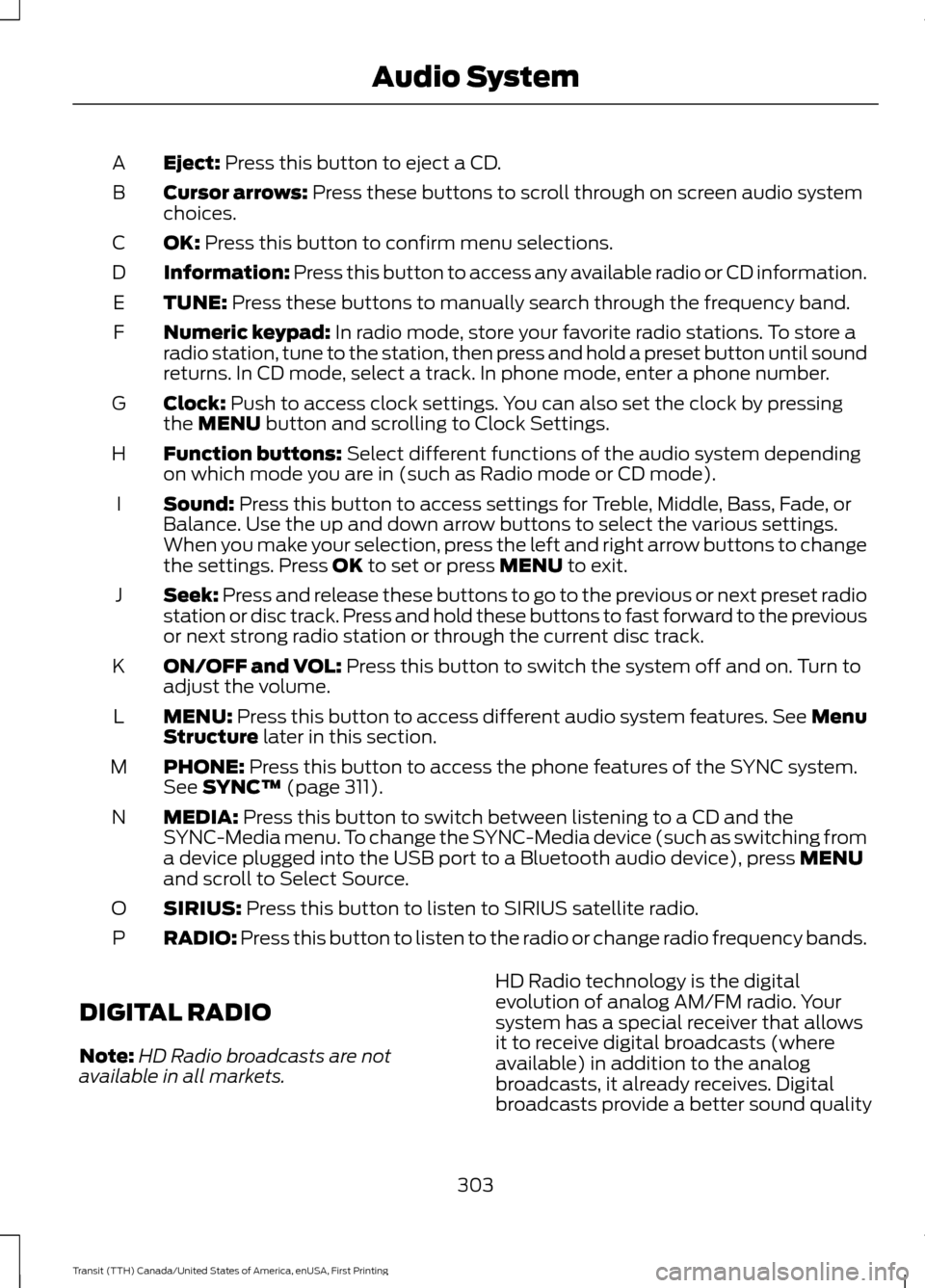
Eject: Press this button to eject a CD.
A
Cursor arrows:
Press these buttons to scroll through on screen audio system
choices.
B
OK:
Press this button to confirm menu selections.
C
Information:
Press this button to access any available radio or CD information.
D
TUNE:
Press these buttons to manually search through the frequency band.
E
Numeric keypad:
In radio mode, store your favorite radio stations. To store a
radio station, tune to the station, then press and hold a preset button until sound
returns. In CD mode, select a track. In phone mode, enter a phone number.
F
Clock:
Push to access clock settings. You can also set the clock by pressing
the MENU button and scrolling to Clock Settings.
G
Function buttons:
Select different functions of the audio system depending
on which mode you are in (such as Radio mode or CD mode).
H
Sound:
Press this button to access settings for Treble, Middle, Bass, Fade, or
Balance. Use the up and down arrow buttons to select the various settings.
When you make your selection, press the left and right arrow buttons to change
the settings. Press
OK to set or press MENU to exit.
I
Seek:
Press and release these buttons to go to the previous or next preset radio
station or disc track. Press and hold these buttons to fast forward to the previous
or next strong radio station or through the current disc track.
J
ON/OFF and VOL:
Press this button to switch the system off and on. Turn to
adjust the volume.
K
MENU:
Press this button to access different audio system features. See Menu
Structure later in this section.
L
PHONE:
Press this button to access the phone features of the SYNC system.
See SYNC™ (page 311).
M
MEDIA:
Press this button to switch between listening to a CD and the
SYNC-Media menu. To change the SYNC-Media device (such as switching from
a device plugged into the USB port to a Bluetooth audio device), press
MENU
and scroll to Select Source.
N
SIRIUS:
Press this button to listen to SIRIUS satellite radio.
O
RADIO:
Press this button to listen to the radio or change radio frequency bands.
P
DIGITAL RADIO
Note: HD Radio broadcasts are not
available in all markets. HD Radio technology is the digital
evolution of analog AM/FM radio. Your
system has a special receiver that allows
it to receive digital broadcasts (where
available) in addition to the analog
broadcasts, it already receives. Digital
broadcasts provide a better sound quality
303
Transit (TTH) Canada/United States of America, enUSA, First Printing Audio System
Page 402 of 411
A
A/C
See: Climate Control........................................... 92
About This Manual...........................................7
ABS See: Brakes........................................................... 140
ABS driving hints See: Hints on Driving With Anti-Lock
Brakes................................................................ 140
Accessories....................................................358 Exterior Style....................................................... 358
Interior Style........................................................ 358
Lifestyle................................................................. 358
Peace of Mind..................................................... 358
Accessories See: Replacement Parts
Recommendation............................................ 10
Adjusting the Headlamps
.........................223
Horizontal Aim Adjustment........................... 225
Vertical Aim Adjustment................................. 223
Adjusting the Steering Wheel
....................63
Airbag Disposal..............................................46
Air Conditioning See: Climate Control........................................... 92
Air Filter See: Changing the Engine Air Filter.............232
Air Vents
.............................................................92
Alarm See: Anti-Theft Alarm........................................ 62
Anti-Theft Alarm............................................62 Alarm System........................................................ 62
Arming the Alarm................................................. 62
Disarming the Alarm........................................... 62
Triggering the Alarm............................................ 62
Appendices....................................................382
Audible Warnings and Indicators
..............81
Airbag Secondary Warning................................ 81
Door Ajar................................................................... 81
Exterior Lamps On................................................ 81
Gearshift Lever not in Park (P)........................ 81
Key in Ignition.......................................................... 81
Parking Brake On................................................... 81
Safety Belt Minder................................................ 81
Audio Control
...................................................63
Audio Input Jack..........................................308
Audio System
................................................294
General Information......................................... 294Audio Troubleshooting
...............................310
Audio Unit - Vehicles With: AM/FM/CD/ SYNC/Satellite Radio
.............................302
Audio Unit - Vehicles With: AM/FM/CD/ SYNC............................................................300
Audio Unit - Vehicles With: AM/ FM
...................................................................295
AUX Button.......................................................... 298
Clock Button........................................................ 297
Menu Button....................................................... 298
Sound Button..................................................... 298
Station Preset Buttons.................................... 298
Station Tuning Buttons.................................... 297
Audio Unit - Vehicles With: Premium AM/FM/CD.................................................298
Autolamps........................................................70 Windshield Wiper Activated
Headlamps........................................................ 70
Automatic Transmission............................136 Brake-Shift Interlock......................................... 138
Hints on Driving with an Automatic Transmission................................................... 138
Understanding the Gearshift Lever Positions of the Automatic
Transmission................................................... 136
Automatic Transmission Fluid Check..............................................................217
Autowipers.......................................................66
Auxiliary Power Points
................................105
12 Volt DC Power Point..................................... 105
AC Power Point................................................... 105
Locations............................................................... 105
Auxiliary Switches
.......................................359
B
Battery See: Changing the 12V Battery....................... 221
Bonnet Lock See: Opening and Closing the Hood..........207
Booster Seats..................................................25 Types of Booster Seats...................................... 25
Bottle Holder..................................................107
Brake Fluid Check.........................................218
Brakes...............................................................140 General Information.......................................... 140
Breaking-In......................................................178
Bulb Specification Chart
..........................230
399
Transit (TTH) Canada/United States of America, enUSA, First Printing Index