window FORD TRANSIT CONNECT 2013 1.G Owner's Manual
[x] Cancel search | Manufacturer: FORD, Model Year: 2013, Model line: TRANSIT CONNECT, Model: FORD TRANSIT CONNECT 2013 1.GPages: 321, PDF Size: 4.5 MB
Page 210 of 321
Removing Vehicle from Storage
When your vehicle is ready to come out of storage, do the following:
•Wash your vehicle to remove any dirt or grease film build-up on
window surfaces.
•Check windshield wipers for any deterioration.
•Check under the hood for any foreign material that may have collected
during storage (mice/squirrel nests).
•Check the exhaust for any foreign material that may have collected
during storage.
•Check tire pressures and set tire inflation per the Tire Label.
•Check brake pedal operation. Drive the vehicle 15 feet (4.5 meters)
back and forth to remove rust build-up.
•Check fluid levels (including coolant, oil and gas) to make sure there
are no leaks and fluids are at recommended levels.
•If the battery was removed, clean the battery cable ends and inspect.
Contact your authorized dealer if you have any concerns or issues.
Vehicle Care209
2013 Transit Connect(tst)
Owners Guide gf, 2nd Printing, November 2012
USA(fus)
Page 250 of 321
ACCESSORIES
For a complete listing of the accessories that are available for your
vehicle, please contact your dealer or visit our online store at:
Accessories.Ford.com(U.S. only).
Ford Custom Accessories are available for your vehicle through your
local Ford or Ford of Canada dealer. Ford Motor Company will repair or
replace any properly dealer-installed Ford Custom Accessories found to
be defective in factory-supplied materials or workmanship during the
warranty period, as well as any component damaged by the defective
accessories. The accessories will be warranted for whichever provides
you the greatest benefit:
•
12 months or 12000 miles (20000 kilometers) (whichever occurs first), or
•the remainder of your new vehicle limited warranty.
Contact your dealer for details and a copy of the warranty.
Exterior style
•Bug shields•Splash guards
•Side window deflectors•Graphics*
Interior style
•All-weather floor mats•Carpeted floor mats
•Rear window grille•Portable DVD Entertainment*
•Electrochromic compass/temperature interior mirrors
Lifestyle
•Roof racks and accessories•Racks and carriers*
•Cargo organization
Peace of mind
•Remote start•Back up alarm*
•Keyless entry keypad•Protective seat covers*
•Bumper mounted parking sensors*
*Ford Licensed Accessories (FLA) are warranted by the accessory
manufacturer’s warranty. Ford Licensed Accessories are fully designed
and developed by the accessory manufacturer and have not been
designed or tested to Ford Motor Company engineering requirements.
Contact your Ford dealer for details regarding the manufacturer’s limited
warranty and/or a copy of the FLA product limited warranty offered by
the accessory manufacturer.
Accessories249
2013 Transit Connect(tst)
Owners Guide gf, 2nd Printing, November 2012
USA(fus)
Page 258 of 321
Multi-point Inspection
In order to keep your vehicle running right, it is important to have
the systems on your vehicle checked regularly. This can help identify
potential issues and prevent major problems. Ford Motor Company
recommends the following multi-point inspection be performed at every
scheduled maintenance interval to help make sure your vehicle keeps
running great.
Multi-point Inspection
Accessory drive belt(s) Hazard warning system operation
Battery performance Horn operation
Engine air filter Radiator, cooler, heater and A/C hoses
Exhaust system Suspension components for leaks or
damage
Exterior lamps operation Steering and linkage
Fluid levels
*; fill if necessary Tires (including spare) for wear and
proper pressure**
For oil and fluid leaks Windshield for cracks, chips or pits
Half-shaft dust boots Washer spray and wiper operation
*Brake, coolant recovery reservoir, automatic transmission and window
washer.
**If your vehicle is equipped with a temporary mobility kit, check the tire
sealant expiration Use By date on the canister. Replace as needed.
Be sure to ask your dealership service advisor or technician about the
multi-point vehicle inspection. It is a comprehensive way to perform a
thorough inspection of your vehicle. It is your checklist that gives you
immediate feedback on the overall condition of your vehicle. You will
know what has been checked, what is okay, as well as those things that
may require future or immediate attention. The multi-point vehicle
inspection is one more way to keep your vehicle running great!
Scheduled Maintenance257
2013 Transit Connect(tst)
Owners Guide gf, 2nd Printing, November 2012
USA(fus)
Page 275 of 321
Adjusting the Interaction Level
Push the voice icon; when prompted, say “Voice settings”, then
any of the following:
When you say: The system:
“Interaction mode standard” Provides more detailed interaction and
guidance.
“Interaction mode advanced” Provides less audible interaction and
more tone prompts.
The system defaults to the standard interaction mode.
Confirmation prompts are short questions the system asks when it is not
sure of your request or when there are multiple possible responses to your
request. (For example, the system may ask “Phone, is that correct?”) If
turned off, the system simply makes a best guess as to what you requested
and you may still occasionally be asked to confirm settings.
“Confirmation prompts on”
“Confirmation prompts off”
The system creates candidate lists when it has the same confidence level
of several options based on your voice command. When turned on, you
may be prompted with as many as four possibilities for clarification.
For example, “Say 1 after the tone to call John Doe at home. Say 2 after
the tone to call Johnny Doe on mobile. Say 3 after the tone to call Jane
Doe at home.” Or, “Say 1 after the tone to play John Doe, Say 2 after the
tone to play Johnny Doe.”
“Phone candidate lists on”
“Phone candidate lists off”
“Media candidate lists on”
“Media candidate lists off”
Helpful Hints
•Make sure the interior of the vehicle is as quiet as possible. Wind
noise from open windows and road vibrations may prevent the system
from correctly recognizing spoken commands.
•After pressing the voice icon, wait until after the tone sounds and
Listening appears before saying a command. Any command spoken
prior to this does not register with the system.
274SYNC®
2013 Transit Connect(tst)
Owners Guide gf, 2nd Printing, November 2012
USA(fus)
Page 313 of 321
No Liability for Certain Damages:EXCEPT AS PROHIBITED BY
LAW, FORD MOTOR COMPANY, ANY THIRD PARTY SOFTWARE OR
SERVICES SUPPLIERS, MS, MICROSOFT CORPORATION AND THEIR
AFFILIATES SHALL HAVE NO LIABILITY FOR ANY INDIRECT,
SPECIAL, CONSEQUENTIAL OR INCIDENTAL DAMAGES ARISING
FROM OR IN CONNECTION WITH THE USE OR PERFORMANCE OF
THE SOFTWARE. THIS LIMITATION SHALL APPLY EVEN IF ANY
REMEDY FAILS OF ITS ESSENTIAL PURPOSE. IN NO EVENT SHALL
MS, MICROSOFT CORPORATION AND/OR THEIR AFFILIATES BE
LIABLE FOR ANY AMOUNT IN EXCESS OF U.S. TWO HUNDRED
FIFTY DOLLARS (U.S.$250.00).
•THERE ARE NO WARRANTIES OTHER THAN THOSE THAT MAY
EXPRESSLY BE PROVIDED FOR YOUR NEW VEHICLE.
End user notice
Microsoft® Windows® Mobile for Automotive Important Safety
Information
This system Ford SYNC™ contains software that is licensed to
Manufacturer FORD MOTOR COMPANY by an affiliate of Microsoft
Corporation pursuant to a license agreement. Any removal, reproduction,
reverse engineering or other unauthorized use of the software from this
system in violation of the license agreement is strictly prohibited and
may subject you to legal action.
Read and follow instructions
Before using your Windows Automotive-based system, read and follow
all instructions and safety information provided in this end user manual
(“User’s Guide”). Not following precautions found in this User’s Guide
can lead to an accident or other serious consequences.
Keep User’s Guide in Vehicle
When kept in the vehicle, the User’s Guide will be a ready reference for
you and other users unfamiliar with the Windows Automotive-based
system. Please make certain that before using the system for the
first time, all persons have access to the User’s Guide and read its
instructions and safety information carefully.
312Appendices
2013 Transit Connect(tst)
Owners Guide gf, 2nd Printing, November 2012
USA(fus)
Page 314 of 321
WARNING:Operating certain parts of this system while driving
can distract your attention away from the road, and possibly
cause an accident or other serious consequences. Do not change
system settings or enter data non-verbally (using your hands) while
driving. Stop the vehicle in a safe and legal manner before attempting
these operations. This is important since while setting up or changing
some functions you might be required to distract your attention away
from the road and remove your hands from the wheel.
General operation
Voice Command Control
Functions within the Windows Automotive-based system may be
accomplished using only voice commands. Using voice commands while
driving allows you to operate the system without removing your hands
from the wheel.
Prolonged Views of Screen
Do not access any function requiring a prolonged view of the screen
while you are driving. Pull over in a safe and legal manner before
attempting to access a function of the system requiring prolonged
attention. Even occasional short scans to the screen may be hazardous if
your attention has been diverted away from your driving task at a critical
time.
Volume Setting
Do not raise the volume excessively. Keep the volume at a level where
you can still hear outside traffic and emergency signals while driving.
Driving while unable to hear these sounds could cause an accident.
Use of Speech Recognition Functions
Speech recognition software is inherently a statistical process which
is subject to errors. It is your responsibility to monitor any speech
recognition functions included in the system and address any errors.
Navigation Features
Any navigation features included in the system are intended to provide
turn by turn instructions to get you to a desired destination. Please
make certain all persons using this system carefully read and follow
instructions and safety information fully.
Appendices313
2013 Transit Connect(tst)
Owners Guide gf, 2nd Printing, November 2012
USA(fus)
Page 317 of 321
C
Capacities for refilling fluids ....244
CD ..........................................88–89
CD player ....................................86
Cell phone use ............................15
Changing a tire .........................235
Changing the air filter ..............188
Child safety seats
attaching with tether straps ....28
automatic locking mode
(retractor) .................................36
LATCH .......................................26
Child safety seats - booster
seats .............................................21
Cleaning your vehicle ...............201
engine compartment ..............203
instrument panel ....................205
interior .....................................204
plastic parts ............................202
washing ....................................201
waxing .....................................203
wheels ......................................206
wiper blades ............................204
Climate control (see Air
conditioning or Heating) ............94
Clock ......................................88–89
Console ......................................107
overhead ..................................107
Coolant ......................................177
checking and adding ..............177
refill capacities ........................244
specifications ..........................244
Customer Assistance ................149
Ford Extended Service
Plan ..................................251, 253
Getting roadside assistance ...149Getting the service
you need .................................155
Ordering additional owner’s
literature .................................161
Utilizing the
Mediation/Arbitration
Program ...................................159
D
Defrost .........................................94
rear window ..............................98
Dipstick
automatic transaxle fluid .......181
automatic transmission
fluid ..........................................181
engine oil .................................176
Doors
central unlocking ......................58
lubricant specifications ..........244
Driving under special
conditions ..................................124
through water .........................146
E
Electronic stability control ......129
Emergencies, roadside
jump-starting ..........................151
running out of fuel .................114
Emission control system ..........117
End user license agreement ....307
Engine ........................................243
cleaning ...................................203
coolant .....................................177
fail-safe cooling .......................180
lubrication specifications .......244
refill capacities ........................244
service points ..........................176
Engine block heater .................110
316Index
2013 Transit Connect(tst)
Owners Guide gf, 2nd Printing, November 2012
USA(fus)
Page 319 of 321
Joining two calls
(multiparty/conference call) ....278
Jump-starting your vehicle ......151
K
Keys .............................................56
positions of the ignition .........109
L
Lamps ........................................191
autolamp system .....................198
bulb replacement
specifications chart ................200
daytime running light .............191
fog lamps .....................71–72, 191
headlamps .........................70, 191
headlamps, flash to pass ..........70
high beams ..............................191
interior lamps ...................73, 198
replacing bulbs .......191, 195, 198
LATCH anchors ...........................26
Liftgate ........................................59
Lights, warning and
indicator ......................................79
Loading instructions .................142
Load limits .................................137
Locks
childproof ..................................32
Lubricant specifications ...........244
Lug nuts ....................................242
M
Media Bluetooth menu options
(adding, connecting, deleting,
turning on/off) ..........................299Mirrors ...................................75–76
fold away ...................................75
side view mirrors (power) .......75
Motorcraft® parts .............201, 246
O
Octane rating ............................113
P
Pairing other phones ................276
Pairing your phone for the first
time ............................................275
Parking brake ............................126
Parts
(see Motorcraft®
parts) .........................................246
Phone Bluetooth menu options
(adding, connecting, deleting,
turning on/off) ..........................286
Phone redial ..............................280
Playing music (by artist,
album, genre, playlist, tracks,
similar) ......................................296
Power distribution box
(see Fuses) ...............................164
Power mirrors .............................75
Powerpoint ................................106
Power steering ..........................136
fluid, checking and adding ....184
fluid, refill capacity ................244
fluid, specifications .................244
Power Windows ...........................74
Privacy information ..................272
Putting a call on/off hold .........278
318Index
2013 Transit Connect(tst)
Owners Guide gf, 2nd Printing, November 2012
USA(fus)
Page 320 of 321
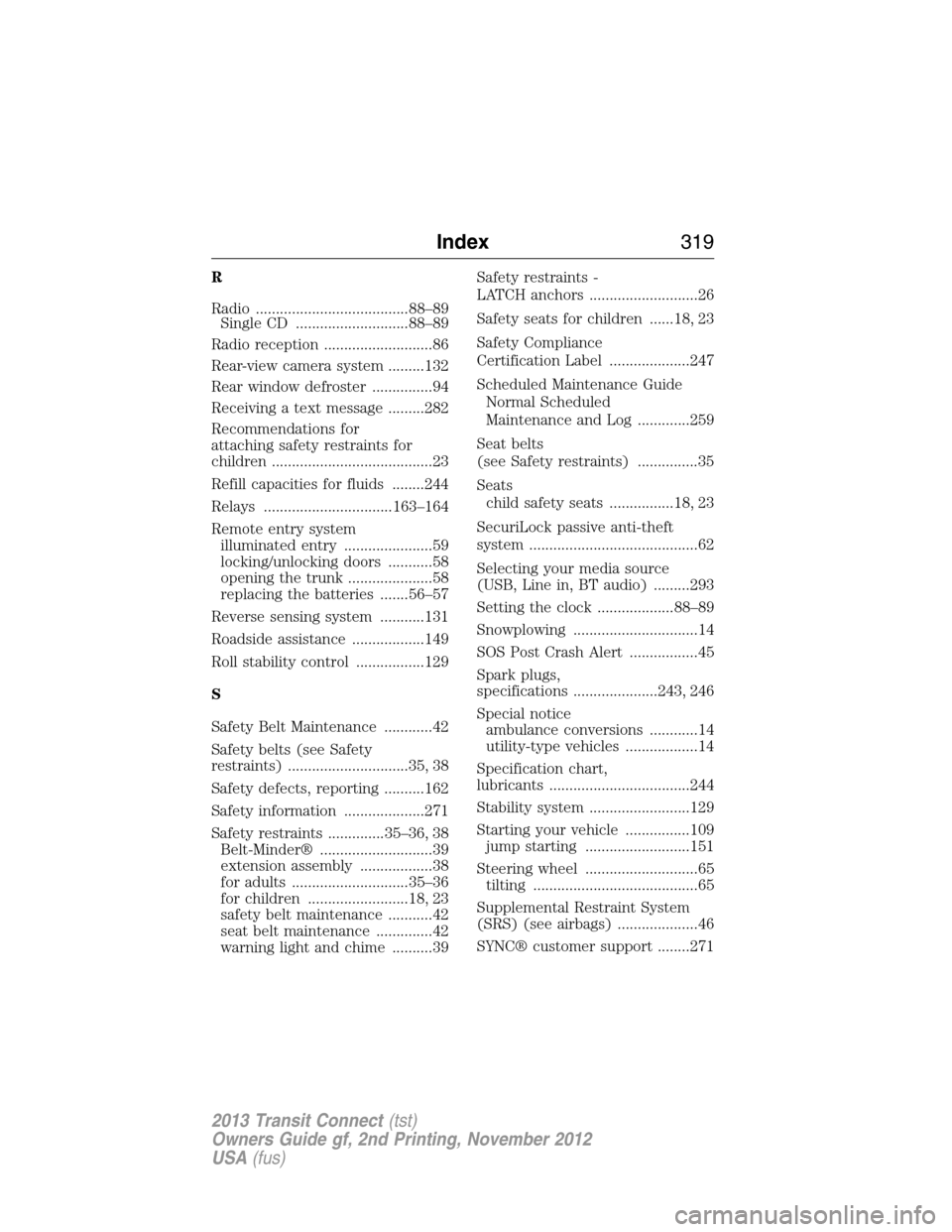
R
Radio ......................................88–89
Single CD ............................88–89
Radio reception ...........................86
Rear-view camera system .........132
Rear window defroster ...............94
Receiving a text message .........282
Recommendations for
attaching safety restraints for
children ........................................23
Refill capacities for fluids ........244
Relays ................................163–164
Remote entry system
illuminated entry ......................59
locking/unlocking doors ...........58
opening the trunk .....................58
replacing the batteries .......56–57
Reverse sensing system ...........131
Roadside assistance ..................149
Roll stability control .................129
S
Safety Belt Maintenance ............42
Safety belts (see Safety
restraints) ..............................35, 38
Safety defects, reporting ..........162
Safety information ....................271
Safety restraints ..............35–36, 38
Belt-Minder® ............................39
extension assembly ..................38
for adults .............................35–36
for children .........................18, 23
safety belt maintenance ...........42
seat belt maintenance ..............42
warning light and chime ..........39Safety restraints -
LATCH anchors ...........................26
Safety seats for children ......18, 23
Safety Compliance
Certification Label ....................247
Scheduled Maintenance Guide
Normal Scheduled
Maintenance and Log .............259
Seat belts
(see Safety restraints) ...............35
Seats
child safety seats ................18, 23
SecuriLock passive anti-theft
system ..........................................62
Selecting your media source
(USB, Line in, BT audio) .........293
Setting the clock ...................88–89
Snowplowing ...............................14
SOS Post Crash Alert .................45
Spark plugs,
specifications .....................243, 246
Special notice
ambulance conversions ............14
utility-type vehicles ..................14
Specification chart,
lubricants ...................................244
Stability system .........................129
Starting your vehicle ................109
jump starting ..........................151
Steering wheel ............................65
tilting .........................................65
Supplemental Restraint System
(SRS) (see airbags) ....................46
SYNC® customer support ........271
Index319
2013 Transit Connect(tst)
Owners Guide gf, 2nd Printing, November 2012
USA(fus)
Page 321 of 321
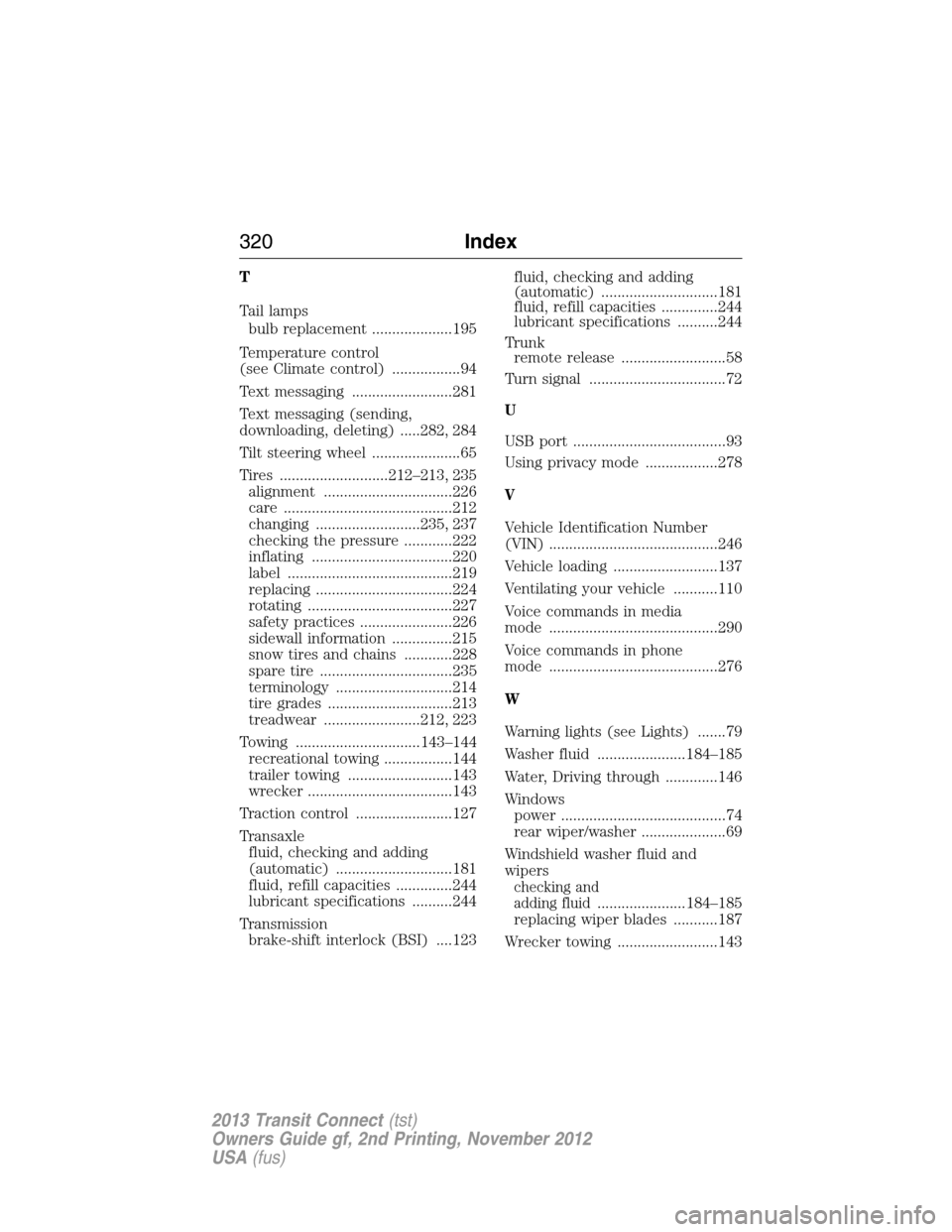
T
Tail lamps
bulb replacement ....................195
Temperature control
(see Climate control) .................94
Text messaging .........................281
Text messaging (sending,
downloading, deleting) .....282, 284
Tilt steering wheel ......................65
Tires ...........................212–213, 235
alignment ................................226
care ..........................................212
changing ..........................235, 237
checking the pressure ............222
inflating ...................................220
label .........................................219
replacing ..................................224
rotating ....................................227
safety practices .......................226
sidewall information ...............215
snow tires and chains ............228
spare tire .................................235
terminology .............................214
tire grades ...............................213
treadwear ........................212, 223
Towing ...............................143–144
recreational towing .................144
trailer towing ..........................143
wrecker ....................................143
Traction control ........................127
Transaxle
fluid, checking and adding
(automatic) .............................181
fluid, refill capacities ..............244
lubricant specifications ..........244
Transmission
brake-shift interlock (BSI) ....123fluid, checking and adding
(automatic) .............................181
fluid, refill capacities ..............244
lubricant specifications ..........244
Trunk
remote release ..........................58
Turn signal ..................................72
U
USB port ......................................93
Using privacy mode ..................278
V
Vehicle Identification Number
(VIN) ..........................................246
Vehicle loading ..........................137
Ventilating your vehicle ...........110
Voice commands in media
mode ..........................................290
Voice commands in phone
mode ..........................................276
W
Warning lights (see Lights) .......79
Washer fluid ......................184–185
Water, Driving through .............146
Windows
power .........................................74
rear wiper/washer .....................69
Windshield washer fluid and
wipers
checking and
adding fluid
......................184–185
replacing wiper blades ...........187
Wrecker towing .........................143
320Index
2013 Transit Connect(tst)
Owners Guide gf, 2nd Printing, November 2012
USA(fus)